A content creator stares at a folder full of static images, struggling to turn them into engaging YouTube videos without spending hours editing. Tight schedules, limited budgets, and rising competition make the process even harder. This is where the best AI video generator for YouTube becomes a game-changer. These tools automatically transform simple visuals into dynamic, scroll-stopping videos with animations, transitions, and sound.
As AI continues to reshape content creation, creators can now produce professional-quality videos in minutes. This guide explores the top AI video generators that simplify workflows while delivering impressive results for growing YouTube channels.
Part 1. 10 Best AI Video Generators for YouTube 2026: Free for Videos & Shorts
Below, explore the 10 best AI video generators for YouTube in 2026 that help you create videos and Shorts effortlessly without stretching your budget:
1. MagicLight AI
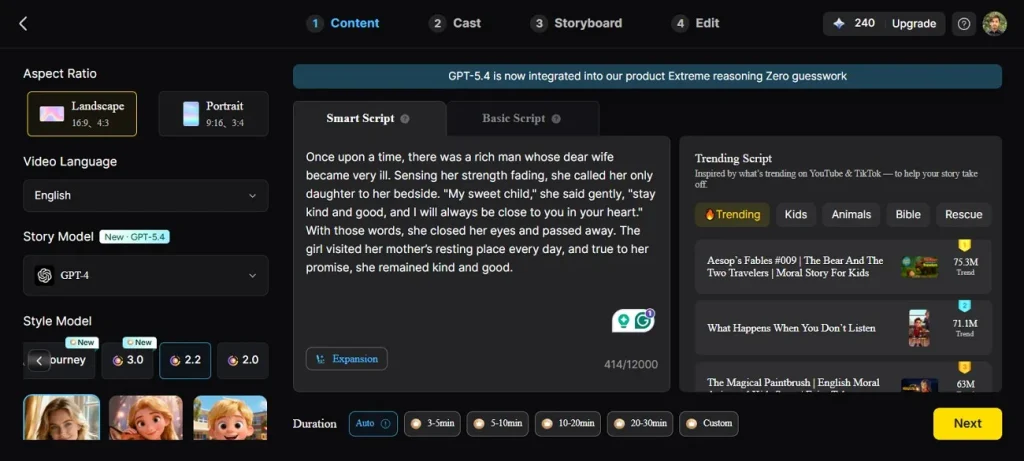
MagicLight AI is an advanced all-in-one AI video creation platform designed to turn simple ideas, scripts, or images into fully produced videos with minimal effort. Built for modern creators, it streamlines the entire production workflow within a single interface. Unlike many tools that only generate short clips, MagicLight AI supports both short-form content and long-form storytelling.
It allows users to create videos that can extend up to 50 minutes while maintaining visual and narrative consistency. Additionally, MagicLight AI integrates multiple AI models and templates for different use cases such as explainer videos, kids' stories, and social media content.
Key Features
- Story-to-Video Generation: Transforms long scripts (up to 12,000 words) into complete videos with automatic scene breakdown, storytelling flow, and visuals.
- AI Character Creation: Create or customize characters with name, age, personality, and appearance, ensuring consistency across all scenes.
- Voiceover & Voice Cloning: Includes 37 voice options with cloning support, enabling realistic narration in multiple tones, accents, and languages.
- Image-to-Video Conversion: Convert static images into short animated clips with prompts, ideal for Shorts and quick social media content.
Pros
- Supports batch video creation for scaling content production across multiple channels.
- Includes analytics insights to improve video performance and audience engagement rates.
- Enables quick revisions without restarting entire project workflow from scratch.
Con
- The available output quality settings are restricted, with no option to export in 4K resolution.
2. Runway (Gen-4.5)
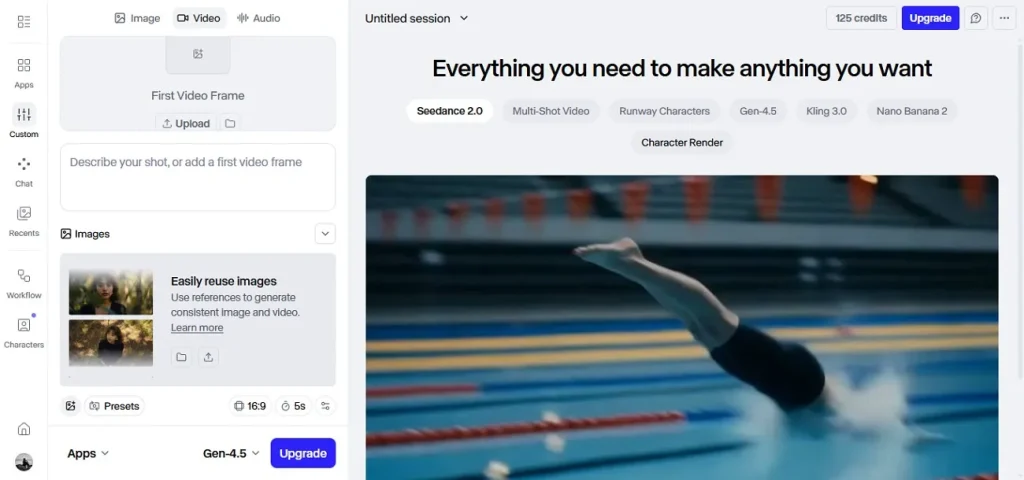
This advanced model from Runway AI, Gen-4.5, stands among the best AI video generators for YouTube. The tool offers high-quality text-to-video, realistic motion, and cinematic visuals. It enables creators to generate dynamic scenes, edit videos with AI tools, and produce engaging YouTube content quickly with professional-grade results and creative flexibility.
Key Features
- Enables multi-step prompt execution with precise timing and atmospheric scene control.
- Produces short-form videos up to ten seconds, ideal for social content.
- Offers multiple aspect ratios, including 16:9, 9:16, and square formats.
Pros
- Offers timeline-based editing for better control over generated scene sequences.
- Allows blending AI clips with uploaded footage for hybrid video production.
Cons
- Limited video duration (typically a few seconds), not ideal for long-form content.
- Requires powerful prompts; beginners may struggle to get consistent results.
3. Kling AI (2.6)
If you are wondering which is the best AI video generator for YouTube, Kling AI video generator is one of the options. It transforms simple text prompts or images into short, high-quality videos with smooth camera movement, lifelike physics, and detailed scene consistency. Creators can produce engaging YouTube Shorts and storytelling clips quickly. This makes it a powerful tool for modern AI-driven content creation and fast video production workflows.
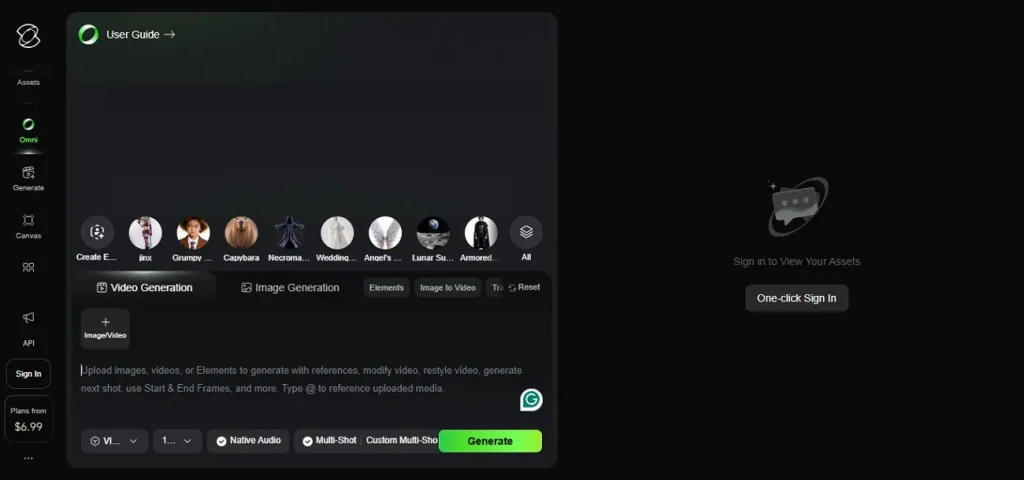
Key Features
- Enables high-resolution video output suitable for professional and social media use.
- Supports creative style variations, including cinematic, animation, and realistic visual tones.
- Optimized for short-form video creation, ideal for TikTok and YouTube Shorts.
Pros
- Generates immersive scenes with strong spatial awareness and environment depth.
- Suitable for creators producing visually rich storytelling content for audiences.
Cons
- Free access is restricted, with many advanced features behind a paid subscription.
- Rendering time can increase significantly for high-quality or complex video outputs.
4. Google Veo
It is an advanced AI video model from Google DeepMind that stands out as the best AI video generator for YouTube, free by producing highly realistic cinematic videos from text prompts. Google Veo creates smooth motion, detailed scenes, and natural lighting. This helps creators generate professional YouTube content quickly with strong visual consistency and storytelling quality.
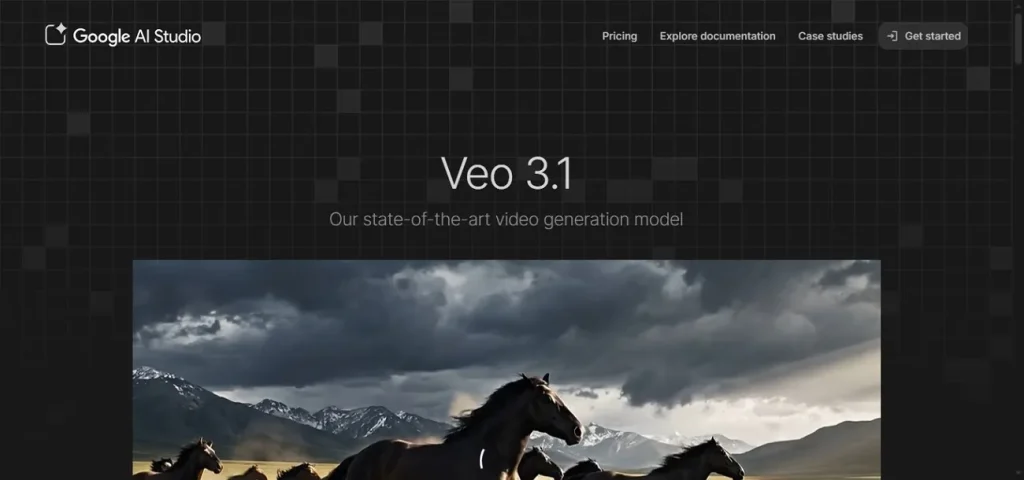
Key Features
- Applies realistic physics simulation, including movement, gravity, and object interaction.
- Delivers high-resolution video output with detailed textures and realistic environments.
- Integrates deep learning models for improved scene composition and storytelling quality.
Pros
- Produces visually rich environments suitable for cinematic storytelling and world-building.
- Useful for high-end content creators focusing on realism and production quality.
Cons
- Requires highly detailed prompts for accurate and consistent outputs.
- Not fully customizable compared to traditional professional editing software.
5. Adobe Firefly Video
When creating professional content quickly, Adobe Firefly Video from Adobe stands out as the best video AI generator for YouTube. The tool offers text-to-video generation, cinematic visuals, and seamless integration with Adobe tools. It helps creators produce high-quality YouTube videos with realistic motion, generative effects, and strong creative control for polished storytelling.
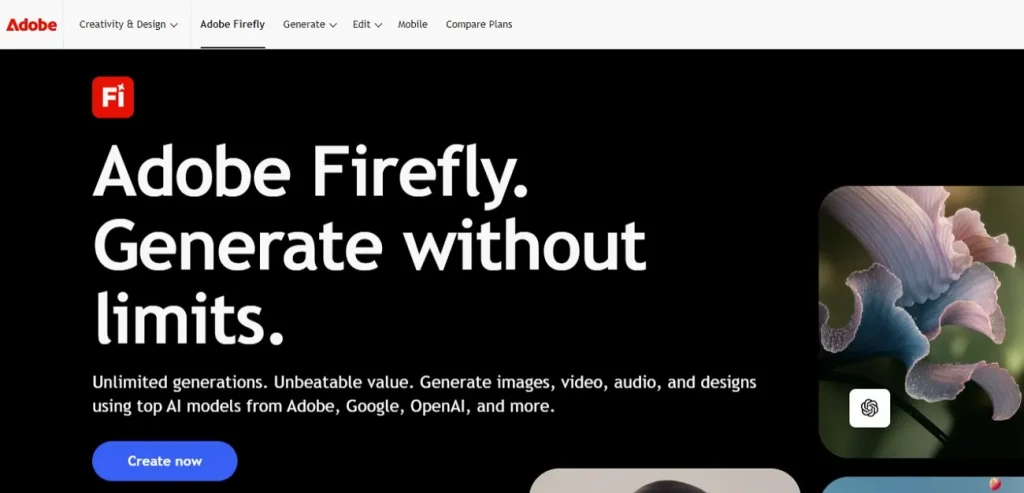
Key Features
- Supports multiple aspect ratios optimized for YouTube and social media platforms.
- Enables frame-level editing for improved customization and creative refinement options.
- Delivers consistent output quality using advanced Adobe AI video models.
Pros
- Enables seamless switching between AI generation and manual creative editing processes.
- Supports team workflows with shared assets and collaborative project environments.
Cons
- Strict safety filters can restrict artistic or unconventional outputs.
- The tool does not allow generating images of famous people, brands, or copyrighted elements.
6. OpenAI Sora 2
The advanced text-to-video model from OpenAI is designed to create cinematic videos from simple prompts. Sora 2 is considered the best free AI video generator for YouTube due to its realistic motion, physics accuracy, and synchronized audio generation. It produces short, high-quality clips with strong storytelling control, making it ideal for YouTube Shorts, creative videos, and fast content production with professional visual output.
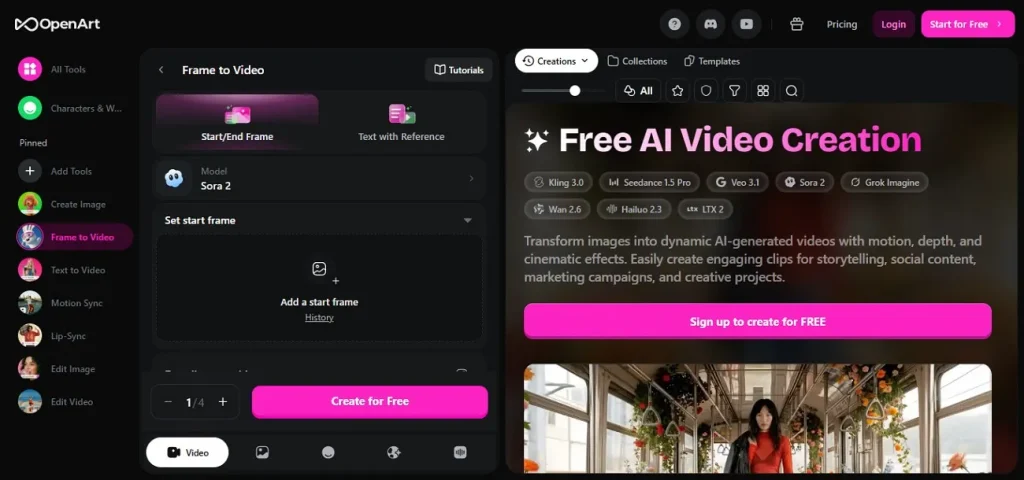
Key Features
- Understands complex prompts enabling precise scene composition and visual direction.
- Delivers high-resolution outputs with sharp textures and natural visual depth.
- Built with advanced diffusion models ensuring high-quality AI-generated video synthesis.
Pros
- Produces synchronized visual and motion outputs aligned with storytelling intent.
- Ideal for rapid prototyping of creative video concepts and visual ideas.
Cons
- Inconsistent detail in complex scenes with many interacting objects.
- Limited editing control compared to professional video production software.
7. InVideo AI
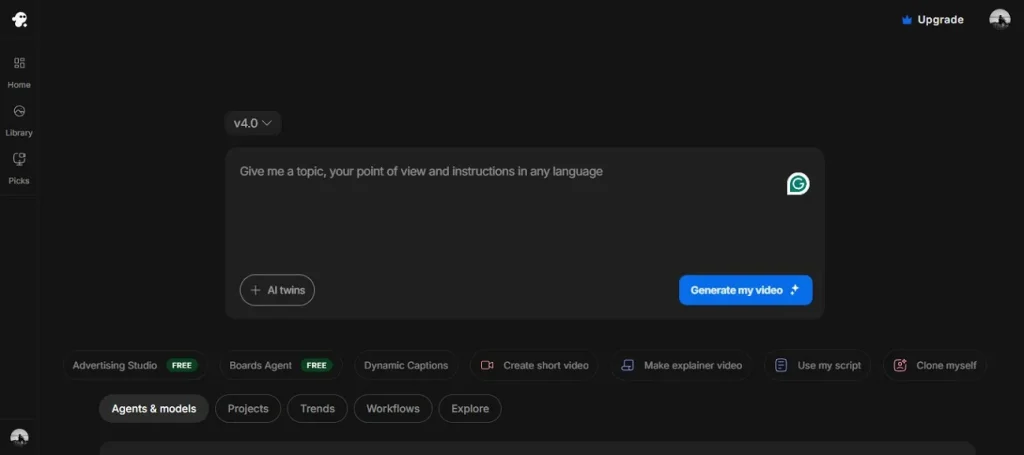
It is a powerful AI-powered video creation tool, designed to simplify content production for creators. InVideo AI is considered the best free AI video generator for YouTube Shorts because it can instantly turn text prompts into fully edited short videos with scripts, voiceovers, subtitles, and stock footage. It helps YouTubers produce engaging, faceless Shorts quickly with optimized pacing, visuals, and ready-to-publish formats for fast channel growth.
Key Features
- Automatically generates scripts, voiceovers, subtitles, and stock footage for videos.
- Optimized templates specifically designed for YouTube Shorts and social media content.
- Provides AI-powered editing tools for quick and easy video customization.
Pros
- Includes large stock media library reducing need for external content sourcing.
- Helps maintain consistent posting schedules with quick video turnaround capabilities.
Cons
- A credit-based system can feel expensive for frequent video creators.
- Occasional mismatches between script and automatically selected visuals.
8. Pika Labs 2.5
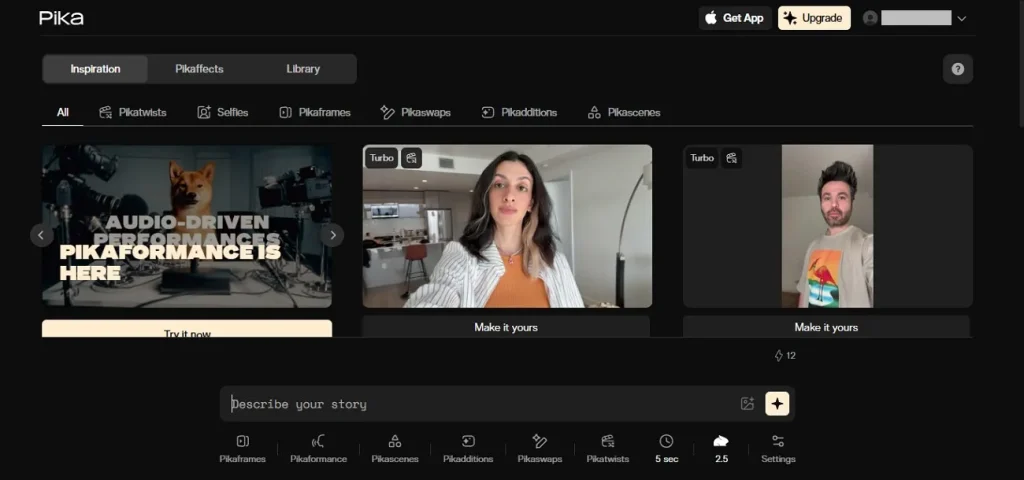
With Pika Labs 2.5, creators can easily generate dynamic short videos from simple prompts or images. It is widely considered the best AI video generator for YouTube content, offering smooth motion, improved realism, and strong prompt control. This tool helps YouTubers produce engaging Shorts quickly, making creative video production faster, simpler, and highly efficient for modern digital storytelling.
Key Features
- Allows style customization, including cinematic, anime, and realistic visual outputs.
- Supports precise prompt editing for controlling scene composition and camera movement.
- Generates fast video outputs optimized for rapid content creation workflows.
Pros
- Generates visually appealing clips suitable for viral short-form content trends.
- Supports creative experimentation with styles for unique and engaging video outputs.
Cons
- Occasional inconsistency in character details across generated scenes.
- Requires well-crafted prompts for the best quality outputs and accuracy.
9. Luma Dream Machine
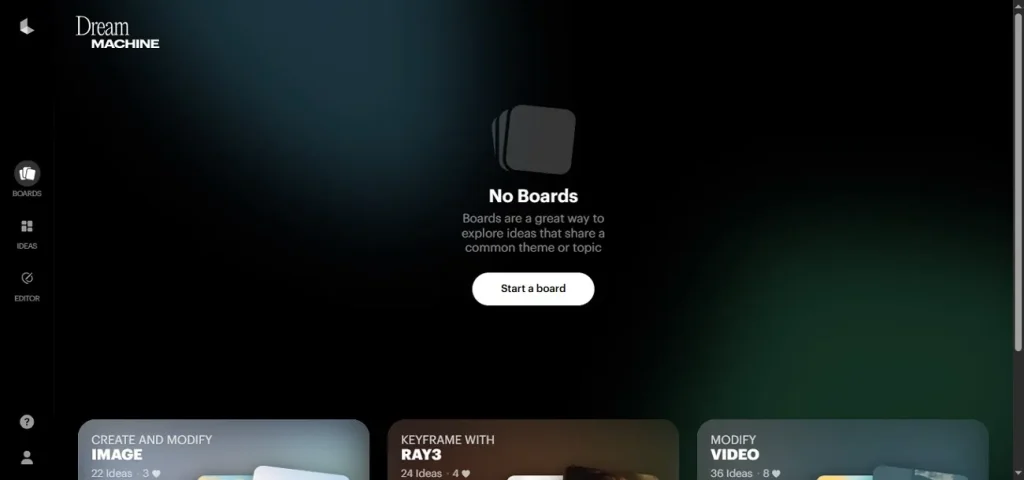
This advanced AI tool from Luma AI transforms text and images into cinematic clips with realistic motion and depth. Luma Dream Machine is widely used as the best AI video generator for YouTube Shorts. It delivers smooth animation, consistent visuals, and fast generation, helping creators produce engaging Shorts effortlessly with professional-quality storytelling results.
Key Features
- Generates consistent frame-to-frame motion, ensuring stable visual storytelling continuity.
- Users can edit the prompt action to refine scene details and visual accuracy.
- It lets you select style presets to apply cinematic, realistic, or artistic video looks.
Pros
- Produces natural motion flow enhancing realism in AI-generated video sequences.
- Efficient for generating quick visual drafts before final production decisions.
Cons
- Occasional inconsistencies in object motion and scene continuity.
- Requires strong prompt writing skills for accurate video results.
10. Synthesia
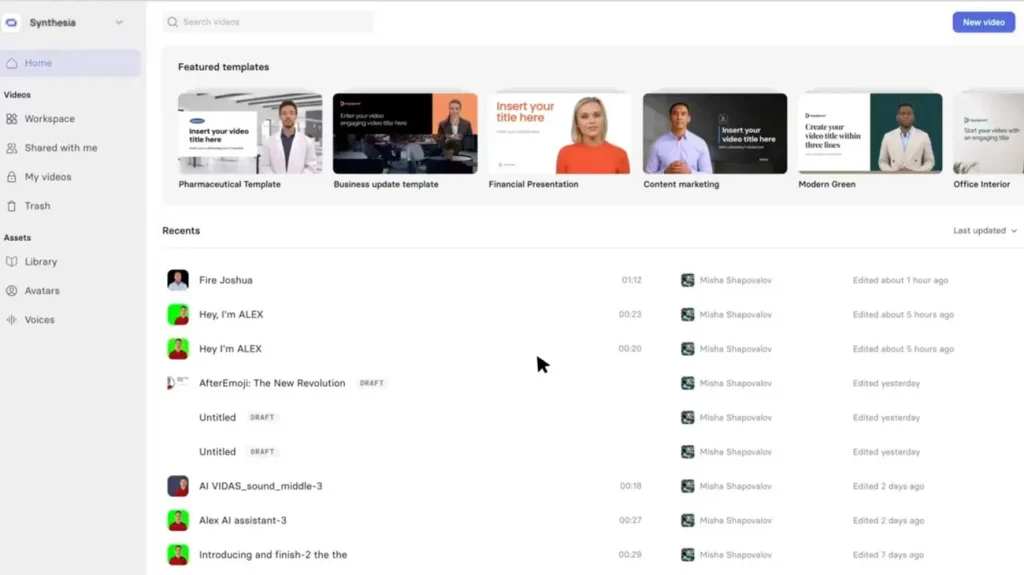
Synthesia is an advanced AI video creation platform that converts text into professional talking-head videos using realistic avatars and voiceovers. It is widely used for corporate training, marketing, and educational content. With multilingual support and customizable avatars, this best AI video generator for YouTube helps creators produce polished videos quickly without cameras, microphones, or traditional filming setups.
Key Features
- Supports over 120 languages for global multilingual video content creation.
- Enables easy script editing with instant video regeneration and updates.
- Maintains consistent lip-syncing between AI avatars and generated voiceovers.
Pros
- Suitable for training videos, tutorials, and corporate communication content creation.
- Reduces production costs by removing need for studios, actors, and equipment.
Cons
- Not suitable for highly creative or cinematic video production needs.
- Limited customization for advanced video editing compared to professional software.
Part 2. AI Video Generator Comparison: Which Tool Is Best in 2026?
Having learned about the best AI video generator for YouTube free, let us now have a look at the tabular comparison between them:
| Tools | Key Strength | Workflow Type | Video Control | Consistency |
| MagicLight AI | Full pipeline (script, storyboard, animation, voice, editing), long-form videos up to 50 minutes | End-to-end production system | High control over scenes & storyboard editing | Very high character consistency |
| Runway (Gen-4.5) | Cinematic visuals, strong editing suite, multi-shot workflow | Editing + generation hybrid | High camera & motion control | Medium consistency |
| Kling AI (2.6) | Realistic motion physics, smooth animation, long clips | Prompt-to-video generator | Medium control | Medium consistency |
| Google Veo | Ultra-realistic lighting, 4K output, native audio | Experimental cinematic generator | Medium control | Medium consistency |
| Adobe Firefly Video | Creative Cloud integration, brand-safe content generation | Creative design workflow | Medium control | Good motion consistency |
| OpenAI Sora 2 | High realism, physics simulation, cinematic output | Concept generation tool | Medium control | Good motion consistency |
| InVideo AI | Script-to-video automation, templates, stock footage | Template-based automation | Low editing control | Medium consistency |
| Pika Labs 2.5 | Fast image-to-video, easy interface, quick results | Quick content generator | Medium control | Medium consistency |
| Luma Dream Machine | Smooth motion, cinematic camera movement | Visual storytelling tool | Medium control | Good motion consistency |
| Synthesia | AI avatars, multilingual support, corporate templates | Avatar-based video system | Medium control | Medium consistency |
Conclusion
To sum it up, this article curated a list of the 10 best AI video generators for YouTube, each offering unique strengths for different creators. While many tools excel in specific areas, MagicLight AI stands out as the most complete solution. Its end-to-end workflow, long-form support, and advanced storytelling features make it the ideal choice for scalable YouTube content creation.
FAQs on Best AI Video Generator for YouTube
1. What is the best AI video generator for YouTube?
MagicLight AI is considered one of the best options because it offers a complete workflow from script to final video. It supports long-form videos, character consistency, and automated storytelling in one platform.
2. Are there free AI video generators for YouTube?
Yes, several AI tools offer free plans, including MagicLight AI with basic features to get started. These tools allow creators to generate videos quickly without needing advanced editing skills.
3. Which AI tools support YouTube content creation?
Many tools support YouTube creation, but MagicLight AI stands out for combining script generation, visuals, voiceovers, and publishing tools. This all-in-one approach reduces the need for multiple software platforms.
4. Can I create YouTube videos using AI?
Yes, AI tools can generate scripts, visuals, voiceovers, and full videos automatically. They simplify the entire production process, making content creation faster and more accessible.
5. Which AI tools support YouTube content creation?
Among available options, MagicLight AI is widely used for YouTube due to its end-to-end video creation features. It helps creators produce consistent and high-quality videos without complex editing workflows.

![How to Write a Script for a Short Film in 2026 [Beginner’s Guide]](https://magiclight.ai/wp-2/wp-content/uploads/short-film-screenplay-writing-guide-300x169.webp)