
Everything You Need for Smoother Kling AI Video Generation
MagicLight AI helps you use Kling AI video generation more easily. Start faster, refine more smoothly, and finish stronger videos in one workflow.

With MagicLight AI, you can use Kling AI video generation to turn prompts or images into polished videos faster. Choose Kling 2.1 Master or Kling 3.0, adjust settings, and create with a smoother workflow.
Create Your Video Free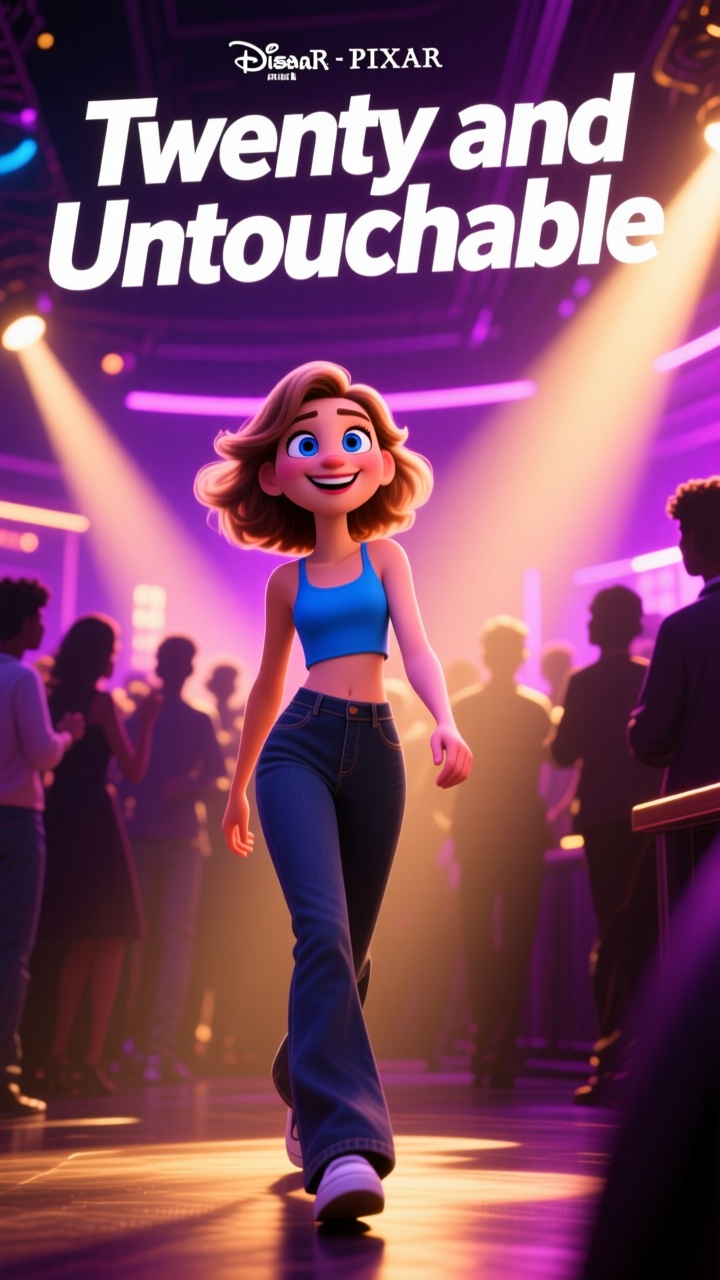


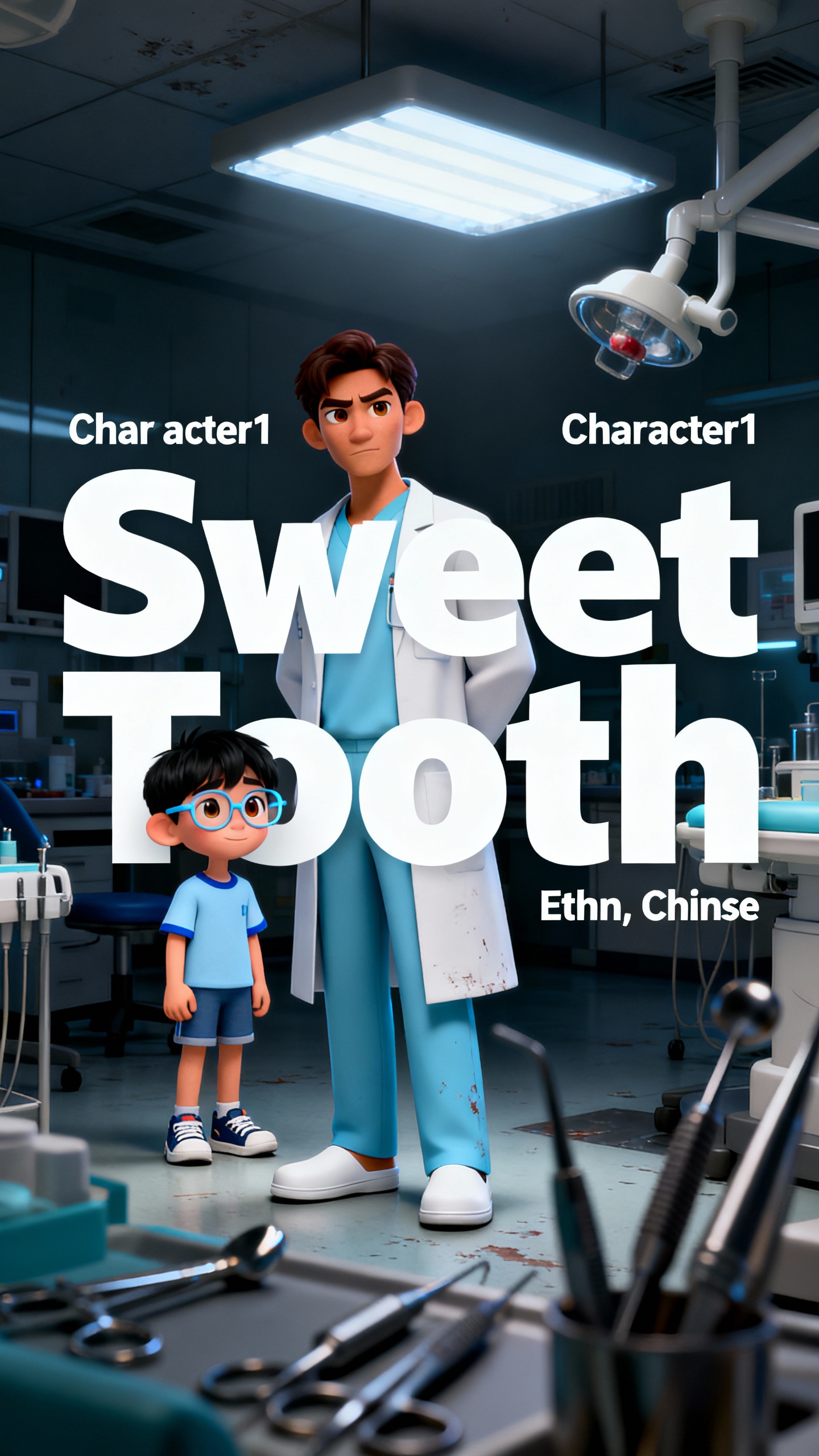
MagicLight AI helps you use Kling AI video generation more easily. Start faster, refine more smoothly, and finish stronger videos in one workflow.

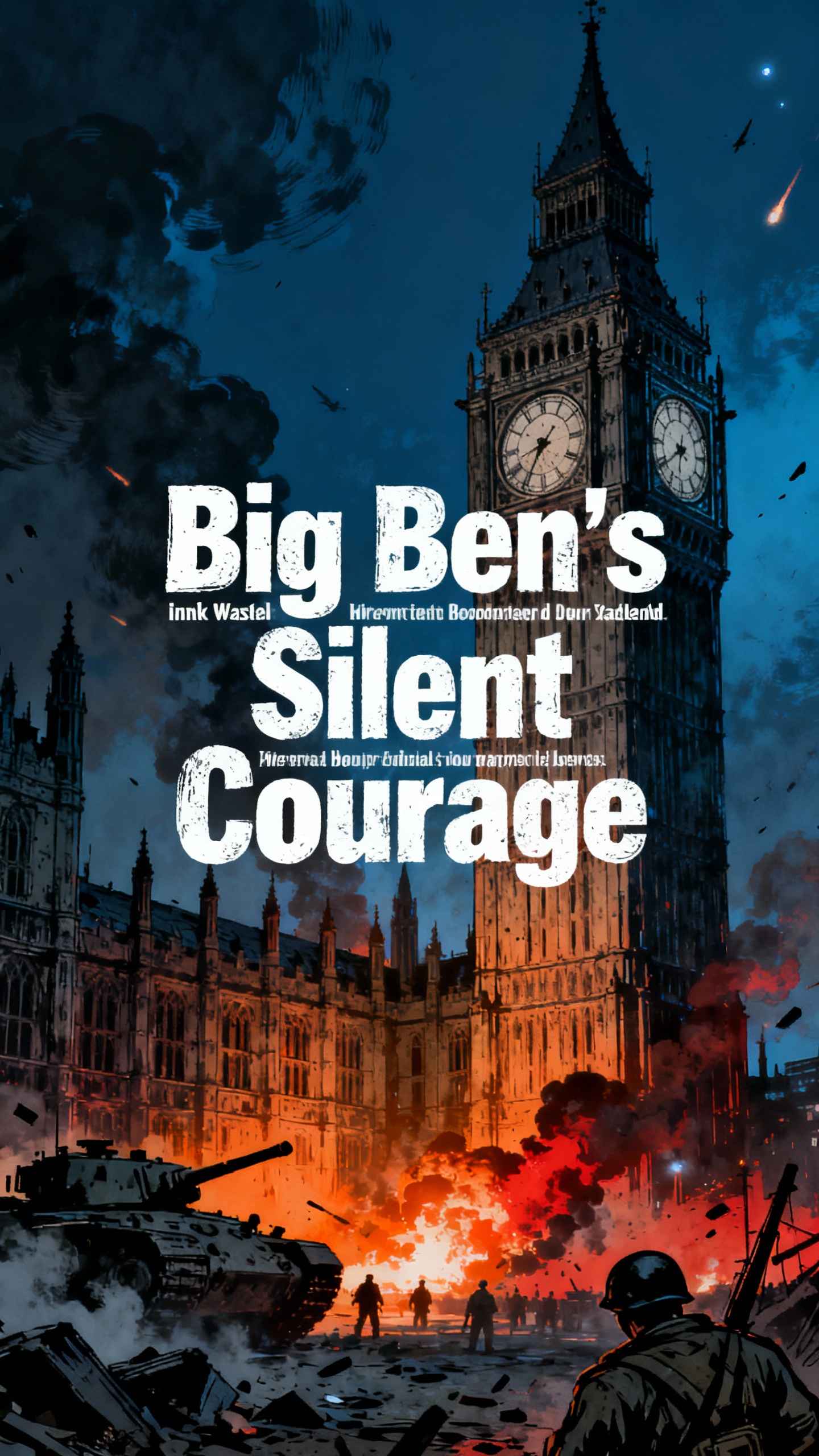
Start from a prompt, script or concept and build connected scenes. This helps videos feel more structured, consistent, and easier to follow.
Use Kling 2.1 Master for stronger quality or choose Kling 3.0 for newer generation features. That makes output easier to match to your goal.
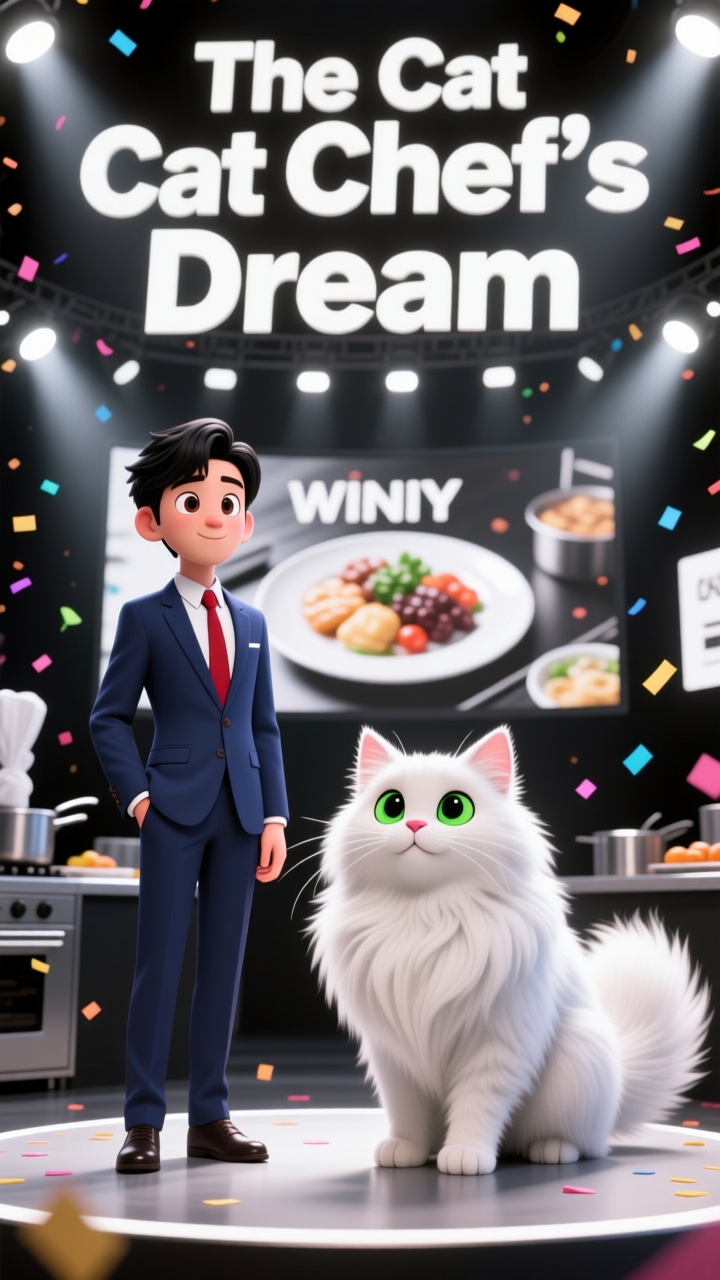
Upload a still image and turn it into a smoother video clip. This supports photos, character art, and story visuals with less production effort.
Keep scripting, visuals, voice, captions, and export together. Built-in lip sync, subtitles, and editing help projects move faster.


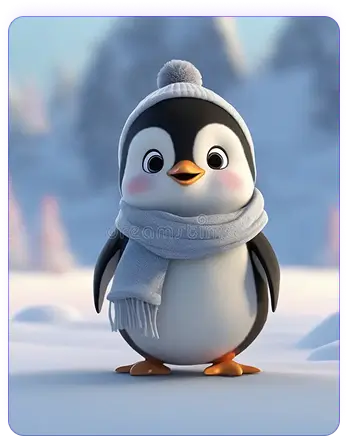
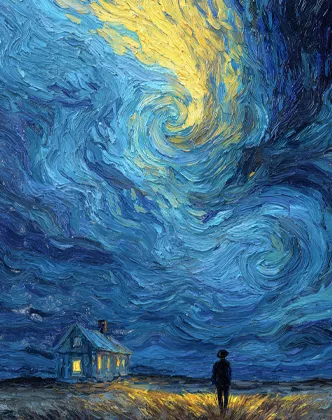
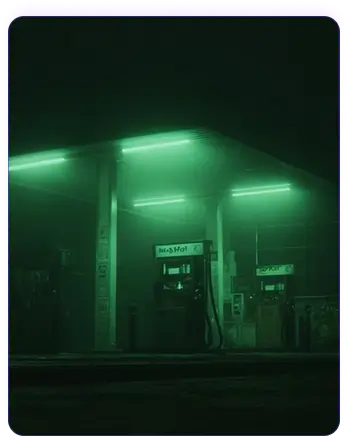
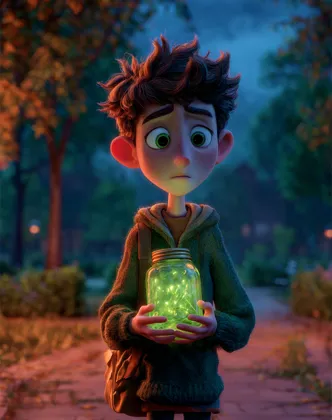
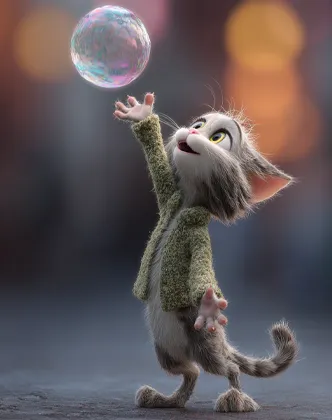
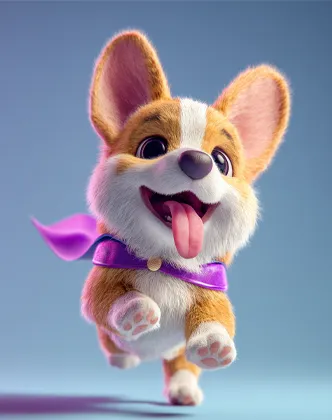
Start with one clear input and build from there. This Kling AI image to video generator workflow helps turn prompts, scripts, or visuals into a polished video faster.
Select Kling AI Model. Write a video prompt, paste a script, or upload an image. Choose the input that matches your idea best.
Set the scene style, characters, and visual mood. Give the project a clearer identity before generating.
Adjust scenes, pacing, and visual details as needed. Make the flow feel stronger before final export.
Choose the output that fits your platform. Then publish, download, or keep editing from there.
MagicLight AI offers more than quick output alone. These Kling AI video generator features help creators shape story flow, image motion, and broader creative refinement more easily.
Yes. In MagicLight AI, you can upload an image or type a prompt directly. That makes this video generator AI Kling workflow easier to start, test, and improve.
Yes. MagicLight AI works well for turning still images into motion. It fits artwork, product visuals, and character-based scenes especially well.
In MagicLight AI, workflow matters more than a feature list by itself. A stronger process usually leads to a stronger finished video.
Yes, especially when you want more than isolated short clips. MagicLight AI is stronger when story flow and continuity matter more.
Yes. MagicLight AI fits creators who want to test prompts, images, and stories. That makes it a more flexible AI video generator free Kling option for early experimentation.



Turn your ideas and images into smooth, story-focused videos with easy control.