
Repetitive Talking-Head Slide Format
Most videos rely on a presenter standing beside static slides, offering little room for dynamic camera angles, expressive action, or rich multi-scene visual storytelling.
Synthesia excels at talking-head avatars for internal corporate training, but falls short when you need genuine visual storytelling. MagicLight replaces static presenter slides with a full storyboard workflow that brings scripts, custom characters, and scenes to life.


While Synthesia works well for standardized corporate training, many creators and educators hit clear creative and budget walls once their video projects move beyond simple slide presentations.
Most videos rely on a presenter standing beside static slides, offering little room for dynamic camera angles, expressive action, or rich multi-scene visual storytelling.
Paid tiers start at high monthly rates with tight video minute limits, making long-form YouTube episodes, multi-part courses, or frequent publishing expensive to scale.
Its stock avatar roster leans heavily toward business attire and office settings, leaving few options for animated series, children's books, or stylized fiction projects.
Pre-built presenters only deliver scripted speech with basic hand gestures, rather than letting you design custom cast members who interact across changing environments.
Compare MagicLight and Synthesia across workflow, character control, video length, and pricing to see which platform best fits your production goals.
Feature | MagicLightTry for free | Synthesia |
|---|---|---|
| Core Features | Story-to-video, image-to-video, storyboard editing, AI voiceovers | AI avatar presenters, slide-to-video, AI dubbing, corporate templates |
| Maximum Video Length | Up to 50 minutes | Up to 60 minutes (Studio) / 3 minutes (Syren free) |
| Video Generation Workflow | Prompt/script → Auto-storyboard → Pose & scene editing → Render | Script/PPT input → Avatar & slide selection → Voiceover → Render |
| Character Consistency | Reusable character profiles across scenes | 240+ stock human avatars & custom personal avatar clones |
| AI Models | Around 20 video models | Proprietary avatar engine + Seedance 2.5 |
| Supported Languages | 11 languages | 140+ languages |
| Voice Generation | 37 built-in voices and voice cloning | 1,000+ AI voices and voice cloning |
| Pricing and Plans | Free access and paid credit-based plans | Free and paid credit-based plans |
| Export Quality | 720p and 1080p | Up to 1080p HD |
Instead of locking your script into a presenter-and-slide template, MagicLight builds a visual narrative where custom characters act out every beat. It gives solo creators and educators full directorial control over pacing, style, and scene flow without studio budgets.
Start Creating Free
Move past static presenters standing beside bullet points. MagicLight reads your script, breaks narrative shifts into ordered storyboard panels, and generates full-screen animated environments so viewers watch the actual story unfold rather than listening to a lecture.
Create original characters from detailed text prompts or reference images rather than picking from office-attire presenters. Tagging saved characters keeps faces, outfits, and proportions steady across changing locations, letting recurring heroes carry multi-episode series.
Produce full-length 50-minute narratives from 12,000-character scripts in one project. With free starter credits and affordable creator tiers, you can publish frequent YouTube episodes, audiobooks, or visual courses without hitting strict monthly avatar minute limits.
Move beyond a presenter standing in front of bullet points when explaining complex software or services. Use Nano Storyboard to place characters inside realistic offices, retail stores, or field environments, adjusting poses and camera angles to show your product solving problems.
Explore the tools that support each stage of a MagicLight project, from turning written material into scenes to refining visuals, directing motion, and preparing the final video for its intended audience.
To eliminate the monotony of a single presenter talking beside static slides, paste up to 12,000 characters into the story parser. MagicLight maps dialogue and action beats into distinct visual scene cards, letting you structure varied camera shots before animating a single frame.
Start Creating Free
Instead of settling for generic office avatars that cannot act in a narrative, build bespoke characters from 1,000-character prompts or reference photos. Tagging saved profiles with @mentions keeps faces, outfits, and proportions consistent as characters move across scenes.
Start Creating Free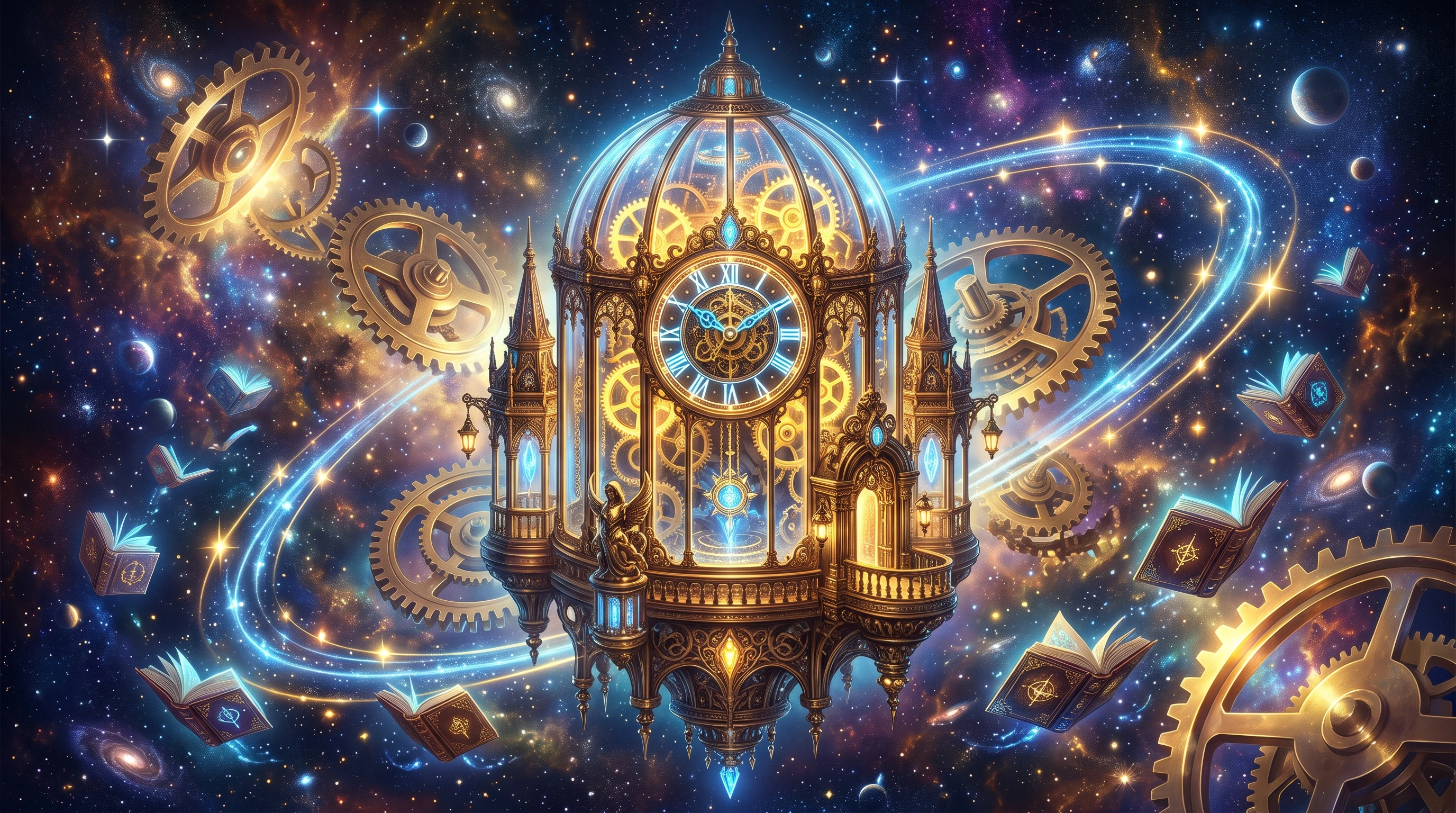
When live-action corporate realism clashes with children's stories, fiction, or creative channels, switch between 20+ distinct art styles. Pair Pixar-inspired 3D, anime, or watercolor storybook looks with 14+ motion engines like Kling, Veo, Seedance, and Sora for cohesive animated motion.
Start Creating Free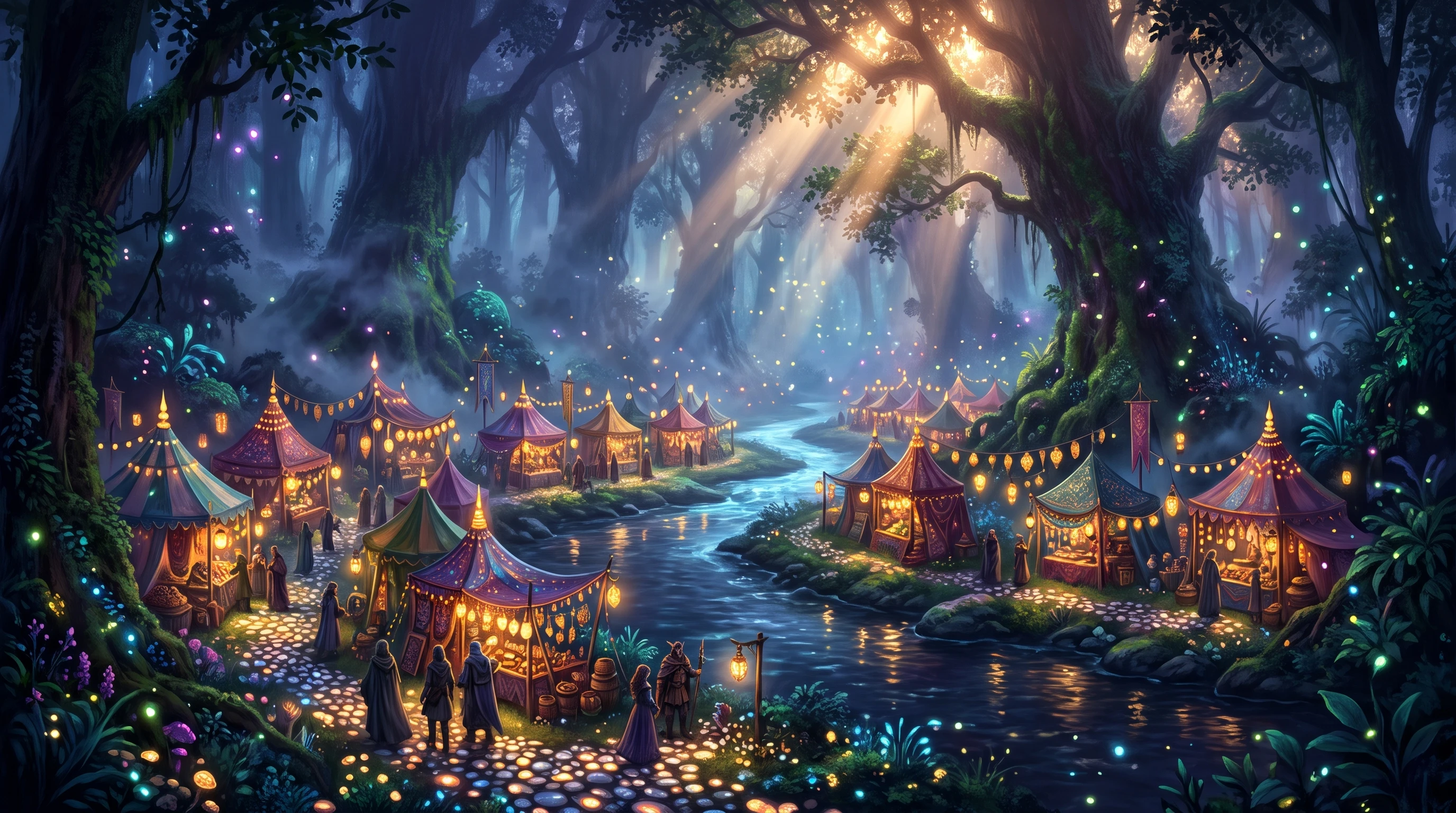
Avoid wasting expensive monthly minute quotas or re-rendering entire timelines when one visual detail looks off. Edit the prompt, swap a pose, or refresh a single storyboard card in seconds while keeping every adjacent shot, transition, and soundtrack timing intact.
Start Creating Free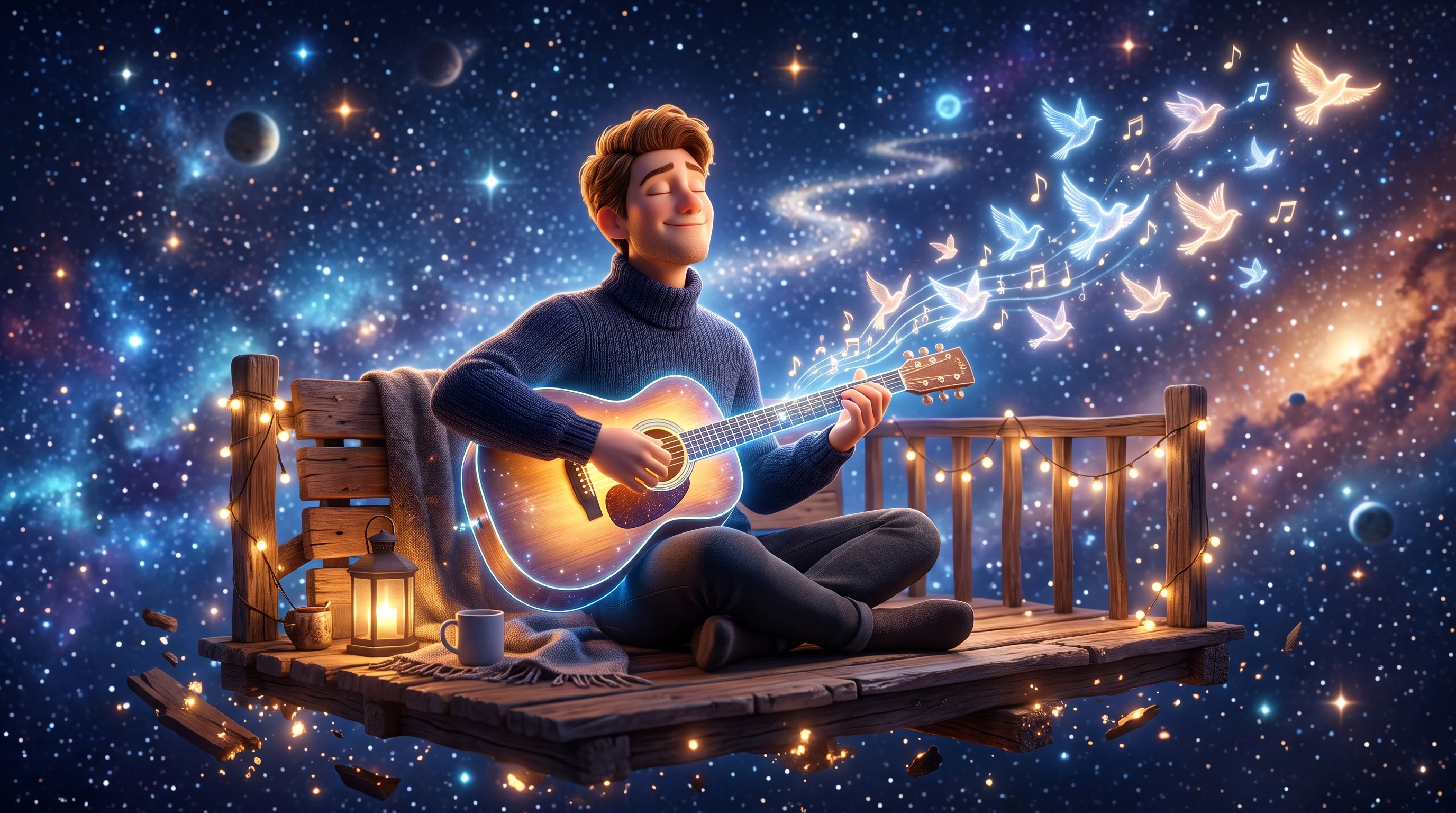
Enhance narrative tension without exporting projects to external editors. Apply 16 customizable subtitle layouts for mobile or desktop viewing and match scene pacing with 40 built-in background tracks, letting you finish rough cuts and final audio polish inside one browser tab.
Start Creating Free
Set the aspect ratio to 16:9, 9:16, 1:1, 4:3, or 3:4 to fit the destination. Export an HD MP4 in 720p or 1080p when ready, preparing content for social feeds, websites, presentations, and other viewing environments with the correct screen layout and file format for each project.
Start Creating Free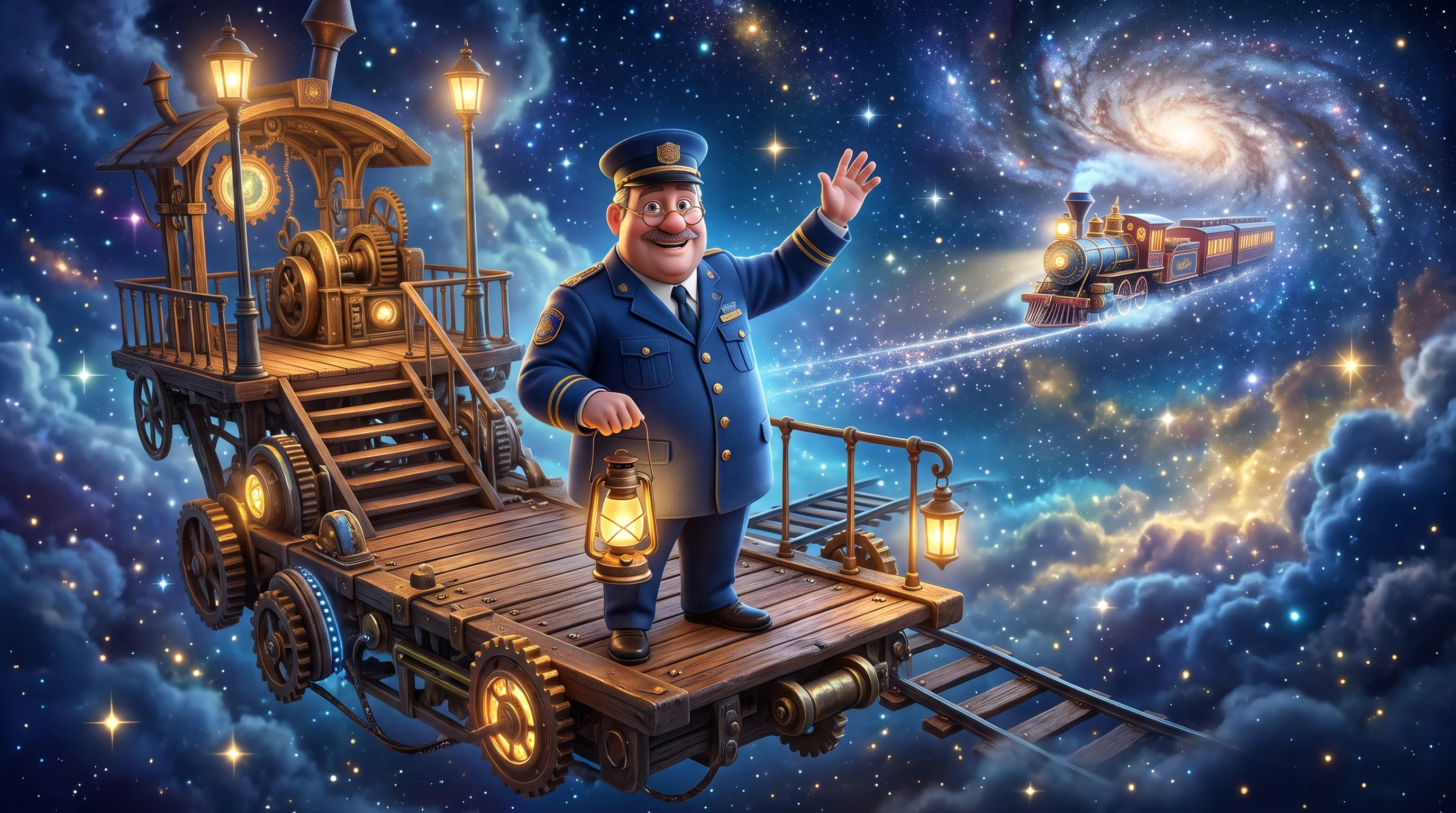
Simone Okafor
Marketing Manager
“Our small team needed animated product explainers without hiring an outside agency. MagicLight let us build a custom brand mascot and export crisp widescreen and vertical cuts in one afternoon.”
★★★★★
Rachel Hoffman
Training Manager
“Our new hires used to skip through plain slide training. Turning our onboarding guides into animated workplace stories kept everyone watching and made updating single scenes super quick.”
★★★★★
Kenneth Park
Product Marketer
“We needed clear product walkthroughs that felt more engaging than a person reading slides. Building a custom brand character and exporting crisp 1080p clips took just one afternoon.”
★★★★★
Monica Alvarez
HR Lead
“Rolling out updated company policies across departments used to feel like a chore. Now we turn dry handbooks into short animated scenarios that staff actually enjoy watching to the end.”
★★★★★



Leave static talking-head slides behind. Build custom characters, direct multi-scene storyboards, and export full 1080p animated videos right in your browser.