
Limited Video Storytelling
Yodayo focuses primarily on still images and text chats. Turning your anime cast into a full, multi-scene video requires stitching together external animation and editing tools.

MagicLight brings AI image generation, character creation, animation, storytelling, and audio tools together in one creative platform. If you enjoy designing anime-inspired characters and visual worlds, you can take those ideas further by turning them into animated scenes and complete video stories.
Yodayo is great for static anime art and text roleplay, but creators looking to produce complete anime videos often need extra tools. Here are common reasons to explore other options.
Yodayo focuses primarily on still images and text chats. Turning your anime cast into a full, multi-scene video requires stitching together external animation and editing tools.
Keeping anime characters consistent across different scenes often involves selecting specific checkpoints, LoRAs, and prompt tags.
Yodayo centers heavily on traditional anime aesthetics. Creators who want to blend Japanese anime with 3D animation, Studio Ghibli inspired art, or other visual styles need broader model support.
Yodayo focuses heavily on anime aesthetics. Creators exploring realistic, 3D, or mixed visual styles may prefer broader creative options.
Compare the key capabilities of both platforms to understand which solution better fits your anime creation and video production needs.
Feature | MagicLightTry for free | Yodayo |
|---|---|---|
| Core Features | Integrated AI video generation, story to video, long form animation, and AI voiceovers | Anime AI image generation, AI character roleplay chat, and short video clips |
| Maximum Video Length | Up to 50 minutes | Short clips only |
| Video Generation Workflow | All in one web platform | Prompt-based and image-based video generation |
| Character Consistency | Character consistency across multiple scenes | Relies on specific models and prompt tags |
| AI Models | Multiple integrated video and image models | Anime focused checkpoints and community LoRAs |
| Supported Languages | 11 languages | Primarily English |
| Voice Generation | 37 voice options and voice cloning | Built in AI voice generator |
| Pricing and Plans | Subscription plans and credit based usage | Daily free credits and YoBeans credit packs |
| Export Quality | 720p / 1080p | High-resolution export |
MagicLight gives anime creators a complete online video studio to turn static illustrations and story ideas into full, voiced episodes. Everything from character design to final 1080p export happens in one browser workflow without complex model setups.
Start Creating Free
Move beyond isolated illustrations and short video clips. Paste up to 12,000 characters of narrative text and let MagicLight automatically detect scene shifts, organize storyboards, and build structured anime episodes up to 50 minutes long in one workflow.
Skip custom LoRA training and complicated prompt tags. Create original anime characters from a text description or single reference image, and save their appearance permanently so your main cast stays recognizable across every scene and future episode.
Edit individual shots before final rendering instead of regenerating entire prompts. Refine character actions with 50 preset poses, adjust facial expressions, and switch across more than 20 visual styles including Japanese anime, Ghibli art, and 3D.
Start projects with specialized workflows built for anime narratives, explainer videos, music videos, and kids stories rather than blank prompt boxes. Use 9 structured story templates to shape pacing, scene transitions, and narrative hooks automatically.
MagicLight offers several tools for developing anime-inspired visuals and turning them into videos. From original character artwork to animated scenes and longer stories, each feature supports a different stage of the creative process.
Upload existing anime illustrations or background artwork and bring them to life with smooth motion. Guide camera zooms, character actions, and lighting effects using detailed motion prompts powered by leading video models.
Create Your Own Animated Story
Review and edit every shot before final rendering inside the Nano Storyboard. Adjust scene order, camera movements, facial expressions, outfits, and over 50 character poses while keeping the rest of your video intact.
Create Your Own Animated Story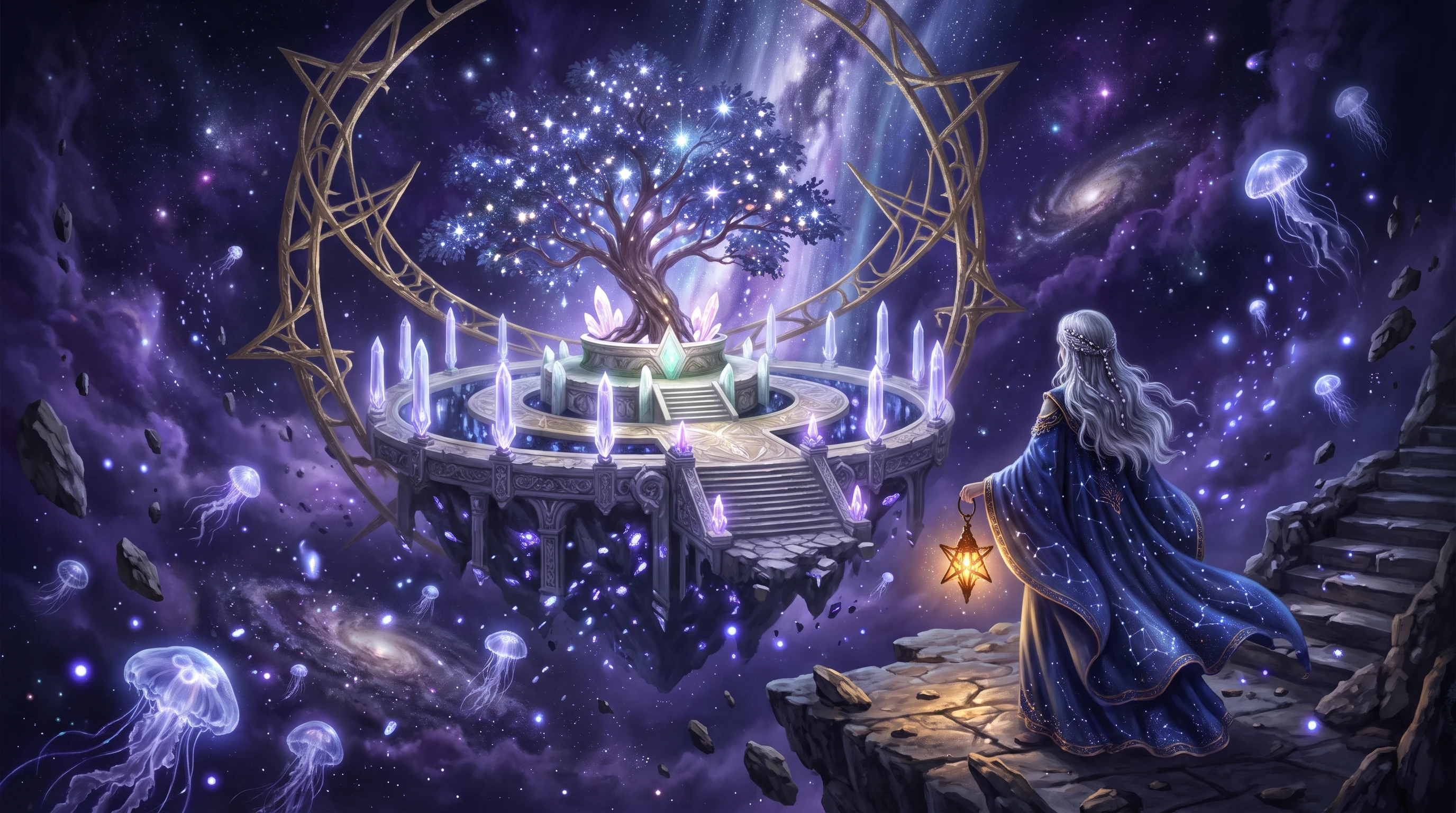
Start from a single sentence or rough chapter draft up to 12,000 characters without writing shot notes. Choose from 9 story models including GPT-5.6 and Claude Opus 4.6 to structure plot pacing, character arcs, and scene breaks automatically.
Create Your Own Animated Story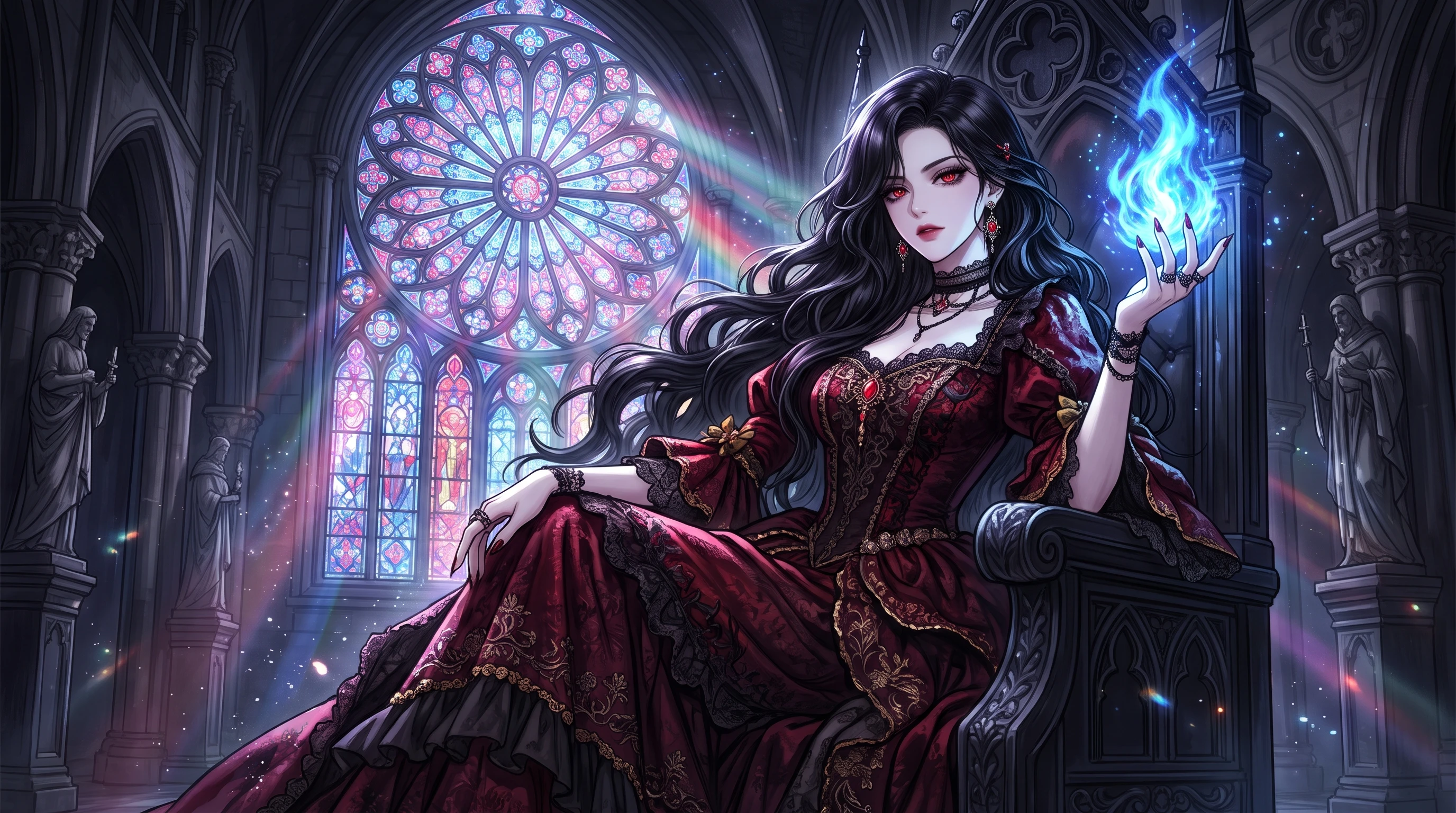
Generate original anime characters in the Asset Store using AI Prompt Expansion and choose from over 70 character archetypes. Save each character with fixed facial traits and outfits so you can insert them into any future episode with one click.
Create Your Own Animated Story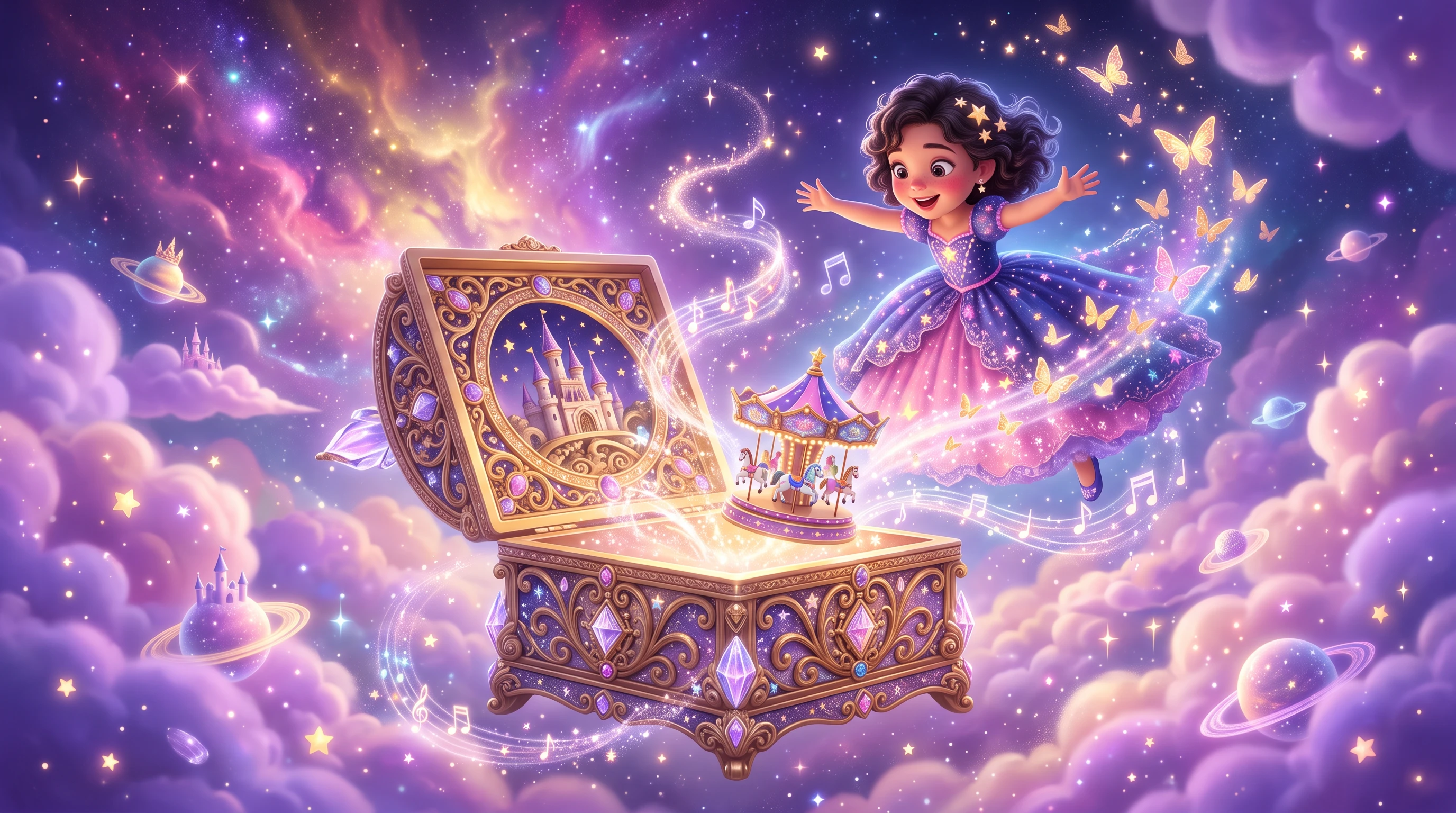
Write your anime script once and narrate it across more than 11 languages using 37 natural AI voices or custom voice cloning without recording separate drafts. Pair every line with 16 customizable subtitle presets for instant global publishing.
Create Your Own Animated Story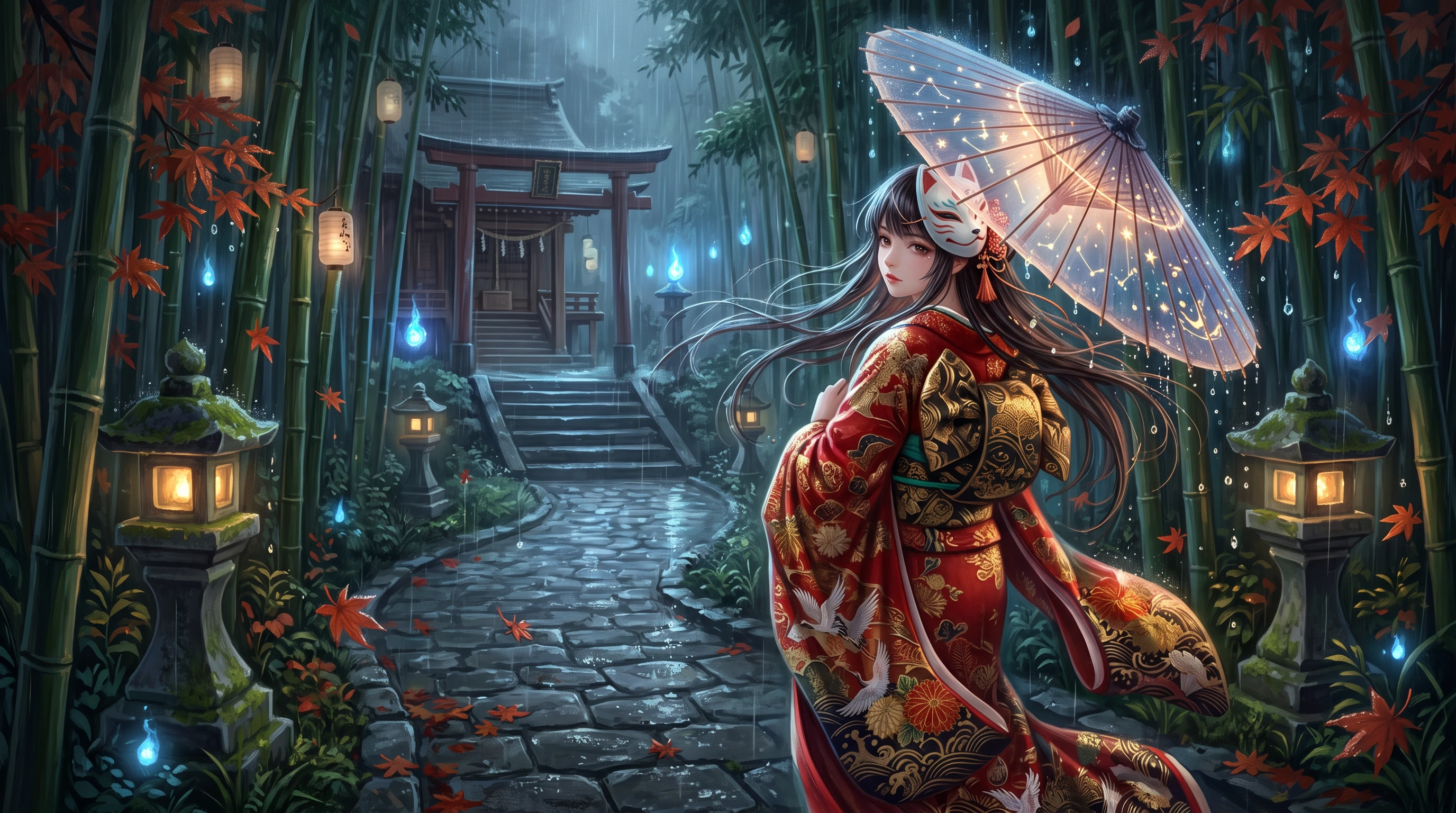
Finish your entire anime project without external editing tools. Pair scenes with built-in background music tracks, generate social-ready video covers automatically, and export clean 720p or 1080p episodes for YouTube and social platforms.
Create Your Own Animated Story
Kenji Takahashi
Anime Storyteller
“I enjoy creating anime-style characters, and MagicLight gives me another way to use my artwork. Turning a still image into an animated clip is fun, especially when I want to experiment with different movements and scenes.”
★★★★★
Maya Lin
Light Novel Writer
“I had a few chapters sitting in my notes for months and wanted to see how they would look as a real video. Pasting the text in and watching it turn into voiced scenes with subtitles took way less time than I expected.”
★★★★★
Lucas Meyer
YouTube Storyteller
“What I like most is not having to jump between four different apps just to finish one upload. Being able to tweak a character pose in the storyboard and export clean 1080p video in the same tab really helps me stick to my weekly schedule.”
★★★★★
Hannah Brooks
Hobbyist Story Creator
“My laptop is pretty old and usually struggles with heavy video software, so running everything in the browser was a big relief. I put together a ten-minute story with background music and a matching cover over a single afternoon.”
★★★★★


Move beyond single character portraits and short loops. Bring your anime cast, dialogue, and scenes together into a finished video episode right in your browser.