








Hero background

AI Animation Maker

Plan your story, cast, and scenes without spreading the project across different tools. Magiclight AI keeps each part connected as you revise the animation. No drawing or animation is needed.

Create Animation Vides For Free
AI animation preview
Nano Storyboard
Google VEO 3
Sora 2
Gemini
Hailuo
Kling
Midjourney
Qwen
Seedance
Wan
Nano Storyboard
Google VEO 3
Sora 2
Gemini
Hailuo
Kling
Midjourney
Qwen
Seedance
Wan
Nano Storyboard
Google VEO 3
Sora 2
Gemini
Hailuo
Kling
Midjourney
Qwen
Seedance
Wan

Top Features of the Magiclight AI Animation Maker

Keep your script, cast, and scene planning together rather than switching between separate tools. The Magiclight AI animation creator helps you manage the animation from one project.

16 Animation Models for Different Visual Styles

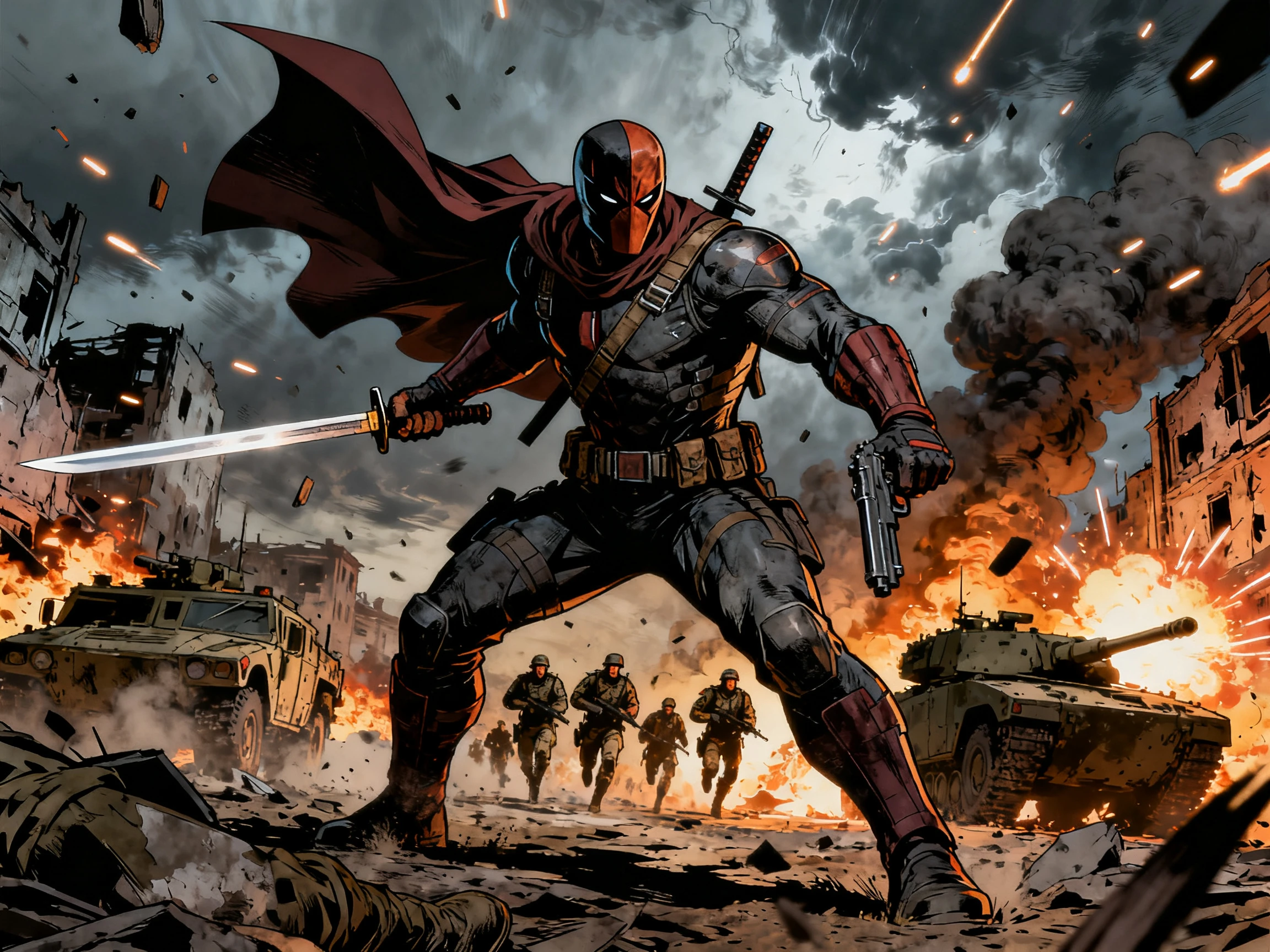
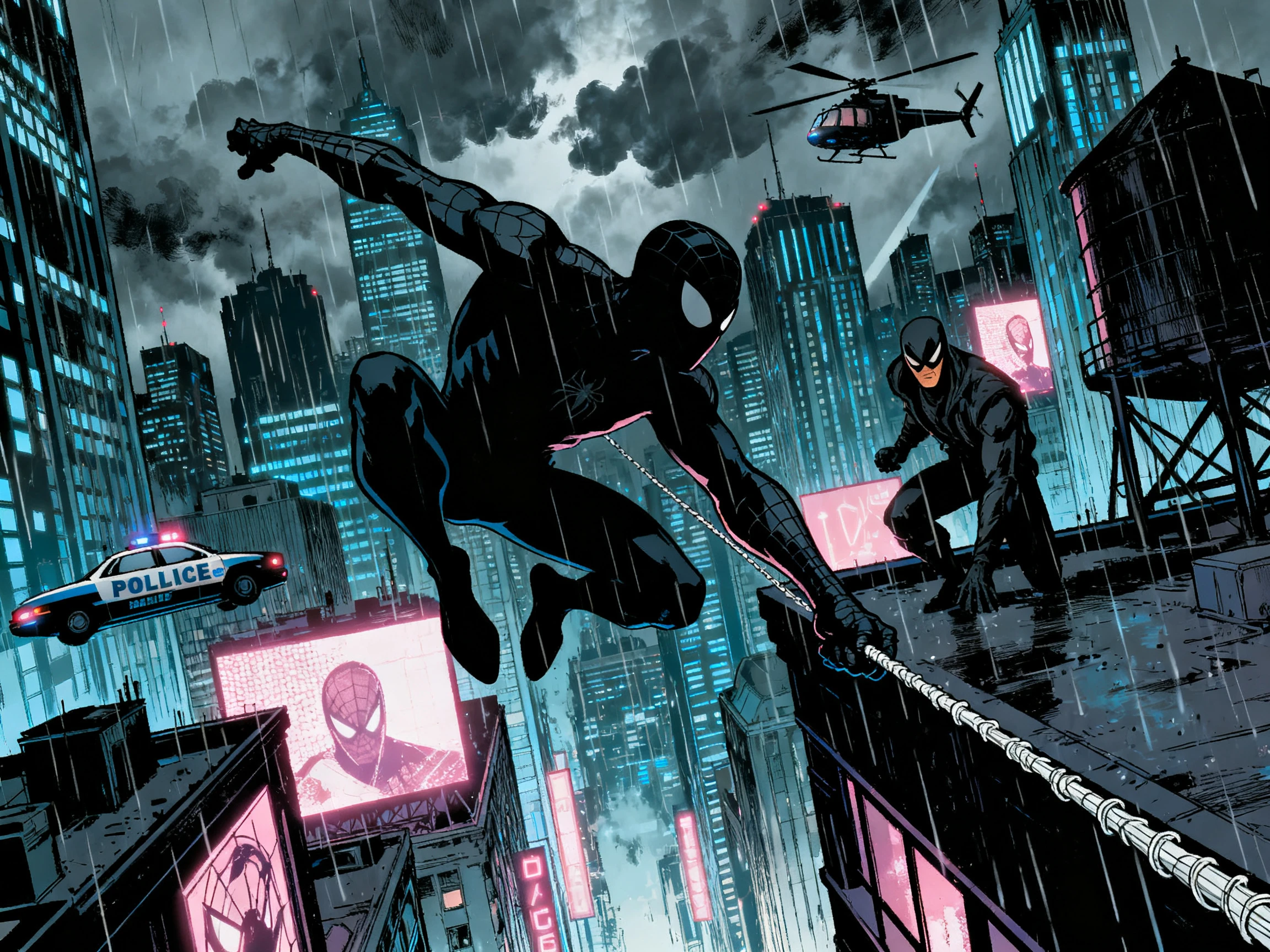
Choose from 16 animation models to see how your story can move and look on screen. Magiclight AI gives you different options for character motion, scene action, and overall animation direction.

Create Animation Vides For Free
16 AI animation visual styles

Create Animations Up to 50 Minutes

Turn one complete story into an animated video that can run for up to 50 minutes. Magiclight AI supports longer projects, giving your characters and scenes enough time to carry the full story.

Create Animation Vides For Free
Long-form AI animation up to 50 minutes

Save Characters With 1000 Characters

Describe each character in up to 1000 characters, covering the face, hair, clothing, and other details. Save the character so the same cast can stay recognizable across different animated scenes.

Create Animation Vides For Free
Consistent saved animation characters

Shape Your Story With 14 Models

Try your script across 14 story models to explore different ways of structuring its scenes and story beats. Magiclight AI lets you compare how each model turns the same story into an animation.

Create Animation Vides For Free
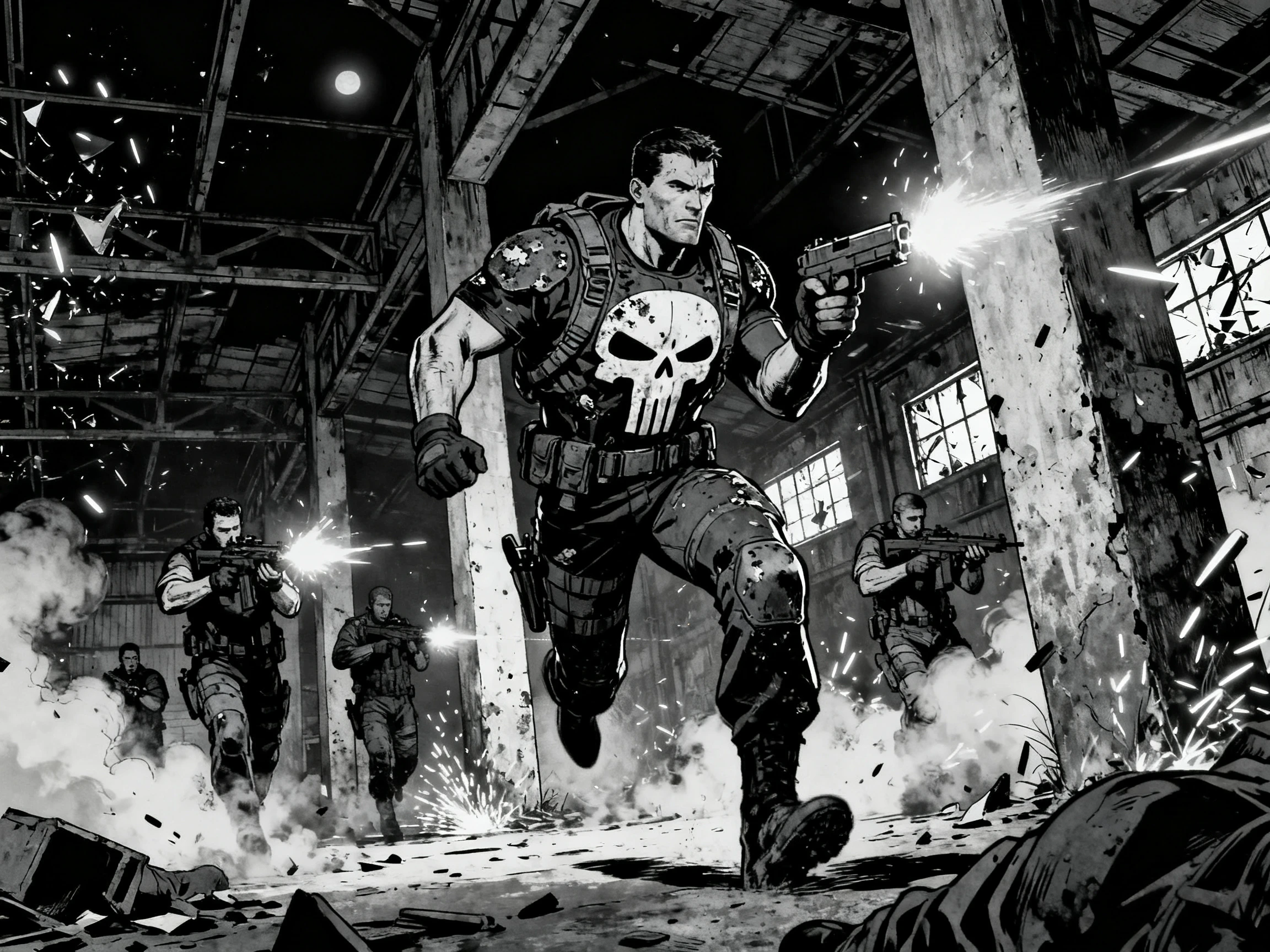
14 story models for animation structure
Who Can Use Magiclight AI Animation Maker
Writers, animators, and content creators can turn longer stories into animated videos. Magiclight AI works as an animation maker AI for projects that need recurring characters.
Independent Animators
For Independent Animators
Write animation stories with up to 12,000 characters in one script.
Save each character with 1000 characters of detailed visual information.
Revise one scene without changing the rest of your animation sequence.
Animation Creators
For Animation Creators
Reuse saved characters across episodes to keep the same cast recognizable.
Assign from 37 voices so recurring characters keep familiar voices.
Choose from 16 animation models to set the visual direction for a series.
Directors and Story Artists
For Directors and Story Artists
Present an animated concept before committing resources to full production.
Test the same script across 14 story models to compare different structures.
Review each planned scene before generating the complete animated video.
Writers Who Revise Often
For Writers Who Revise Often
Change story details while keeping your saved characters ready for reuse.
Create longer animated stories that can run for up to 50 minutes.
Publish finished animations commercially with an eligible paid plan.

How to Use the Magiclight  AI Animation Maker

Take your story from script to animated scenes through 4 clear steps. Magiclight AI’s best AI animation maker guides your script, characters, storyboard, and final generation.

1.

Step 1. Create and Save Your Animation Characters

Describe each character in up to 1000 characters, covering their face, hair, clothing, and other visual details. Save them in Magiclight AI, then choose from the 37 voices.

2.

Step 2. Add Your Animation Story

Write your complete animation story using up to 12,000 characters. Magiclight AI uses your story and saved cast to prepare the scenes while keeping the characters connected.

3.

Step 3. Set Up Scenes in the Nano Storyboard

Open the Nano Storyboard to review each animation scene before generation. Choose from 50 poses for your characters and check their actions and expressions.

4.

Step 4. Generate and Adjust Your Animation

Generate the animation and review each scene against your story direction. If one scene needs changes, regenerate that individual scene in Magiclight AI without starting the complete animation again.

What Users Say About Magiclight AI Animation Maker

Signe Dahl, Animator

Signe Dahl

Animator

I used to change one line in the script and then hunt through the storyboard to update it there too. Keeping the script and scenes connected in Magiclight AI saves me from doing the same edit twice.

Arun Kapadia, Storyboard Artist

Arun Kapadia

Storyboard Artist

My characters used to change a little from scene to scene, especially across longer projects. I save each character in Magiclight AI first, so I can bring the same cast into the next scene.

Lucy Fenwick, Content Creator

Lucy Fenwick

Content Creator

Keeping the same cast across a 9-episode series was always difficult for me. With Magiclight AI, I can reuse my saved characters instead of setting them up again for every episode.

Kofi Mensah, Filmmaker

Kofi Mensah

Filmmaker

Showing someone a script never gives them the same sense of the idea as seeing it in motion. Magiclight AI helps me turn the concept into animated scenes before I walk into a pitch meeting.

FAQs on AI Animation Maker

What should I look for in an AI animation tool?

The Magiclight AI animation maker keeps your story, saved characters, and scenes connected within one project. This helps when you revise your story or need the same characters across multiple scenes.

Can Magiclight AI create long animated stories?

Yes. Your story can contain up to 12,000 characters, and Magiclight AI can create animated projects up to 50 minutes long. This gives longer stories more room for characters, scenes, and story development.

Can I use the same characters in different scenes?

Save each character with a description of up to 1000 characters covering their key visual details. Magiclight AI lets you reuse those saved characters across scenes instead of setting up the cast again each time.

What can I change in the Magiclight AI Nano Storyboard?

The Nano Storyboard in Magiclight AI lets you review and adjust individual scenes before generation. You can also choose from 50 character poses to guide actions and expressions within your animation.

Can I choose different voices for my animation characters?

Magiclight AI offers 37 voices for adding speech to animated characters. You can select voices that suit different members of your cast and use them when preparing character dialogue.

Is Magiclight AI free to start?

You receive credits when you register, so you can try Magiclight AI without entering payment details. The available credits let you test the animation workflow before choosing a paid plan.

Create AI Animation from Text With Magiclight AI

Change your story without chasing edits across separate files. Magiclight AI keeps your characters and scenes connected to the same project.