Hero background

Text to 3D Animationfor Stunning 3D Videos

Elevate your ideas from simple text to high-fidelity 3D motion. Magiclight AI automates the animation process, delivering professional 3D clips in just a few clicks.

Convert Text to 3D Animation Free
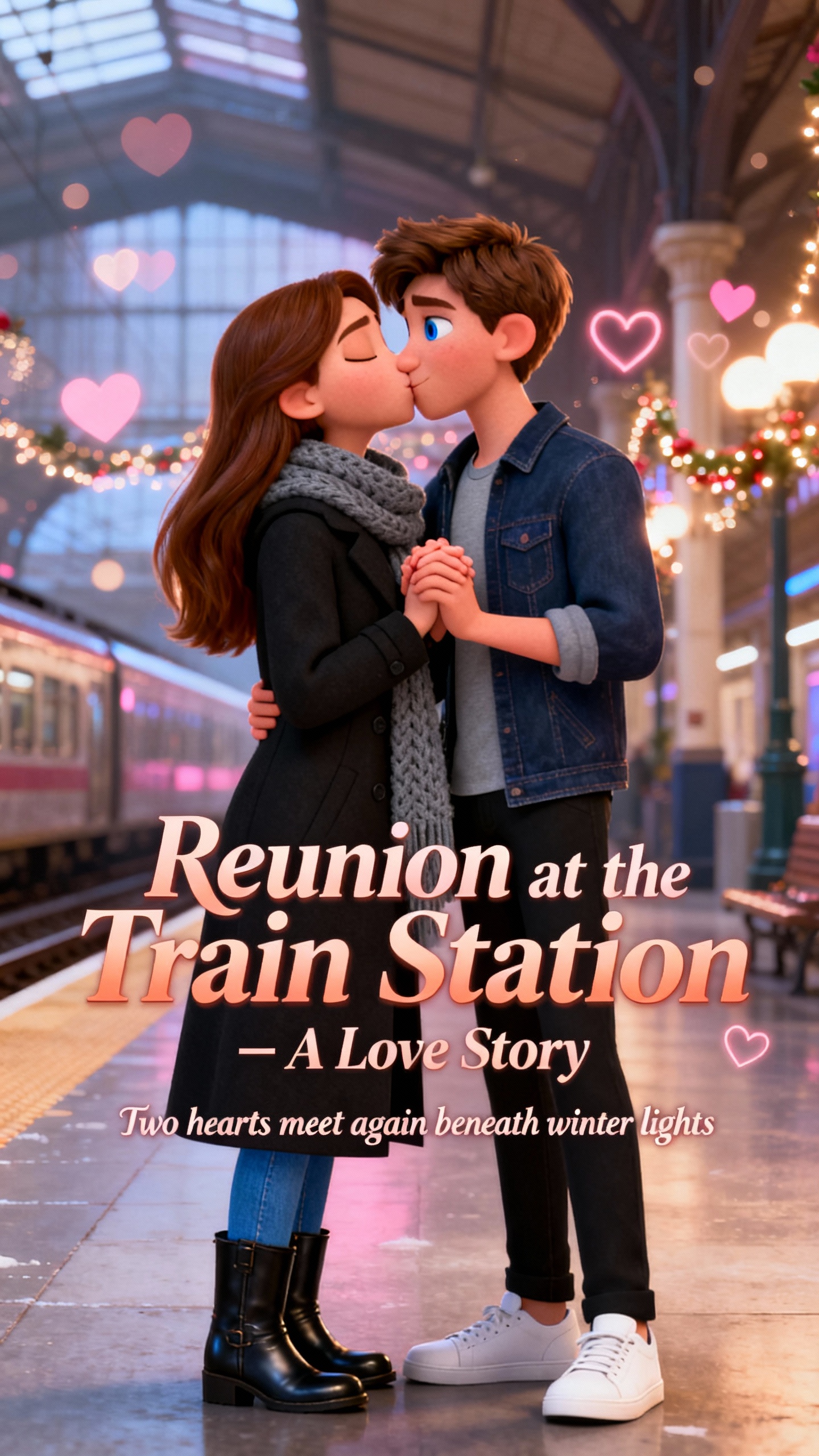
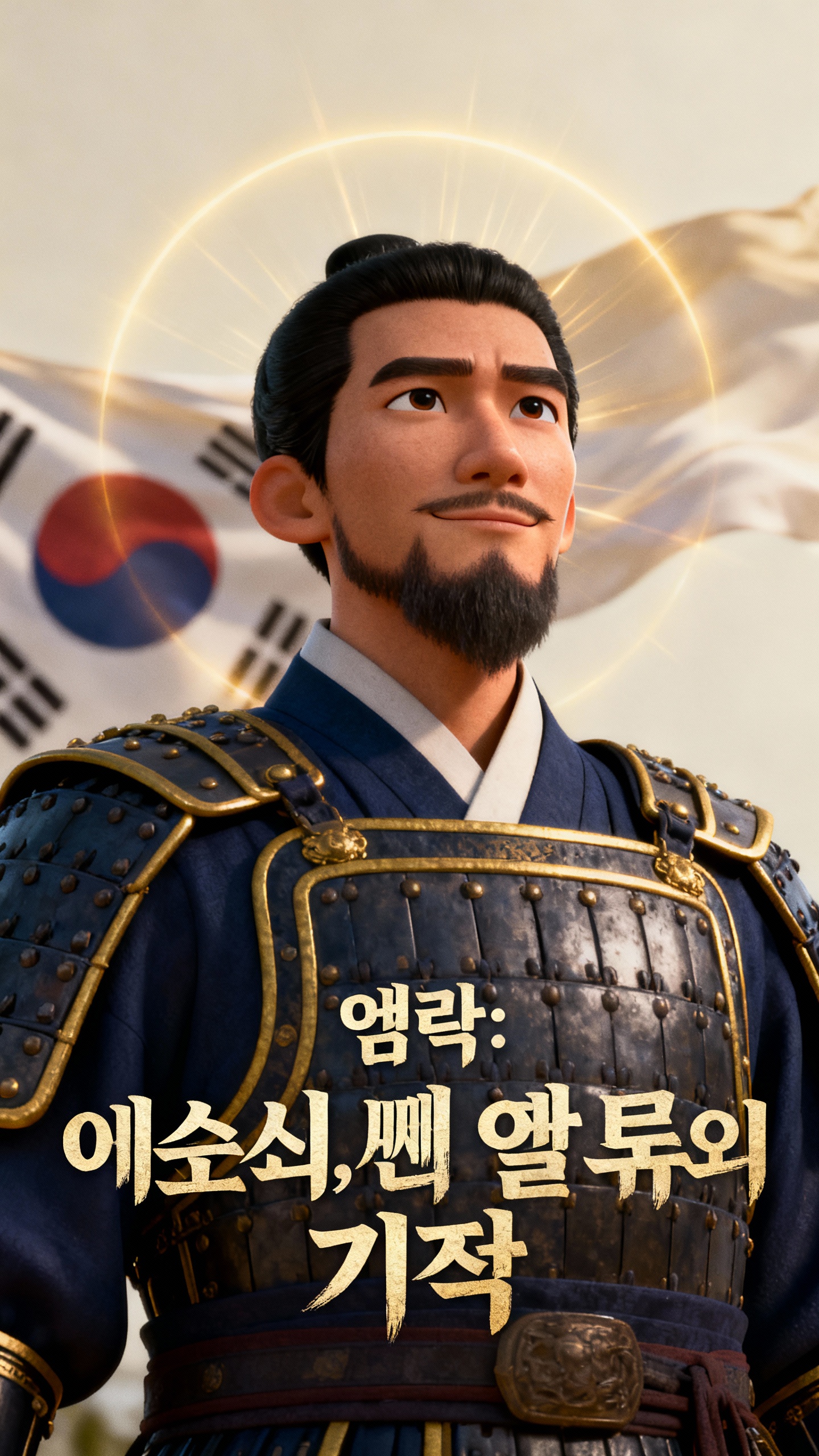
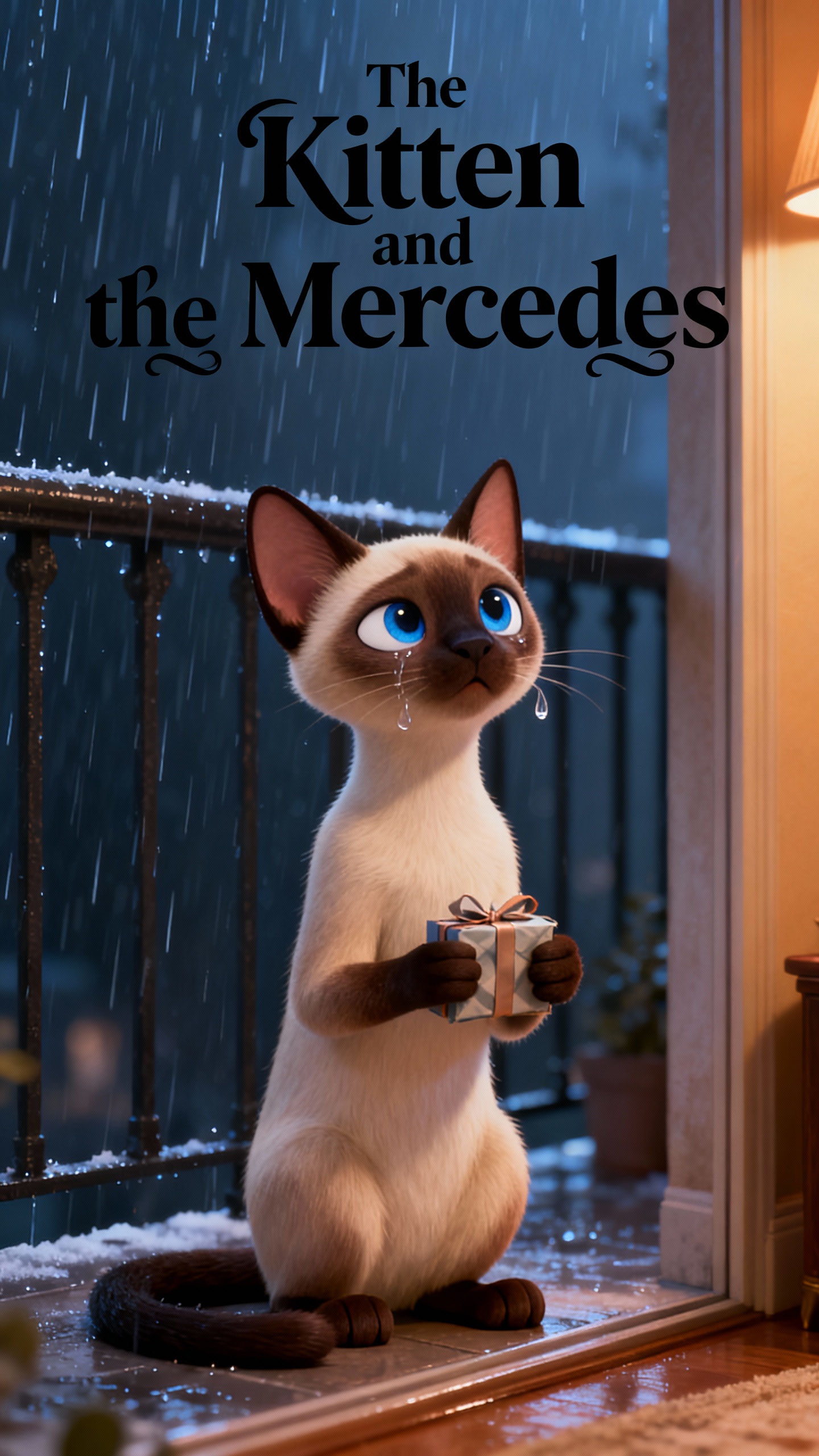
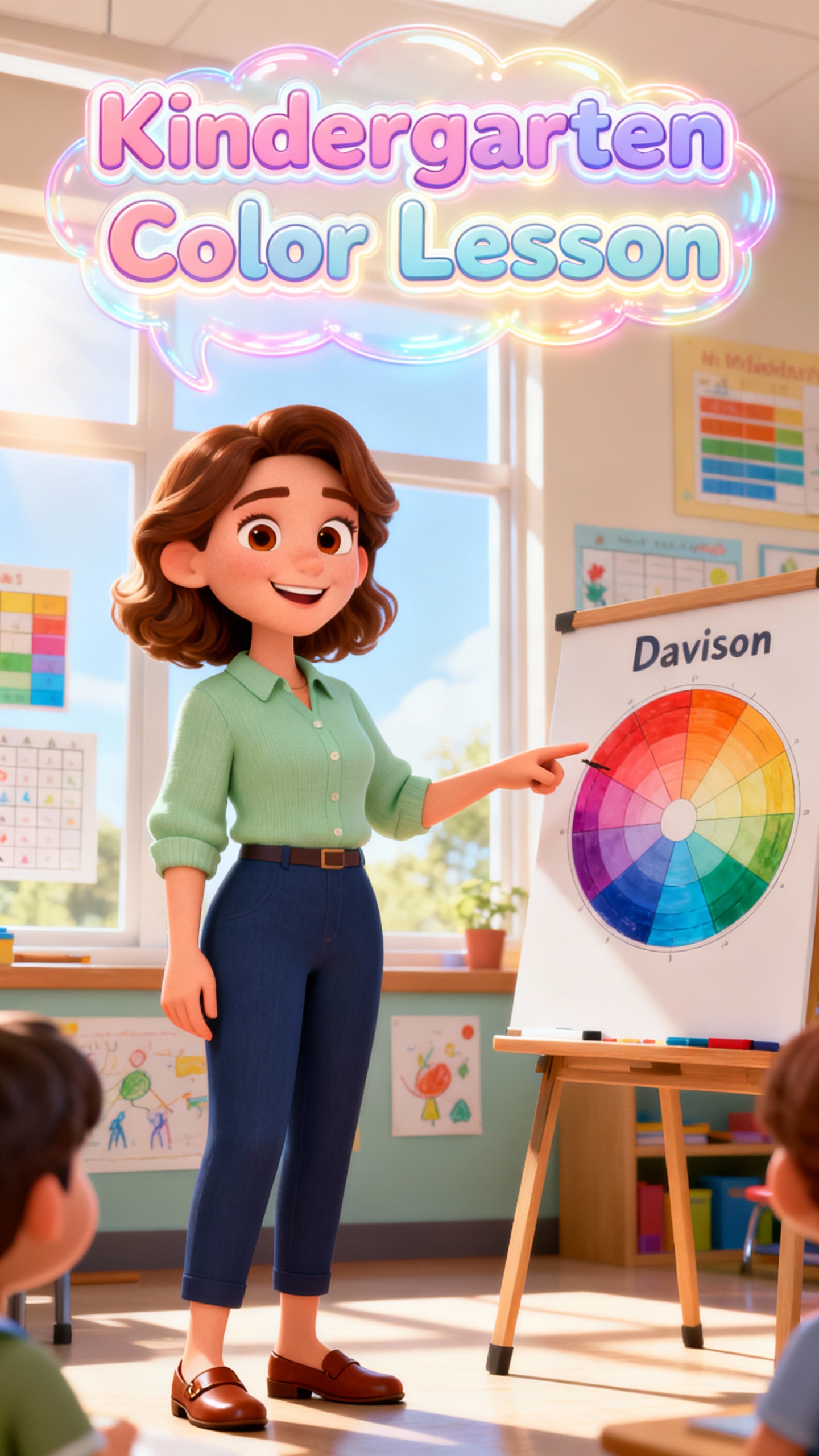
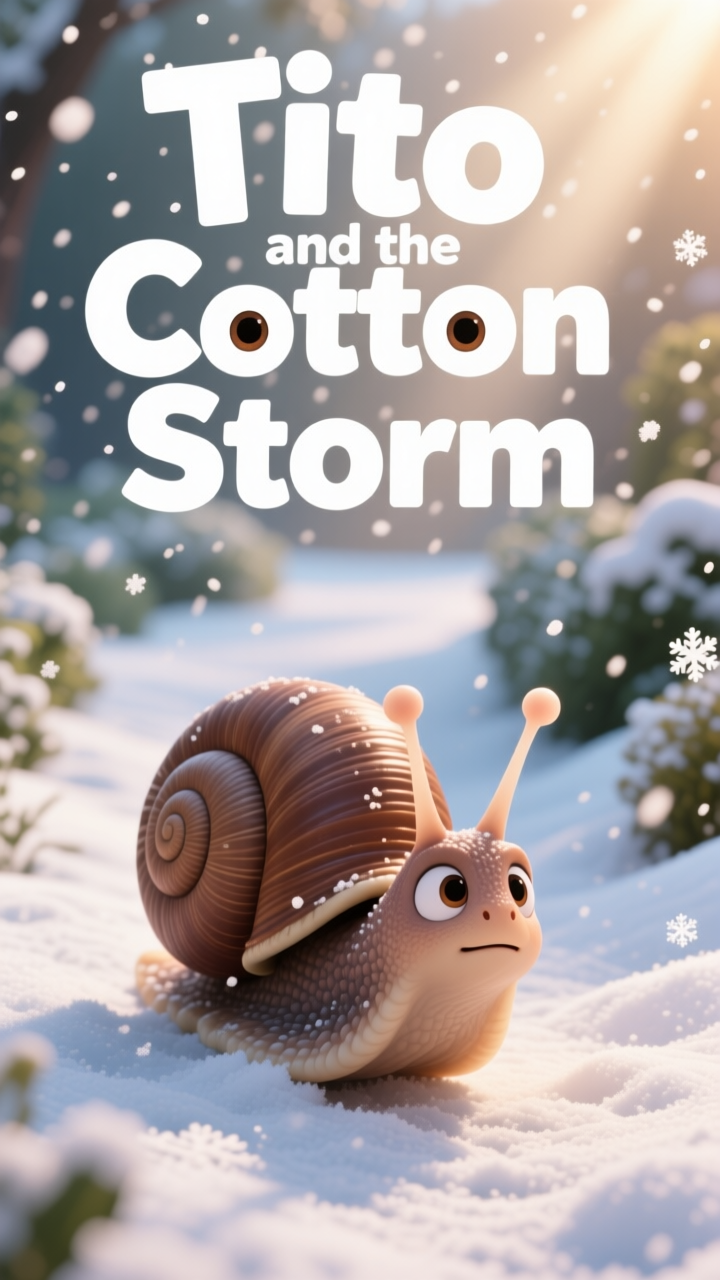
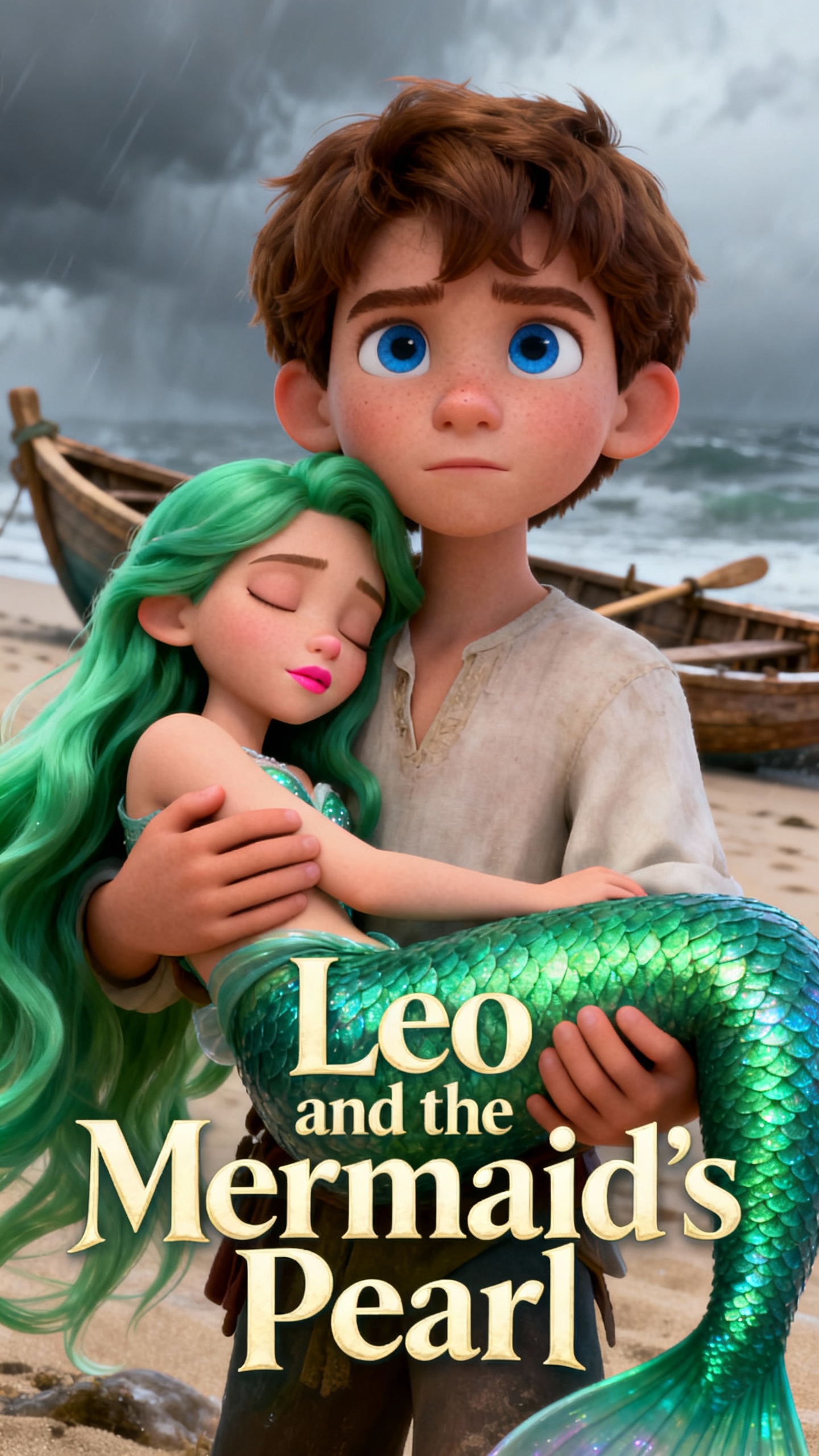
text to 3d animation
stunning 3d videos
high-fidelity 3d motion
convert text to 3d animation free
ai characters that stay on-brand
pro-level exports
automated story to-video process
3d visual stories
text to 3d animation
stunning 3d videos
high-fidelity 3d motion
convert text to 3d animation free
ai characters that stay on-brand
pro-level exports
automated story to-video process
3d visual stories
text to 3d animation
stunning 3d videos
high-fidelity 3d motion
convert text to 3d animation free
ai characters that stay on-brand
pro-level exports
automated story to-video process
3d visual stories

Everything You Need to Create Better Text-to-3D Animations

Dive deeper into discovering how MagicLight AI creates the perfect text-to-3D animations in an instant:

Explore the video generator
3D decoration

AI Characters That Stay On-Brand

Create unique characters with consistent styling across scenes. Customize names, ages, and voices using 37 cloning options.

A Fully Automated Story-to-Video Process

Move from AI storytelling to one-click video generation. Auto storyboards and music help shape videos in 11 languages.

Templates for Every Kind of Story

Use modes for music videos, vlogs, and kids' stories with built-in themes. Each offers tailored 3D styles and visual direction.

Pro-Level Exports in a Single Click

Export in 1080p with custom aspect ratios. Auto covers and subtitles help videos look polished and ready to share.

Built for Every Kind of Text-to-3D Animation
One idea rarely fits every creator. A text-to-3D animation video AI free should work for social clips, educational content, storyboarding, and promotional visuals.
Digital Storytellers
For Digital Storytellers
Create a 50-minute 3D series with consistent characters.
Turn 12000-word scripts into cinematic 3D narratives.
Control every shot with precision Nano storyboarding.
Music Artists
For Music Artists
Sync 3D visuals to your unique music style and genre.
Generate music videos using prebuilt song templates.
Export high-fidelity clips for any platform.
Vloggers and Influencers
For Vloggers and Influencers
Build custom 3D avatars with 37 pro voiceover options.
Automate daily vlog topics using 6 specialized templates.
Create unique personalities with advanced voice cloning.
Religious and Community Leaders
For Religious and Community Leaders
Recreate spiritual teachings with 7 dedicated themes.
Reach global audiences using 11 different languages.
Add background music and subtitles to enhance messages.
Why MagicLight AI Delivers Better
Text-to-3D Animation Results
A text-to-3D animation AI should make building concepts easy while ideas are still fresh. Magiclight AI turns concepts into finished animations without making the work tedious.
Keep Ideas Light and Fun
1. Keep Ideas Light and Fun
Fast-starting animations preserve energy, making final clips feel natural. Generate 3D videos with one-click models to maintain a fluid, effortless creative flow.
Spin Out Multiple Versions in Minutes
4. Spin Out Multiple Versions in Minutes
Test different angles and edits efficiently to keep content varied. Rapidly regenerate prompts or swap styles to produce diverse video iterations in minutes.
Lock In Your Look From the Start
2. Lock In Your Look From the Start
Early alignment of colors, props, and characters keeps videos cohesive. Select from various style models and terrain settings to ensure a unified visual identity.
Polish Every Clip in a Single Workspace
5. Polish Every Clip in a Single Workspace
Subtitles, covers, and clean exports stay in one workflow, saving time. Handle everything from background music to 1080p rendering within a single production pipeline.
Shape Character Led Stories Effortlessly
3. Shape Character Led Stories Effortlessly
Reusable 3D characters and editable storyboards make story-driven animations consistent. Adjust poses and expressions to keep your narrative stable across every scene.
Turn One Text Prompt Into Endless 3D Videos
6. Turn One Text Prompt Into Endless 3D Videos
Repurpose a single idea into reels, educational clips, or promos. Use built-in templates to transform one script into various specialized 3D formats instantly.

Make Pro-Level Text-to-3D Animations  in 4 Simple Steps

Unlock your creativity and make pro-level 3D animations in 4 simple steps. Magiclight AI guides every scene, character, and action for text-to-3D animation.

1.

Step 1: Input Your Creative Prompt

Type your script or upload an image to initiate the 3D generation. Start with a simple concept to transform ideas into animated 3D clips.

2.

Step 2: Refine the Script and Visual Style

Select from 16 style models to match your specific 3D artistic vision. Adjust the tone and mood across 11 languages.

3.

Step 3: Refine the Nano Storyboard Scenes

Review auto-generated scenes and use Nano adjustments for precise 3D timeline control. Fine-tune character expressions and 50 unique poses for a professional 3D cut.

4.

Step 4: Export and Share Your Final Video

Preview your video with synced voiceovers and background music. Once polished, download or publish your 3D creation to share with others.

FAQs on Text-to-3D Animations

1. What is a text-to-3D animation AI?

Magiclight AI converts words or scripts into animated 3D video scenes. This tool simplifies creation, editing, and sharing in one pipeline.

2. Is there a free text-to-3D animation video AI?

Magiclight AI offers a versatile platform to test prompts and storyboards. Users can experience automated storytelling and high-quality 3D rendering features.

3. Can I make character-led 3D videos?

Magiclight AI supports persistent characters with consistent styling across multiple scenes. Create unique personas using 37 advanced voice-cloning options with text-to-3D animation AI.

4. Is Magiclight AI beginner-friendly?

An automated production pipeline makes video creation simple and efficient. With Magiclight AI, beginners can turn basic ideas into polished animations with ease.

5. Can I customize visuals with my images?

Upload personal images into Magiclight AI to initiate your 3D project. The system uses these images to personalize unique characters and props.

6. Can I make videos for school, social, or marketing use?

Magiclight AI generates educational content, marketing promos, and social media vlogs. Use specialized templates to create professional videos without live filming.

Convert Text to 3D Animation Free
Convert text ideas into 3D videos with defined scenes and powerful visuals.