
200 Characters to Describe the Music You Want
Explain the mood, tempo, and instruments in up to 200 characters, then pick a genre. Magiclight AI creates a new track, and the scenes follow its beat from the very first bar.
Create Now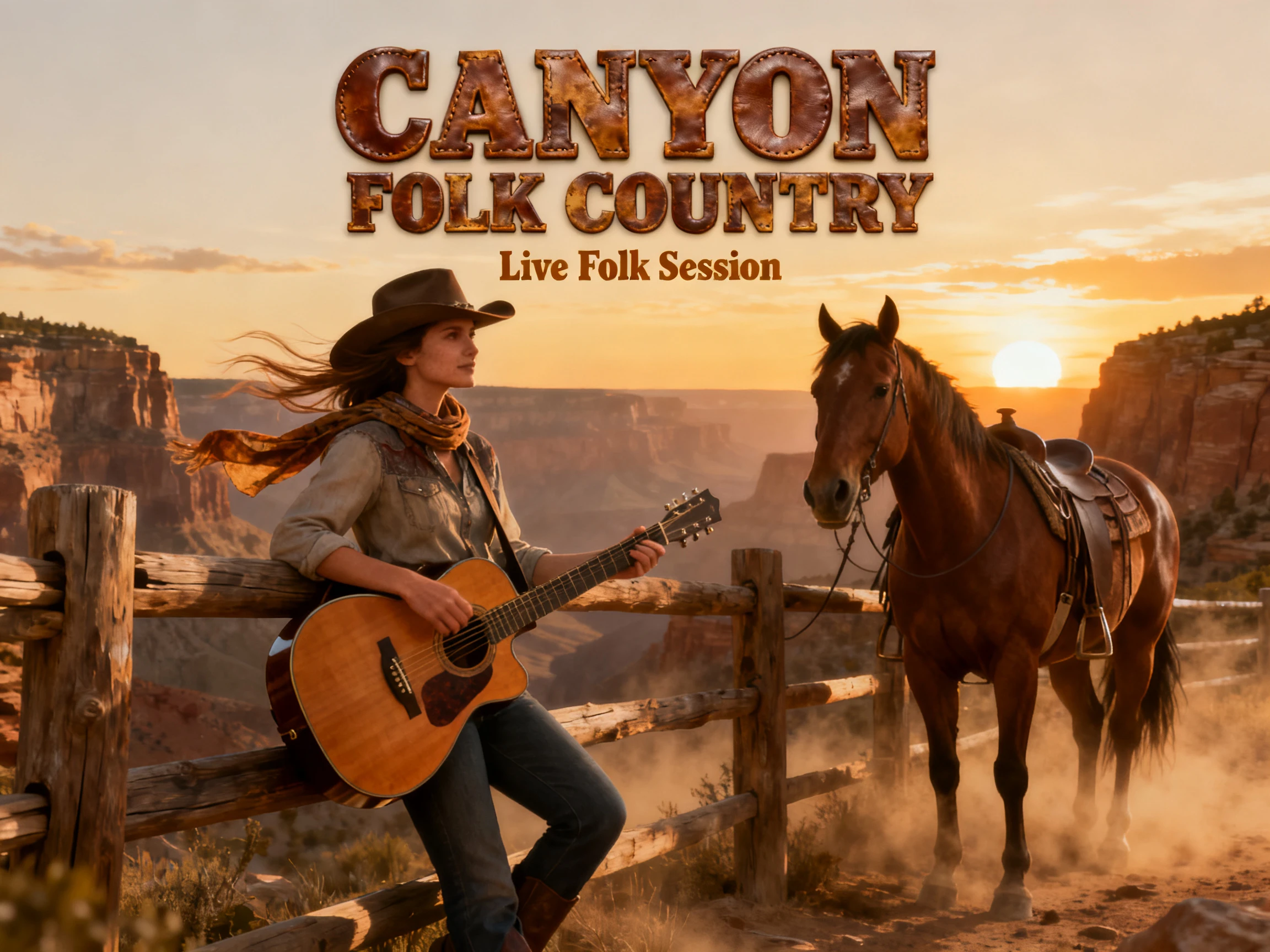

Pick a track for a narrated video, or describe one and let AI create it. Magiclight AI puts the music and the scenes in the same project. No composing or mixing skills needed.
Create Background Music for Free










Describe the sound you want or choose music that stays behind narration. The Magiclight AI background music generator gives each video the right kind of music.
Explain the mood, tempo, and instruments in up to 200 characters, then pick a genre. Magiclight AI creates a new track, and the scenes follow its beat from the very first bar.
Create NowWhen a narrator is talking, pick one of 40 background tracks to play under the voice. Magiclight AI keeps the music behind the narration, so every spoken word stays clear.
Create Music
No time to write a prompt? Start with one of the 15 premade songs in Magiclight AI, and time every scene to the track's beat from the first second to the last.
Pick Track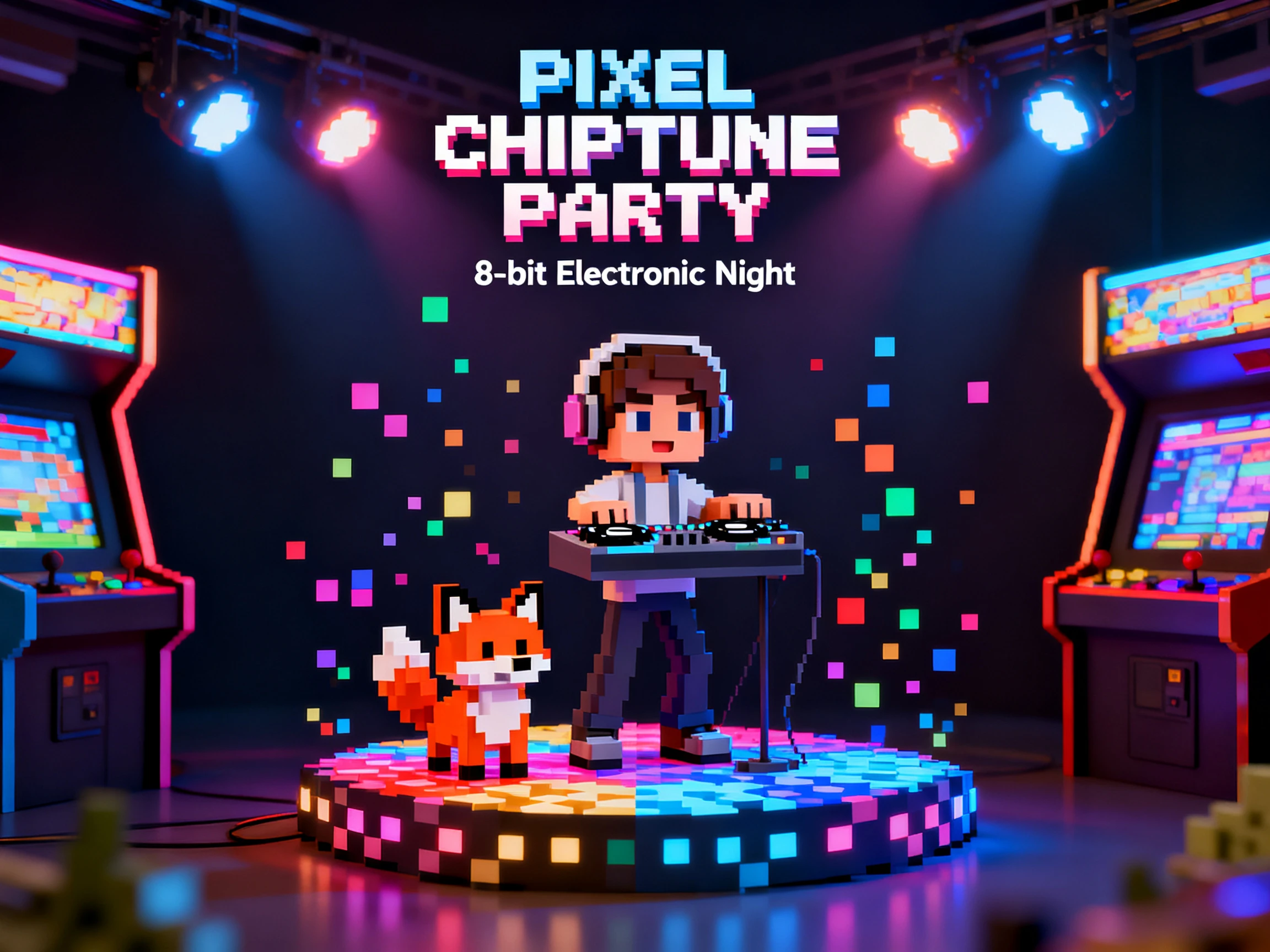
Magiclight AI instantly adds proper sound effects to any of the image to video creation. Add a basic 1500-character prompt, choose a proper AI model out of the 20 options, and see the sound effects added.
Start Creating


Magiclight AI background music generator goes from a mood to a finished video with its own music in 4 steps. From there, you can match the music to the video and check how it supports each scene.
Type how the music should feel, then pick a genre, or choose a ready-to-use song instead. Magiclight AI creates the track and reads its beat before planning the scenes.
Select a visual style, then set the frame to 16:9 for wide screens or 9:16 for phones. Reuse a saved character, or describe a new one for this video.
Open Nano Storyboard and adjust poses, outfits, and expressions scene by scene. Magiclight AI then animates each scene in time with the music you chose.
Add captions when the track includes lyrics, then move on to generating the video. Export it for YouTube, Shorts, or Reels with the music already set under every scene.
Podcaster
I narrate true crime stories, and loud music used to fight my voice. Magiclight AI keeps the background track low under the narration, so listeners hear every word.
Photographer
My rain-and-city loops needed calm music that never stopped. Magiclight AI background music generator made a slow track from a short description, and the scenes drift along with every beat.
Ecommerce Manager
Our launch video needed music that sounded like us, not a stock track everyone uses. Magiclight AI generated an upbeat one from two short lines describing our brand.
Online Instructor
My tutorials felt empty without any sound under my voice. Now Magiclight AI adds a soft track from its library, and students say the lessons feel easier to watch.
Yes. In a narrated video, pick one of the 40 background tracks in Magiclight AI, and it plays under the voice. Generated tracks are made for music-led videos.
New accounts get free credits to try Magiclight AI, including a first music-led video. Paid plans add more credits and commercial rights for the music in your videos.
On a paid plan, videos made in Magiclight AI background music generator come with commercial rights, which cover the music inside them. Keep your plan details in case a platform asks.
Yes. Magiclight AI accepts MP3, WAV, and M4A files in Music Video mode. Only upload music you made or licensed, since you need permission for other artists' songs.
Beatoven and Soundraw focus on music files you download and edit elsewhere. Magiclight AI makes the track and the video together, so the scenes already move with the music.
Name the mood, the tempo, and a few instruments, like calm lo-fi with soft piano. Magiclight AI uses those 200 characters, plus the genre you pick, to shape the track.



Describe the feeling you want viewers to have. The Magiclight AI background music generator turns it into a track, and every scene follows along.