9:16 and 16:9 Video Formats
Magiclight AI offers two aspect ratios for your couple dance video. Choose 9:16 for a vertical clip on your phone or 16:9 when you want the couple dancing across a wider screen.
Create Now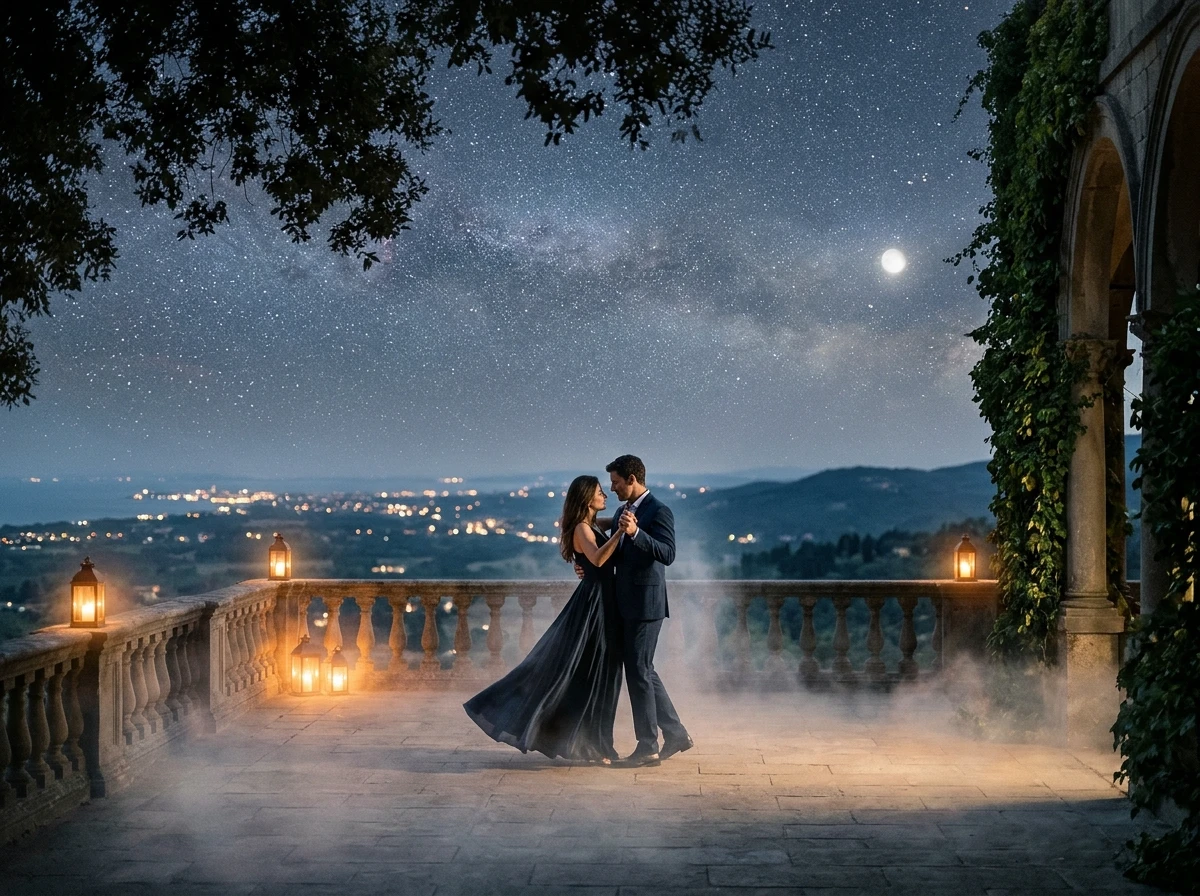

Upload an image and let Magiclight AI bring the subjects to life with fun couple dance moves. Turn your favorite characters, people, or pets into a dancing video. No filming or dance skills needed.
Create an AI Couple Dance for Free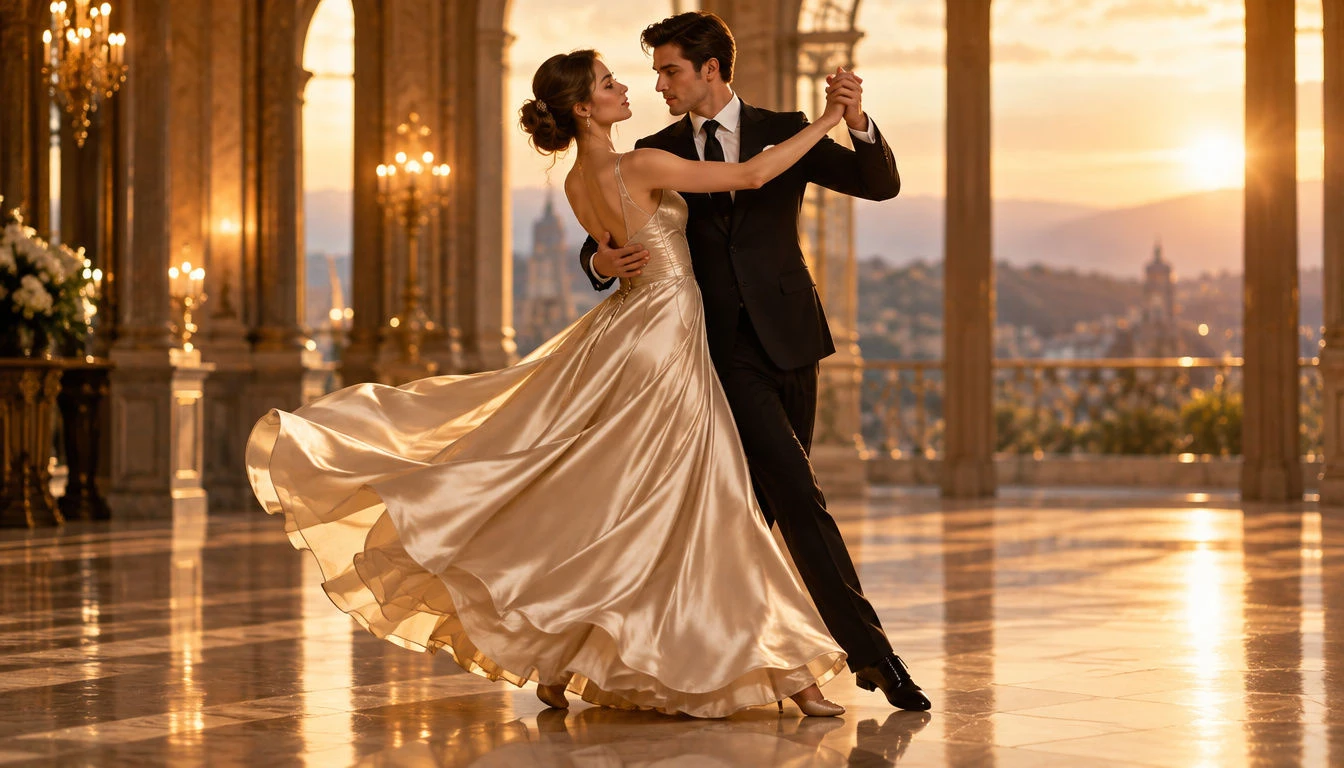










Start with a picture of two people standing together and plan the dance you want them to perform. AI couple dance video generator helps turn that picture into a moving scene.
Magiclight AI offers two aspect ratios for your couple dance video. Choose 9:16 for a vertical clip on your phone or 16:9 when you want the couple dancing across a wider screen.
Create NowMagiclight AI accepts 3 reference clips with a combined length of 15 seconds. Upload footage of a couple dancing to help the selected model follow their movements more closely.
Try Dance References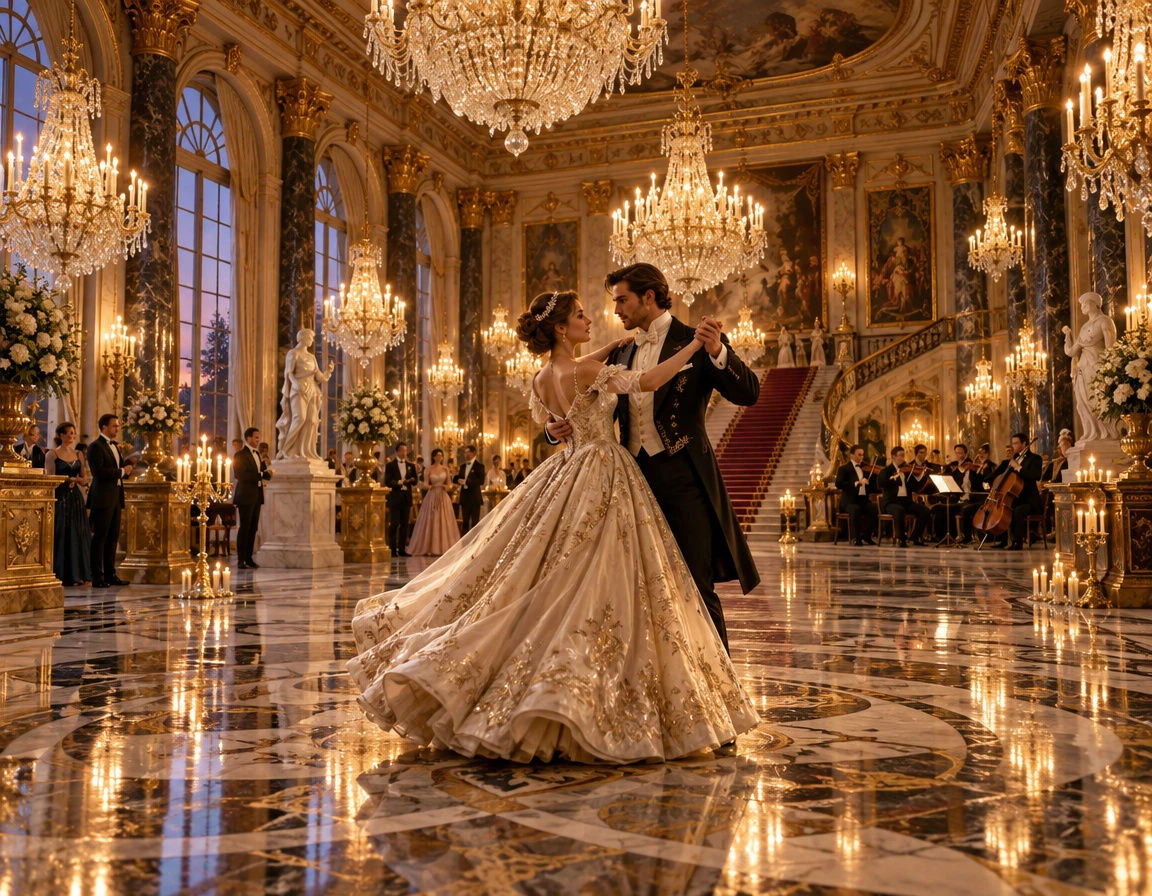
Describe how both partners should move together and how the camera should capture their dance. Magiclight AI allows 1500 characters to explain the movements in detail.
Describe Your Dance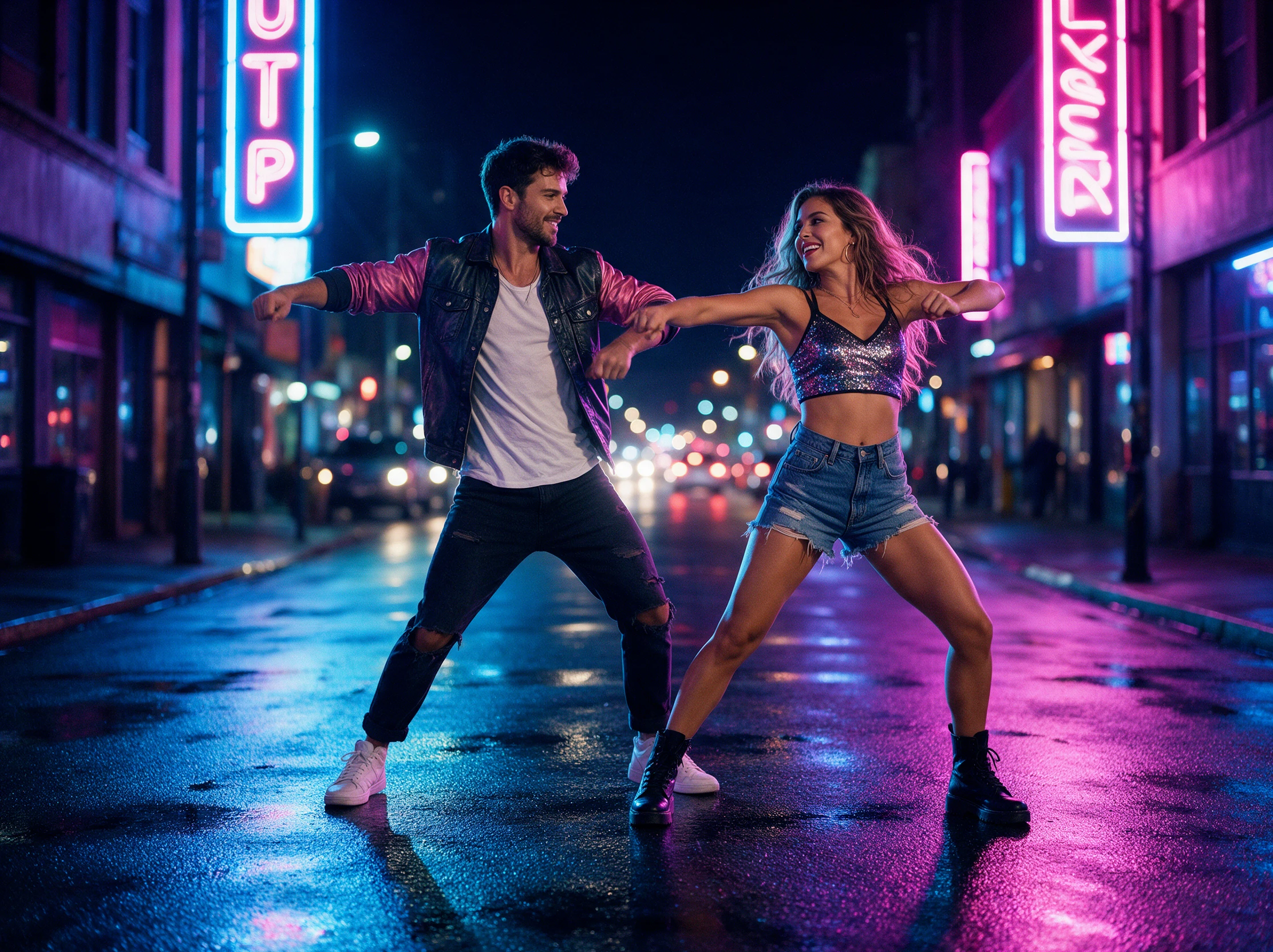
Magiclight AI supports 1080p output for your couple dance videos. You can download the finished clip in high resolution, making it suitable for sharing or watching on a larger screen.
Generate a Dance Video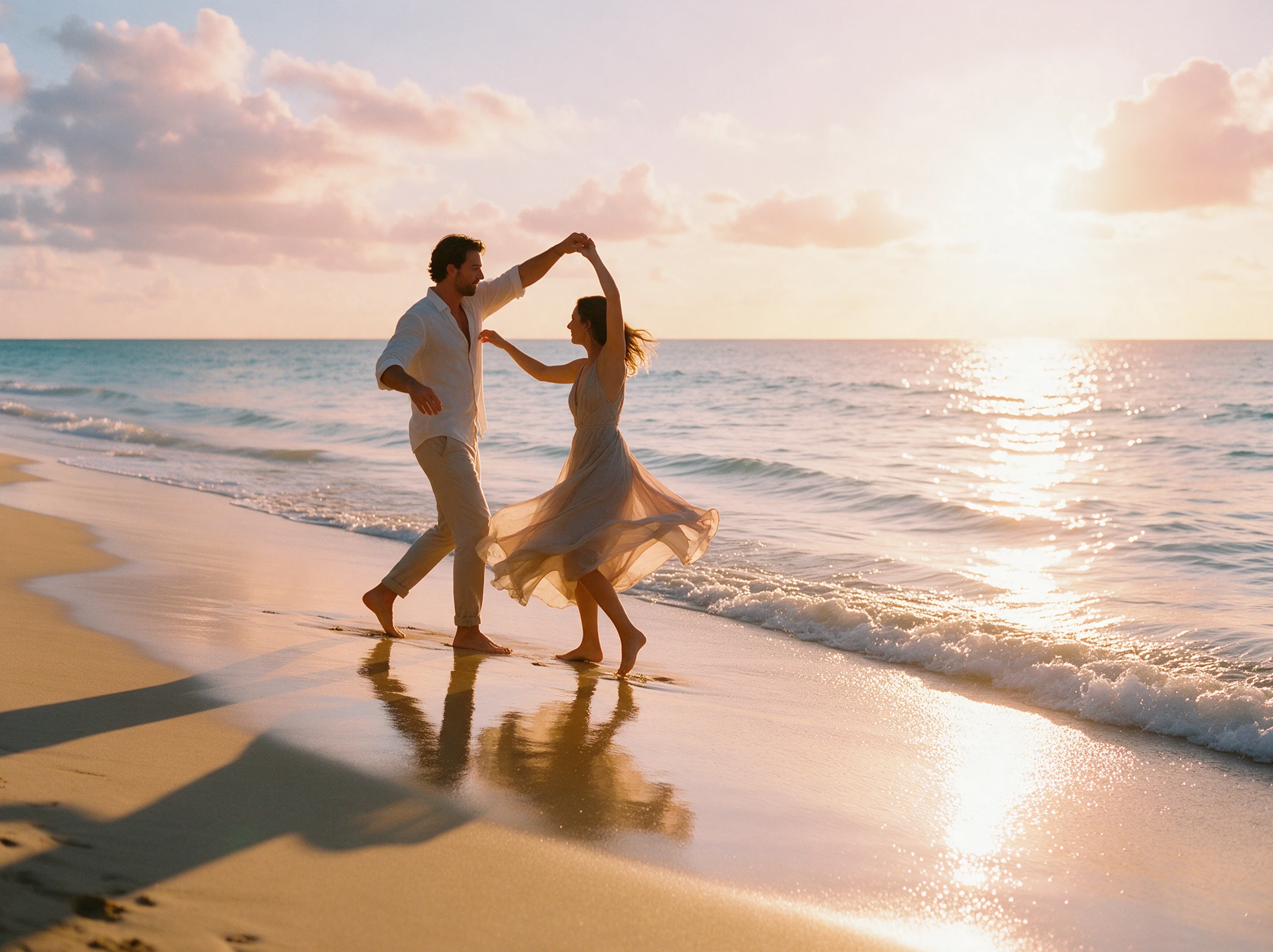


A clear photo of both partners is where the dance begins. In 4 steps, the Magiclight AI couple dance video generator covers the routine, video settings, and final download.
Find the Video option inside Magiclight AI Toolbox. Upload a photo showing both people from head to toe, with enough space between them for their dance movements.
The 1500 character description gives you room to explain who leads each move. Mention how the couple should turn together and where the camera should focus during the dance.
Among the 20 AI video models, find one that suits your couple dance. Set the video duration, select the aspect ratio and start generating once the settings look right.
Once the video is ready, watch how the two dancers move together. Pay attention to their faces and hand positions, then download the final video to your device.
Wedding Planner
We tried a short preview for a couple who were nervous about their first dance. Seeing the turns on screen helped them explain what they wanted before the rehearsal.
Dance Instructor
The hand positions weren't perfect on the first render, but the clip gave my beginners a useful picture of the routine. We adjusted the instructions and tried again.
Content Creator
I used our holiday photo for a couple dance trend. The first result looked a little stiff, so I changed the movements. The second clip was much closer to what I wanted.
Photographer
A client asked whether their engagement pictures could work as a dance video. We tested one full length shot, and it gave them a fun extra piece to share with family.
A single photo showing both partners gives the model a clear starting point. A full body picture with some space between you usually makes the dance easier to describe.
When two people stand too close, the model may confuse their features or hands. Try a photo with more space between them and describe each partner's movements separately.
Lifts and flips can be difficult for the AI couple dance video generator because bodies overlap. Start with simpler turns or dips, then test a lift once the movement looks right.
Some Seedance models support uploaded music. Check whether your selected model accepts a song, and confirm you have permission to use the track before sharing the video publicly.
Yes, provided both people agree to having their images used. Avoid creating realistic dance clips of people without consent if the result could mislead viewers.
Magiclight AI offers 9:16 for phone screens and 16:9 for wider displays. Pick the format based on where you plan to share or watch the finished couple dance video.



No rehearsals or cameras required. Magiclight AI brings your favorite moment together into a dance video worth sharing. Give it a try today.