10MB Photos That Show Your Whole Dog
Choose a JPG, PNG, or JPEG photo with a file size of 10MB. Keep your dog fully visible from ears to paws, since a clear starting pose helps the dance look more natural.
Create Now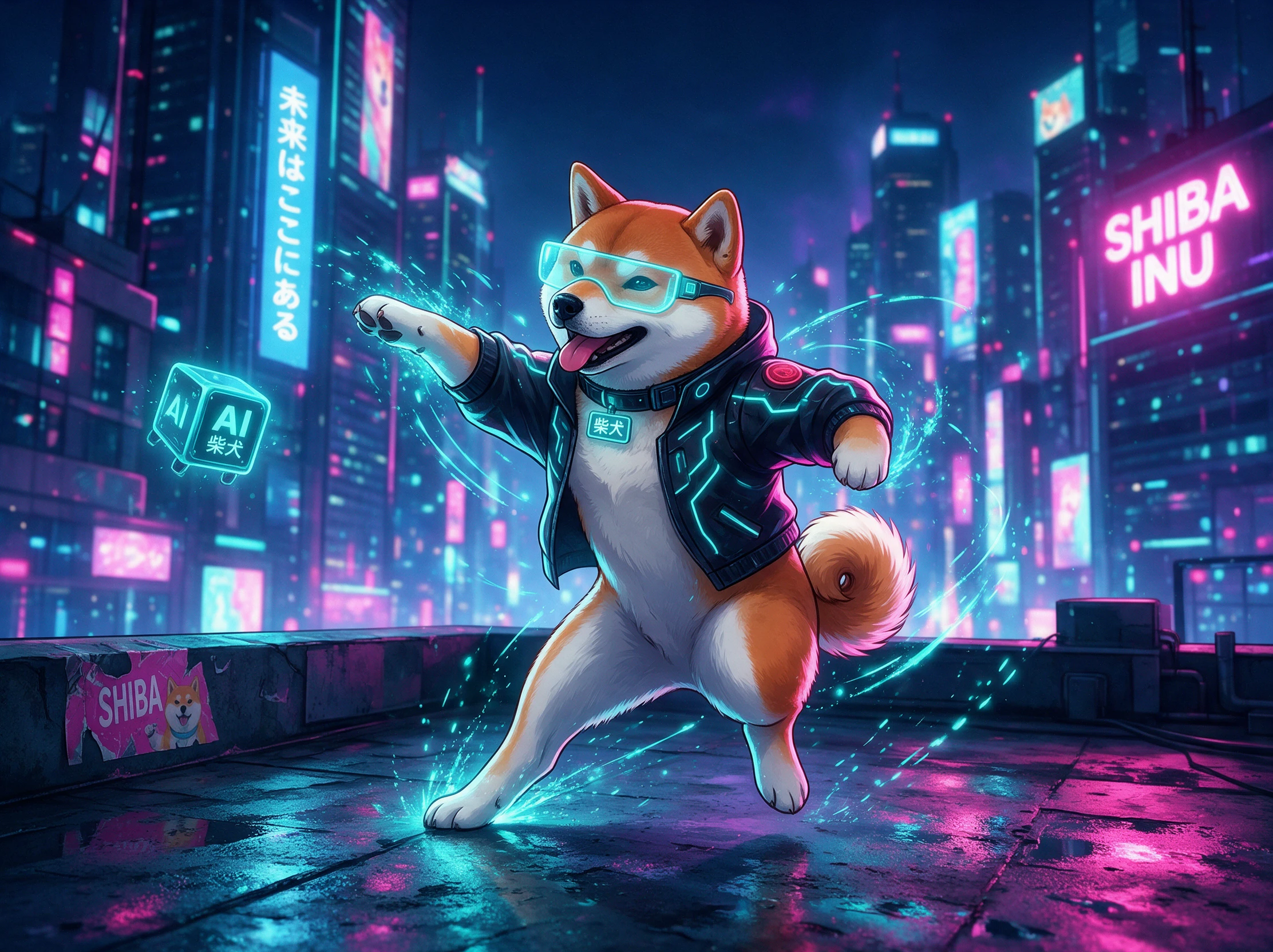

Turn a photo of your dog into a fun dancing video with Magiclight AI. Choose the dance moves you want and bring your dog’s performance to life. No animation skills needed.
Create an AI Dog Dance for Free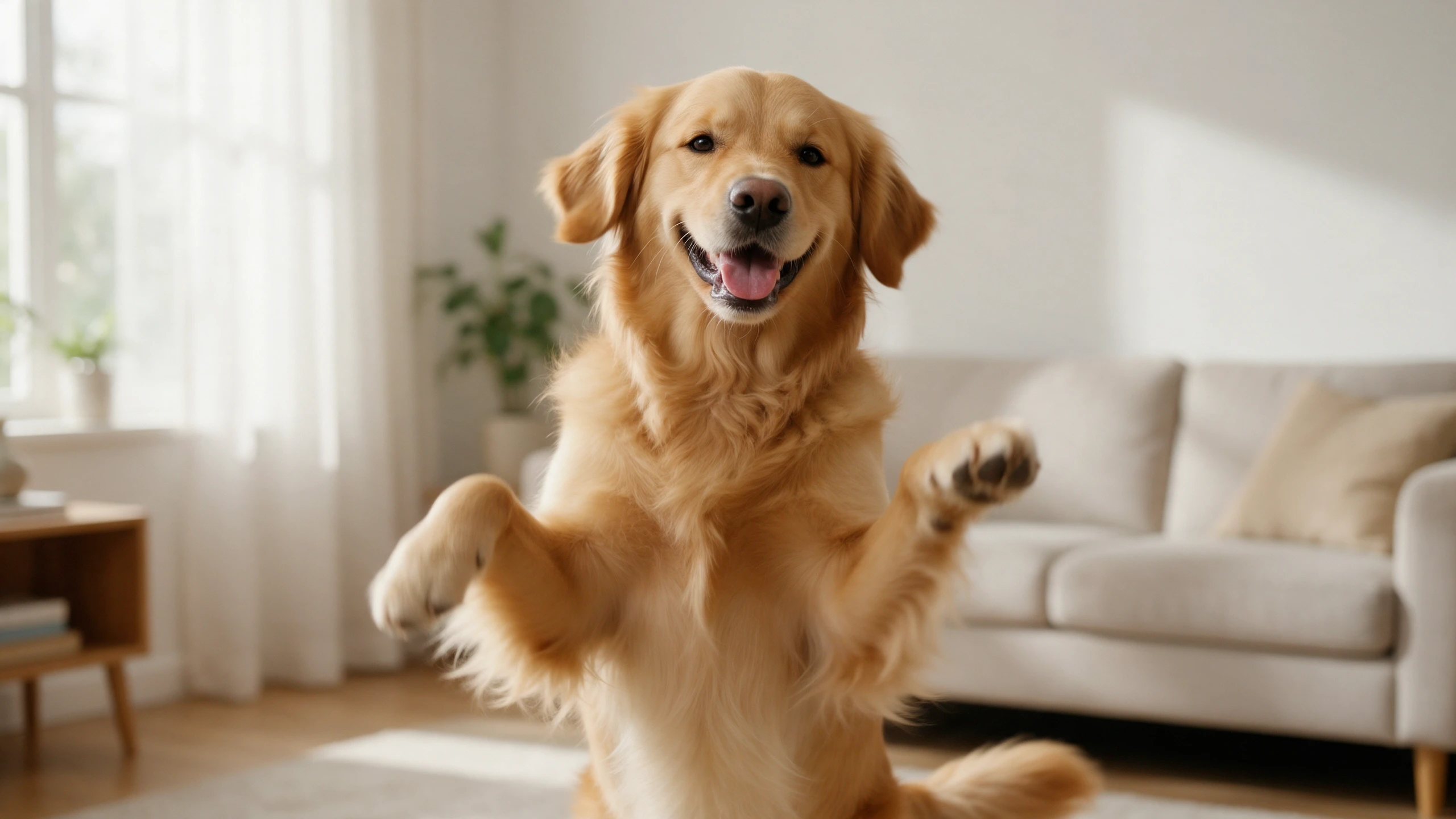










Pick the picture where your dog looks most like itself. Describe a little routine in Magiclight AI and turn that familiar face into an AI dog dancing clip for your next posts.
Choose a JPG, PNG, or JPEG photo with a file size of 10MB. Keep your dog fully visible from ears to paws, since a clear starting pose helps the dance look more natural.
Create NowYour dog can dance for 30 seconds in a video made with Magiclight AI. Describe the moves in your prompt, from a little hop to a quick spin, with a funny pose at the end.
Create Characters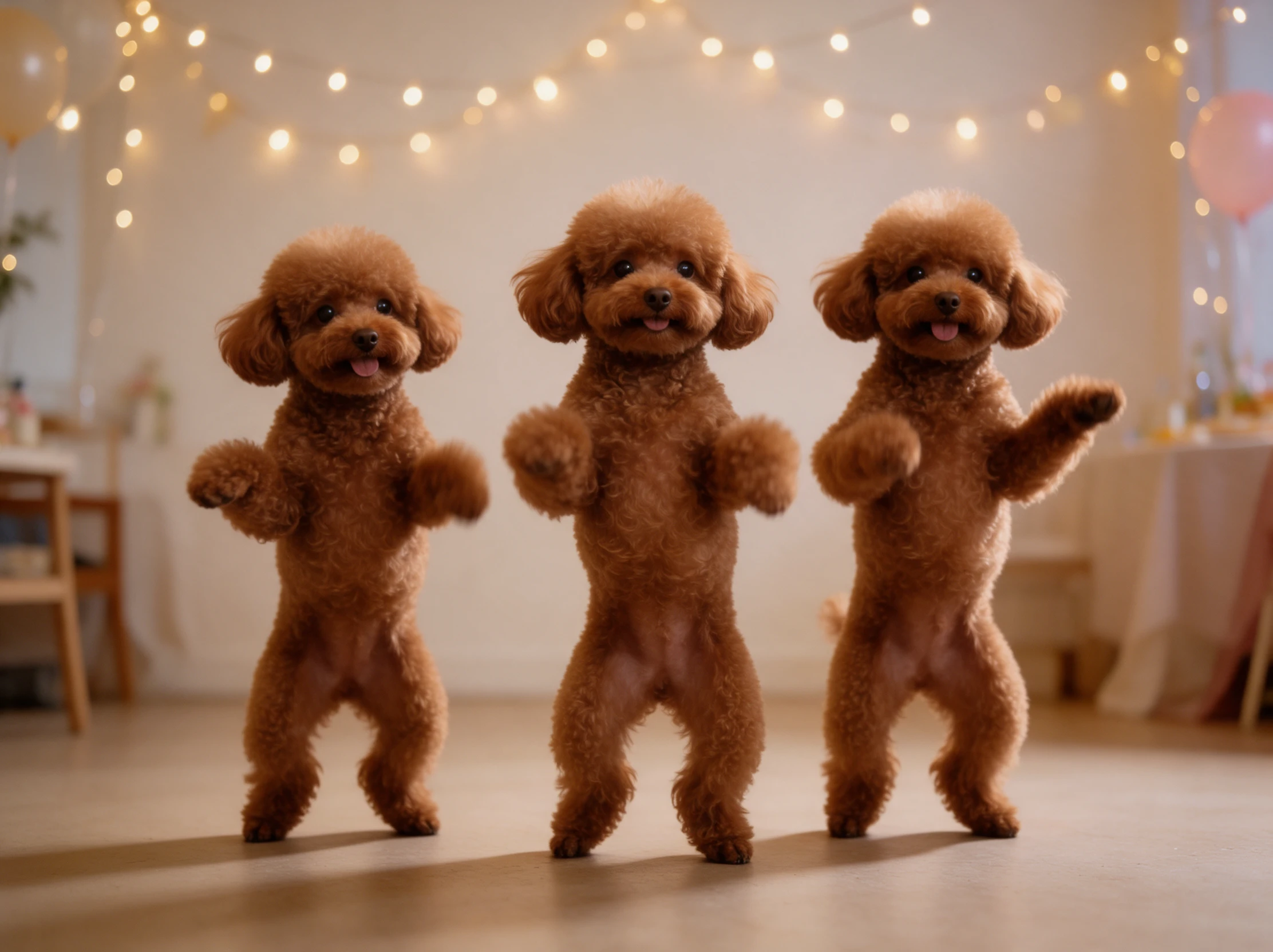
Magiclight AI offers 20 AI video models from the Seedance 2.5, Kling 3.0, and Veo families. Compare how each model handles your dog's movements before choosing the dance clip you like best.
Generate a Video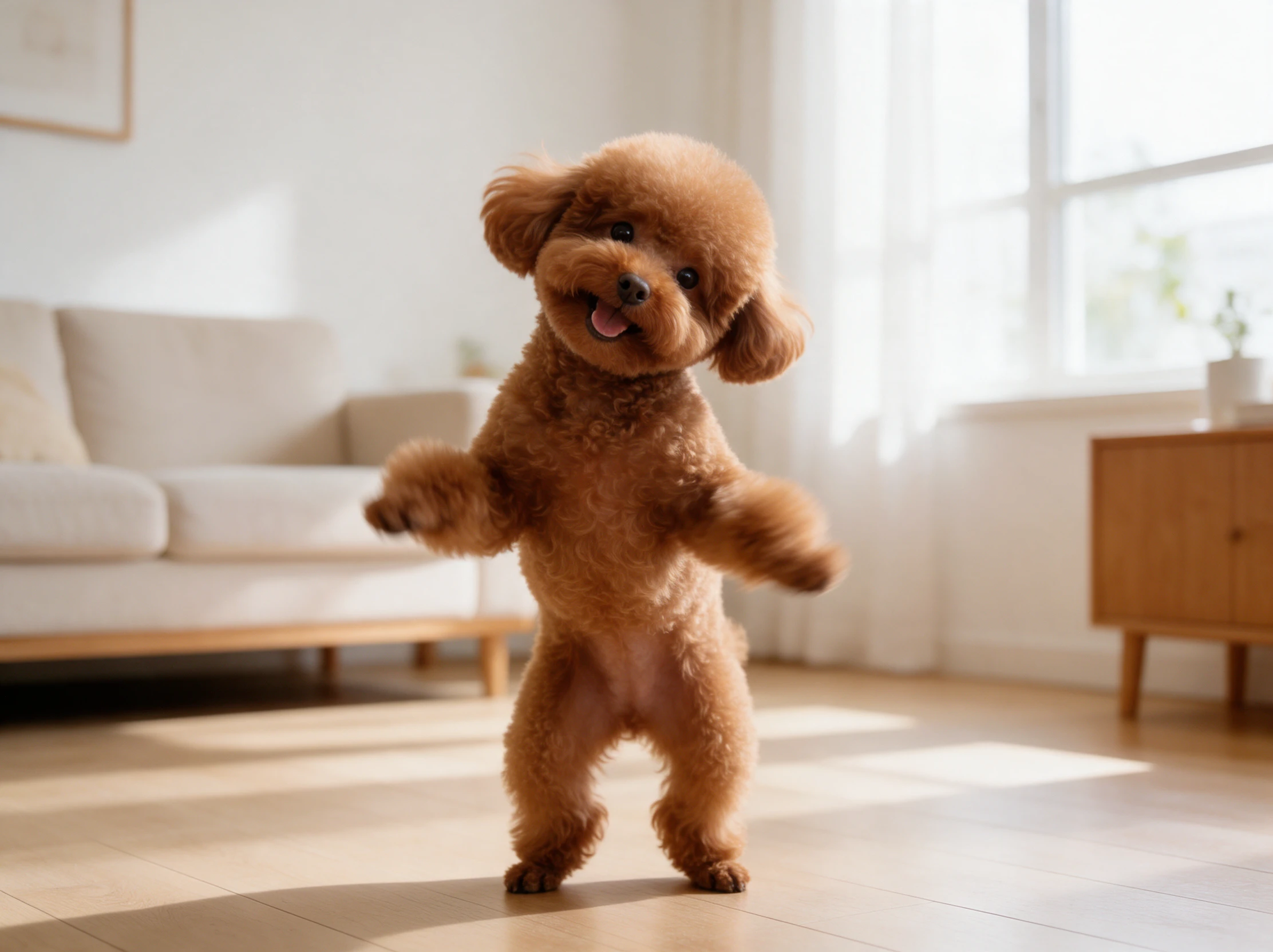
Magiclight AI gives you 1500 characters to describe how the camera should follow your dancing dog. Keep the shot close during a paw shake before pulling back to reveal the full routine.
Start Creating


See how your pet looks doing a dance you would never catch on camera. These 4 steps show how to create an AI dog dancing video in Magiclight AI from a still photo.
Open the Video tab in Magiclight AI and upload a clear picture of your dog. A photo showing the entire body gives the video model a better view of the paws during animation.
Use 1500 characters to explain how your dog should dance in the video. Mention the direction of each movement and describe how the camera should follow the action throughout the clip.
Magiclight AI offers 20 AI video models for your dance clip. Select the model you prefer and set the duration to 30 seconds before choosing the aspect ratio that fits your video.
Once Magiclight AI creates the dance video, watch it from start to finish. Check the paw movements and overall appearance before downloading the final clip to your device.
Pet Content Creator
I had run out of ideas for my terrier page. Magiclight AI turned an old sofa photo into a silly dance that felt different from my usual pet videos.
Dog Groomer
One customer had a poodle that never sat still for photos. I tried Magiclight AI after the grooming session and shared a funny dance clip with their permission.
Pet Store Owner
Our new collar looked rather plain in regular product photos. A dancing dog video from Magiclight AI gave us something more playful to post on the shop page.
Shelter Volunteer
We used Magiclight AI for a rescue dog adoption post. The dance was obviously pretend, but it gave people a reason to stop and read about the dog needing a home.
Magiclight AI uses a photo of your dog to create an AI dog dancing video. You describe the dance movements in a text prompt, and the AI animates your pet to follow them.
Yes. Veo family models in Magiclight AI support generated sound. For a familiar song, add music through the app where you plan to post the clip.
A dark photo can hide paws, legs and face. Try a brighter picture with the whole dog visible, then test another Magiclight AI video model if the result still looks off.
Yes, use a photo showing both dogs clearly spaced apart. In Magiclight AI, describe a separate move for each pet, then check the result to see if their movements look right.
Yes. Describe gentle steps and natural body movement in your Magiclight AI prompt. A slow sway can suit an older dog better than a fast dance with jumps and spins on film.
Business accounts need commercial rights in a paid Magiclight AI plan. Get permission from pet owners before using client photos in your salon promotions or shop ads.



Pick your favorite dog photo and describe the moves. Magiclight AI turns it into a funny dance video ready to share.