
MagicLight Agent Reads the Kind of Tale
Paste the story, and Magiclight Agent works out what kind it is. A fairy tale can become a kids' story. A long quest can evolve into a story video up to 50 minutes long.
Create a Fantasy Video For Free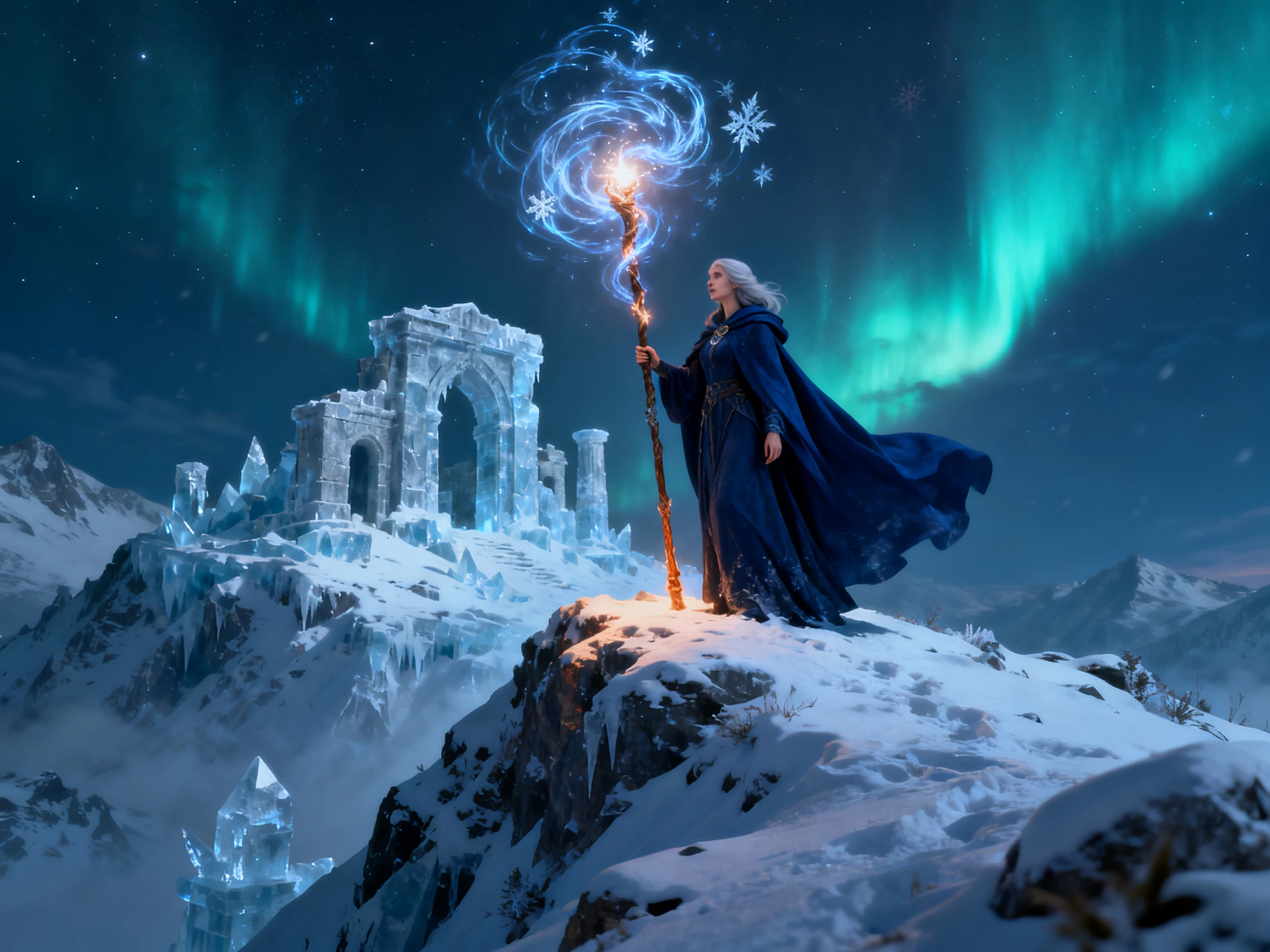

Turn fairy tales, magical adventures, and epic battles into AI videos. MagicLight AI matches the visuals, characters, and tone to your story. No drawing or effects skills needed.
Create a Fantasy Video For Free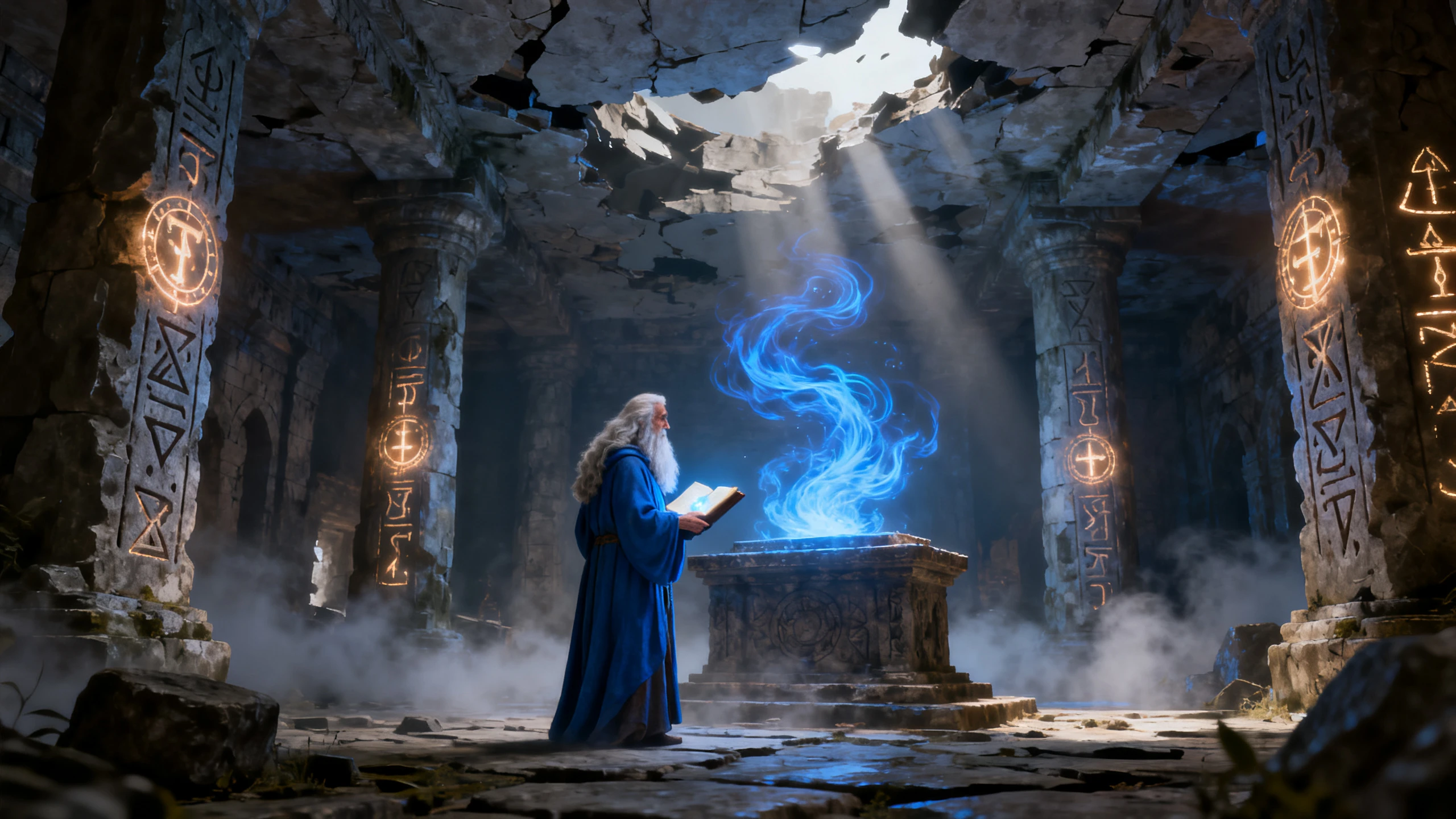










Create a fantasy video without advanced animation skills. The Magiclight AI fantasy video generator lets you define the look, heroes, creatures, and scenes.
Paste the story, and Magiclight Agent works out what kind it is. A fairy tale can become a kids' story. A long quest can evolve into a story video up to 50 minutes long.
Create a Fantasy Video For FreeChoose a soft storybook look for a fairy tale or a darker, detailed one for a war epic. Magiclight AI holds that style across every scene, so the world never switches looks.
Create a Fantasy Video For Free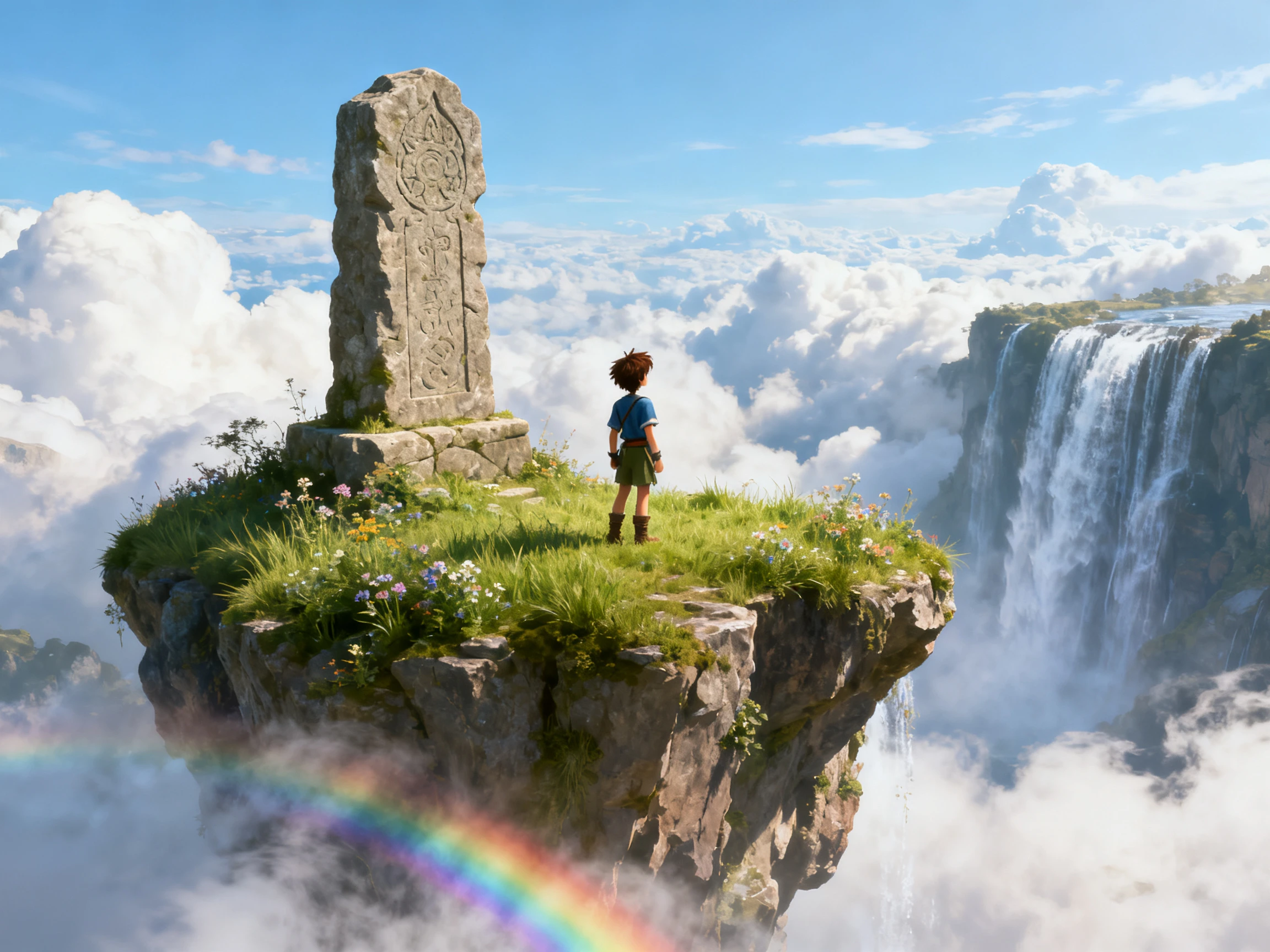
Describe a dragon's scales, a knight's armor, or a fairy's wings, with room for 1000 characters. Save each design, and Magiclight AI brings it back whenever the story needs it.
Create a Fantasy Video For Free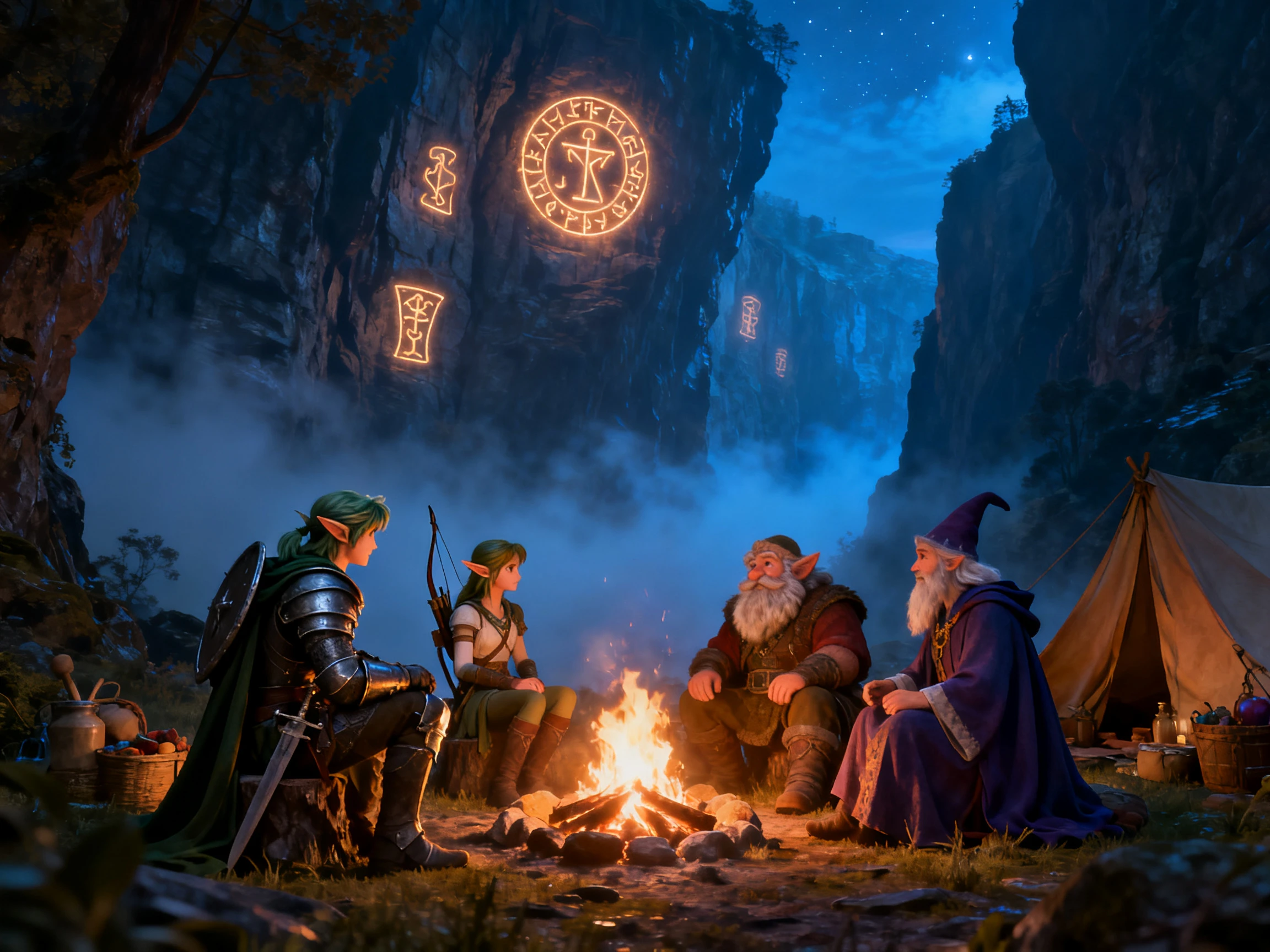
Upload characters, visual styles, voice emotions, and Refine skills for the MagicLight AI community. Eligible assets can be reused by others and may earn income.
Create a Fantasy Video For Free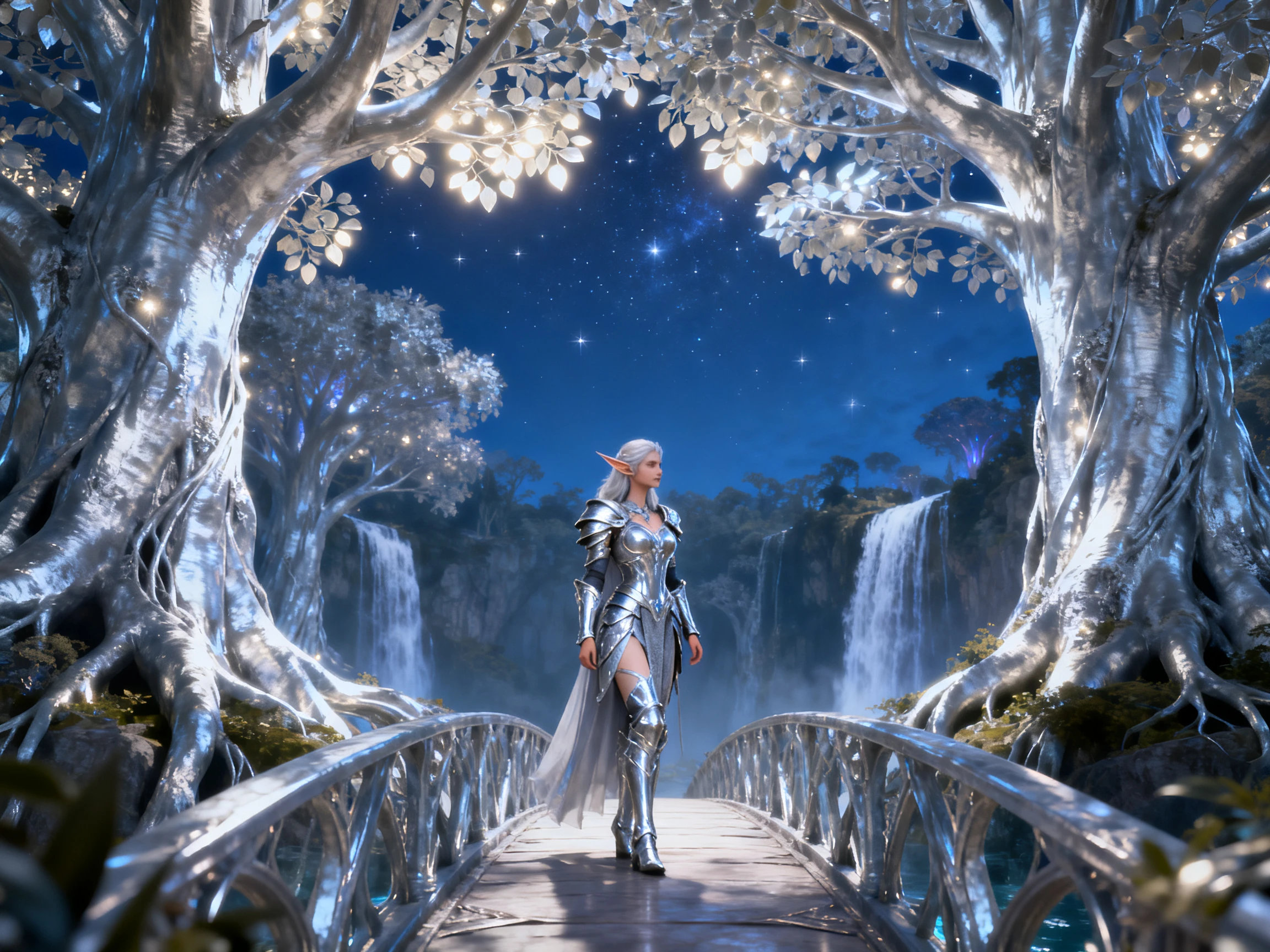


In 4 steps, the Magiclight AI fantasy video generator takes a written tale to a finished video. The process includes checks for characters, scenes, and visual style.
Add the whole tale, up to 12,000 characters, to Magiclight AI. Magiclight Agent picks a format, like a kids' story, and shows you the script first.
Select the visual style that fits the tale from 20+ options. Choose from the characters you’ve created or pick from characters Magiclight AI suggests.
In Nano Storyboard, set poses from 50 options and camera angles for wide landscapes or close faces. Listen to the voices and change in between the 37 options.
After Magiclight Agent animates the tale, add music from 40 tracks and choose the captions. Generate the video and export the finished tale.
Librarian
Story time at our library now ends with a video of the same fairy tale. Magiclight AI kept it gentle enough for four-year-olds, and parents ask what we will show next.
Writer
My trilogy has a dragon readers love, and he had to look the same in every trailer. I saved the design with Magiclight AI, so book three shows the dragon from book one.
Game Designer
I run a weekly tabletop campaign and send the group a recap before each session. Magiclight AI turns my notes into a short video featuring every player's hero.
Blogger
I post a fantasy chapter every Friday, and now each one gets its own episode with Magiclight AI. It reads the invented names well after I spelled a few the way they sound.
Anything from a bedtime fairy tale to a grim war epic. The Magiclight AI fantasy video generator matches the format and style to each, so the two never look alike.
Not always on the first try. Spell tricky names in your script the way they sound, then check them in the Magiclight AI storyboard before you generate.
You can. Every new Magiclight AI account includes free credits. Use them on a first scene with your hero, then move to a paid plan for the longer quests.
No, famous fantasy worlds and characters belong to their owners. Old myths and the original Brothers Grimm tales are in the public domain, so you can retell them in Magiclight AI.
Only through words. Describe the spell's color, shape, and light in your script, and Magiclight AI draws it that way. There is no frame-by-frame effects editor.
Yes. Magiclight AI can put several saved characters in one scene. Each keeps their own voice, so a party of four heroes can argue around the same campfire.



Decide the tale you have wanted to see for years, gentle or grim. Magiclight AI gives it a fitting look from the first scene to the last.