1500 Characters and Reference Images
Upload up to 5 reference images and use 1500 characters to describe movements clearly. Magiclight AI follows your instructions to animate what moves, where it goes, and what happens next.
Create Now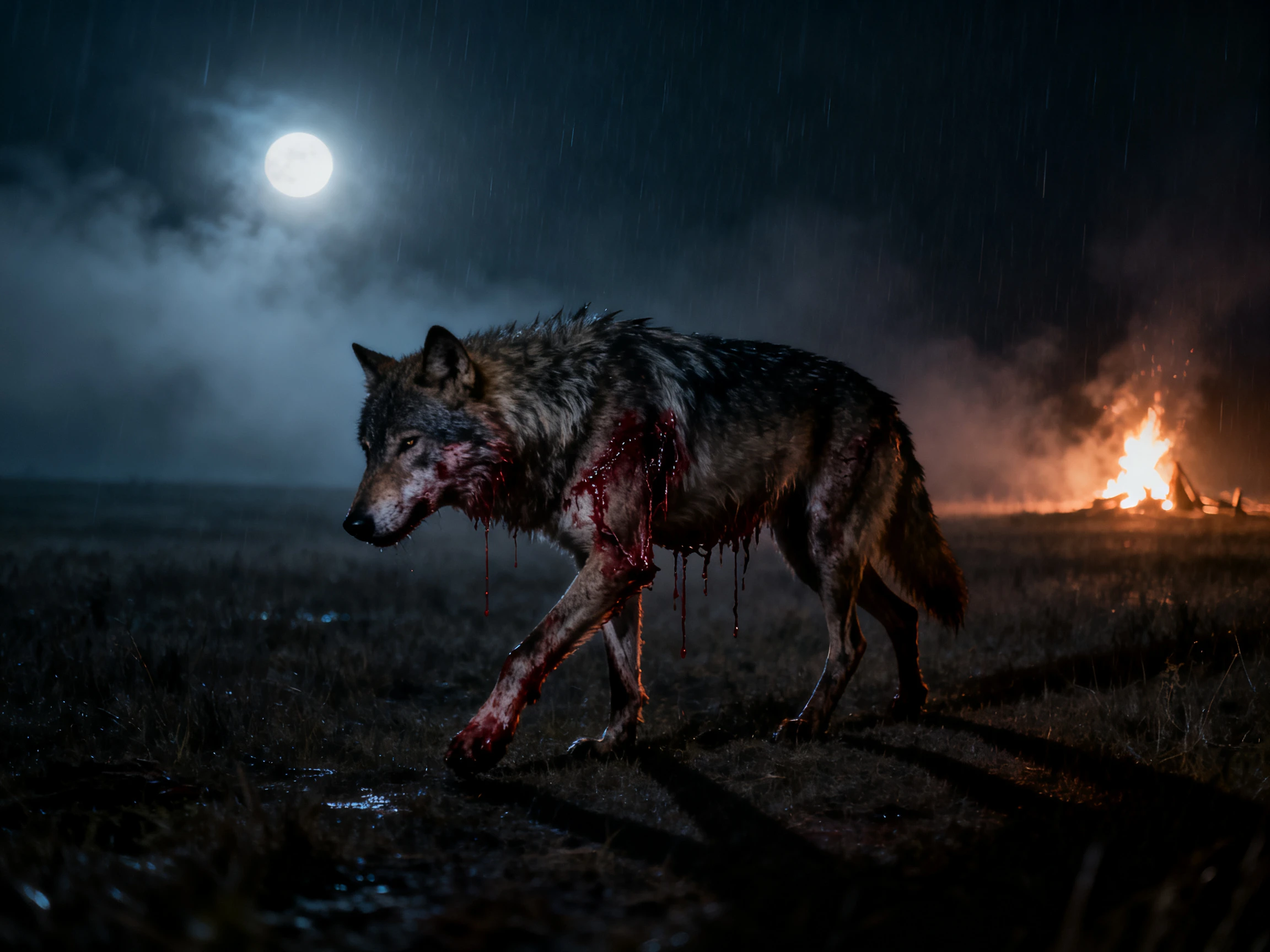

A single picture already gives you the subject, setting, and starting point. Magiclight AI uses your direction to add the next action and movement. No animation experience needed.
Animate Images For Free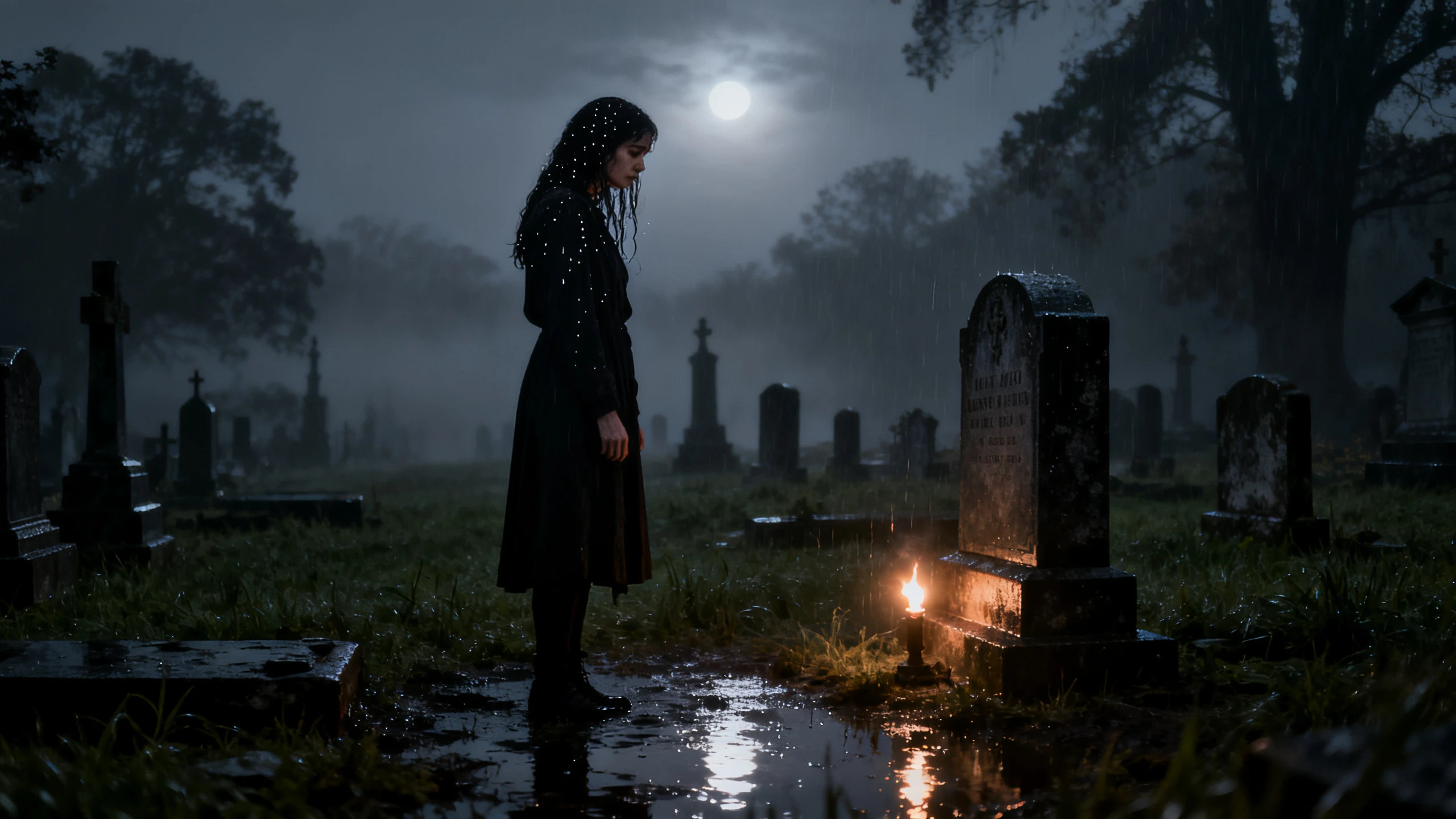










With the Magiclight AI animation generator image-to-video workflow, your image starts the animation. Describe the next action, compare models, and choose your final result.
Upload up to 5 reference images and use 1500 characters to describe movements clearly. Magiclight AI follows your instructions to animate what moves, where it goes, and what happens next.
Create NowTest the same image with 20 video models, including Seedance 2.5, Kling 3.0, and more. Compare how each model handles movement, camera motion, and scene changes before choosing one.
Create videos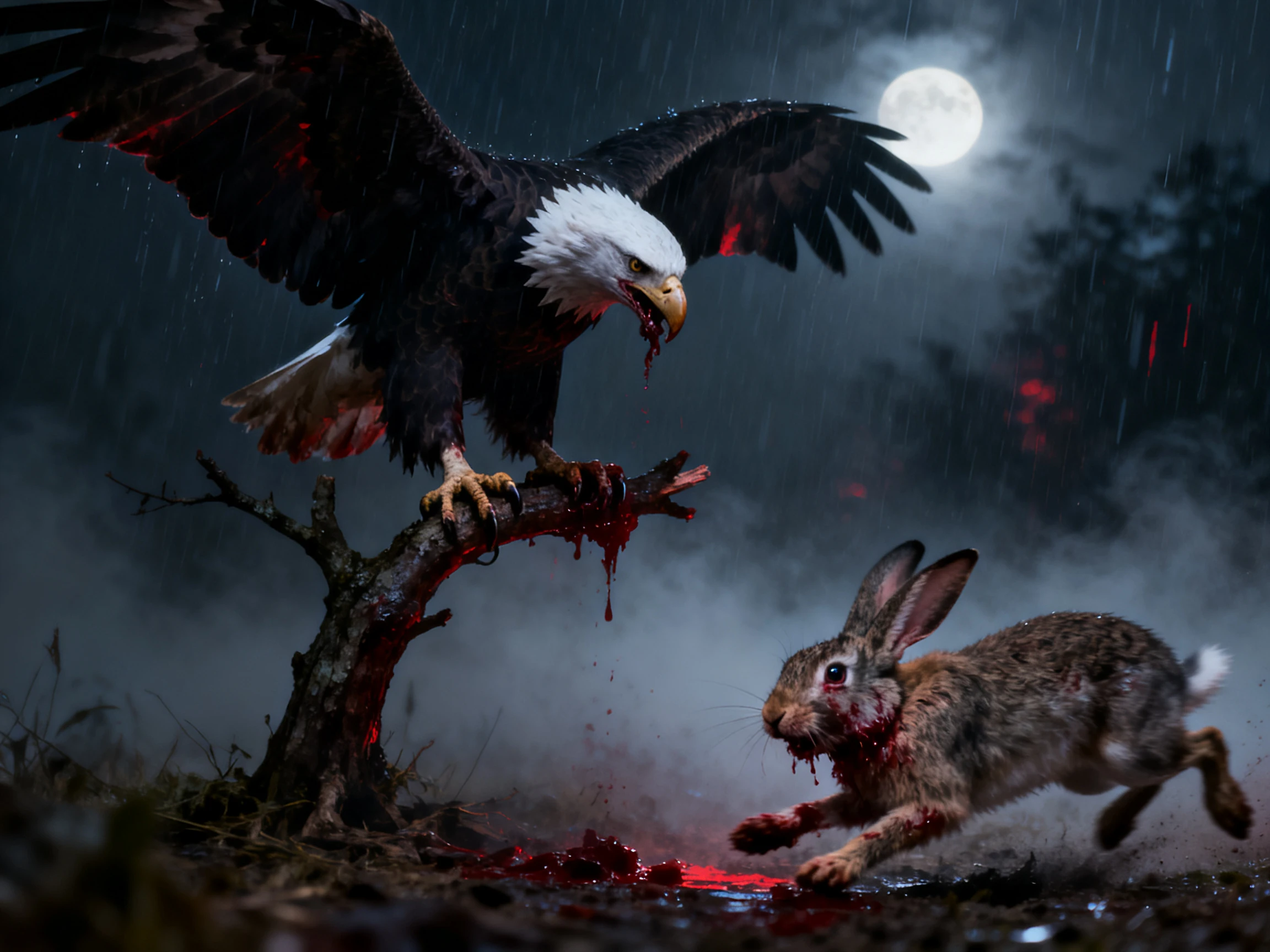
Choose 720p or 1080p output depending on the selected video model. Magiclight AI lets you match the resolution to where the animated clip will appear after export.
Generate a Video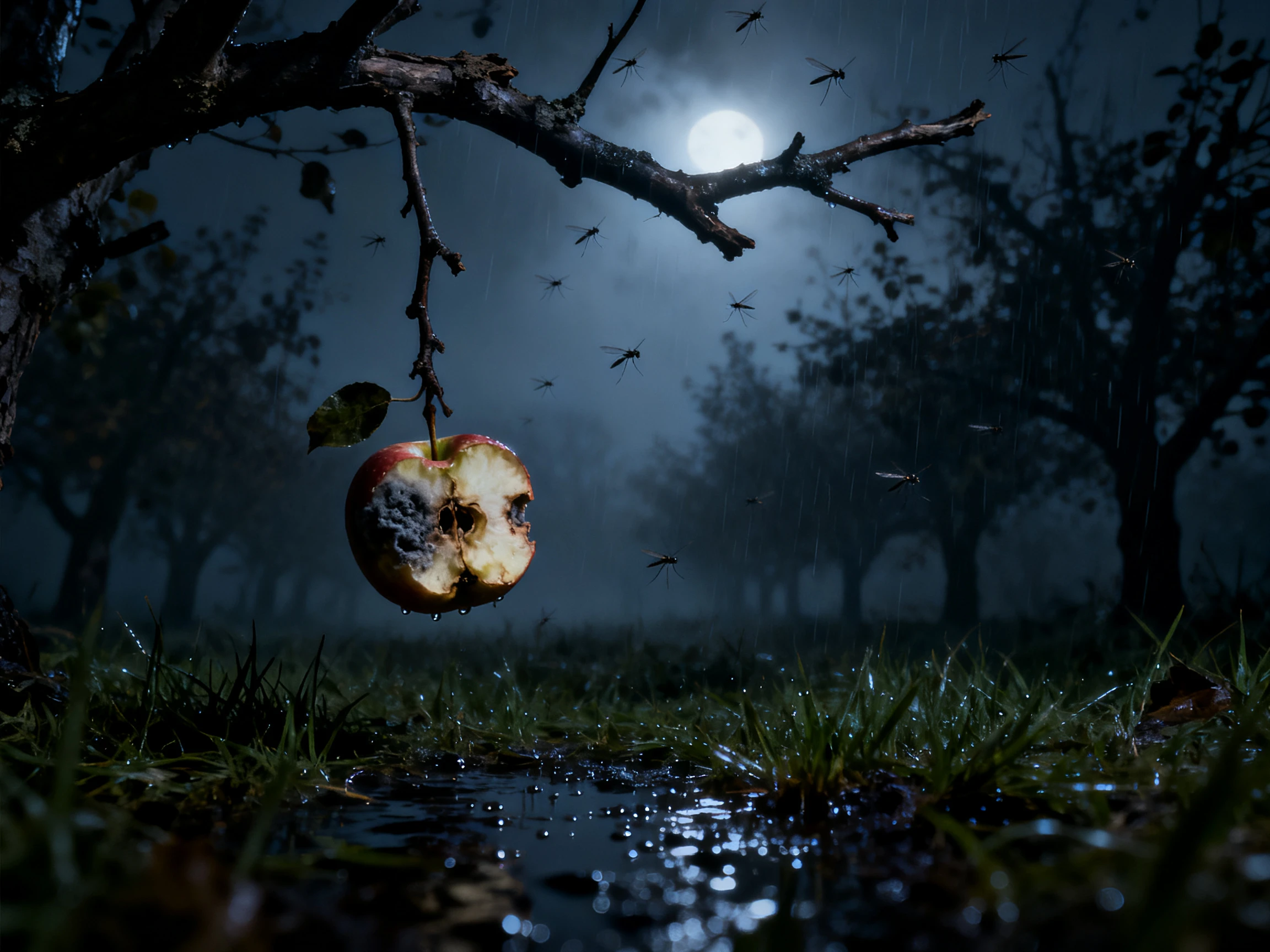
Turn a still image into an animated video lasting up to 30 seconds. Magiclight AI starts with your image and follows your prompt to add movement and changes throughout the scene.
Start Creating


Magiclight AI’s image-to-animated-video AI generator takes you from one still image to motion in 4 steps. Upload your image, describe the action, select a model, and compare the results.
Choose up to 5 clear JPG, PNG, or JPEG reference images under 10MB each. Upload them to Magiclight AI so the model has clear visual guidance.
Use up to 1500 characters to explain the movement and action you want. Describe what moves, where it goes, and how the scene should change.
Select from 20 video models based on the motion you want to generate. Run the same image through another model when you want to compare results.
Watch the generated clip and check the movement before choosing your final version. Export in 720p or 1080p when the selected model supports it.
Wedding Photographer
People often scroll past a full gallery, but movement catches their attention. I use Magiclight AI to animate strong frames from shoots I have already finished.
Comic Artist
I used to describe everything already visible and wonder why the result felt static. With Magiclight AI, I learned to focus my prompt on what happens next.
Travel Blogger
Some of my best travel photos capture places that should feel alive. Magiclight AI brings movement back to the clouds, water, and scenery in those shots.
Community Manager
Our archive has 9 years of great photographs but almost no video content. I can turn those older images into fresh social clips with Magiclight AI.
A sharp photo helps the AI image-to-video animation generator produce motion. Magiclight AI follows clear subjects and visible depth with far fewer animation errors.
Clips created in Magiclight AI can run for up to 30 seconds total. Longer videos can combine several generated clips into one complete animated sequence afterward.
Magiclight AI supports 9:16 and 16:9 ratios for different video formats and platforms. Choose vertical or wide output based on where your animated video appears next.
Magiclight AI supports 720p or 1080p output resolutions. Available resolution depends on the video model you select for your animation project.
Artwork works in Magiclight AI alongside photos and many other still image types. The tool can animate drawings, paintings, and digital illustrations from your written prompts.
You can upload up to 5 reference images for one animation project. Magiclight AI uses those images to guide subjects and visual details consistently.



Your photo provides the starting scene. The Magiclight AI video generator for image-to-animation uses your prompt to add movement.