
Magiclight Agent Reads the Love Story
Paste the romance from the first glance to the final scene. Magiclight Agent reads it and sets the niche, for example, a short drama series. Then it plans each scene around the couple.
Create Now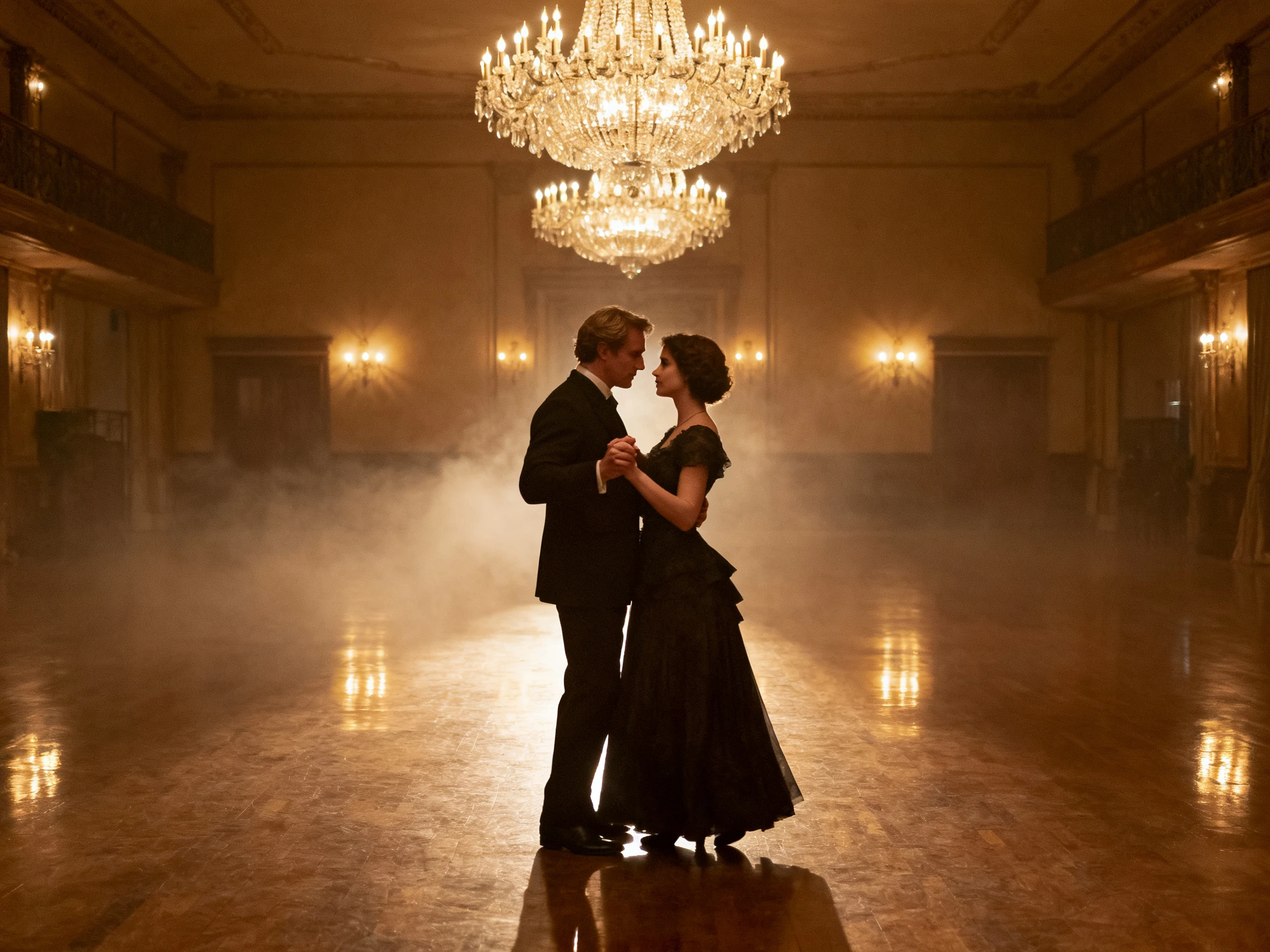

Turn your romance ideas into AI videos with characters, romantic scenes, and natural dialogue. MagicLight AI brings your love story to life without a camera or editing skills.
Create a Romance Video for Free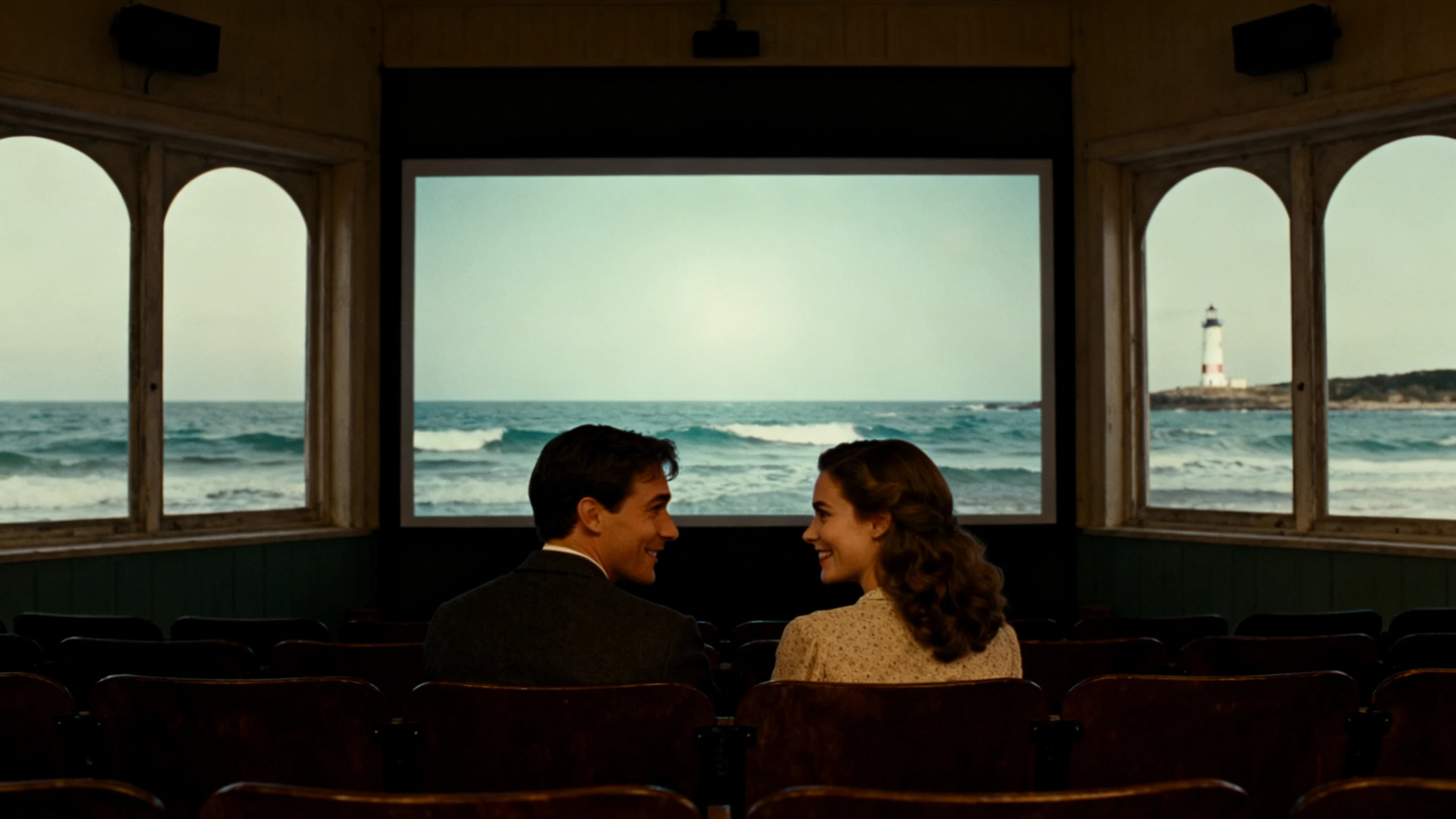










The Magiclight AI romance video generator keeps both leads steady from their first meeting to the last scene. Write the story, shape each character, and give them voices.
Paste the romance from the first glance to the final scene. Magiclight Agent reads it and sets the niche, for example, a short drama series. Then it plans each scene around the couple.
Create NowDescribe both leads separately, up to 1000 characters each, from height and hair to how they dress. Magiclight AI holds the 2 apart in shared scenes, so each keeps their own face.
Create Characters
A confession scene falls flat when both people sound alike. Give each lead one of the 37 voices, filtered by age, gender, and accent. Magiclight AI keeps the dialogue easy to follow.
Generate a Video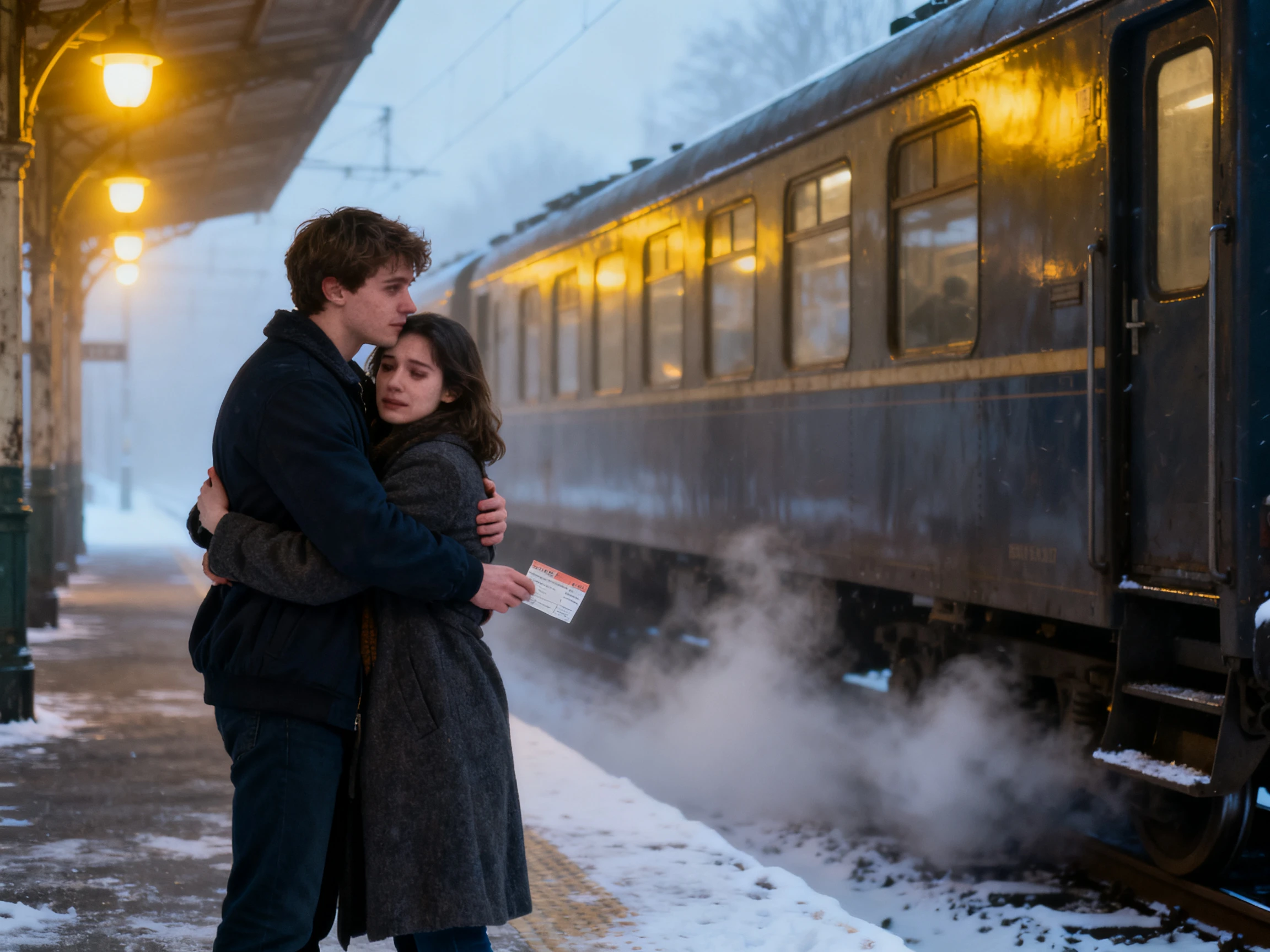
Romance lives in small moments, like a look across a room or a hand almost touching. In Nano Storyboard, choose a pose for each lead from 50 options, then adjust their expressions scene by scene.
Start Creating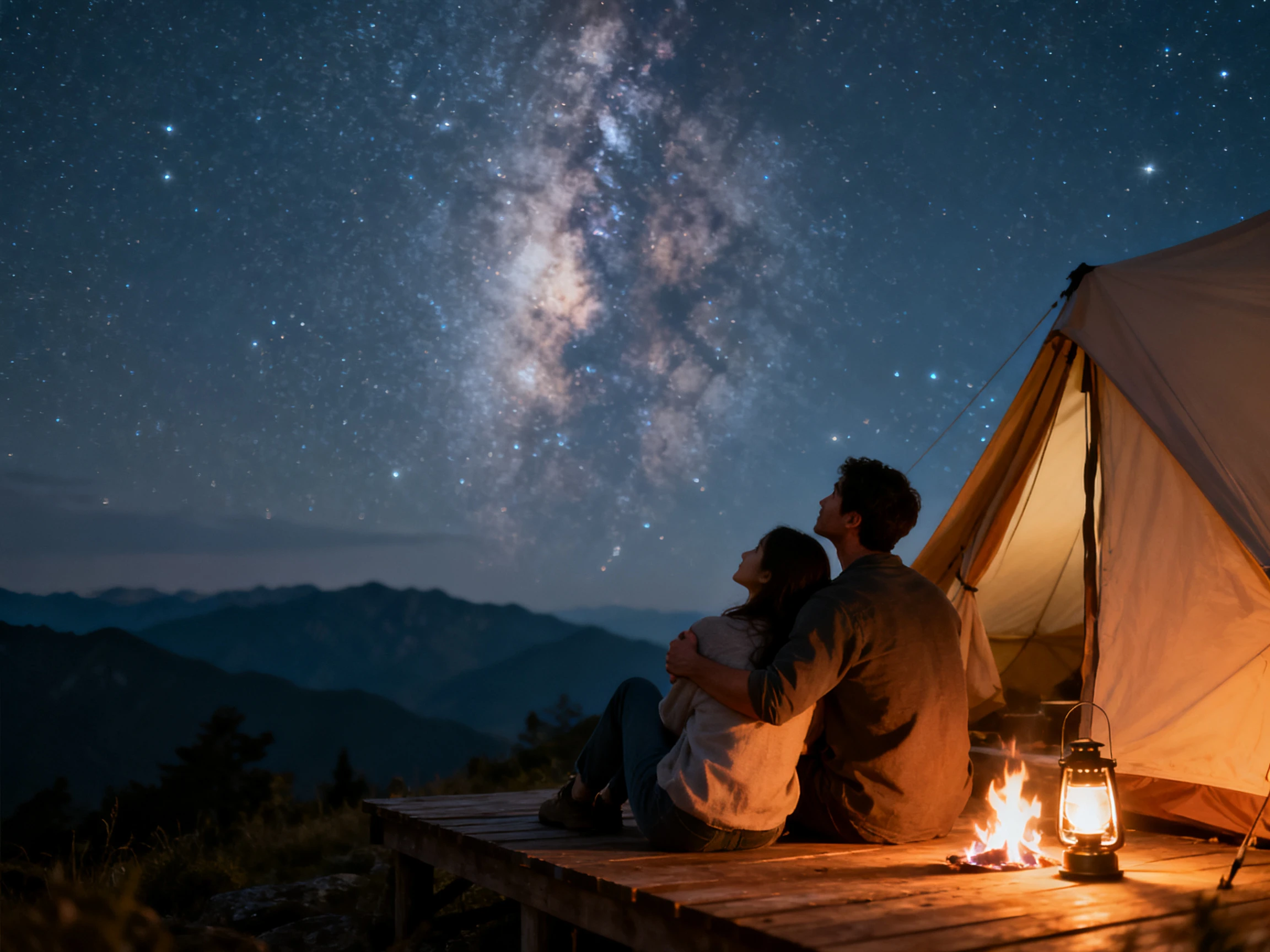


The Magiclight AI romance video generator turns a love story into a finished video in 4 steps. Review the script, scenes, and style before generating the final video.
Paste the story into Magiclight AI of up to 12,000 characters, from the first meeting to the end. The Magiclight Agent reviews it, picks the niche, and shows you the script to review.
Describe each lead in their own prompt, or upload portraits if the couple is real and agrees. Then pick a visual style from more than 20 for the whole story.
In Nano Storyboard, set each lead's pose, expression, and camera angle so their reactions read clearly. When every scene works, MagicLight Agent animates the story.
Assign a background music and caption style from the 16 options. Generate the romance and export it for YouTube directly in high quality.
Novelist
My readers argue about what my leads look like, so the trailer had to match the book. Magiclight AI built both from my own descriptions, and now the comments agree with me.
Filmmaker
In my first AI attempt, the couple's faces kept blending in the same shot. With Magiclight AI, they stay two different people through all twelve episodes of the series.
Wedding Planner
A couple asked for their story on the reception screen, and we had one week. Magiclight AI turned their portraits into two characters, and the guests recognized them at once.
Game Developer
Each love interest in our game has a different personality, and the voices had to show it. Magiclight AI gave all 4 a distinct voice, and players now pick favorites before launch.
Many tools draw each scene separately, so a face can drift or two people can blend. The Magiclight AI romance video generator saves both leads and keeps them apart in every shot.
Only with their permission. Magiclight AI can create a character from a portrait, so you can use photos of yourself or people who have agreed. Never use someone who hasn't.
Yes, new Magiclight AI accounts get free credits. Spend them on one short scene between your two leads, then choose a paid plan if you want to make more.
Yes. Describe the trope in your script, such as enemies to lovers or a second chance, and Magiclight AI follows it. Its 14 story models can pace the form-up in different ways.
Couples from other people's films and books are protected, so create original leads instead. Magiclight AI works best with characters you invent and describe yourself.
Magiclight AI story videos can run up to 50 minutes, long enough for a full romance. For trailers and Reels, keep the script short so the video stays under 3 minutes.



Start with the scene where they first meet. Magiclight AI carries both leads through every scene after it, still looking and sounding like themselves.