








Hero background

AI Text to Story Video Generator

Turn text prompts, ideas, paragraphs, or outlines into complete story videos with Magiclight AI. Create characters, scenes, narration, and videos with no experience needed.

Turn Text Into a Story Video Free
AI text to story video generator
gemini
sora
seedance
hailuo
kling
midjourney
qwen
nano banana
veo3
gemini
sora
seedance
hailuo
kling
midjourney
qwen
nano banana
veo3
gemini
sora
seedance
hailuo
kling
midjourney
qwen
nano banana
veo3

Explore the Features of Magiclight AIText to Story Video Generator

Magiclight AI is built for creators who have a starting idea but not a finished script. It can expand text into a story arc, divide it into scenes, create characters, and generate a complete video workflow.

Expand Short Text Into a Full Story

Start with a sentence, prompt, outline, theme, product idea, or rough paragraph. Magiclight AI turns it into a story with a beginning, conflict, turning point, and ending before generating the video scenes.

Start Creating

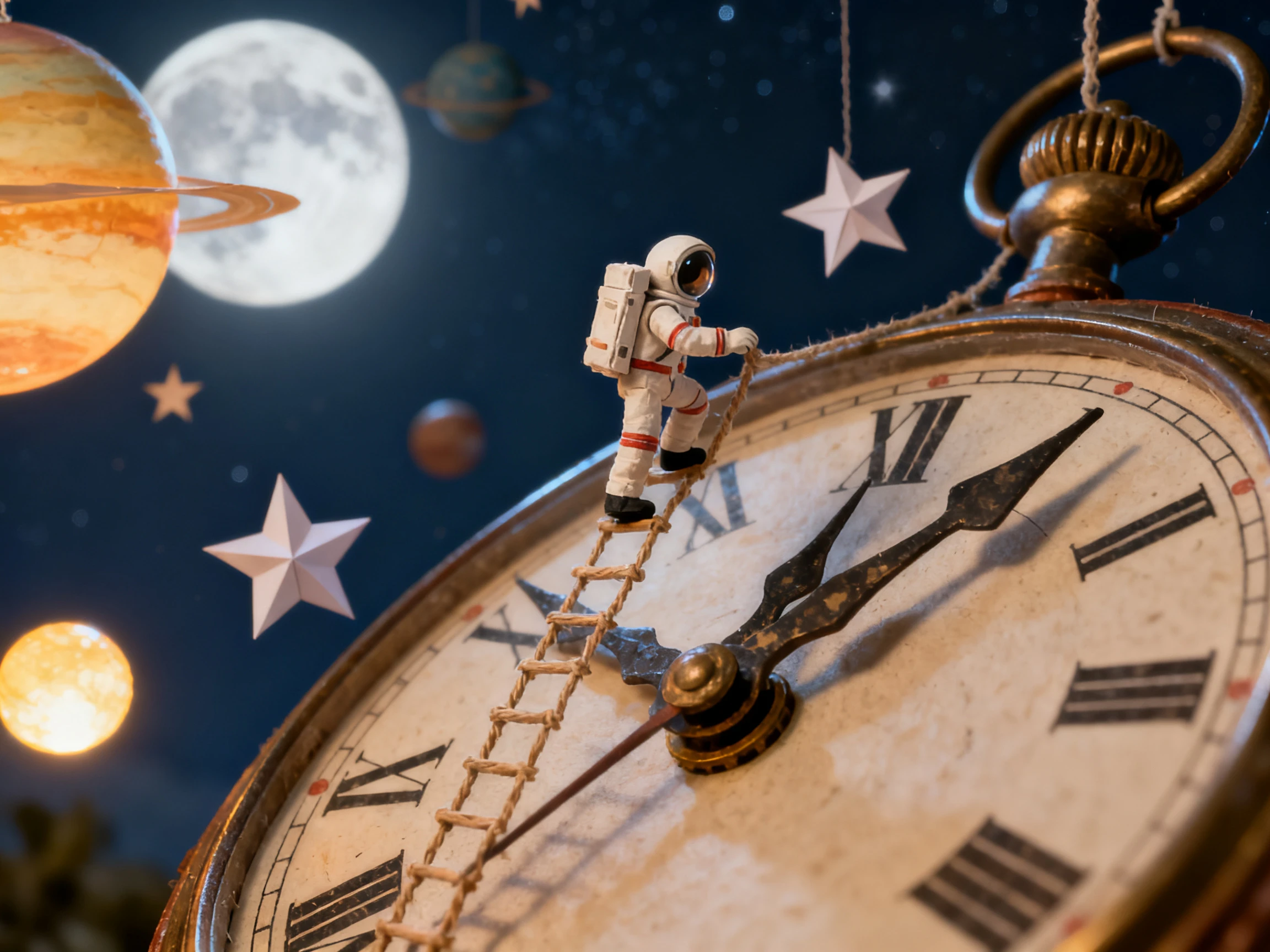
text to story video

Create Characters From the Text

Magiclight AI reads the story idea and helps identify the characters, their roles, appearance, personality, and voice. Reuse the same character in later story videos when you want to build a series.

Start Creating
AI character creation from text

Turn the Story Arc Into a Storyboard

After expanding the text, Magiclight AI breaks the story into scene-by-scene storyboard frames. You can review each scene, adjust the pacing, change visual prompts, and refine the story before the video is generated.

Start Creating
AI storyboard from text story

Add Voiceover, Music, and Subtitles

Choose narration, dialogue, background music, subtitle style, cover image, and aspect ratio. Magiclight AI helps turn the expanded story into a finished video ready for YouTube, TikTok, Reels, lessons, or brand storytelling.

Start Creating
text prompt to story video with voiceover
Who Can Use Magiclight AI Text to Story Video Generator
This tool is made for anyone who has text but does not yet have a finished video script. Bring a prompt, note, lesson idea, channel concept, product message, or short paragraph and let Magiclight AI shape it into a story video.
Story Creators
For Story Creators
Turn a one-line idea into a structured story episode.
Build recurring characters from rough notes and prompts.
Create story videos even before the full script is written.
Faceless Channels
For Faceless Channels
Convert trending topics into narrated story videos.
Keep a steady upload rhythm without writing every script manually.
Use AI voices, subtitles, and visual styles to publish faster.
Teachers and Educators
For Teachers and Educators
Turn lesson topics into short educational stories.
Create character-led examples from a classroom concept.
Make learning videos from outlines, notes, or reading prompts.
Marketers and Brands
For Marketers and Brands
Turn a product message into a story-based explainer.
Create emotional brand videos from campaign notes.
Use storytelling to make ads and promos easier to watch.

How to Turn Text Into a Story Video With Magiclight AI

You do not need a finished script to start. Magiclight AI takes a short text idea, develops it into a story, builds the storyboard, and helps generate the final video.

1.

Enter a Text Prompt or Outline

Start with a topic, short paragraph, rough idea, product message, lesson note, or story seed. Add the tone, audience, length, and style you want.

2.

Let AI Build the Story

Magiclight AI expands the text into a story structure with characters, scenes, dialogue, narration, and a clear beginning-to-ending flow.

3.

Review the Storyboard

Check each generated scene, adjust the pacing, rewrite dialogue, change character details, edit the visual style, and refine prompts before rendering.

4.

Generate and Export the Video

Add AI voiceover, background music, subtitles, cover image, and export settings. Download the finished story video or continue editing it inside Magiclight AI.

What Users Say About Magiclight AI'sText to Story Video Generator

Maya Whitmore

Story Channel Creator

I usually start with one sentence and no script. Magiclight AI turns that into scenes, characters, and narration, which makes it much easier to keep my story channel moving.

Camille Rousseau

Classroom Teacher

I can type a lesson idea and turn it into a small story video for my students. It saves me from writing the entire script before I even know if the idea will work.

Bo Nakamura

Faceless Channel Operator

The best part is starting from rough notes. I paste a topic, choose a tone, and Magiclight AI gives me a story video structure I can actually publish.

Greta Lindqvist

Brand Content Manager

Our campaign briefs are usually bullet points. Magiclight AI helps turn them into simple story videos, so the message feels more human than a normal product ad.

FAQs on AI Text to Story Video Generator

What is an AI text to story video generator?

An AI text to story video generator turns a prompt, topic, short paragraph, outline, or rough idea into a structured story video with scenes, characters, narration, music, subtitles, and visual style.

Do I need a full story before using it?

No. This tool is designed for early ideas. You can start with one sentence, a few bullet points, a lesson topic, a product message, or a rough outline, and Magiclight AI can expand it into a story.

How is text to story video different from story to video?

Text to story video starts from unfinished text and helps create the story first. Story to video is better when you already have a complete story, chapter, or script and want to convert it into video.

Can Magiclight AI create characters from my text?

Yes. Magiclight AI can identify or create characters based on your text, then help define their appearance, role, personality, voice, and scene presence.

Can I edit the story before the video is generated?

Yes. You can review the generated scenes, adjust dialogue, change pacing, edit characters, revise visual prompts, and refine the storyboard before exporting the final video.

What can I create with text to story video AI?

You can create story videos, faceless channel episodes, educational stories, brand explainers, product narratives, social shorts, kids stories, romance stories, and animated video concepts from text.

Turn Text Into a Story Video With Magiclight AI

Bring a prompt, outline, paragraph, lesson idea, or campaign note. Magiclight AI expands it into a story, builds scenes, adds characters, voiceover, music, subtitles, and creates a video ready to share.