Top Features of the Magiclight AI Anime Generator from Photo
Anime art is known for big eyes, clean lines, and bold colors. The anime generator from photo in Magiclight AI keeps your look recognizable while adding an anime style.
Turn your photos into anime-style images with MagicLight AI. Upload a photo, describe the anime look you want, and create your own anime character in seconds. No design skills needed.
Turn Photos into Anime for Free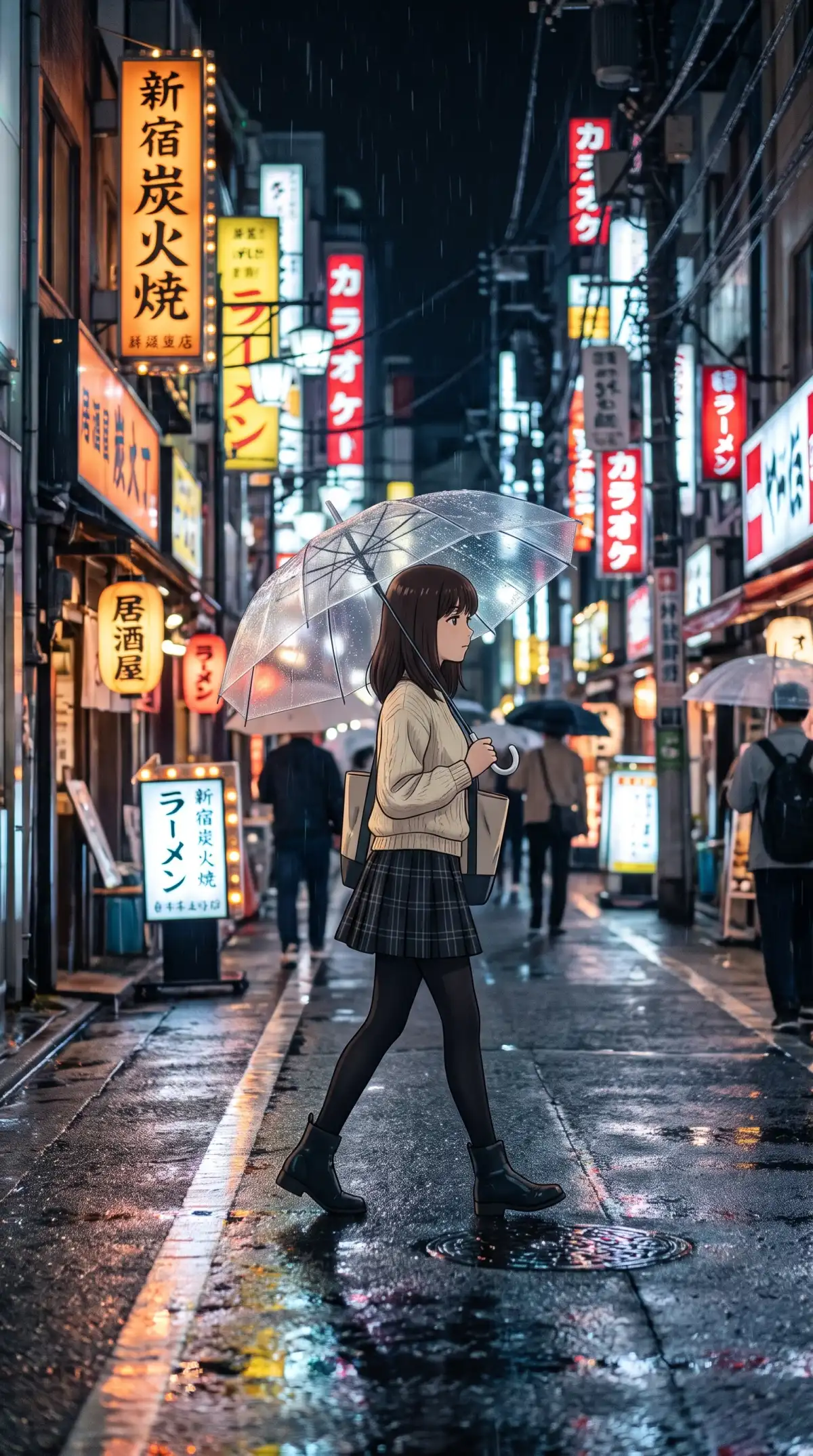
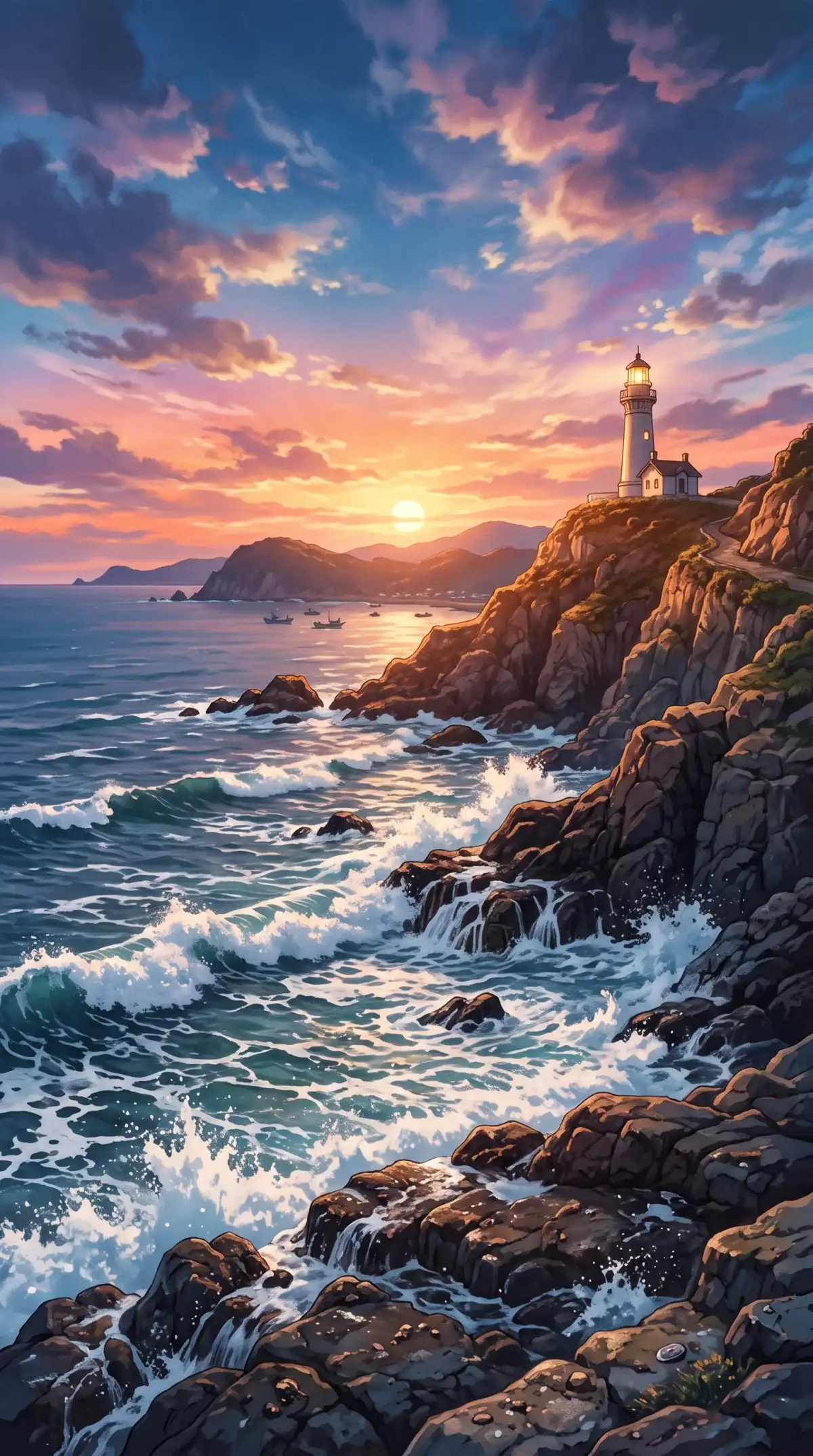
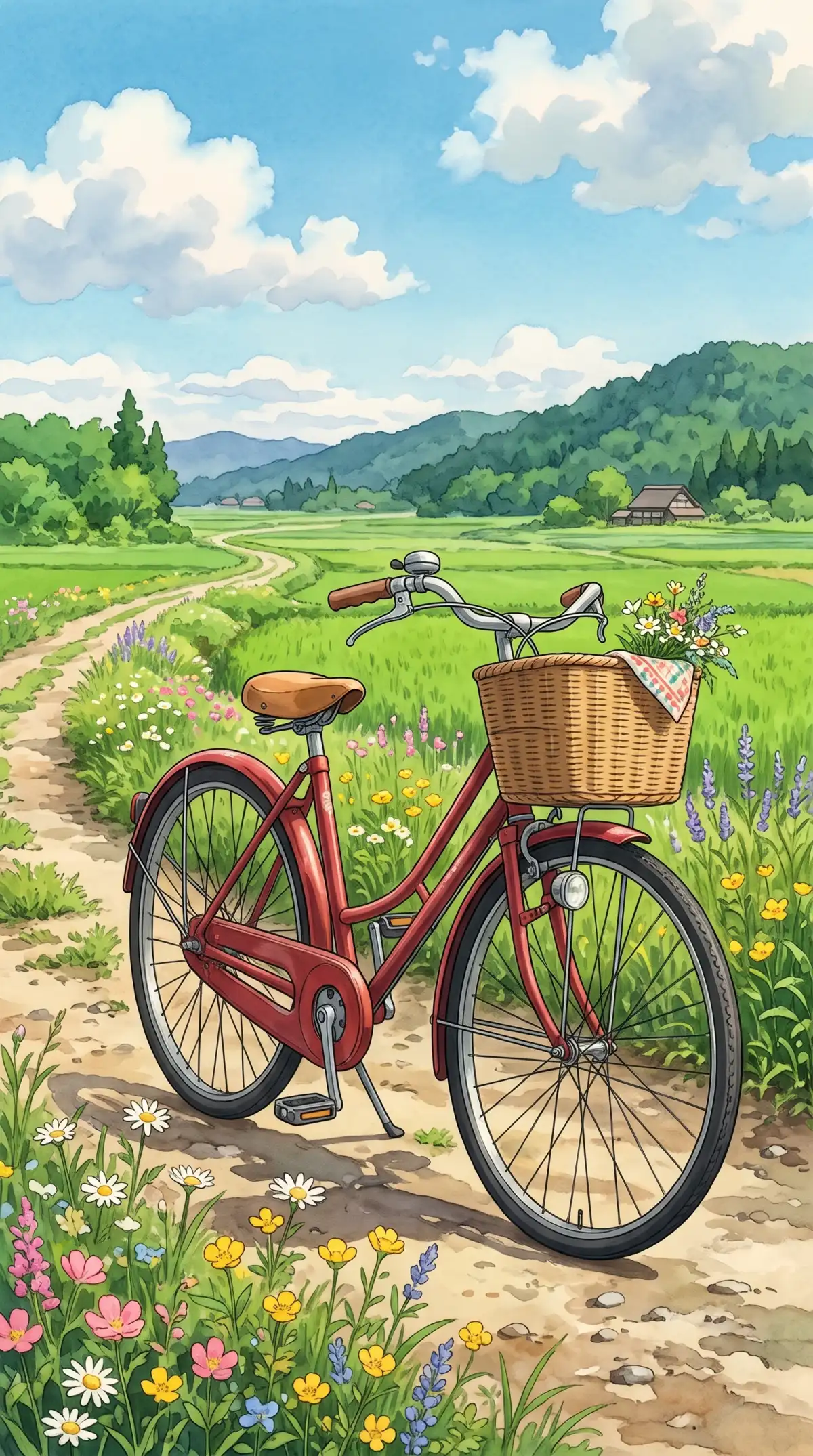
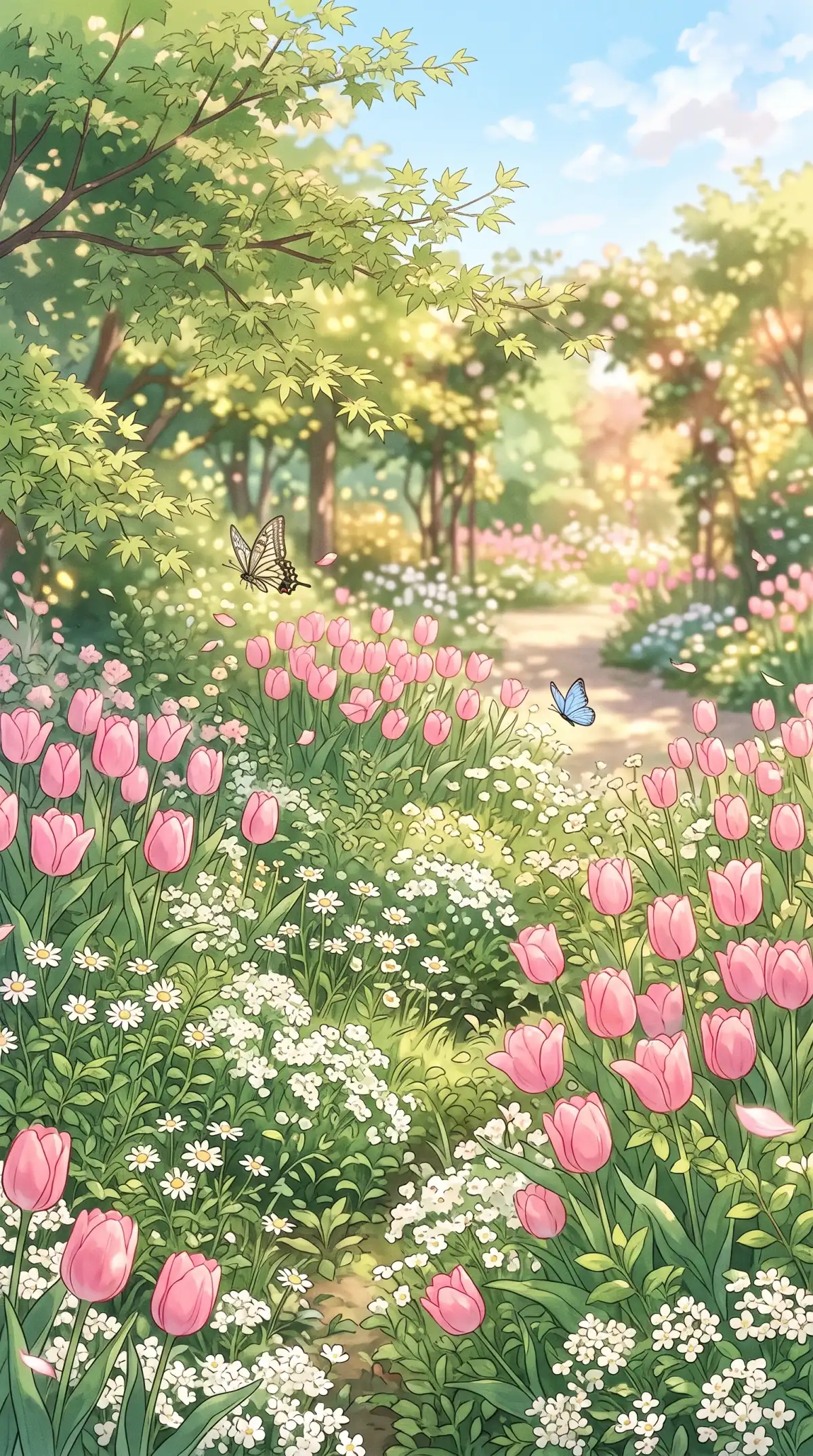
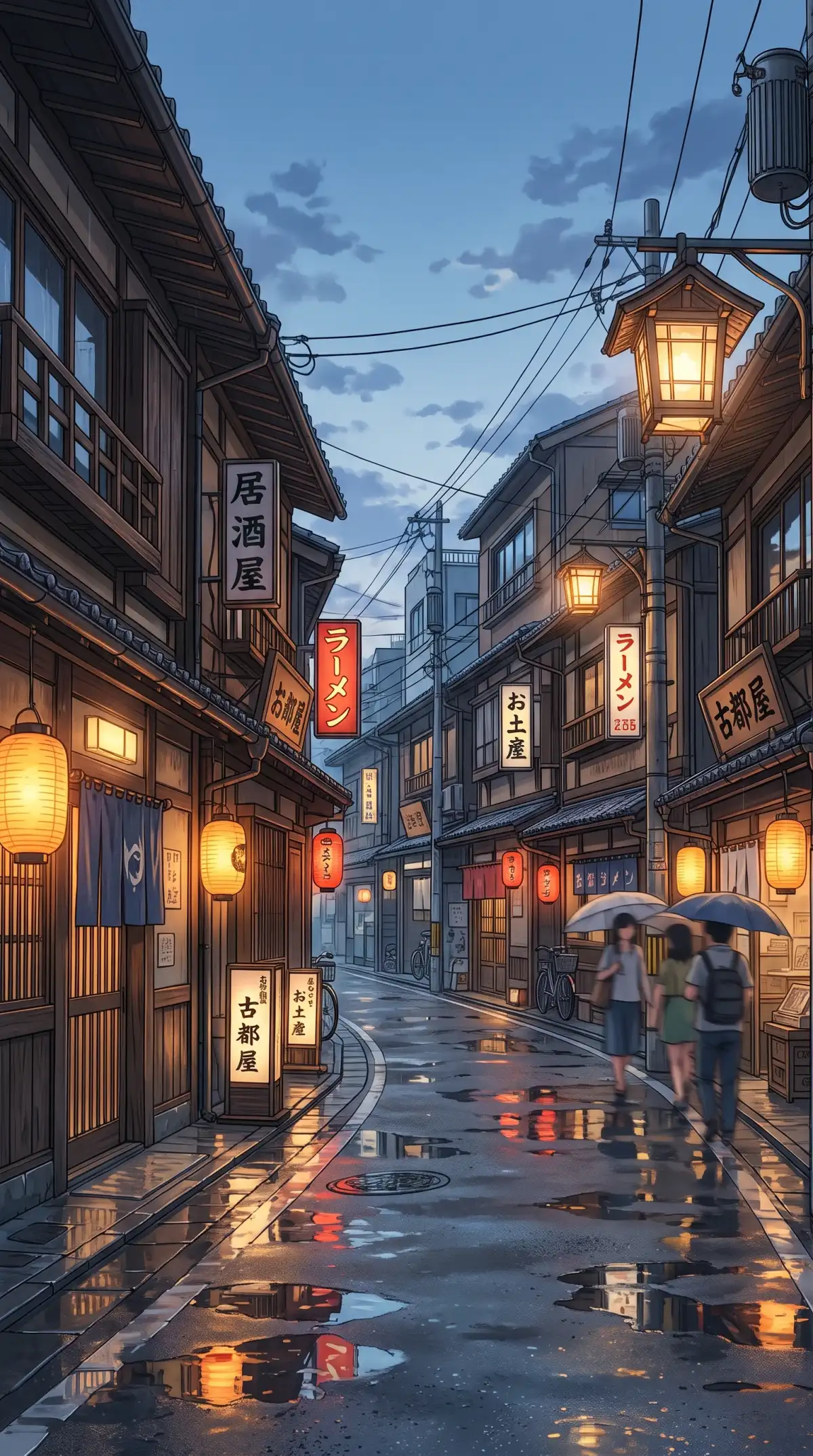
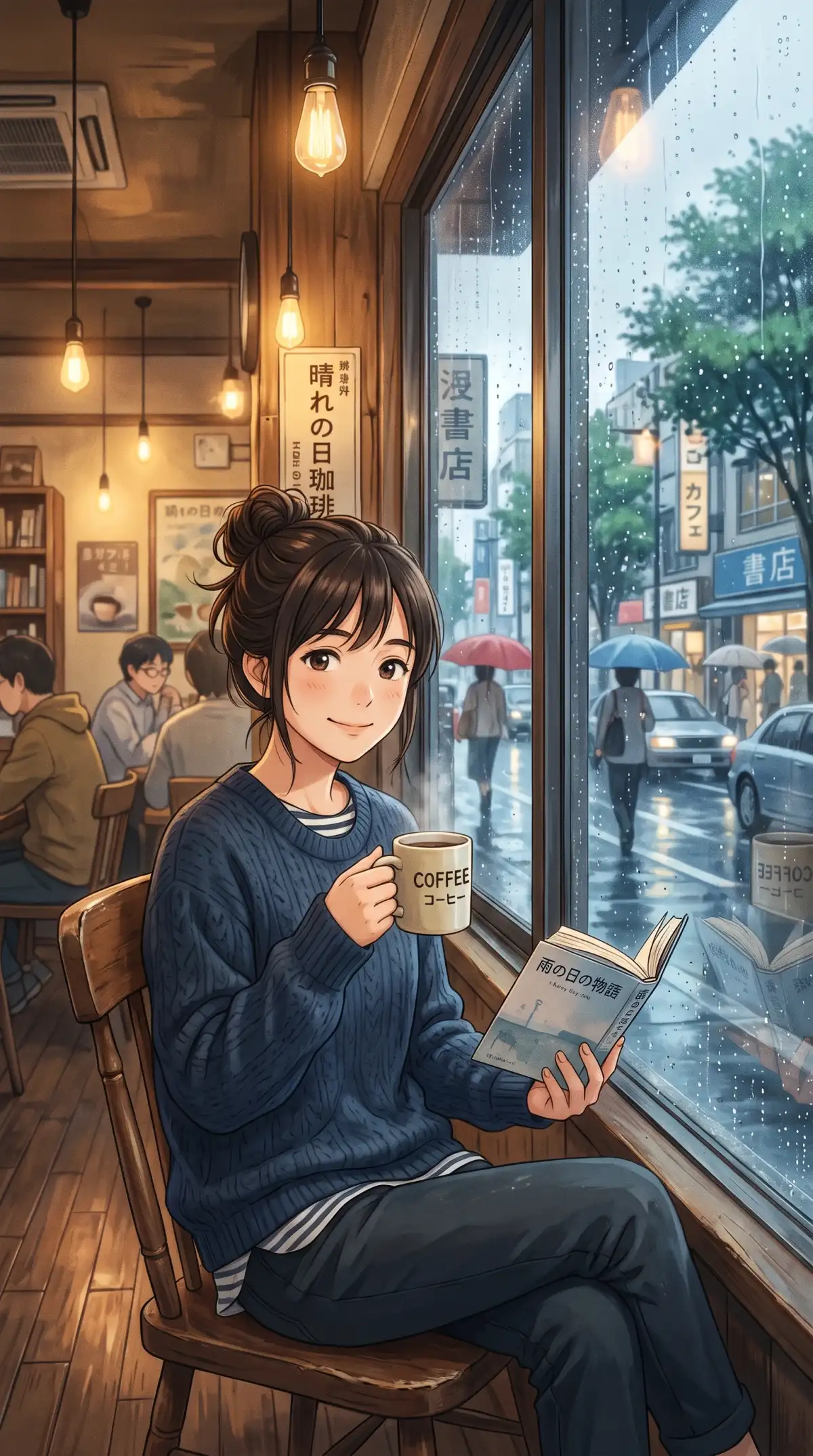
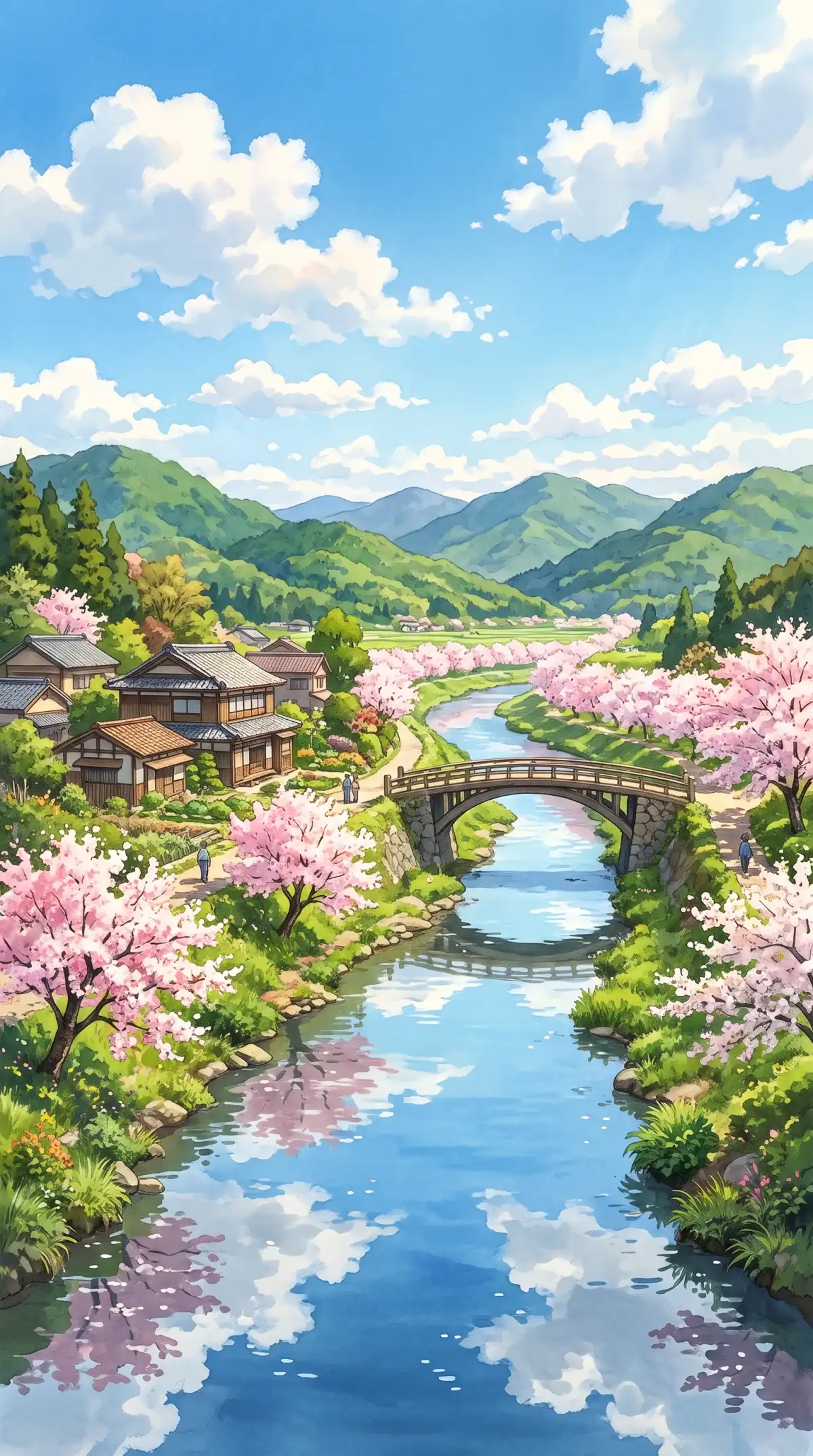
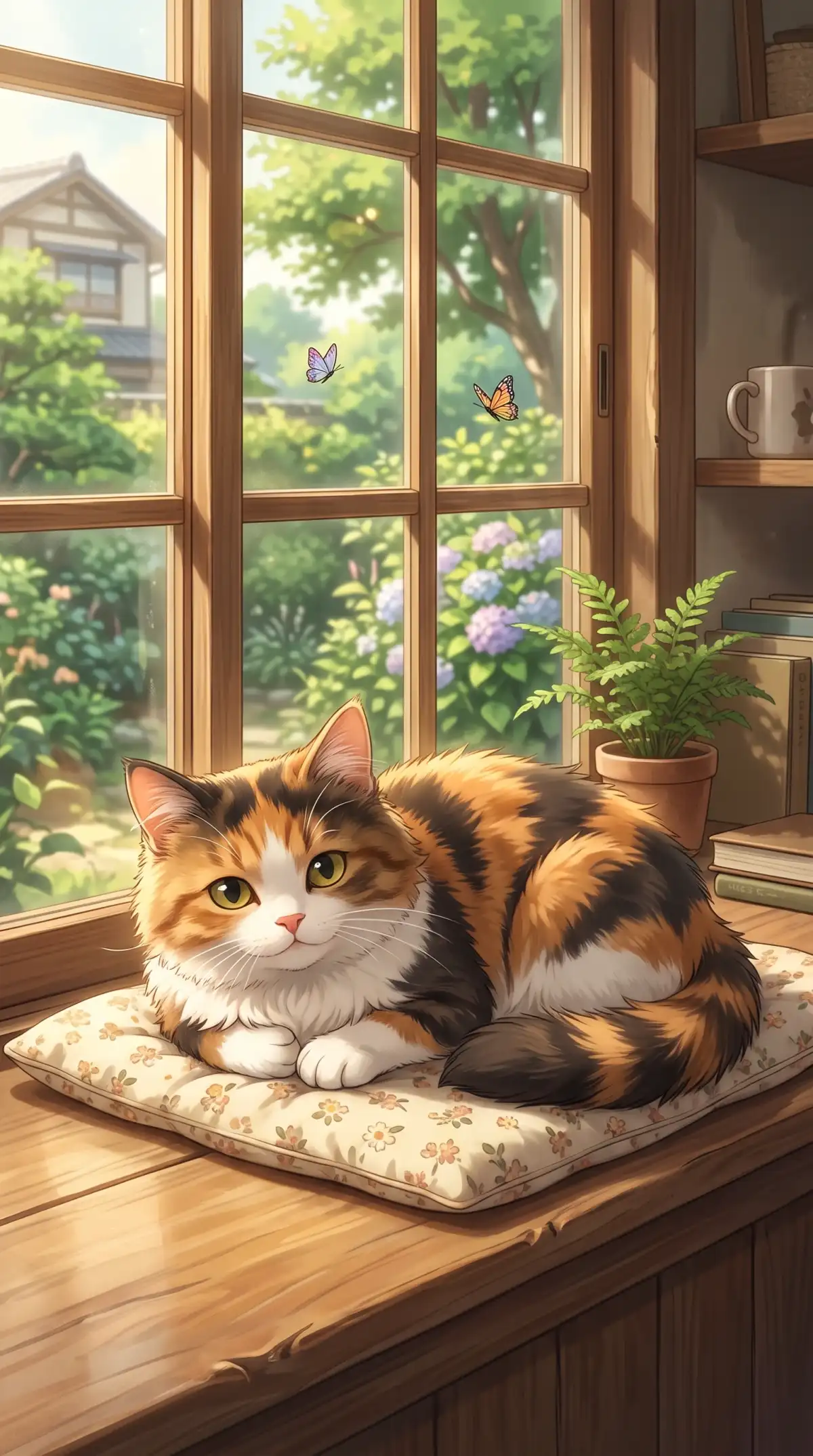
Anime art is known for big eyes, clean lines, and bold colors. The anime generator from photo in Magiclight AI keeps your look recognizable while adding an anime style.
Add photos of friends, partners, or pets with up to 10 references in one run in Magiclight AI. Each reference can guide a different face in the scene or the whole squad or family can appear in one anime picture.
Upload your photo as a JPG, PNG, or WEBP file. Each file can be up to 20MB, so a full-size selfie goes in as is. A sharp and well-lit photo gives the model more detail to redraw.
Run one selfie on Seedream 5.0 Pro and then on Nano Banana 2.1 to compare the results. Each AI image model interprets your prompt differently. Keep the anime version that looks most like you and share it with friends.
Choose 1:1 for an avatar or 9:16 for a phone. Use 16:9 for a desktop wallpaper or 4:3 for a tablet. Set the shape before you create so your anime self fits where you will use it.


Start with one clear photo and add a few words about the style. The Magiclight AI anime generator from a photo does the drawing while you follow these steps.
Open the Image tab in the Toolbox and choose Reference Image to Image. Add a clear selfie, a group shot, or a photo of your pet.
Write the anime look, the setting, and the mood in the 500-character prompt. Words like chibi, shonen, or watercolor anime steer the style.
Choose a shape such as 1:1 for an avatar or 16:9 for a wallpaper. Pick an AI model and press Create Image, then download your anime self to share.
Reference Image to Image mode uses your photo to guide the face, hairstyle, and the pose. A clear and well-lit selfie up to 20MB gives the tool more to work from. Results can vary so try a few styles and keep the closest match.
Describe the look in general words like soft pastel anime or bold action anime. Add the setting and the mood in the 500-character prompt. Studio styles and characters belong to their owners so keep your Magiclight AI art original.
Yes, upload a photo of each person with up to 10 references in one run. Describe the scene in the prompt and Magiclight AI can place everyone together in one anime picture.
Upload your pet’s photo in Reference Image to Image mode. Describe the role like a loyal sidekick or a brave hero. Magiclight AI redraws your pet in anime style.
Yes, save your anime picture first and then open the Video tab in the Toolbox. Image to Video starts from a still picture so your portrait can start to move. The tab lists the options for each clip.
Each model shows its price on the Create Image button before you run it. New accounts can try the tool with free bonus credits. Compare a few models first to find the one that suits you.

Bring a selfie or a friend or your pet and pick an anime style you love. The Magiclight AI anime generator from photo turns your photo into bold anime art you can share.