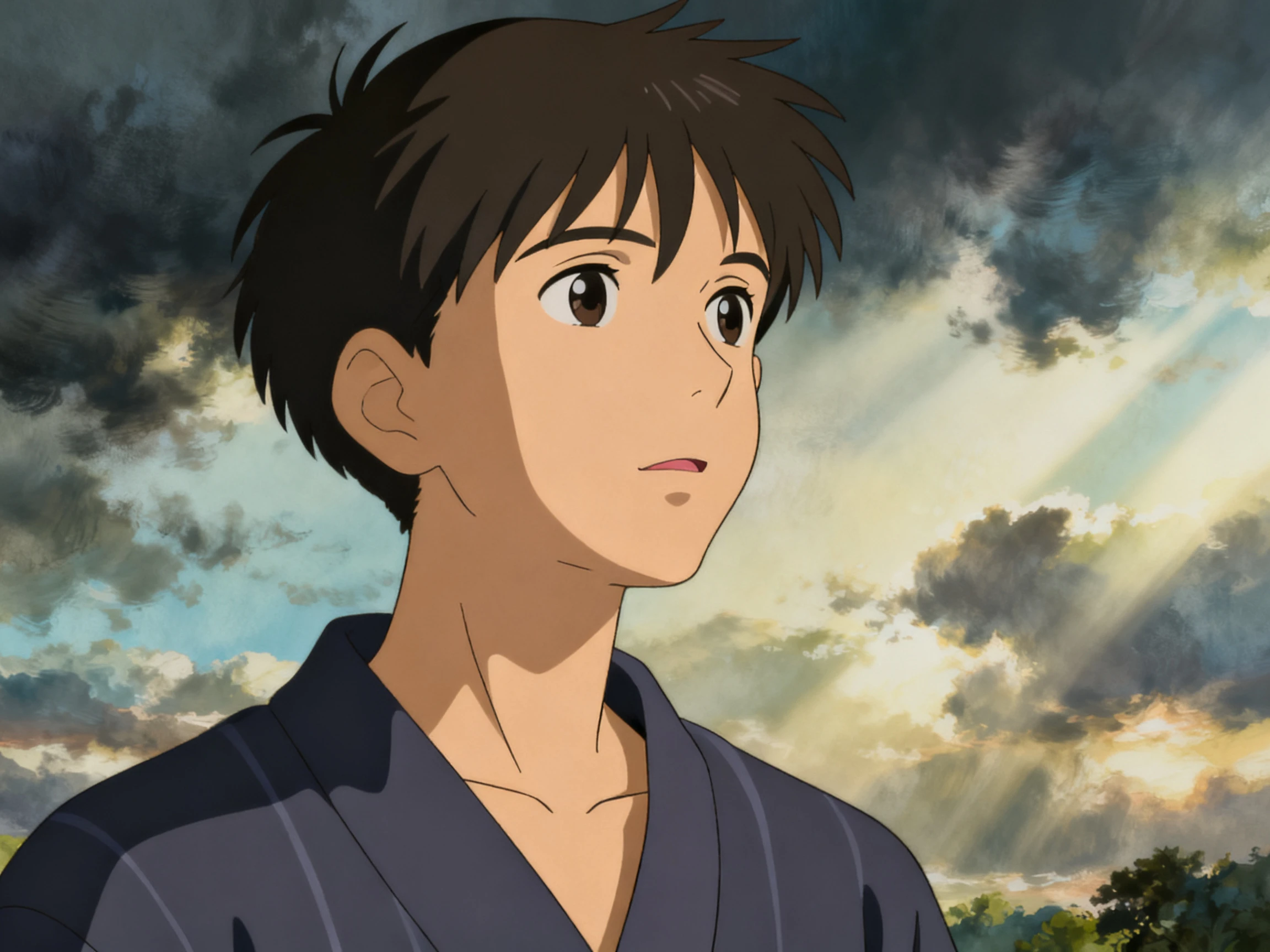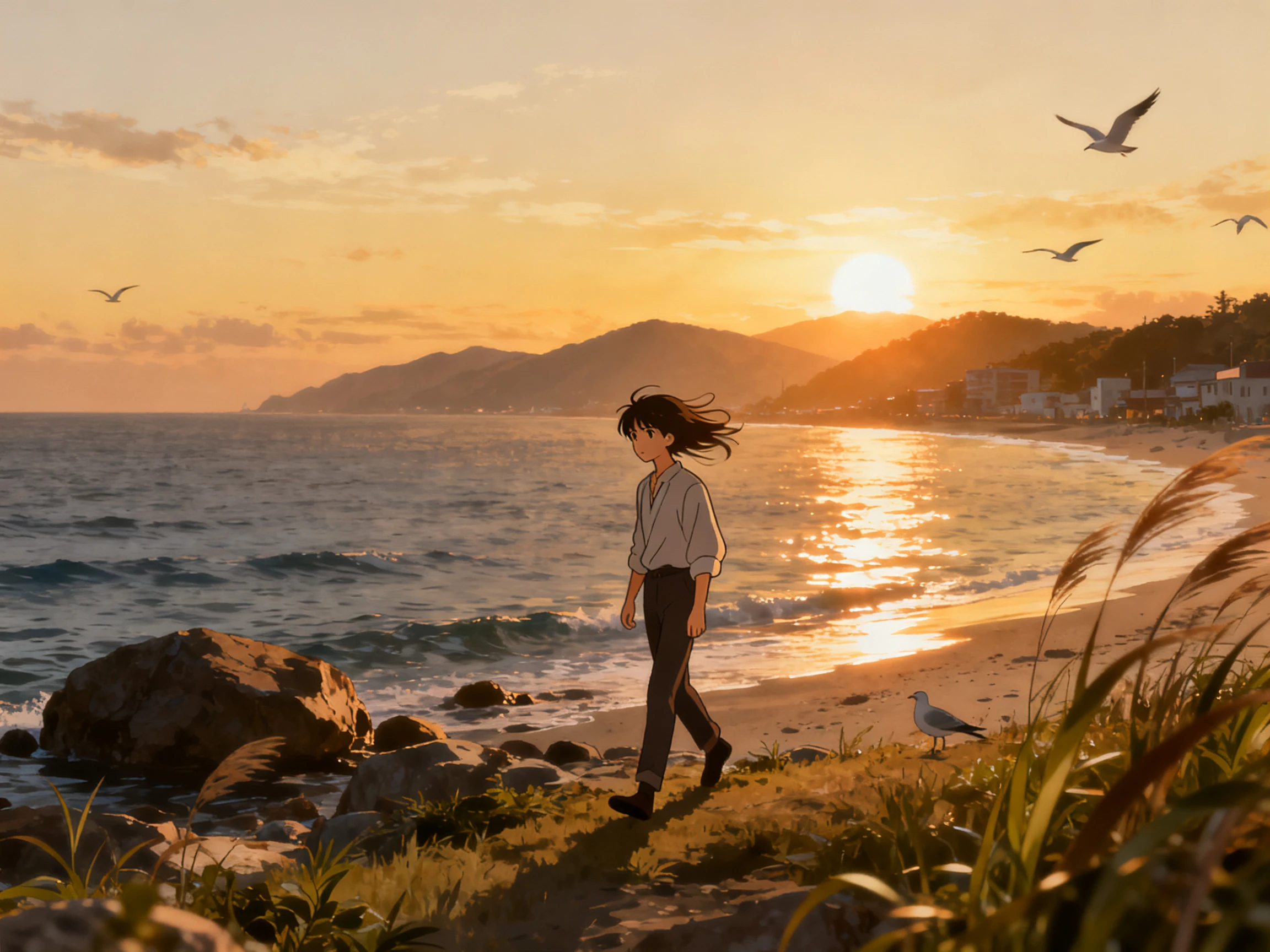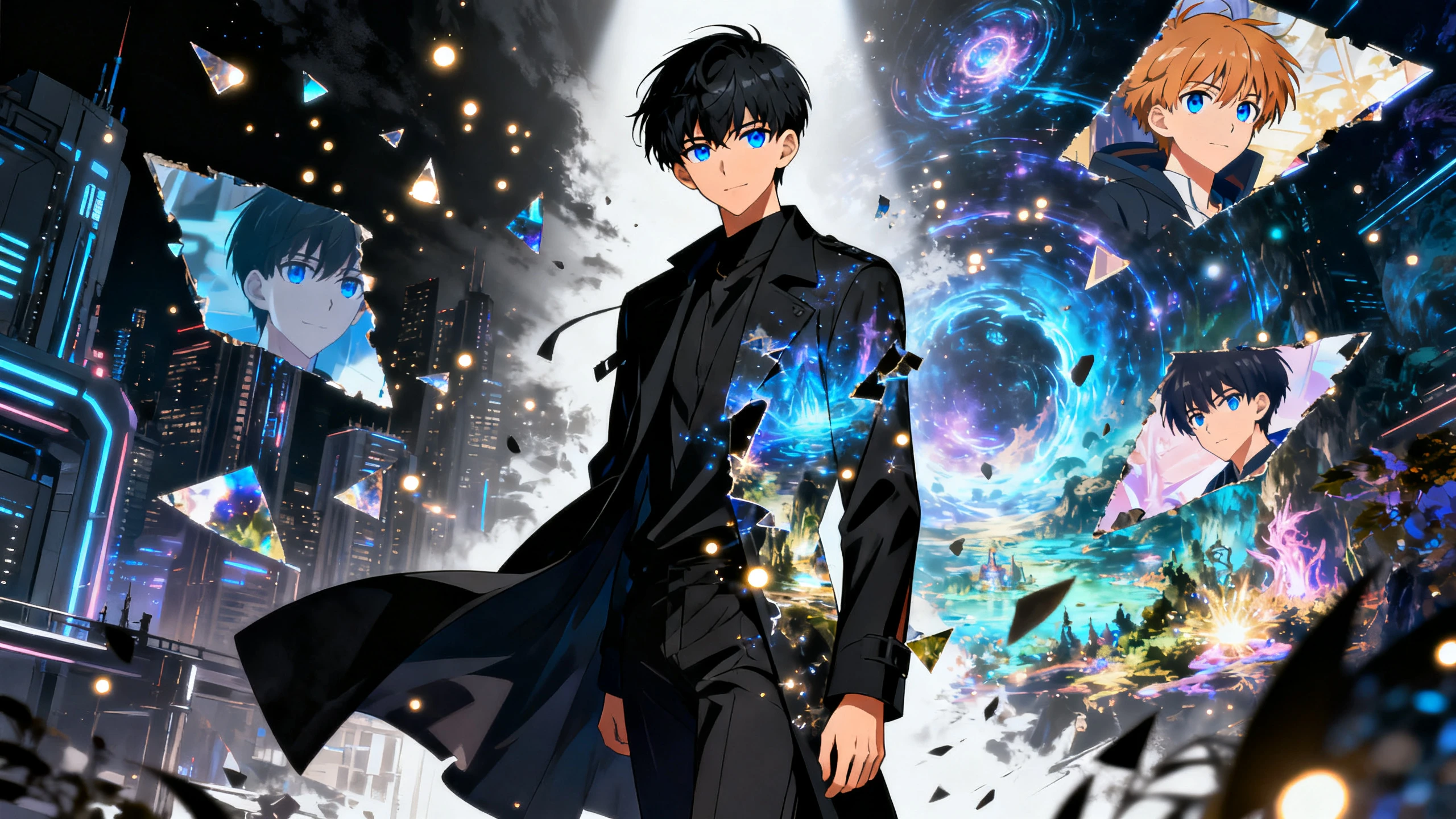









Hero background

Image to Anime Generator

Create anime characters from your photos in just a few clicks. Magiclight AI handles the full process, so no drawing, animation, or editing skills are required.

Create Anime From Photo For Free
Image to anime generator preview
Nano Banana
Google VEO 3
Sora 2
Gemini
Hailuo
Kling
Midjourney
Qwen
Seedance
Wan
Nano Banana
Google VEO 3
Sora 2
Gemini
Hailuo
Kling
Midjourney
Qwen
Seedance
Wan
Nano Banana
Google VEO 3
Sora 2
Gemini
Hailuo
Kling
Midjourney
Qwen
Seedance
Wan

Explore Features of the AI Image to Anime Generator

See how the Magiclight anime AI generator from an image differs from a one-tap filter. Upload the photo, pick a style, then correct what shifted.

3 AI Models for Anime Generation

Choose from Seedream 5.0 Pro, GPT Image 2, and Nano Banana 2 when creating an anime image. Magiclight AI gives you different model options, so you can test the same photo and prompt to find the result that fits your anime look best.

Generate Anime
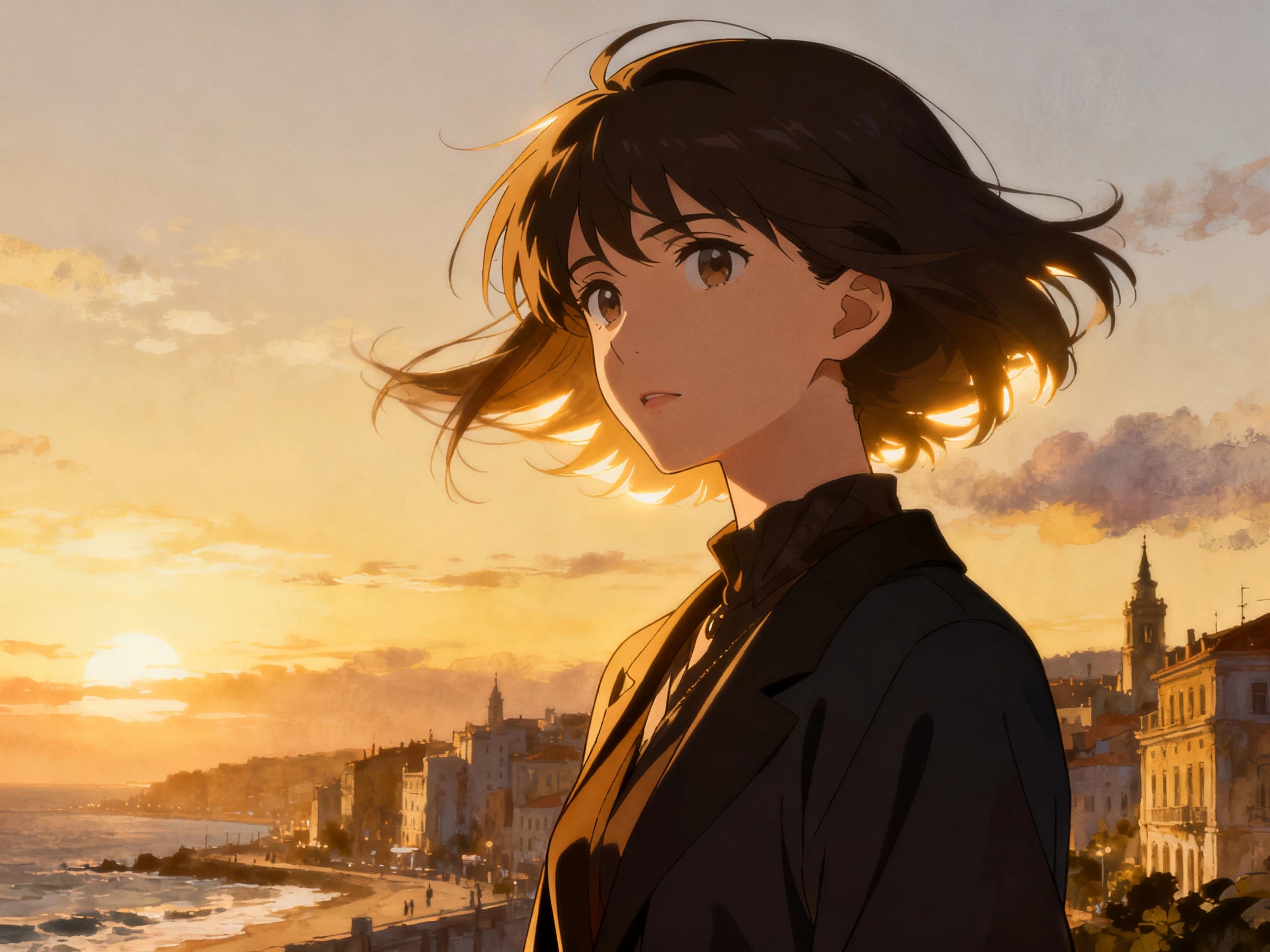
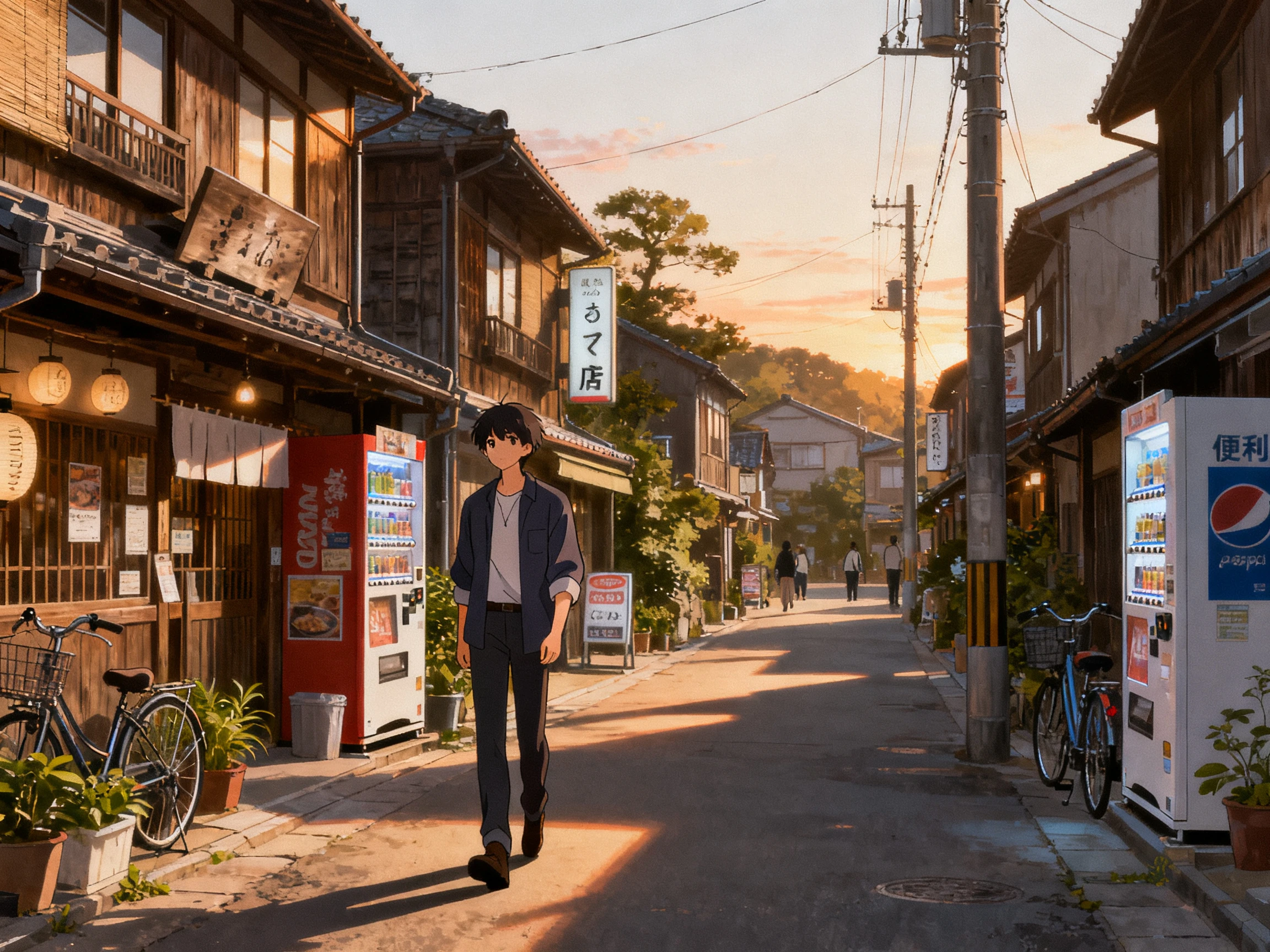
3 AI models for anime generation

Keep Key Details From Your Photo

Upload a JPG, PNG, or JPEG as your reference. Details such as hair, clothing, pose, and other visible features can carry into the anime image created with Magiclight AI.

Convert Photo to Anime
Photo details preserved in anime generation

52 Styles Covering Anime Looks

Anime is not one look and never has been. Pick from 52 styles spread over the 4 model groups, because a soft slice-of-life treatment and a sharp action one are different decisions.

Explore Anime Styles
52 anime styles across four model groups

Describe Your Anime Look in 1,000 Characters

Something always shifts on the first pass. Describe the eyes, the hair or the outfit across 1000 characters and run it again, which gets closer than reuploading the same photo would.

Refine Your Anime Image
1000-character prompt for anime image refinement
Who Can Use the Magiclight Photo to Anime Generator
Turn the photos you love into something unexpected. An anime AI image generator from an image works with portraits, travel shots, and convention photos.
Here are some of the things you can do with the Magiclight photo to anime generator:
Anime profile picture
For Profile Pictures
Turn a portrait into a recognizable anime-style avatar.
Choose from 20+ styles to find the right profile look.
Export your finished avatar in quality up to 1080p.
Anime group and team photos
For Group and Team Photos
Give each team member a matching anime-style design.
Describe a character using prompts up to 1,000 characters.
Save characters to reuse their look in future projects.
Anime pet portrait
For Pet Portraits
Turn a favorite pet photo into a custom anime character.
Pick from 52 styles across four available model groups.
Animate the finished pet character for a short video.
Anime cosplay shot
For Cosplay Shots
Give cosplay photos a more complete anime-style finish.
Try different styles to see which best suits the costume.
Animate your image using 20 AI image-to-video models.

 How to Use the Magiclight AI Image to Anime Generator

Using an image-to-anime AI generator for free takes just 3 steps. Follow the steps below to upload your photo, choose a style, refine the result, and save your finished anime image.

1.

Step 1. Upload Your Anime Image

Open the image-to-image tool and add the anime picture up to 20MB you want to animate. Choose a clear image where the character and important details are easy to identify.

2.

Step 2. Describe the Change

Write what should happen in the clip in 500 characters, such as the character smiling, walking, or moving toward the camera. Keep the details specific and easy to visualize.

3.

Step 3. Choose the Video Settings

Select from 3 image models and adjust the available settings for your project. Generate the results and preview your anime character before exporting it.

What Users Say About Magiclight AI Image to Anime Generator

Milena Petric

Discord Moderator

Most anime filters made my profile picture look oddly familiar. I finally got something more personal after trying a few different looks in Magiclight AI.

Sung-min Cho

HR Coordinator

Getting 11 team portraits to feel like one set was harder than expected. With Magiclight AI, we finally found a look that worked across everyone.

Farhan Iqbal

Cosplayer

Magiclight AI gave my cosplay shot the illustrated feel I was after. The costume details stayed noticeable, but the finished image looked more like anime than a filtered photo.

Rosa Lindgren

Illustration Student

Most tools stop at turning a photo into anime, but mine needed more. Magiclight AI let me put the character into a short afterward.

FAQs on Image to Anime Generator

Is this the same as an anime filter?

No, and the difference matters. A filter paints over your photo and keeps the composition, while Magiclight AI reads the picture and builds a new one, so what comes back is a character.

Will the result actually look like me?

Recognizably, not exactly. Hair, build, and strong features carry across in Magiclight AI, though a reference-led rebuild will never be a pixel match for the original photo.

Can I try different anime styles on the same photo?

Yes. You can run the same photo through different styles in Magiclight AI and compare the results. This is useful when you want to test several looks without changing your original image.

Which sort of photo works best here?

Front-facing, well lit, and one person in the frame. Magiclight AI invents less that way, and group shots or heavy shadows are where the likeness wanders most.

Can the anime version be animated?

That is the part a filter cannot do. Save the character in Magiclight AI, and it can appear in a video with a voice, rather than staying a single image on your camera roll.

Is there an anime AI art generator free from an image?

This is that, with the caveat above. The image-to-AI anime generator route in Magiclight AI is free to try on credits, and paid tiers cover commercial use.

Convert Image to Anime With Magiclight AI

A filtered photo stays a photo forever. This image-to-anime AI art generator hands back a character, and Magiclight AI can put it in something that moves.