Hero background

Anime OC Maker

Create your own anime original character with MagicLight AI. Describe their appearance, outfit, hairstyle, and personality, then turn your ideas into anime artwork. No drawing skills needed.

Create an Anime OC for Free
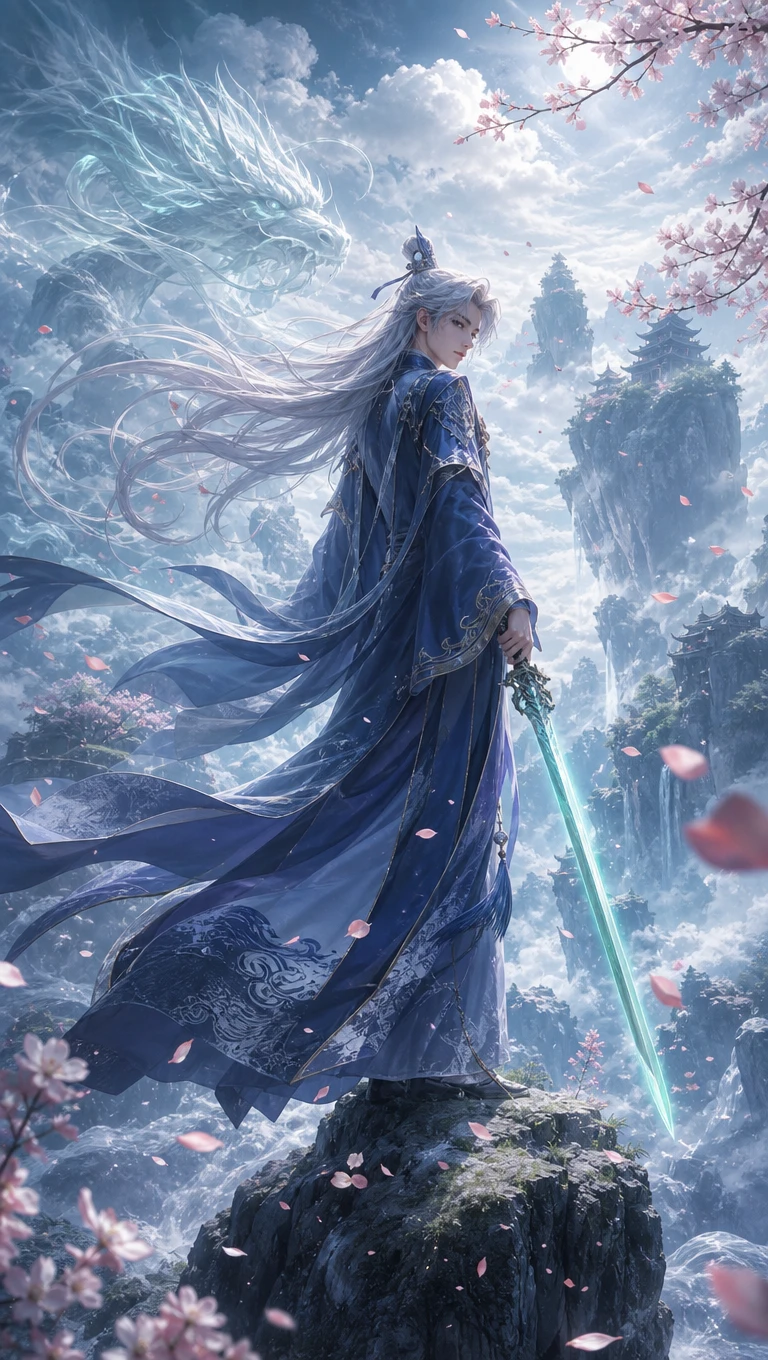
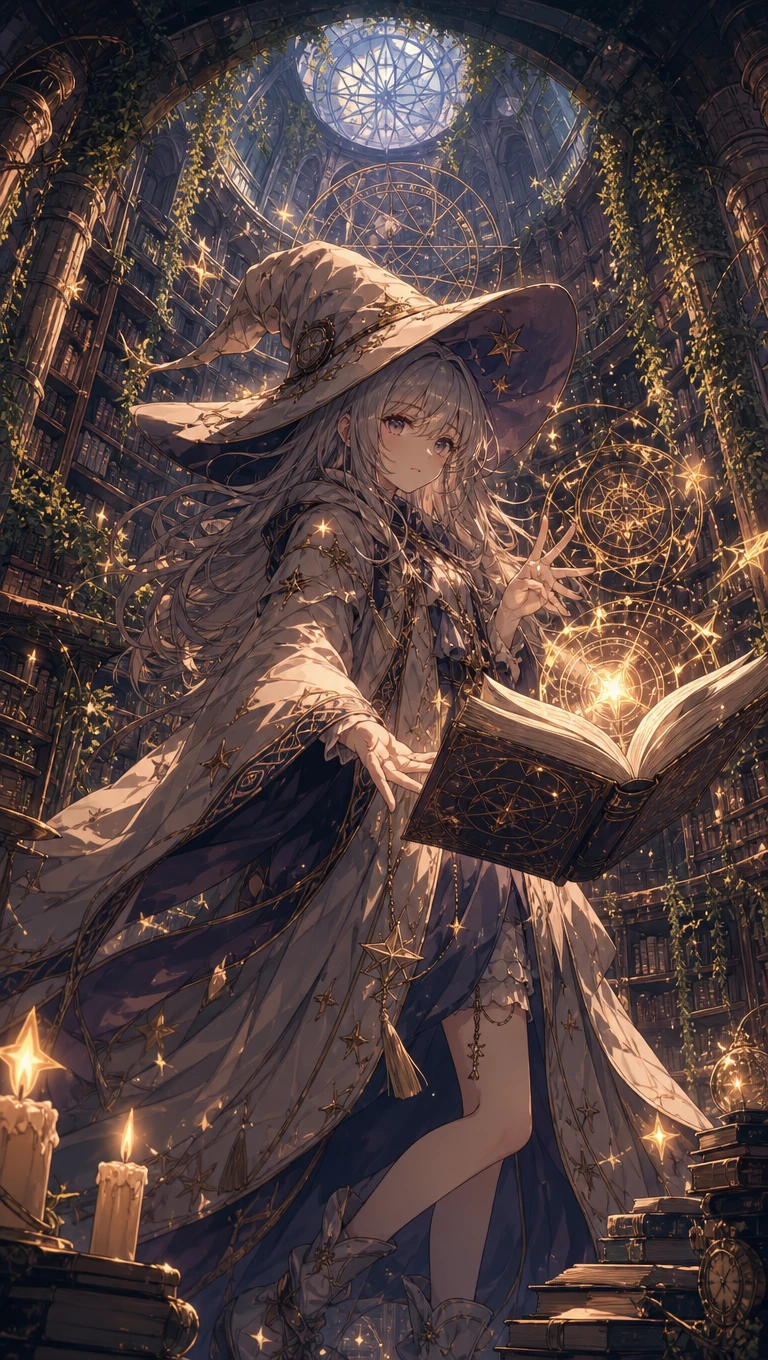
Custom anime OC character artwork
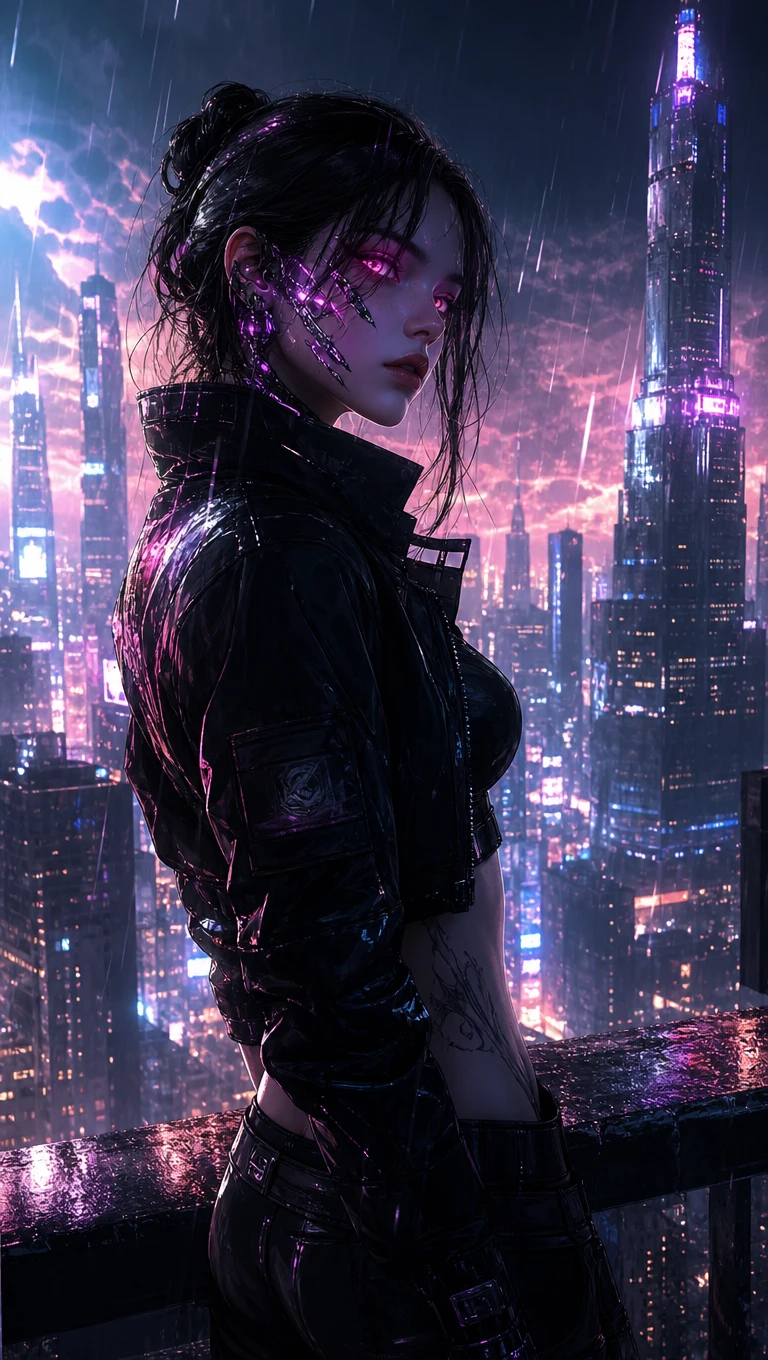
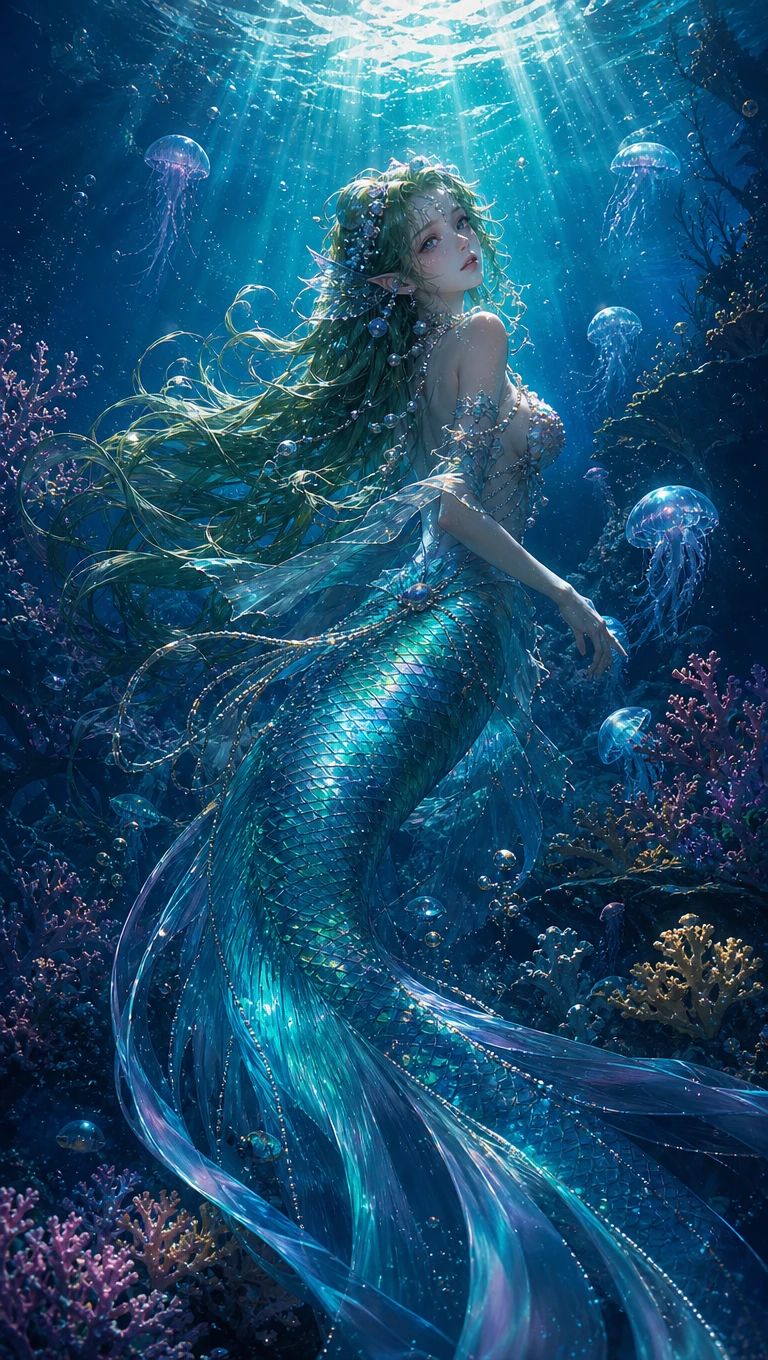
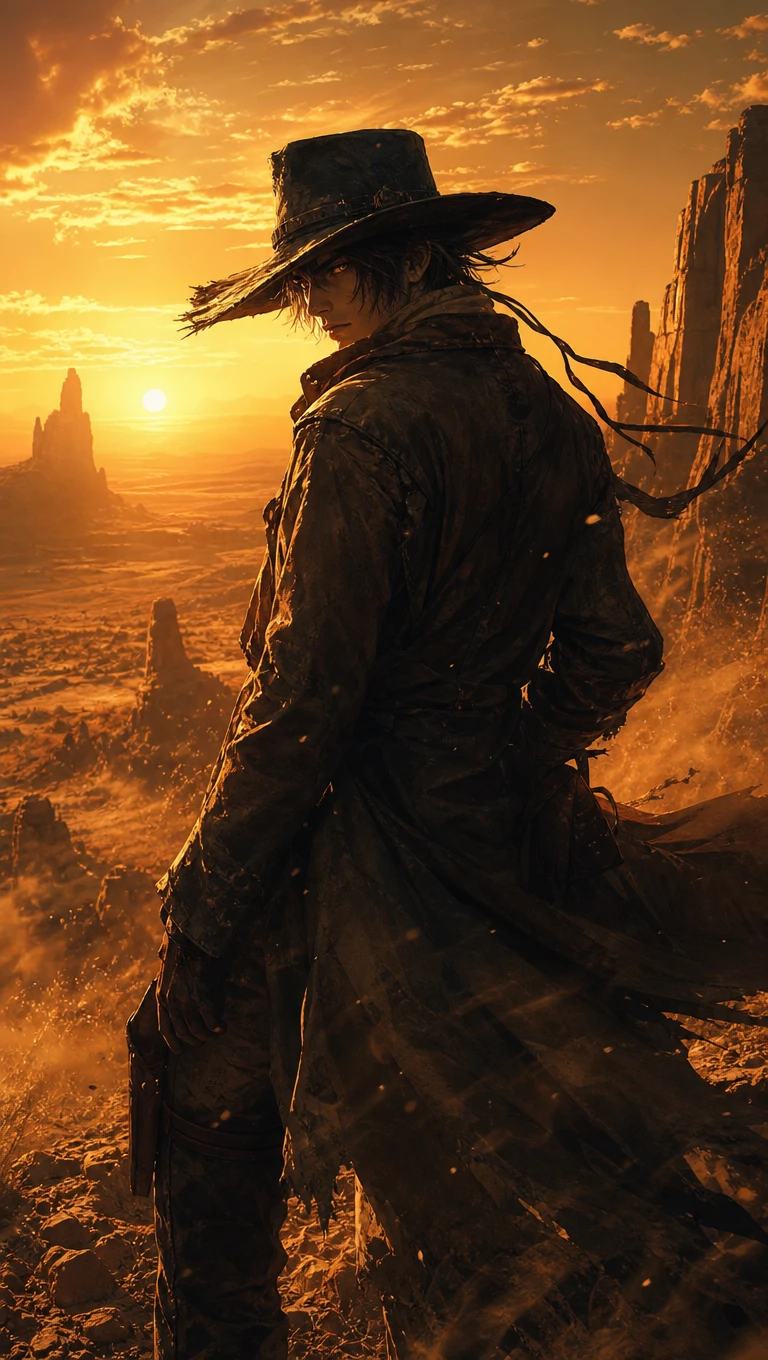
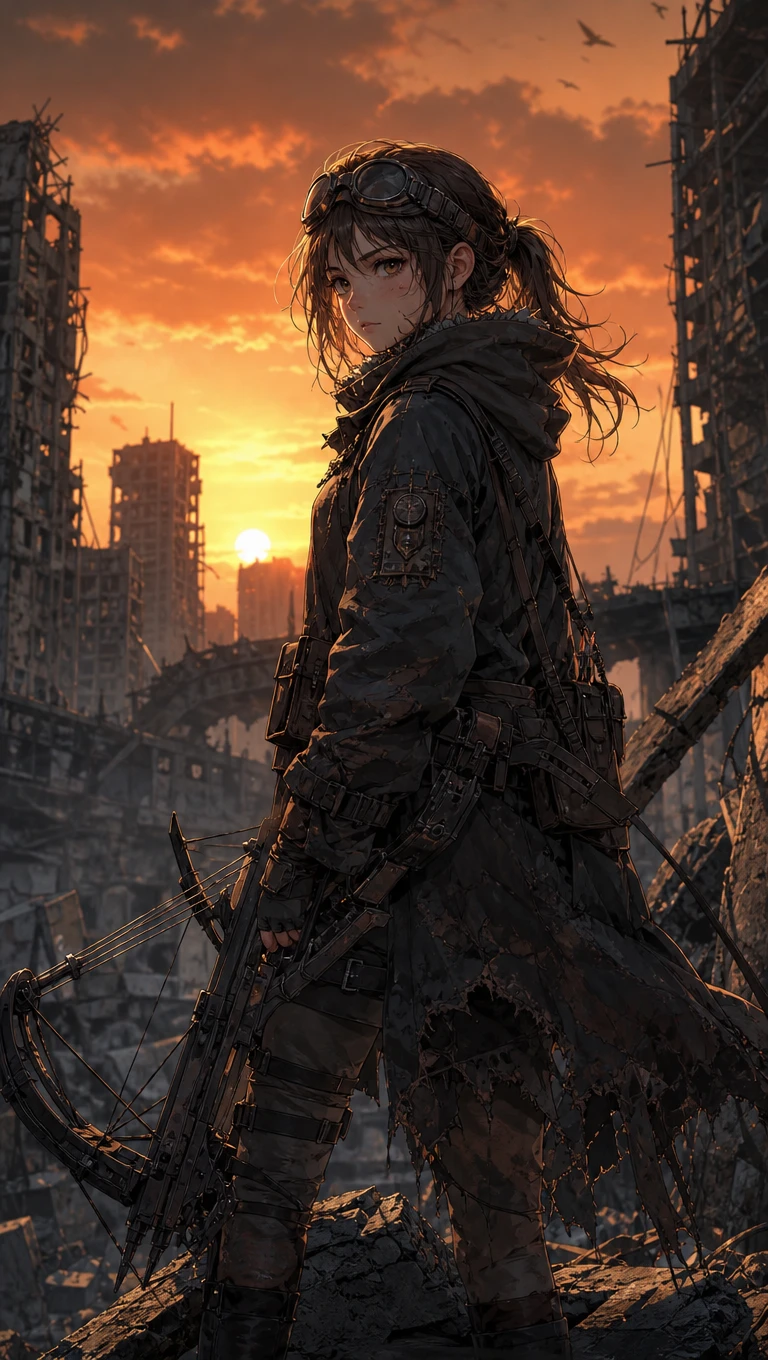
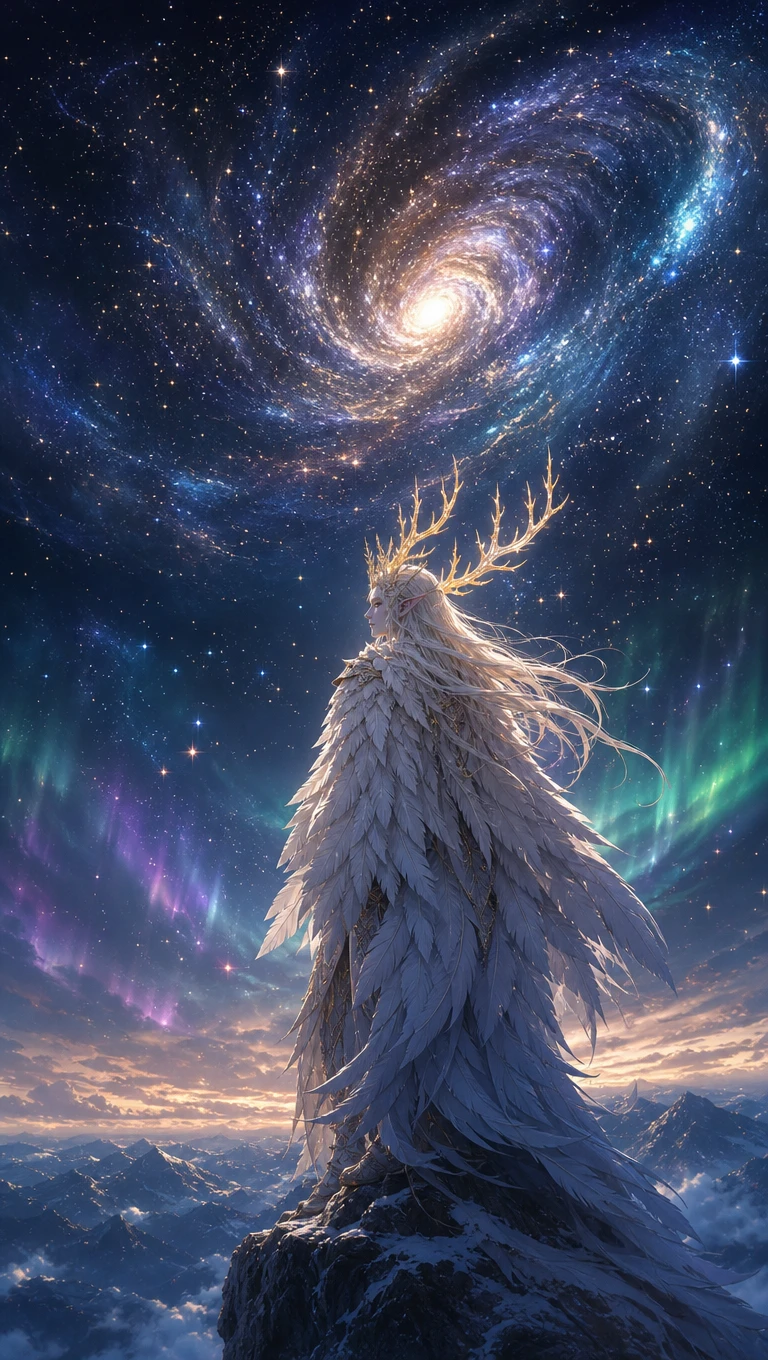
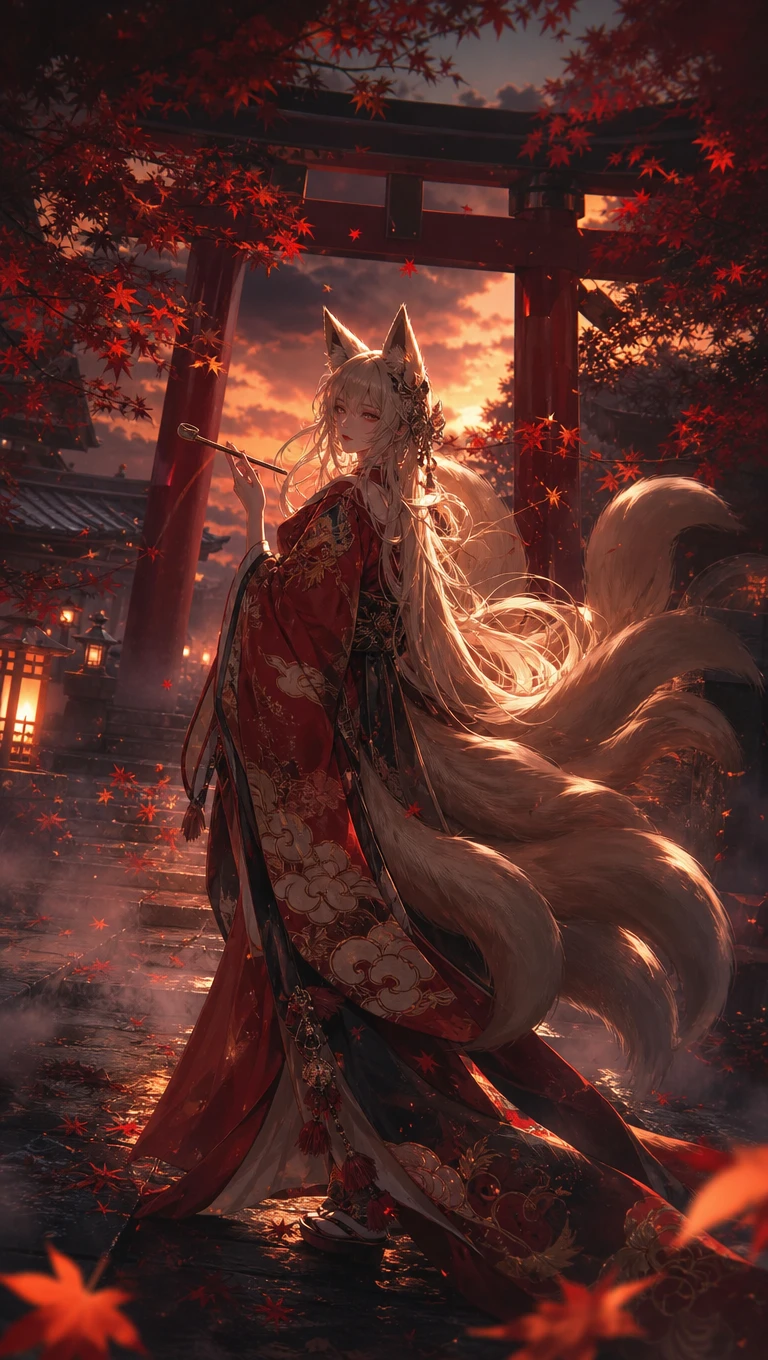
Anime OC design examples
Original anime character art
Anime OC portrait sample
Anime OC design 2
Anime OC design 3
Anime OC design 4
Anime OC design 5
Custom anime OC character artwork
Anime OC design examples
Original anime character art
Anime OC portrait sample
Anime OC design 2
Anime OC design 3
Anime OC design 4
Anime OC design 5

Explore the Features of the Magiclight AI Anime OC Maker

Give your anime OC a face that matches the character you have in mind. Magiclight AI anime OC maker lets you choose their appearance and keep that design for future stories.
Create an Anime OC for Free
Anime OC style decoration

Text to Image for Original Anime Characters

Start with a written idea for your OC in Magiclight AI. Describe their hairstyle and favorite outfit in the prompt to see how your character looks as anime artwork.

Saved Anime Characters for Story to Video

Your OC can return throughout a story in Magiclight AI. Type @ in Story to Video and select your saved character to help keep their appearance consistent across scenes.

4 Model Families for Anime Character Styles

AI Character Creation includes MagicLight 2.0, MagicLight 2.2, MagicLight 3.0, and Midjourney V7. Try these options to find an anime look that suits your original character.

1000 Characters for Your Anime OC Profile

Give your OC a name and describe their appearance in Magiclight AI. The 1000-character profile lets you explain their hairstyle and clothing before saving them for future use.

Who Can Use the Magiclight AI Anime OC Maker
Magiclight AI anime OC maker gives your original characters a face that suits their story. Anime fans can try new looks, and writers can give their favorite OCs a place to appear.
For Anime Fans
For Anime Fans
Picture an OC from your imagination using Text to Image.
Turn a pencil sketch into anime art with 10 reference images.
Dress your OC in a new outfit for a 9:16 phone wallpaper.
For Manga Creators
For Manga Creators
Give each manga hero a 1000-character description to save.
Test 4 style model families to find your comic's visual style.
Request front and side views to check your OC's appearance.
For VTubers and Streamers
Preview an anime avatar before paying for a custom design.
Let your OC explain channel updates through an Explainer Video.
Feature your anime persona across a 16:9 streaming banner.
For Fan Fiction Writers
Pick from 21 cover templates to present your original cast.
Place your OC in Story to Video with a 12000 character script.
Describe your OC's clothing in the 500-character image prompt.
What Makes MagicLight AI Anime OC Maker Different
The Magiclight AI anime OC maker helps your characters become part of something bigger than a portrait. You can give them new adventures without losing their familiar look.
Keep Your Anime OC Recognizable
Your OC might visit a new world without changing their familiar face. Magiclight AI uses saved character references to help maintain the same appearance throughout different scenes.
Turn Your OC Portrait Into a Moving Scene
Your anime character doesn't have to stay in a picture. Send their portrait to Image to Video in Magiclight AI and describe a short moment where your OC comes to life.
Share Your OC Through the Asset Store
Once your anime character looks right, save it in the Magiclight AI Asset Store. You can keep your OC private or publish it for other creators to discover and use in their projects.
Give Your OC a Role in Short Drama
That mysterious character you imagined can have an adventure of their own. Enter a simple story idea in Short Drama and let Magiclight AI turn it into an episode featuring your OC.
Try 50 Poses for Your Anime Character
A shy OC might look down during an awkward meeting. Nano Storyboard offers 50 character poses to help you choose how your OC appears in each scene without changing their original design.
Find Your OC's Voice Among 37 Options
A cheerful anime hero needs a voice that suits their personality. Magiclight AI offers 37 voice options to explore, helping you choose how your original character should sound.

How to Make an Anime OC With Magiclight AI

Your first anime OC can start with a single reference picture. Magiclight AI anime OC maker takes you through 4 steps to give that character a name and a familiar appearance.

1.

Step 1. Access the Asset Store

Open Magiclight AI and head to the Asset Store. This is the section where your anime OC starts, with the character tools available from the same workspace.

2.

Step 2. Choose a Character Asset

Select Create Asset, then choose Character from the available options. You'll reach the page where your OC's identity and visual style are set.

3.

Step 3. Set Your OC's Appearance

Enter a name and upload a reference picture. Use the 1000-character description for hair and facial traits, choose a character style, then press Generate.

4.

Step 4. Call Your OC Into a Video

Save the character you like. Later, when writing a video prompt, type @ and choose that OC from your saved characters to bring the same face into another scene.

FAQs on Anime OC Maker

What is an anime OC?

OC means original character, someone you invent rather than borrow from an existing series. You decide their personality and appearance before giving them a place in your story.

How do I create my own anime character in Magiclight AI?

Magiclight AI anime OC maker lets you upload a reference picture and describe your character in 1000 characters. Choose a style and generate a look that suits your idea.

Will my OC look the same in different scenes?

Saved characters can appear again in Story to Video. Type @ and select your OC when writing a prompt. This helps maintain their familiar appearance as the story moves forward.

Is selling artwork of my original character allowed?

Commercial use depends on your Magiclight AI plan and its current terms. Check the rights for your artwork before selling prints, stickers, or other items featuring your OC.

Could my anime OC become a VTuber avatar?

Yes, your OC artwork can serve as a visual reference for a VTuber model. An artist would still need to prepare the character for movement through 2D or 3D rigging.

Where can I use my saved anime character?

Your OC can appear in Story to Video projects after you save it in the Asset Store. Select the character through @ whenever you want them to take part in a new scene.


Create Personalized Anime OCs With Magiclight AI

Choose the features that make your character special. Magiclight AI helps turn those ideas into anime artwork worth sharing.