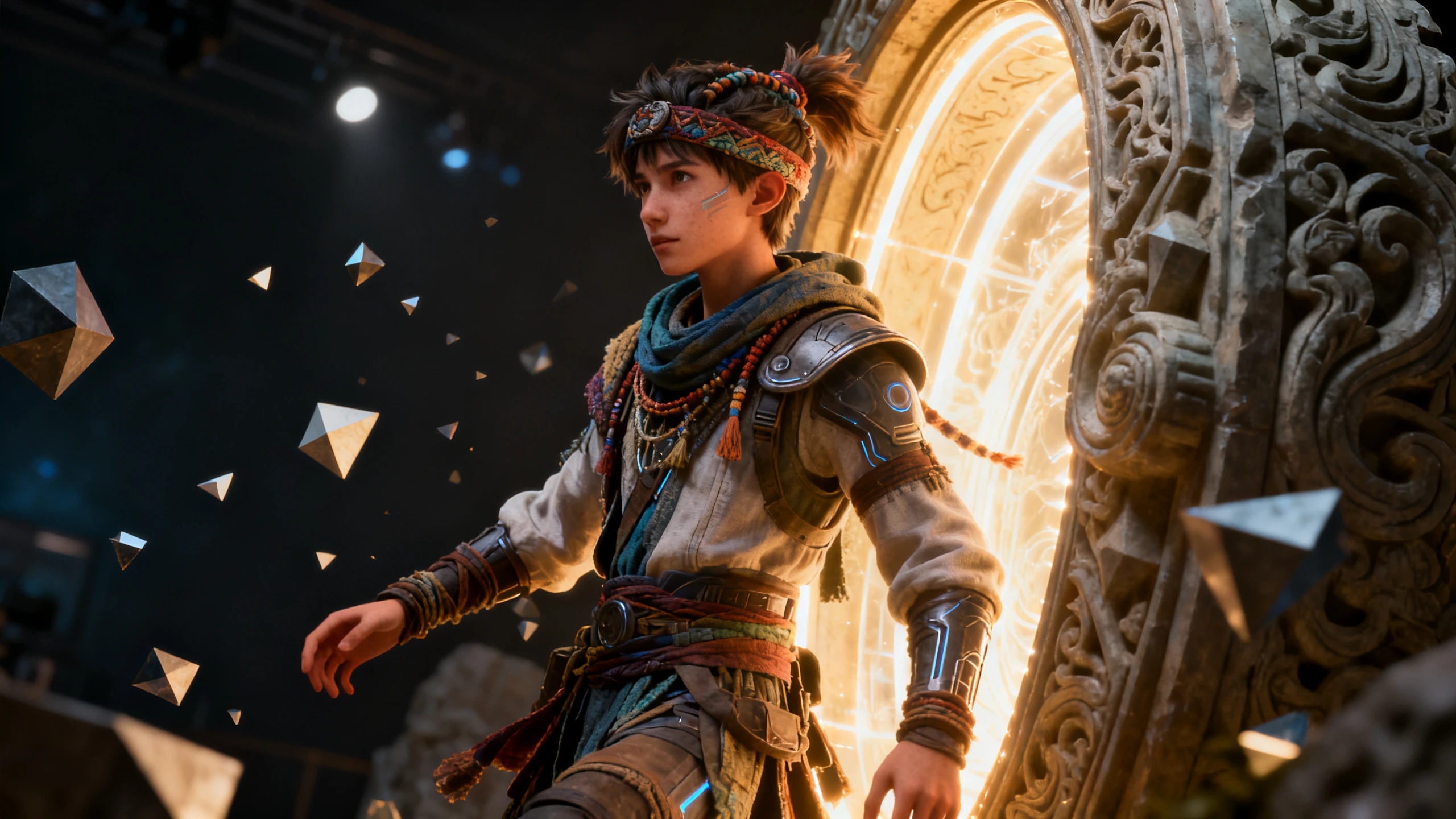
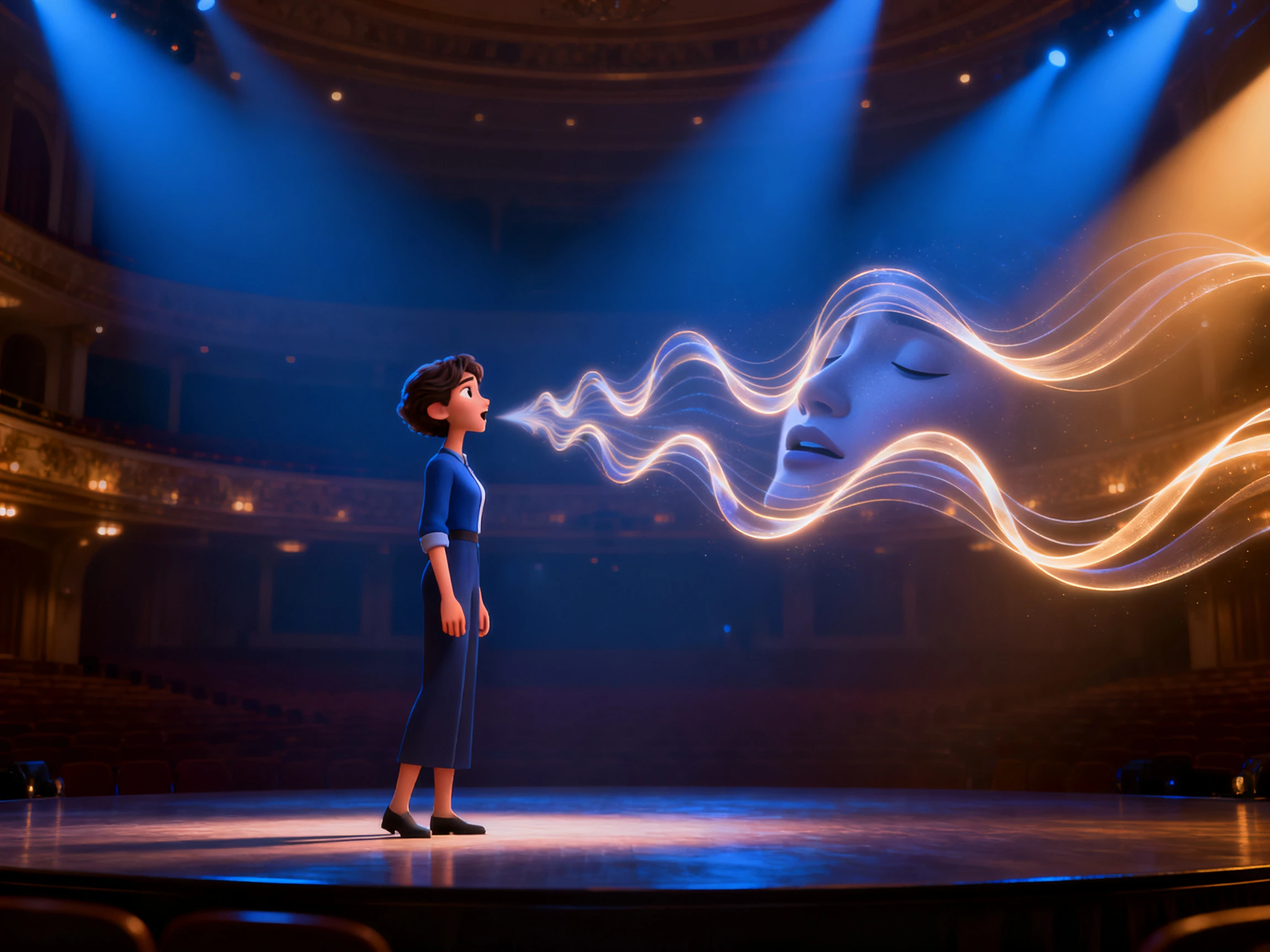
See your avatar from every angle as Magiclight AI sets each shot’s pose and camera view automatically. Create a consistent 3D character with no editing skills required.
Top Features of the Magiclight AI 3D Avatar Generator
Act on the standout features of the Magiclight 3D AI avatar generator. Choose a style, shape the face, add a voice, and create a character ready for your story.
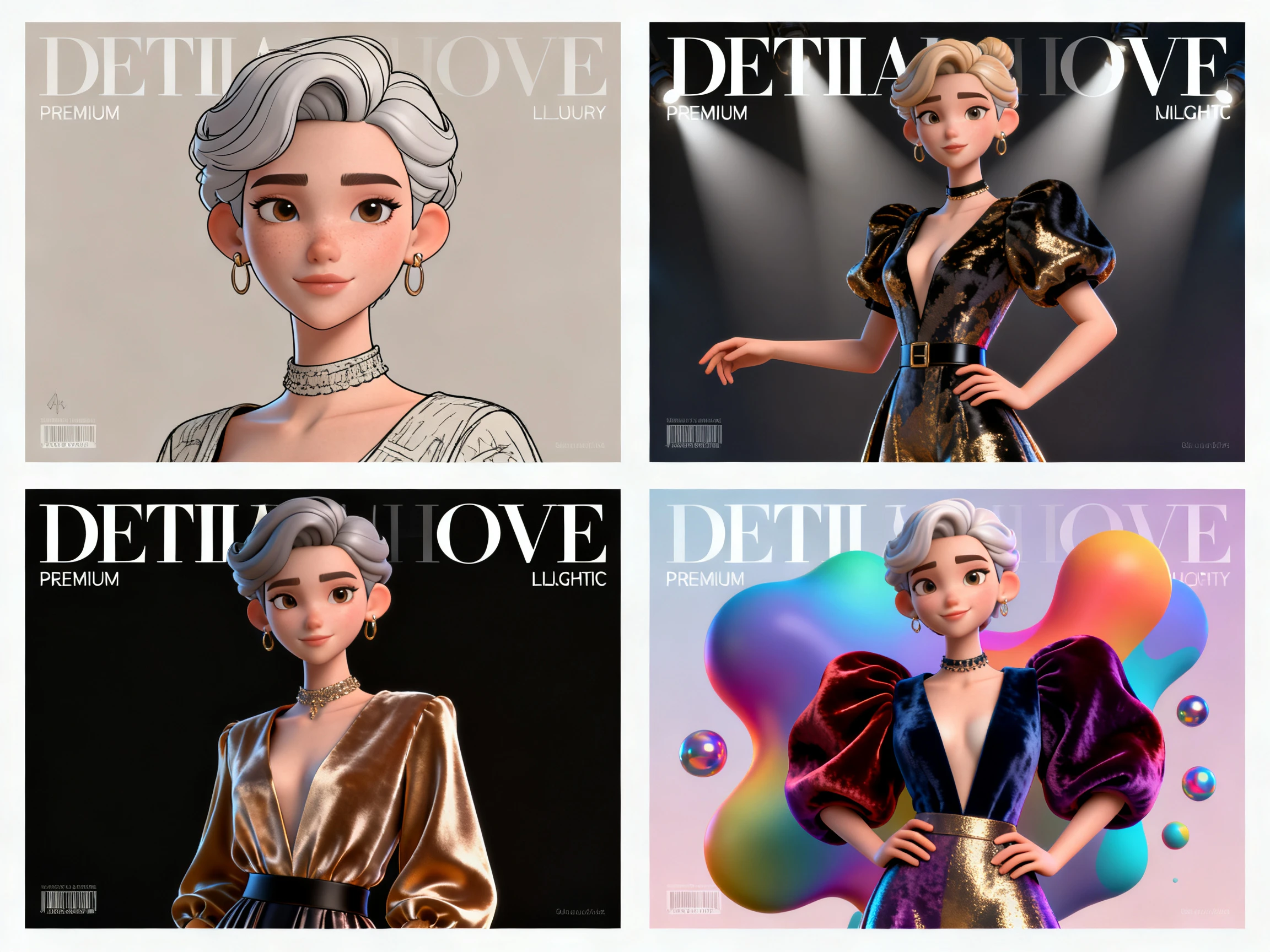
4 Image Models for Different Avatar Looks
The image model can noticeably change the character’s final appearance. Magiclight AI lets you choose Midjourney V7 or MagicLight 3.0, 2.2, and 2.0 to explore different visual interpretations while working from the same basic avatar description.
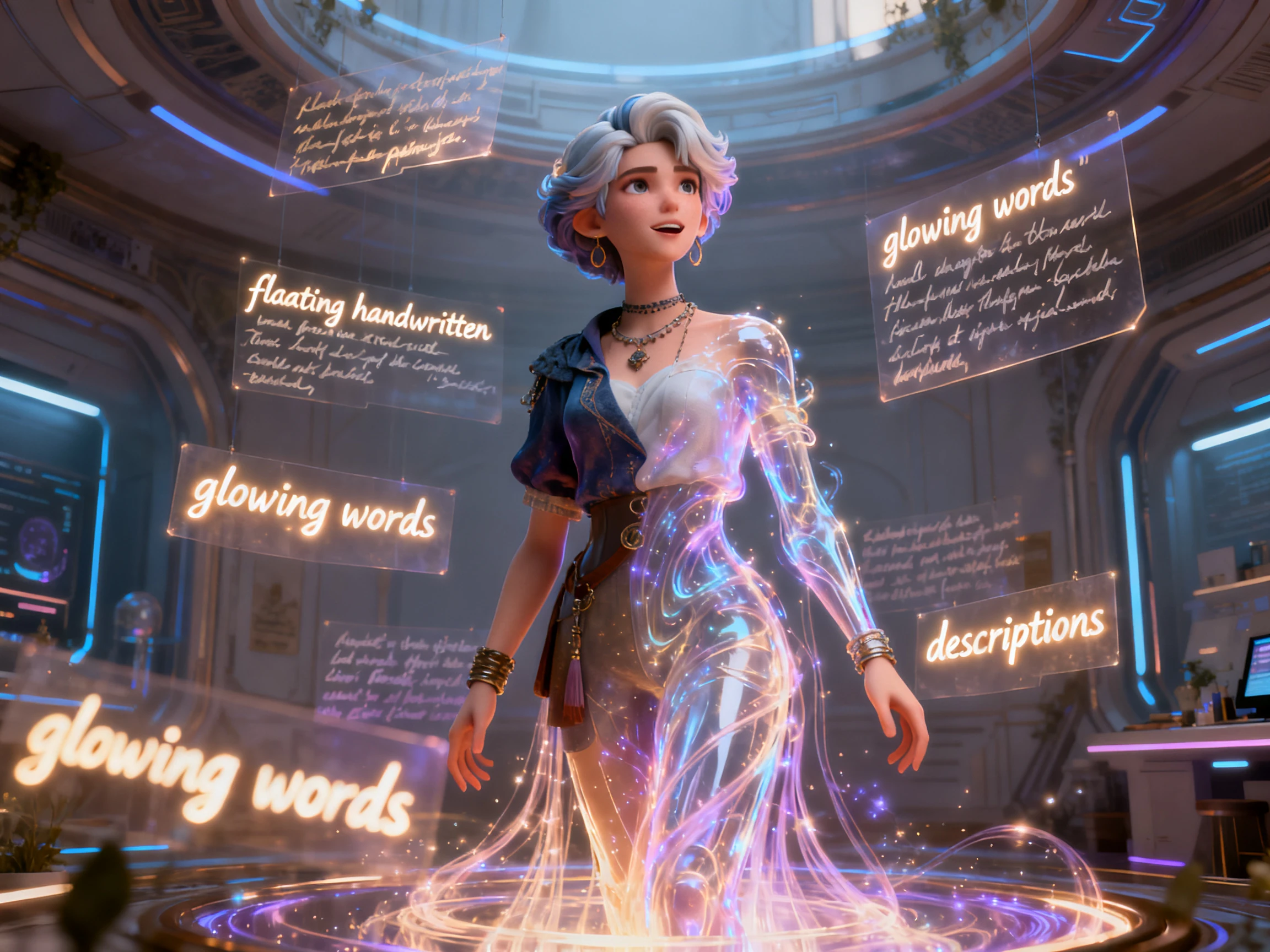
A basic 1000-character prompt to Magiclight AI does the trick with 3D avatar generation. Assist the process with an image or expand your prompt with AI to bring the best version of your imagination.
Showing a character from different viewpoints makes its 3D form much clearer. Choose from 50 poses and control the camera angle for each shot, giving you more freedom to show the avatar from the front, side, or other perspectives.
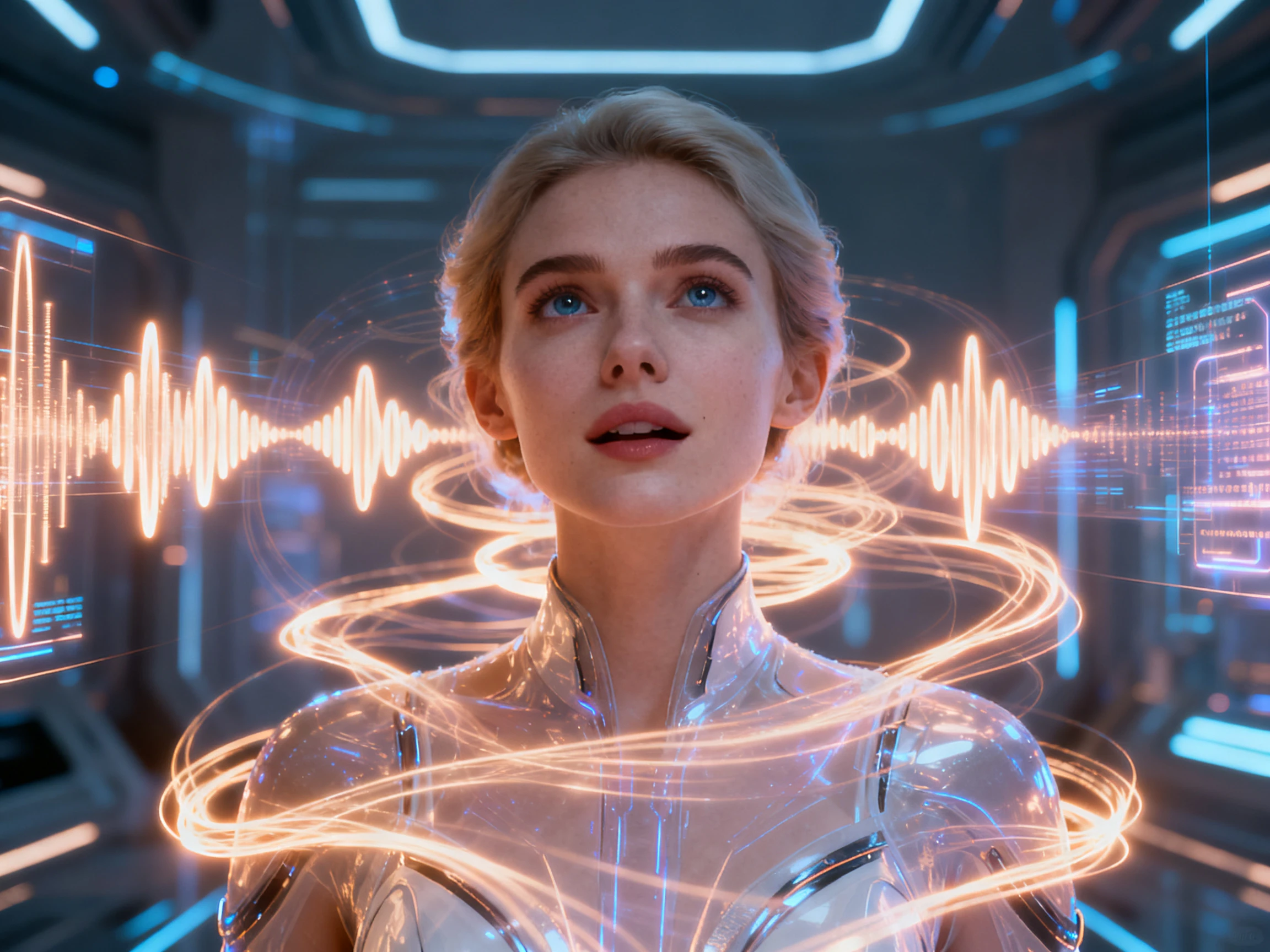
Turn a visual avatar into a speaking character by choosing from 37 available voices or cloning a voice you already use. The added speech makes the character suitable for hosting videos, narrating stories, presenting information, or delivering dialogue.
Who Can Use the Magiclight AI 3D Avatar Generator?
From cartoon characters to virtual presenters and branded personalities, the AI 3D avatar generator free gives each idea a 3D character designed to fit its role and visual style.
For Virtual Presenters
Choose a look from the 52 styles across 4 model groups.
Give the presenter a voice from the 37 stock choices here.
Run the finished videos commercially under any paid tier.
For Game Concept Artists
Add a basic 3D character image to generate a dominating output.
Test a design in several styles before committing to one.
Export all the concept frames at either 720p or 1080p.
For Corporate Teams
Set the angle and pose per shot, choosing from 50 presets.
Deliver the same briefing across all 11 supported languages.
Caption the finished briefing using the 16 subtitle settings.
For Animated Series Leads
Save the lead character once and bring it back each episode.
Write the design out in 1000 characters, or use a photograph.
Let a single look carry the whole series without drifting.
How to Use the Magiclight AI 3D Avatar Generator
Create a 3D character in 3 easy steps. Describe the avatar, pick a style and model, set the poses and camera angles, then add a voice with the Magiclight AI 3D avatar generator.
1.
Step 1. Describe or Upload Your Character
Write a character description of up to 1,000 characters or upload a reference image to give Magiclight AI a clearer visual starting point.
2.
Step 2. Pick a 3D Style and Model
Choose a visual model and select the 3D style that fits your character. Options range from 3D cartoon and Pixar-style looks to CGI and 3D modelling.
3.
Step 3. Save and Reuse the Character
Finish the character and save it to your library. You can then reuse the same design in future videos instead of recreating its appearance each time.
Our brand needed something between a cartoon and a real presenter. The style options in Magiclight AI gave me enough range to find that middle ground quickly.
Lars Bergman
Indie Developer
Running the same character description through different image models saved me weeks. With Magiclight AI, I could compare four takes on the same face in one sitting.
Camille Roux
Learning Designer
We deliver the same induction module in 4 countries every quarter. Keeping one presenter consistent while changing the language is where Magiclight AI works best for us.
Arjun Nair
Studio Manager
Our old avatar always faced straight forward, and it looked flat because of it. Changing the camera per shot in Magiclight AI sorted it immediately.
No, and that catches some people out. Magiclight AI produces animated video rather than a rigged model, so there is no file to take into Blender, Unity, or a VTuber app.
Is the 3D AI avatar generator free to try?
Yes. A batch of credits arrives on sign-up with no card involved, enough to create a character and watch it move in Magiclight AI before deciding on a paid tier.
What makes an avatar look 3D rather than flat?
Seeing the character from different angles creates a stronger sense of depth. Magiclight AI’s free 3D avatar generator lets you change camera angles and poses between shots, making the avatar feel more three-dimensional.
Can I start from a photo of a real person?
Yes, an uploaded portrait works as the starting point. Use a photo you have the right to use, since Magiclight AI has no way of checking whether the person agreed to it.
Will the same avatar look identical next time?
That is what the library is for. Save the character once, and Magiclight AI brings back the same face, outfit, and style rather than generating a fresh interpretation.
Which of the 3D style groups should I pick?
It depends where the video is going. Softer 3D cartoon looks suit story and kids content, while the CGI end of the range fits product and corporate work in Magiclight AI.
Create a 3D Avatar in Magiclight AI
A face that never turns is just a picture with shading on it. Magiclight AI generates the character, sets the angles, and gives it something to say.