








Hero background

CGI Ads Generator

Turn product photos into 3D CGI ads with MagicLight. Create eye-catching scenes with dynamic product movements. No 3D modeling skills needed.

Create a CGI Ad for Free
CGI ad preview 1
Nano Storyboard
Google VEO 3
Sora 2
Gemini
Hailuo
Kling
Midjourney
Qwen
Seedance
Wan
Nano Storyboard
Google VEO 3
Sora 2
Gemini
Hailuo
Kling
Midjourney
Qwen
Seedance
Wan

Explore the Features ofMagiclight AI CGI Ads Generator

An everyday product can catch more attention in an unexpected setting. Magiclight AI CGI ads generator lets you explore creative product placements, camera movements, and visual effects.

Reference to Video for Creative Product Placements

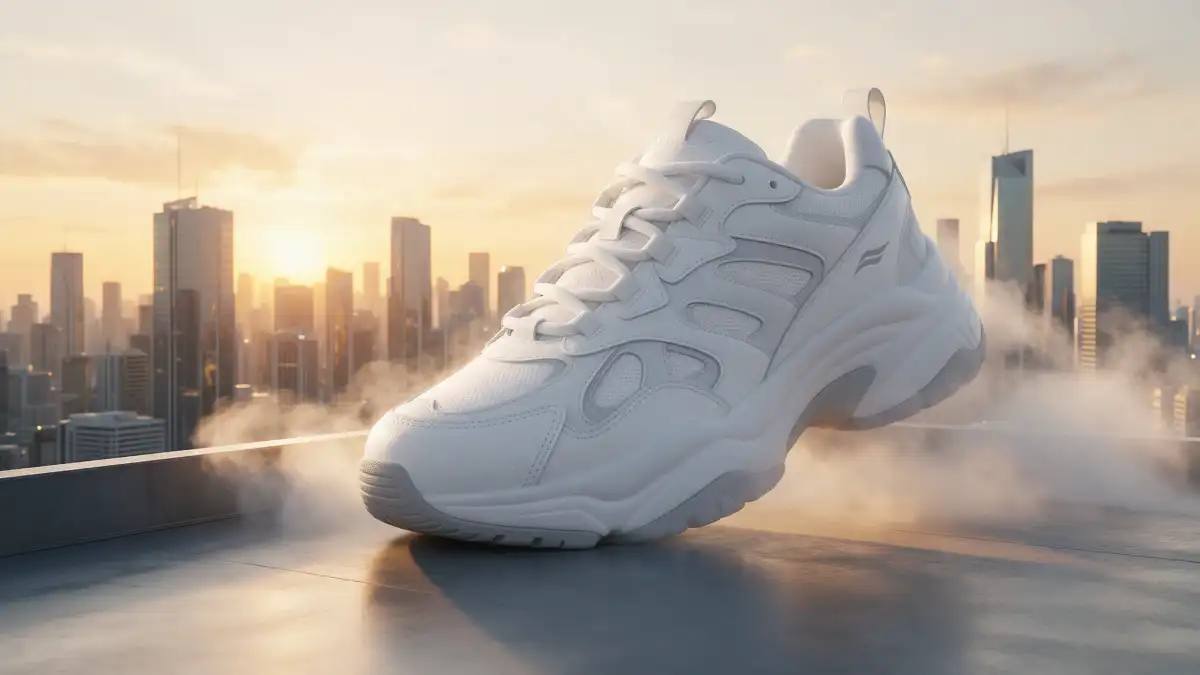
Bring your product photos into Magiclight AI through Reference to Video. Describe a giant sneaker resting on a rooftop or a perfume bottle floating above a city. Use your product images to guide its appearance.

Create Now
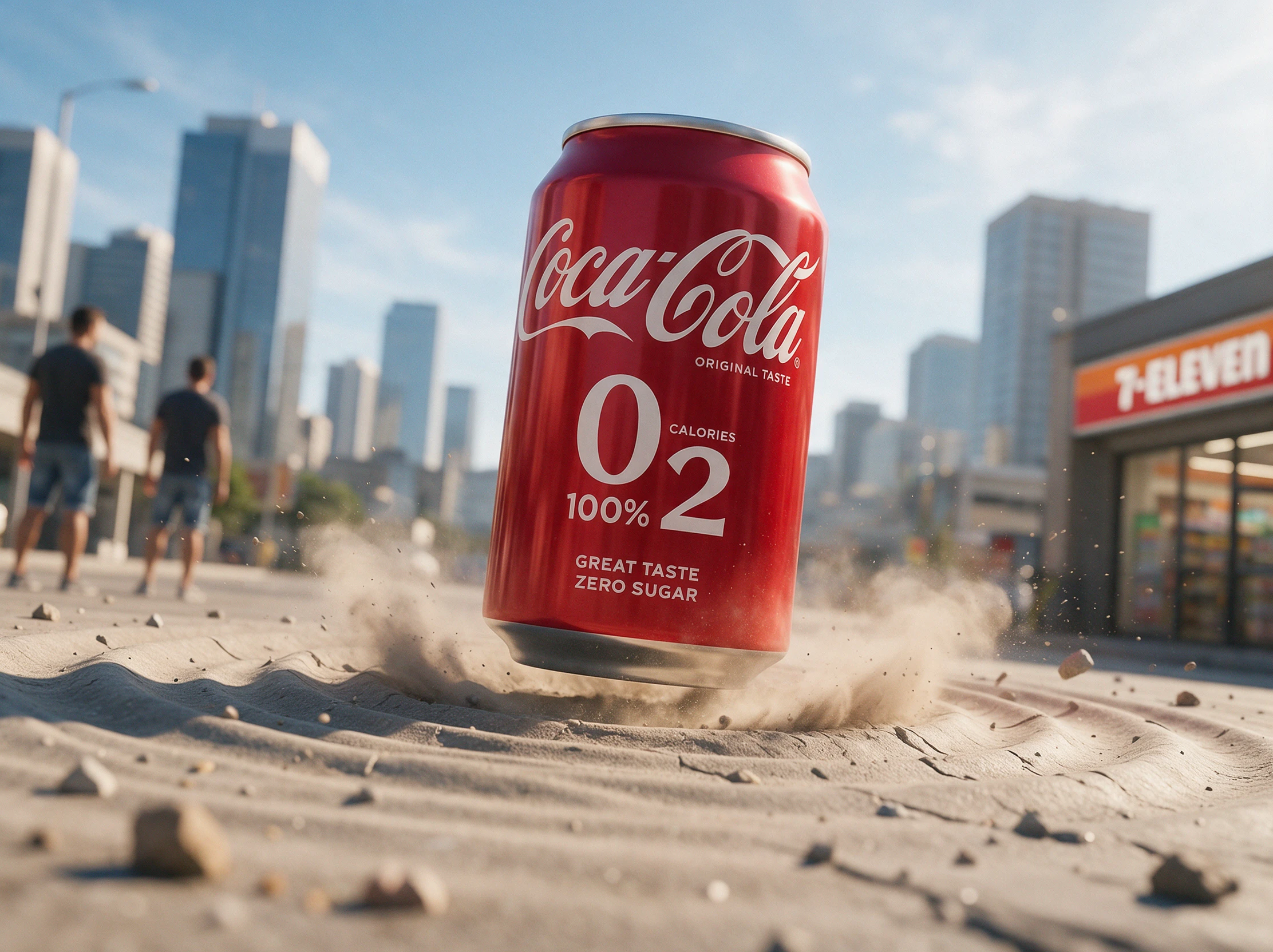
Reference to Video for Creative Product Placements

Frame to Video for Creative Product Reveals

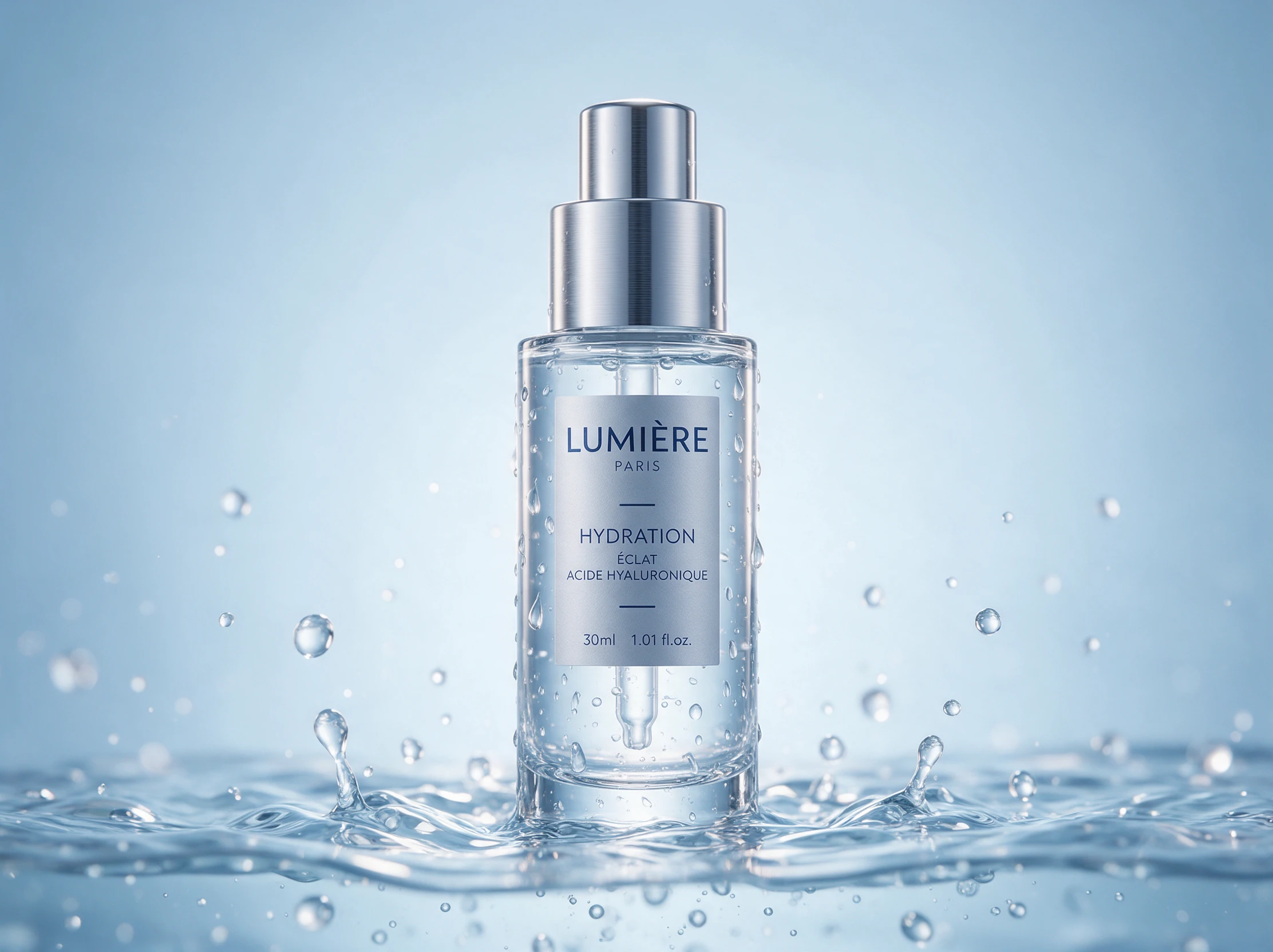
Add two product scenes as the opening and closing frames in Magiclight AI. Show a cosmetic bottle rising from water or a handbag appearing above a building. Frame to Video creates movement between the images.

Generate Story
Frame to Video for Creative Product Reveals

20 Video Models for Different CGI Ads

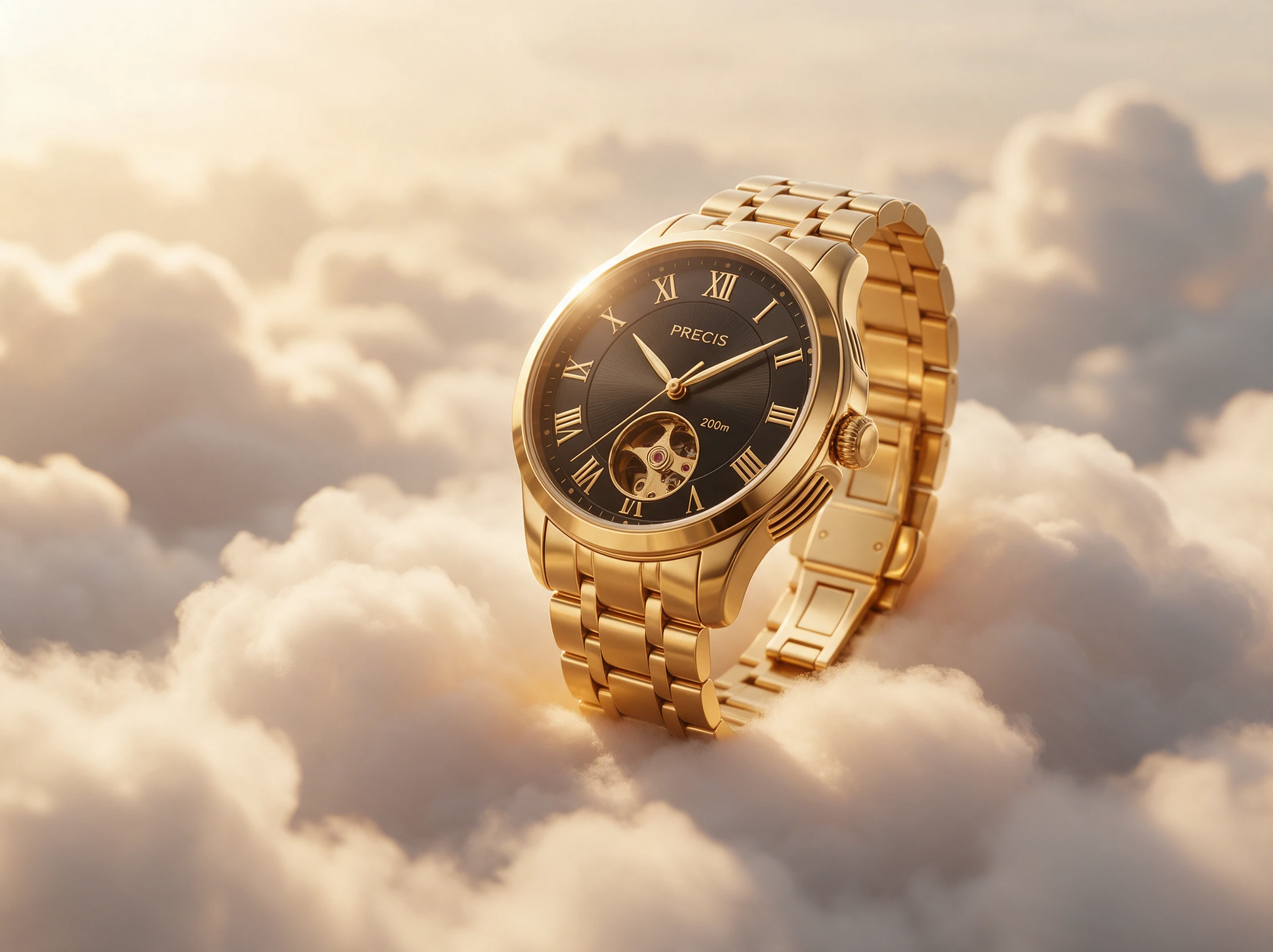
Magiclight AI offers 20 video models to explore different advertising styles. A luxury watch might need slow camera movement, while a sports drink ad calls for fast action. Choose a model that suits your creative idea.

Generate a Story
20 Video Models for Different CGI Ads

Sound Effects for Engaging Product Scenes

A giant soda can landing on a street needs more than striking visuals. Enable Sound Effects on supported video models to add sounds that complement the action. Describe a splash or a dramatic impact.

Start Creating
Sound Effects for Engaging Product Scenes
Who Can Use Magiclight AI CGI Ads Generator
A furniture brand might showcase a giant sofa above a city skyline. Magiclight AI CGI ads generator also helps fashion labels, pet brands, and toy sellers create unusual product campaigns.
For Fake Product Ads
Place oversized products in city scenes through Reference to Video.
Use Frame to Video to show a product growing above a busy street.
Export CGI ads in 1080p to showcase product textures and details.
For Commodity Ads
For Commodity Ads
Add splashing water or fizz sounds using the Sound Effects option.
Create CGI product reveal clips lasting up to 30 seconds.
Choose a 9:16 frame for animated beverage ads on social media.
For Beauty Launches
For Beauty Launches
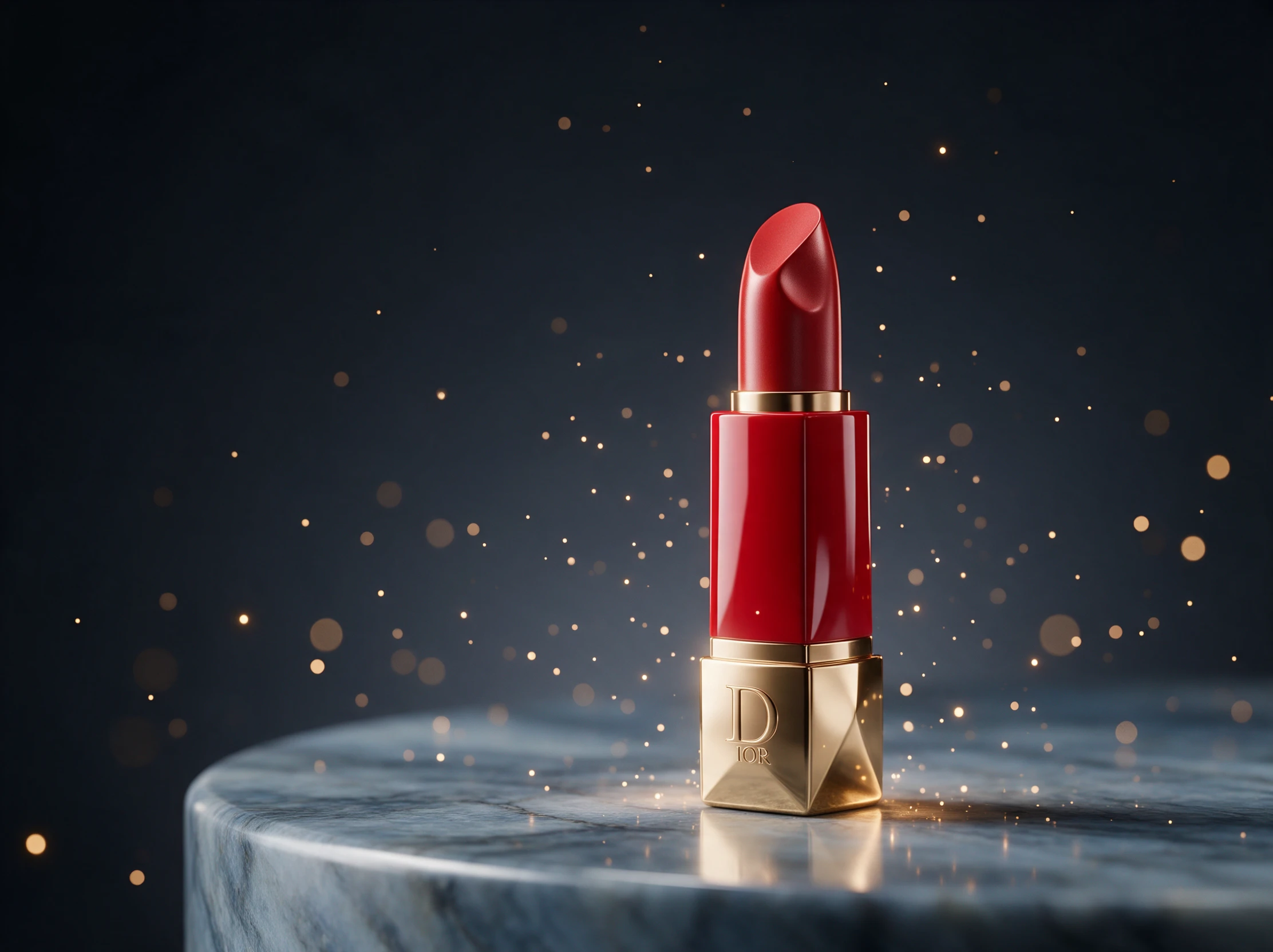
Describe floating perfume bottles and lighting in a 1500-character prompt.
Explore 20 video models for creative cosmetic product reveals.
Use Image to Video to add movement to a skincare product display.
For Gadget Spots
For Gadget Spots
Tag different product reference images to guide your CGI ad scenes.
Showcase gadget features in a 16:9 video for your online store.
Connect 2 product images with Frame to Video for an animated unboxing.

How to Use Magiclight AI CGI Ads Generator

A simple product photo can become the centerpiece of an extraordinary advertisement. Create your own promotional video with the Magiclight AI CGI ads generator through 3 steps.

1.

Step 1. Choose a Video Generation Mode

Open Toolbox in Magiclight AI and select the Video tab. Choose Reference to Video when several product photos should guide your ad. Use Frame to Video to create movement between two product scenes.

2.

Step 2. Upload the Product Photos

Upload product images showing different angles and describe your CGI advertising idea. Mention the product's size, surroundings, camera movement, and lighting.

3.

Step 3. Generate and Download Your CGI Ad

Select from 20 video models and choose a suitable aspect ratio and duration. Click Create Video and review the product's appearance, logo, and movement.

What Users Say AboutMagiclight AI CGI Ads Generator

Laura Pennington

Laura Pennington

Brand Manager

I added 12 photos of our bottle in Reference to Video, and the label stayed correct on Magiclight AI. Marking the post as CGI took one line in the caption.

Mateo Alvarez

Mateo Alvarez

Creative Director

We tested the concept at 720p and reran the best take on Magiclight AI at 1080p. The building edges stayed sharp, and the client approved the cut.

Jenna Whitfield

Jenna Whitfield

Ecommerce Marketer

I ended the clip on a clean packshot so the product faced out at the finish. The spot ran as a paid placement once we moved to a Magiclight AI plan.

Raj Malhotra

Raj Malhotra

Social Media Manager

Sound Effects on Magiclight AI added the fizz and the thud. I framed it 9:16 for Reels and checked the label against our photos before posting.

FAQs on CGI Ads Generator

How can I present an AI-generated CGI ad to my audience?

Give your CGI ad a creative setting that distinguishes it from ordinary product footage. Use a clear AI-generated content label where required by the advertising platform.

How far can the ad stretch the truth?

Spectacle is fine, and inflated results are not. If a scene shows a cleaner erasing a stain, that has to match real use. Keep Magiclight AI effects obviously impossible, such as a 20-story can.

Will the giant product keep my exact label?

Not always. Magiclight AI CGI ads generator can bend fine print, logos, and barcodes, as the product grows or moves. Check each frame and add the exact logo in an editor if it drifts. Image tags and an end packshot help keep it accurate.

Can I showcase my product in an outdoor CGI scene?

Yes. Magiclight AI lets you place products in imagined city streets, parks, or open landscapes. Describe the surroundings, product size, and camera movement to create an eye-catching outdoor advertisement.

Can I create CGI ads without 3D modeling experience?

Yes. Magiclight AI CGI ads generator creates promotional videos from product images and written descriptions. Explain how your product should appear and move without manually building 3D models.

Can I create a CGI ad using a single product photo?

Yes. Use Image to Video in Magiclight AI to animate a single product photo. Describe the camera movement, surrounding environment, and visual effects to turn a simple image into a creative ad.

Create Your First CGI Spot with Magiclight AI

Plan one test ad that no film crew could ever shoot. Create it with the Magiclight AI CGI ads generator this week and compare its clicks with your usual product video.