MagicLight Agent Plans Your Event Promo
Share your event theme with MagicLight Agent and explain who you want to invite. It helps plan a video that introduces the occasion and gives viewers a reason to save the date.
Create Now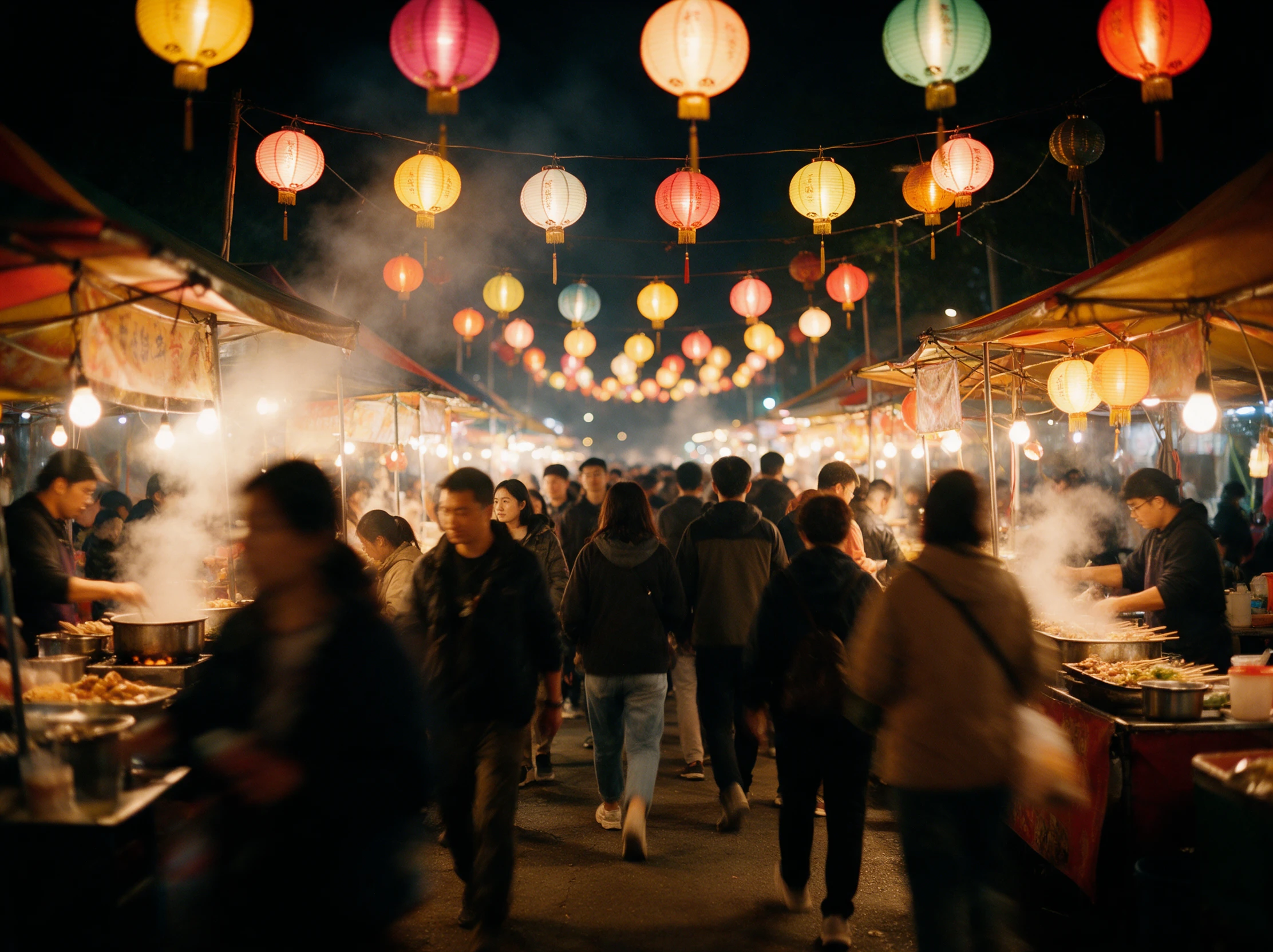
Create engaging event videos with MagicLight AI. Turn your event photos, ideas, or details into promotional videos and recaps that capture the highlights. No video editing skills needed.
Create an Event Video for Free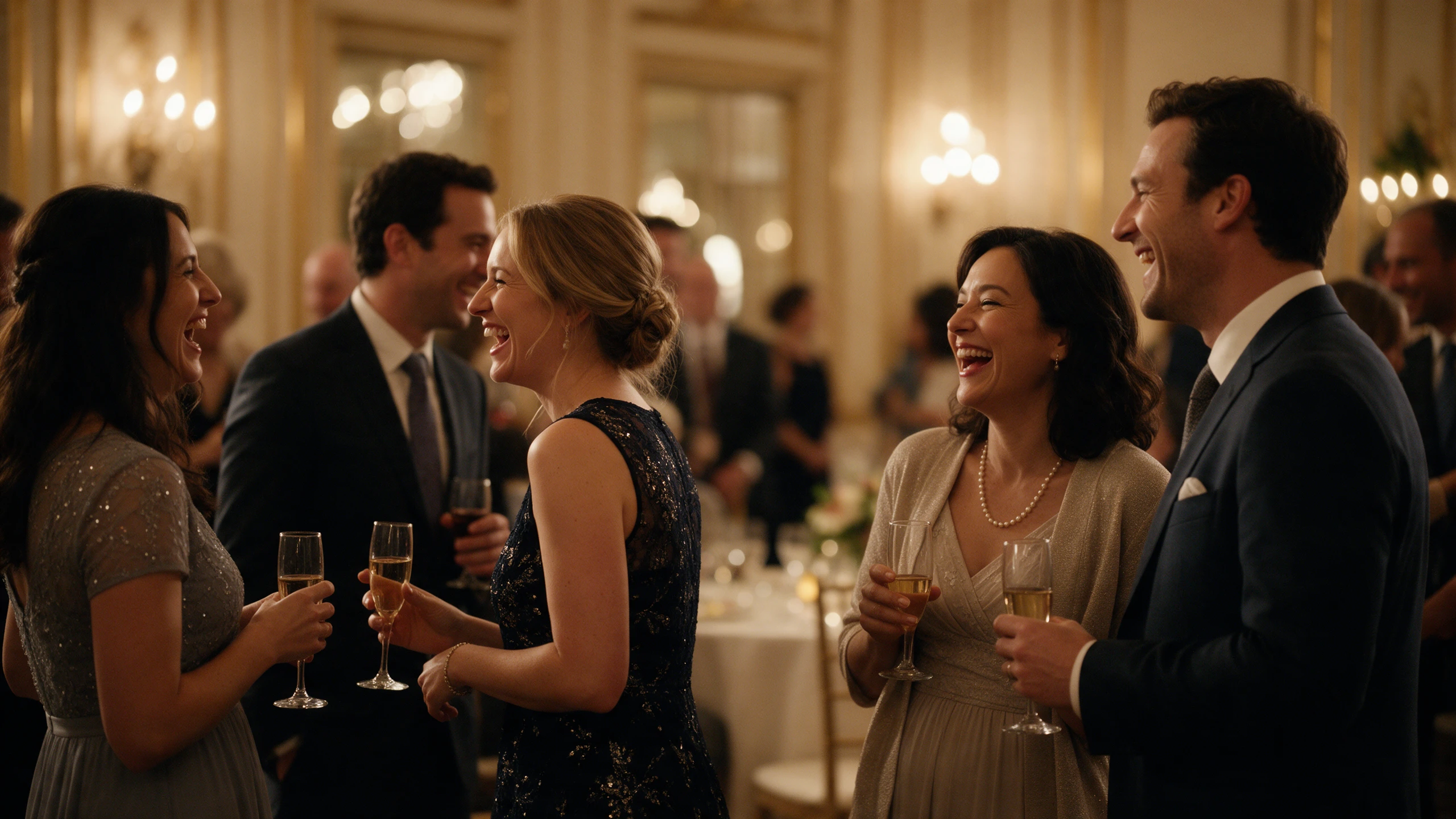









Tell Magiclight AI about the crowd you hope to welcome and the place they will gather. Its event video maker helps you prepare a preview that feels true to your occasion.
Share your event theme with MagicLight Agent and explain who you want to invite. It helps plan a video that introduces the occasion and gives viewers a reason to save the date.
Create NowMagiclight AI lets you enter a script of 12000 characters for Story to Video. You can make a quick invitation for guests or a longer event film that runs for 50 minutes.
Generate Story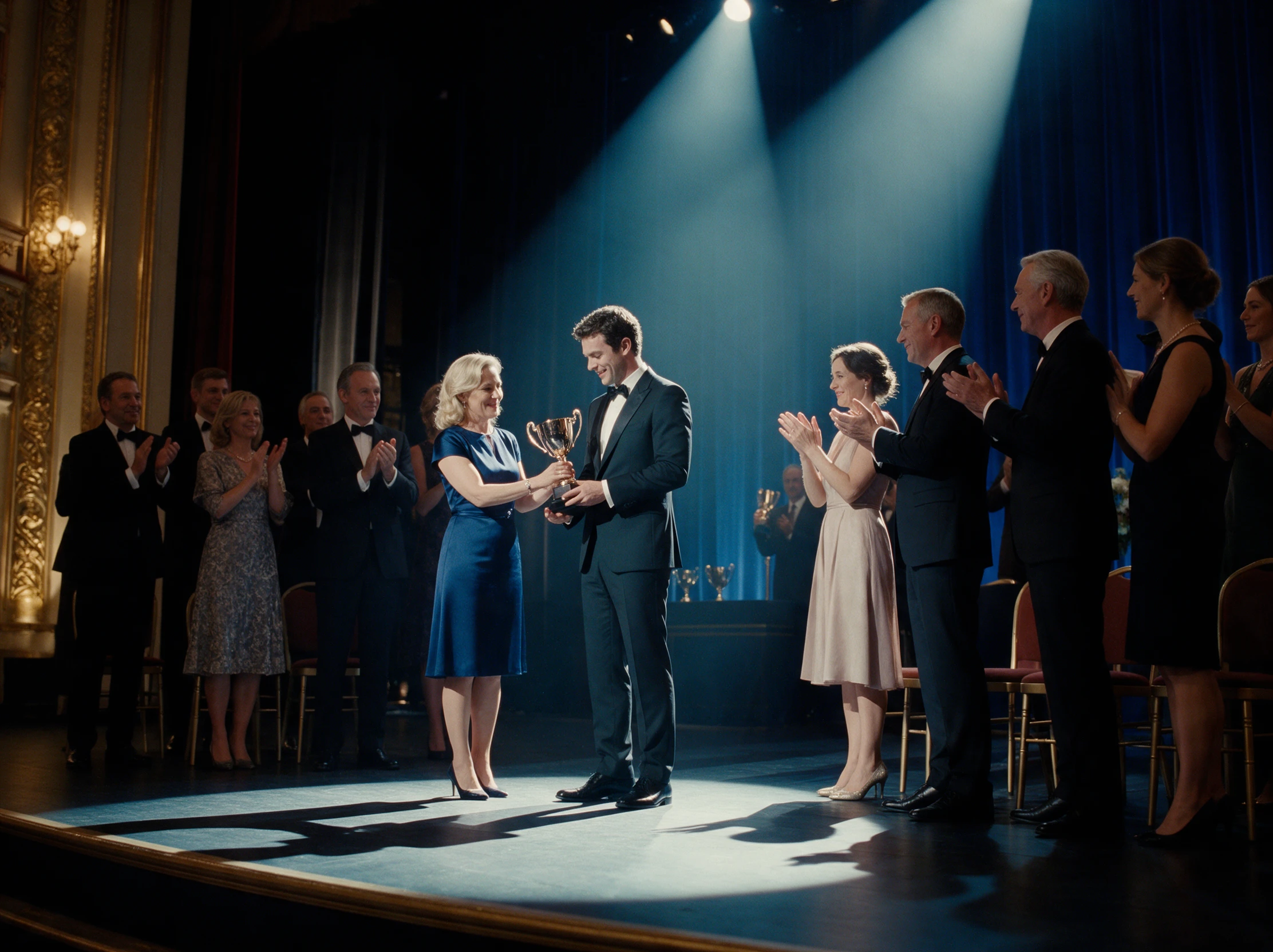
Magiclight AI offers 16 subtitle styles for your event video. Pick a clear look for the date and venue name, especially when guests watch your announcement with the sound turned off.
Generate a Story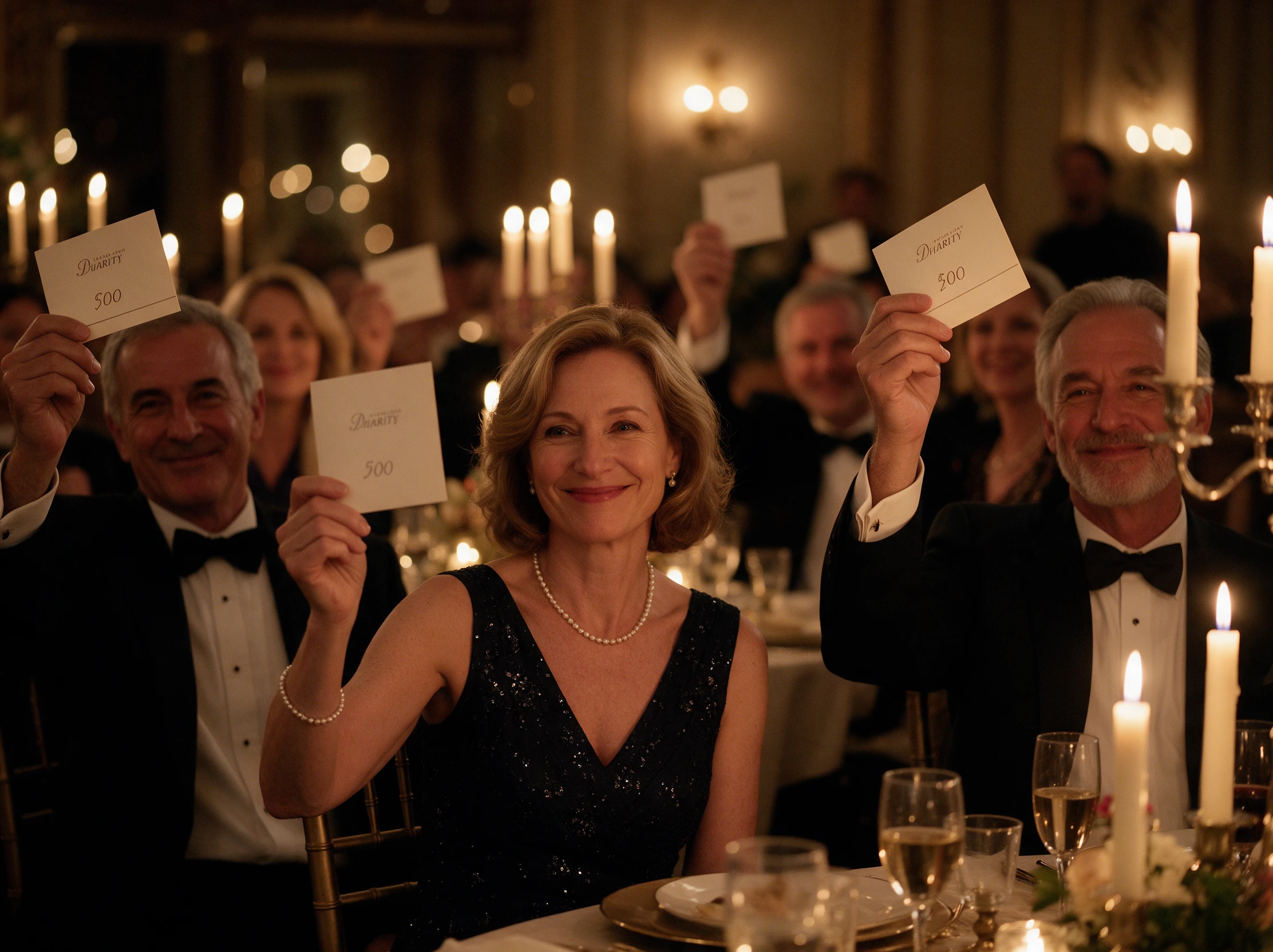
Let regular guests hear the host they already know. On a paid Magiclight AI plan, Voice cloning uses a clear recording of 10 to 300 seconds to recreate that voice for your event promo.
Start Creating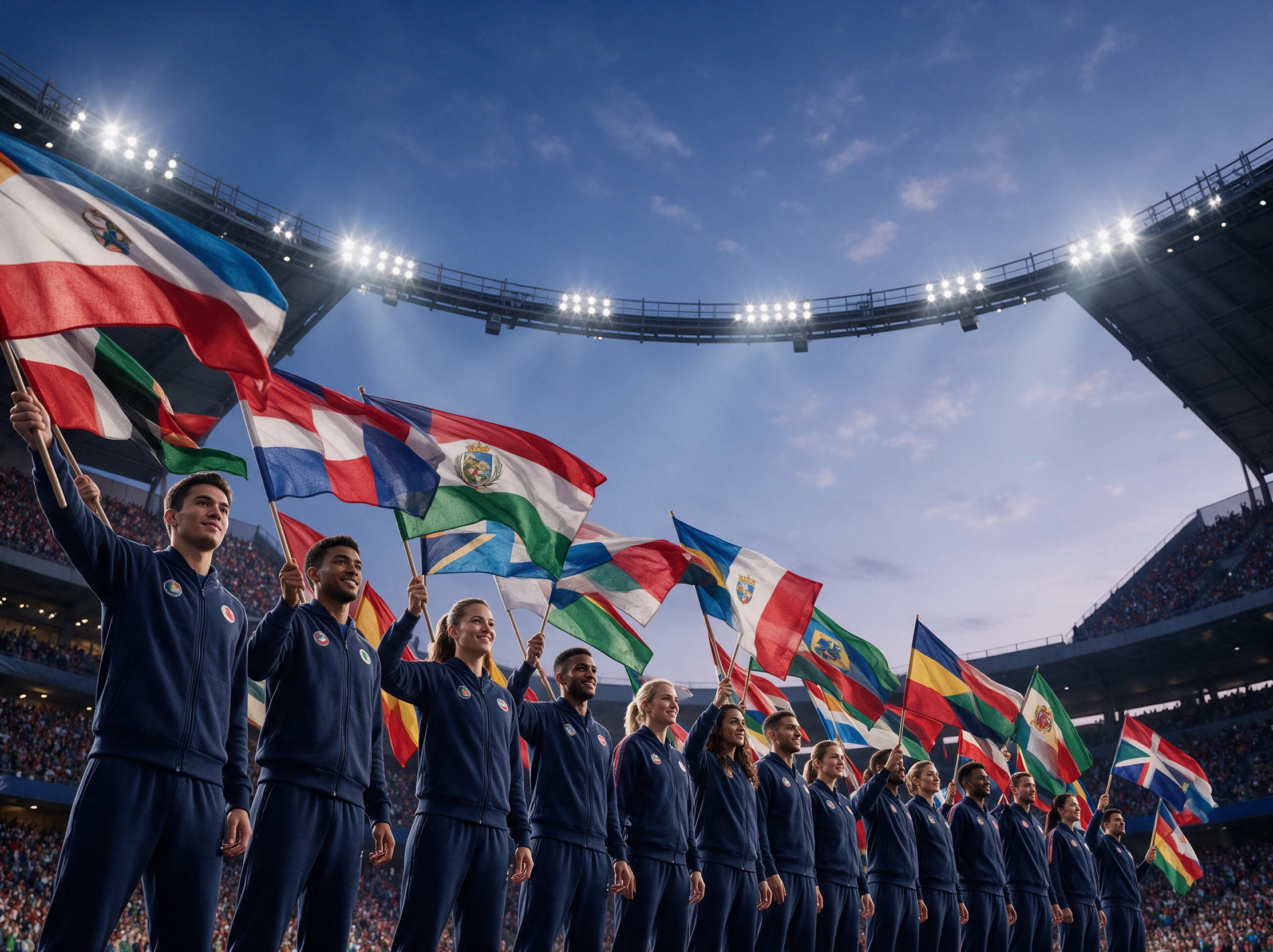


An event video maker gives your upcoming concert a place on screen before tickets sell out. Magiclight AI takes you through 4 steps to turn your event plans into a video.
Start a Video or Series project in Magiclight AI. Enter your event script within 12000 characters, select from 16 story models, and choose a suitable niche through MagicLight Agent.
Choose a visual style for your event video in Magiclight AI. Describe each host or speaker within 1000 characters, then select a suggested character if one suits your event.
Open Nano Storyboard to review your event scenes. Use Upload Custom Image to add real venue photos where needed, then ask MagicLight Agent to animate the video.
Choose a narrator from 37 voice options in Magiclight AI. Add music from the library if it suits your event, then generate the video and download the finished version.
Event Planner
I had a conference coming up and needed a short promo. Magiclight AI helped me show the venue and introduce the speakers without spending days on video editing.
Marketing Manager
We wanted people to see what our event would actually feel like. Using the venue photos made the video more relevant than another generic announcement on our website.
Venue Manager
Our welcome screen needed something better than a static slide. I liked being able to include the venue itself and make a video that suited the occasion.
Social Media Manager
I needed a quick teaser for an upcoming gig. Magiclight AI gave me a way to prepare the video without asking our designer to take on another project.
Yes. Magiclight AI event video maker has Animate One for adding motion to images. Real faces may change slightly, so a still headshot is often safer for speaker introductions.
You can update the narration and subtitles in Magiclight AI, then generate the video again. Check that the new date appears correctly before replacing your earlier event posts.
Yes. Magiclight AI supports 12 languages for narration. You can introduce international speakers in a suitable language and make your event announcement easier for guests to follow.
Yes, with permission from the sponsor. Upload the official logo as a custom image in Nano Storyboard, then check its appearance before publishing your event promotion.
Free Magiclight AI accounts can make short videos with a watermark. For sponsored events, check the paid membership terms to confirm commercial usage rights before publishing.
Choose 9:16 for Instagram Stories and Reels, where guests watch on their phones. A 16:9 video suits venue screens and wider displays during conferences.



Show guests what they can look forward to with Magiclight AI. Turn your event plans into a video worth sharing before the doors open.