
MagicLight Agent Drafts the Plot From One Line
Start with a simple idea, and MagicLight Agent develops it into a complete storyline and script. Review the plot and make changes before moving on to scene creation.
Generate a Story Plot for Free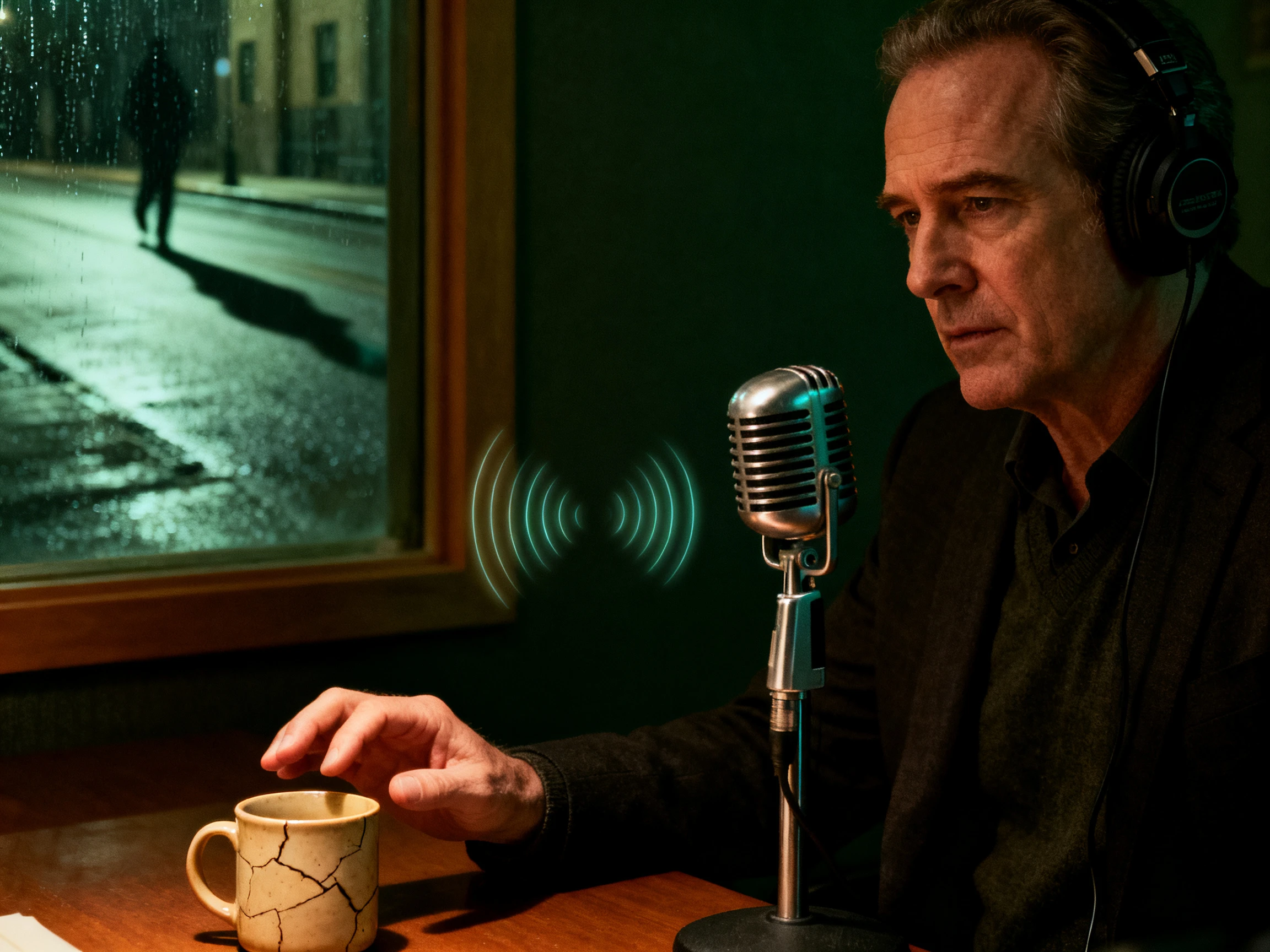

Turn your ideas into an engaging story plot with Magiclight AI. Develop your characters, build a storyline, and get a script to review before creating your video. No outlining or writing experience needed.
Generate a Story Plot for Free










Start with your own characters or begin with a fresh idea. Magiclight AI’s story plot maker online plans the key events first, then turns them into scenes later.
Start with a simple idea, and MagicLight Agent develops it into a complete storyline and script. Review the plot and make changes before moving on to scene creation.
Generate a Story Plot for FreeA saved character keeps the same face and personality in every new story. Describe a new one in 1000 characters and name the cast in your idea before the plot is written.
Generate a Story Plot for Free
A second plot comes from running the same idea through another of the 14 story models. Magiclight AI allows you to compare both scripts in full before choosing which one moves on to scenes and voices.
Generate a Story Plot for Free
The scene where the letter is found can get a close camera angle and a frozen, shocked pose from the 50. Nano Storyboard sets this up before any part of the video is animated.
Generate a Story Plot for Free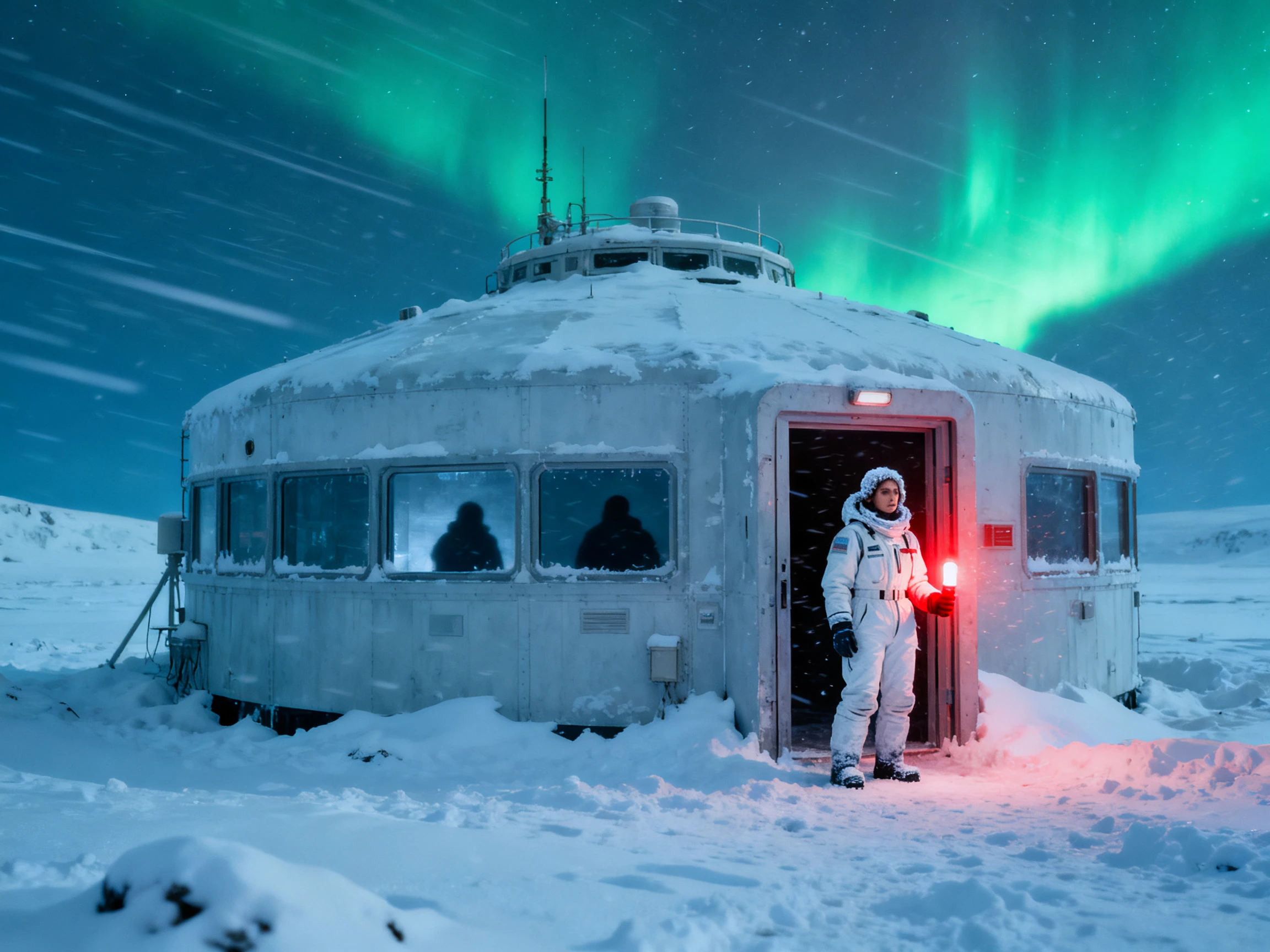


Your story idea can become a video with Magiclight AI in 4 steps. Use the story plot creator to plan what happens and bring each scene to life.
Enter your story idea in up to 12,000 characters with the names of saved characters. MagicLight Agent writes the script from your idea and lets you edit it before approval.
Use saved characters from your library and write a 1000-character description for each new character. There are more than 20 styles available to choose the look of your story.
Open Nano Storyboard to check the main scenes of your story. Change the poses and camera angles in important scenes and keep the rest as they are.
Select from 37 voices for the narrator and main characters in your story. Add background music and subtitles if needed and generate your finished story video.
Novelist
I already had three characters planned but could not decide what should happen to them. Magiclight AI gave me a plot where each character had a part in the story.
College Student
Our class had to write a short story about a lost letter. I tried Magiclight AI to plan the events and used the plot to finish my assignment.
Mystery Writer
I wanted the reader to notice a clue without knowing it was important. Magiclight AI helped me try different scenes before deciding where the clue should appear.
Fiction Writer
I sat down to write but had no idea where to start. I picked a story template in Magiclight AI and had a plot I could work on that afternoon.
Yes. The story plot generator in Magiclight AI can give you different plots from a simple idea. You can try another story model to get a fresh result.
You can choose saved characters in Magiclight AI and use them again in another story. Add their names to your idea and select them from your character library.
Magiclight AI shows your plot as a script before any video starts. You can read it and change the parts you dislike without moving on to the video steps.
Yes. The short story plot generator in Magiclight AI works for school stories. Check with your teacher first and write the final assignment in your own words.
Yes, Magiclight AI lets you choose from more than 20 visual styles for your story. Use Nano Storyboard to change poses and camera angles in scenes.
Your first story is free with Magiclight AI, and you do not need a bank card. You only need an account to try it and see how your story idea turns into a script.



Enter a few words or character names, and the Magiclight AI story plot generator turns them into a plot and video.