
MagicLight Agent Writes Your Horror Plot
Share a creepy rule and the place where your story happens. MagicLight Agent turns your idea into a scary plot that you can read and change before starting the video.
Create Horror Story For Free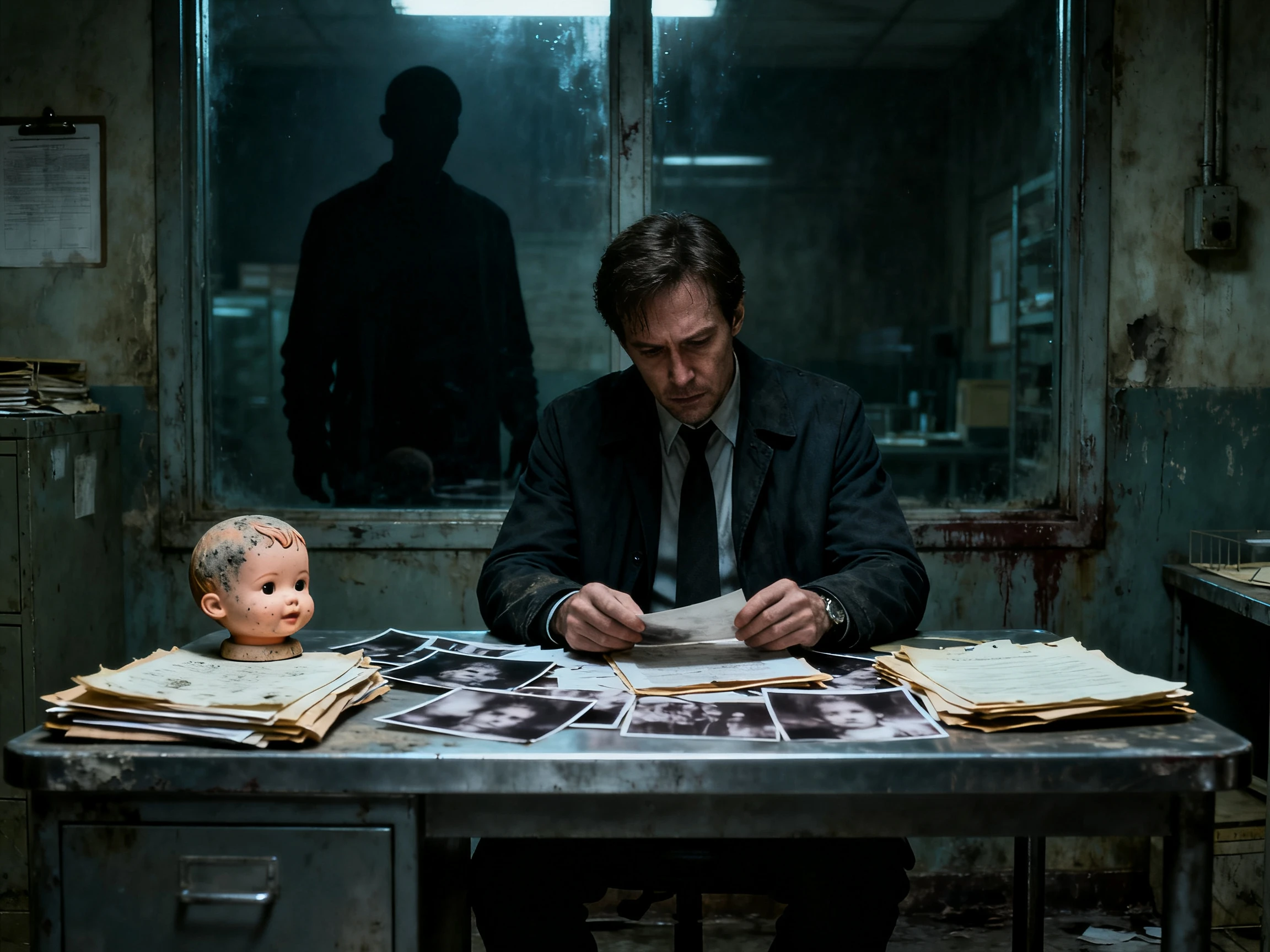

Start with a simple scary idea and let MagicLight AI turn it into a chilling plot full of suspense and unexpected twists. No hours of brainstorming needed.
Create Horror Story For Free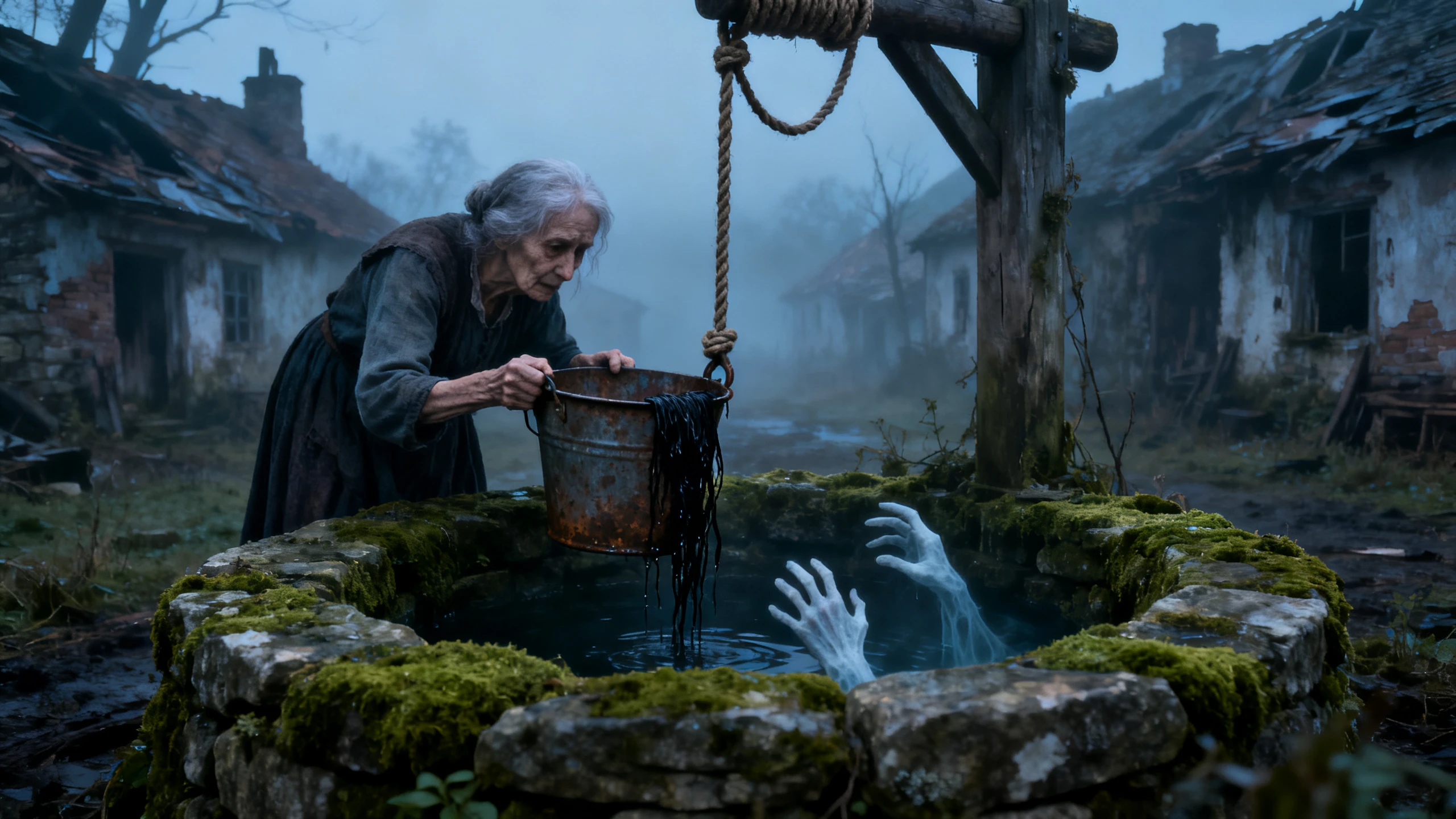










Give Magiclight AI a creepy rule that someone must never break. The horror story plot generator turns it into a scary plot that shows what happens when someone ignores the warning.
Share a creepy rule and the place where your story happens. MagicLight Agent turns your idea into a scary plot that you can read and change before starting the video.
Create Horror Story For FreePaste up to 12,000 characters of your unfinished story into Magiclight AI. MagicLight Agent picks up where you left off and keeps the same characters and rules.
Create Horror Story For Free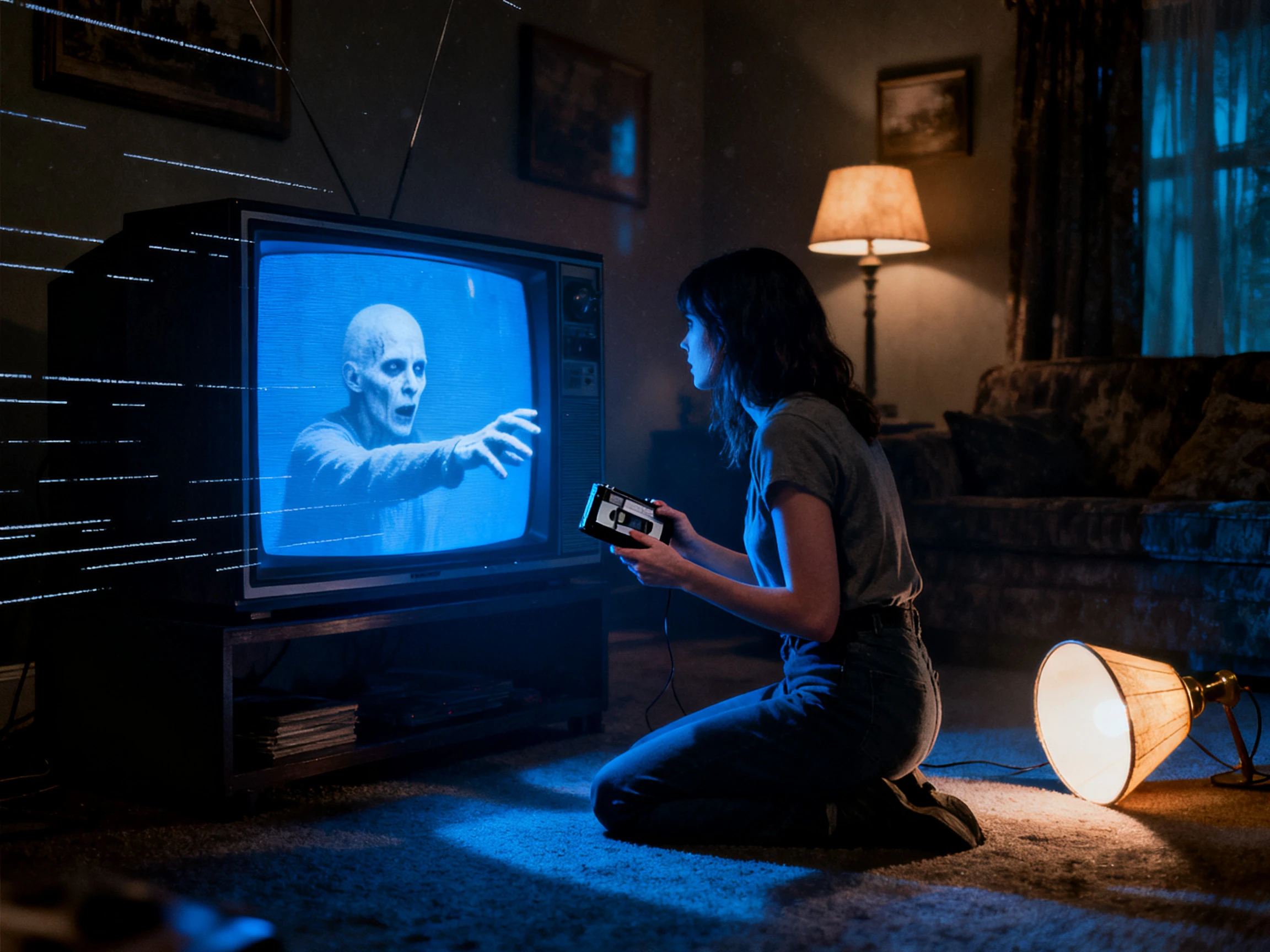
Magiclight AI gives you 14 story models to choose from, including GPT-5.6 and GPT-6 Astra. Try different models to see how each one takes your scary idea in a new direction.
Create Horror Story For Free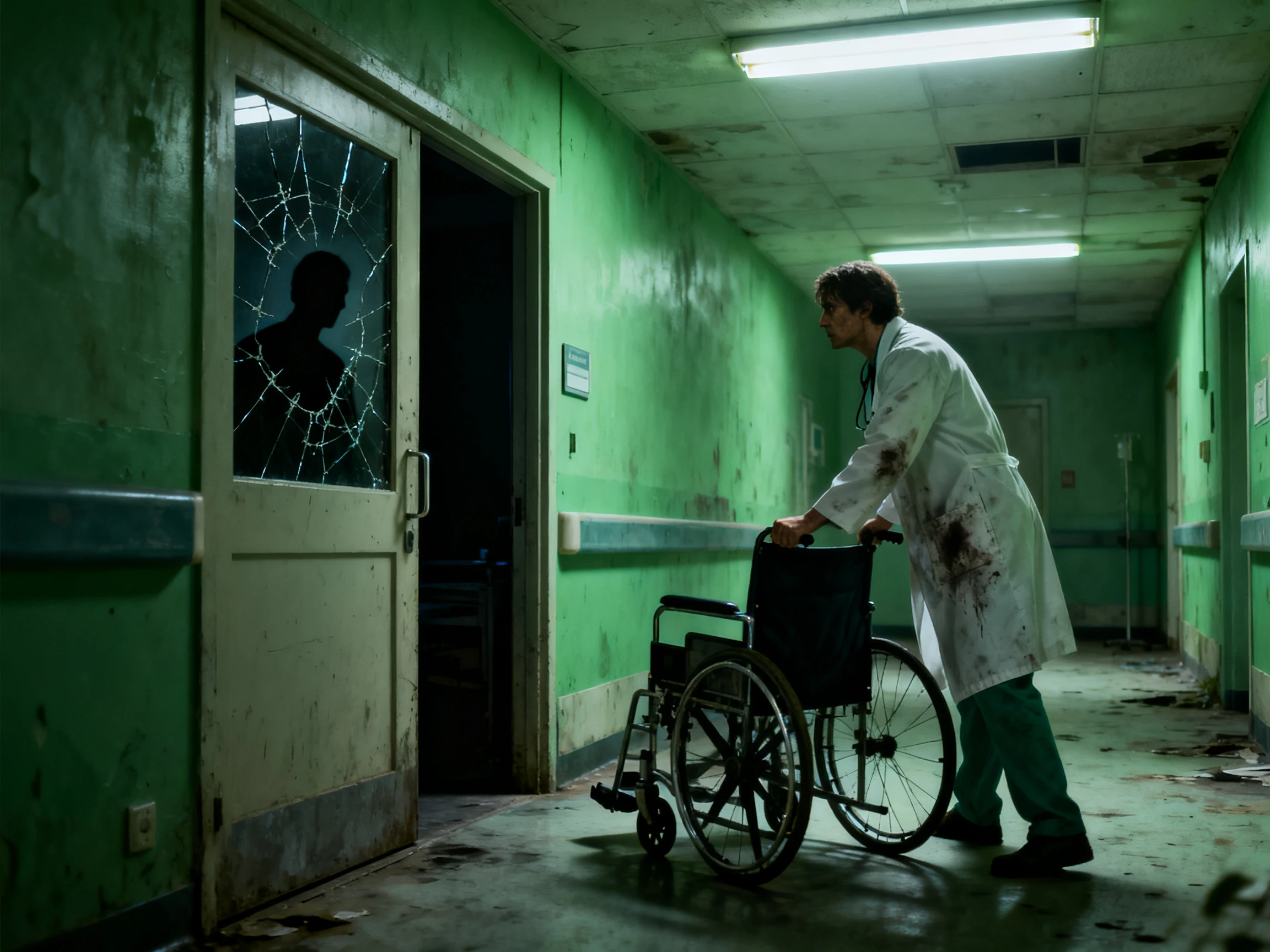
Share a ghost story you remember hearing as a kid. Magiclight AI lets you tell it in your chosen language with narration and subtitles that help people follow the story.
Create Horror Story For Free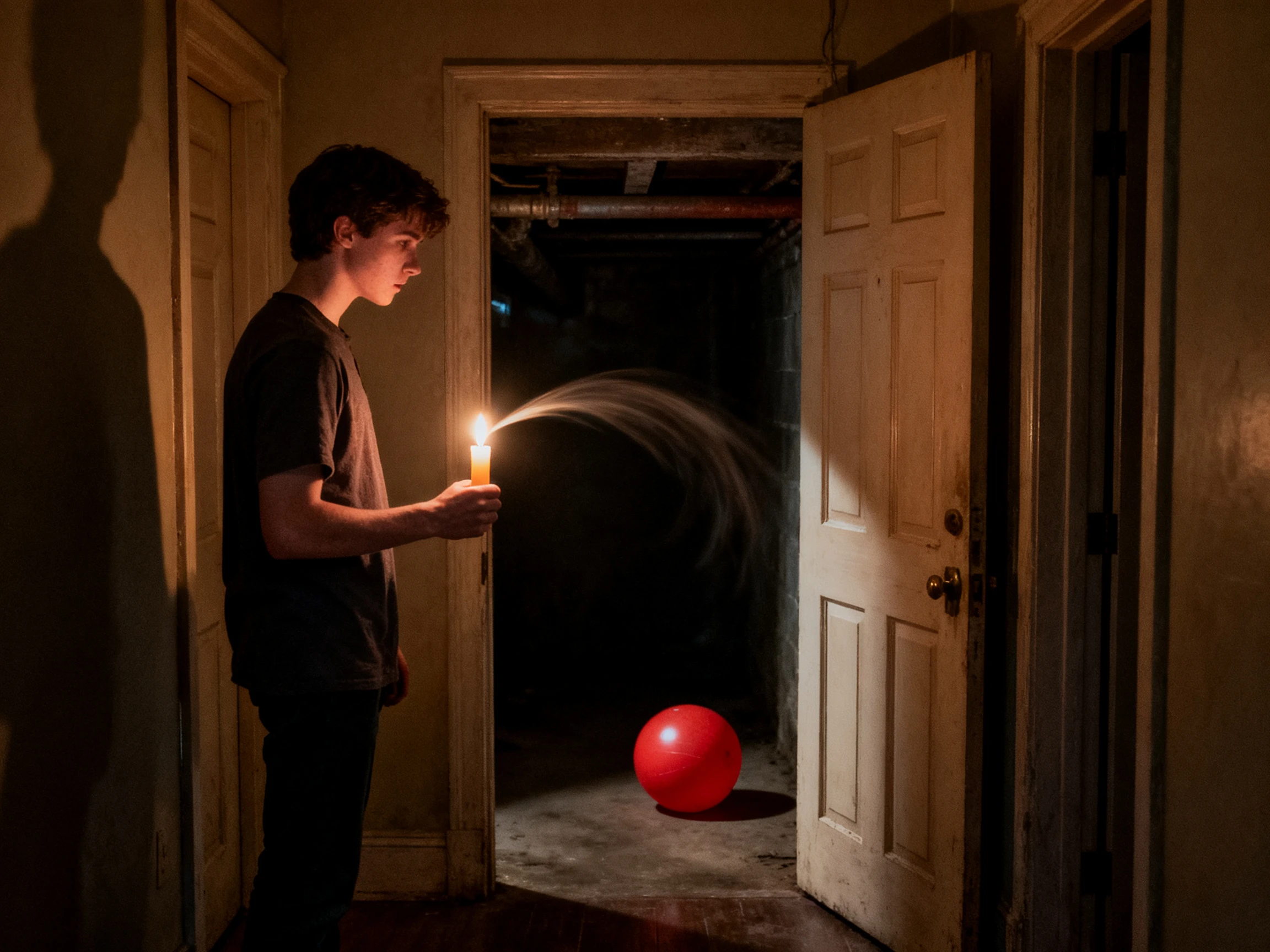


Magiclight AI gives you 4 easy steps to turn a strange rule into a scary story. Its horror story plot generator helps you decide what happens when someone finally breaks that rule.
Start with a strange rule like never open the basement after dark. Give MagicLight Agent up to 12000 characters about your story and read the script it writes before you approve it.
Bring back a character from your last story if you want to keep the same face. Describe someone new in up to 1000 characters and choose from 50+ visual styles for the scenes.
Nano Storyboard lets you see each part of the story before the video is ready. Move the camera closer when someone breaks the rule and change the character's pose to show how scared they are.
Listen to the 37 voice options in Magiclight AI and pick one that fits your narrator. Add some background music and subtitles before getting your finished video.
Horror Story Writer
I had a story about a locked attic but couldn't figure out the ending. Magiclight AI helped me find a creepy twist that worked with the warning I'd written earlier.
Camp Counselor
The kids wanted a new ghost story every night at camp. I used Magiclight AI to plan one about a whistle coming from the woods after everyone went to sleep.
Folk Horror Channel Creator
My grandmother used to tell us stories about a ghost near the village well. I used Magiclight AI to turn one into a narrated video for my channel.
Horror Story Narrator
I wanted the last scene to feel really unsettling without anyone screaming. Magiclight AI let me slow that part down and add a quiet voice before the final scare.
Yes. Magiclight AI horror story plot generator turns your scary story into a video with characters and scenes that follow your plot. You can also add a narrator and background music to set the mood.
Check the magazine's AI rules before sending your story. Some magazines do not accept AI-assisted work even when you write the final story yourself using a Magiclight AI plot.
No. You can give Magiclight AI a dark ending where nobody survives. MagicLight Agent follows that idea and lets you change the final scene before approving the script.
A simple warning like never answer a knock after midnight works well. Magiclight AI follows that rule through the story until someone breaks it and faces the result.
Yes. Magiclight AI lets you ask for a scary story without showing blood. You can choose the Suspense style to keep the scenes frightening without graphic details.
Save your ghost as a character in Magiclight AI after describing its appearance in up to 1,000 characters. You can bring it back in another story with the same look.



Think of a scary rule you should never break. Magiclight AI's horror story plot generator turns it into a story and video.