40 Photos and Clips in One Video
Reference to Video with Seedance 2.5 accepts 30 photos and 10 video clips together. Use team photos and match highlights to create a hype video with several different shots.
Create Now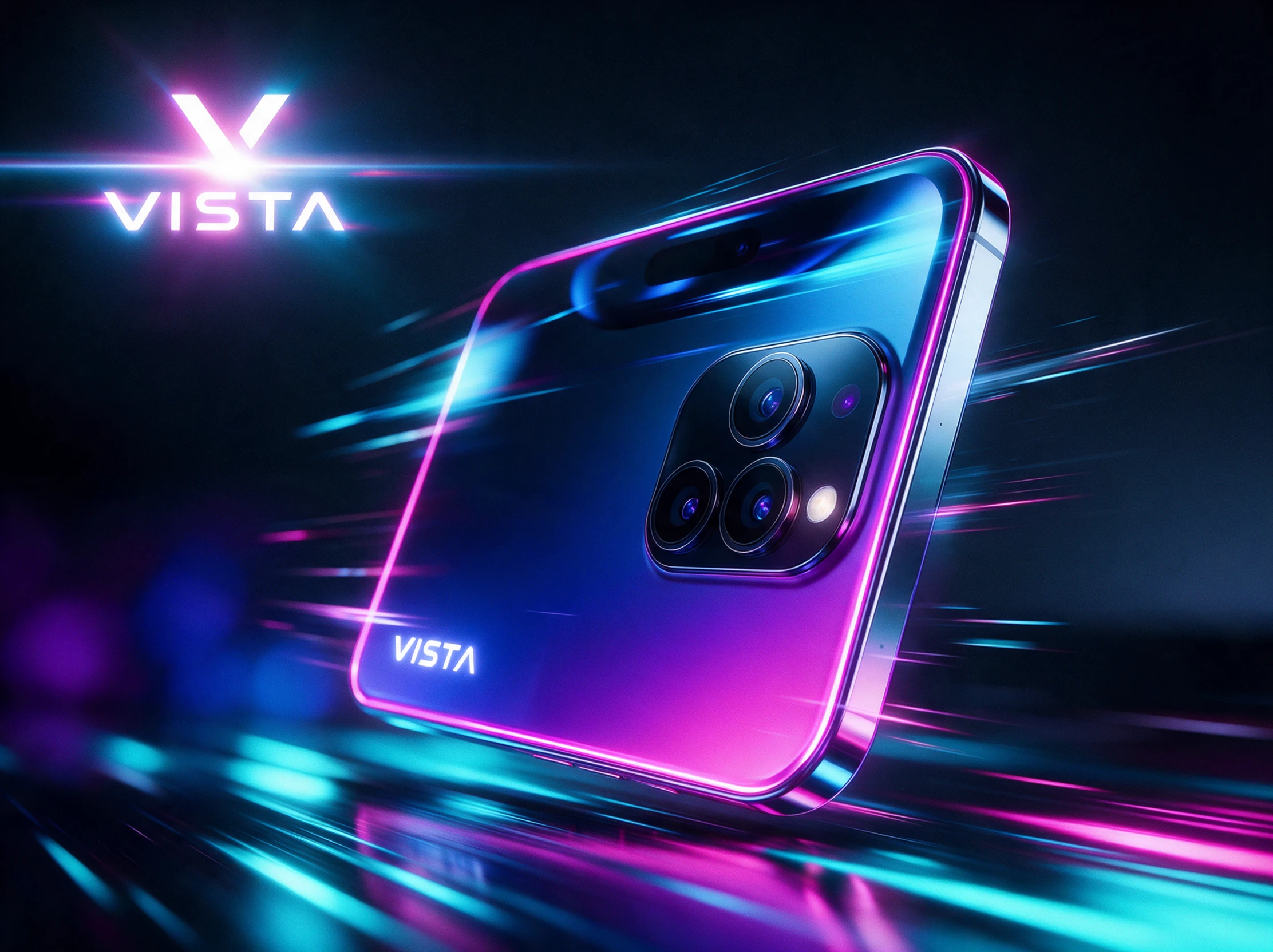

Turn photos and video clips into high-energy hype videos with MagicLight. Add dynamic visuals and music to build excitement for product launches, events, and promotions. No editing skills needed.
Create a Hype Video for Free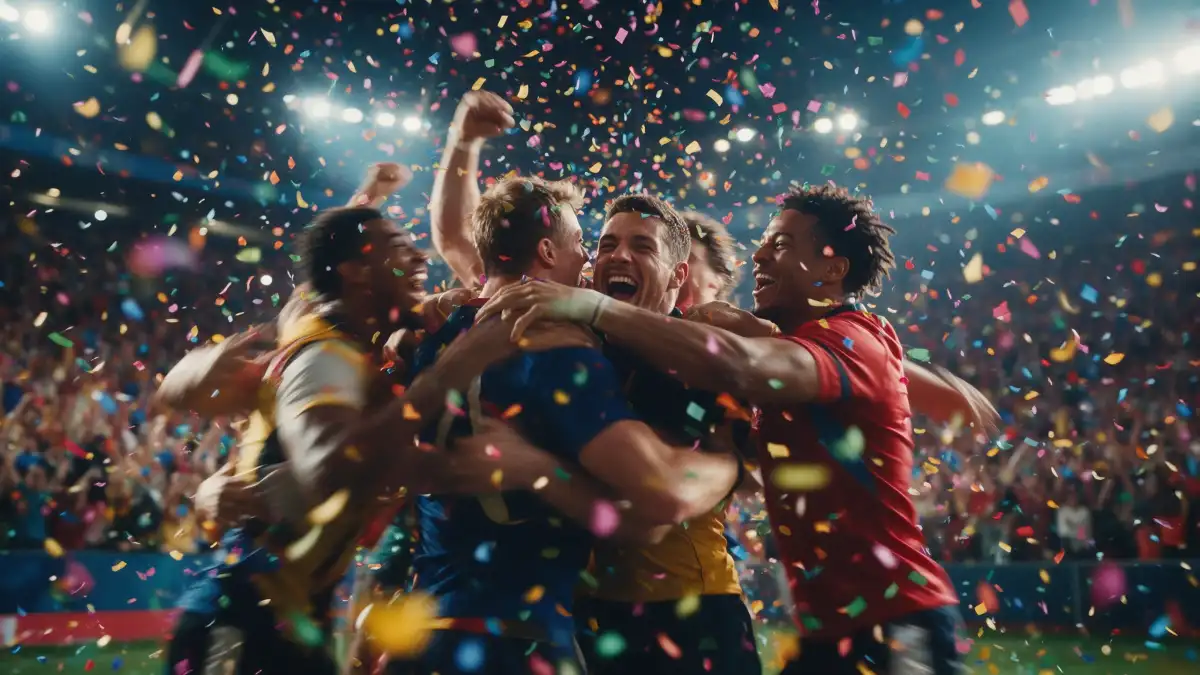










Gather a few photos from your last game and decide which moments deserve the most attention. Magiclight AI hype video maker helps you turn those memories into a lively promo.
Reference to Video with Seedance 2.5 accepts 30 photos and 10 video clips together. Use team photos and match highlights to create a hype video with several different shots.
Create NowA short teaser works well for announcing a new product on social media. Magiclight AI also lets you make a 30 second hype video if you have more moments you want your fans to see.
Generate Story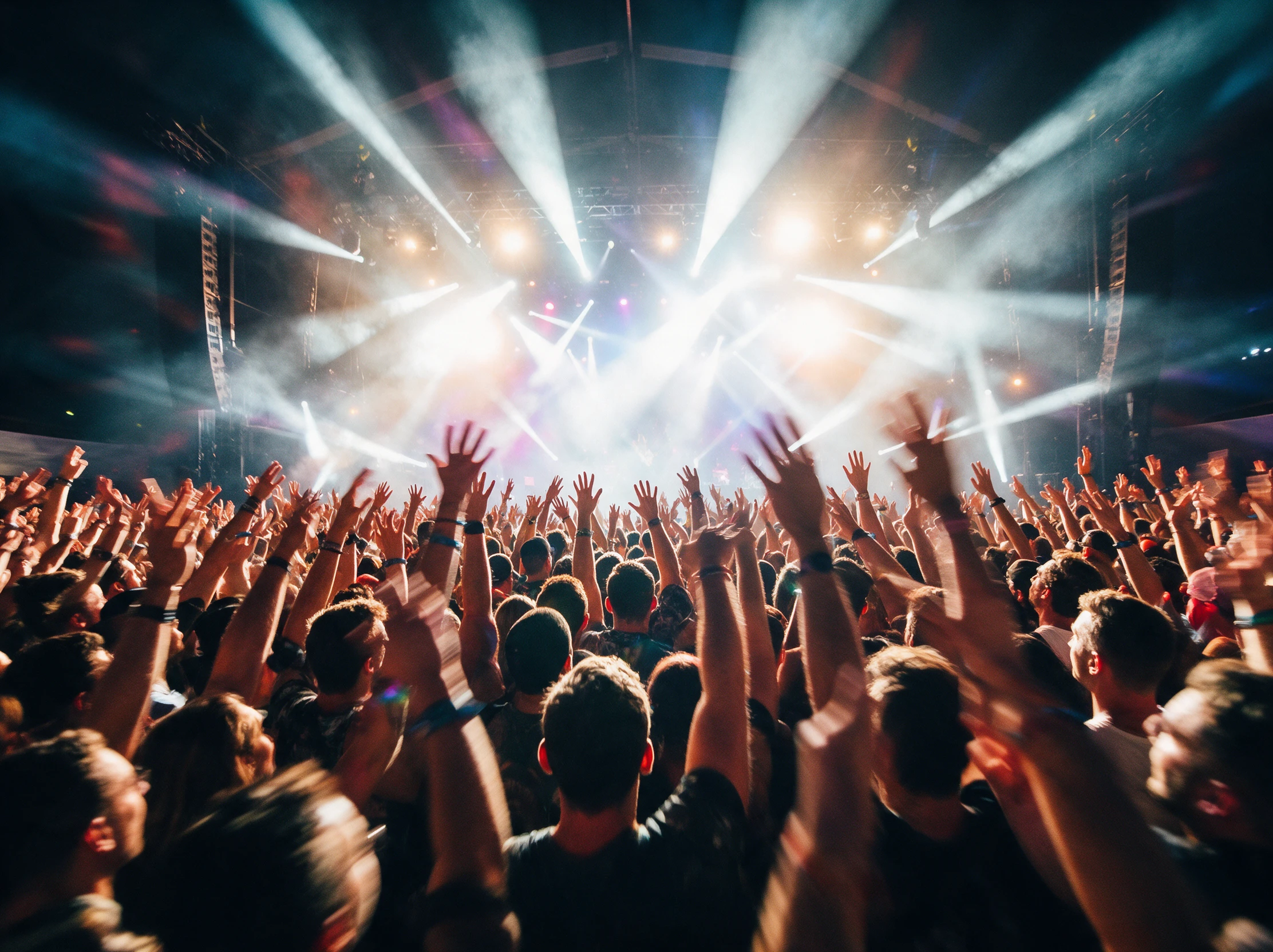
Describe how the camera should move around your new product and when your logo should appear. Magiclight AI gives you 1500 characters to explain the action in your video.
Generate a Story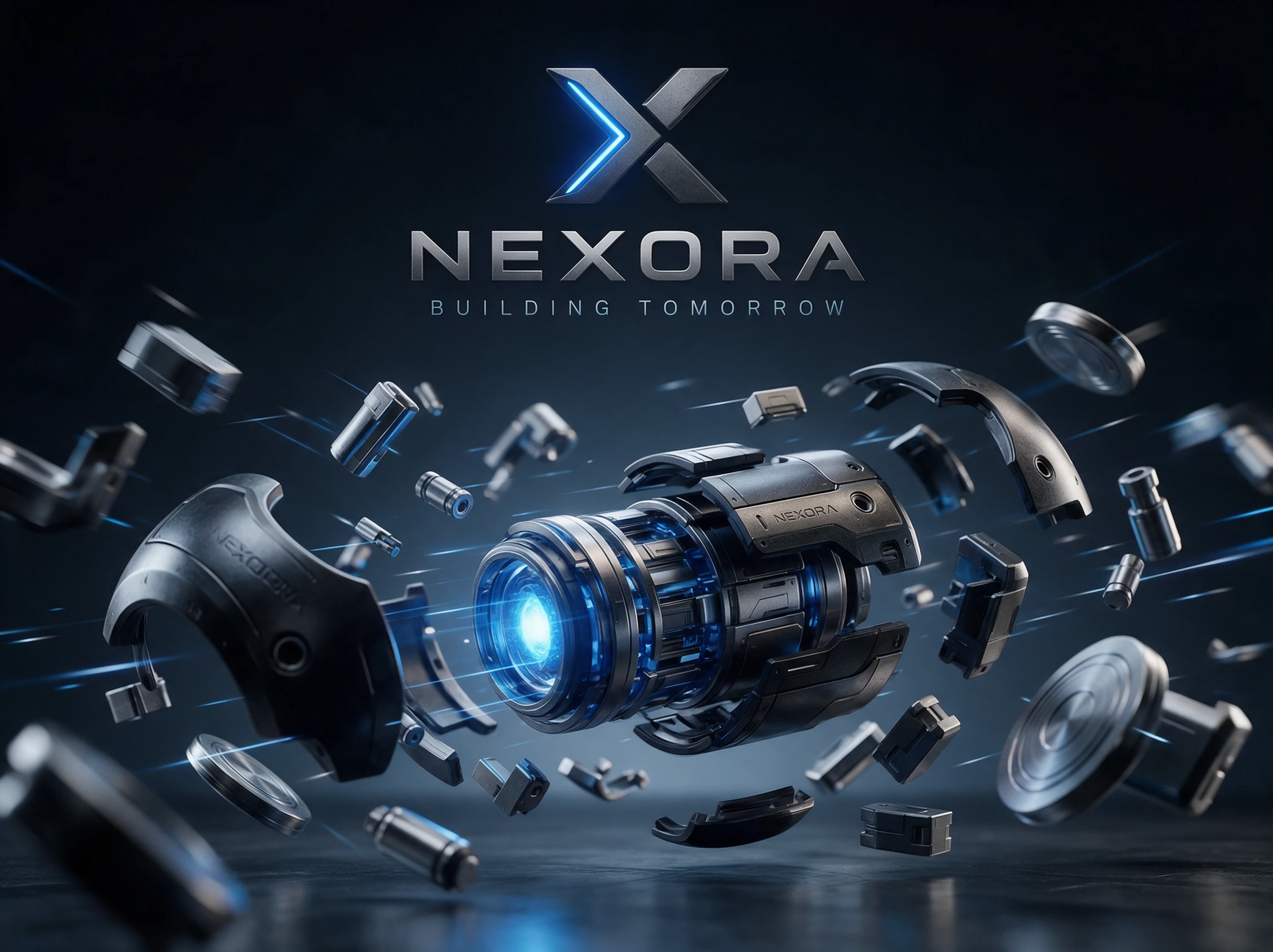
A sports promo feels different when you can hear the crowd cheering as the players enter. Choose a Veo model with sound generation to add effects that suit the action in your video.
Start Creating


Think about what you want people to see before your product goes on sale. These 4 steps show you how to create a short launch promo using the Magiclight AI hype video maker.
Go to the Video tab in Toolbox and select Reference to Video. Pick the right model suiting your requirements and continue after selecting the required resolution.
Upload JPG, PNG or WEBP photos under 20MB each. Add MP4 or MOV clips lasting at least 2 seconds and an MP3 or WAV beat if possible, then note their assigned names like Image 1 and Audio 1.
Within 1500 characters, describe the order of your shots using their assigned names and explain the camera movements.
Watch your promo to check the timing of each shot and how well the action matches the beat. Adjust your description if any scene needs changes before downloading the final clip.
Sports Coach
I had some great footage from last season sitting on my phone. I turned it into a short hype video with Magiclight AI and played it for the team before our opening match.
Shop Owner
We had already taken photos for our summer collection. I used those same pictures to make a quick launch teaser in Magiclight AI instead of paying someone to shoot another video for Instagram.
Gym Owner
Our fitness challenge needed something more exciting than the usual announcement. I made a short video with footage of our members across Magiclight AI working out and shared it a few days before registration.
Video Editor
What I like most is being able to describe how the camera should move between shots within Magiclight AI. It gives me more freedom when experimenting with different ideas for a client's promo.
Yes, the Audio tab complements the Magiclight AI hype video maker. Describe the kind of music you want within 500 characters and generate a track that suits the mood of your promo.
Some AI models may reject photos of real people due to privacy restrictions. You can still make an exciting sports promo using team jerseys and footage of the stadium before a game.
Wan 3.0 in Magiclight AI supports vertical videos in 1080p with a maximum duration of 30 seconds. This makes it a good choice for short event promos on Instagram Reels and TikTok.
Around 10 to 30 seconds works well for most social media promos. Give viewers enough time to catch the main message without revealing everything about the event before it happens.
Look for moments that already have some energy, such as a winning goal or a crowd celebrating. For product launches, footage that reveals only part of the product can spark interest.



Want to build a hype of a new update? Create a short video in Magiclight AI that captures the energy of your event and leaves viewers wanting more.