Choose Your Witch's Side
Decide whether your witch helps people, causes trouble, or lives somewhere in between. MagicLight Agent follows that choice as it shapes her actions throughout the story.
Create a Witch Story for Free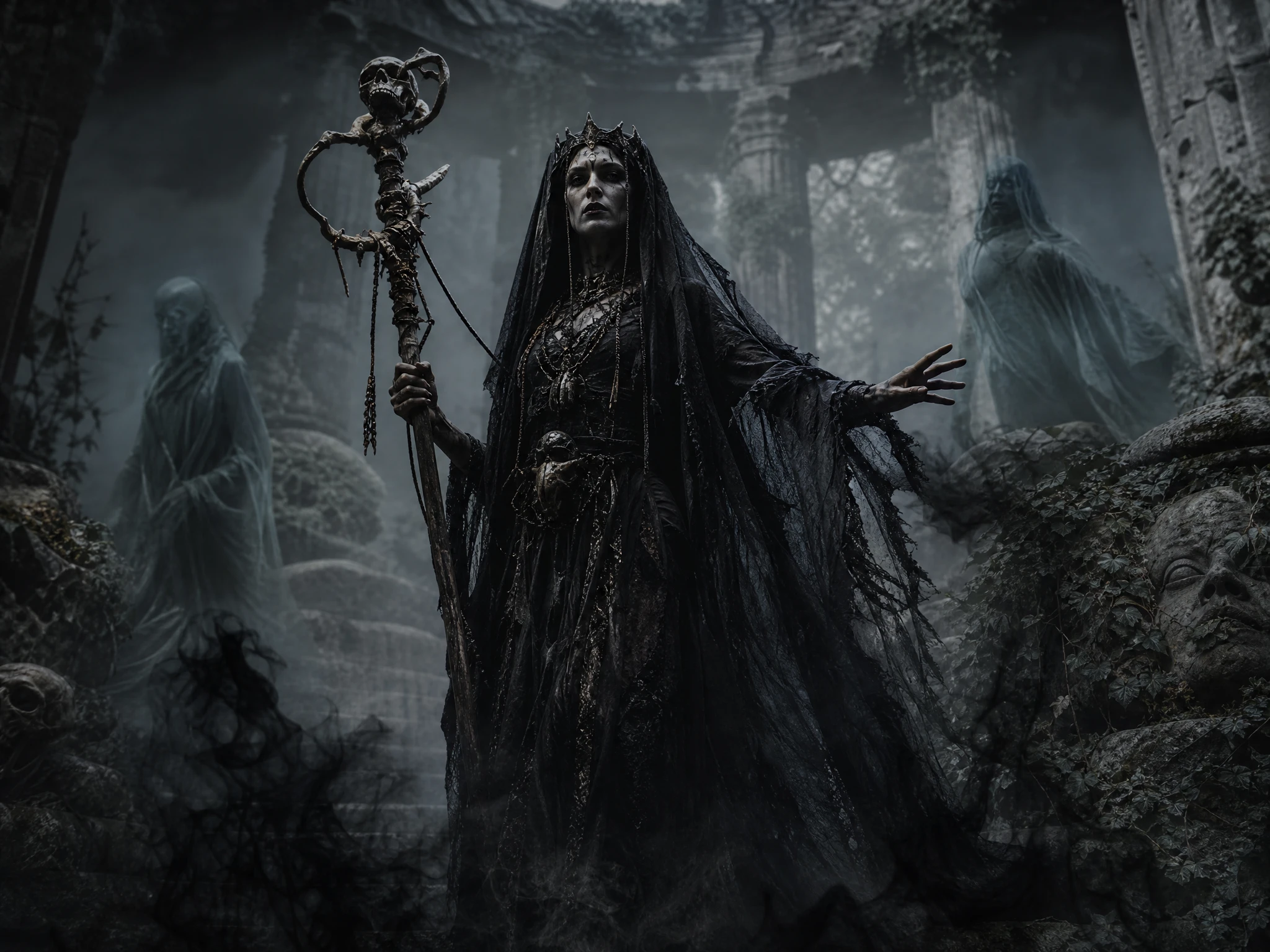

Turn your witch story ideas into AI videos featuring magical potions, dark spells, and enchanted forests. Create witch stories with Magiclight AI, no animation skills needed.
Create a Witch Story for Free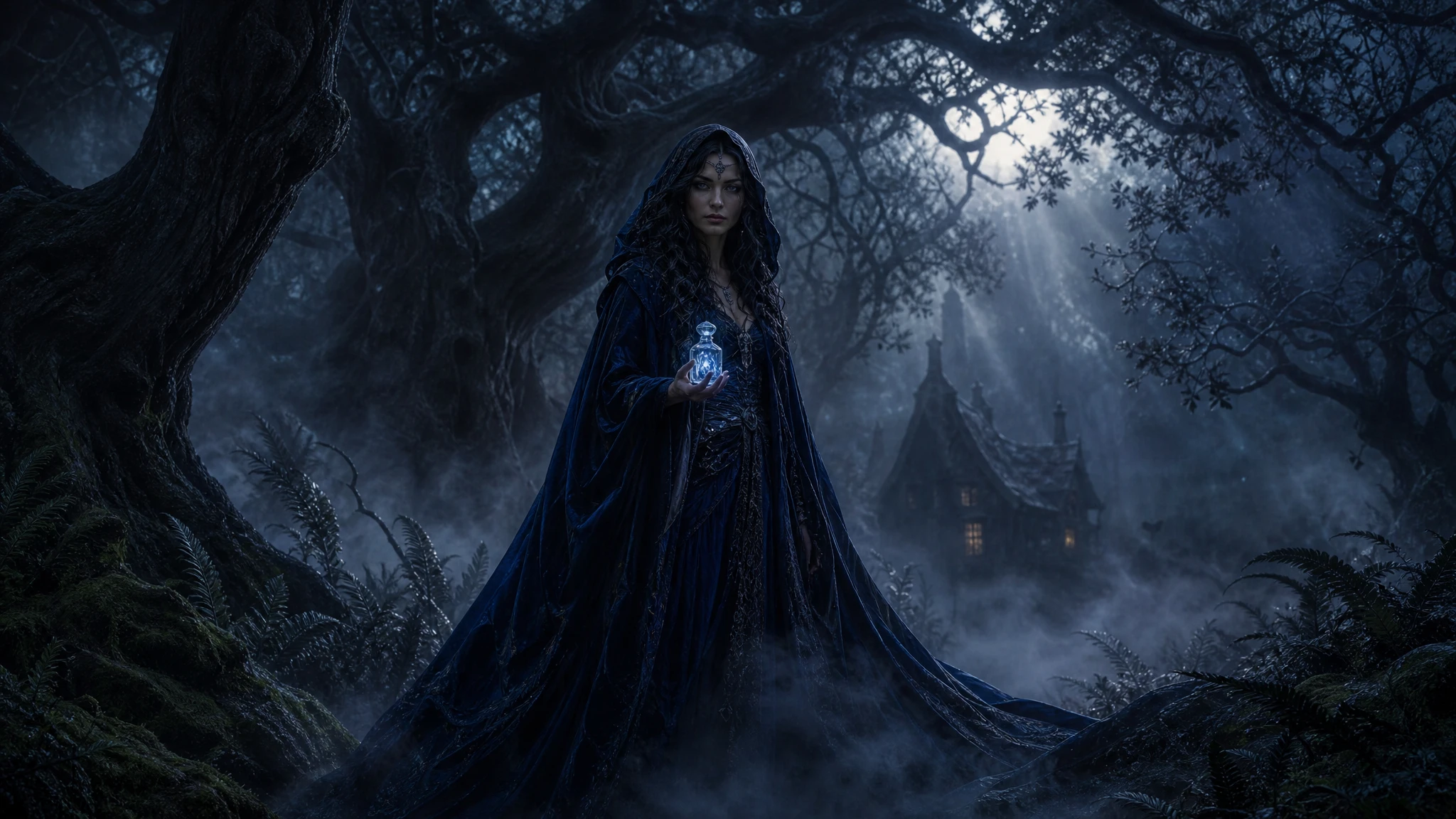










Cast your witch as the hero, the villain, or someone in between. Her spells, her clothes, and her choices all follow that role inside the witch story generator.
Decide whether your witch helps people, causes trouble, or lives somewhere in between. MagicLight Agent follows that choice as it shapes her actions throughout the story.
Create a Witch Story for FreeChoose from 16 animation models to find the right movement and feel for your witch story in Magiclight AI, whether it takes place in a dark forest, old village, or magical home.
Create a Witch Story for Free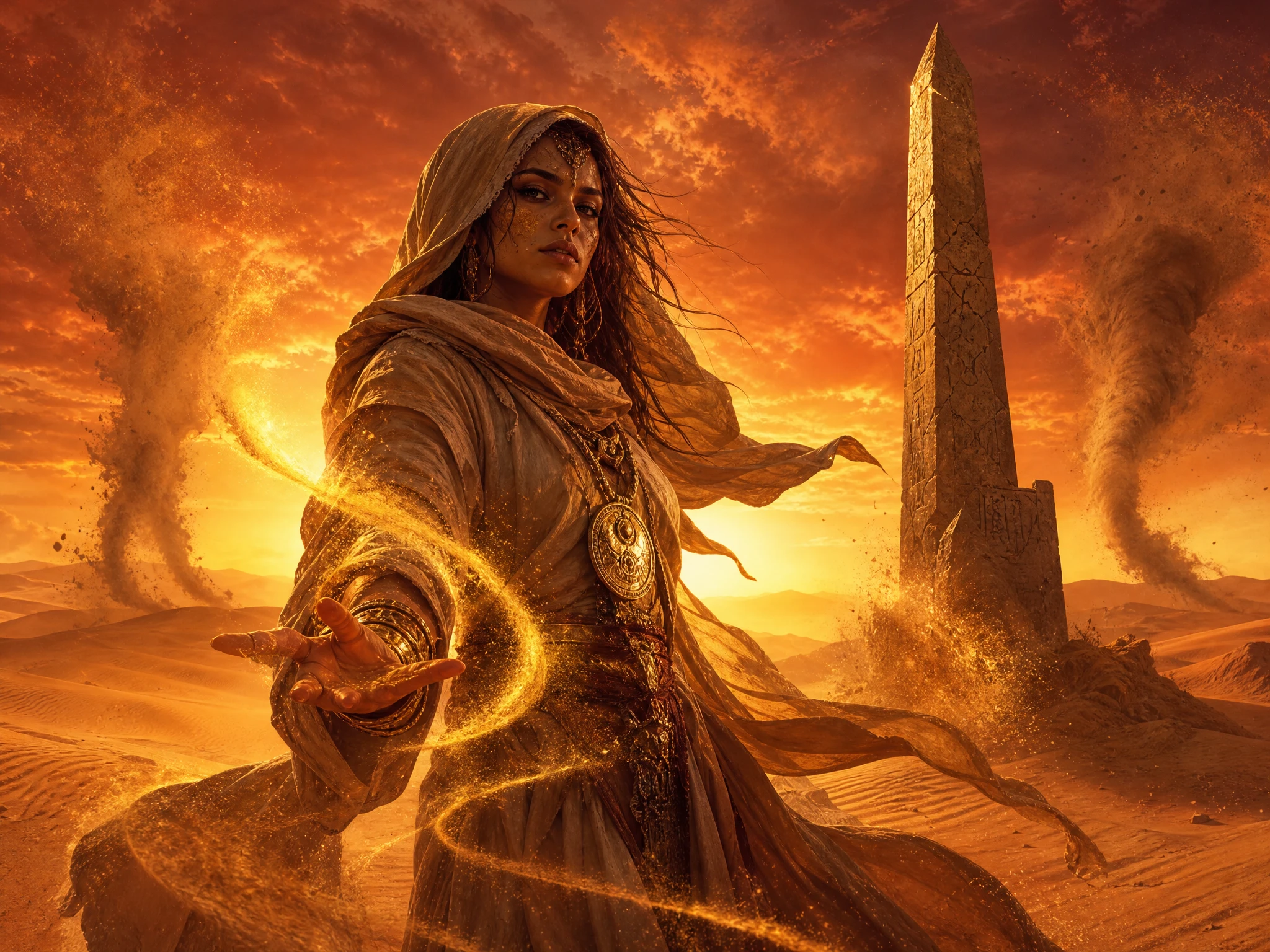
Give a forest witch a darker setting or take a friendly witch somewhere warm and colorful. Choose from 52+ visual styles to match the world around the witch’s story.
Create a Witch Story for Free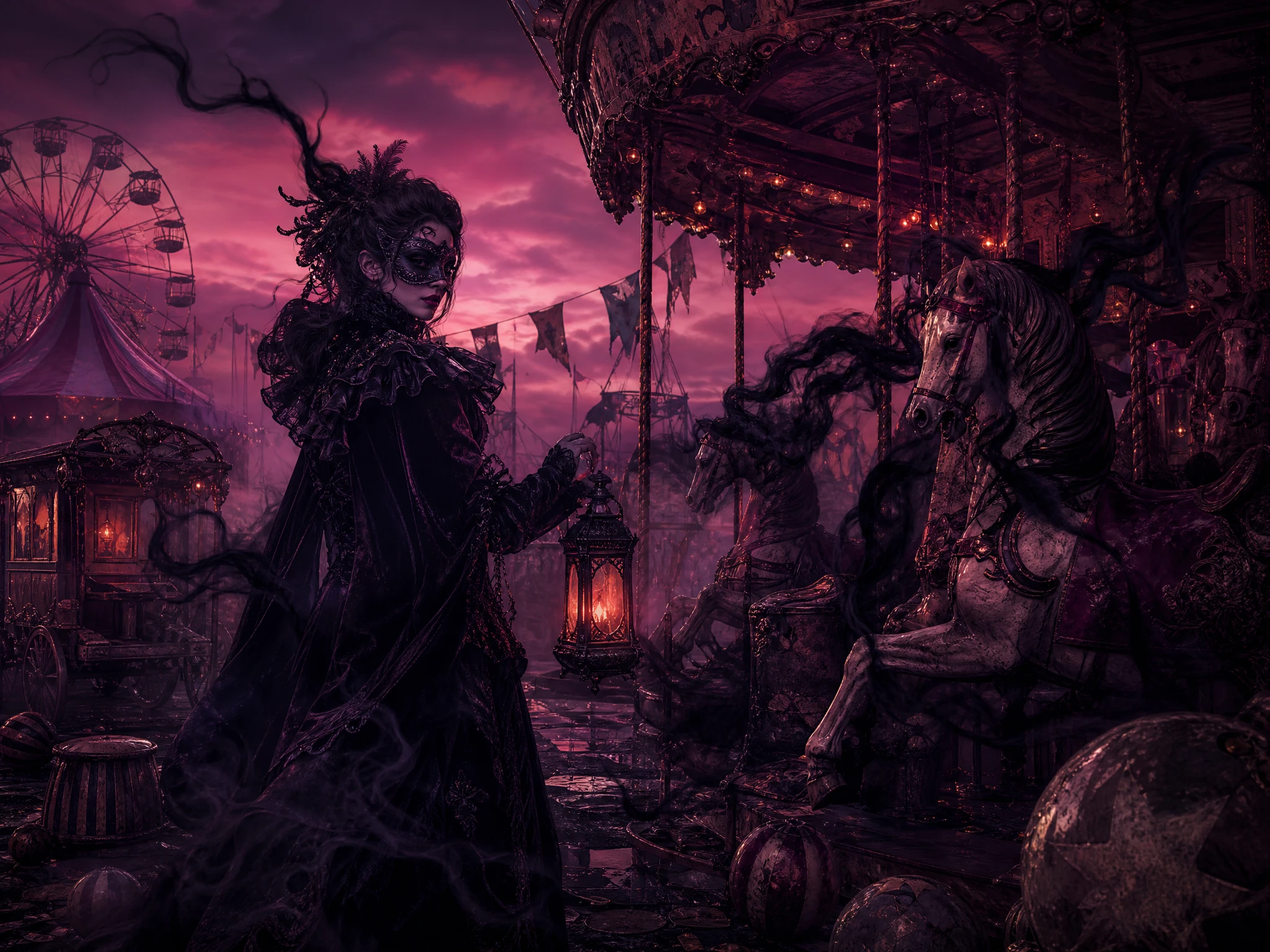
Keep your finished witch in the Magiclight AI Asset Store, then bring the same character back whenever you want to start another magical story. Use only 1000-characters to design the perfect witch character.
Create a Witch Story for Free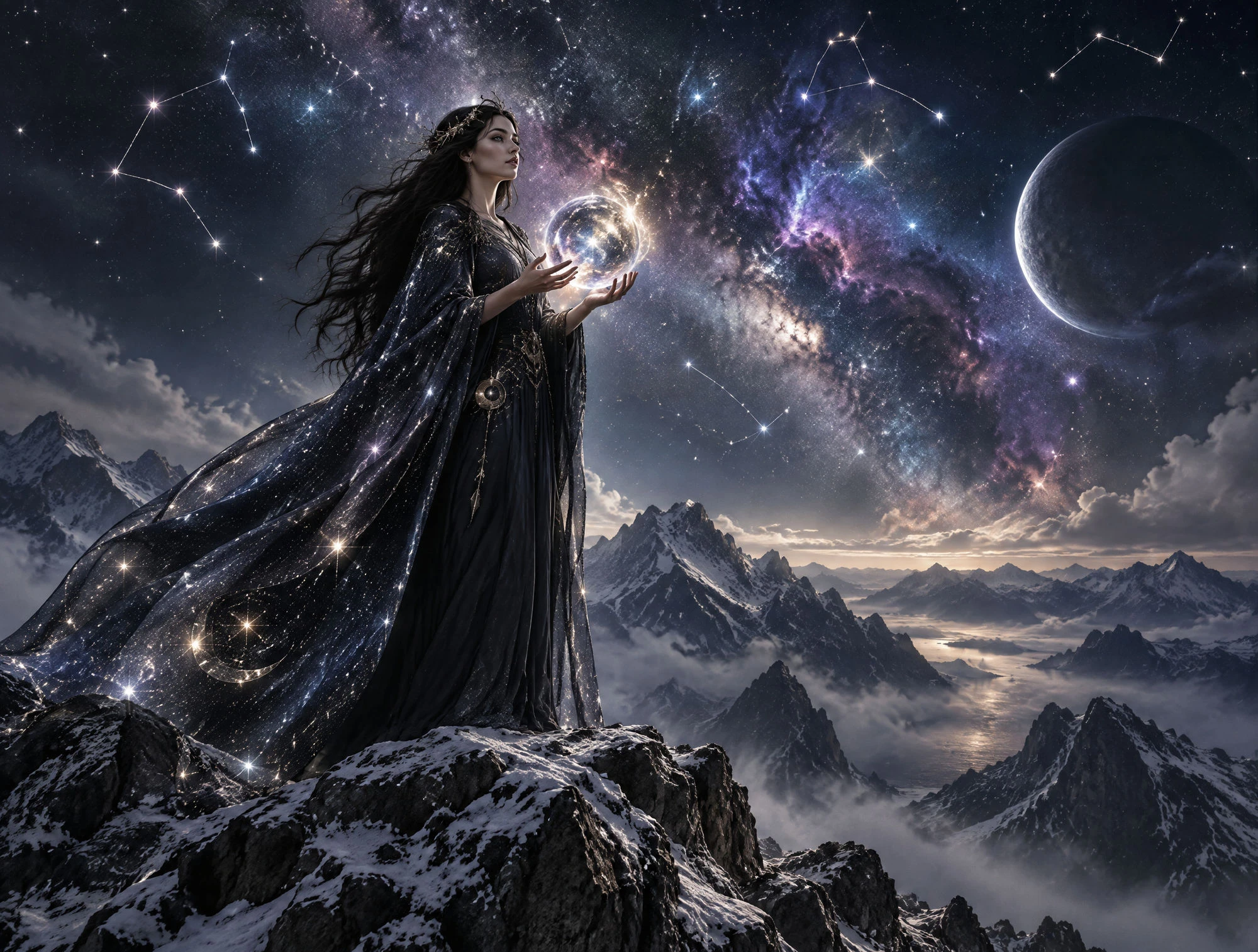


Create your witch story in 4 simple steps. The witch story generator takes you from the first idea to the witch, her magical scenes, and the finished video.
Enter up to 12,000 characters to describe your witch, her powers, and the main problem she faces. MagicLight Agent turns your idea into a script that you can review.
Choose a visual style from the 52 options. Describe your witch's face, clothes, hat, and other details in up to 1,000 characters. Save the finished character in the Asset Store to use again later.
Refine each scene in Nano Storyboard and choose from 50+ poses for your witch. Adjust her actions and expressions to fit spells, surprises, meetings, and other key moments.
Add music and subtitles, then review the final details before generating. Magiclight AI turns the scenes into your witch story video, ready to export from 720p to 1080p.
Fantasy Author
I had a witch character in my notes for months. Magiclight AI helped me turn her small-town magic and personality into a visual story I could finally share.
TikTok Creator
My followers love short witch stories, especially around Halloween. I use Magiclight AI to try different characters and scenes without spending hours putting each video together.
Candle Shop Owner
I wanted something different to introduce our fall candle collection. With Magiclight AI, I created a little witch story that matched the cozy feel of my shop.
Parent
My daughter came up with a friendly witch and her black cat. We put her ideas into Magiclight AI and had so much fun seeing their adventure come to life.
No. Old tales often made the witch the villain, but yours can be a healer or the hero. Say which when you describe her to Magiclight AI, and she acts that way in every scene.
It is her animal partner, often a black cat or a crow, and it gives her someone to talk to between spells. In the Magiclight AI witch story generator, add it as its own character.
Yes, with care. Starting in 1692, more than 200 people in and around Salem were accused, and 20 were executed. They were real and innocent, so keep the Magiclight AI story true and respectful.
Yes. She can run a plant shop in Portland or brew potions in a college dorm. Tell Magiclight AI her city and day job, and her spells fit into everyday life.
Start with what the spell should do, then add a few ingredients and words to say. Request rhyming spells in Magiclight AI, and each one appears in the script as a short chant.
Yes. Magiclight AI offers 50+ visual styles, so you can choose a look that suits your story, from a cozy magical world to a darker forest setting.



Start with a witch and a simple story idea. Add the details to the witch story generator, and Magiclight AI turns them into a complete witch story video.