Plan Each Outbreak Day
One day the power fails. Next, the food runs out. Tell MagicLight Agent where the outbreak starts and how long it lasts, then review and adjust the script it extends with professional direction.
Create Now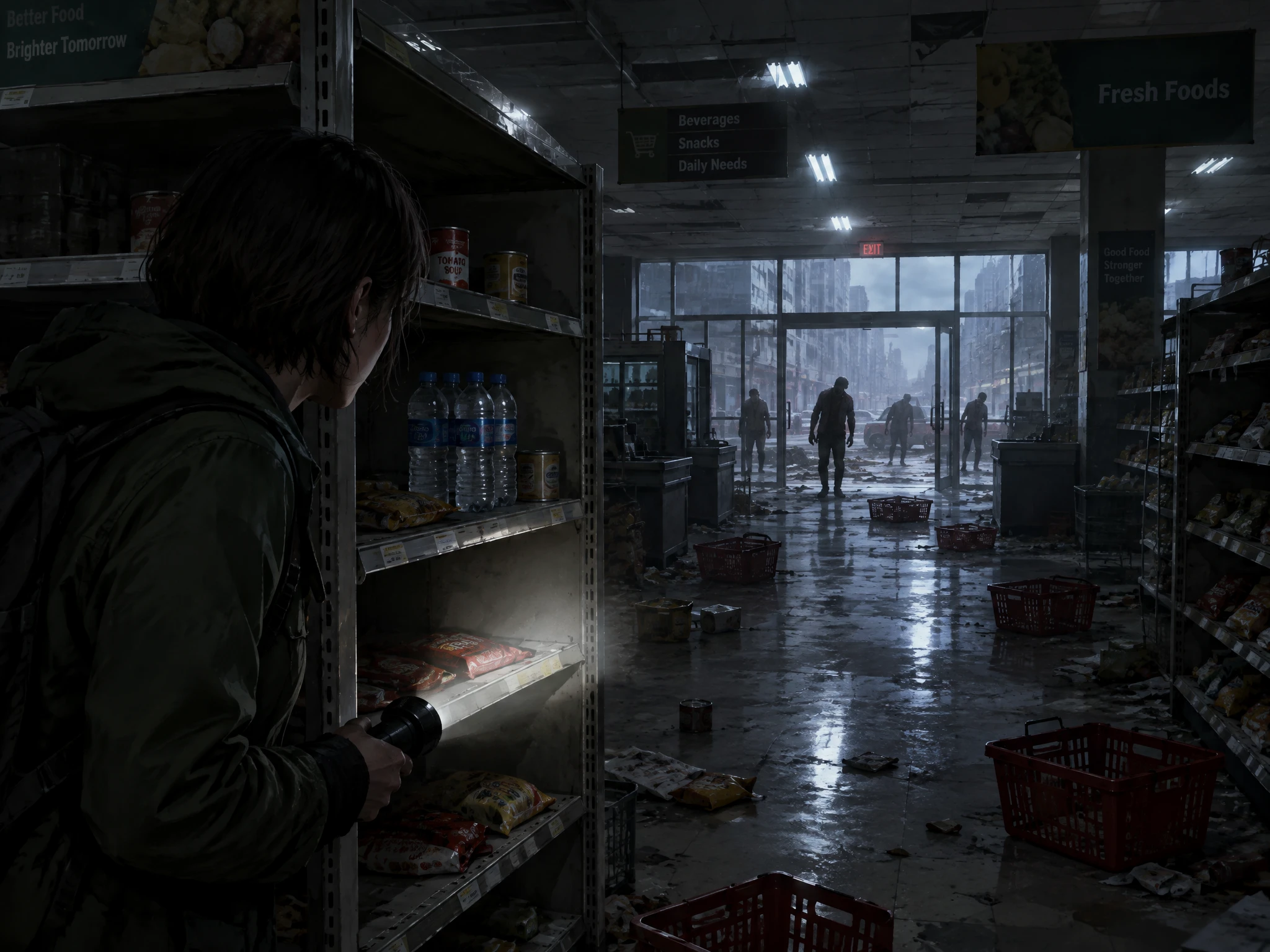

Create zombie stories with unique characters, unexpected twists, or even a touch of humor. Magiclight AI turns your ideas into zombie story videos, with no filming or editing skills needed.
Create a Zombie Story For Free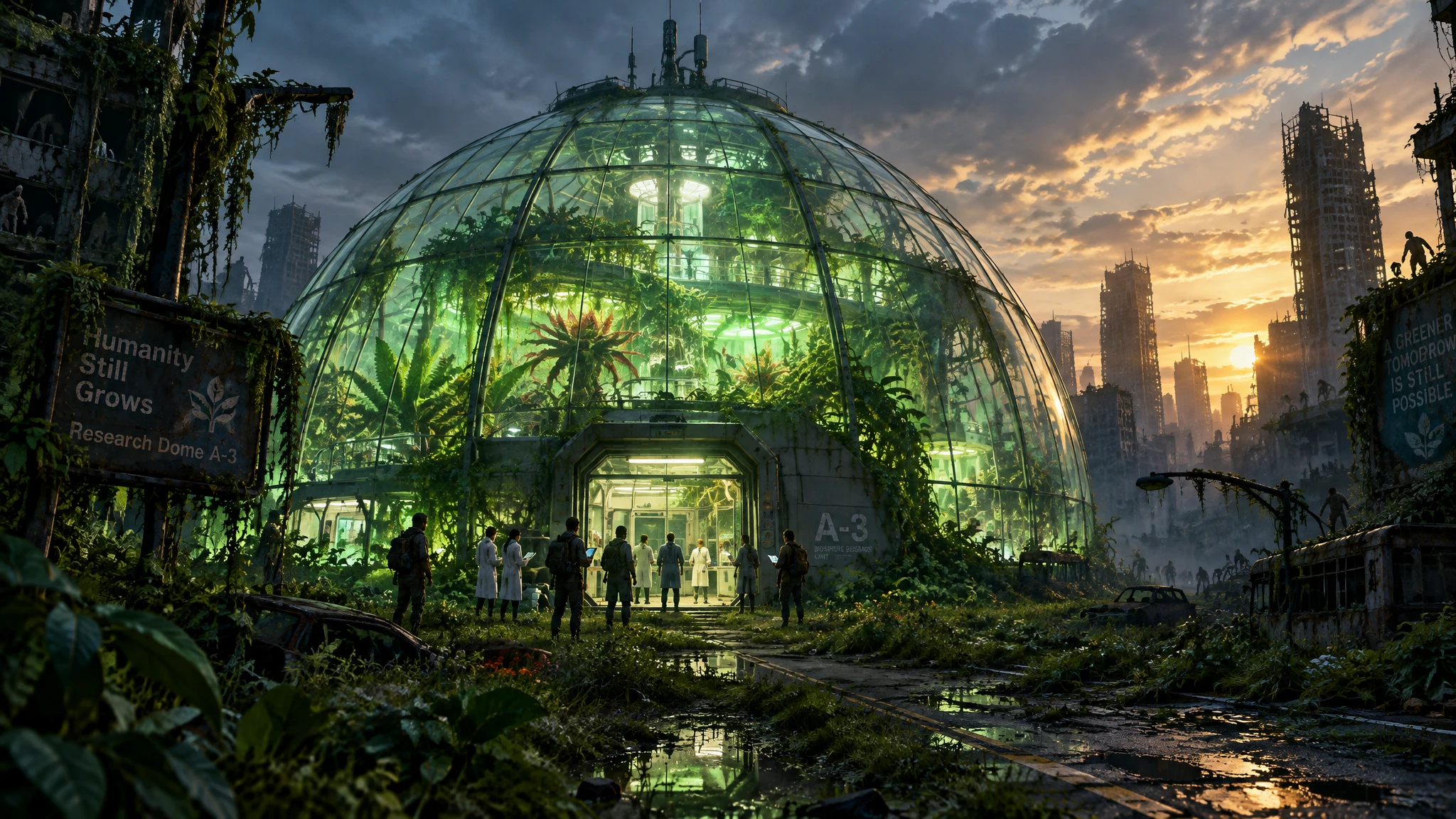










Decide what happens after the first warning and how long your group can hold out. The zombie story generator turns each outbreak stage into the next part of their survival story.
One day the power fails. Next, the food runs out. Tell MagicLight Agent where the outbreak starts and how long it lasts, then review and adjust the script it extends with professional direction.
Create NowMake every zombie encounter feel different. Use 50+ poses in Nano Storyboard for zombies stumbling through streets, surrounding shelters, or closing in on survivors.
Explore Zombie Scenes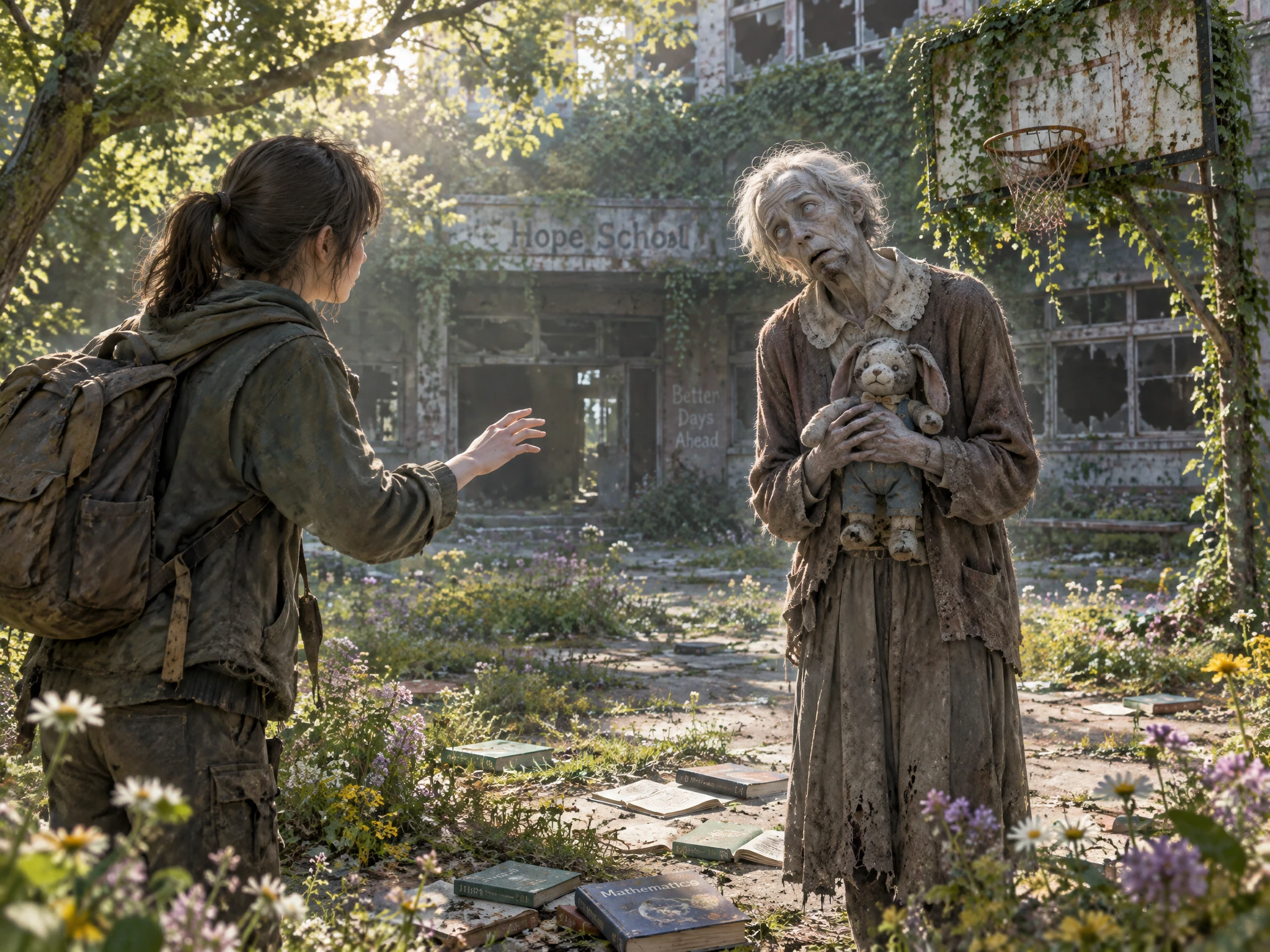
Keep your group together as the days pass. Describe each survivor with up to 1,000 characters, save them in the Asset Store, and reuse them later in the outbreak episodes when continued.
Create Characters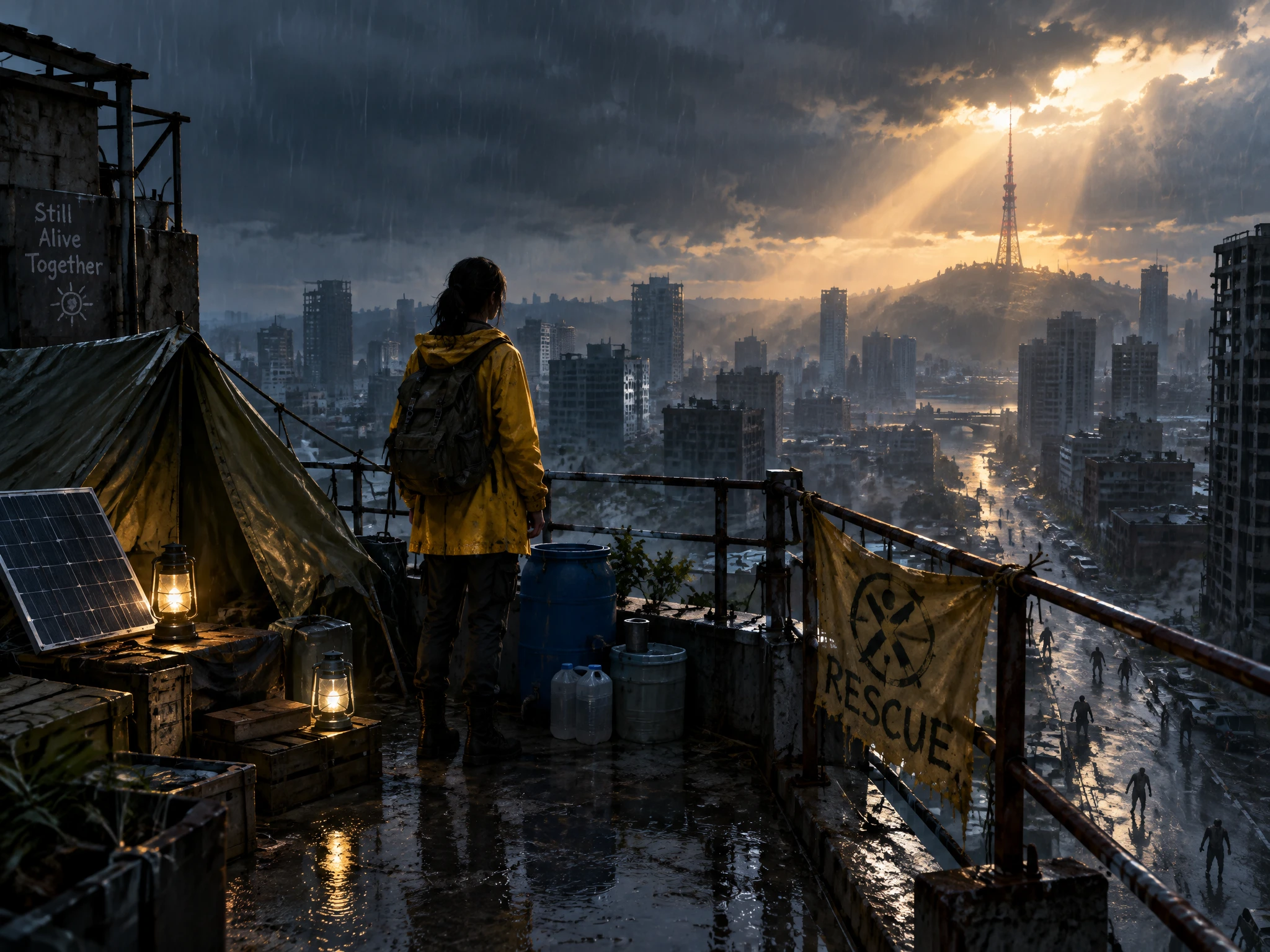
Start with a warning that something has gone wrong. Choose from 37 voices for emergency broadcasts, survivor narration, and conversations throughout the outbreak in Magiclight AI.
Generate a Zombie Video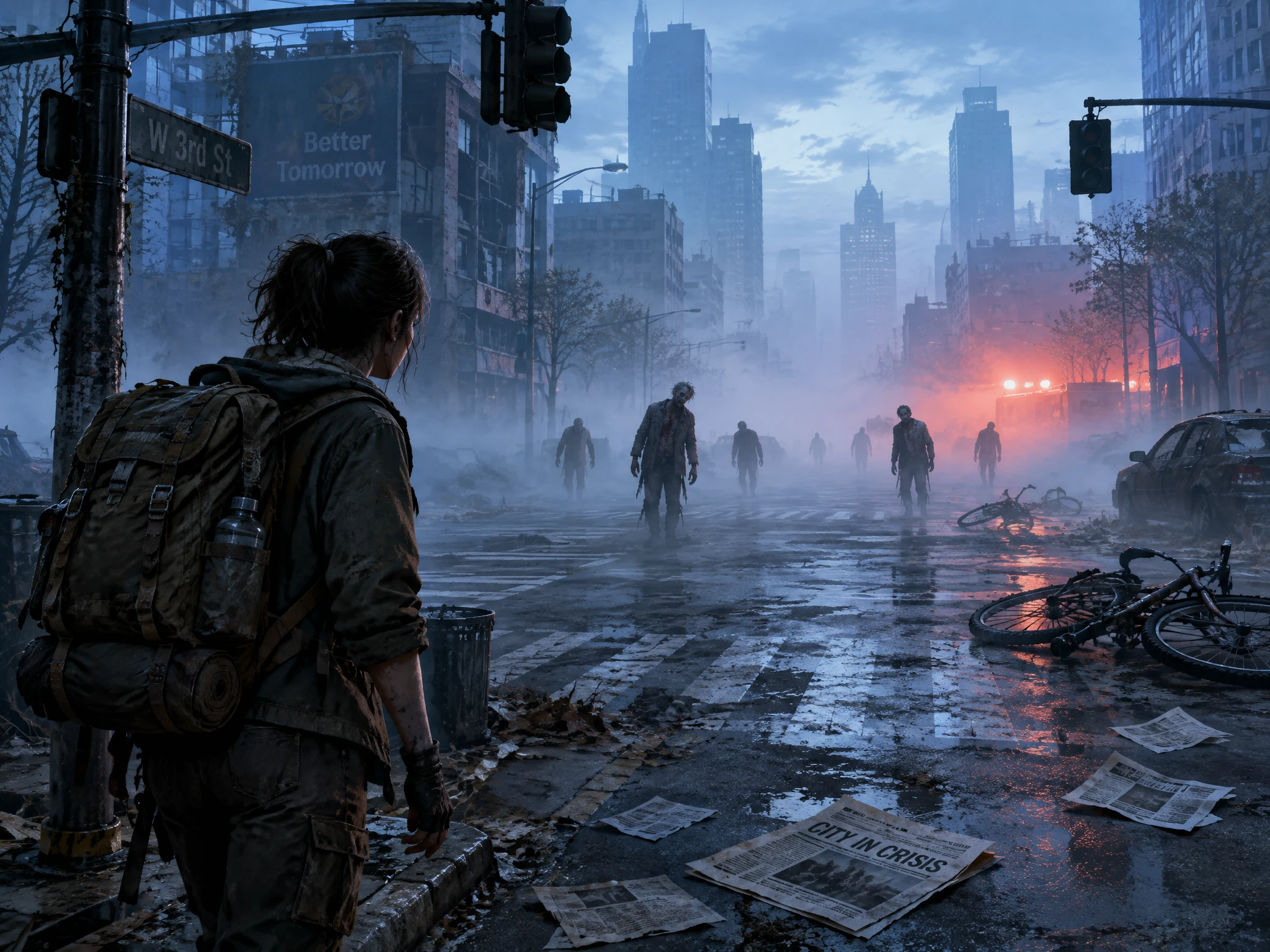


Survive the outbreak in 4 steps. Choose where it starts, save your survivors, dress the zombies as who they were, and open with a news report in the zombie story generator.
Tell MagicLight Agent where the outbreak begins, how the zombies behave, and what happens first. Add up to 12,000 characters of story details, then review the generated script.
Look for the right visual style for the zombie outbreak and select the characters from the suggestions. If not, create your own characters in up to 1000 characters for later use.
Edit each part of the outbreak in Nano Storyboard. Choose from 50+ poses to show survivors running, hiding, searching for supplies, or reacting when zombies get close.
Choose the right zombie music from the 40 options, and set your subtitles. Generate the finished zombie story with Magiclight AI, then export your video from 720p to 1080p.
Middle School Teacher
I used Magiclight AI for a classroom survival activity, and my students immediately got involved. They loved deciding what the group should do as each new outbreak day unfolded.
Escape Room Owner
Our zombie room needed a stronger opening story. Magiclight AI helped me introduce the outbreak, the survivors, and the first clue before players even started solving the puzzles.
Race Organizer
I wanted our zombie run to feel like part of a bigger story. With Magiclight AI, we gave runners an outbreak scenario that led all the way to the finish line.
Parent
My son loves zombies but gets scared by darker stories. We used Magiclight AI to make ours funny instead, and he had a great time choosing what happened next.
Yes. In May 2011, the CDC used a zombie apocalypse blog post to teach emergency planning, and the traffic crashed its website. Create a lesson on that idea in Magiclight AI.
Slow zombies create dread, since the danger is the crowd. Fast ones turn the story into a chase. Decide before you start in Magiclight AI, and they keep that speed for the whole story.
A small group is easier for viewers to follow. Give each survivor a clear role, then save the important characters in Magiclight AI so you can reuse them as the outbreak continues.
Try somewhere with places to hide and supplies to find, such as a mall, school, farm, or apartment building. Describe the location in Magiclight AI and make it part of the survival challenge.
Survivors might find a cure, reach a safe zone, lose their shelter, or simply make it through another night. Magiclight AI lets you shape the ending around the outcome you want.
Yes. Ask the zombie story generator in Magiclight AI for a lighter adventure with funny zombies, playful problems, and less frightening scenes while keeping the outbreak theme.



Choose where the outbreak starts and who will survive. Add your idea to the zombie story generator, and Magiclight AI turns it into a story video.