37 Voices to Give Each Partner a Narrator
Give your love story its own sound. Magiclight AI offers 37 voices, so each partner can have a different narrator, making it clear whose memory is being told as the video moves between both sides.
Create Now
Turn your ideas into a love story with Magiclight AI. Create romantic stories with memorable characters, emotional moments, and engaging scenes. No video editing skills needed.
Create a Love Story for Free










The same night can leave 2 different memories, and both belong in the story. With the love story generator you can give each partner room to be heard.
Give your love story its own sound. Magiclight AI offers 37 voices, so each partner can have a different narrator, making it clear whose memory is being told as the video moves between both sides.
Create NowKeep each person recognizable beyond one photo. Add up to 1,000 characters in Magiclight AI to describe hair, clothes, expressions, or other details that should stay consistent across later scenes.
Create Characters
Some memories agree and others do not. Share both versions with MagicLight Agent, which can shape them into one script that moves between each partner's point of view without flattening the differences.
Generate a Video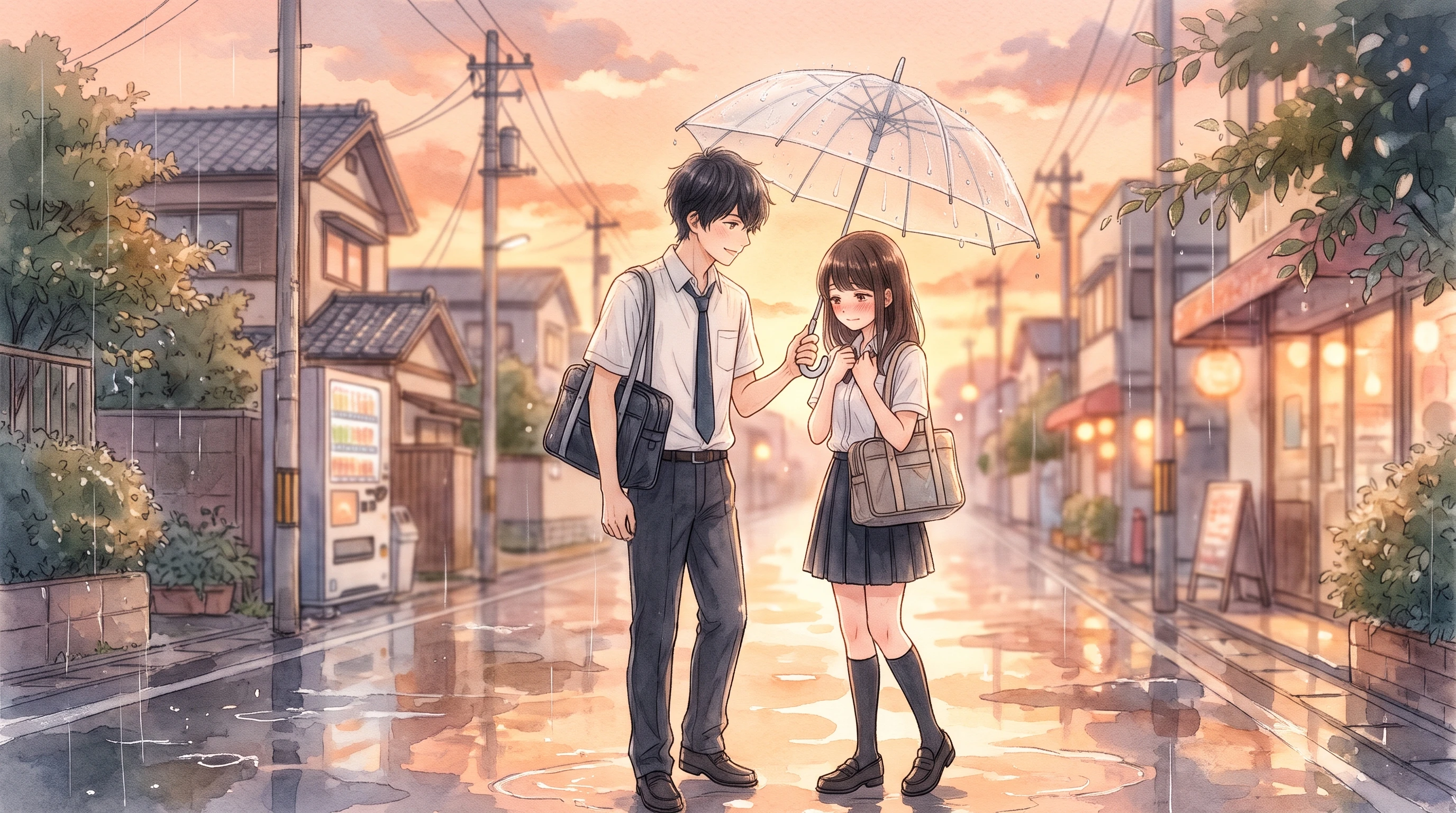
Music can mark the moments that matter without relying on your actual song. Choose from 40 tracks in Magiclight AI and give the first date, proposal, or anniversary scene a fitting mood of its own.
Start Creating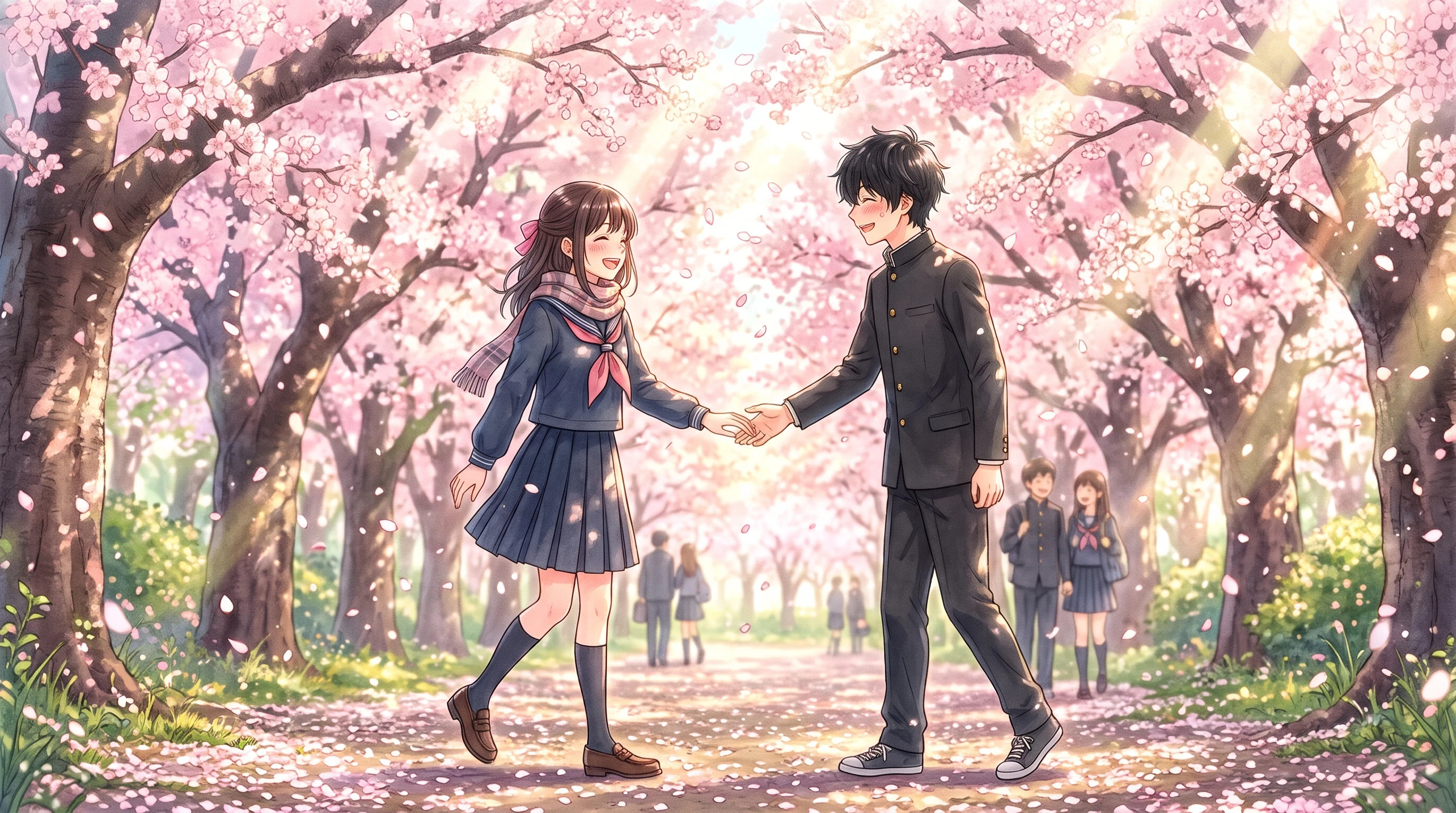


Your memories do not have to match for the story to work. These 4 steps show how the love story generator keeps both versions clear while bringing them together in one video.
Label each partner's version for MagicLight Agent. With up to 12,000 characters, there is room for shared details and the little moments that each of you remembers differently.
Choose from 52+ visual styles to give the two sides of your story their own matching look. Continue with selecting the suggested characters or create your own with 1000-characters.
Use Nano Storyboard and its 50+ poses to map the details you recall differently. Show your memory in one scene, then let your partner's version of that same moment follow next.
Choose from 16 subtitle settings to keep both sides clear. Generate your Magiclight AI love story, review the finished video, then export it your selected resolution.
YouTuber
Our how-we-met stories never quite matched. Magiclight AI kept both versions in the video, which made the finished story feel more personal, funny and true to how we remember it.
Novelist
I used the 2 viewpoints to test chapters before editing. Seeing them play out through Magiclight AI showed me where each character needed a stronger voice, reaction, or memory.
Content Creator
My partner and I had completely different memories of our first date. Putting both into one story felt so easy, and Magiclight AI gave each side enough room to feel like our own.
Photographer
I already had years of couple photos, but a slideshow felt flat. Adding the memories around them with Magiclight AI gave those images a story we could watch together and keep it.
Keep both versions. MagicLight Agent can work with up to 12,000 characters, giving you room to include details you remember differently and let each side remain part of the story.
Yes. Add the names or nicknames you want used when setting up the story. Magiclight AI love story generator also gives you up to 1,000 characters to describe each person and keep their details clear.
Yes, especially for a private anniversary or birthday gift. With 21 cover templates in Magiclight AI, you can give the finished story a special opening before sharing it with your partner.
Yes. Invent both characters and tell Magiclight AI how they meet. You can choose from 14 story models and 50+ visual styles to give a fictional romance the direction and look you want.
Yes. Return when there is another chapter worth telling, such as an engagement or a new home. Nano Storyboard gives you 50 poses for arranging those new moments into scenes.
Yes. Magiclight AI supports 11 story languages, so you can choose the language that fits your story. This is useful when partners or their families are more comfortable with different languages.



Compare the memories you both still talk about. Add each side to the love story generator, and let Magiclight AI bring those moments together in one video.