MagicLight Agentfor Your Wedding Script
Share how you met and what made the proposal special. MagicLight Agent writes a script from those details for you to read and edit before work begins on the wedding video.
Create Now

Turn your love story into a wedding video with Magiclight AI. Share how you met, the moments that brought you together, and the story you want to tell. No video editing skills needed.
Create a Wedding Story for Free










Put your names and wedding date beside the story of how you met. The Magiclight AI wedding story generator lets you make a video that feels more personal than an invitation.
Share how you met and what made the proposal special. MagicLight Agent writes a script from those details for you to read and edit before work begins on the wedding video.
Create NowYour relatives abroad can hear the story in a language they understand. Magiclight AI supports 11 languages for wedding videos that you plan to share with family in different countries.
Create Your Story
A short video sent through the family group chat can use 720p. Magiclight AI also offers 1080p for couples who want to play their wedding story on a larger screen at the reception.
Generate a Video
The first screen can show a photo of the couple with their names and wedding date. There are 21 cover templates to try, plus 16 title styles for the text on your wedding video in Magiclight AI.
Start Creating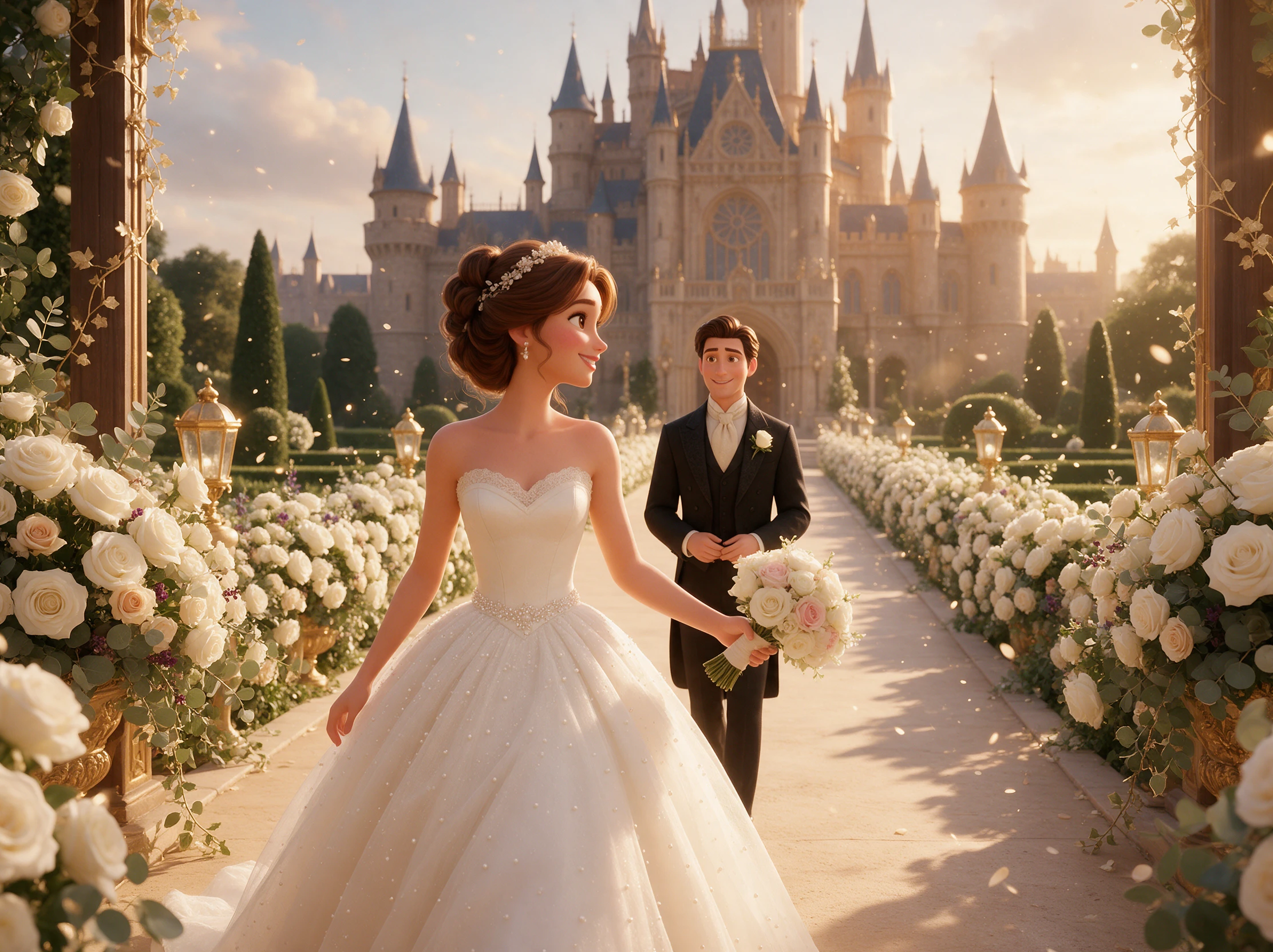


Your first meeting could be the opening scene of your wedding video. The Magiclight AI wedding story generator brings that memory to the screen in 4 steps before guests see it.
Write about how your relationship began and what you want guests to know. MagicLight Agent puts together a script for your approval before the video production starts.
Select a visual style that suits your wedding. For the characters, describe each partner using the 1,000 character space or pick a suggested character from the available options.
Take a look at the scenes inside Nano Storyboard. You can fix the appearance of a character or change a scene that feels out of place before sending the storyboard for animation.
Find a suitable sound among the 40 background options and set the subtitles using 16 available styles. Generate your wedding video and download it in 1080p for your guests.
Wedding Planner
One couple wanted something more personal than a regular invitation. We tried a short video about their first date, and they were really happy with how it turned out.
Wedding Videographer
The storyboard was useful because I could see what needed fixing before the video was made. I still made a few changes, but it saved me some editing time
Wedding Photographer
I had plenty of engagement photos but wanted to do something different with them. The couple loved seeing their story as a little film before the wedding.
Bride
My fiancé and I met at a friend's birthday party, so that's where our video began. We sent it to our families, and my mum watched it about five times.
Yes, especially if some guests prefer printed cards. The Magiclight AI wedding story generator can help you make a video announcement while keeping formal invitations separate.
Begin with how you met and share a memory that means something to both of you. Finish with your wedding date and venue so guests know when and where to celebrate.
You can use reference photos to guide how the couple looks in the video. A written character description also helps when you want particular details to appear.
Yes. Return to your Magiclight AI project to adjust the story or scenes and generate another version. Check the updated video carefully before sharing it again.
Yes. Magiclight AI has 37 voice options for narration. You can tell your relationship story without sitting in front of a camera or recording your own voices.
Send it through your family group chat or add it to your wedding website. A wider video also works well on a reception screen if you want guests to watch together.



From your first meeting to the day you say yes, turn your favorite memories into a wedding video with Magiclight AI and share it with the people you love.