MagicLight Agent Gives Every Ghost a Reason
Tell MagicLight Agent who the ghost was and what it left unfinished. It turns that past into a haunting where the truth can unfold as the story moves forward, with scene by scene edits.
Create Now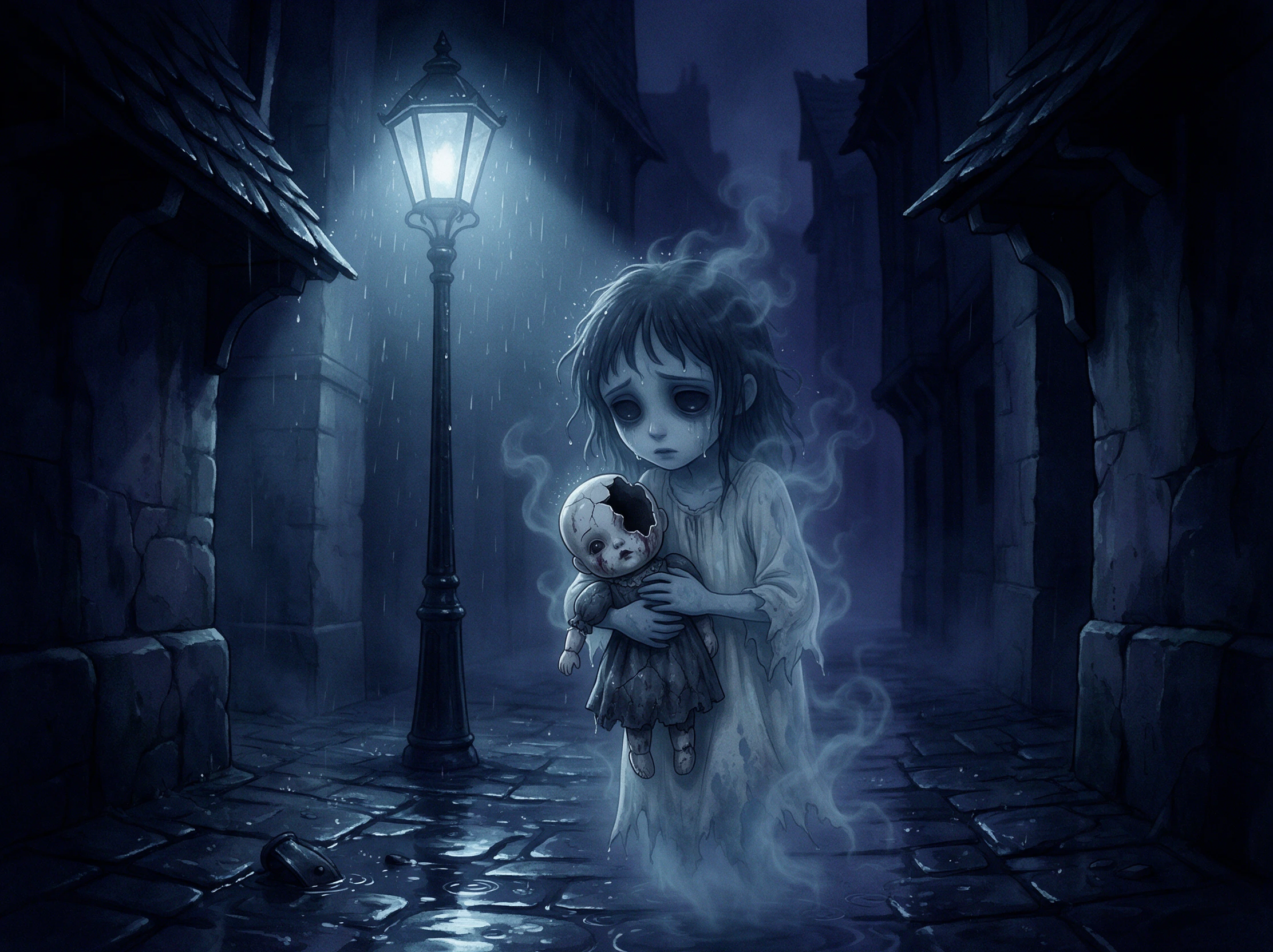

Turn haunted houses, mysterious letters, and restless spirits into ghost story videos with Magiclight AI. Create eerie tales filled with supernatural twists. No filming or editing skills needed.
Create a Ghost Story for Free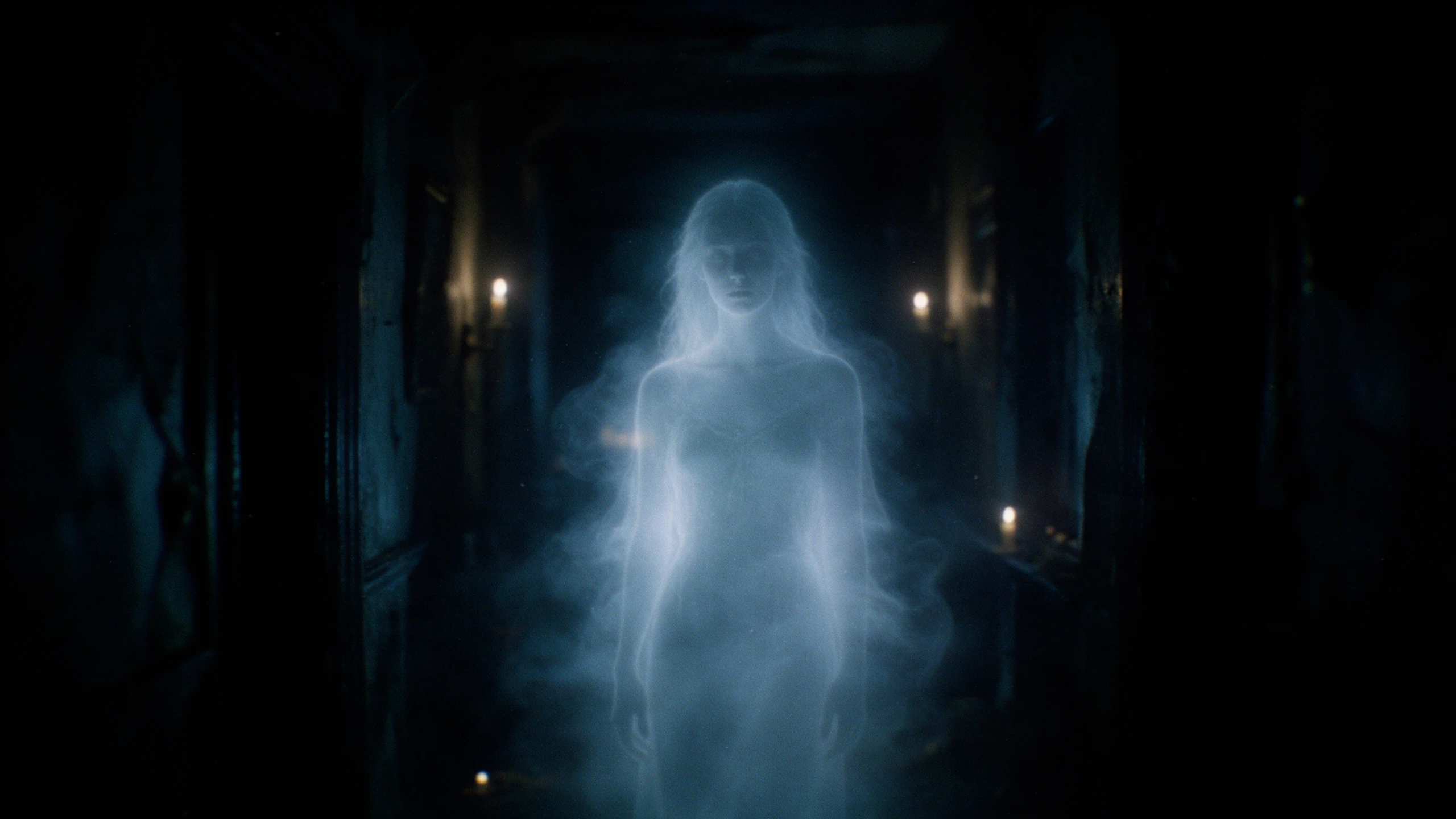










A viral ghost story needs more than an eerie appearance. Magiclight AI ghost story generator lets you explore who the spirit once was, what happened to them.
Tell MagicLight Agent who the ghost was and what it left unfinished. It turns that past into a haunting where the truth can unfold as the story moves forward, with scene by scene edits.
Create NowStart with a diary, family letter, or forgotten note. Add up to 12,000 characters of details in Magiclight AI to give the ghost a history tied to real places, memories, and events.
Create Characters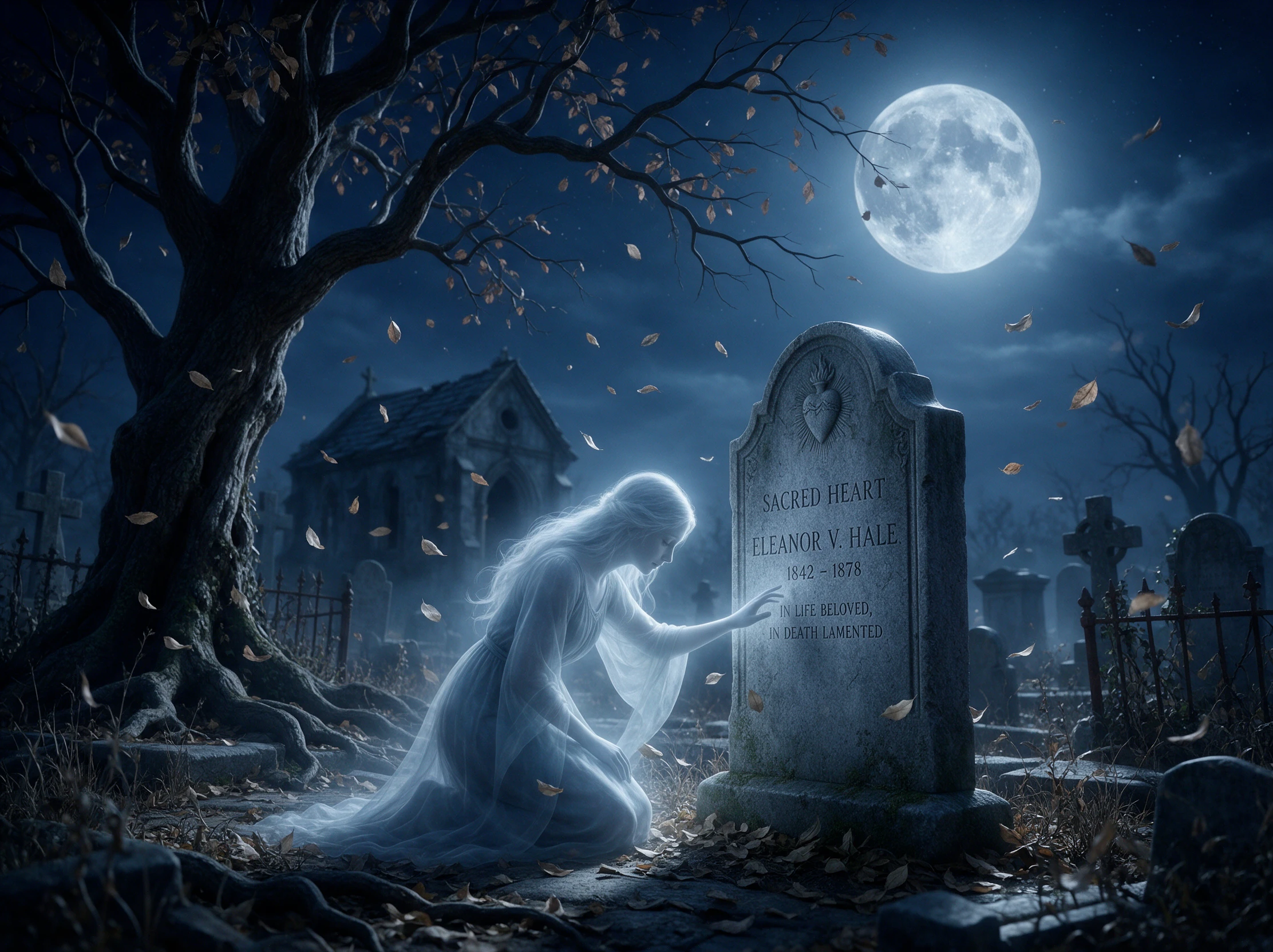
A whispered warning should not get lost. Choose from 16 subtitle settings to keep the ghost's soft words and important clues easy to read on screen within Magiclight AI.
Generate a Video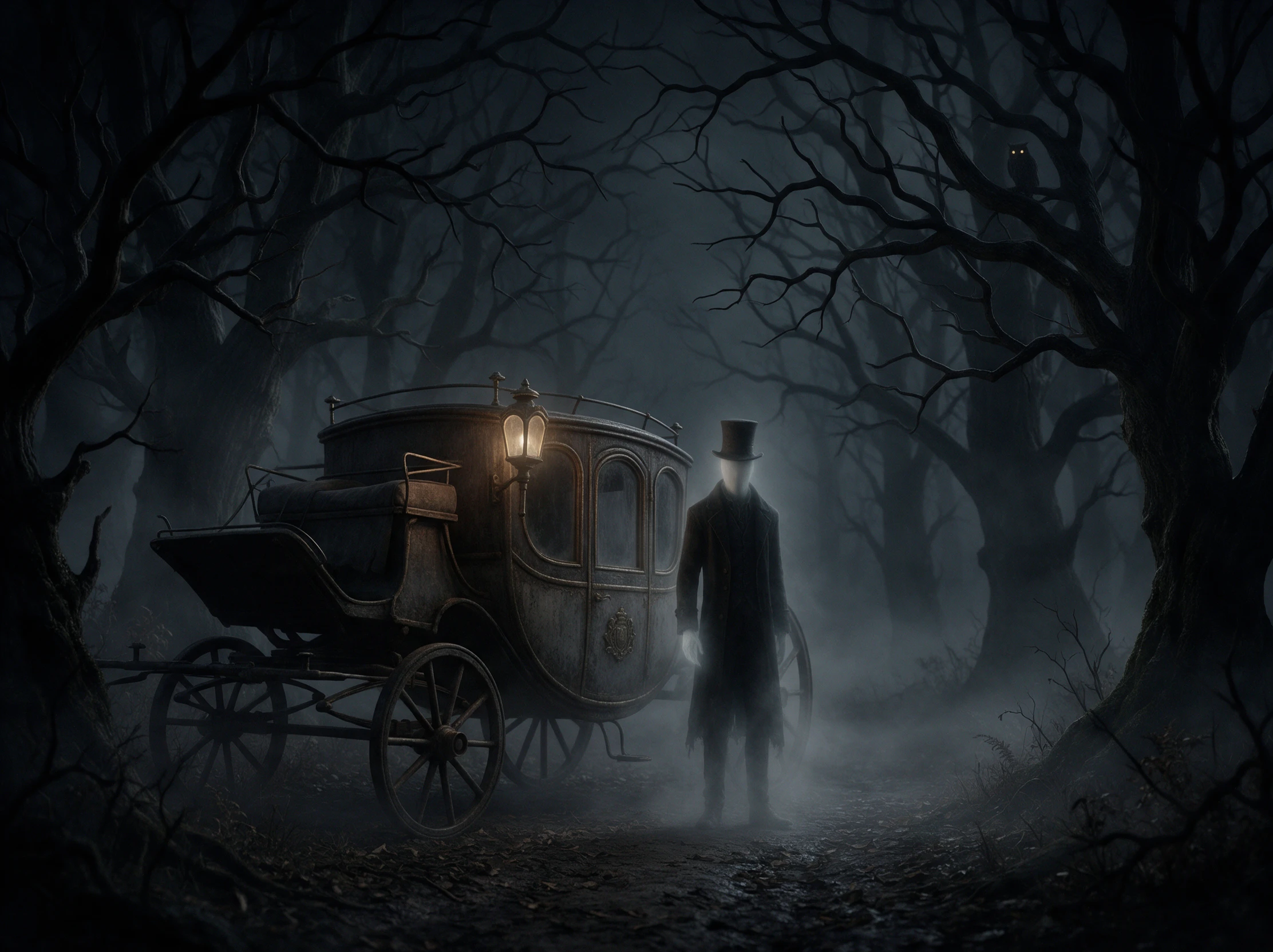
Use static scenes along with animated frames when you want the story to feel like a collection of photographs from the past, giving an older haunting a quieter, more nostalgic look.
Start Creating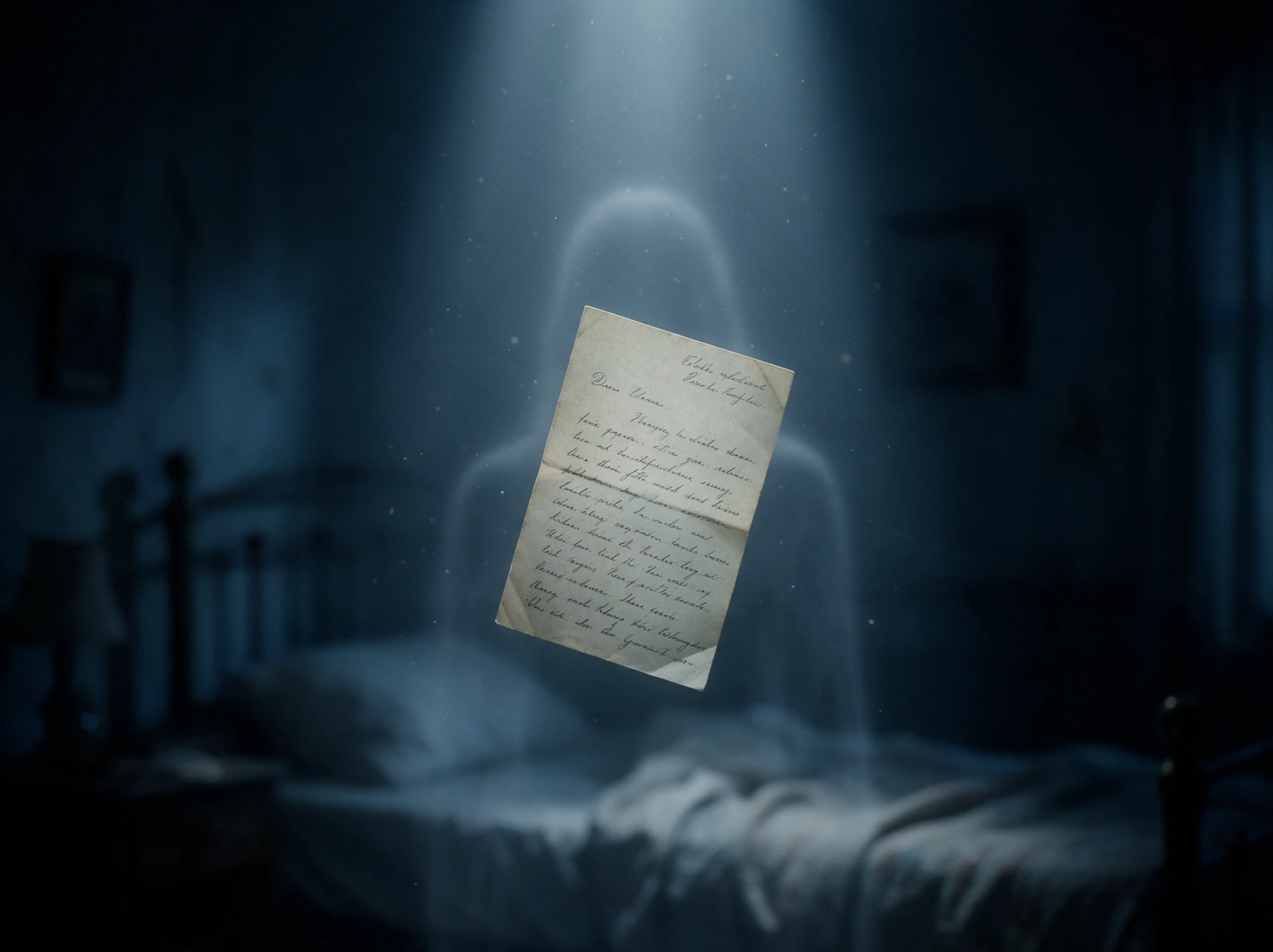


Take a ghost from its unfinished past to the final scene in 4 simple steps. This ghost story generator helps you shape the story, character, scenes, and sound in Magiclight AI.
Tell MagicLight Agent who the ghost was, where the story happens, and why the ghost is still there. Add up to 12,000 characters if you want to include more details.
Explain how your ghost should look, including its face, clothes, age, and other details. You can use up to 1,000 characters and save the character for another story.
Open Nano Storyboard to check the story scene by scene. Use 50+ poses to adjust how the ghost appears, reacts, moves, or behaves at important moments.
Add music, set the subtitles, and check the final details before generating. Once your ghost story is ready, export the finished Magiclight AI video in 720p to 1080p.
Local Historian
I had notes about an old town legend but no good way to present them. Magiclight AI helped turn the story into a video that was much easier to share with our group.
Parent
My kids always ask about the ghost stories I heard growing up. I used Magiclight AI to turn one of them into a short video we could all watch together.
English Teacher
I wanted my class to look beyond the haunting and think about why the ghost stayed. Magiclight AI gave us a story we could watch, discuss, and compare with their ideas.
YouTuber
Ghost stories work better for my channel when there is a mystery behind the haunting. I can take that idea into Magiclight AI and turn it into a complete visual story.
A ghost usually stays because something is unfinished, like a promise, a lost item, or a wrong that was never fixed. Magiclight AI centers the whole story on that reason.
Yes. Paste old letters or notes into Magiclight AI, and the story grows from them. Use new names if living relatives would mind seeing them in a ghost story.
In Victorian England, families told ghost stories on Christmas Eve, and A Christmas Carol is part of that tradition. Write your own for a holiday night in Magiclight AI.
Yes. Write a few short lines for the ghost in the script and choose a soft, older voice for it in Magiclight AI. Subtitles keep each quiet word readable.
The ghost either finds peace or stays for good. Choose the ending in Magiclight AI, and the final scene shows the reason the ghost has been waiting all along.
Yes. Describe the ghost's face, clothes, age, and other details in Magiclight AI. This ghost story generator can use those details to shape how the character appears in the story.



Start with an old family story or local legend. Use the ghost story generator in Magiclight AI to turn it into a ghost story video with a past and a reason to stay.