14 Story Models for Different Plot Shapes
Test your premise across 14 story models, including GPT-6 Astra. Magiclight AI lets you compare structures and choose the one that gives your story the strongest direction.
Create Now

Start with a story idea and see how the main events connect before writing. Magiclight AI turns your premise into scenes you can review and adjust. No detailed outline needed.
Create a Story Plot For Free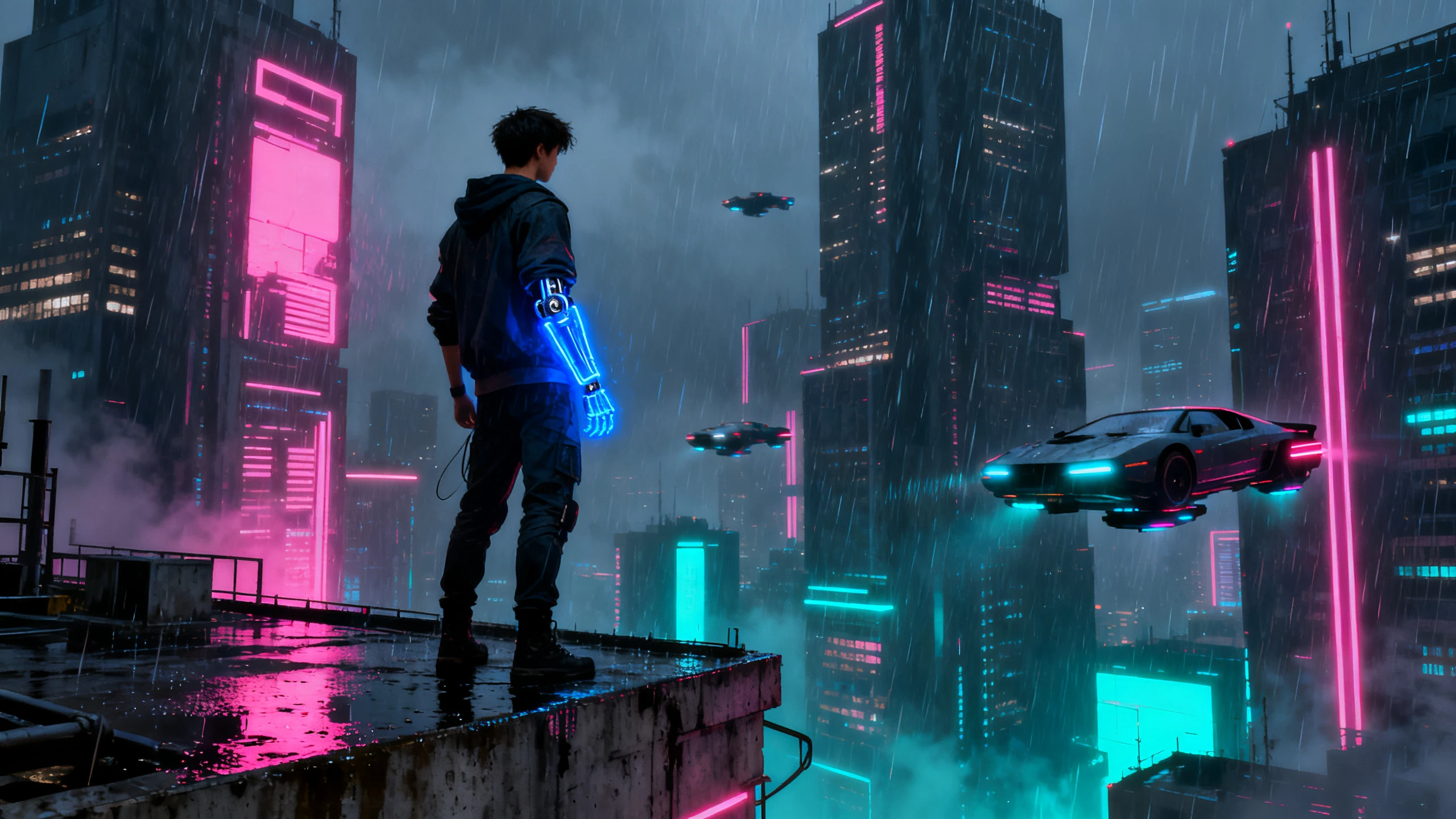










With the Magiclight AI story plot generator, your idea moves beyond a simple written outline. Pick a story shape, read each scene, and hear the result play.
Test your premise across 14 story models, including GPT-6 Astra. Magiclight AI lets you compare structures and choose the one that gives your story the strongest direction.
Create NowGive Magiclight AI up to 12,000 characters of story detail to guide the plot. Turn your premise, key events, and ending into a structured story that can run up to 50 minutes.
Create Characters
Review your generated story scene by scene inside Nano Storyboard. Magiclight AI lets you check each part in order, adjust individual scenes, and see how the full plot connects before the final video.
Generate a Video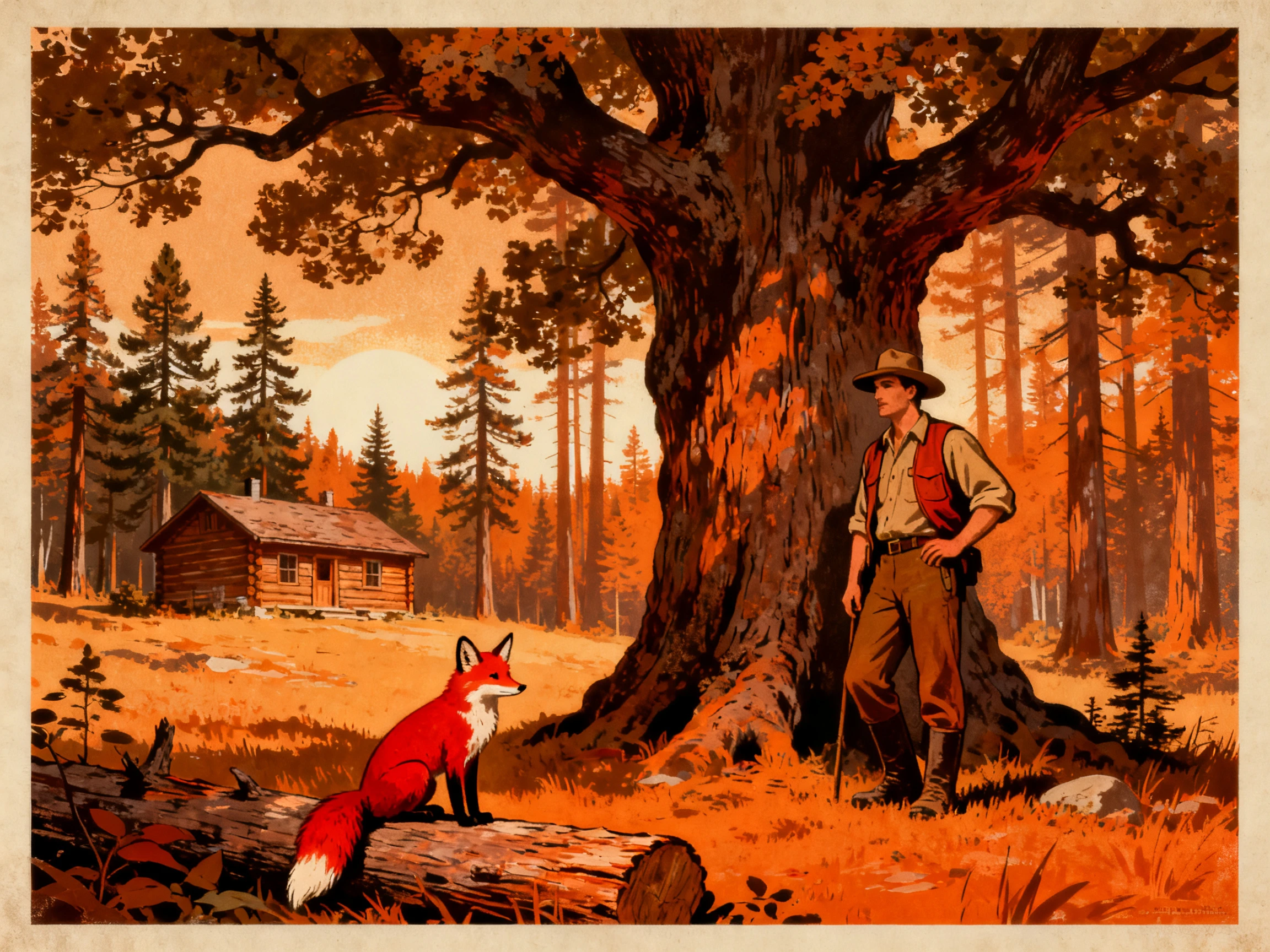
Describe your lead in up to 1000 characters, covering appearance, personality, clothing, and key traits. Give the plot a defined character whose role stays clear as the story unfolds.
Start Creating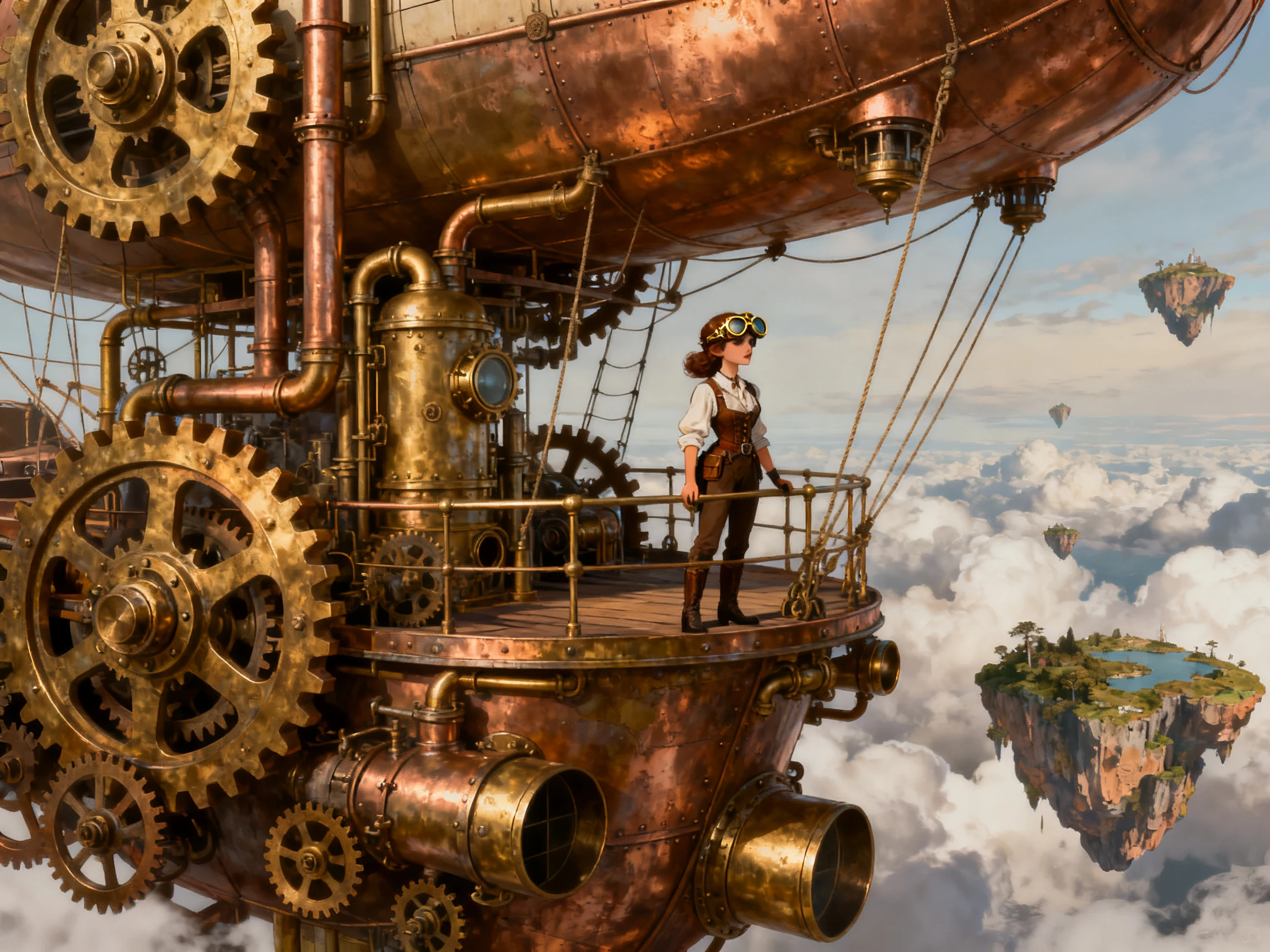


Magiclight AI’s free plot generator takes your story from premise to structure in 4 simple steps. Add your idea, choose a model, review the scenes, and watch the story play.
Enter your story idea or a detailed draft of up to 12,000 characters. Magiclight AI uses your text to understand the premise, key events, characters, and direction of the plot.
Select the story model that fits the direction you want to explore. Compare different options with the same premise before choosing the structure that works best for your story.
Read the generated scenes in order before changing any part of the plot. Check how events connect, where the pacing slows, and whether each scene moves the story forward.
Define the right voiceover option for your characters and generate the story as a video. Watch the scenes from beginning to end to see how the plot, pacing, and dialogue work together.
Novelist
I spent 8 months trusting an outline that had almost nothing in the middle. One afternoon with Magiclight AI showed me where the story was losing its way.
Screenwriter
A beat sheet can look fine even when the dialogue sounds awkward. Hearing Magiclight AI read the scenes back helps me catch the exchanges that need work.
Quest Designer
Our quest arcs change all the time, and I used to redo everything around one new beat. With Magiclight AI, I can change that part without losing the rest of the arc.
Serial Fiction Author
Writing an installment every week without a season plan became hard to manage. I used Magiclight AI to map the full season before I started writing each part.
Magiclight AI turns your premise into scenes you can review directly. The plot generator helps you spot pacing problems before writing drafts.
Your Magiclight AI project can use up to 12,000 story characters. That gives you enough room for detailed premises, events, and endings.
Magiclight AI lets you change one scene without replacing everything else. Keep the scenes that work while revising the part that doesn't.
Short stories work in Magiclight AI with a smaller story brief. Using less story detail can result in fewer scenes to review.
Magiclight AI supports 37 voices for hearing your character dialogue aloud. Listening to scenes can reveal lines that feel weak or awkward.
Strong plots connect events through clear causes, choices, and real consequences. Magiclight AI lets you review those connections across generated story scenes.



An online plot generator shows how your premise moves from scene to scene. Magiclight AI helps you find gaps before they reach the draft.