9 Story Models for Complete Cartoon Stories
Most AI video stops at a scene. Magiclight AI runs your story through 9 story models, which is what gets you a beginning, a middle, and an ending rather than a handful of pretty moments.
Create Now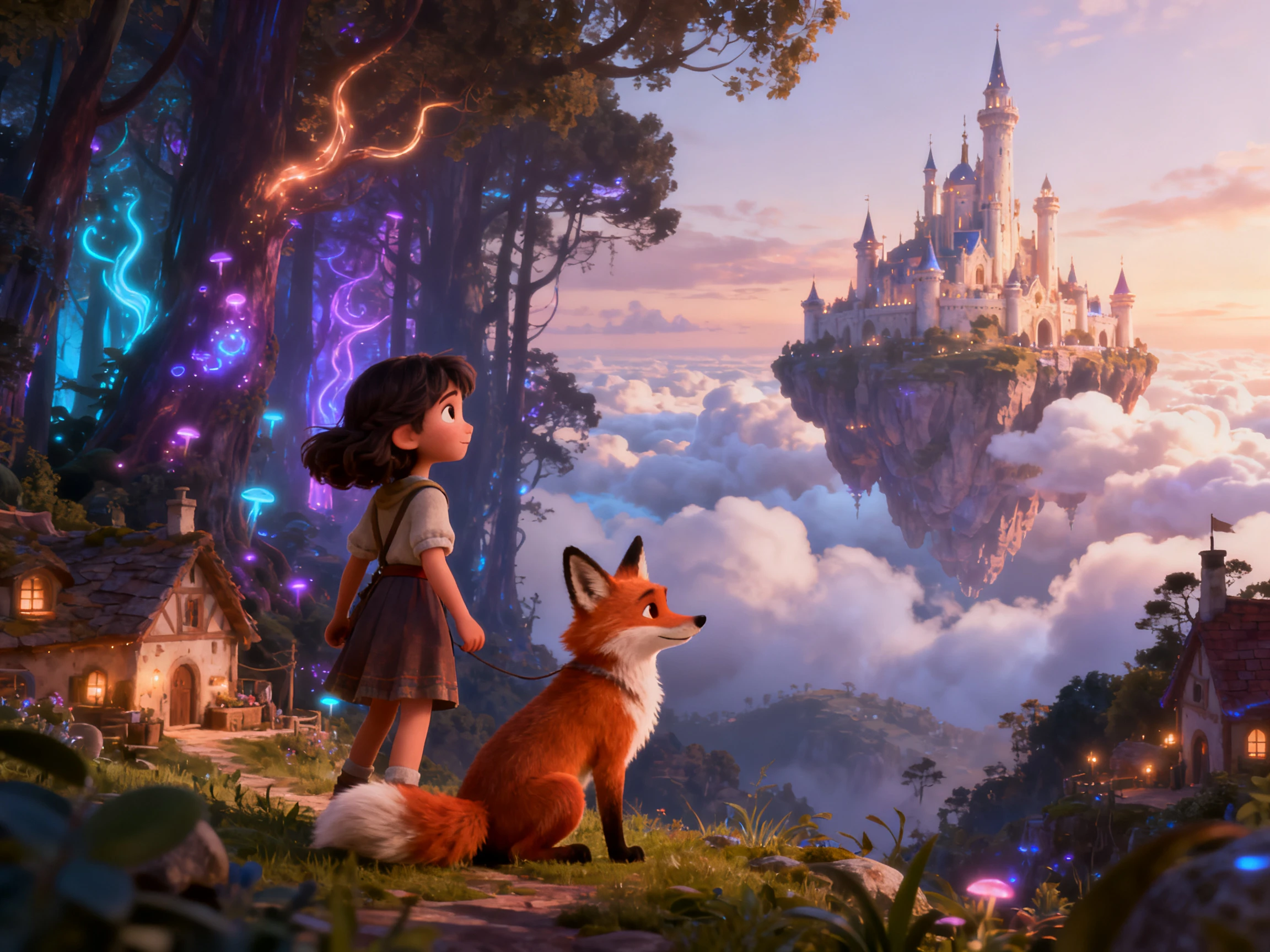

Create cartoon stories kids will replay with Magiclight AI. Keep characters, visuals, and endings consistent; no drawing, voice work, or editing skills required.
Create AI Cartoon Story Videos For Free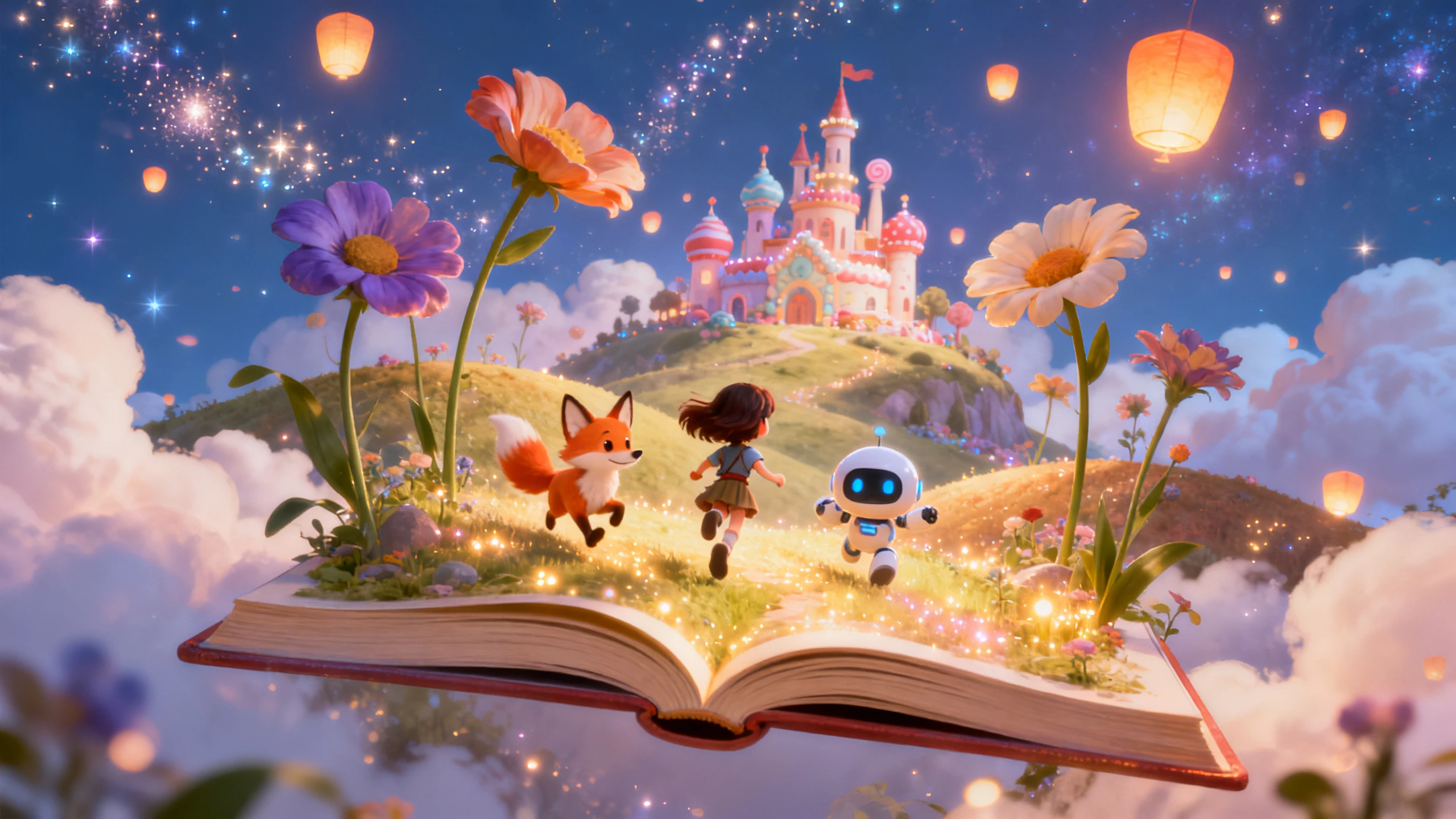










Set your characters, choose a visual style, and define the ending with an AI cartoon story video generator, then generate a complete story ready for your audience to watch.
Most AI video stops at a scene. Magiclight AI runs your story through 9 story models, which is what gets you a beginning, a middle, and an ending rather than a handful of pretty moments.
Create NowThe look is what a child will actually remember. With 52 styles across 4 model groups, you can go from soft and rounded to something sharper while keeping every scene visually consistent.
Create Characters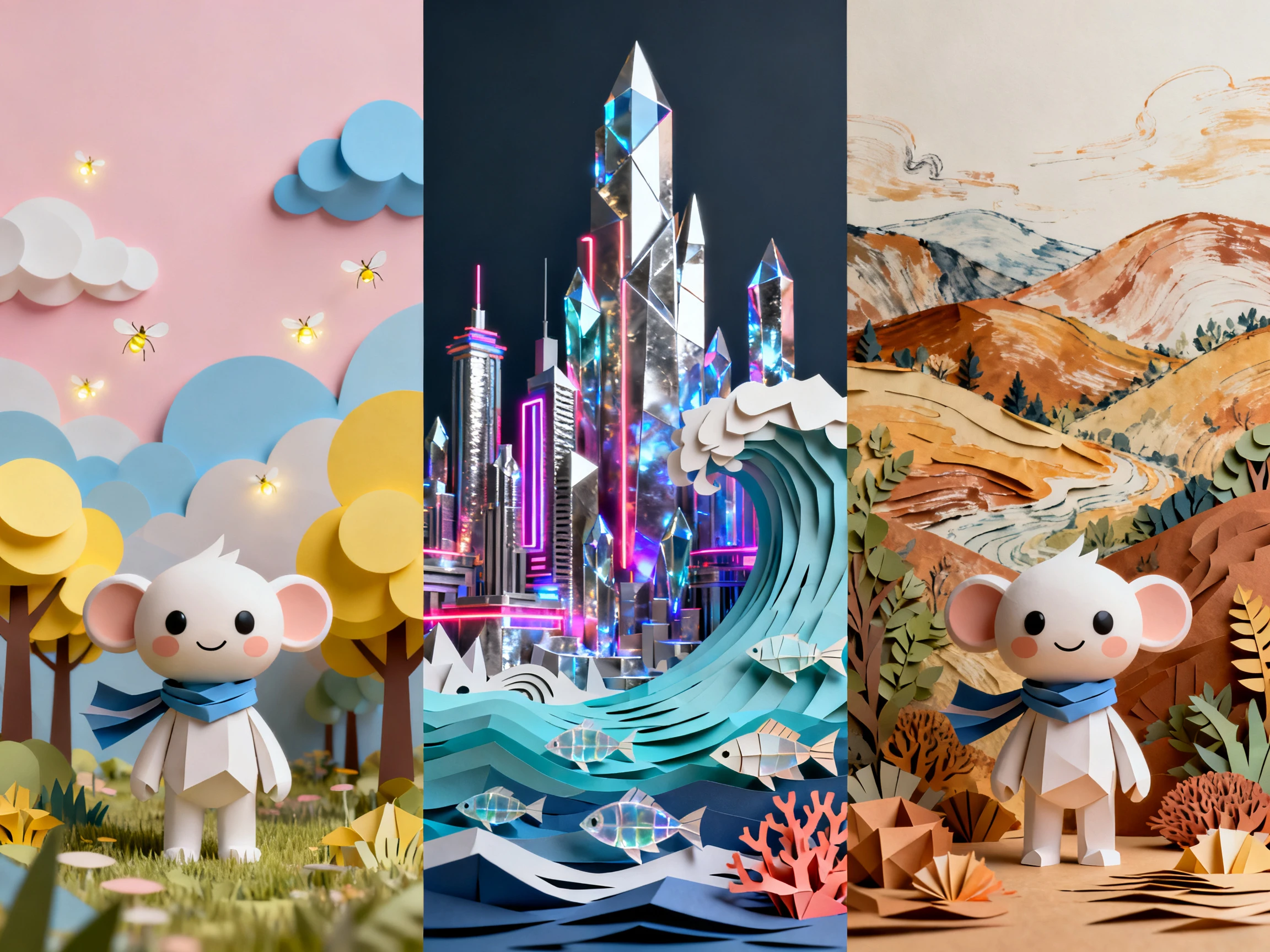
Words on screen turn a story into practice. Choose one of 16 subtitle options and the text appears as it is spoken, which is why the same video keeps earning its place at bedtime.
Generate a Video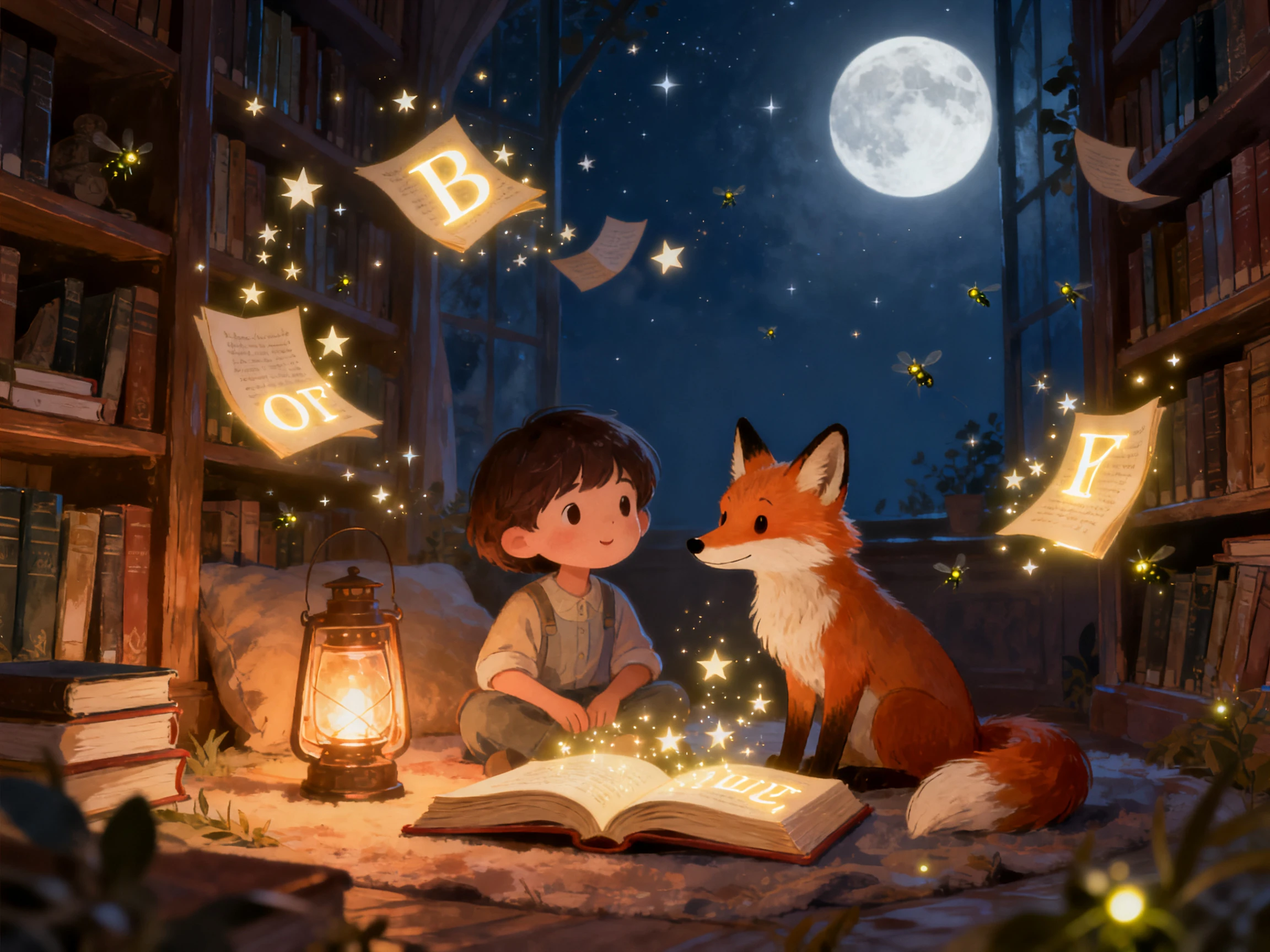
One story rarely serves one household. Remake it in any of 11 languages with Magiclight AI, so a grandparent can hear it in theirs without making the story twice.
Start Creating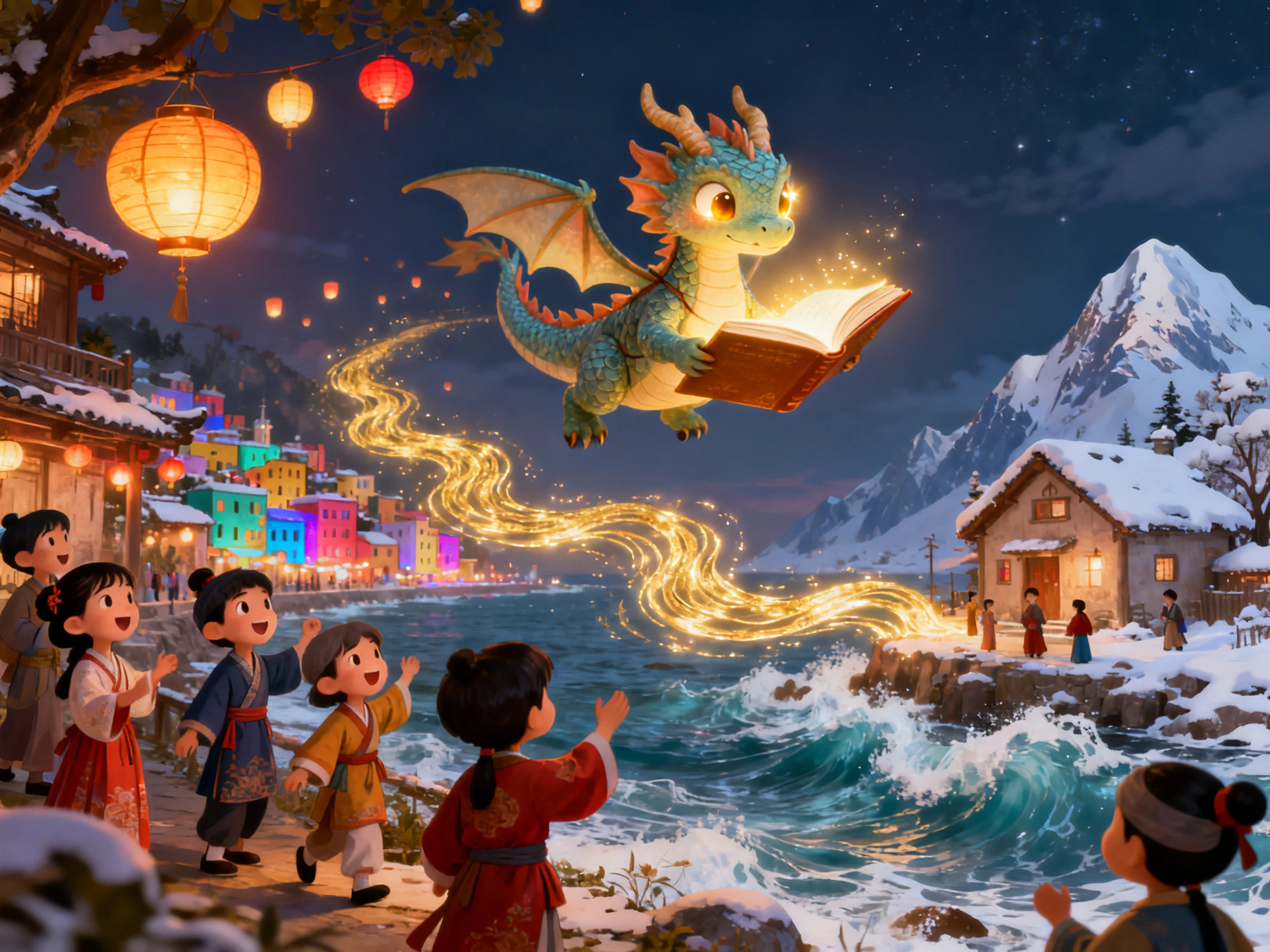


Get started with an AI cartoon story video generator in 4 steps. Write your story, choose the visual style, set your characters, and add captions with Magiclight AI.
Type or paste your story into the prompt field. Include the main events and ending, or let Magiclight AI expand a shorter idea into a fuller script.
Choose the characters for the story and define how they should look. Magiclight AI can keep their appearance consistent as they move from one scene to the next.
Go through the generated scene images before making the video. Adjust character faces, poses, expressions, or other scene details where the storyboard needs changes.
Select the cartoon style you want and generate the video. You can then review the result and use Magiclight AI’s subtitle, audio, and export options before downloading the finished video.
Children's Author
My books all have endings, but video tools kept giving me lovely fragments. With Magiclight AI, the video finally follows the story through to the ending I wrote.
Nursery Teacher
The same story gets requested every afternoon in our room. Even after the 20th watch, the version we made with Magiclight AI still holds their attention.
Storyteller
Our folktales can look wrong when the visual style does not fit where they come from. I found enough choices in Magiclight AI to get much closer to the look I wanted.
Translator
Every version of a children's story used to mean recording the whole thing again. Magiclight AI remakes it in another language all on its own.
Yes. Magiclight AI gives you free credits after registration without requiring a card, so you can try a short cartoon story and see how the result fits your idea.
That is what the saved library is for. Once a character exists in Magiclight AI, it returns wearing the same face and clothes in every scene, and in the next story too.
Publishing or selling videos from an AI cartoon story video generator requires a paid plan. With Magiclight AI, free credits are intended for testing before moving to commercial use.
Up to 50 minutes in a single project. Magiclight AI is built for long form, so a full storybook does not need cutting into parts the way a clip tool would force.
Yes. Start with one script and take the story into any of the 11 supported languages. The narration is recreated inside Magiclight AI, so each version feels made for that language.
Add subtitles to show each line as it is spoken. Magiclight AI keeps the words on screen with the narration, helping children follow the story and read along.



A story is only worth making if it survives the second telling. Magiclight AI holds the cast, the look and the ending steady enough for that.