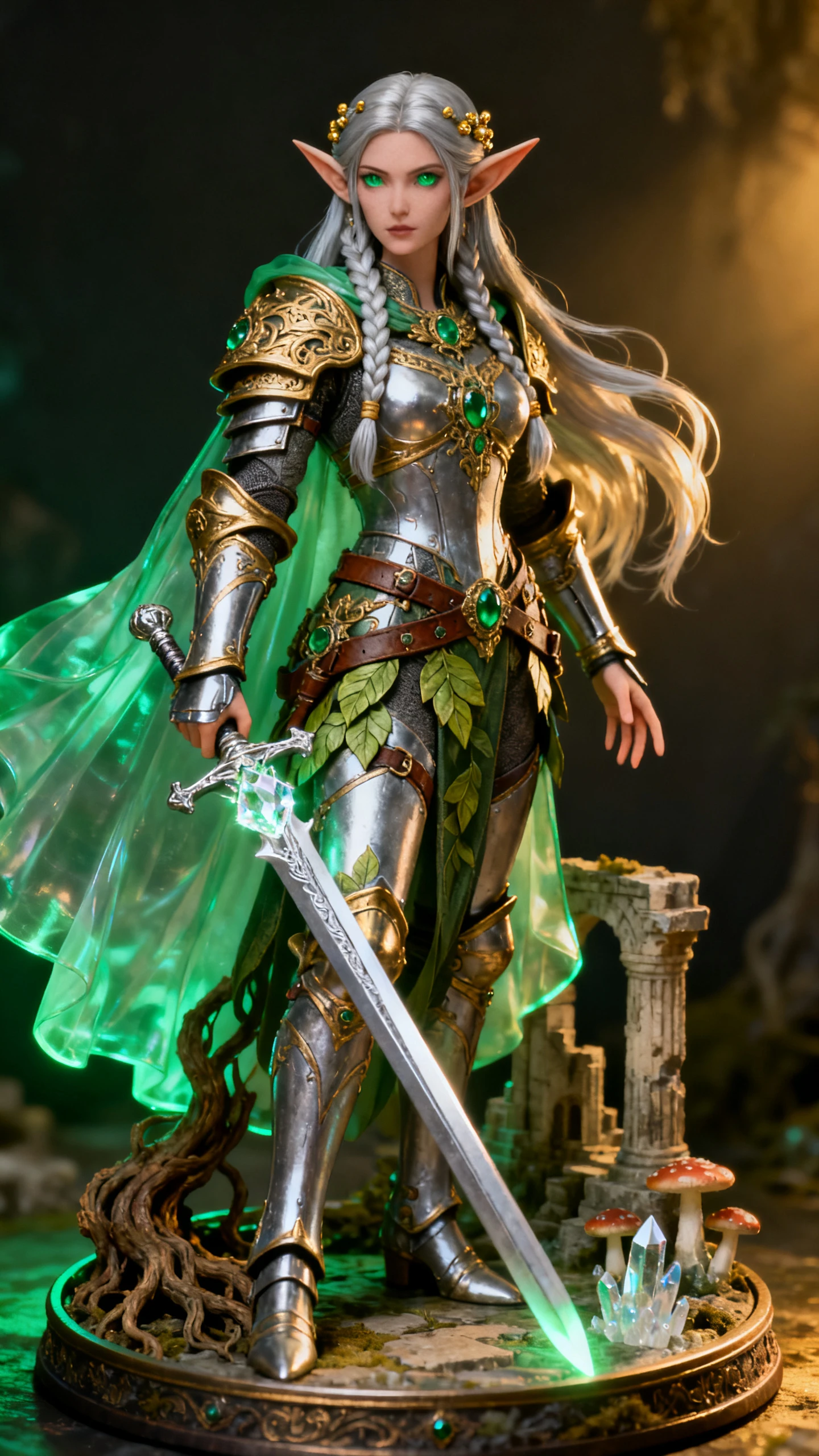
Hero background

AI Action Figure Video Generator

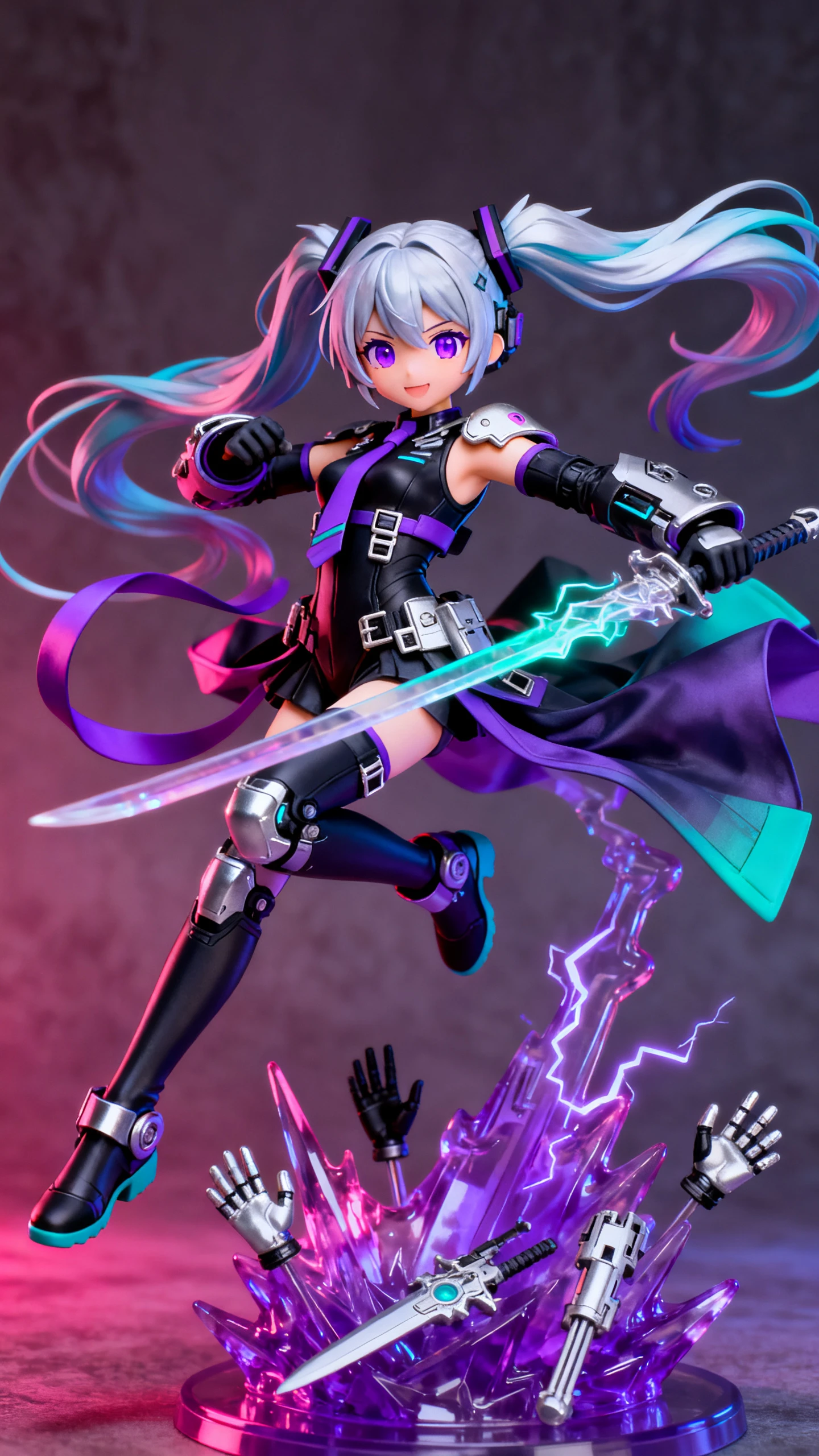
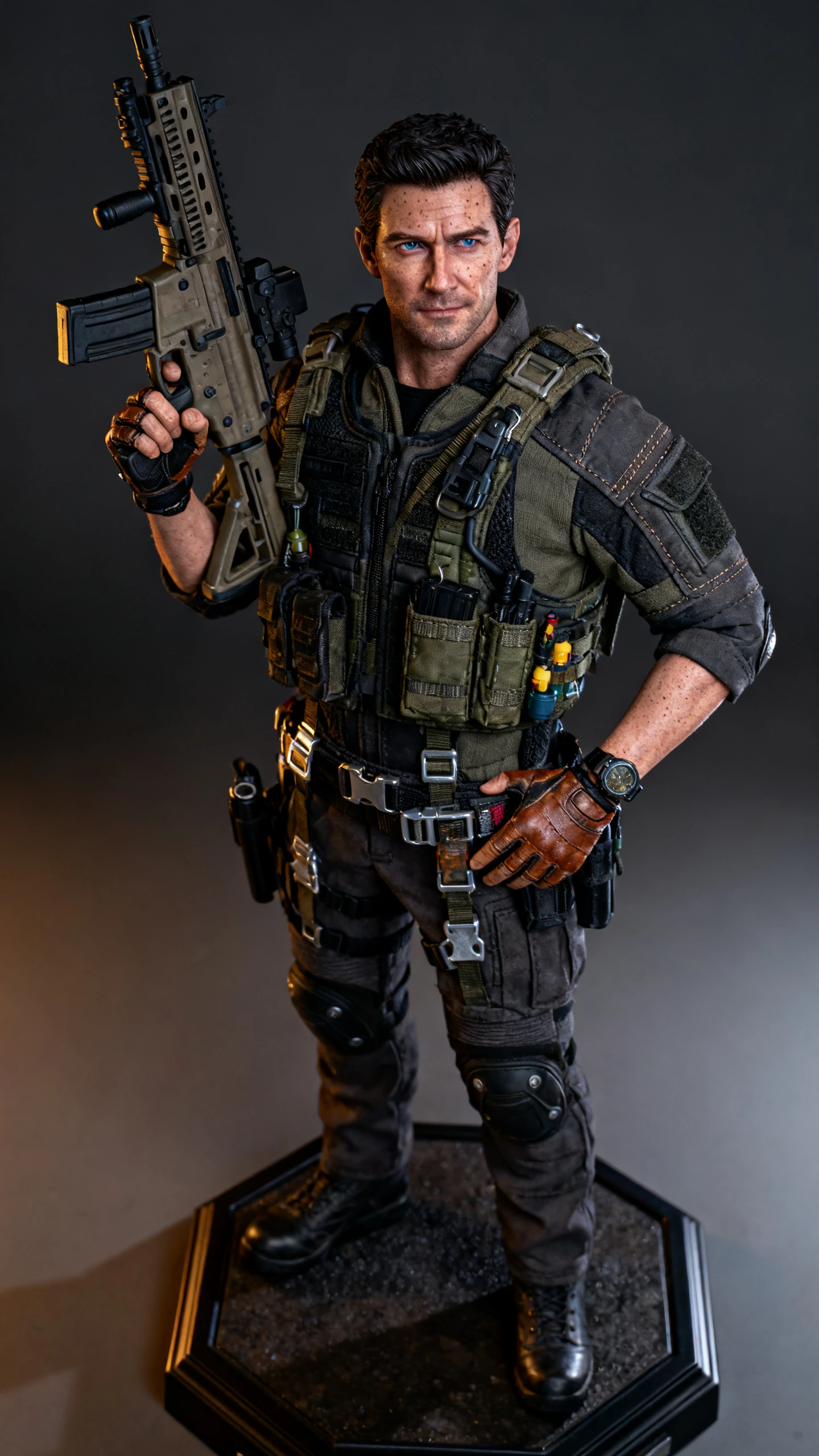
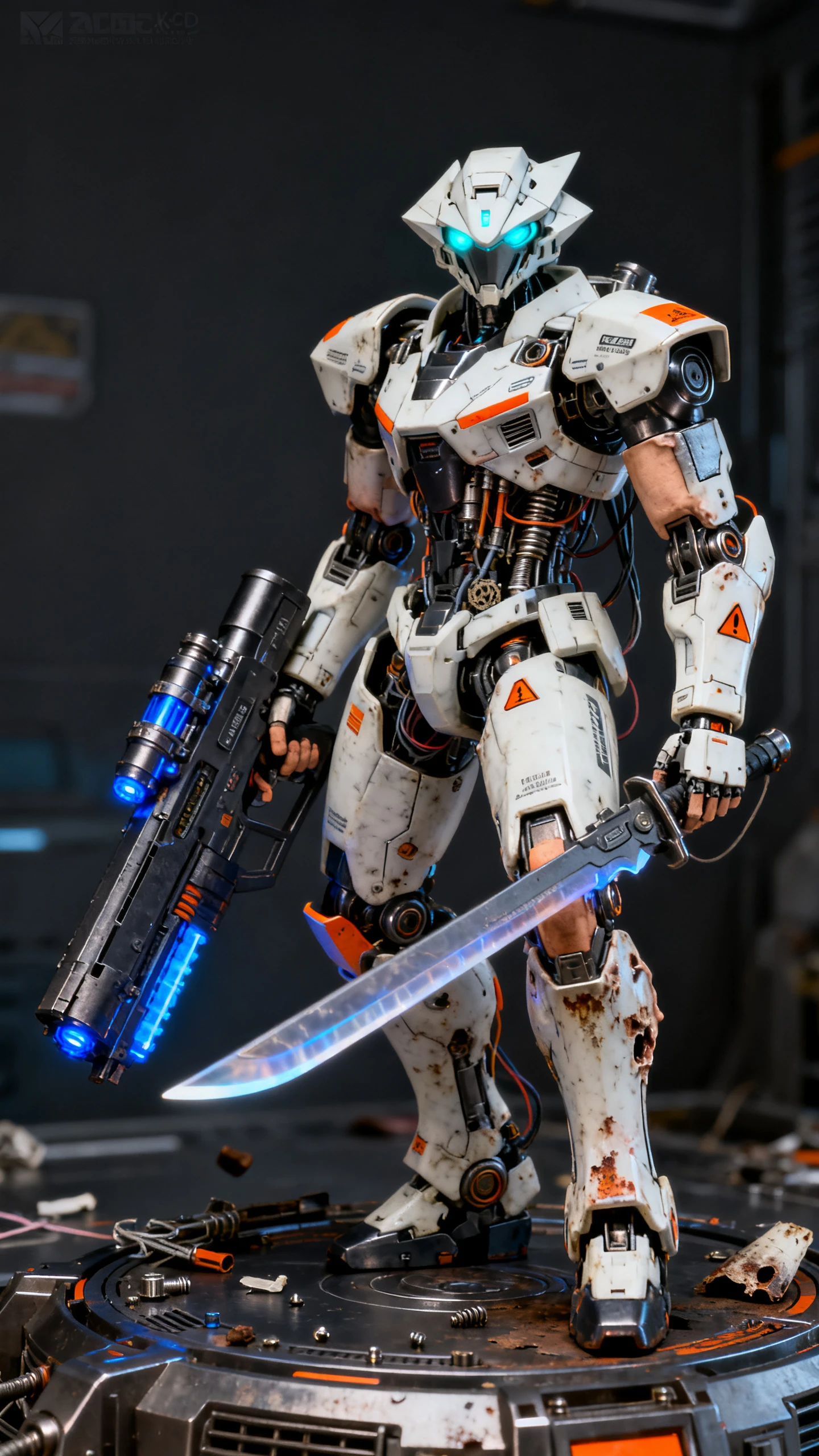
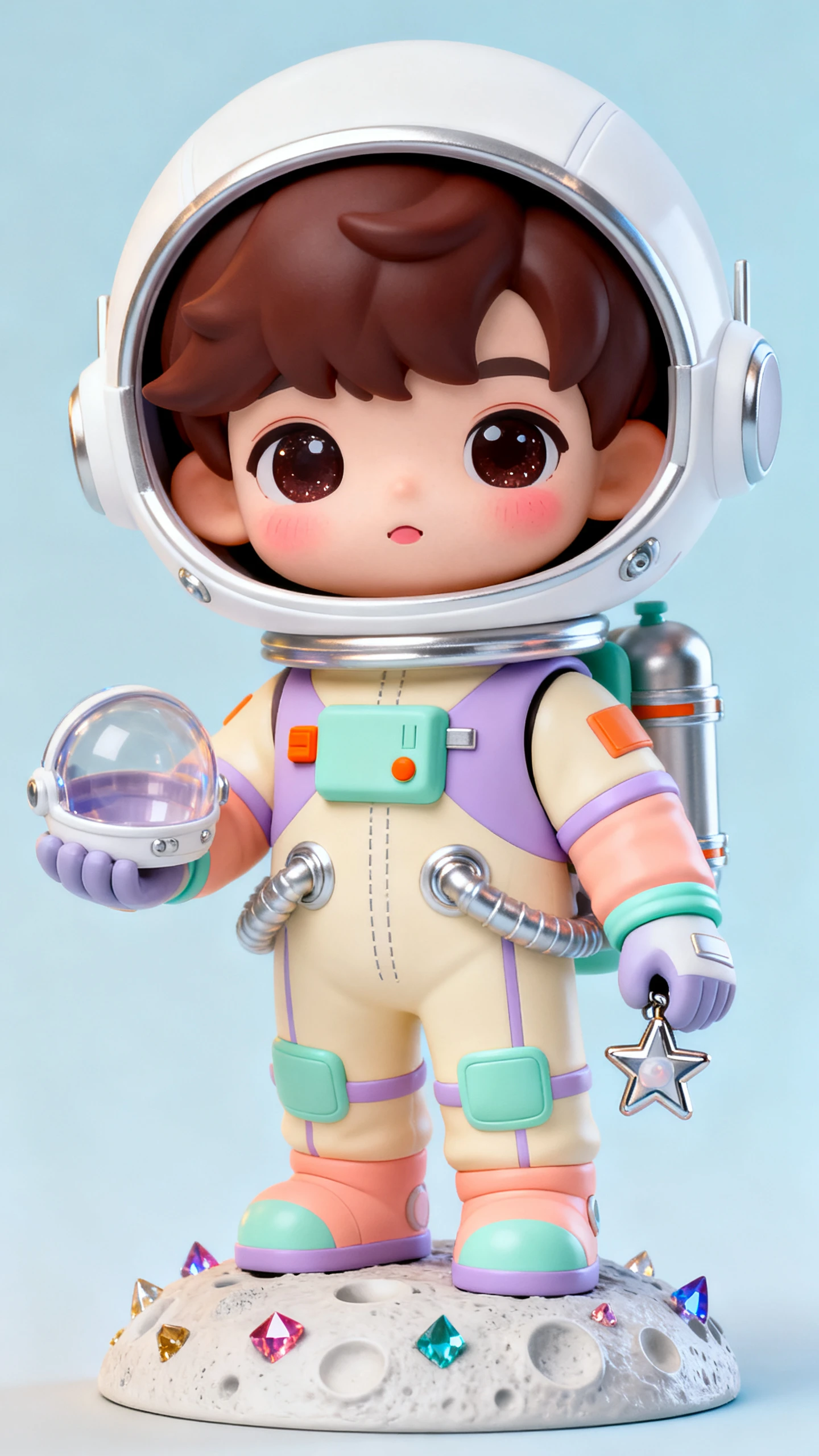
Upload your photo and describe the action figure you want to see. Magiclight AI turns your idea into a boxed toy character that star in its own video. No 3D skills required.

Create an Action Figure Video Free
AI Action Figure Video Generator
AI Action Figure Character Video
Action Figure Video Example
AI Collectible Toy Video
AI Collectible Toy Video example 5
AI Action Figure Video Generator
AI Action Figure Character Video
Action Figure Video Example
AI Collectible Toy Video
AI Collectible Toy Video example 5

Top Features of the Magiclight AI Action Figure Video Generator

Describe the action figure you want and the scene around it. The Magiclight AI action figure video generator turns your idea into a toy character that moves through your video.

Generate an Action Figure Video Now
3D Action Figure Decoration

12,000 Characters for Your Toy Script

Write your action figure story using 12,000 characters in Magiclight AI. That gives you room to plan what the toy does in each scene and how the story moves from the first reveal to the final moment.

Portrait Upload for Your Action Figure

Upload a clear portrait to show how your action figure should look. Magiclight AI uses the photo as a reference for the face and other details that make the finished toy look familiar.

14 Story Models for Your Action Story

Magiclight AI gives you 14 story models to try with your action figure idea. Run the same idea through different models and choose the version that gives your toy story the direction you want.

50 Poses for Your Action Figure

Nano Storyboard gives you 50 poses to try with your action figure. Choose a pose for each scene to show the toy standing ready for action and moving through an important part of the story.

Who Can Use the Magiclight AI Action Figure Video Generator
An action figure video can turn a familiar face into something worth sharing. Magiclight AI works for personal gifts, creator posts, business ideas and team moments.
For Video Creators
For Video Creators
Give your everyday look a toy makeover with over 52 visual styles.
Place your figure inside a fun scene made for your next social post.
Stretch a bigger action figure idea across a video lasting 50 minutes.
For Business Owners
For Business Owners
Put the founder on screen as a collectible figure for a product campaign.
Show a new product beside the figure as part of its own miniature world.
Pair your toy commercial with a track from 40 background music options.
For Friends and Families
Describe someone in 1000 characters to create a figure that looks familiar.
Make a personal toy version based on a hobby they never stop talking about.
Surprise someone with an action figure video made for their special day.
For Sports Clubs
For Sports Clubs
Dress each player in their team kit and turn them into a collectible figure.
Recreate a favorite match moment with 14 unique story models.
Give the whole squad a place in one action figure video made for the team.
Why Choose Magiclight AI
Action Figure Video Generator
Bring your toy idea to the Magiclight AI Action Figure video generator. Shape how the figure moves and take its story from one scene to the next.
Describe Every Toy Detail
Use 1000 characters to explain the outfit and gear you want for your figure. Magiclight AI follows your description to create a toy that matches the look you have in mind.
Make Videos for a Phone Screen
Set your action figure video to 9:16 when you want a tall version for mobile viewing. The vertical frame gives your toy enough room to stay at the center of each scene.
Plan the Toy Story With MagicLight Agent
Share your action figure idea with MagicLight Agent before making the video. It can work the idea into a story and help decide what happens once your figure enters the scene.
Put Your Figure on the Cover
Choose from 21 cover templates to present your action figure like a toy on display. Add the figure name and pick a cover that gives your finished video the look of real toy packaging.
Try 16 Animation Models
Run your action figure through any of the 16 animation models in Magiclight AI. Compare how the toy moves in each version and keep the result that works best for your video.
Use Your Figure in Future Videos
Save the action figure once you are happy with its appearance. Bring the same character into another video later without having to create the figure again from the beginning.

How to Make an Action Figure Video With Magiclight AI

Turn your action figure idea into a complete video through 4 clear stages. Shape the story and character first, then review each scene before the final video is made.

1.

Step 1. Add and Review Your Script

Add your toy story using up to 12000 characters. MagicLight Agent reads the idea, sets the direction, and lets you review the story before you move ahead with you.

2.

Step 2. Set the Style and Character

Pick a visual style for your action figure video. Describe a new character in up to 1000 characters or select a suggested character that fits your video idea well.

3.

Step 3. Check and Animate Each Scene

Open Nano Storyboard and review every scene before animation. Change scenes where needed, check the opening, then let MagicLight Agent animate your entire toy story.

4.

Step 4. Finish the Audio and Generate

Choose from 37 voices and 40 background music options. Set subtitles with 16 available settings, generate your action figure video, then export your finished result.

FAQs on AI Action Figure Video Generator

How do I make an action figure of myself?

Upload a clear photo and describe how you want the toy to look. Add details about the outfit or accessories, then create your figure in Magiclight AI.

Can my action figure have its own story?

Yes. The Magiclight AI Action Figure video generator turns your figure into a character that can appear across different scenes in your toy story.

What photo should I use for my action figure?

A clear portrait with your face easy to see works best. Good lighting also gives Magiclight AI a stronger reference when creating the character.

Can I make an action figure as a gift?

You can create one around a friend or family member with their permission. Include details that make the figure feel personal to the person receiving it.

Can I use famous toy brands or characters?

It is better to create an original figure rather than copy protected brands or characters. Give the toy its own name and visual identity instead.

Is the action figure video generator free to try?

Yes. Your Magiclight AI account opens with starter credits, and the sign-up skips any card. Brand ads and paid promotions sit on a paid plan.


Create Your Collectible Videos With Magiclight AI

Turn your photo into an action figure and bring your toy character to life in a video with Magiclight AI.