Hero background

AI 3D Modeling Video Generator

Describe any object and let Magiclight AI turn your idea into a 3D model video. See your creation from different angles with realistic details. No 3D modeling software needed.

Create a 3D Model Video for Free
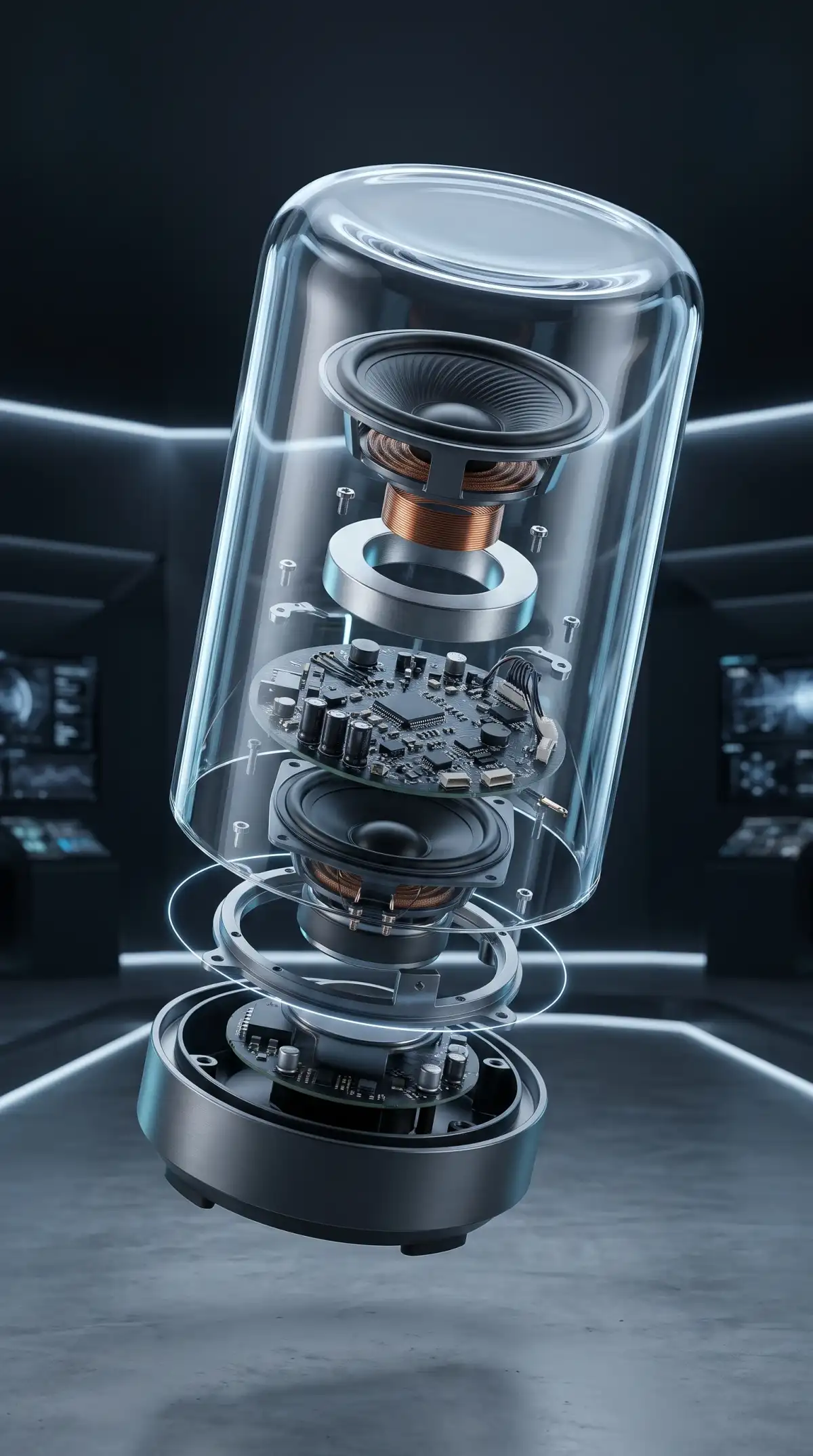
Ai 3d modeling video generator building a bluetooth speaker
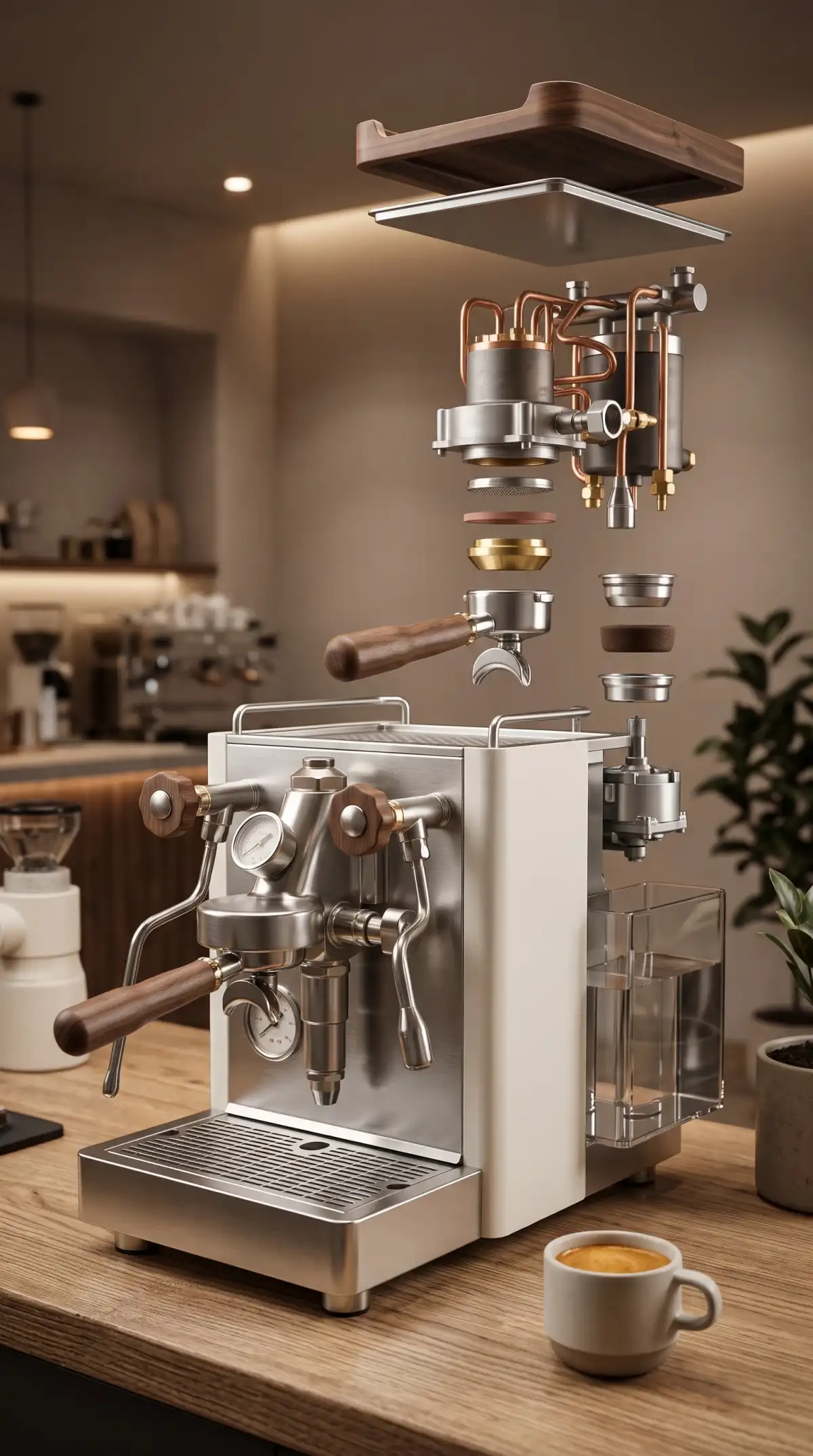
Ai 3d modeling video generator detailing a coffee machine
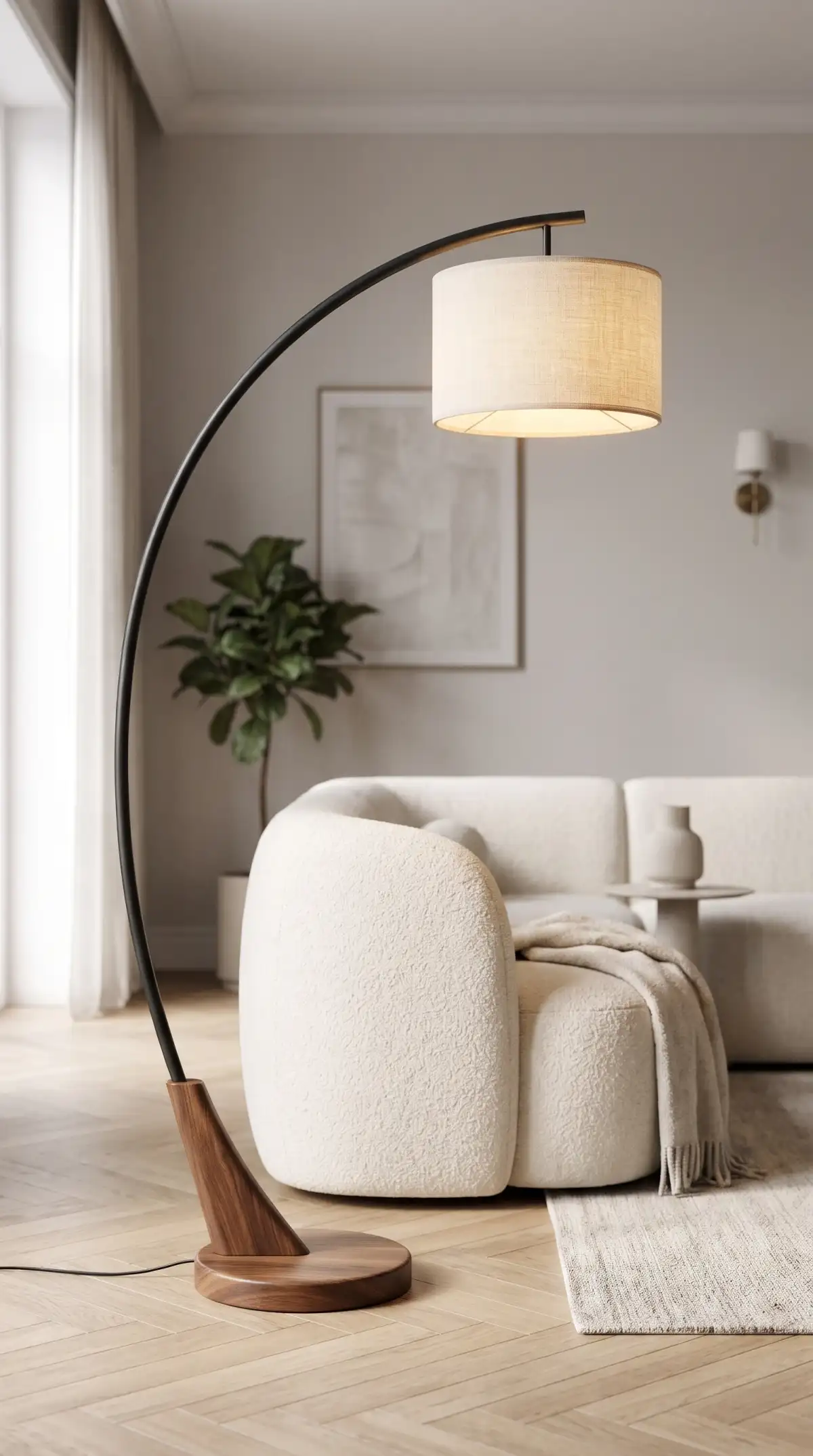
Ai 3d modeling video generator illuminating a floor lamp
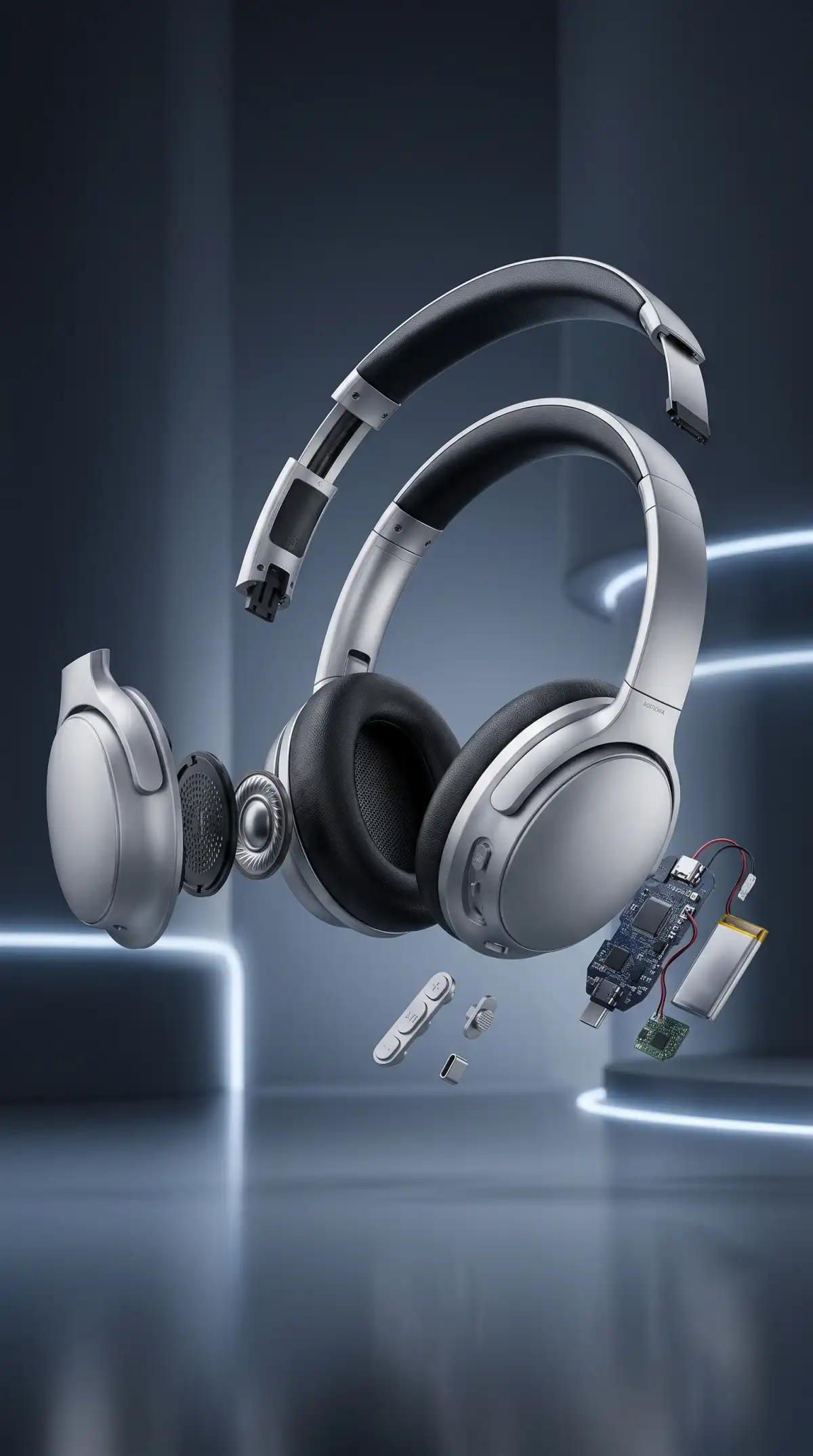
Ai 3d modeling video generator exploding headphones
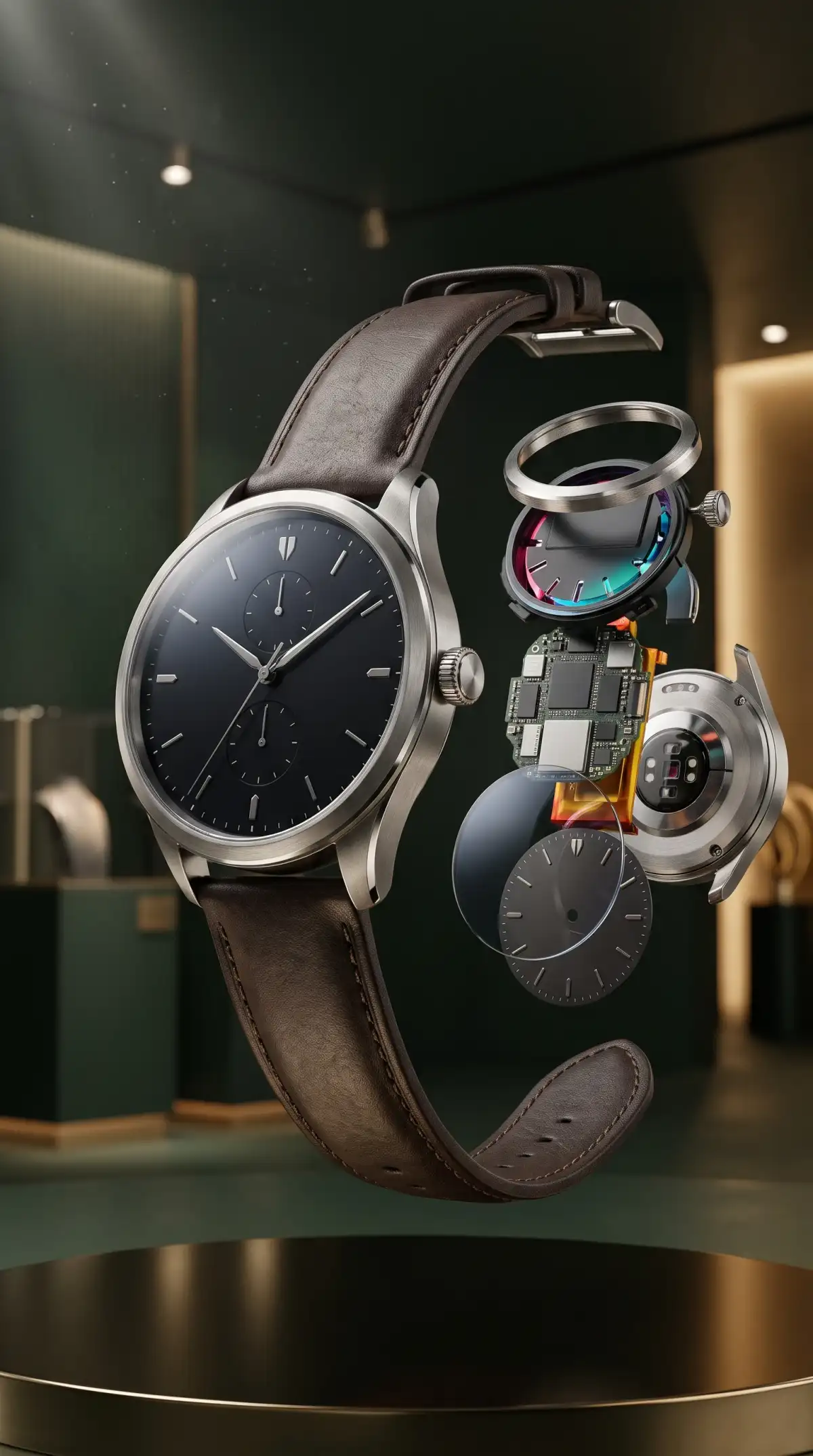
Ai 3d modeling video generator exploding a luxury watch
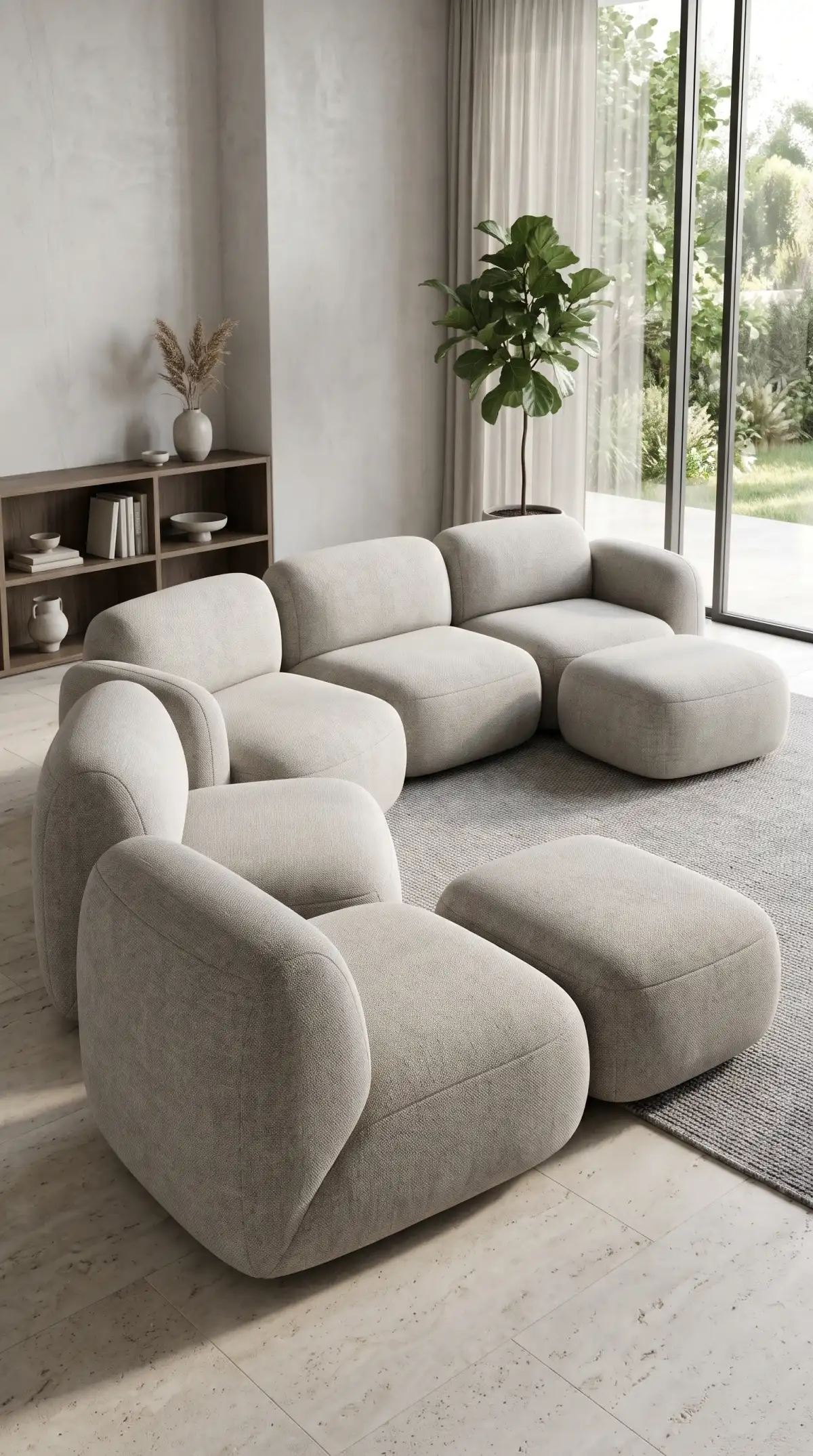
Ai 3d modeling video generator creating a modular sofa
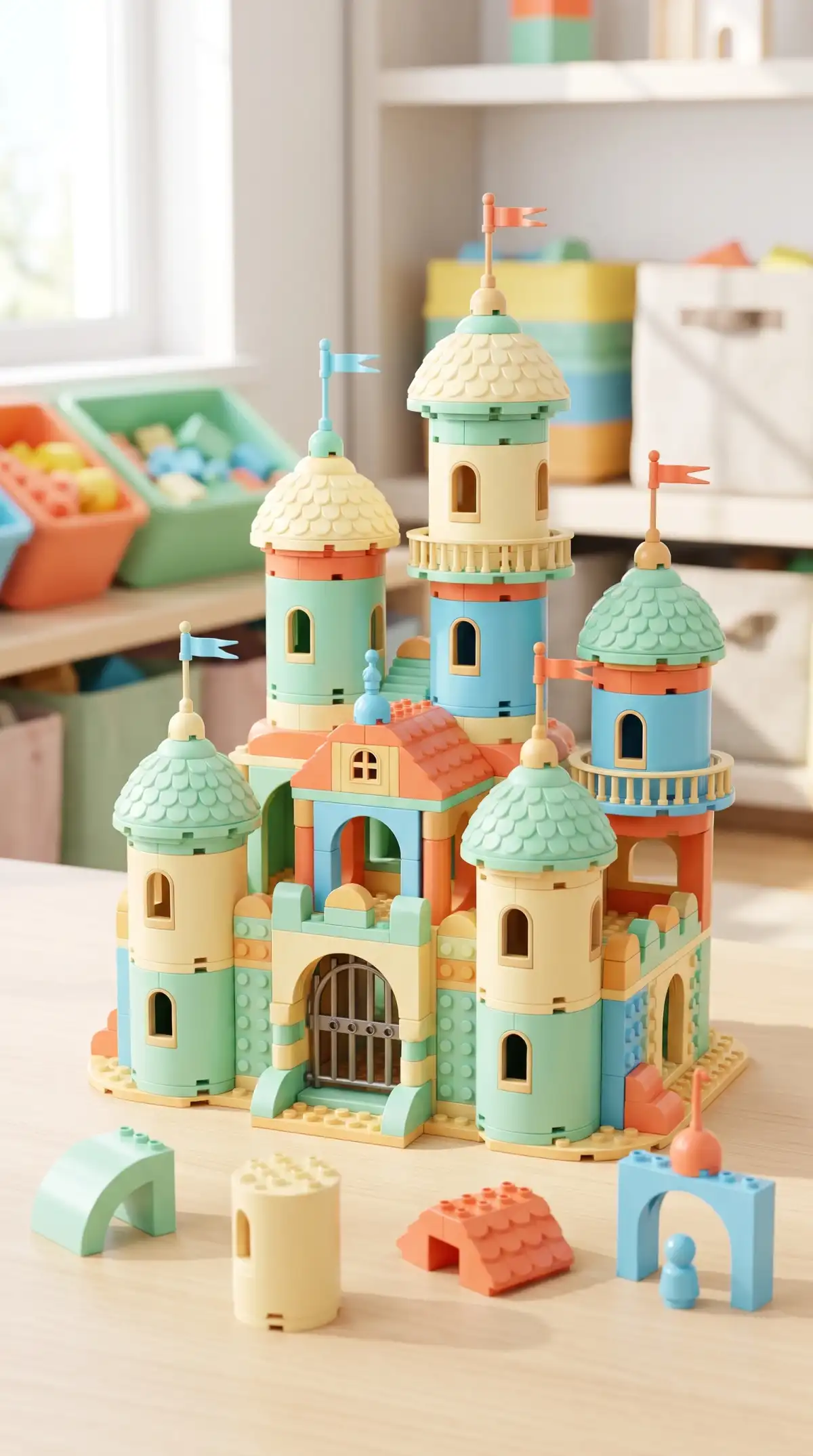
Ai 3d modeling video generator assembling a toy castle
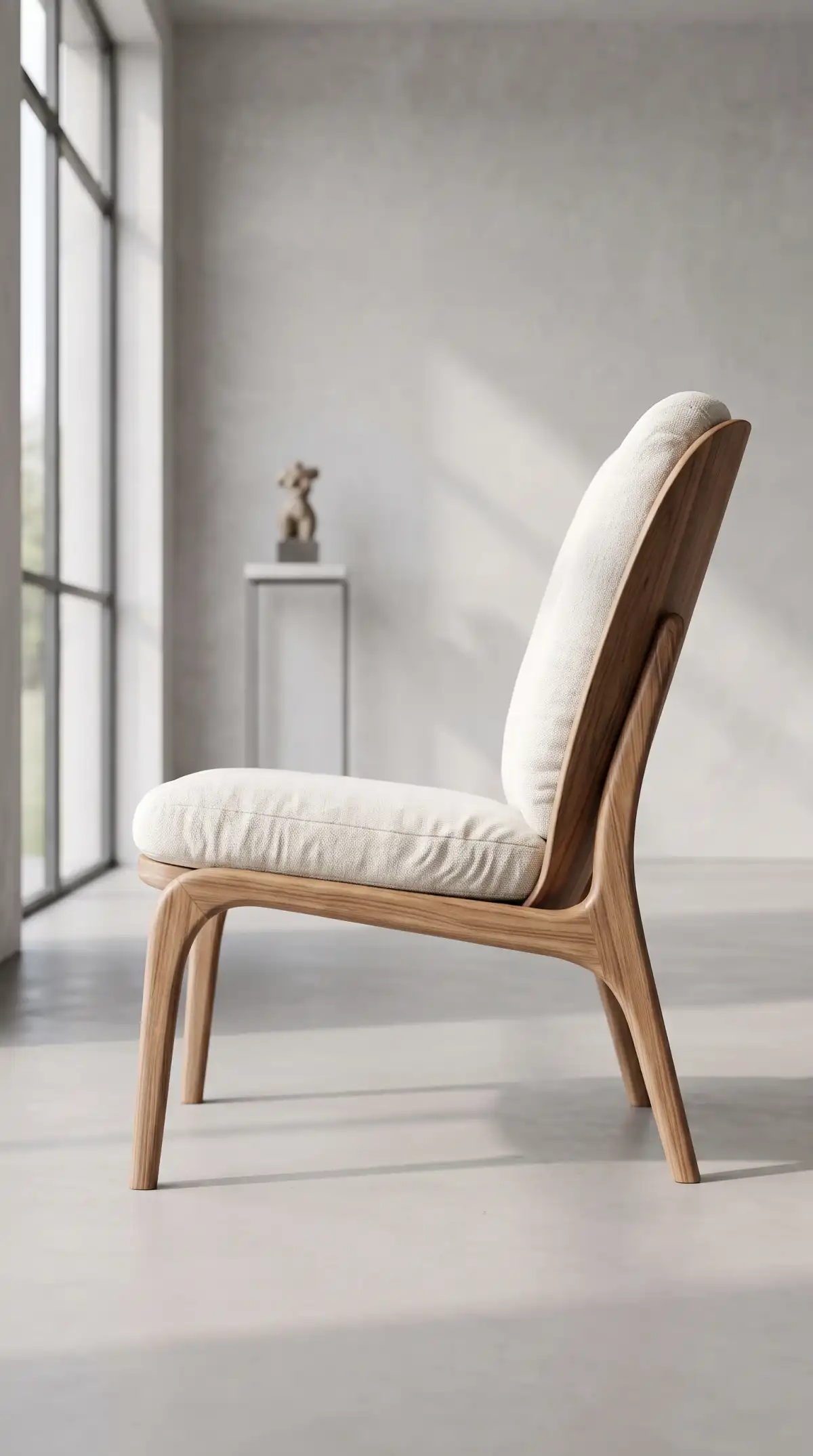
Ai 3d modeling video generator rendering a wooden chair
Ai 3d modeling video generator building a bluetooth speaker
Ai 3d modeling video generator detailing a coffee machine
Ai 3d modeling video generator illuminating a floor lamp
Ai 3d modeling video generator exploding headphones
Ai 3d modeling video generator exploding a luxury watch
Ai 3d modeling video generator creating a modular sofa
Ai 3d modeling video generator assembling a toy castle
Ai 3d modeling video generator rendering a wooden chair

Explore the Magiclight AI 3D Modeling Video Generator Features

See ideas from every angle with the AI 3D modeling video generator. Magiclight AI turns design concepts into moving 3D views, making products easier to preview and present.
Explore the video generator
3D decoration

14 Story Models for 3D Product Presentations

Use 14 story models to structure how your design appears on screen. Present the full object first, move into key details, then show how it could fit into a real setting.

50+ Visual Styles for 3D Studio Quality

Choose from 50+ visual styles for clean 3D presentations with studio lighting, defined materials, and natural shadows. Give wood, metal, fabric, and plastic their own distinct appearance.

1,000 Characters for Exact Design Specs

Describe your object in up to 1,000 characters, covering its shape, materials, colors, and smaller details. Specify elements such as a walnut base, linen shade, or matte black handle.

16 Animation Models for Moving 3D Views

Try 16 animation models to show your object in motion from different perspectives. Create smooth turns, close-up movements, or wider reveals that help viewers examine the design.

Who Can Use the Magiclight AI 3D Modeling Video Generator
A 3D preview turns an idea into something people can picture and react to. The AI 3D modeling video generator helps makers show early design concept clearly in the Magiclight AI.
For Inventors
For Inventors
Use 14 story models to present a product idea with a clear reveal sequence.
Export in 1080p to give crowdfunding pages sharp product presentation clips.
Add 16 subtitle styles to explain key gadget parts directly on the screen.
For Toy Makers
For Toy Makers
Save toy characters to the library for reuse across future product concepts.
Try 50+ poses to show collectible figures in different display positions.
Use 21 cover templates to give new toy concepts a strong opening visual.
For Furniture Makers
Use 52 visual styles to place furniture ideas in different visual settings.
Enter up to 1,000 characters to describe wood, fabric, shape, and details.
Create in 9:16 to share furniture concepts on vertical social media feeds.
For 3D Printing Hobbyists
Use Nano Storyboard to plan how a 3D print appears from scene to scene.
Try 16 animation models to show finished print concepts from fresh angles.
Pick from 40 music tracks to give maker project showcases a fitting mood.
Why Choose Magiclight AI 3D Modeling Video Generator
Take a design beyond a basic 3D preview. The AI 3D modeling video generator pairs Magiclight AI with 6 useful strengths for sharper, more consistent product visuals.
MagicLight Agent Guides the Presentation
MagicLight Agent can shape your product idea into a clear presentation flow. Give it the concept, and it organizes the reveal, key details, and use cases into a story viewers can follow.
Music for Design Presentations
Pick from 40 music tracks to set the pace for product reveals and concept showcases. Match a track to a sleek gadget, playful toy, or furniture idea without overpowering the visuals.
Voices for Product Walkthroughs
Select from 37 voices to narrate product concepts, explain functions, or guide viewers through key details. Match the delivery to a technical demo, pitch, or simple design reveal.
Product Reveals in 11 Languages
Create product presentations in 11 languages to reach viewers in different markets. Explain a design to international clients, partners, or buyers without limiting it to one audience.
A Product Line That Matches
Save recurring designs in the character library and bring them into later scenes. Keep related lamps, chairs, toys, or other concepts visually familiar across a connected video series.

How to Make a 3D Modeling Video With Magiclight AI

Create an AI 3D modeling video generator project in 4 steps with Magiclight AI. Define the idea, set exact materials and sizes, plan every scene, then add motion and audio FX.

1.

Explain the Object and Its Use

Describe the object, its user, and setting in up to 12,000 characters. MagicLight Agent can shape your idea into a clear product reveal for review before any scenes are created.

2.

Write the Design Spec

Select a studio 3D style to provide the right modeling style to your ideation. Choose the character from provided suggestions or describe the character traits in up to 1,000 characters.

3.

Check the Product Scenes

Review each product scene in Nano Storyboard. Check how the object looks from different angles, then adjust scene prompts and camera angles to show its shape and details.

4.

Label Your 3D Modeling Video and Share

Add one of 16 subtitle styles for key features, select from 40 background sounds for music, and choose a cover. Generate the 3D video, then share it directly with buyers or investors.

FAQs on AI 3D Modeling Video Generator

Does Magiclight AI create 3D model files?

No. Magiclight AI creates videos and images with a 3D render look, not editable files like OBJ or STL. Use it to preview and present designs, then model them in 3D software.

Can I use these renders for a crowdfunding page?

Yes. Crowdfunding creators often show concept renders on campaign pages. Label them as concept visuals, and pick a paid Magiclight AI tier for commercial use.

How accurate is the render to my design?

The render follows your written spec closely, but it is a visual preview, not an engineering drawing. Magiclight AI works best for showing look, feel, and use.

How is this different from the 3D Cartoon style?

3D Cartoon is made for characters and stories. This Magiclight AI style focuses on objects and products, with studio lighting and realistic materials.

Can I show the product in a real setting?

Yes. Describe a room, a desk, or a hand holding the item. Magiclight AI places your design in that scene so viewers see how it fits daily life.

Can I add motion to a 3D product concept?

Yes. The AI 3D modeling video generator in Magiclight AI offers 16 animation models to give product concepts motion, from smooth turns to close-up reveals of important details.


Create Your Design in 3D With Magiclight AI

Bring an object, its materials, and the people who will use it. Magiclight AI renders it in perfect 3D modeling video, ready to show investors, buyers, and fans.