Hero background

AI CGI Video Generator

Turn your ideas into cinematic CGI videos with Magiclight AI. Describe a scene, create larger-than-life characters and environments, and bring them to life with stunning visuals. No camera crew needed.

Create a CGI Video for Free
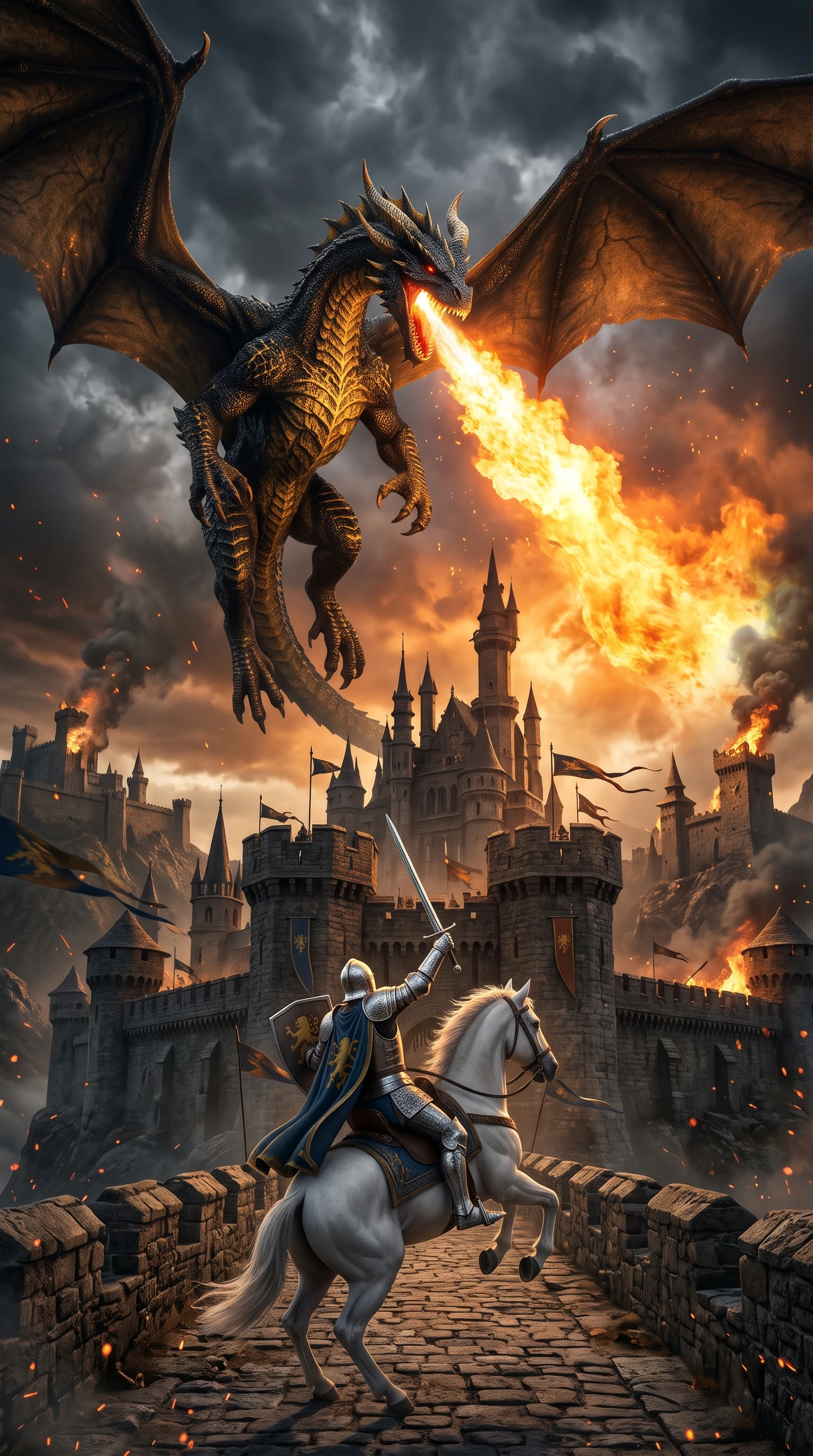
Ai cgi video generator creating a dragon and castle
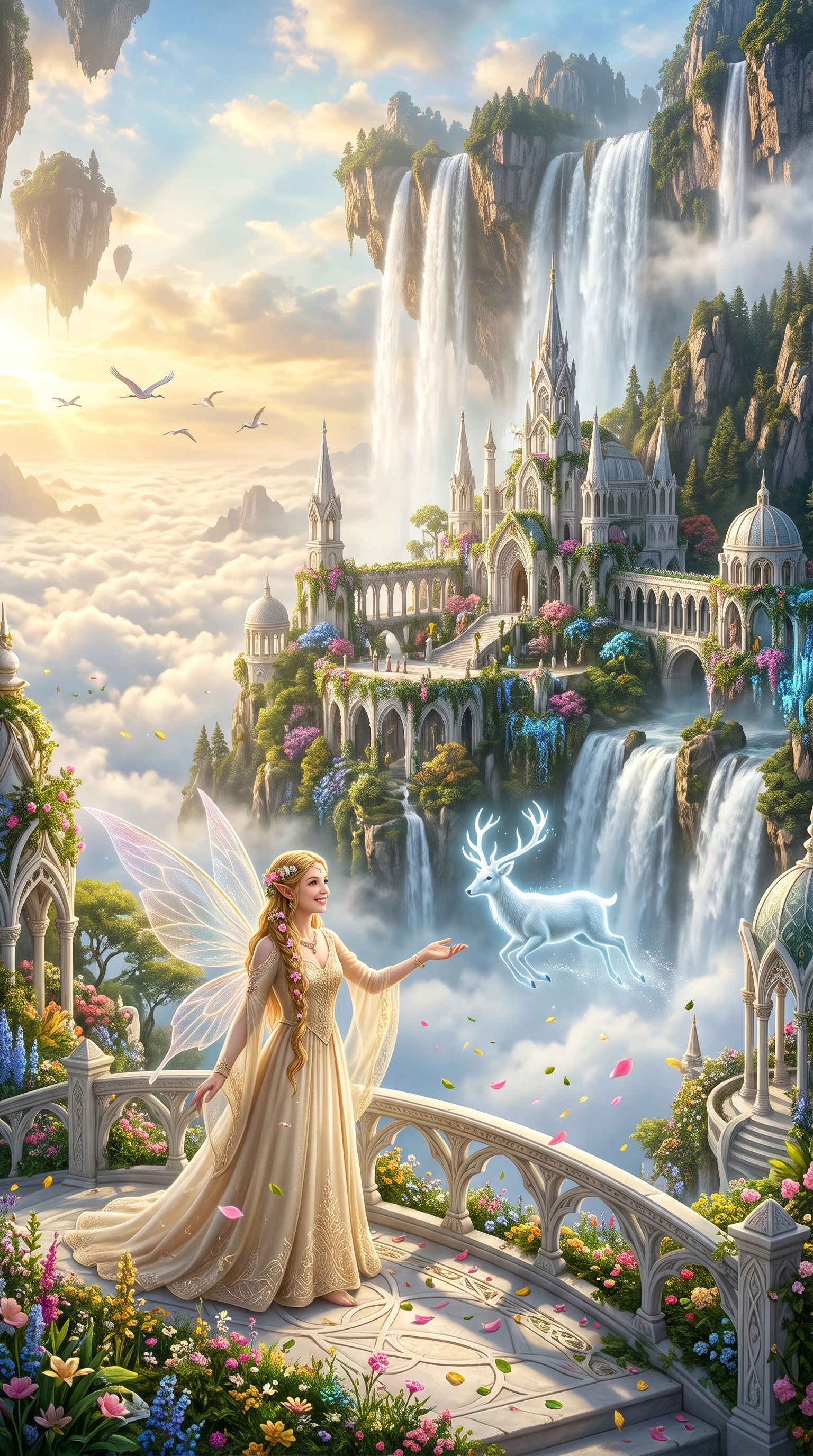
Ai cgi video generator illustrating a fairy castle
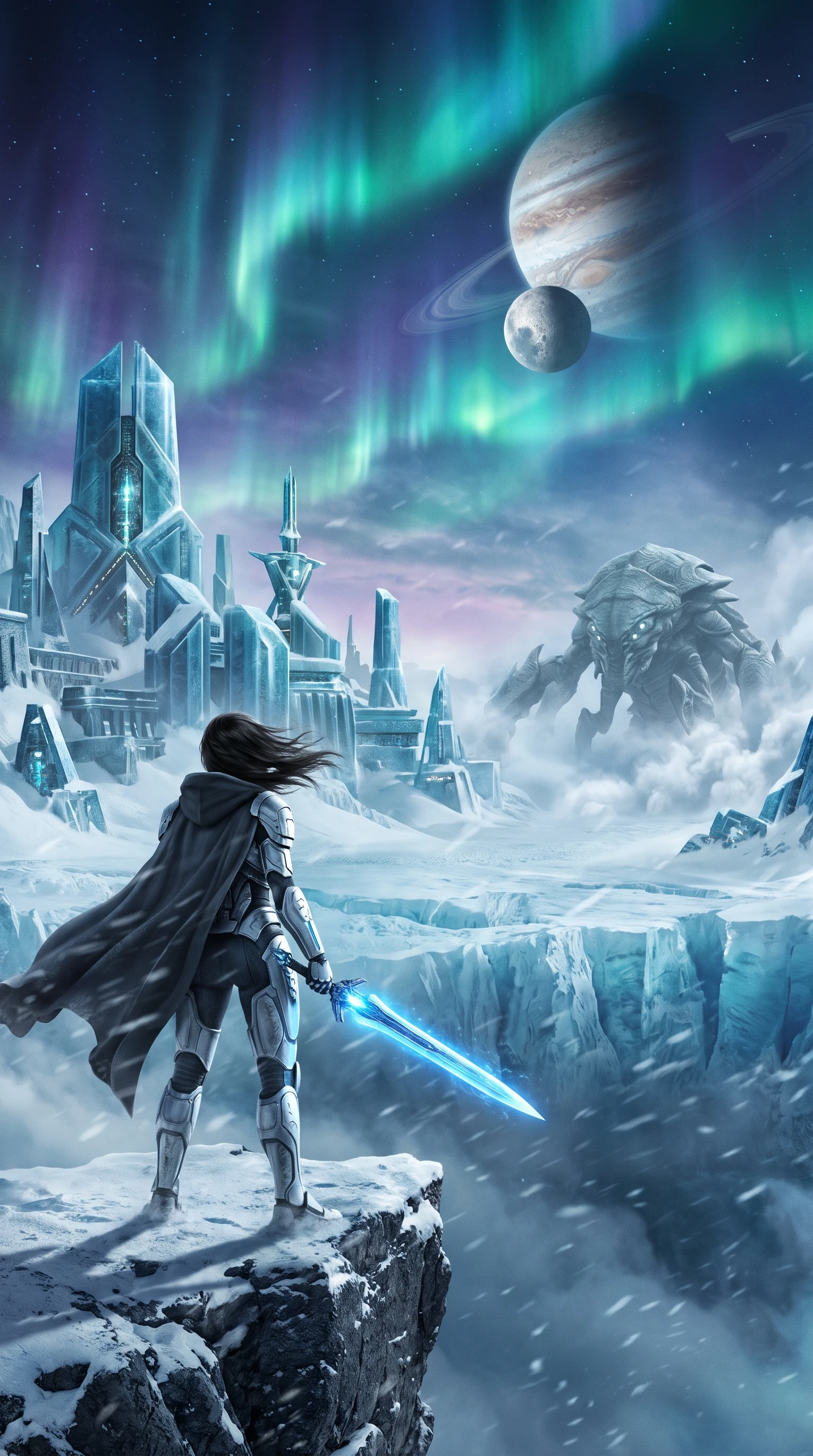
Ai cgi video generator creating an ice warrior
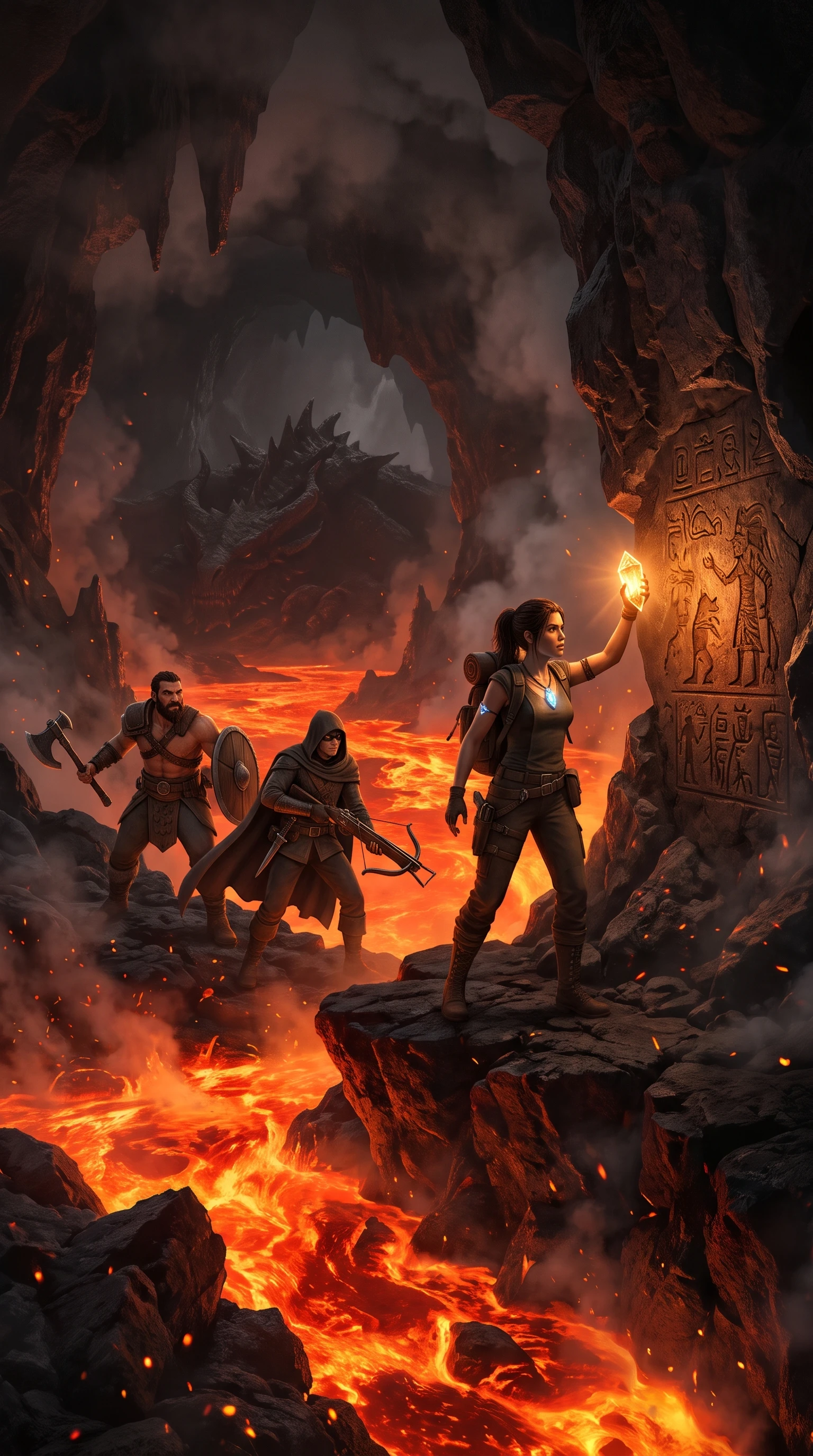
Ai cgi video generator exploring a lava cave
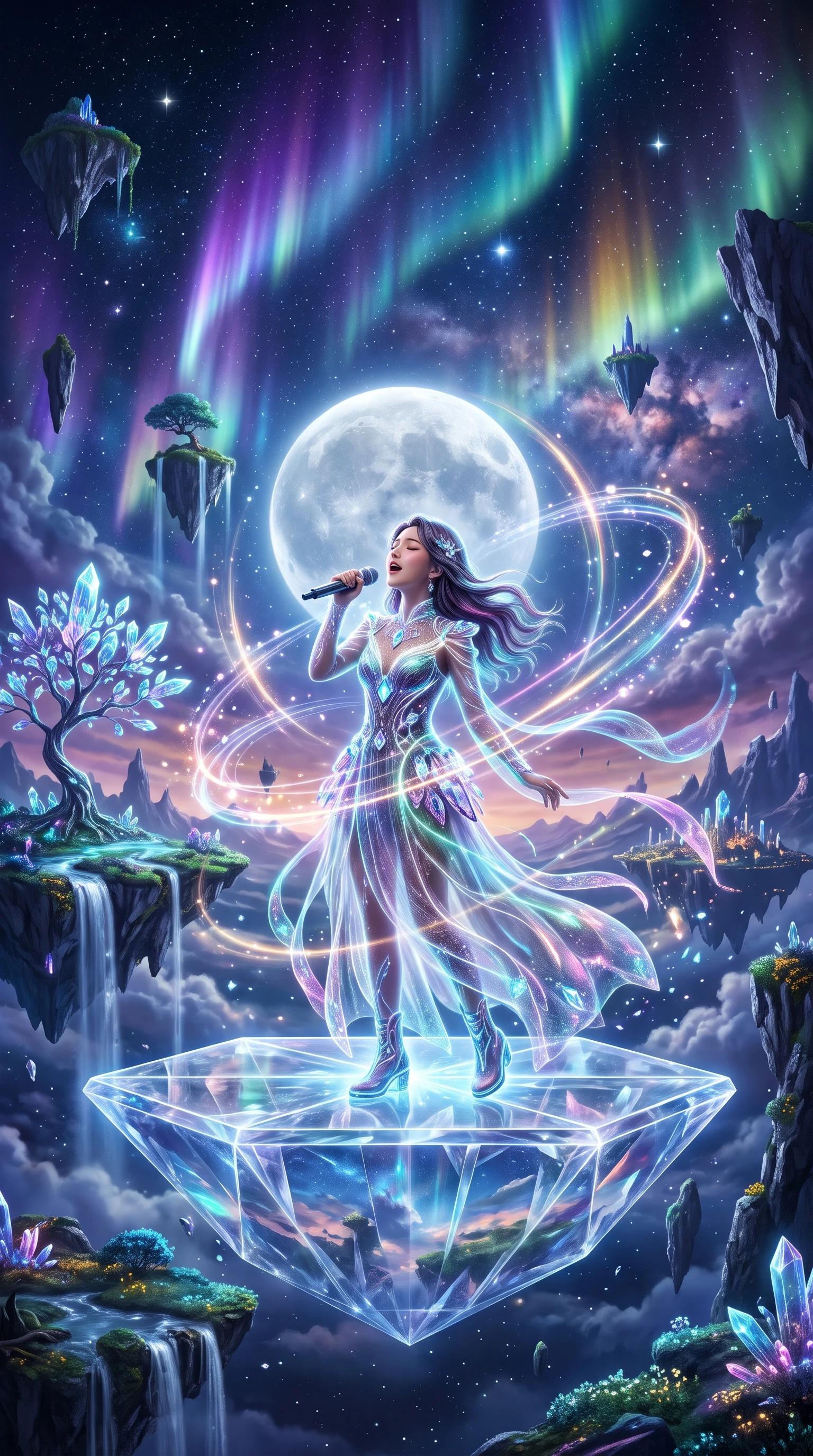
Ai cgi video generator showing a moon singer
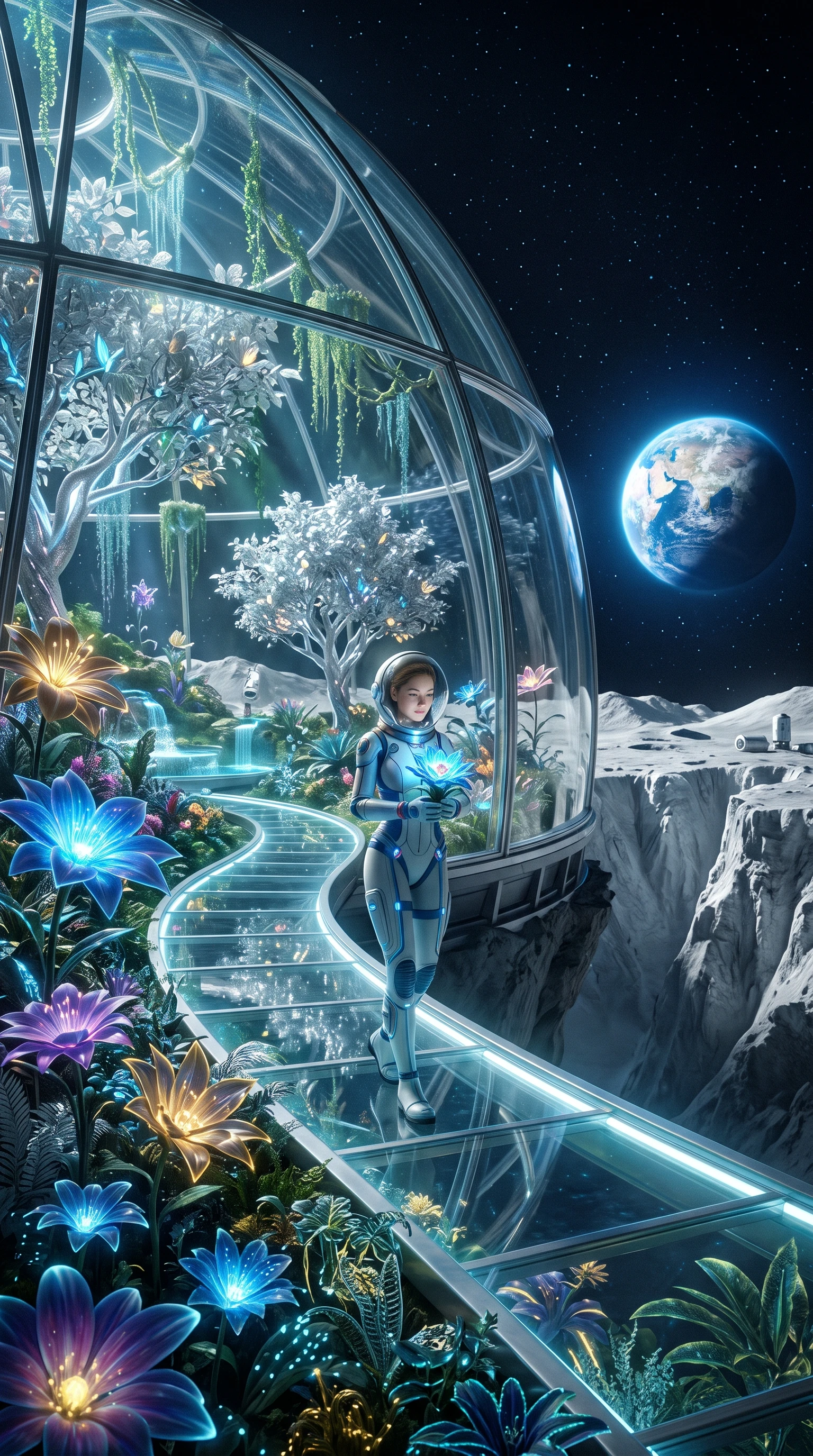
Ai cgi video generator growing a space garden
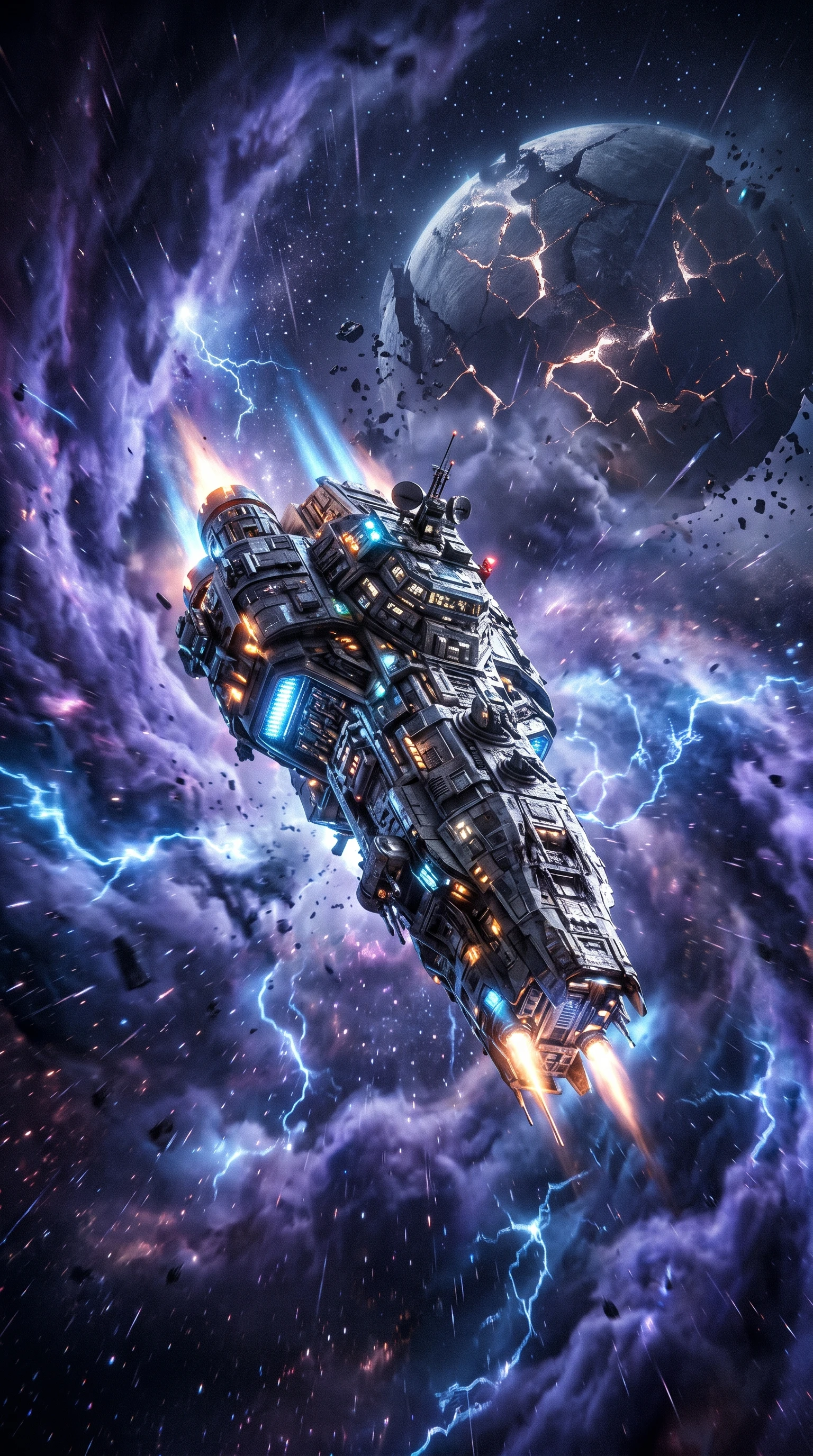
Ai cgi video generator rendering a spaceship
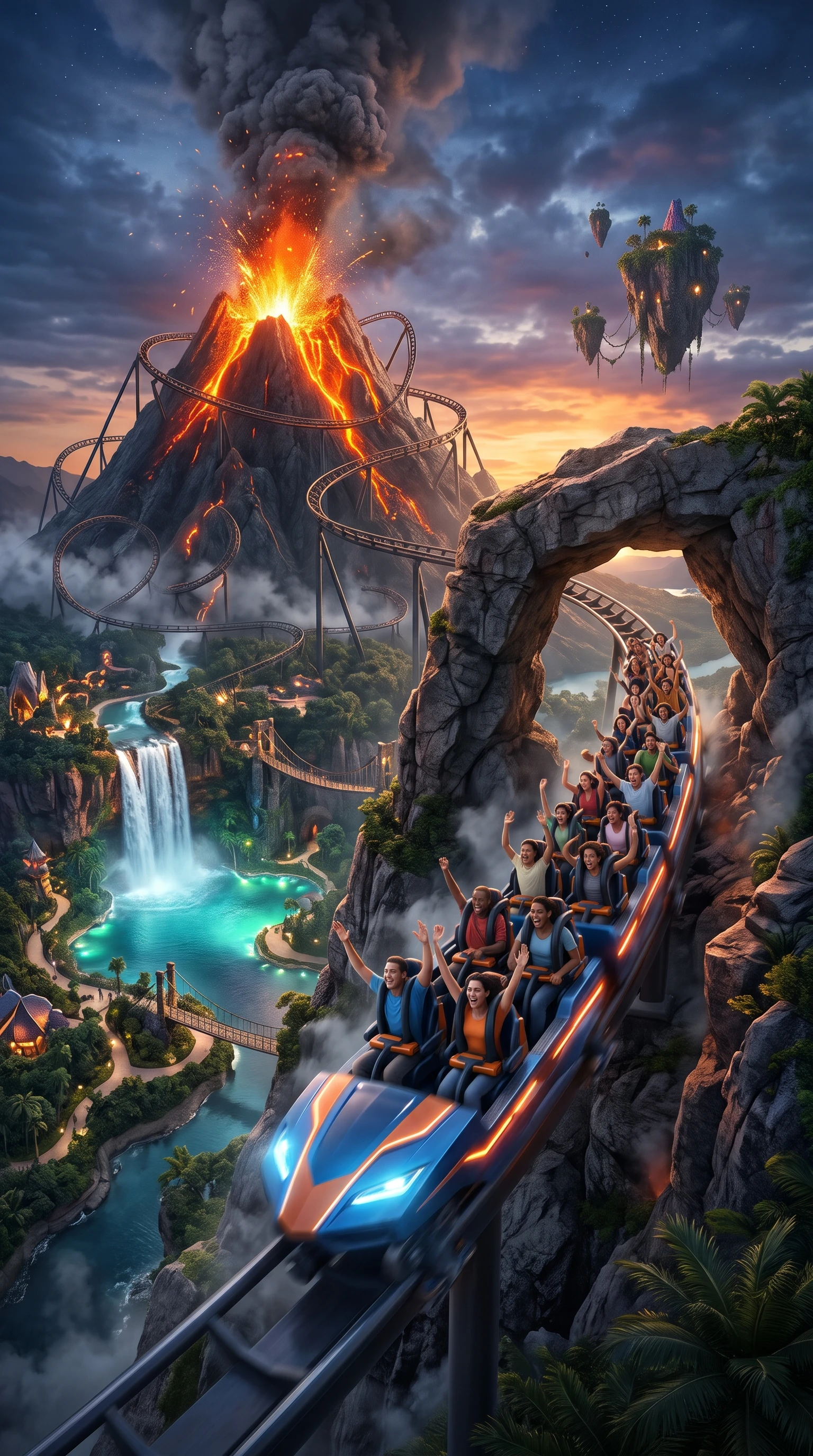
Ai cgi video generator building a volcano coaster
Ai cgi video generator creating a dragon and castle
Ai cgi video generator illustrating a fairy castle
Ai cgi video generator creating an ice warrior
Ai cgi video generator exploring a lava cave
Ai cgi video generator showing a moon singer
Ai cgi video generator growing a space garden
Ai cgi video generator rendering a spaceship
Ai cgi video generator building a volcano coaster

Explore the Magiclight AI CGI Video Generator Features

Write down what happens in your CGI scene before thinking about the final video. The Magiclight AI CGI video generator gives you room to shape the action and its visual style.
Explore the video generator
3D decoration

12,000 Characters for CGI Story Ideas

Magiclight AI gives you 12,000 characters to explain your CGI video idea. Describe a spacecraft entering a storm, then add details that help the scene make sense when it appears on screen.

50+ Visual Styles for CGI Scenes

A ruined city might need a realistic look, while an alien planet could suit something different. Magiclight AI offers 52 visual styles to help you decide how the setting appears in a video.

16 Animation Models for CGI Motion

Magiclight AI offers 16 animation models for turning CGI scenes into moving footage. Try one with a robot walking through a factory, then check the movement before choosing a result.

40 Background Music Options for CGI Videos

The sound behind a CGI scene can change how it feels. Magiclight AI gives you 40 background music options to help you find the right sound for your CGI video.

Who Can Use the Magiclight AI CGI Video Generator
CGI spectacle grabs attention in seconds. Sci-fi storytellers, music artists, hardware brands, and attractions all use CGI videos when they need visuals that feel bigger than real life.
For Fiction Filmmakers
Turn a short space adventure into a film that runs for 50 minutes.
Picture an alien captain using a 1,000 character description.
Test spaceship movement across the 16 available animation models.
For Music Video Artists
Set a new single in a city where the buildings float above traffic.
Match the beat of a song to a chase through a crowded spaceport.
Give a music teaser its own cover using 21 available templates.
For Tech Brands
For Tech Brands
Showcase a new headset through an animation of its components assembling.
Use MagicLight Agent to develop a product launch video from your concept.
Highlight key gadget features using any of the 16 caption styles.
For Theme Parks
For Theme Parks
Preview a roller coaster passing through an imaginary volcano.
Introduce an escape room story to visitors in 11 languages for diversity.
Invite guests to a new attraction with a short CGI trailer.
Why Choose Magiclight AI CGI Video Generator
From cinematic action to science fiction, the Magiclight AI CGI video generator supports different creative projects. Here are 6 features worth exploring for CGI videos.
Simplify Production With MagicLight Agent
MagicLight Agent turns your CGI script into organized scenes for easier production. Review the storyboard, refine individual scenes, and manage animation in one workspace.
21 Cover Templates for CGI Videos
Choose from 21 cover templates to give your CGI video a professional look. Customize the title and use a dramatic scene to capture attention before viewers press play.
37 Voice Options for CGI Characters
Choose from 37 voice options to give CGI characters distinct voices and personalities. Adjust their emotions to suit intense battles, quiet dialogue, or dramatic moments.
Generate CGI Videos Up to 50 Minutes
Magiclight AI supports CGI videos lasting up to 50 minutes in a single project. This gives you room for extended sci-fi adventures, detailed action scenes, and longer stories.
Create Your Own CGI Characters
Create original CGI characters using descriptions of up to 1,000 characters each. You can also upload a reference image to define their appearance before creating the video.
Vertical Videos for Social Media
Export your CGI videos in vertical format for TikTok and Instagram Reels. Feature spaceship launches, dramatic explosions, or animated scenes that suit mobile viewing.

How to Make a CGI Video With Magiclight AI

Creating a CGI video with Magiclight AI involves 4 steps, from preparing your script and characters to reviewing the animation, adding audio, and downloading the finished video.

1.

Add Your CGI Script

Enter your CGI script with up to 12,000 characters. MagicLight Agent organizes the content into scenes and lets you review the proposed script before moving ahead.

2.

Choose the Style and Characters

Select a CGI visual style and pick an existing character, or create your own. New characters can be designed using a 1,000-character description or a reference image.

3.

Review and Animate Your Scenes

Use Nano Storyboard to inspect CGI scenes and adjust camera angles or visual effects. Once everything looks right, MagicLight Agent animates the scenes into a complete video.

4.

Add Audio and Download Your Video

Explore 37 voice options and 40 background music choices to complete your CGI video. Add subtitles if needed, generate the final animation, and download your video.

FAQs on AI CGI Video Generator

Can I create CGI videos without editing experience?

Yes. Magiclight AI handles scene planning and animation from your script. You can review the storyboard and make adjustments without learning complex editing software.

Can I recreate effects from famous movies?

The CGI video generator lets you create original sci-fi effects and characters. Avoid copying protected movie designs, starships, or recognizable characters without permission.

Can I use CGI videos for a product launch?

Yes. CGI videos can showcase product concepts, features, and launch announcements. Check that your Magiclight AI plan includes commercial usage rights before publishing.

How long can a CGI video be?

Magiclight AI supports CGI videos lasting up to 50 minutes. Create short promotional clips, detailed product animations, or longer science fiction stories in one project.

Is the CGI video generator free to try?

Yes. Magiclight AI offers starter credits when you sign up without requiring payment details. You can test CGI video creation before choosing a suitable paid plan.

Can I customize CGI characters?

Yes. Magiclight AI lets you create characters using descriptions of up to 1,000 characters or reference images. Their appearance can remain consistent across video scenes.


Bring Your CGI Ideas to Life With Magiclight AI

Create stunning sci-fi scenes, visual effects, and animations with the Magiclight AI CGI video generator.