Hero background

Cel Shaded AI Video Generator

Turn your ideas into cel-shaded videos with Magiclight AI. Create bold anime scenes with crisp outlines, flat colors, dramatic shadows, and dynamic action. No editing skills required.

Create a Cel Shaded Video for Free
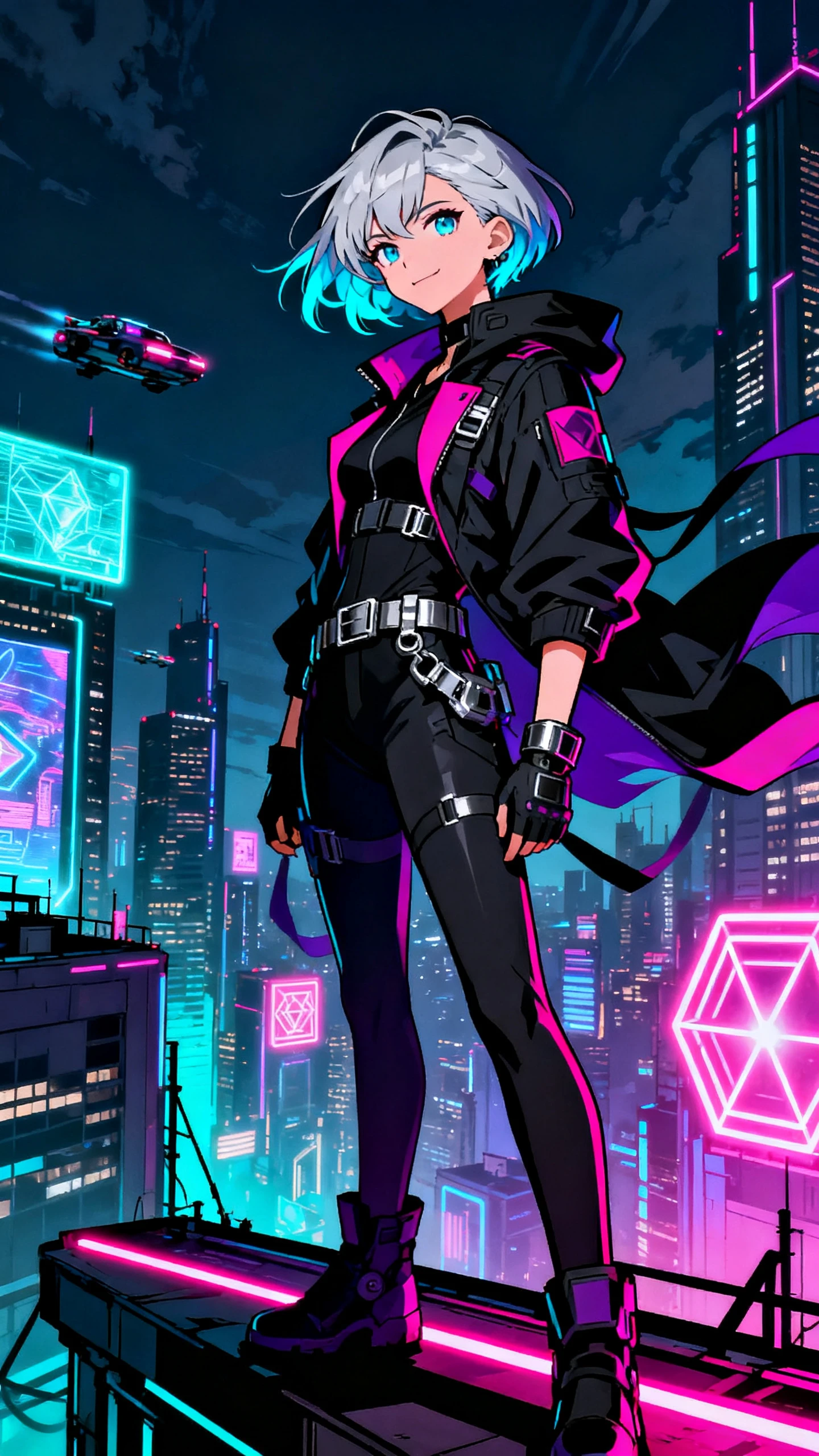
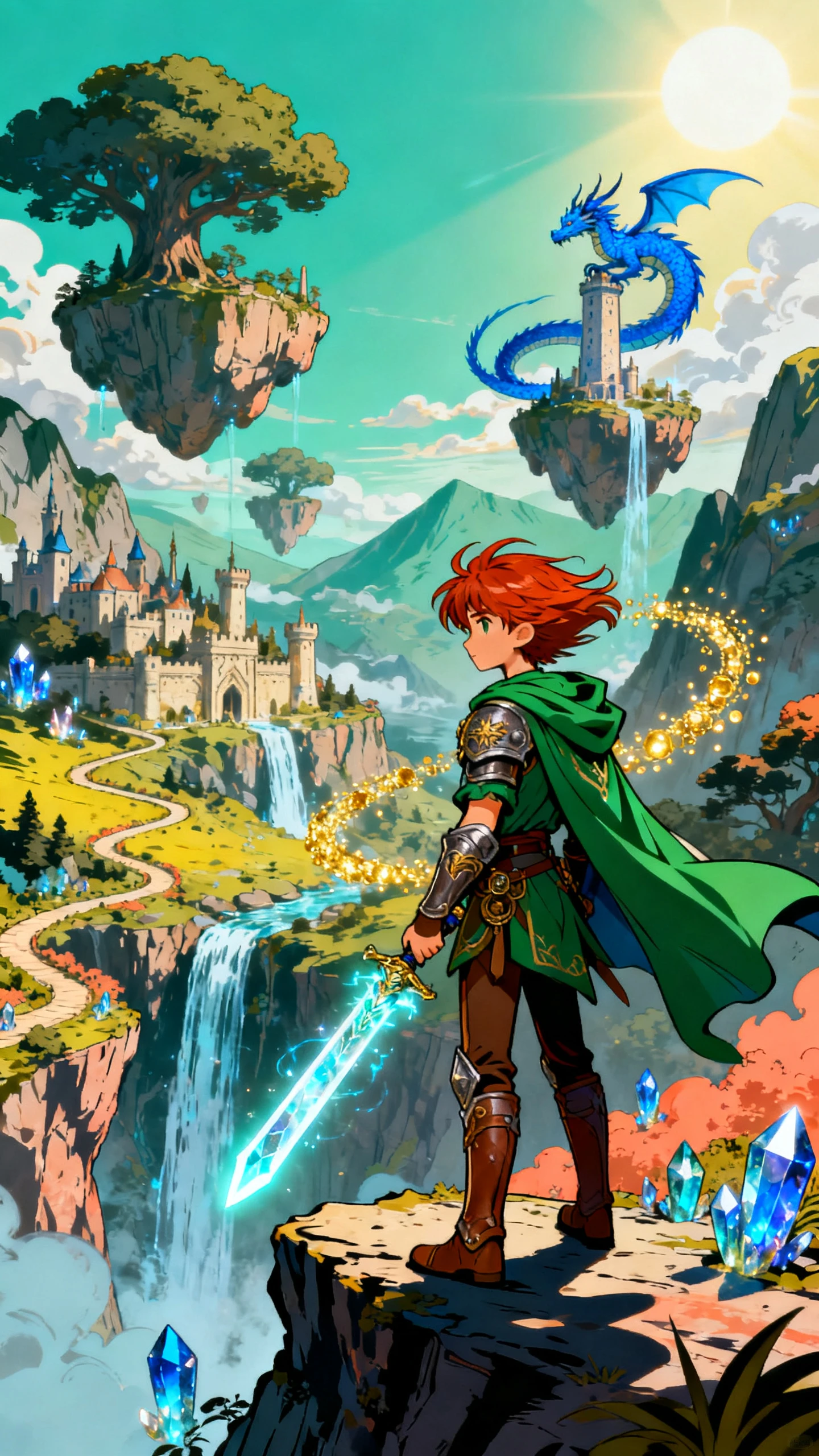
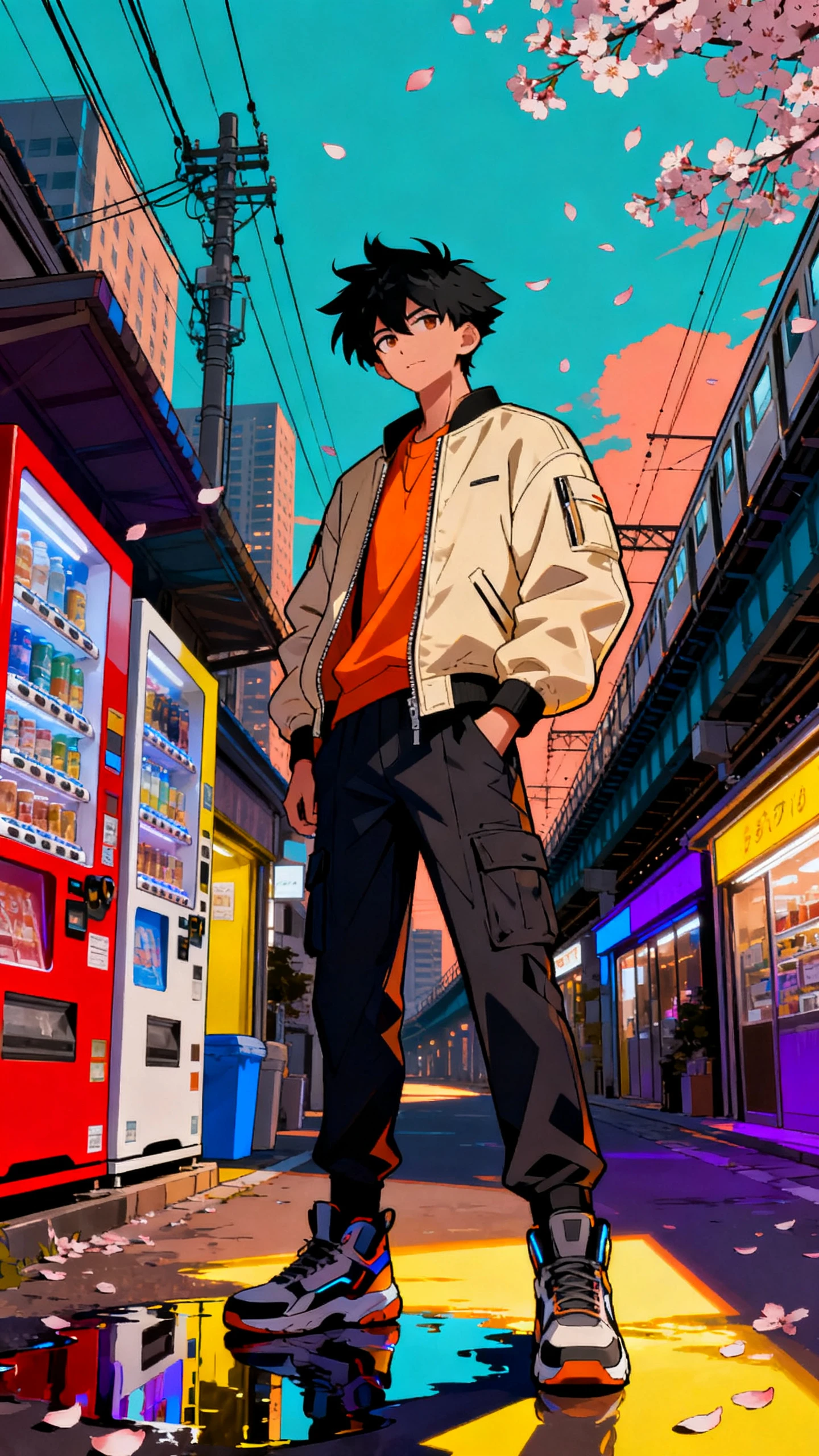
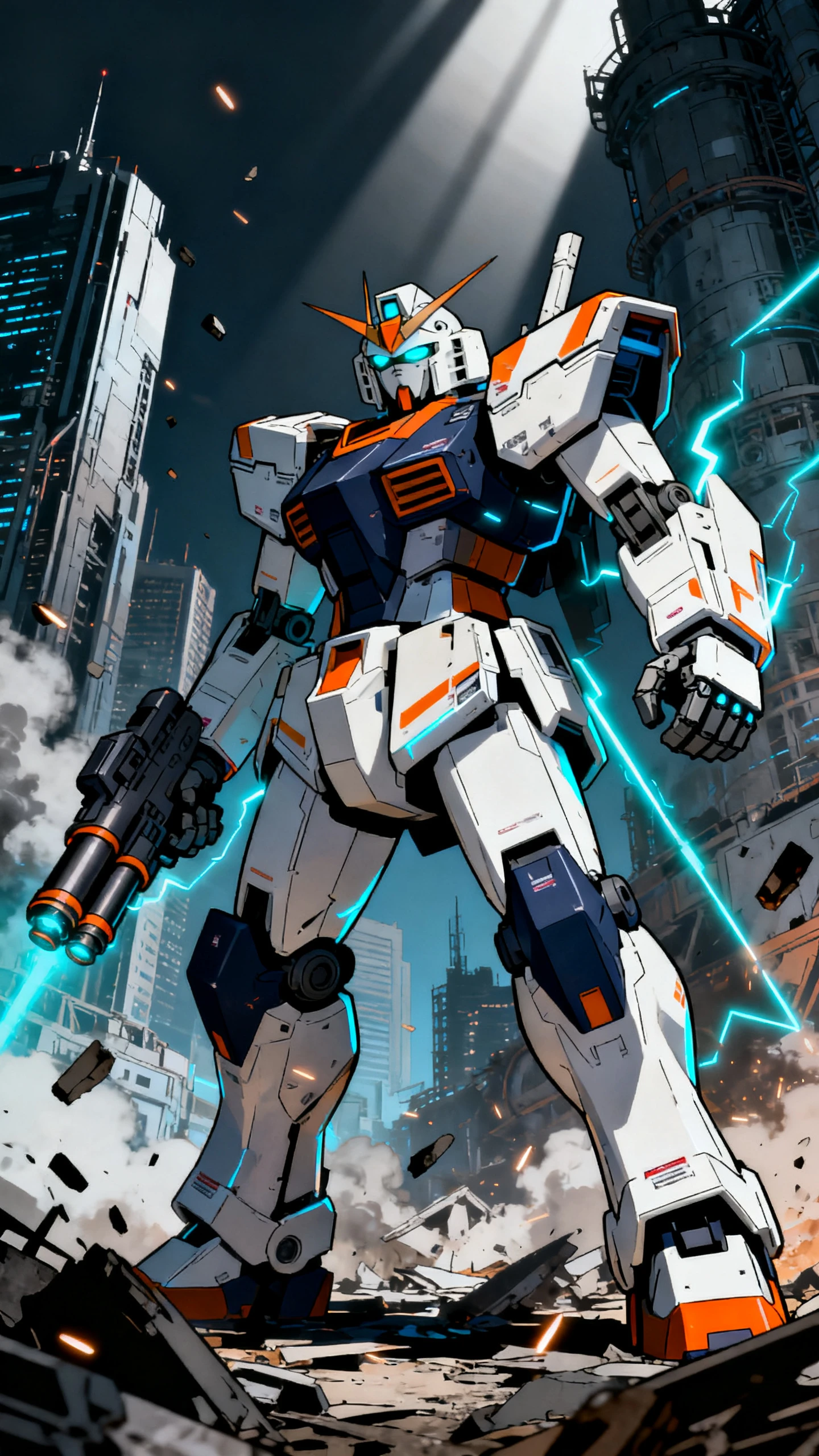
Cel Shaded 3D Anime Video Grid
Cel Shaded Anime Character Scene
Cel Shaded Dynamic Action Scene
Cel Shaded Anime Story Video
Cel Shaded Anime Story Video example 5
Cel Shaded 3D Anime Video Grid
Cel Shaded Anime Character Scene
Cel Shaded Dynamic Action Scene
Cel Shaded Anime Story Video
Cel Shaded Anime Story Video example 5

Explore the Magiclight AI Cel Shaded Anime Video Generator Features

Cel shading mixes 3D depth with the clean, flat color of hand-drawn anime. Magiclight AI gives your cel-shaded scenes a sharp look while the camera moves freely through them.

Create a Cel Shaded Video for Free
3D Cel Shading Decoration

MagicLight Agent Plans the Action

Start with a race, battle, entrance, or chase. MagicLight Agent develops the cel-shaded idea into connected scenes with clear action, dialogue, and dramatic beats.

50+ Visual Styles Define the Cel Shading

Magiclight AI offers 52 visual styles for shaping your scene. Pick a cel-shaded graphic look with bold outlines, flat colors, and strong shadows for a 3D anime feel.

16 Animation Models Keep Motion Dynamic

Compare 16 animation models for drifts, fights, jumps, spins, and other fast moments. Find the motion that best matches the sharp energy of cel-shaded visuals.

Nano Storyboard Controls Every Angle

Frame the action before generation with Nano Storyboard. Adjust camera angles, character placement, poses, and expressions to give each 3D scene more impact.

Who Can Use the Magiclight AI Cel Shaded Video Generator
Bold outlines and punchy shadows make every frame stand out. Cel-shaded videos give esports teams, VTubers, music producers, and car channels a striking style viewers notice.
Cel Shaded Esports Team Videos
For Esports Teams
Create esports intros with 16 animation models for fast, high-energy entrances.
Save your team mascot in the Asset Store and reuse it across future match clips.
Export finished roster reveals in 1080p for sharp playback on gaming streams.
Cel Shaded VTuber Avatar Videos
For VTubers
Give your VTuber a distinct voice by choosing from 37 available voice options.
Describe your avatar in up to 1,000 characters for a detailed character setup.
Use 9:16 framing for vertical lore clips made for Shorts, Reels, and TikTok.
Cel Shaded Music Video Production
For Music Producers
Pair electronic tracks with visuals from Magiclight AI's 40-track music library.
Create visual stories for full mixes, with videos lasting up to 50 minutes.
Add on-screen lyrics or track details using 16 available subtitle settings.
Cel Shaded Motorsport and Racing Videos
For Motorsport Channels
Try 52 visual styles to give car scenes bold outlines and punchy cel shading.
Shape racing stories with up to 12,000 characters for motorsport videos.
Use Nano Storyboard to frame close-ups, wide shots, and racing angles.
Why Choose Magiclight AI
Cel Shaded Video Generator
Strong style deserves more than a striking first frame. Magiclight AI gives each cel-shaded video 6 added strengths for richer stories, sharper scenes, sound, and character.
Strike a Pose Before the Action
Set up entrances, face-offs, jumps, and victory moments with 50+ poses in Nano Storyboard. Strong body language gives cel-shaded characters the bold attitude the style needs.
Make Every Release Look Official
Present each video with a cover from 21 templates and a choice of 16 title styles. Bold artwork and clear titles help cel-shaded episodes look ready for a series or channel.
Give Every Character a Voice
Pick from 37 voices in Magiclight AI to separate heroes, rivals, hosts, or racers. Distinct voices help each cel-shaded character feel like a real part of the story.
Fit Cel Shading to Every Screen
Create in 16:9 for YouTube and widescreen viewing or switch to 9:16 for Shorts and Reels. Strong outlines keep cel-shaded characters clear across both video formats.
Drive Action With Music
Match races, battles, and reveal scenes with music from the 40-track library. A fitting soundtrack adds pace and energy without taking attention away from the cel-shaded visuals.
Bring Familiar Characters Back
Save players, avatars, racers, or mascots in the Asset Store for later projects. Magiclight AI lets you reuse familiar characters across intros, episodes, and new story ideas.

How to Make a Cel-Shaded Video With Magiclight AI

Bring your 3D anime idea into motion in just 4 steps. Magiclight AI guides each cel-shaded video from the first scene setup to dynamic camera work and final production.

1.

Step 1. Start With Your Scene Idea

Enter or paste up to 12,000 characters into MagicLight Agent. It develops your idea into a script and scenes you can review before moving forward with the cel-shaded video.

2.

Step 2. Define the Cel Shaded Look

Pick from 50+ visual styles and describe each character in up to 1,000 characters. Set clothing and appearance, or reuse a character already saved in your Asset Store.

3.

Step 3. Direct Every Action Scene

Adjust each scene in Nano Storyboard using 50+ poses. Refine expressions, clothing, character placement, and camera angles to give important action moments more impact.

4.

Step 4. Add Audio and Generate

Choose from 37 voices, add music from the 40-track library, and select from 16 subtitle settings. Generate your cel-shaded video, then export it in 720p or 1080p.

FAQs on Cel Shaded AI Video Generator

What is cel shading?

Cel shading gives 3D models flat colors, hard-edged shadows, and dark outlines so they look hand-drawn. Magiclight AI applies that look to your own characters and scenes.

How is this different from the 3D Cartoon style?

3D Cartoon uses soft, rounded shading. Cel-shaded scenes in Magiclight AI use flat color, sharp shadow edges, and ink outlines for a crisp anime finish.

Can I use my VTuber or team avatar?

Yes. Describe your avatar or upload a portrait for reference. Magiclight AI recreates the character in cel-shaded 3D and keeps the look across videos.

Can I recreate a scene from a known anime game?

No. Existing game characters and scenes are owned by the publishers who made them. Magiclight AI is meant for your own teams, avatars, cars, and original worlds.

Can I control how characters move in a cel-shaded video?

Yes. Choose from 16 animation models in Magiclight AI to give fights, entrances, chases, and quieter character moments different types of movement.

Can I create cel-shaded videos for different platforms?

Yes. Magiclight AI supports 16:9 and 9:16 formats, so you can prepare cel-shaded videos for YouTube, Shorts, Reels, and other vertical or widescreen channels.


Create Cel Shaded Anime Videos With Magiclight AI

Pick a hero, a moment, and a beat that hits hard. Magiclight AI draws it in bold 3D anime style, ready to post before your next stream or match.