Hero background

Children's Book AI Video Generator

Turn your children's book stories into animated videos with Magiclight AI. Bring storybook characters and adventures to life, from the first chapter to the last, with no editing skills required.

Create a Children's Book Video for Free
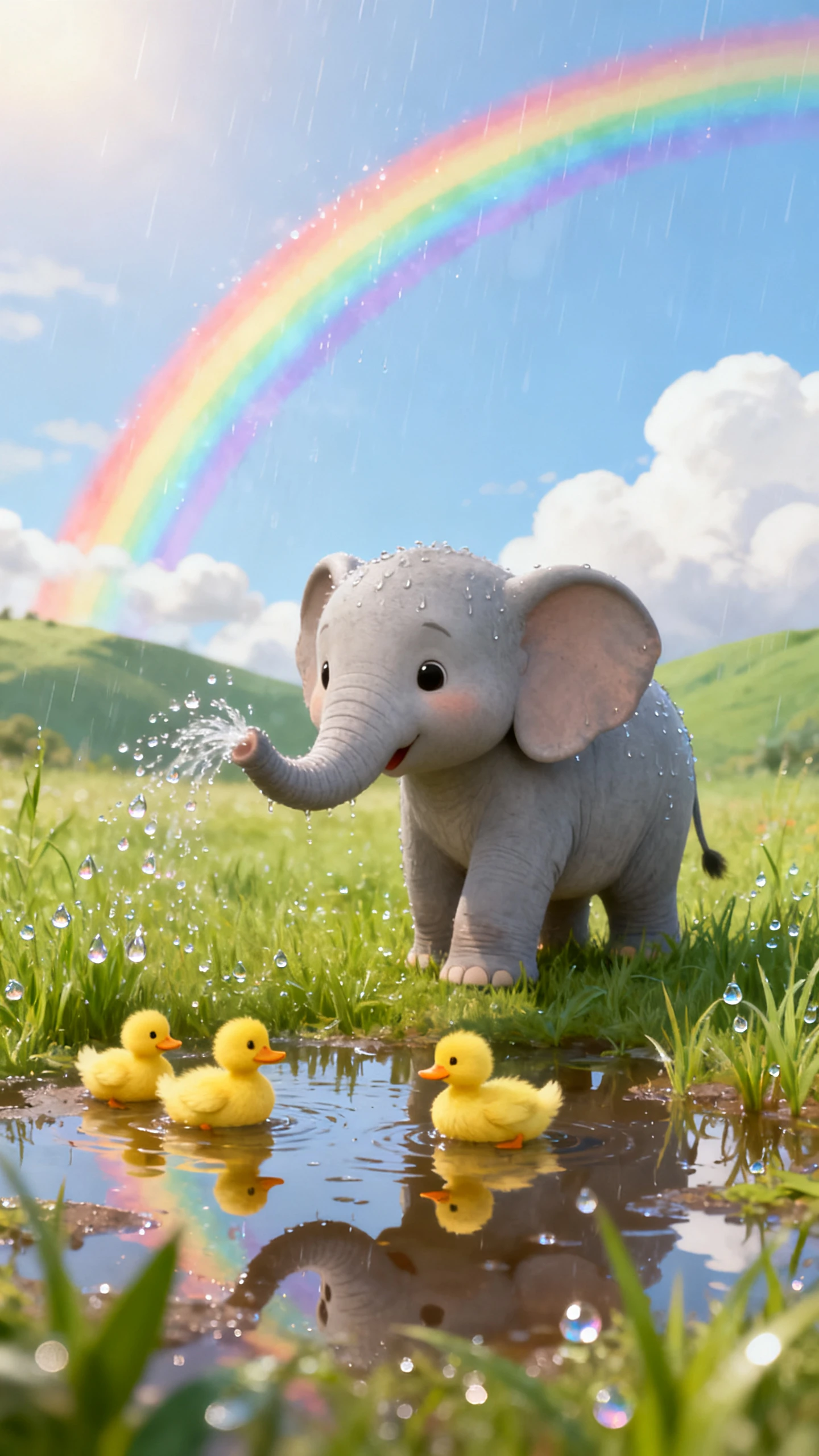
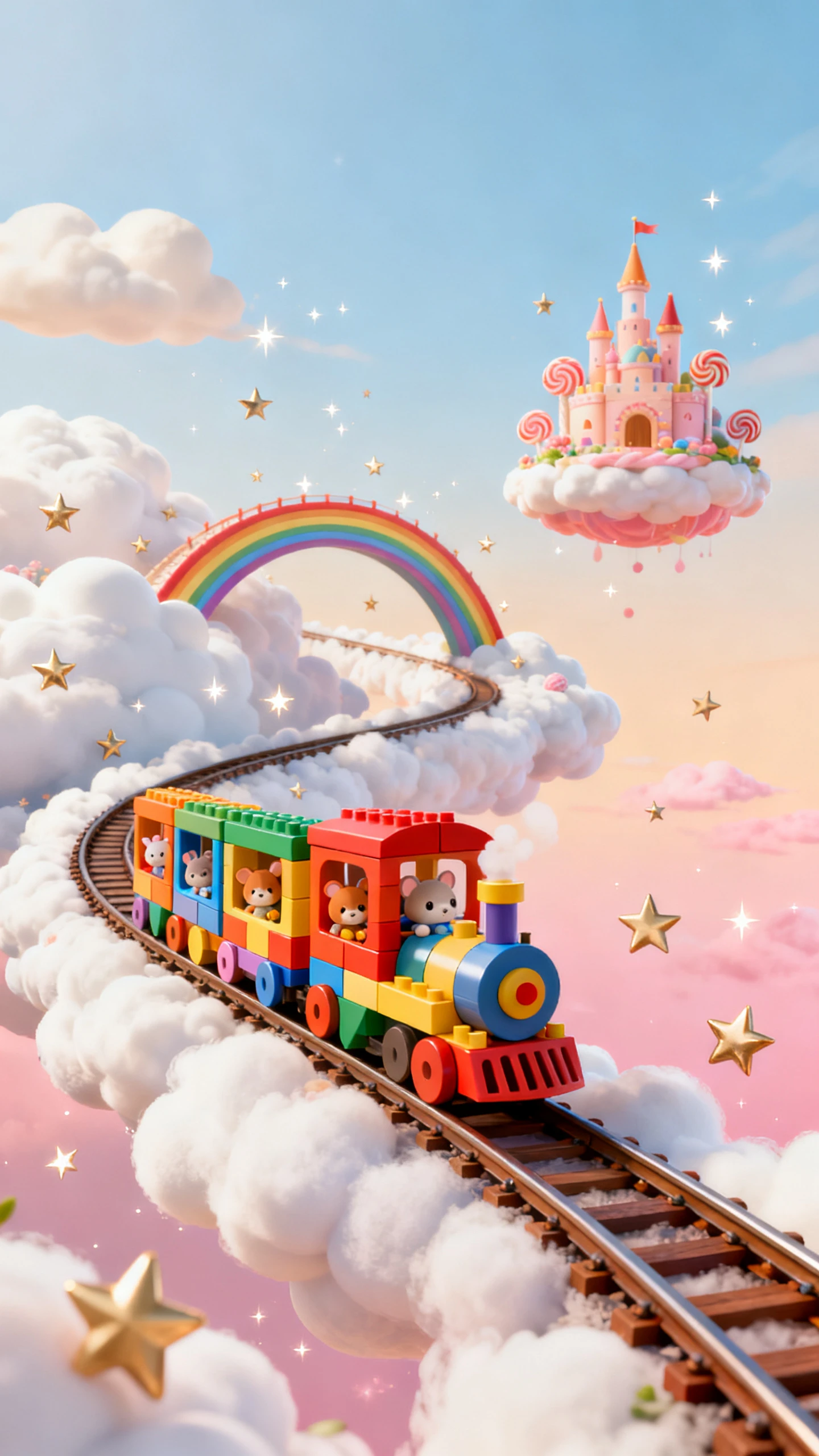
Children's book characters and animated story scenes
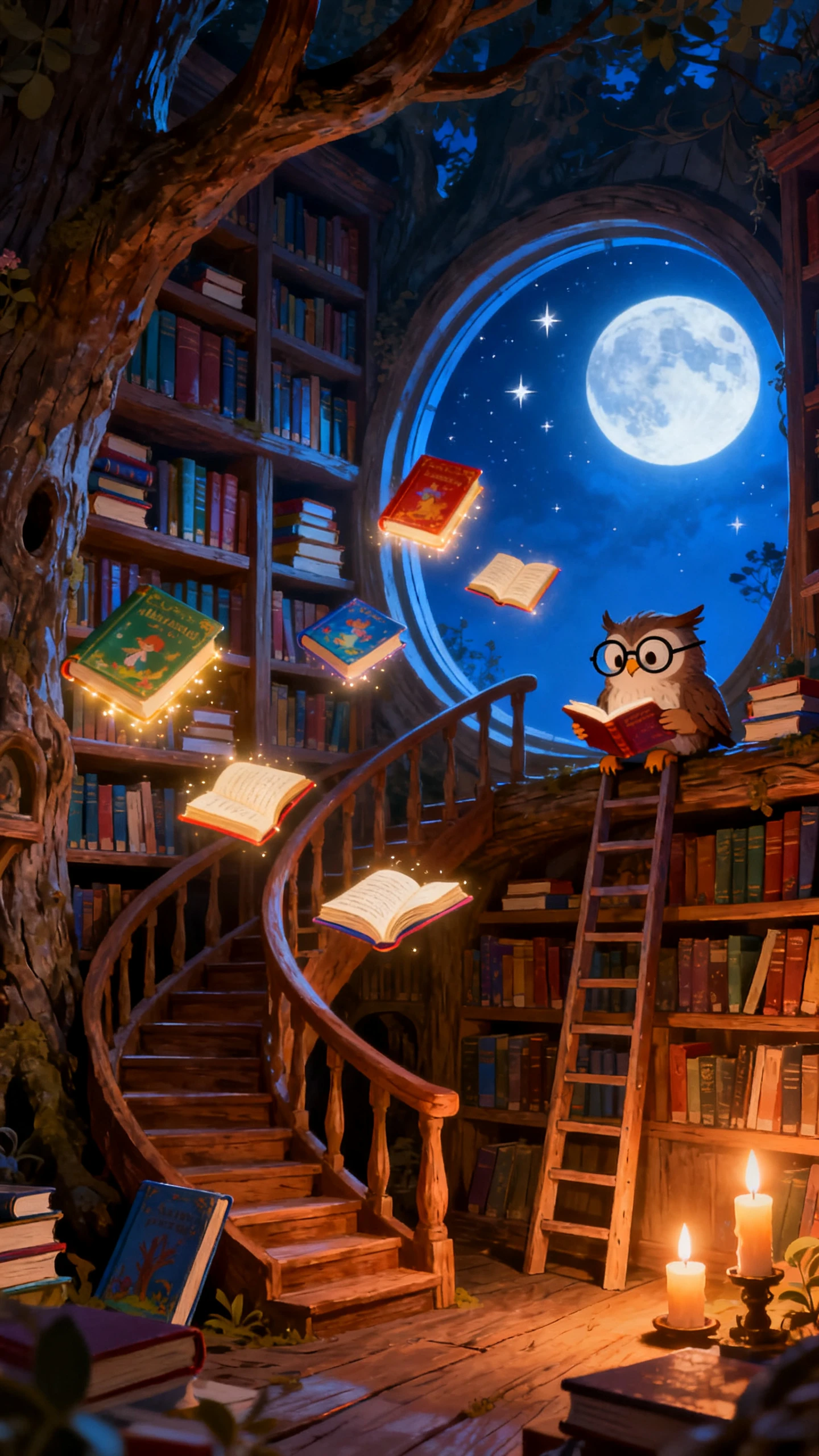
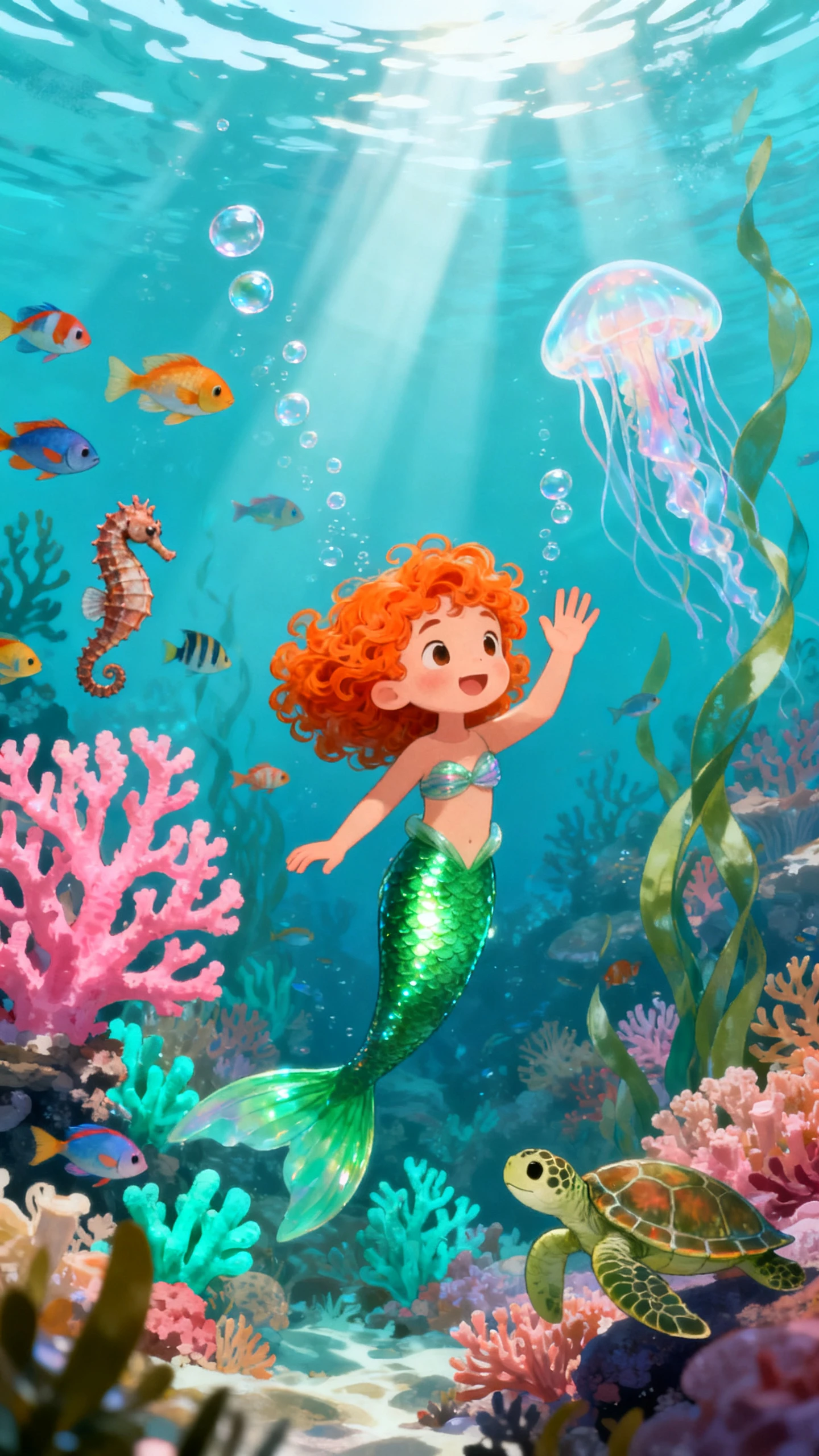
Animated children's book story preview
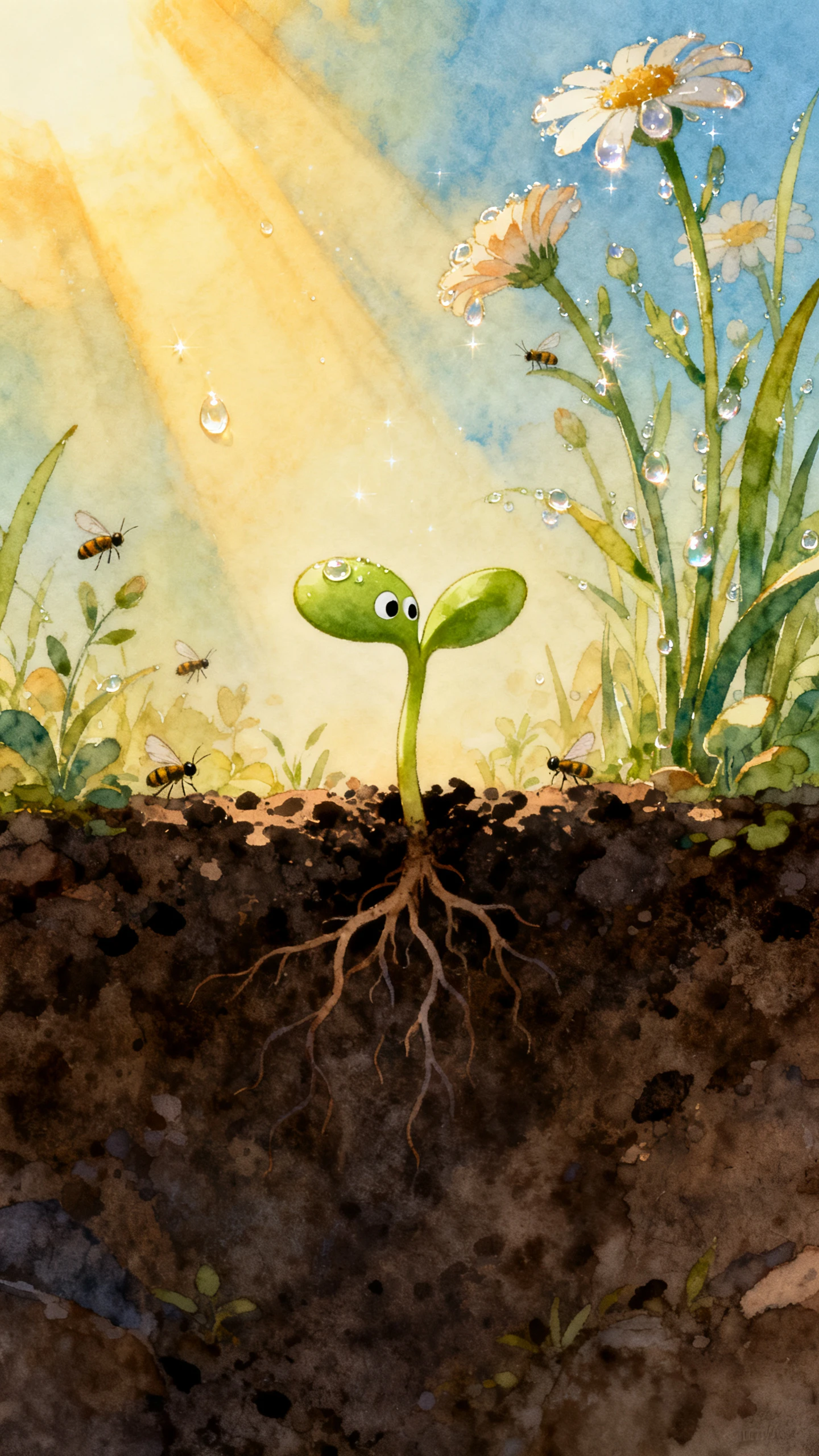
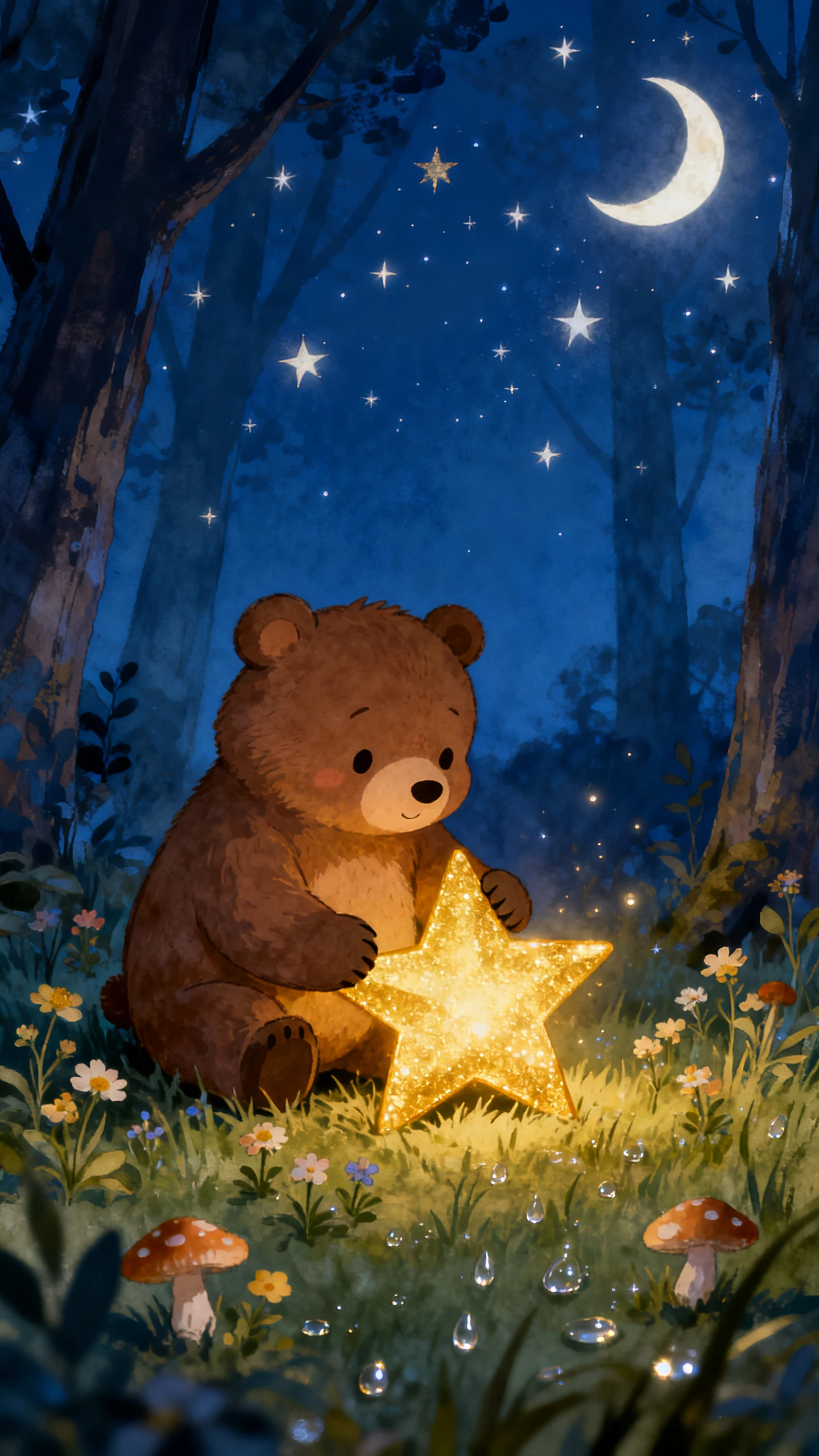
AI-generated children's story video scene
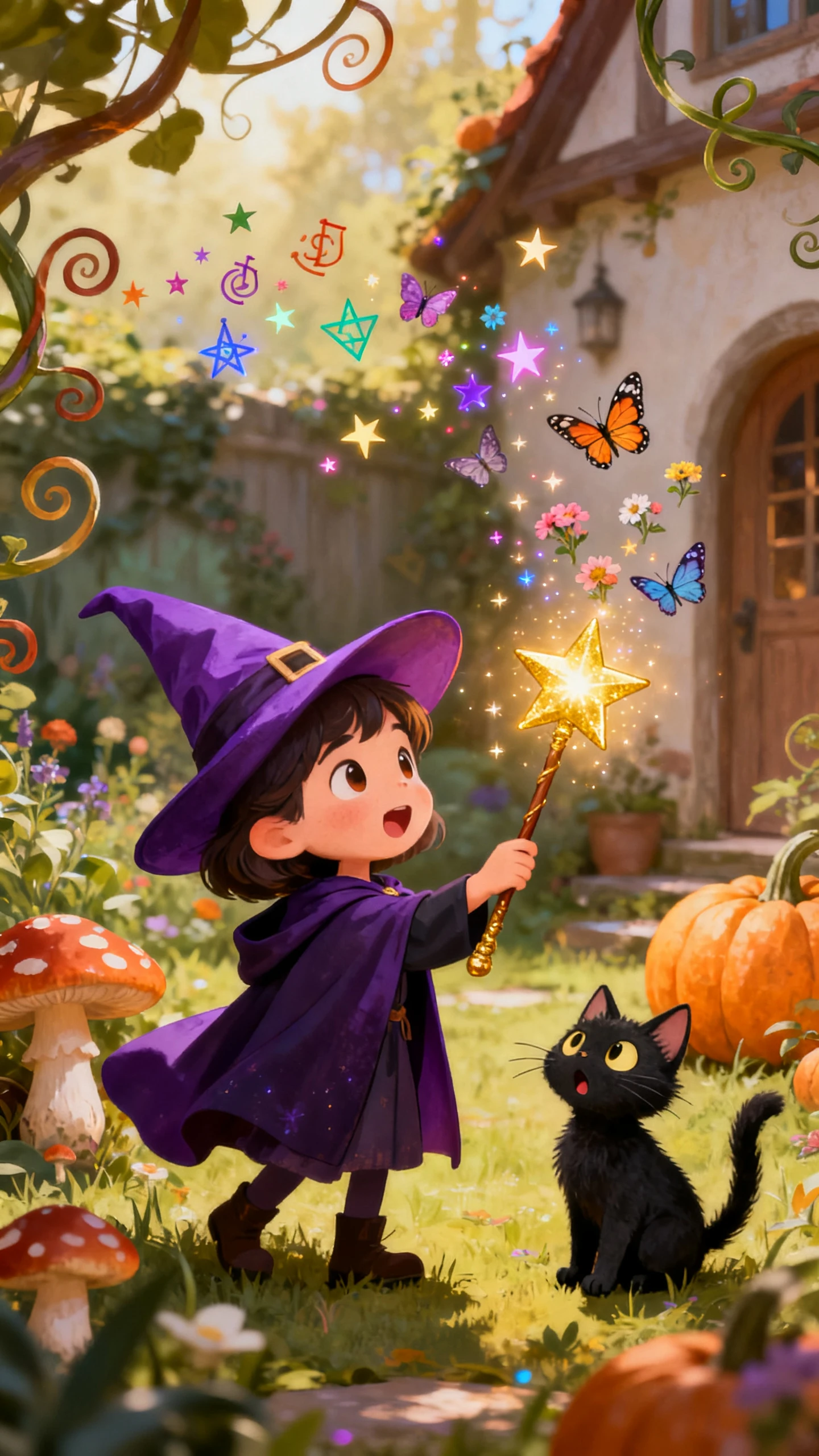
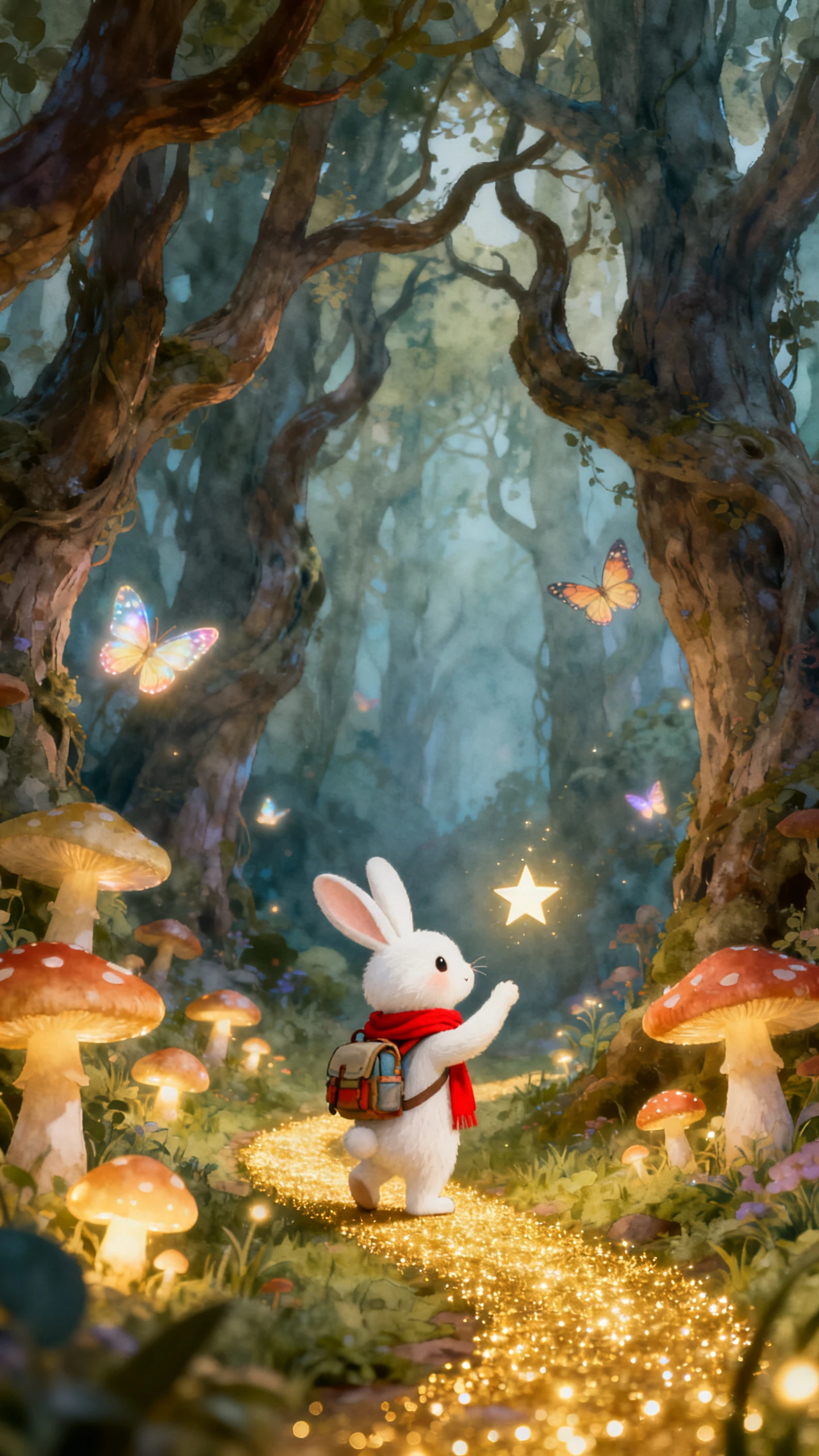
Children's story transformed into an animated video
Children's book characters and animated story scenes
Animated children's book story preview
AI-generated children's story video scene
Children's story transformed into an animated video

Explore the Magiclight AI Children's Book Video Generator Features

Chapter books unfold one adventure at a time, and every episode should keep young readers curious. Magiclight AI turns children's book chapters into videos built for a series now

Generate a Children's Book Video Now
3D decorative element

MagicLight Agent Splits Your Book Into Episodes

Give MagicLight Agent your manuscript or a simple chapter idea. Review the developed script before turning its key moments into scenes.

Room for a Whole Chapter in 12,000 Characters

Write up to 12,000 characters without cutting important dialogue or plot turns. Give mysteries, school adventures, and fantasy chapters more room to unfold.

1,000 Characters for Your Young Hero

Describe a character in up to 1,000 characters, including clothes, personality, and memorable details. Save that hero for another chapter when the adventure continues.

200+ Story Templates for New Book Ideas

Browse 200+ story templates when your next chapter needs a new direction. Adapt one around your own cast, setting, challenge, or surprise.

Who Can Use the Magiclight AI Children's Book Video Generator
Authors, families, and booksellers all have different reasons to put stories in motion. With Magiclight AI, children's book videos can serve as pitches, lessons, previews, or promotions.
Explore how different creators can use Magiclight AI to bring children's books to life:
Children's book authors creating animated story videos
For Children Authors
Use 14 story models in Magiclight AI to test different paths for your chapter.
Define your main hero in 1,000 characters before presenting the book concept.
Show key story moments clearly with 50+ poses inside Nano Storyboard scenes.
Publishers creating children's book video promotions
For Publishers
Package a new book trailer using 21 cover templates and 16 title styles.
Format children's book videos in 9:16 for short vertical promotional posts.
Give recurring characters distinct performances using 37 voice options.
Families using animated children's stories for learning
For Homeschool Families
Start a new reading activity from one of Magiclight AI's 200+ story templates.
Turn longer student stories into videos with up to 12,000 characters of text.
Present a child's story in any of 11 languages supported by Magiclight AI.
Independent bookstores promoting children's books
For Independent Bookstores
Add readable dialogue to book previews using 16 subtitle settings.
Use the 40-track music library to set a fitting mood for children's book events.
Export previews in 1080p for bookstore displays and author launch screens.
Why Choose Magiclight AI Children's Book Video Generator
Keep young readers connected from one chapter to the next. Magiclight AI gives children's book videos the voices, visuals, formats, and finishing tools a series needs to grow.
Give Every Chapter a Familiar Voice
Choose from 37 voices to find one that suits your narrator or characters. Keep the storytelling voice familiar as young viewers move through later chapters.
Give Every Episode a Bookish Cover
Pair 21 cover templates with 16 title styles to introduce each chapter. Feature the hero or an important story moment so episodes feel connected as a series.
Match the Story to Young Readers
Try 14 story models when deciding how a chapter should unfold. A school mystery, gentle adventure, or funny friendship story can each take a different direction.
Put Chapter Teasers on Phone Screens
Choose 9:16 when adapting a chapter into a vertical teaser. Characters and important story moments can be framed for the feeds where parents discover new books.
Make Feelings Easy to Read
Use 50+ poses in Nano Storyboard to show worry, excitement, surprise, or pride. Clear reactions help younger viewers understand what characters feel during each scene.
Keep Story Details Clear on Bigger Screens
Export in 1080p when a chapter will be shown during a class or author visit. Faces, subtitles, illustrations, and small story details stay easier to see on larger displays.

How to Make a Children's Book Video With Magiclight AI 

Give every chapter a new way to reach young readers. In 4 steps, Magiclight AI takes children's book videos from manuscript pages to narrated episodes ready for sharing.

1.

Step 1. Open With Your Chapter

Start with up to 12,000 characters from your manuscript. MagicLight Agent can develop the material into a script, giving you a clear story to review before scenes begin.

2.

Step 2. Introduce Your Story Cast

Describe each hero or side character in up to 1,000 characters, covering appearance and personality. A reference image can also guide the character before you save it for later chapters.

3.

Step 3. Set Every Story Moment

Move into Nano Storyboard to arrange the chapter visually. Pick from 50+ poses, then adjust expressions, camera angles, and character placement around each important story beat.

4.

Step 4. Send the Chapter Into the World

Finish with a narrator from 37 voices, music from the 40-track library, and your preferred subtitles. Export in 720p or 1080p for readers, classrooms, or book promotions.

FAQs on Children's Book AI Video Generator

How is this different from a picture book video?

Picture book videos usually center on shorter stories and simple read-alongs. For longer narratives, Magiclight AI can shape children's book videos as chapter-based episodes.

Can I animate my unpublished manuscript?

Yes. Paste your own chapters into Magiclight AI and create episodes for pitching or promotion. Your manuscript stays your work, and the video is yours to use.

Will my illustrator's artwork be used?

No. Magiclight AI creates new animated scenes from your text and character descriptions. If you have an illustrator, check your contract before sharing videos of the story.

Can the same hero appear in every chapter?

Yes. Save your hero after the first chapter, and Magiclight AI keeps the same look in every episode. Readers see a character they recognize each time.

5. Can different characters have their own voices?

Yes. Choose from 37 voices to distinguish narrators, heroes, and supporting characters. With Magiclight AI, each recurring role can have a voice suited to its personality.

6. Can I make chapter videos in different languages?

Yes. Stories can be presented in 11 supported languages with Magiclight AI. This gives authors and educators more ways to share the same chapter with different audiences.


Turn Children's Book Into Videos With Magiclight AI

Bring the hero kids will root for and the chapter that starts it all. Magiclight AI turns your children's book into a series young readers will follow.