Explore the Magiclight AI JoJo Style Video Generator Features
Channel JoJo Bizarre Adventure energy through imposing poses, deep shadows, and strategic clashes. Magiclight AI gives original heroes the presence to dominate every scene.

Turn photos or ideas into JoJo-style anime videos with Magiclight AI. Create bold poses, dramatic battles, and striking visual effects without drawing skills.
Create a JoJo Style Video for Free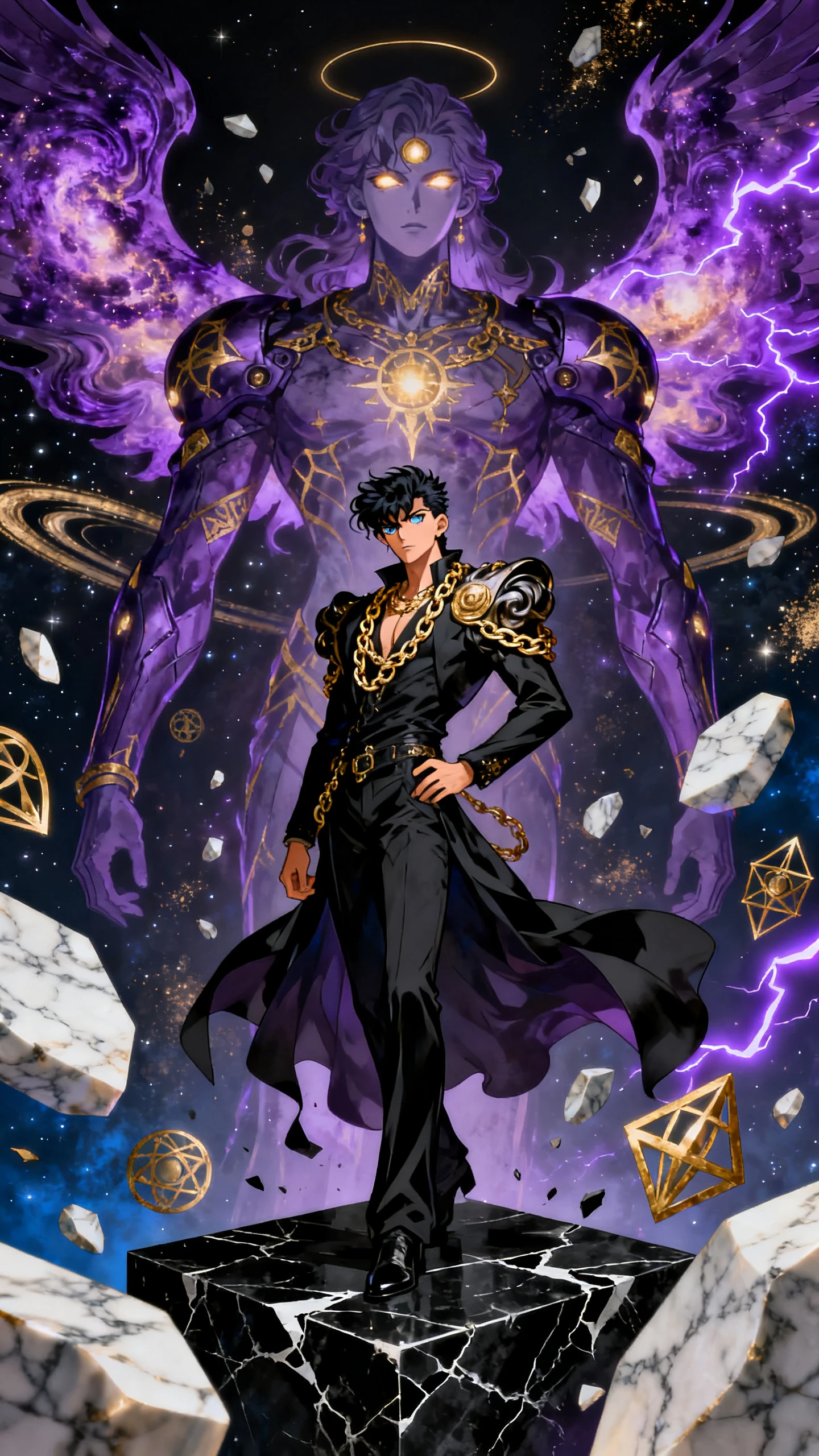
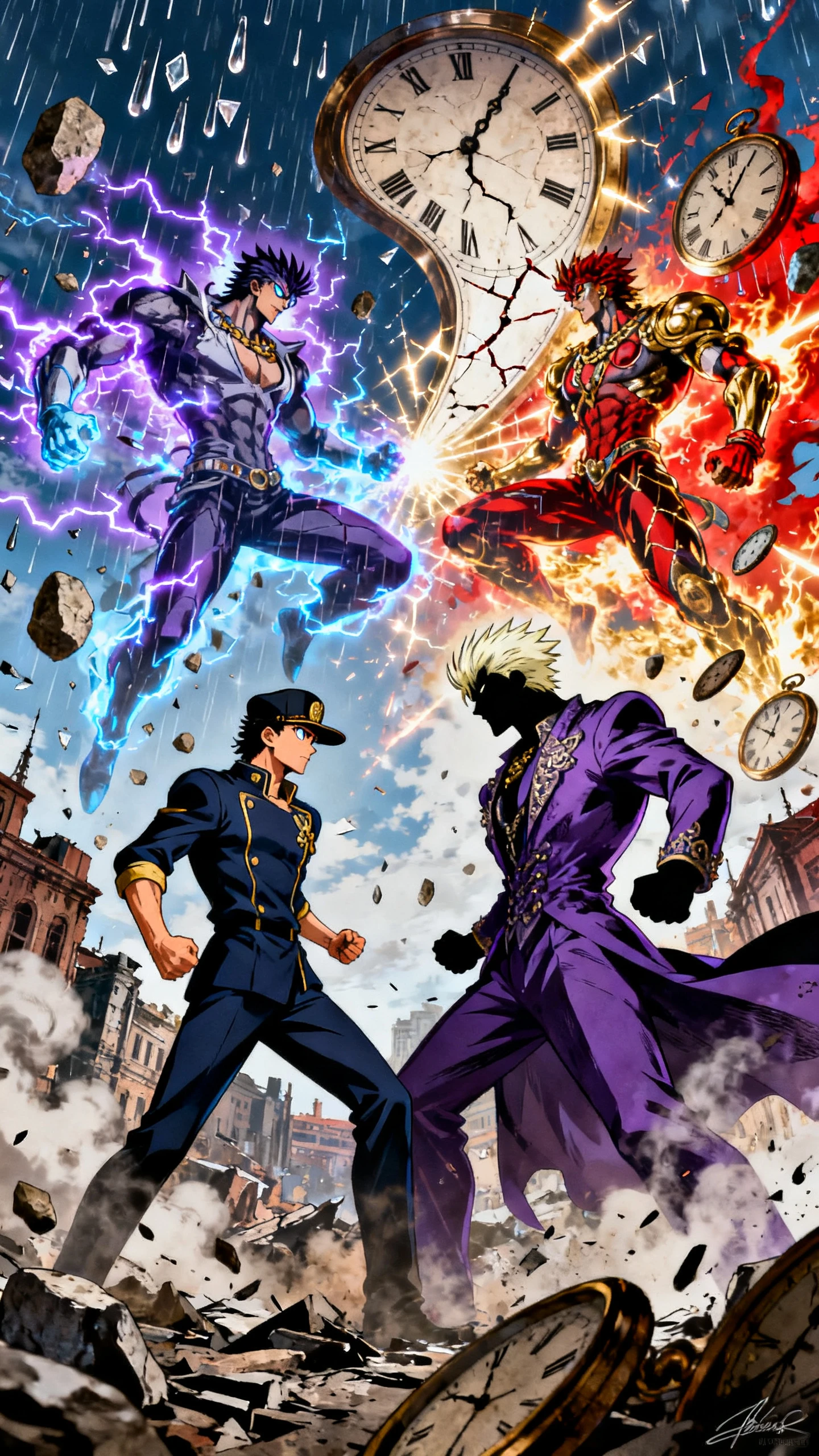
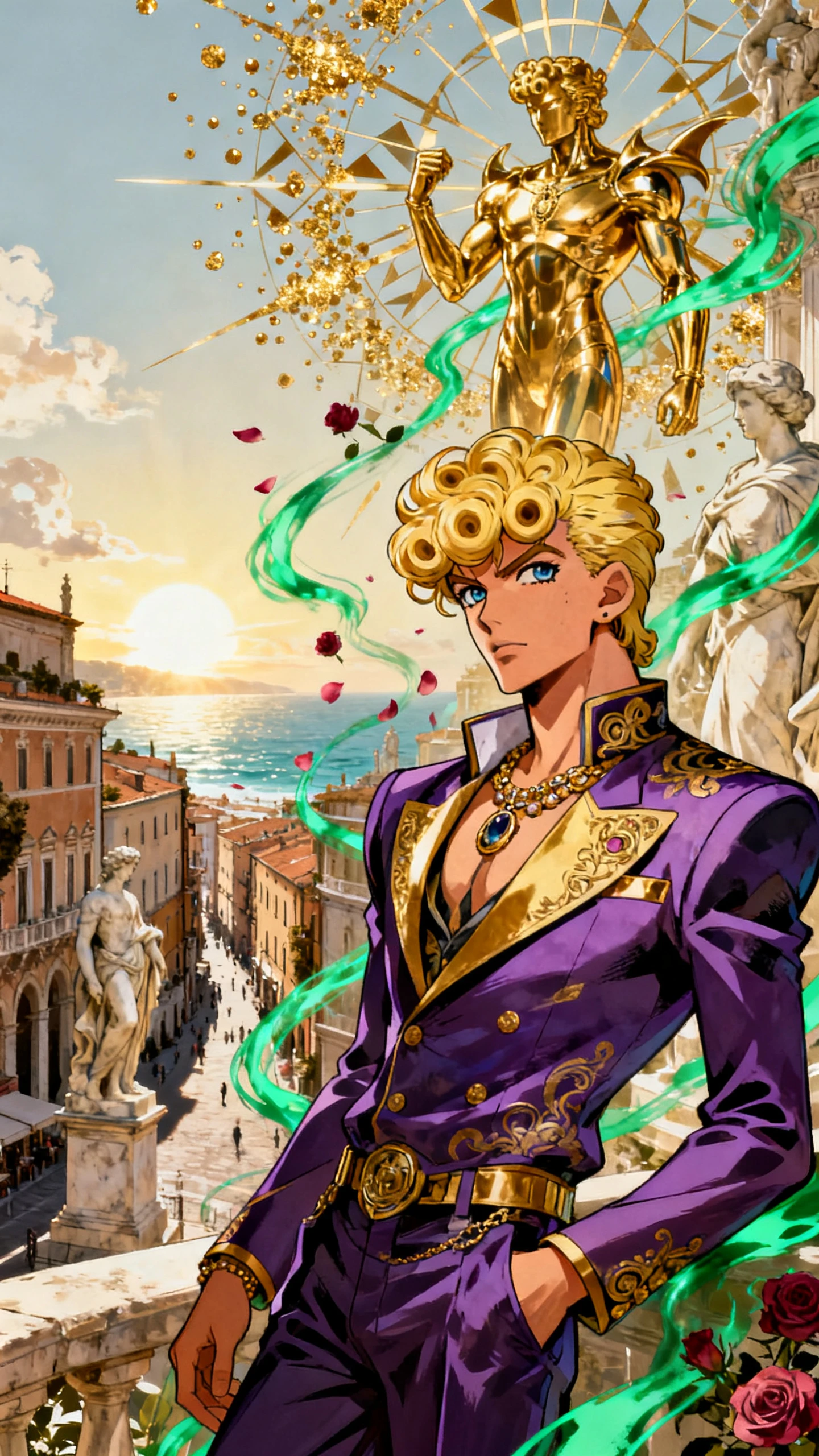
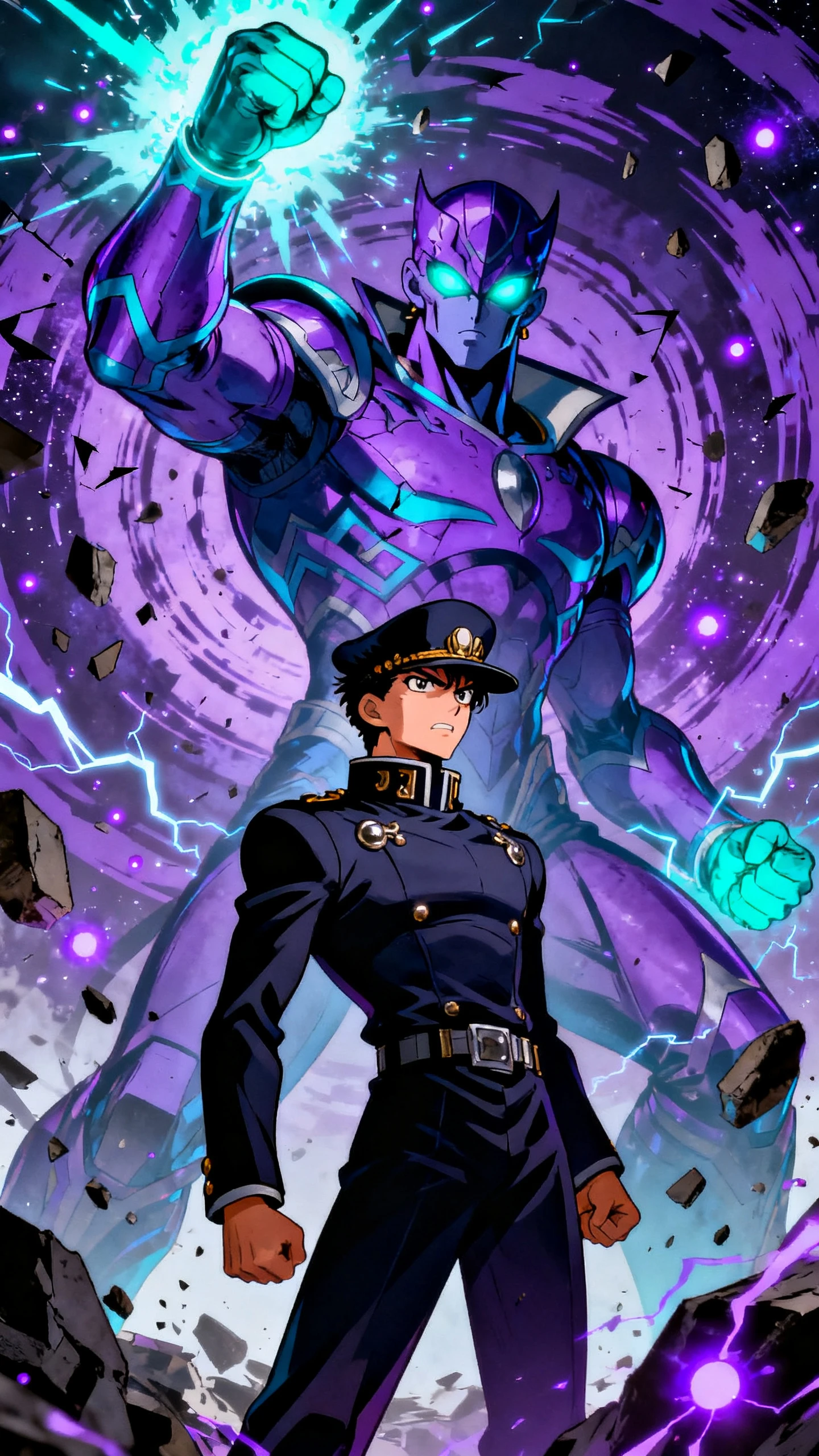
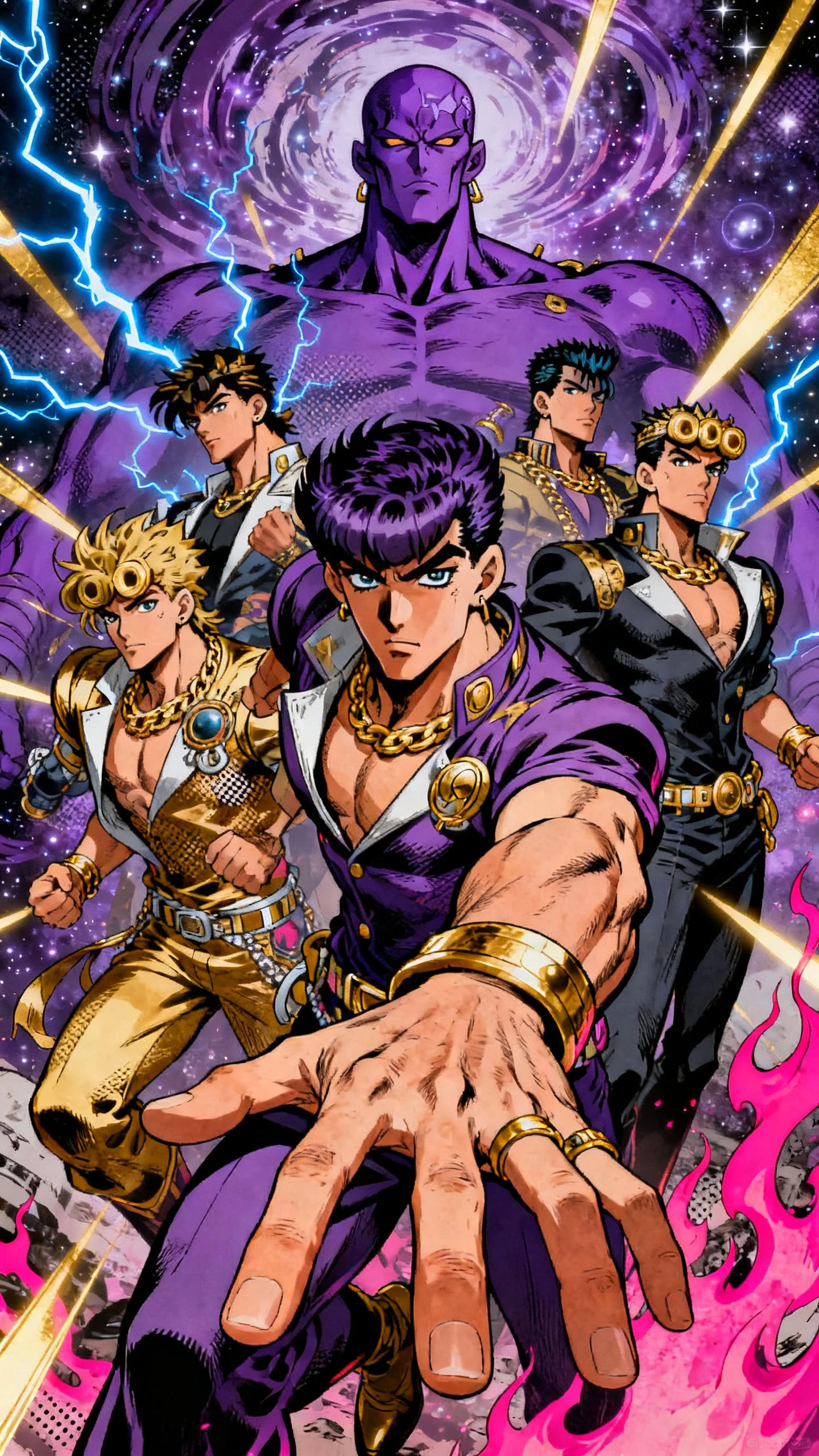
Channel JoJo Bizarre Adventure energy through imposing poses, deep shadows, and strategic clashes. Magiclight AI gives original heroes the presence to dominate every scene.

Give MagicLight Agent 2 characters, their powers, and the main conflict. It shapes them into a battle where strategy matters, with clever moves, reversals, and a final twist that gives the scene a stronger payoff.
Pick from 52 visual styles to give your story a bold anime direction. Use strong outlines, deep shadows, striking colors, and exaggerated details to capture the intense feel associated with JoJo-inspired scenes.
Choose from 50+ poses in Nano Storyboard to control how characters stand, react, or face an opponent. Give heroes dramatic stances and stronger body language before moving ahead with the final video.
Assign from 37 available voices to heroes, rivals, and villains. Different voices help separate each role, strengthen heated exchanges, and give major confrontations the dramatic weight they need.


Turn your JoJo Bizarre Adventure idea into a full showdown in 4 steps. Plan fighters, add voices, and finish every dramatic moment with control in Magiclight AI.
Describe your fighters, powers, and conflict, or enter a script of up to 12,000 characters. Use MagicLight Agent to shape the battle, dialogue, and major story turns.
Set the visual style, narration language, and screen format before creating scenes. Describe each fighter’s face, hair, clothing, and body in up to 1,000 characters or choose from the provided options.
Open Nano Storyboard and use 50 poses to stage each battle scene. Adjust expressions, character positions, and camera views for entrances, attacks, and reveals.
Add background music from the 40 options and apply one of 16 subtitle settings. Review each battle scene, then generate the final video in 720p or 1080p.
No. JoJo's Bizarre Adventure was created by Hirohiko Araki, and the rights sit with their publishers and animation partners. Magiclight AI has no connection to them.
No. The series' characters are owned by their rights holders. Design your own heroes, villains, and spirit partners in Magiclight AI instead.
Yes. Describe the spirit partner's look and power in your character profile. Magiclight AI shows them fighting beside your hero in each battle scene.
Use bold, twisted poses and low camera angles in the storyboard. In Magiclight AI, hold each pose for a beat before the action continues, so viewers take it in.
Battle videos can last 50 minutes, long enough for a full arc. A single duel usually holds attention best when it stays under ten minutes.
Yes. Magiclight AI offers 37 voices for heroes, rivals, and villains. Give each character a distinct voice so viewers can easily follow dialogue during battles.



Make your fighter, power, and rival. Magiclight AI turns them into a bold JoJo Bizarre Adventure style video with dramatic battles and striking visuals