MagicLight Agent Breaks a Script Into Shots
Paste a page of your screenplay, and MagicLight Agent cuts it into scenes, then picks a format for the video. You read the script first, the way a director checks a shot list before a shoot.
Create Now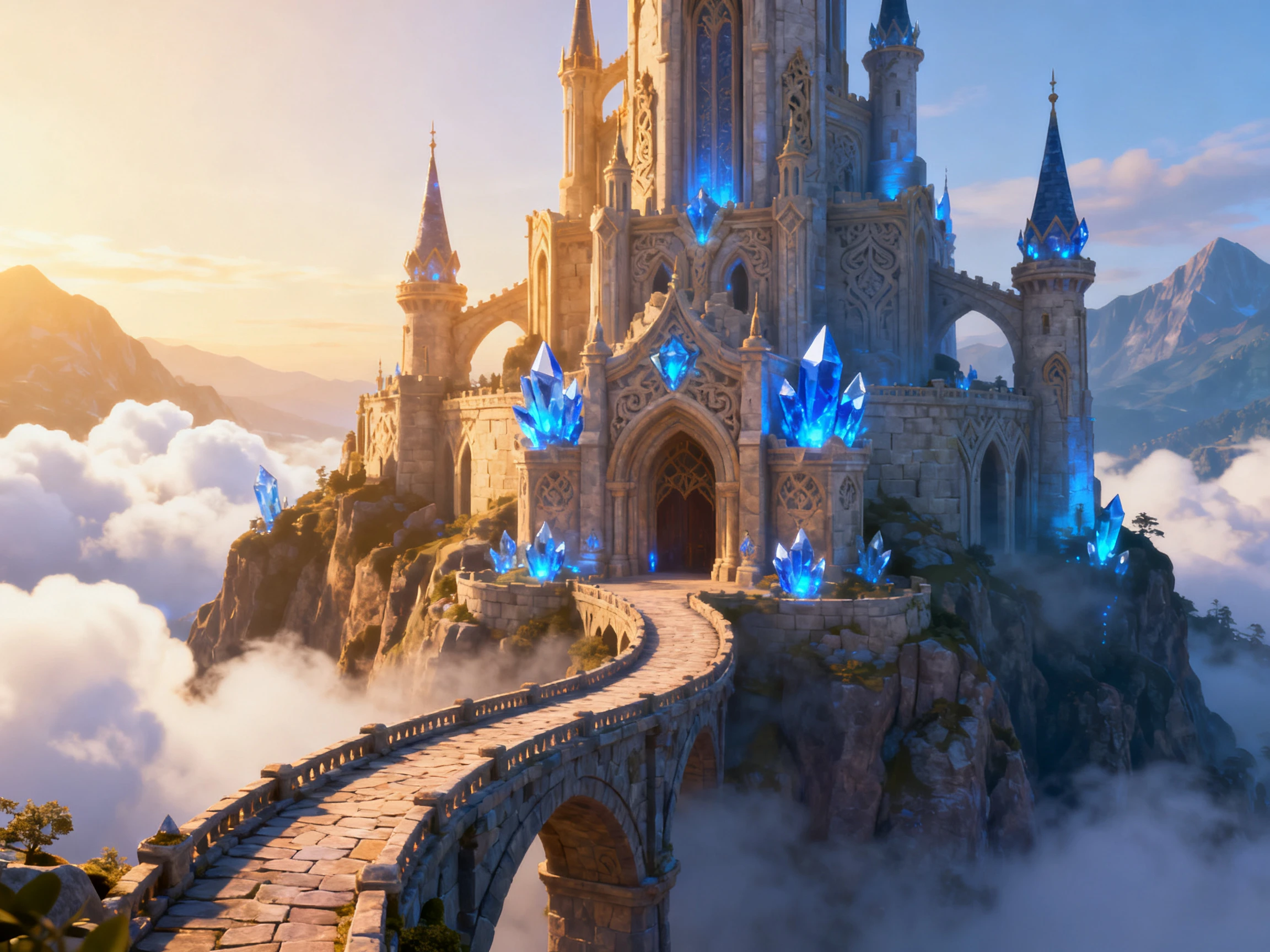

Bring your characters, stories, and creative ideas to life with Magiclight AI. Turn text prompts into 3D-style animated videos with no modeling or animation skills needed.
Create a 3D Animation For Free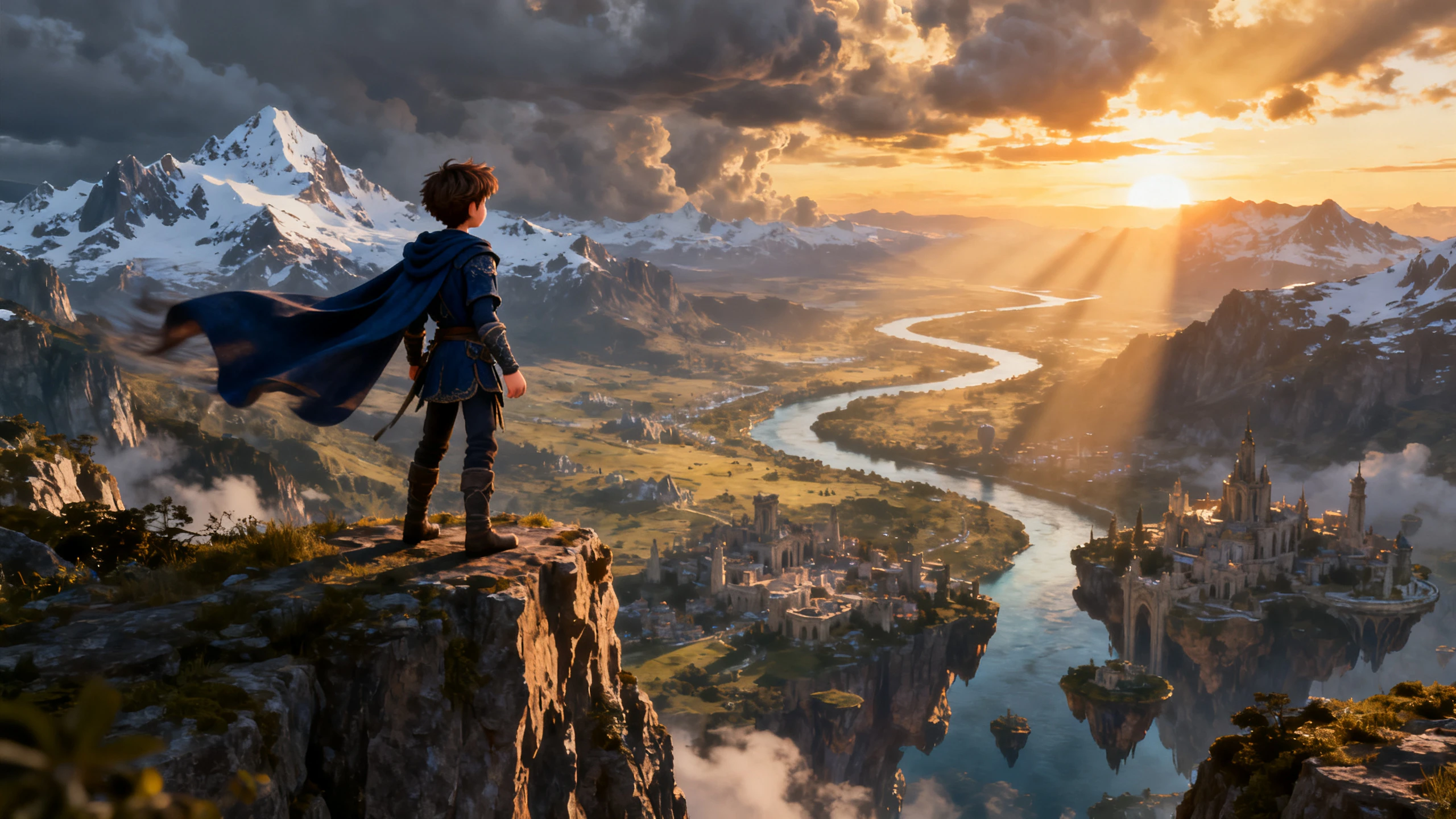










From character creation to scene design and visual styles, explore the features that give your 3D-style animations a look and feel of their own.
Paste a page of your screenplay, and MagicLight Agent cuts it into scenes, then picks a format for the video. You read the script first, the way a director checks a shot list before a shoot.
Create NowDescribe the hero the way you would brief a modeler, like “short, broad shoulders, patched flight jacket.” Magiclight AI draws that character and keeps the design steady across scenes.
Create Characters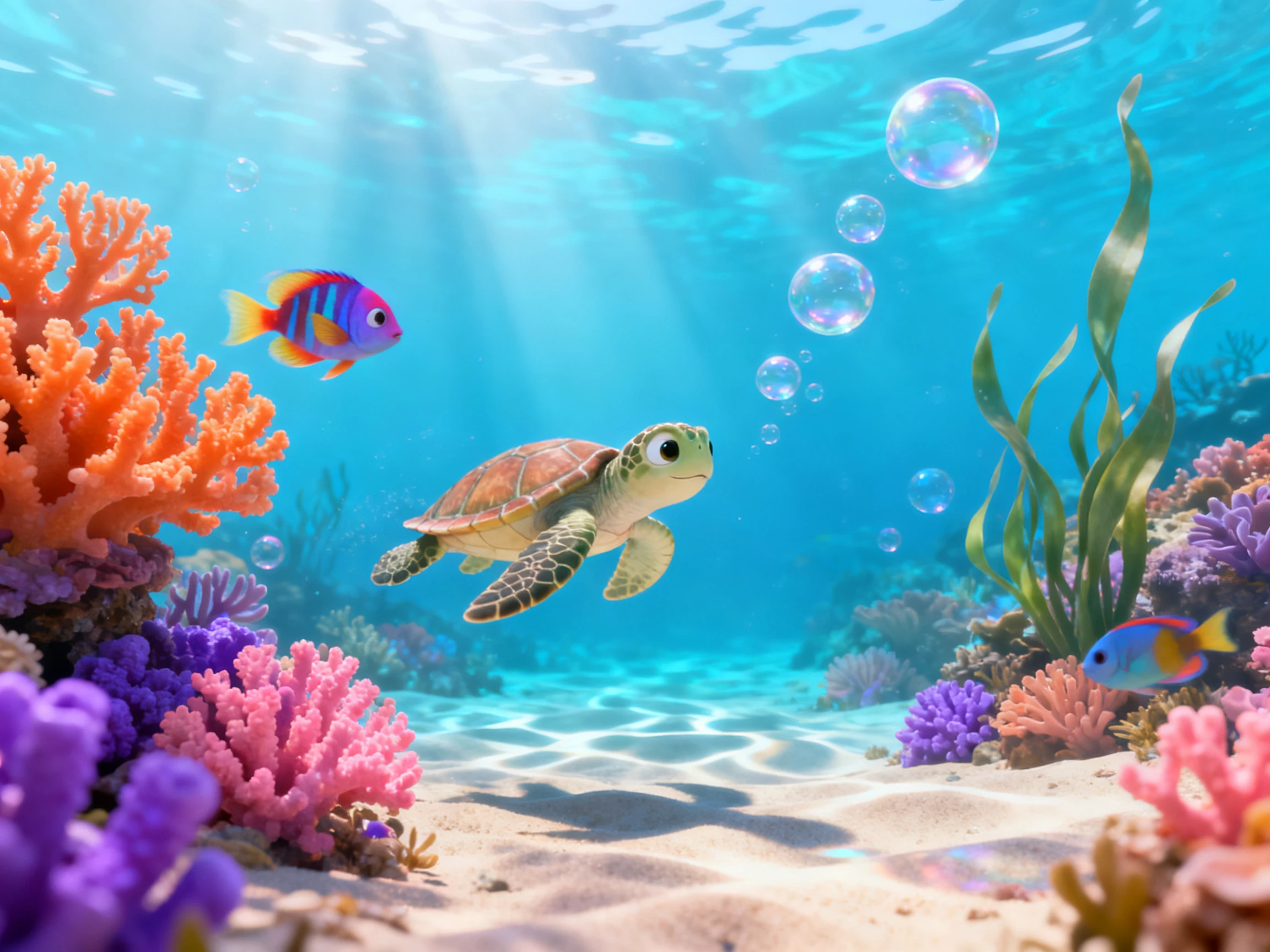
Run the same treatment through two story models and compare where each one puts the reveal. Settling that now costs far less than changing it after weeks of modeling.
Generate a Video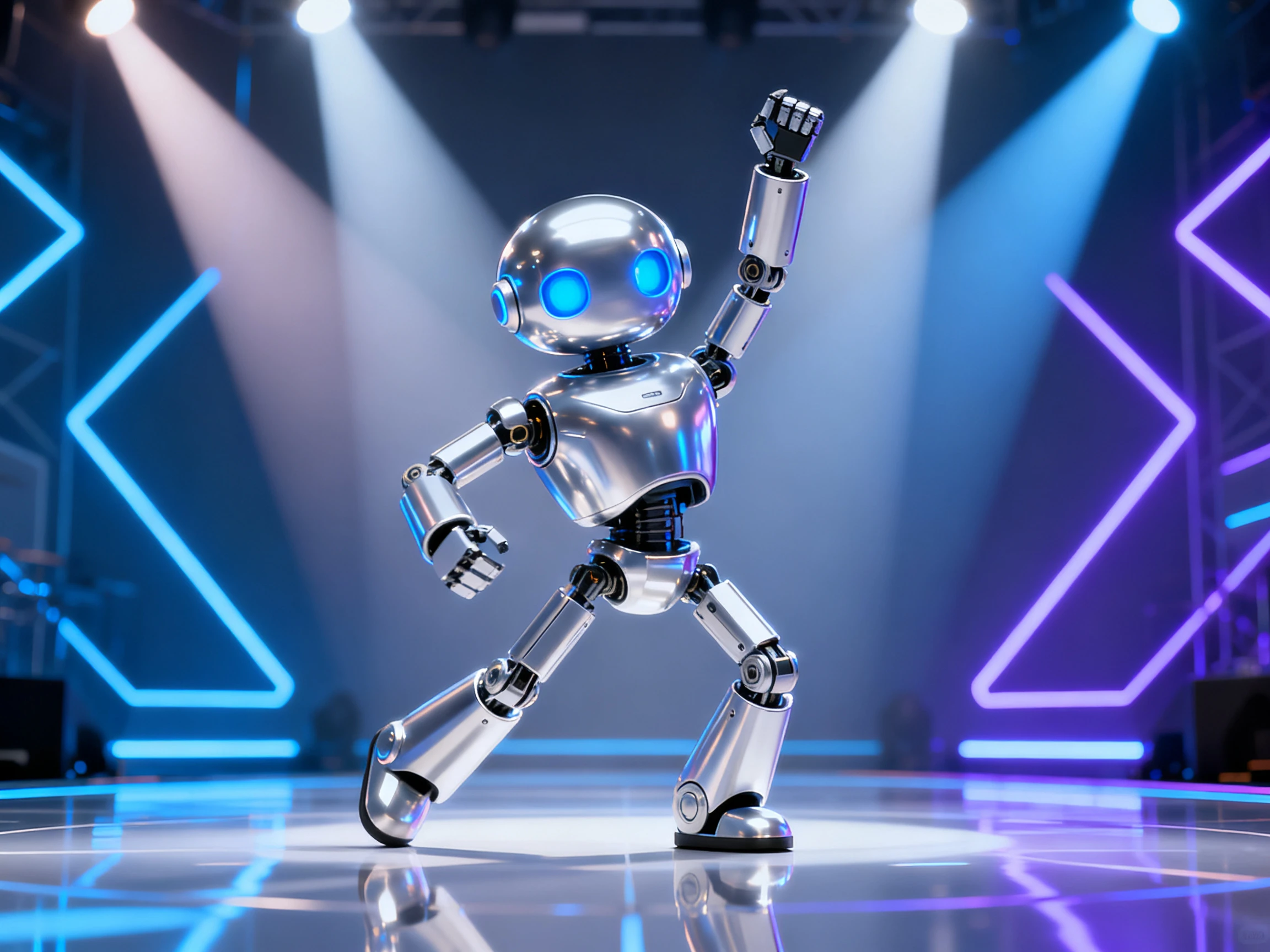
Give the robot a flat, clipped voice and the old captain a rough one, both picked from 37 options. Lip sync moves each mouth to its lines, with no phoneme keys to set by hand.
Start Creating


Take your story from script to screen in 4 clear steps. Magiclight AI's 3D animation software guides your script through style, characters, scenes, voice, and final video.
Describe the character’s face, hair, clothing, and body in up to 1,000 characters, or upload a reference image to give Magiclight AI a clear visual starting point.
Choose from 52 visual styles to define the character’s appearance. Explore options such as 3D cartoon, CGI, or realistic to find the look that fits your project.
Open Nano Storyboard and choose from 50 poses. Fine-tune the character’s expression, clothing, body type, and pose until each scene matches your vision.
Export your finished character in up to 1080p quality. Save it to your library for reuse, so the same character can appear consistently across future scenes and videos.
3D Artist
Magiclight AI gives me a quick way to preview characters, poses, and scenes before detailed 3D work begins. It helps me communicate the direction before production gets underway.
Agency Creative Director
We use Magiclight AI when a client needs to see a 3D-style concept early. It lets our team explore the visual direction before committing to a larger production.
Author
I wanted my characters to feel recognizable from scene to scene. With Magiclight AI, I could define their appearance, choose a 3D style, and shape the story visually.
Indie Game Developer
For early game concepts, Magiclight AI helps me visualize characters and story moments before the final assets exist. I can explore an idea without starting a full 3D pipeline.
Learn Blender if you want a 3D career or need game assets, since it generates real models and it is free. Choose Magiclight AI when the goal is a finished 3D-style video this week.
Not as model files. Magiclight AI creates characters from a description or an uploaded image, so a still picture of your model can serve as the reference. FBX and OBJ files cannot be uploaded.
Yes. The camera angles and timing you set in Nano Storyboard give the team a shared plan before modeling starts. Magiclight AI exports video, though, so the shots are recreated in your 3D animation software.
Blender is free, while Maya and Cinema 4D are sold as subscriptions. Magiclight AI gives you a first video without a card, and client work is covered once your account is on a paid plan.
Fix it in Nano Storyboard before the video is generated by changing the pose or the angle for that shot alone. Magiclight AI keeps the other scenes as they were.
Yes. Magiclight AI lets you save a finished character for reuse in future scenes and videos, helping maintain a recognizable appearance across a story, series, or campaign.



Pick one scene you have pictured in 3D for months, and write it down in a paragraph. The 3D animation software in Magiclight AI turns that paragraph into a finished video.