Top Features of the Magiclight AI Knitted Yarn Video Generator
Think of a tiny village where even the rooftops look knitted by hand. With the Magiclight AI knitted yarn video generator, you can decide what happens inside those little wool houses.

Turn your ideas or images into knitted yarn videos with Magiclight AI. Bring soft wool textures, adorable knitted characters, and cozy handmade worlds to life. No knitting skills needed.
Create a Knitted Yarn Video for Free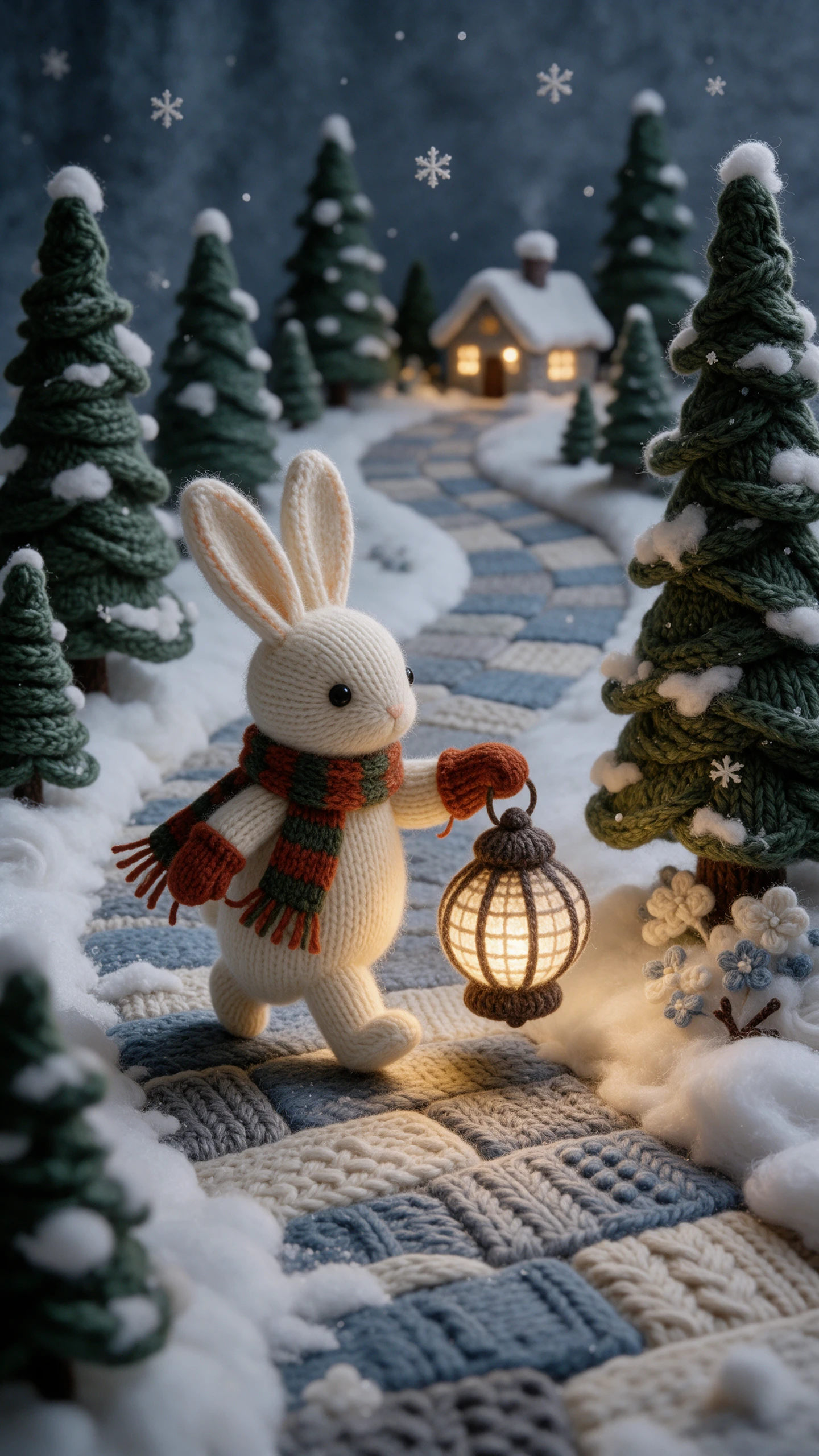
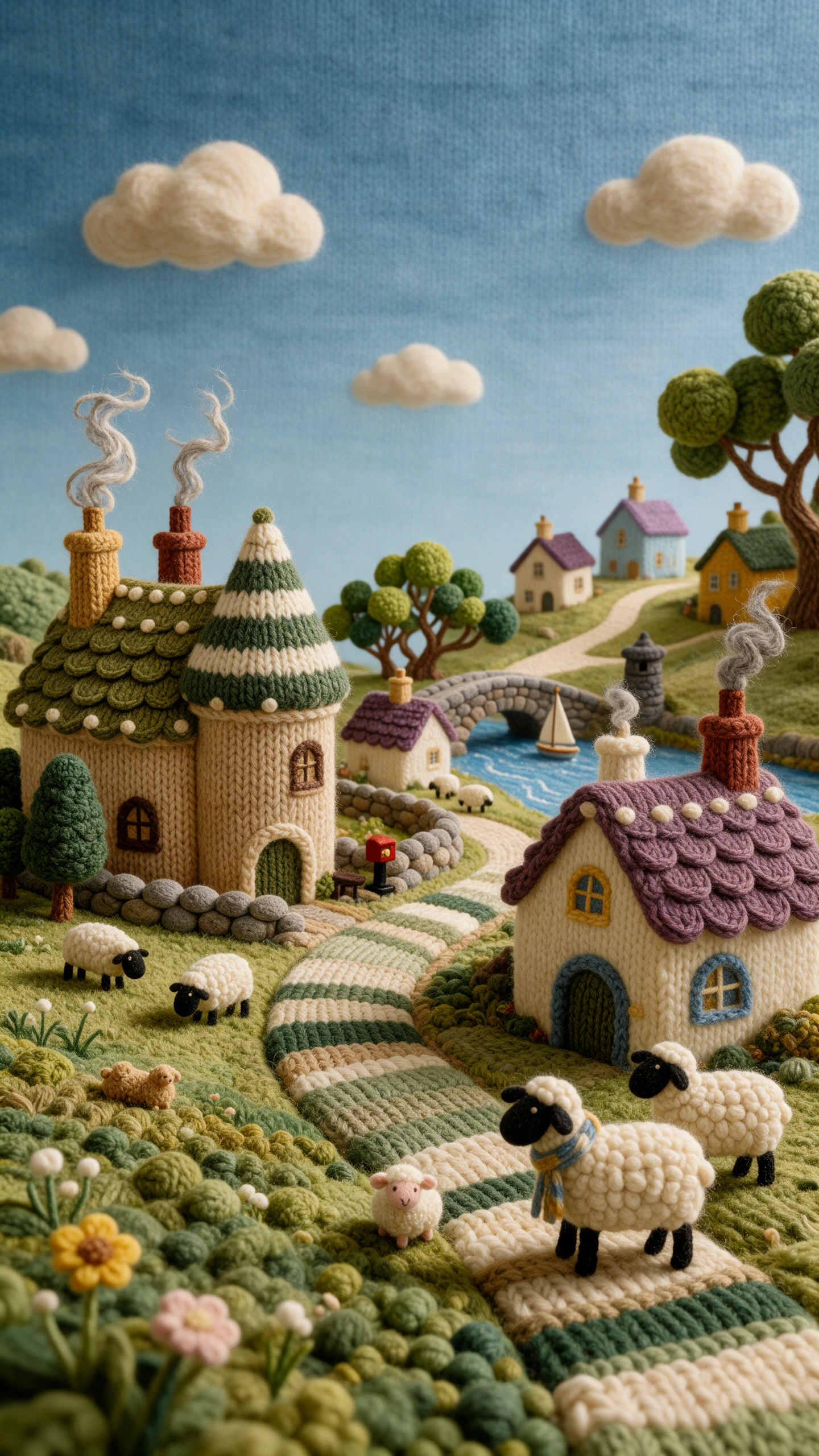
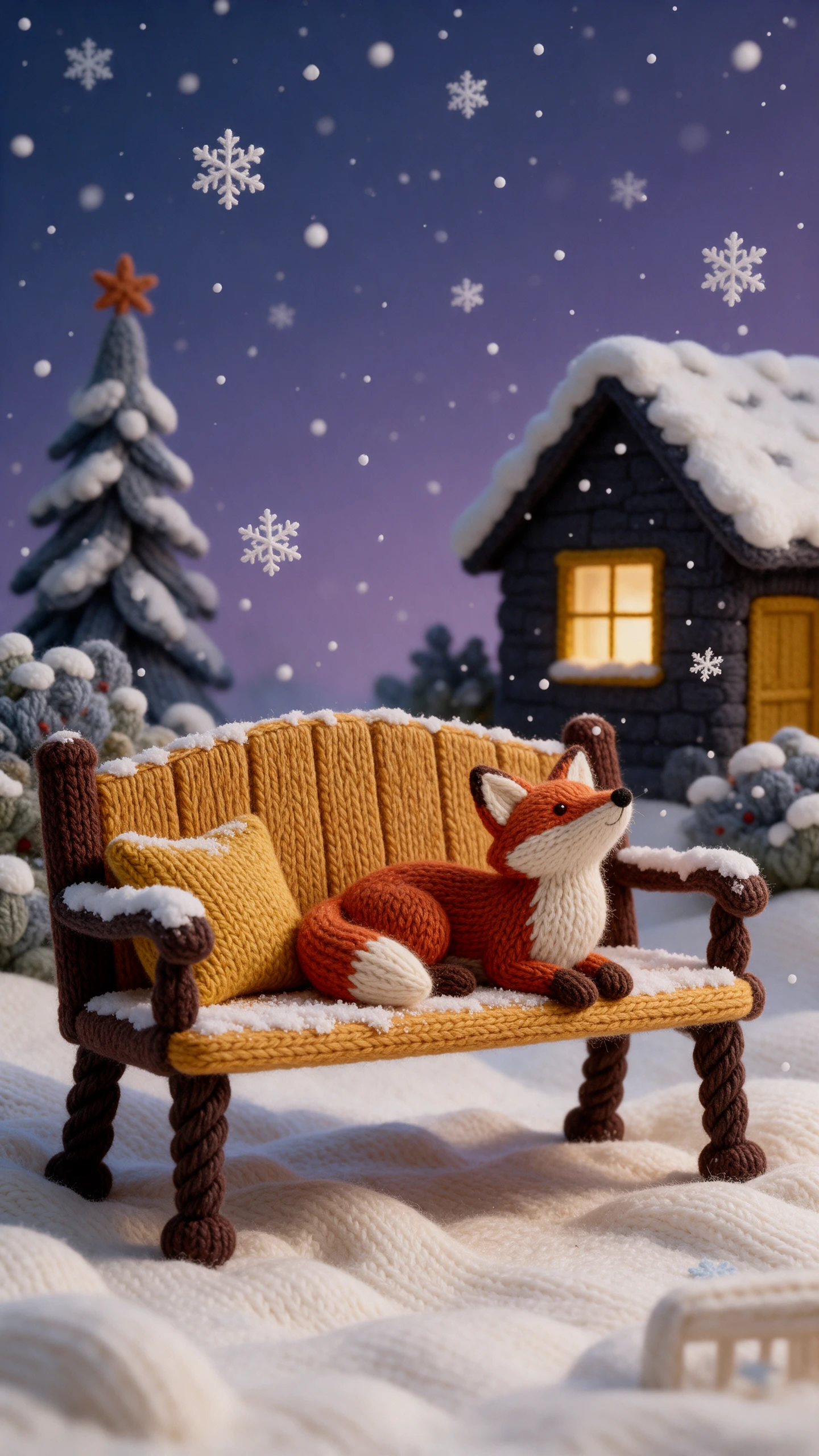
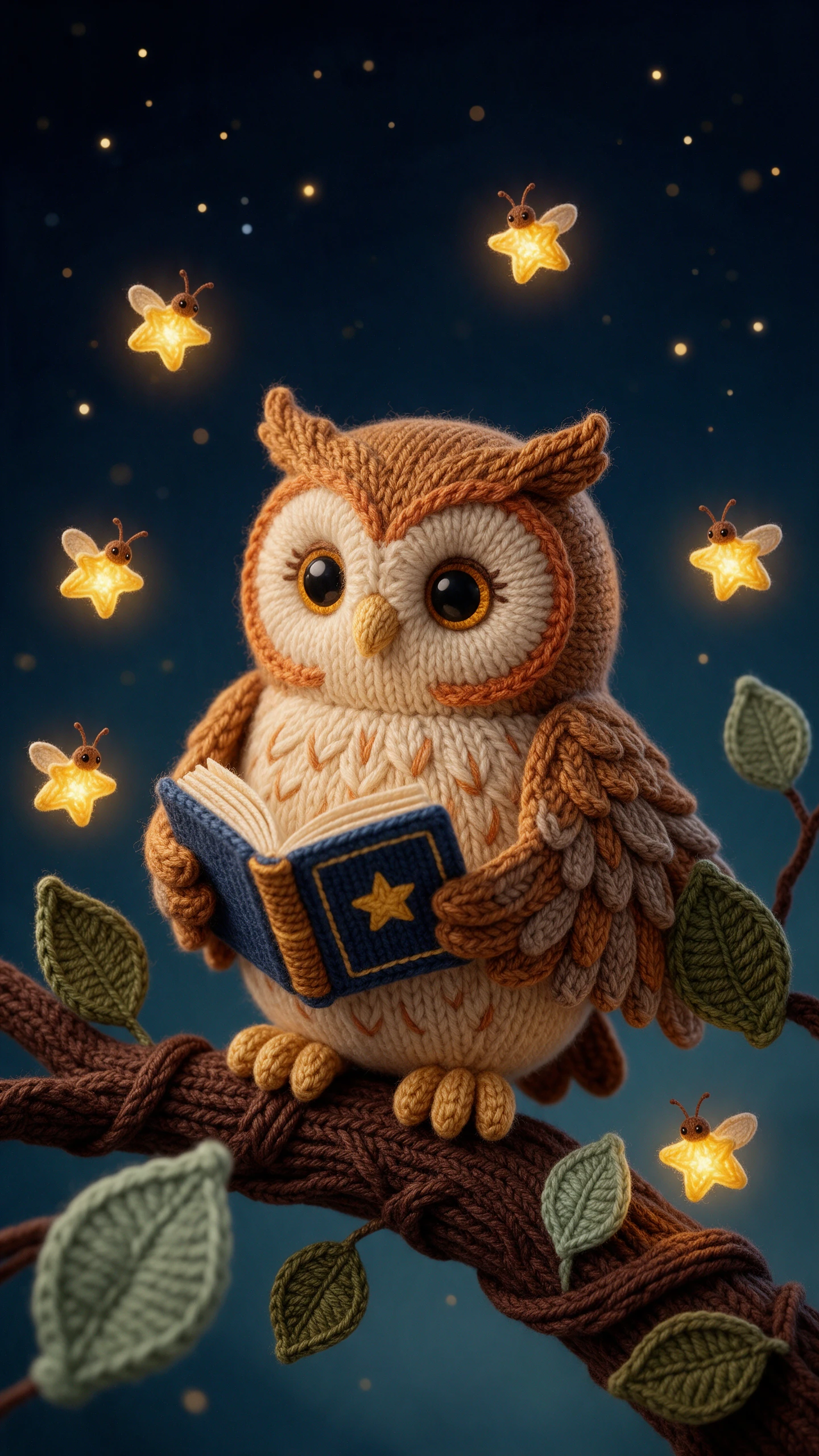
Think of a tiny village where even the rooftops look knitted by hand. With the Magiclight AI knitted yarn video generator, you can decide what happens inside those little wool houses.

Magiclight AI supports videos lasting as long as 50 minutes. You can follow a wool rabbit through an entire winter adventure without having to finish the story after a few short scenes.
Choose from 16 animation models in Magiclight AI when creating your video. Try different models to see how your knitted characters move through the scenes before settling on one.
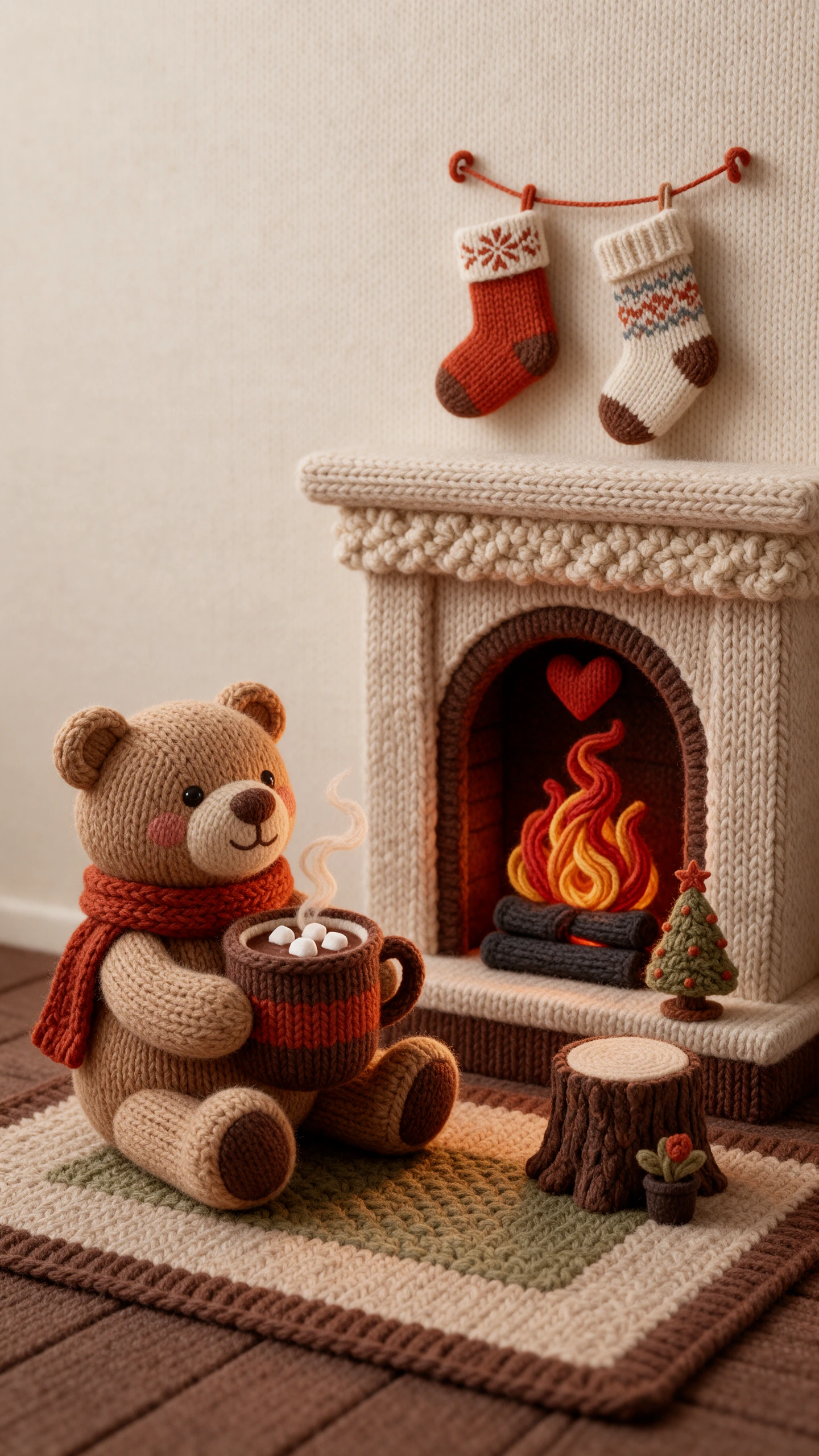
Give your knitted characters different poses to suit each scene. Magiclight AI provides 50 pose options, so a wool bear can wave to a friend before sitting beside the fireplace.
Magiclight AI gives you 40 background music tracks for your video. Choose a gentle melody for a snowy village scene, then listen to how it fits before generating the complete story.


Picture a tiny wool fox opening a shop in a snowy village. The Magiclight AI knitted yarn video generator helps you create that little world in 4 steps.
Paste your 12,000 character script into Magiclight AI. After MagicLight Agent prepares a story for you to review, make changes or confirm before moving ahead.
Select the knitted yarn style for your video. Choose a suggested character that suits your story, or create a new one with the appearance you have in mind.
Open Nano Storyboard to review each scene and adjust any details. Check the opening, then let MagicLight Agent animate the scenes and put the complete video together.
Add background music that suits your story. Choose from 16 subtitle settings, then generate your knitted yarn video and export it.
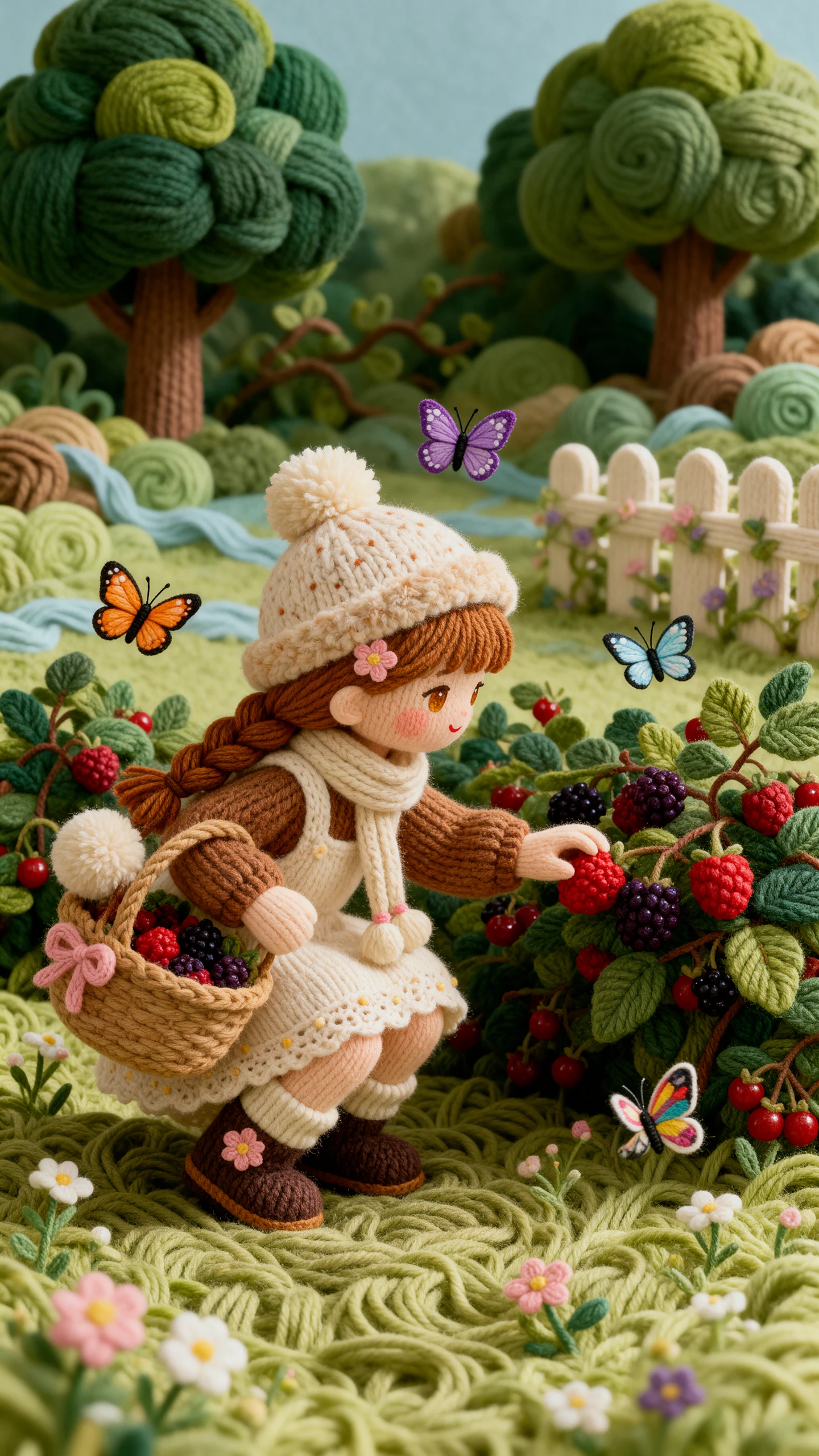
The Magiclight AI knitted yarn video generator turns your story into scenes that resemble knitted toys. Wool characters move through homes and landscapes with clear stitches.
Handcrafted scenes may resemble felt, paper or clay. Knitted yarn focuses on wool textures, so the characters and surroundings look as though made with knitting needles again.
Describe the shades and patterns from your real knitwear, such as navy wool with white snowflakes. Use those details as visual guidance, then check the scenes for a neat match.
A sleepy rabbit finding its way home makes a sweet bedtime tale. Choose a gentle narrator and keep the story simple so younger children can follow along before going to sleep.
Magiclight AI supports videos lasting as long as 50 minutes. You can make a short clip about a wool kitten or give a longer winter adventure enough time to tell the real story.
A knitting teacher could turn a scarf pattern into a cheerful wool character. Show the finished design moving through a cozy yarn shop to introduce a new class or collection.



Bring a cozy idea, a woolly hero, and a snowy night just outside the window. Magiclight AI stitches it into a soft, warm story for everyone.