Top Features of the Magiclight AI Pixel Art Video Generator
A Pixel art AI video generator needs more than a retro filter. Magiclight AI connects your quest, pixel hero, visual direction, and soundtrack into one consistent adventure.

Turn your ideas into retro pixel art videos with Magiclight AI. Create pixelated characters, explore nostalgic worlds, and bring 8-bit adventures to life. No coding or animation skills needed.
Create a Pixel Art Video for Free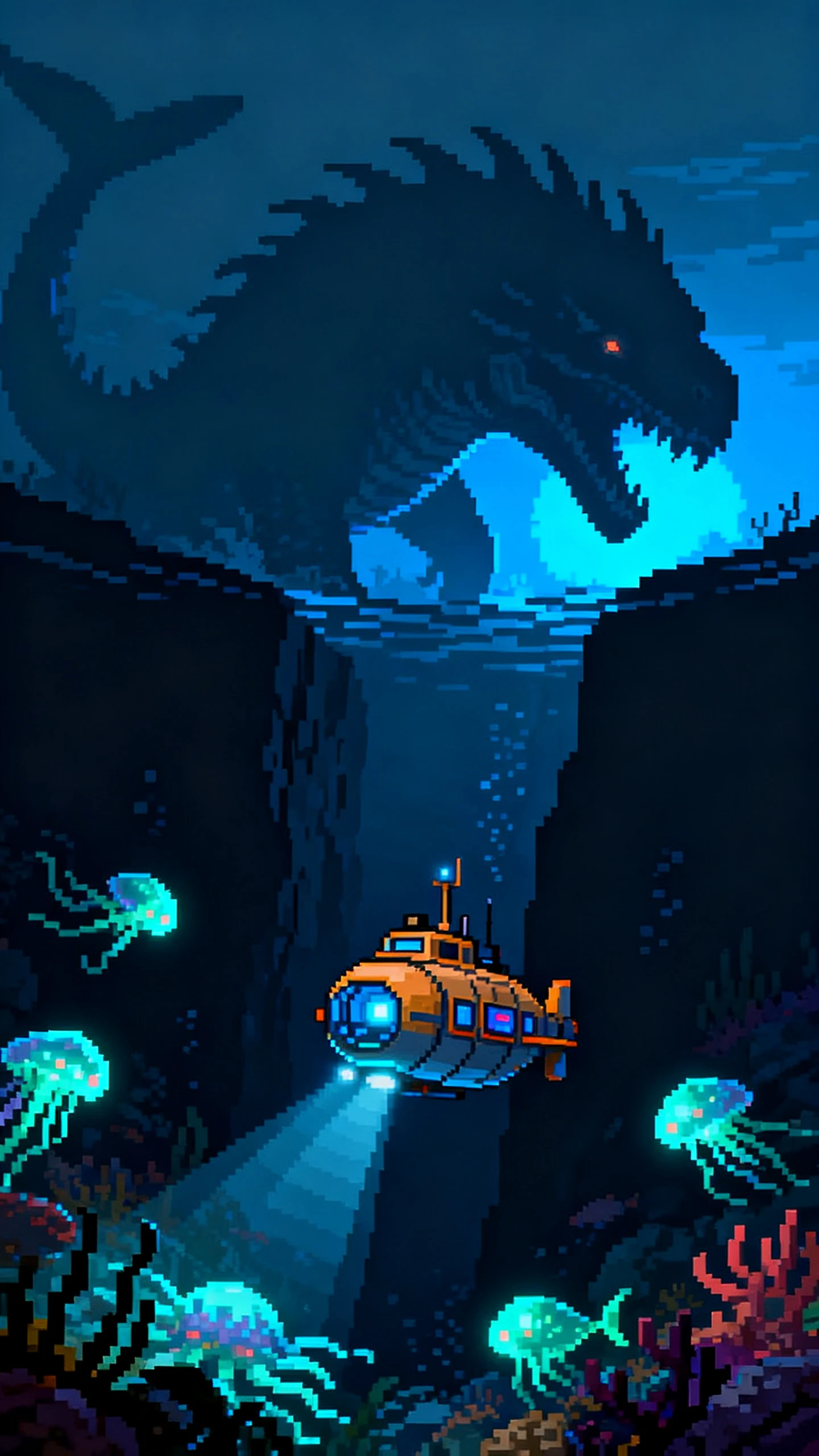
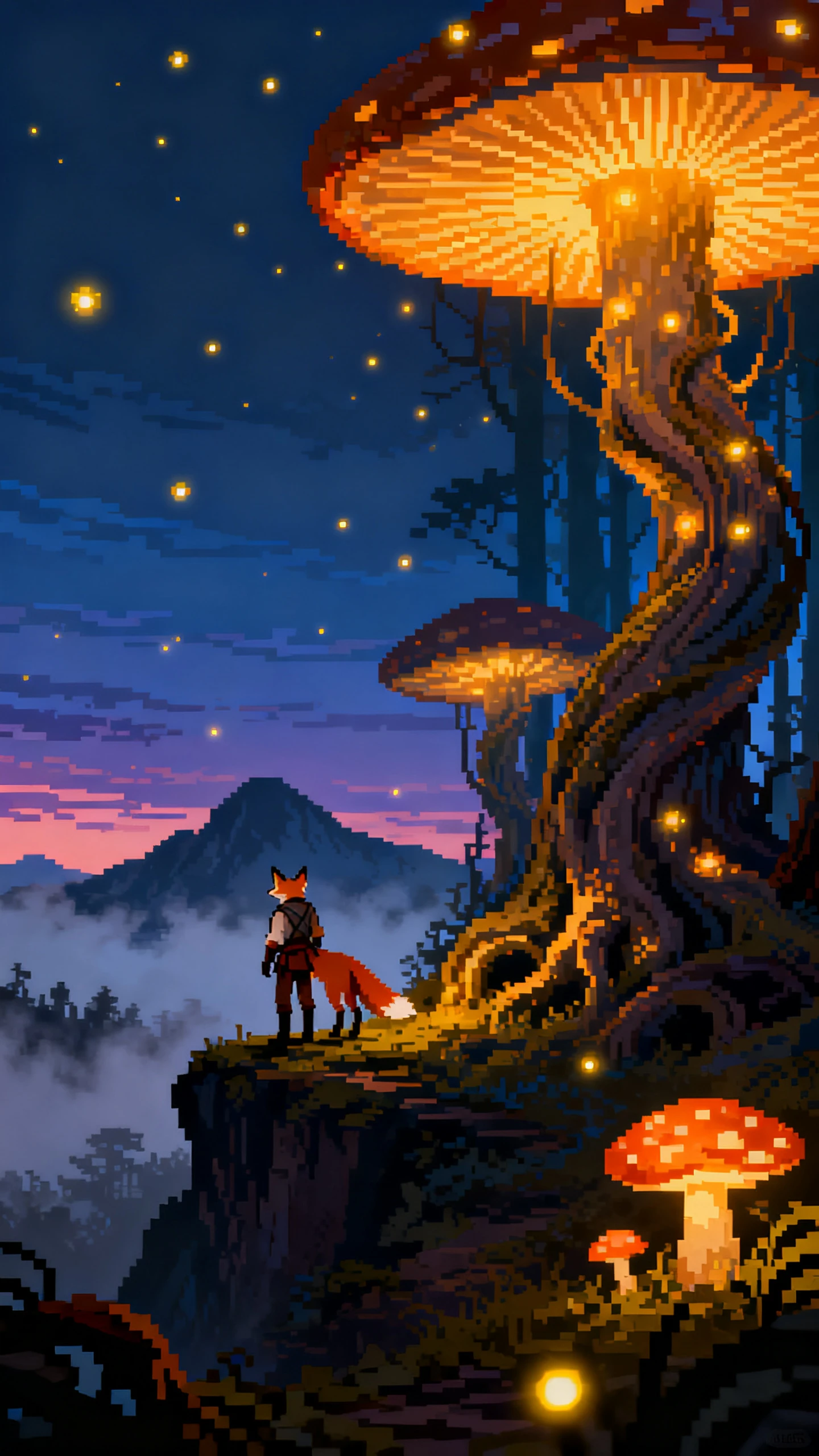
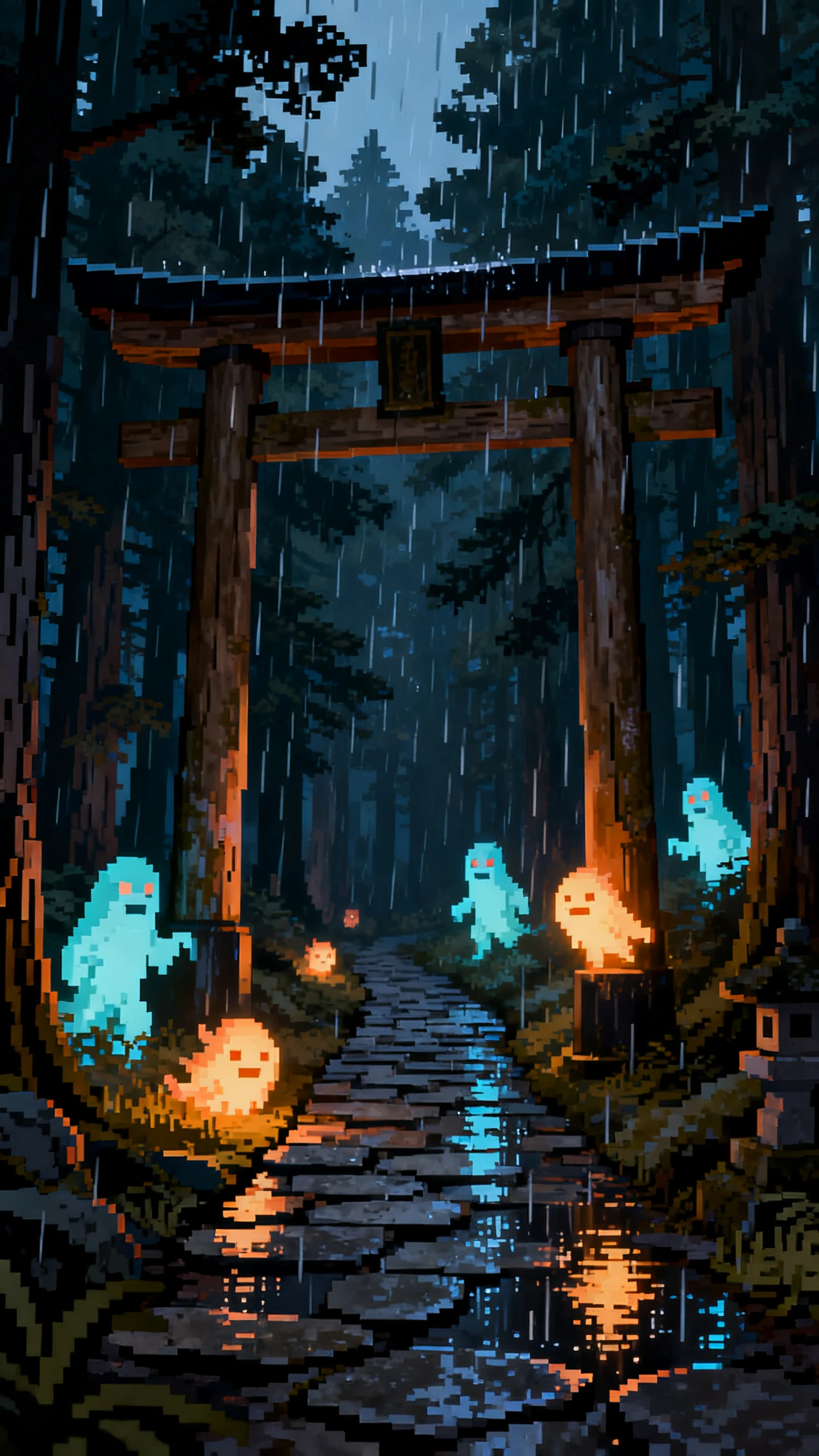
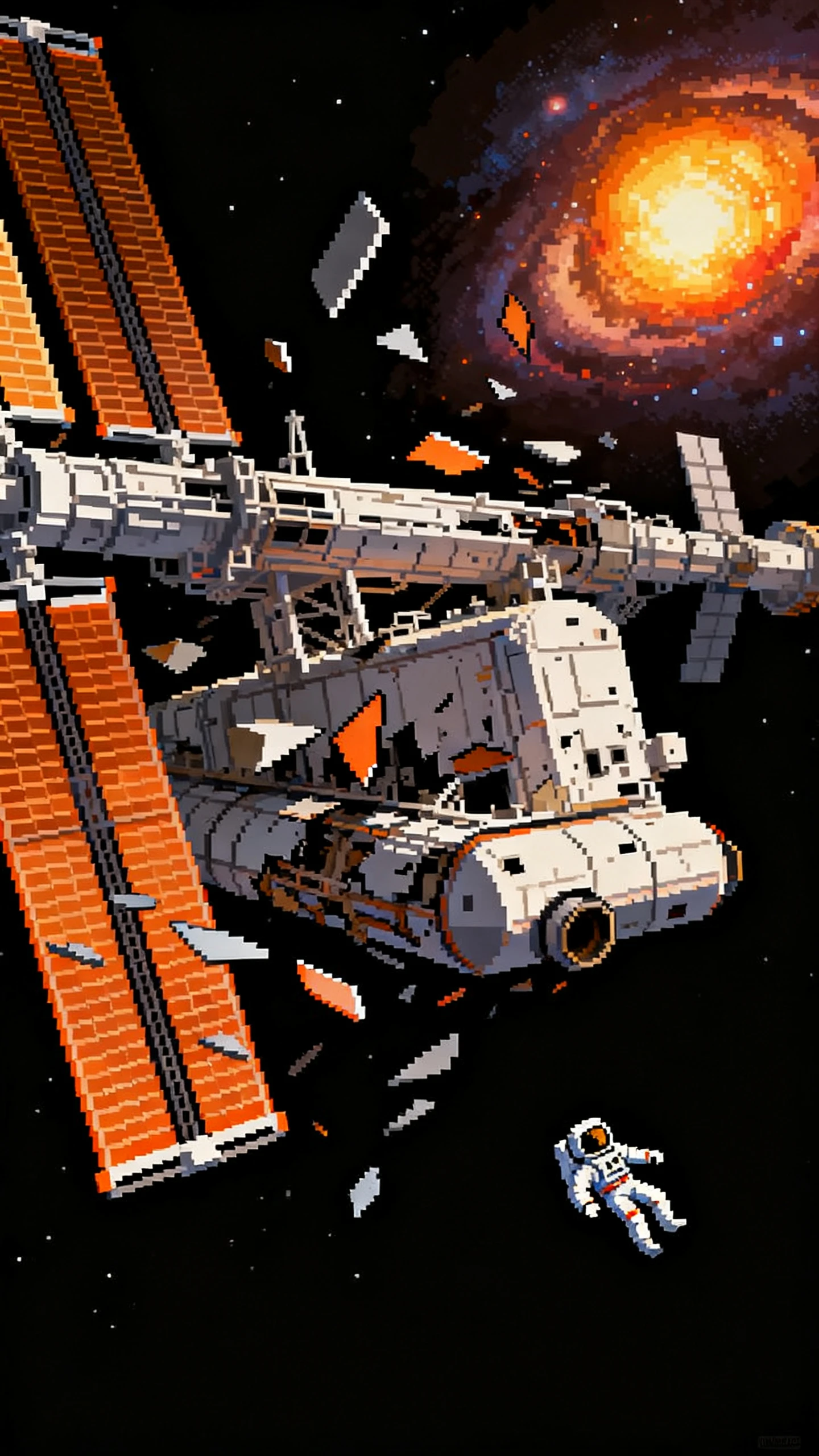
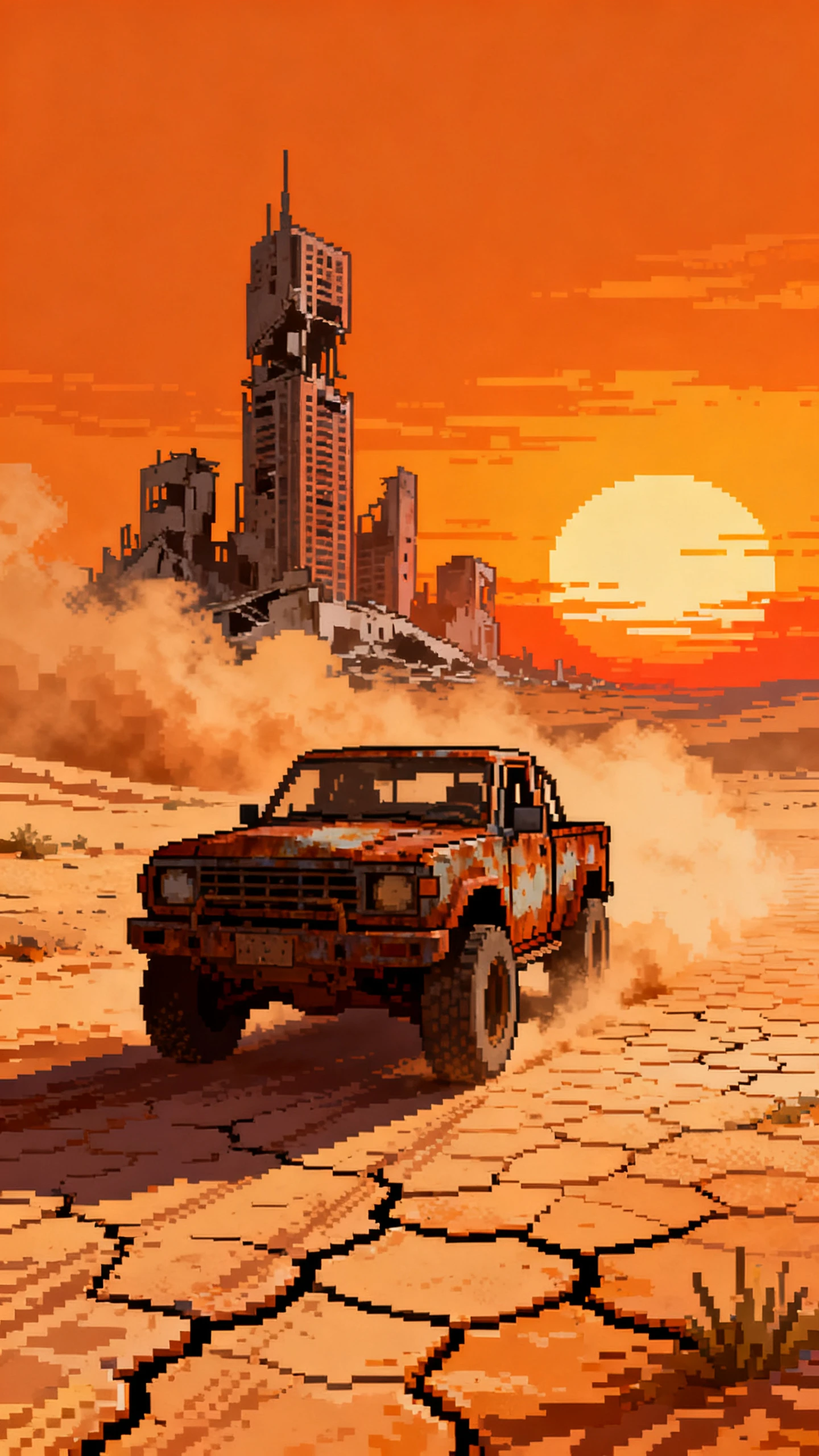
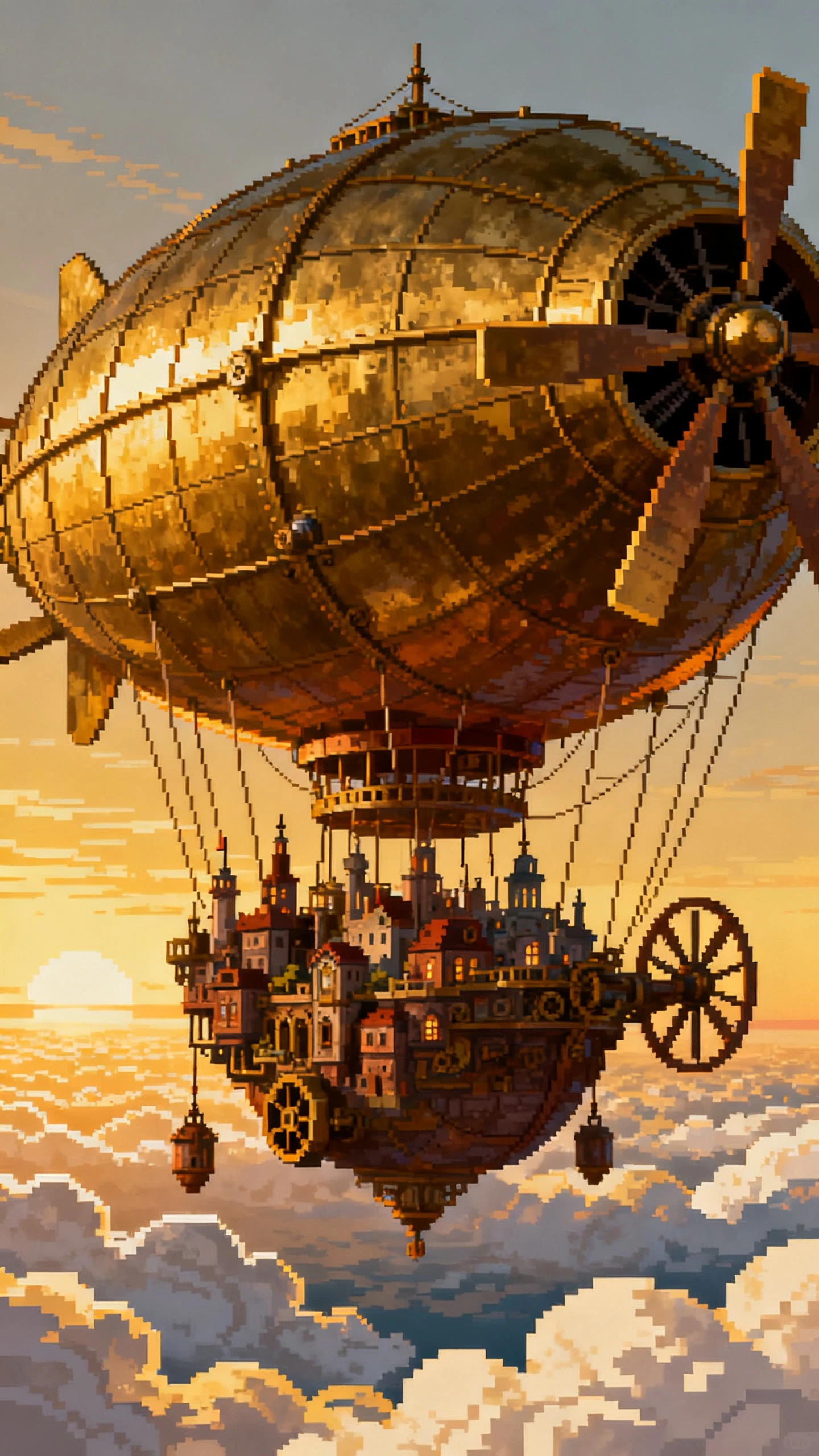
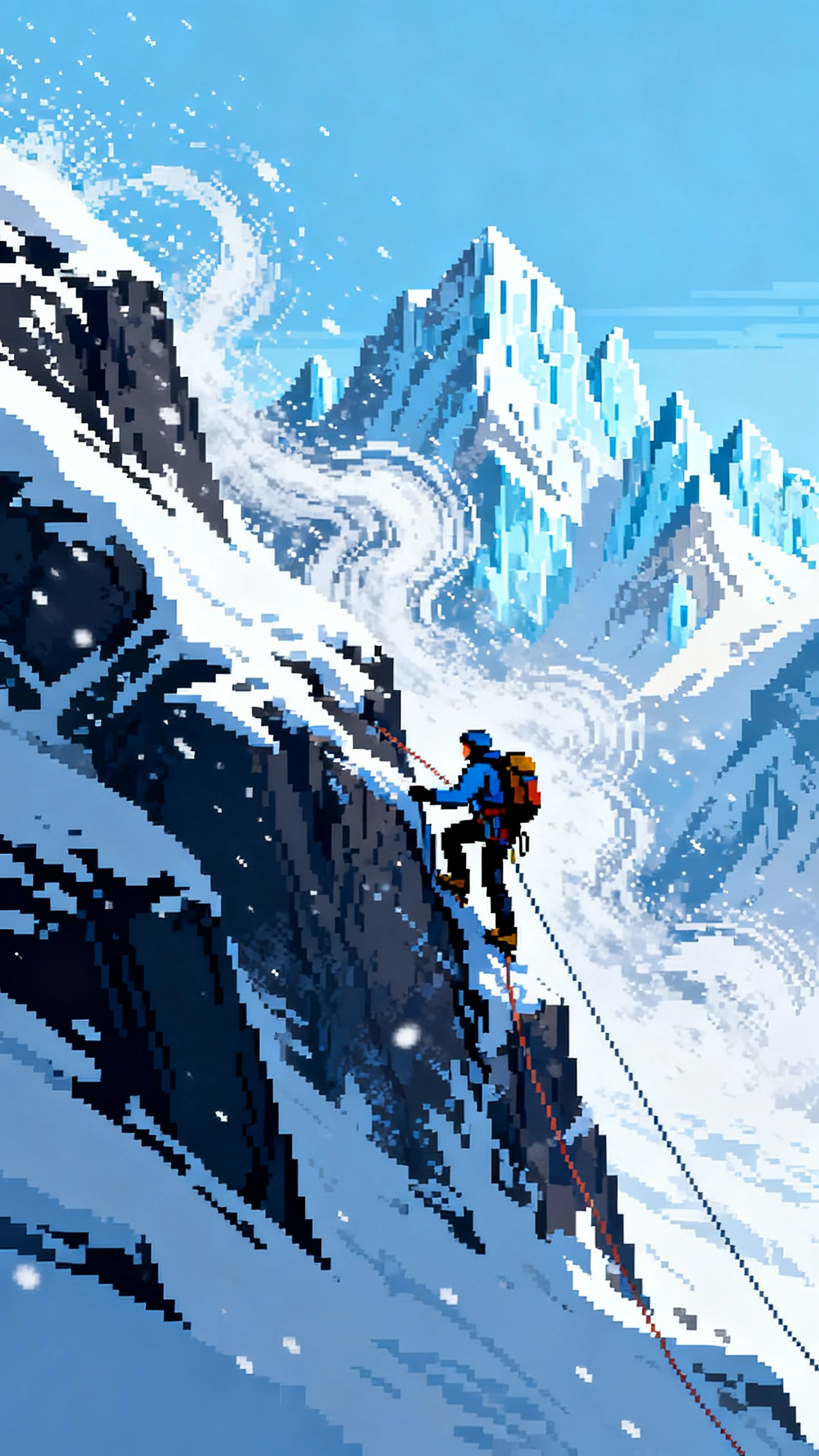
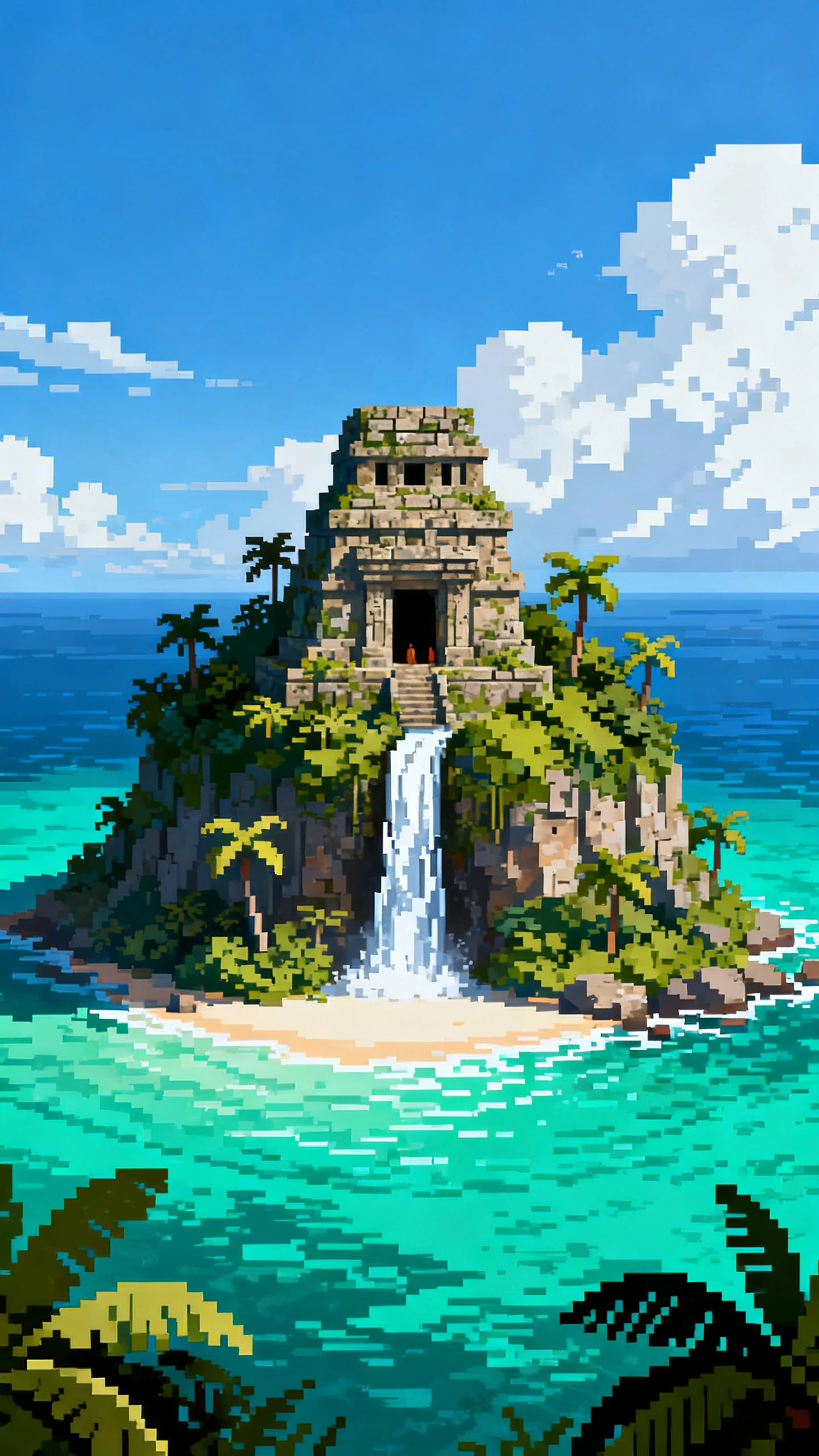
A Pixel art AI video generator needs more than a retro filter. Magiclight AI connects your quest, pixel hero, visual direction, and soundtrack into one consistent adventure.

Give it a hero, mission, and obstacle. MagicLight Agent develops the premise into a structured script and scenes you can review before anything moves into production.
Use up to 1,000 characters for appearance details or begin with a reference image. Describe signature clothing, hair, accessories, and traits that make the character recognizable.
Pair 21 cover templates with 16 title styles to distinguish one adventure from another. Name individual episodes, sequels, or chapters before viewers enter the next pixel world.
Pick from 40 background tracks as the story changes pace. Give exploration a lighter mood, raise tension around danger, and set a stronger atmosphere for major encounters.


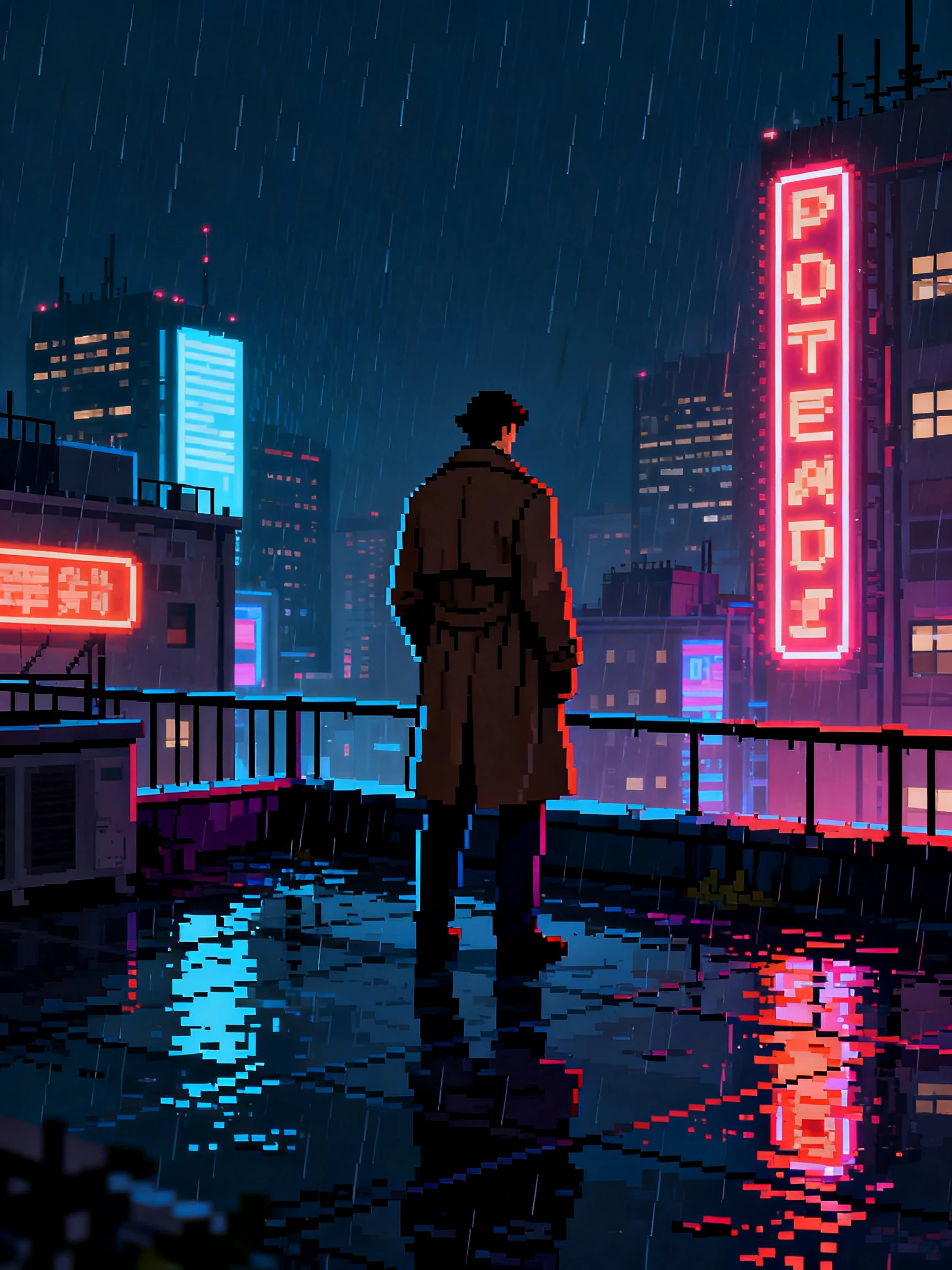
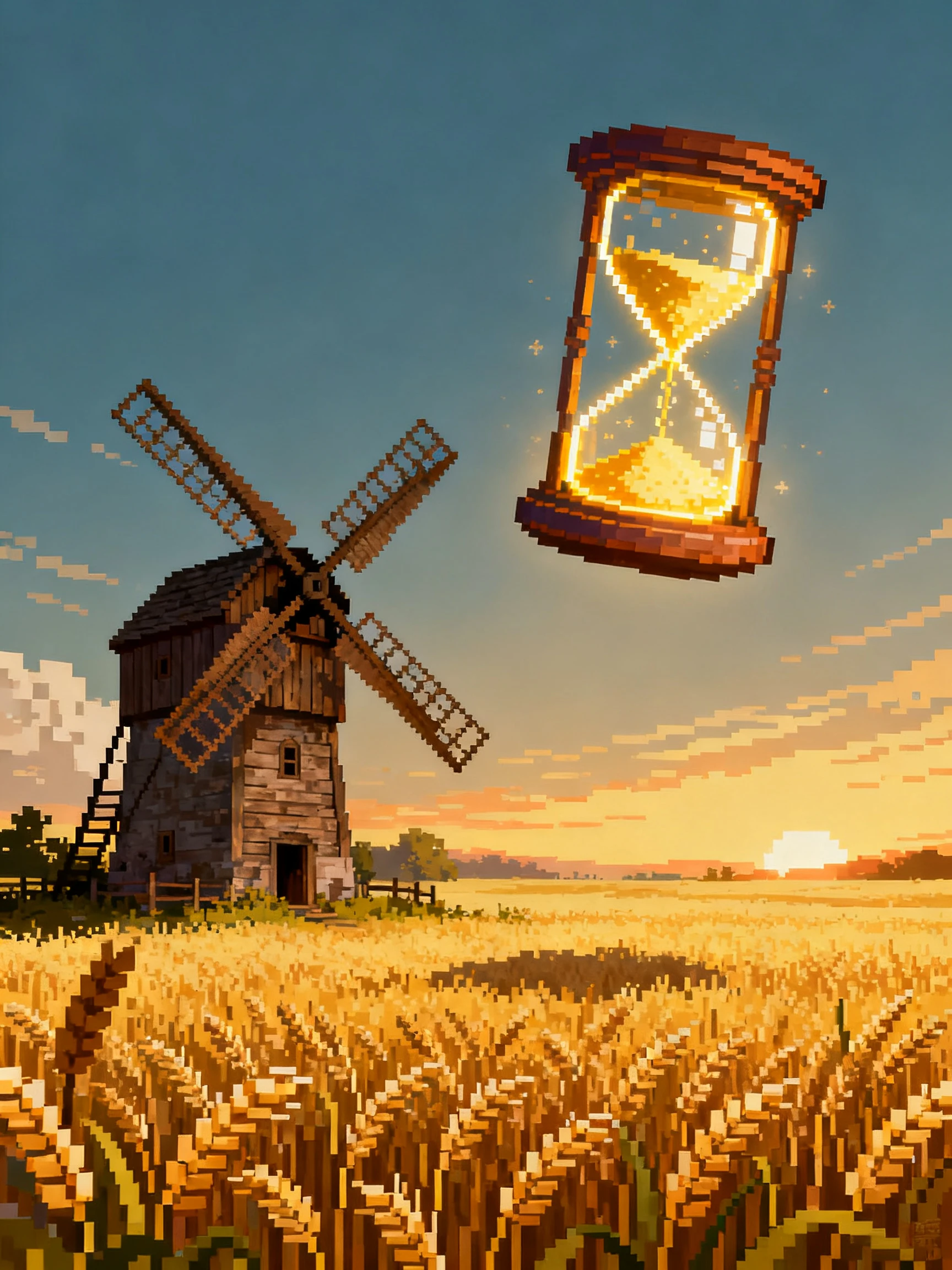
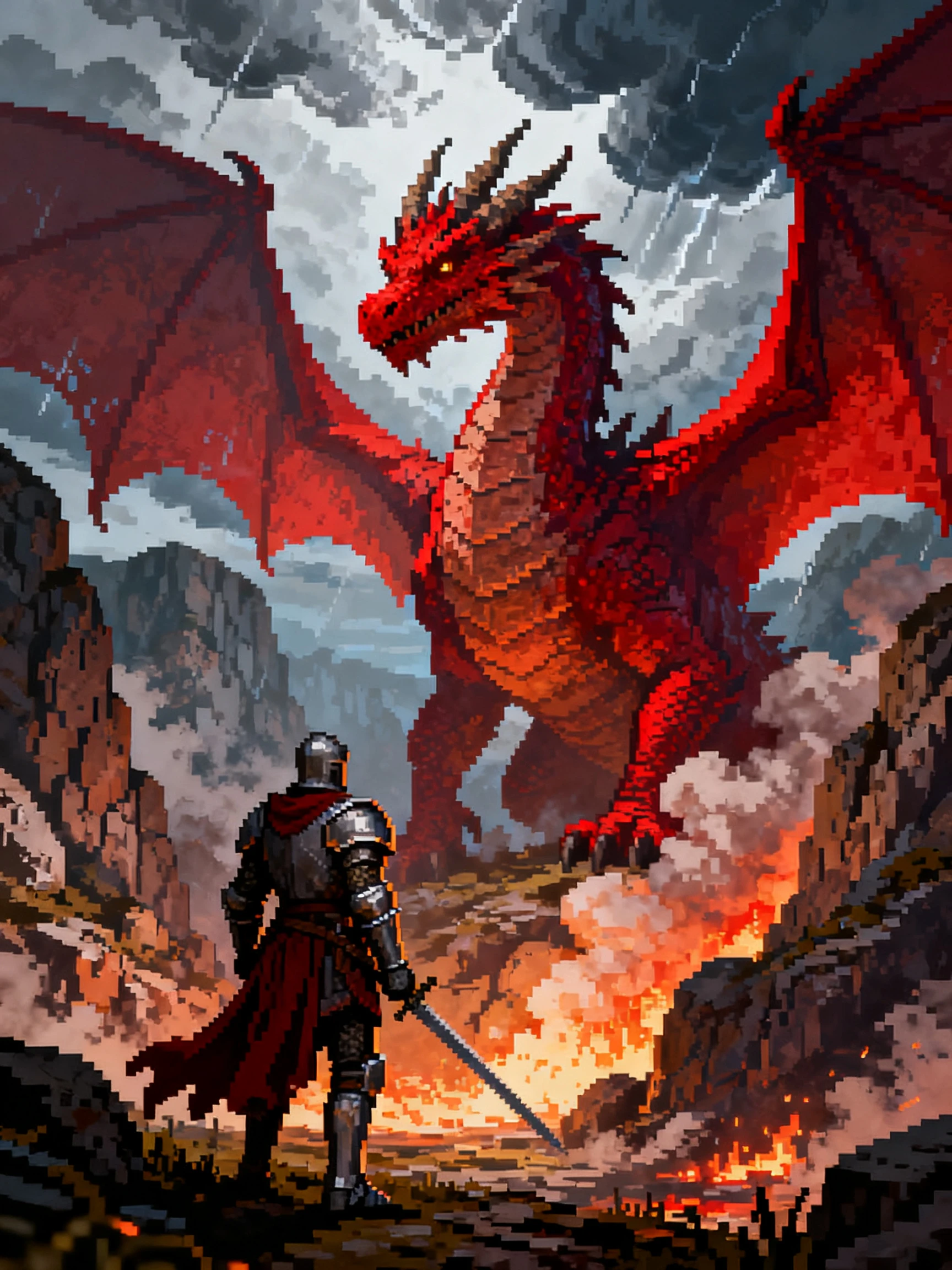
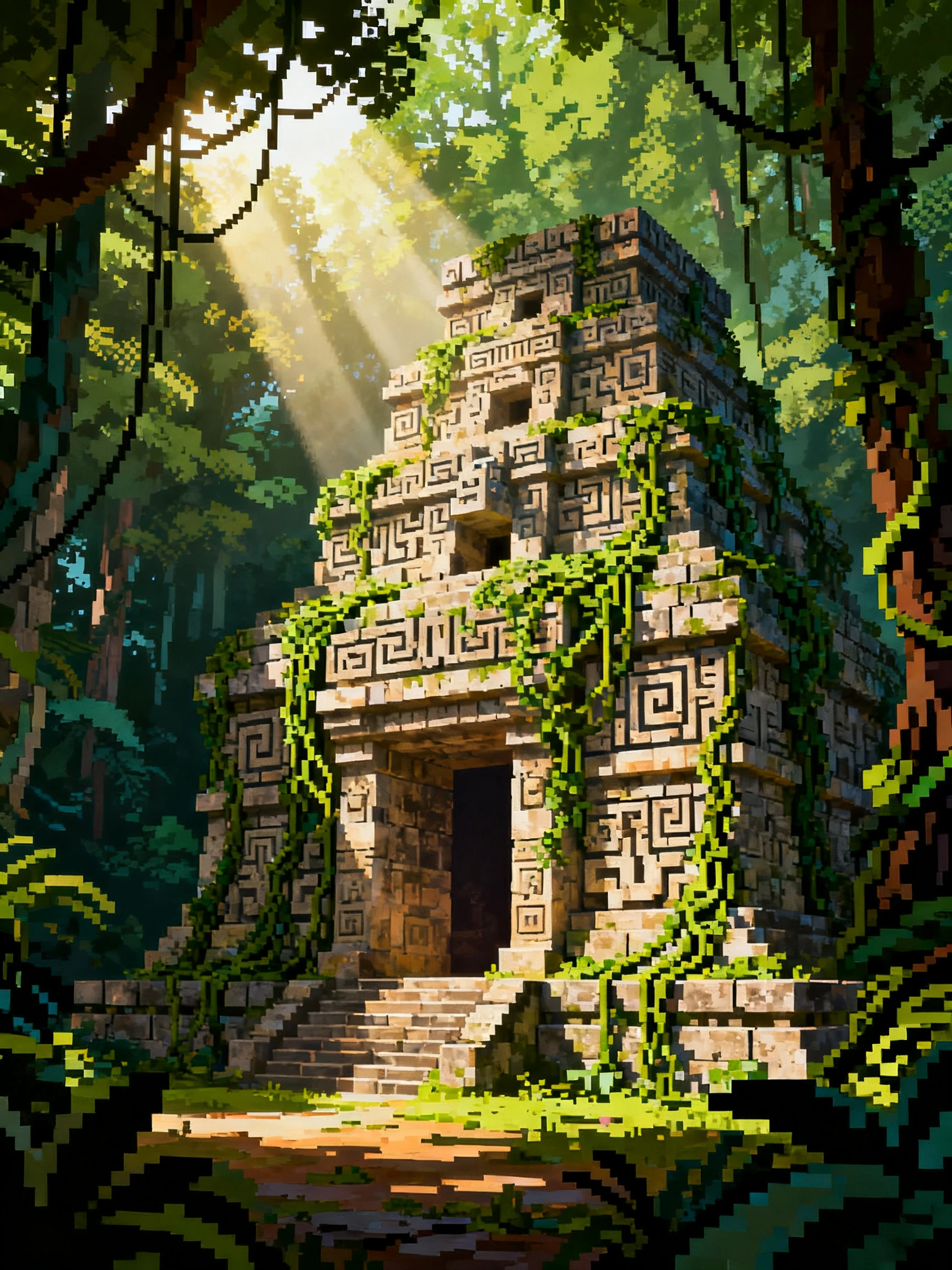
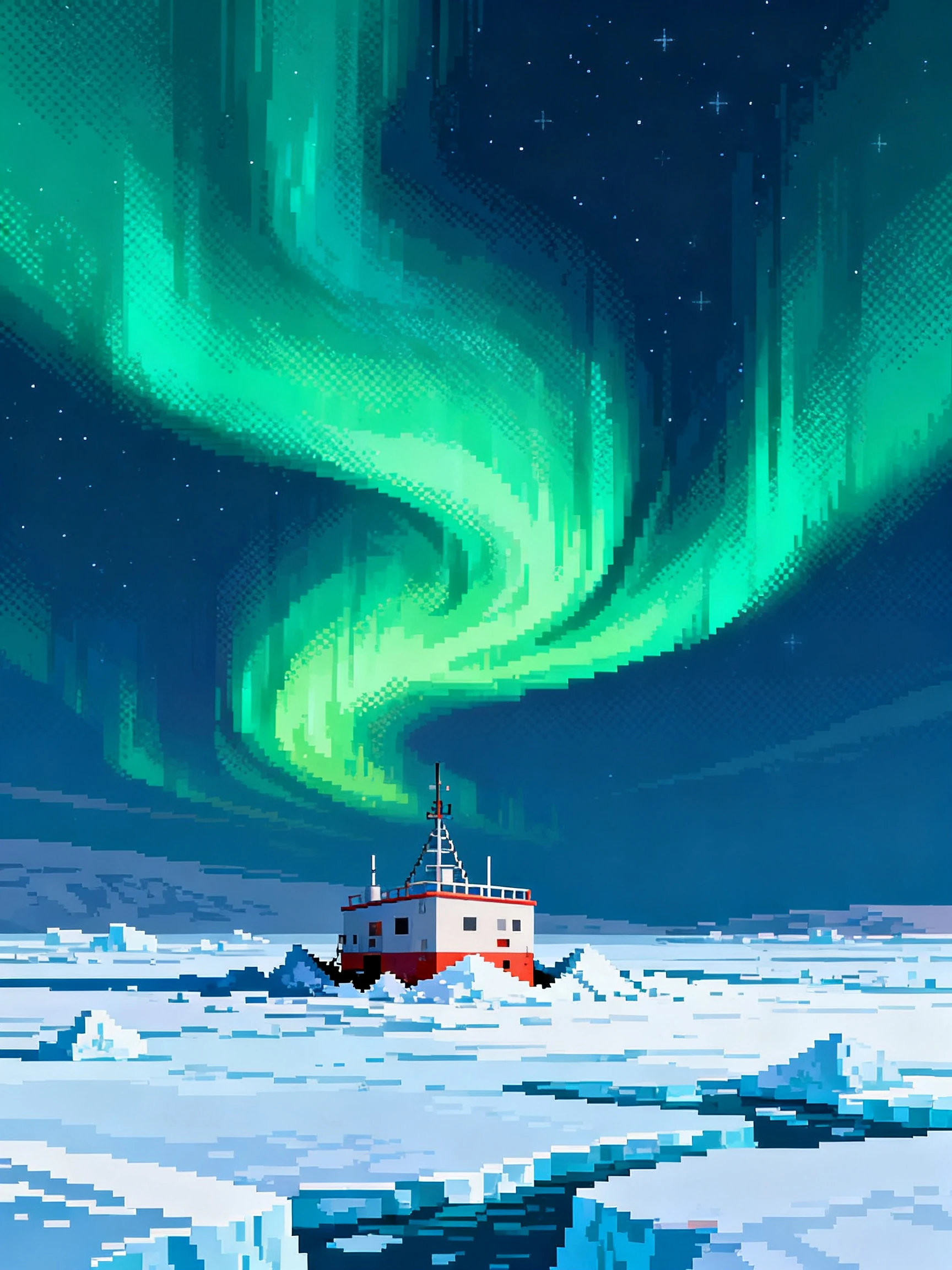
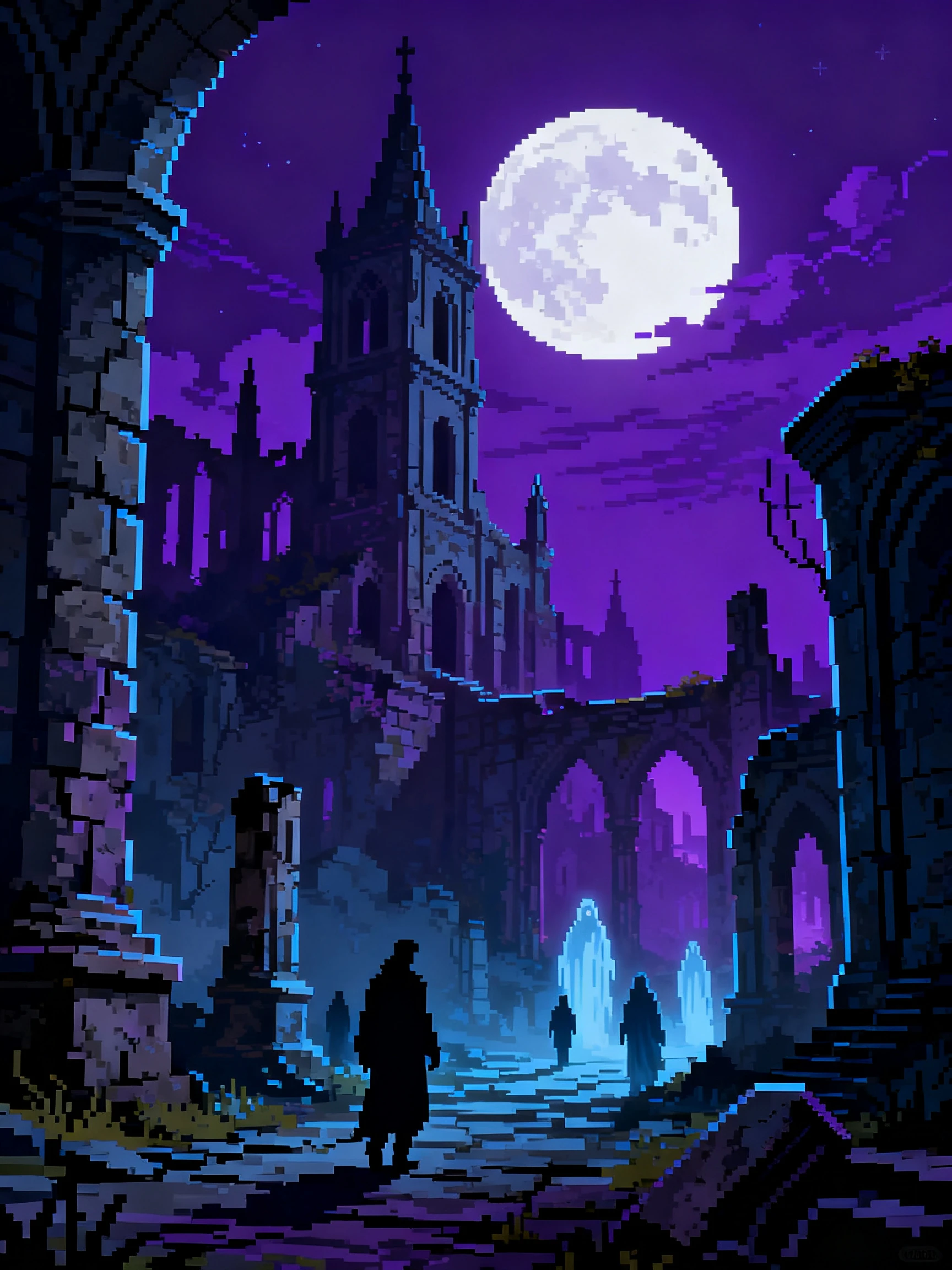
Take your pixel art video from quest idea to final scene in 4 steps. Plan the adventure, define your retro world, direct each level, then bring it all into motion.
Type a hero and a goal, or paste a full script of 12,000 characters you wrote. MagicLight Agent splits it into levels and shows you the plan to approve before building.
Choose a retro pixel style, the language your narrator speaks, and the frame. Describe your hero and side characters with simple, game-like details such as colors and items.
Step through the scenes one at a time in Nano Storyboard. Tune poses and camera moves so each area feels like a new level, with its own look and challenge.
Pick a track for each mood, then add a narrator, text-box captions, and a cover. Export the finished quest at 1080p or 720p and share it.
It uses chunky pixels, limited color palettes, and tiled backgrounds, like games from the 8-bit and 16-bit eras. Magiclight AI holds that retro look steady in each scene.
Yes. Describe your game's world and characters, and Magiclight AI creates a pixel story trailer. Game marketing counts as commercial use, which needs a paid plan.
No. Characters from classic games are owned by the companies that made them. Invent original pixel heroes, worlds, and creatures for Magiclight AI to draw.
Yes. Create a calm scene, like rain over a pixel city, in Magiclight AI. A quiet scene with little camera movement loops well behind lo-fi or study music.
A pixel art video can run for 50 minutes at most, enough for a full adventure. On YouTube and social media, quick quests of a few minutes usually land best.
Yes. Save your pixel character in Magiclight AI and reuse it across future adventures. This helps recurring heroes stay recognizable throughout a series.



Pick a hero, a world, and a boss to beat. Magiclight AI draws the whole adventure in retro pixel art, level after level, right to the end.