Explore the Magiclight AI Printmaking Video Generator Features
Carved lines, layered ink, and rough texture give printmaking its unmistakable character. Magiclight AI carries this handmade spirit into motion while keeping each frame bold.

Turn text prompts or images into printmaking-style videos with Magiclight AI. Create bold linocut scenes with deep blue and red inks. No editing skills required.
Create a Printmaking Video for Free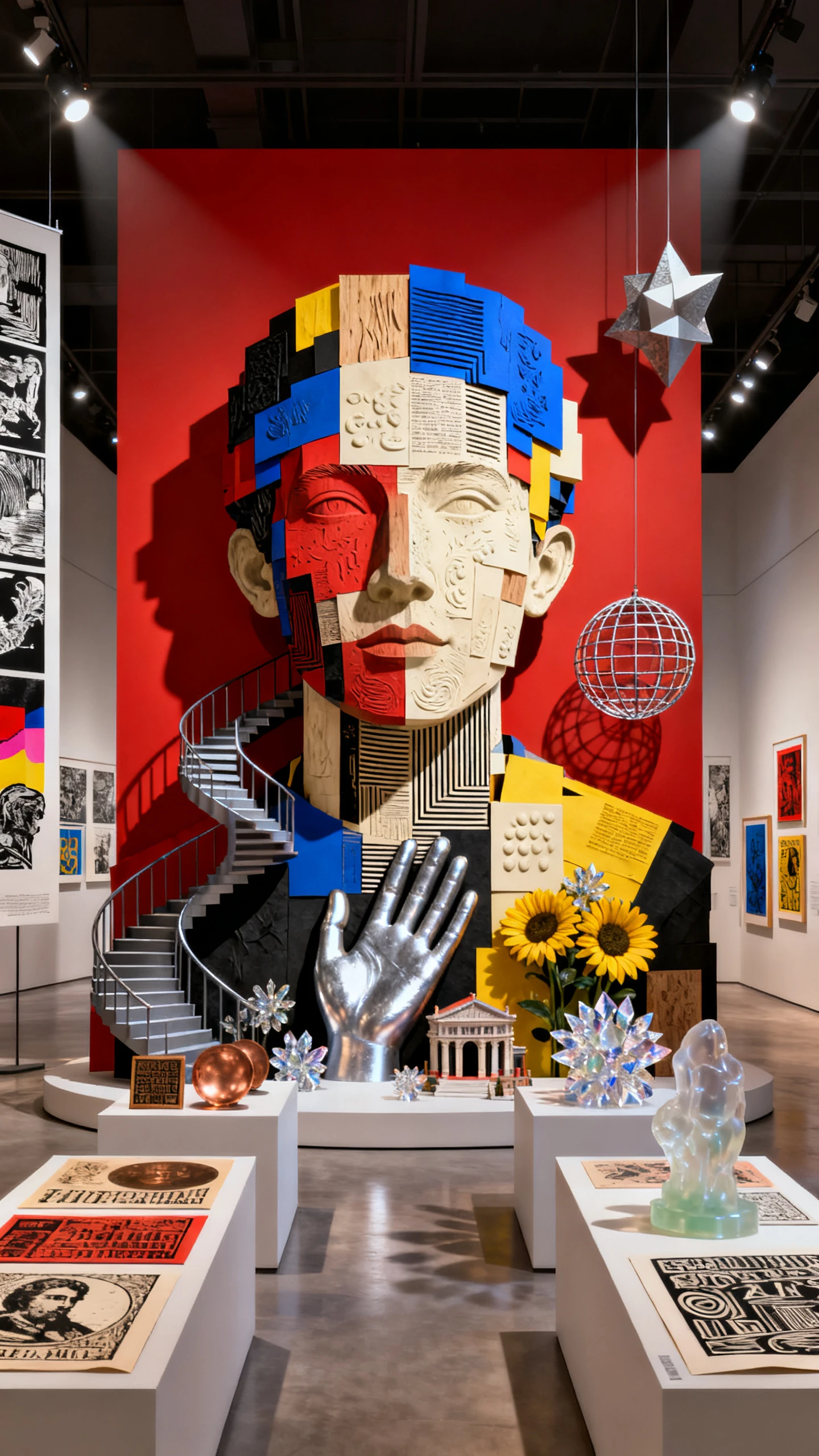
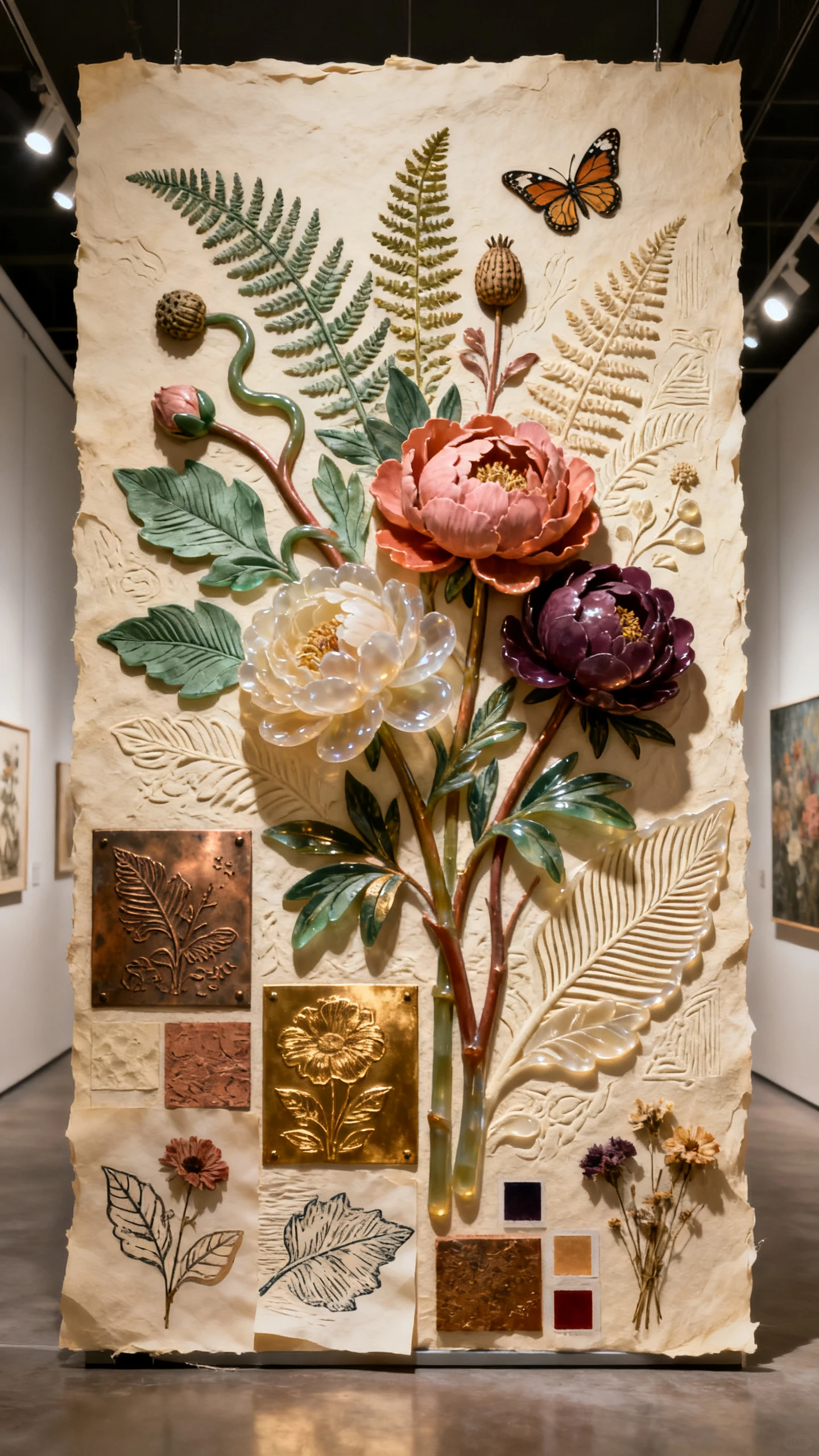
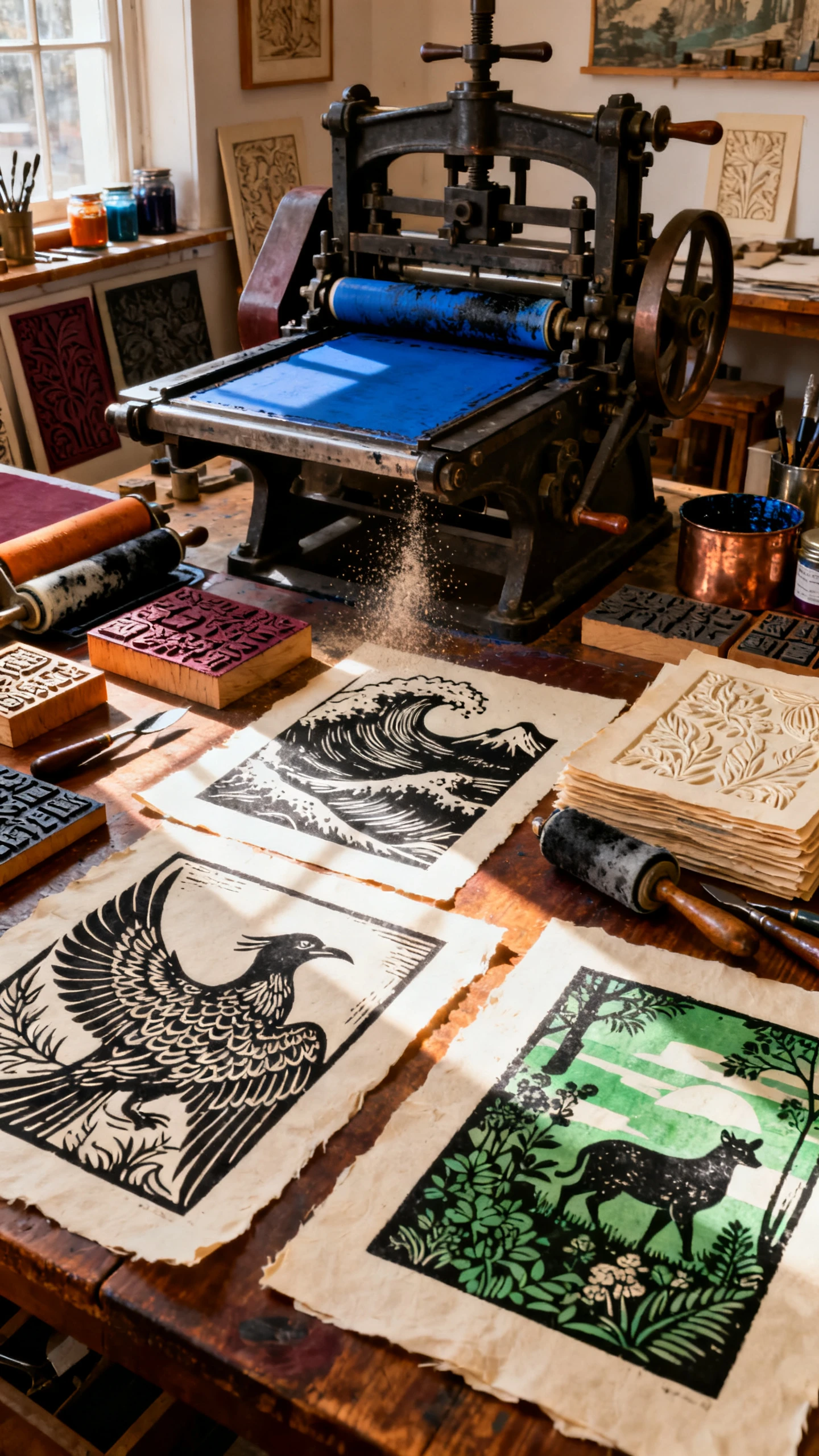
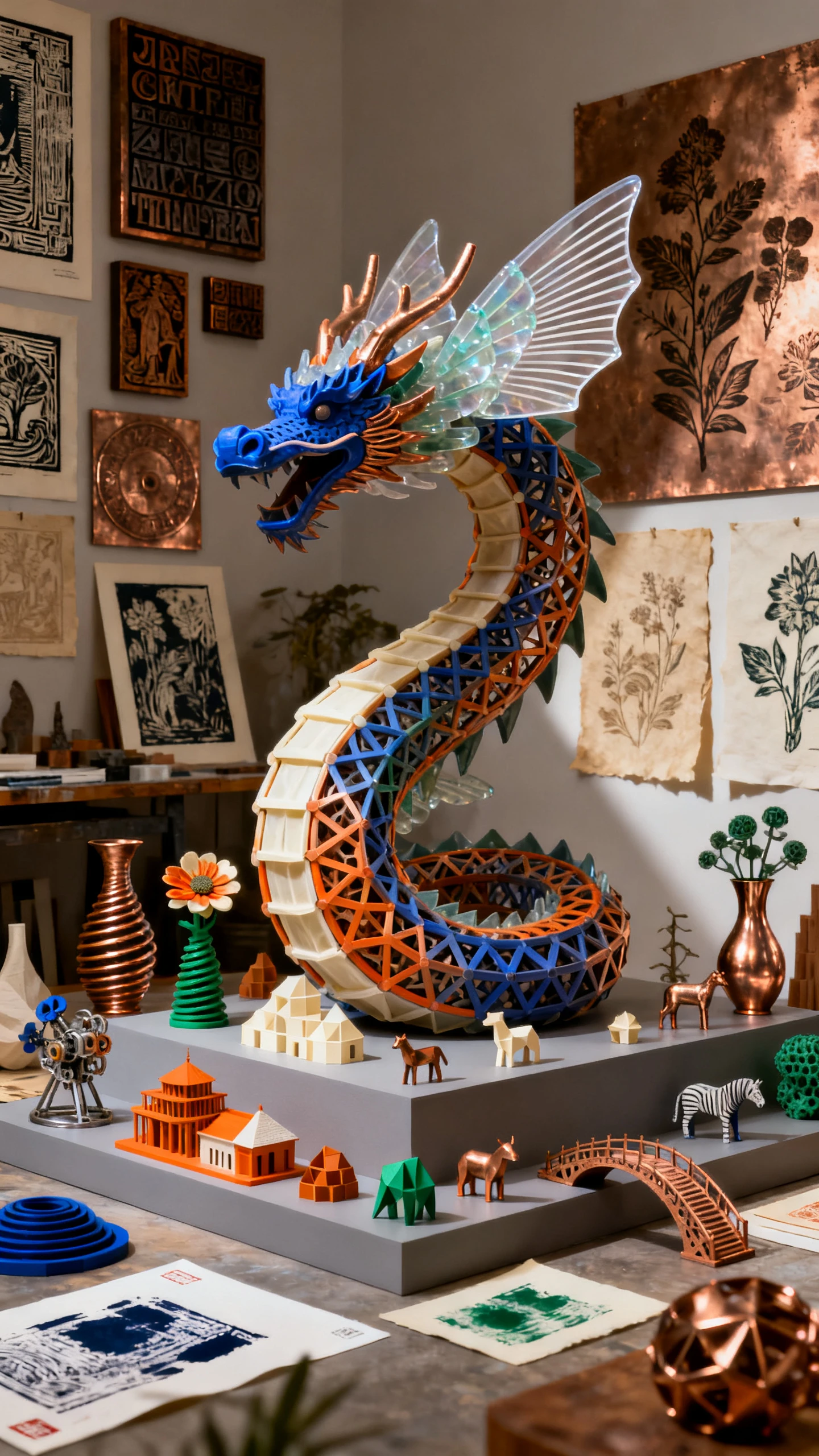
Carved lines, layered ink, and rough texture give printmaking its unmistakable character. Magiclight AI carries this handmade spirit into motion while keeping each frame bold.

Explore 52 visual styles in Magiclight AI to find a print inspired direction. Strong lines, limited colors, and textured surfaces give scenes the feel of handmade artwork.
Feed your idea into MagicLight Agent and review the script it develops. Clear scenes and focused story beats pair naturally with the graphic simplicity of printmaking visuals.
Match folklore, coastal mysteries, city stories, or dramatic scenes with music from a 40 track library. Sound adds another layer of mood behind the textured print aesthetic.
Finish your story with a choice of 21 cover templates. Bold artwork and strong typography can give the opening image the character of a linocut book cover or gig poster.


A finished printmaking style video is only 4 steps away. Magiclight AI takes you from the first story idea through visual direction, scene control, narration, and final export.
Add up to 12,000 characters of your story, lyrics, or script. MagicLight Agent shapes the idea into a full script and connected scenes that you can review before moving ahead.
Choose from 50+ visual styles, then describe each character in up to 1,000 characters. Save important figures in the Asset Store so you can bring them back in later videos.
Compare 16 animation models to find the right movement for your artwork. Use Nano Storyboard to adjust poses, expressions, clothing, placement, and camera angles for each scene.
Finish your video with 40 music tracks and 16 subtitle settings. Export the completed printmaking story in 720p or 1080p when every scene is ready to share.
It looks like a linocut, woodcut, or screen print, with carved lines, few colors, and paper texture. Magiclight AI keeps that hand-printed feel in every scene.
Yes. Describe the colors in your prompt, like black, deep red, and cream paper. Magiclight AI keeps the palette limited, just like a real print.
Yes. Ukiyo-e belongs to a specific Japanese woodblock tradition. This Magiclight AI style instead follows the carved, bold lines of Western linocut and screen printing.
You can describe your brand's colors and style for a close match. Magiclight AI creates new scenes, so exact copies of existing artwork are not guaranteed.
A printmaking project in Magiclight AI may last 50 minutes. Music videos usually last 3 to 5 minutes, while folk legends and band documentaries can run much longer.
Yes. Save recurring characters in Magiclight AI's Asset Store and use them again in future projects, making it easier to continue a series with familiar characters.



Choose your story, set a few bold colors, and pick the right mood. Magiclight AI turns it into a printmaking video with a handmade look and feel.