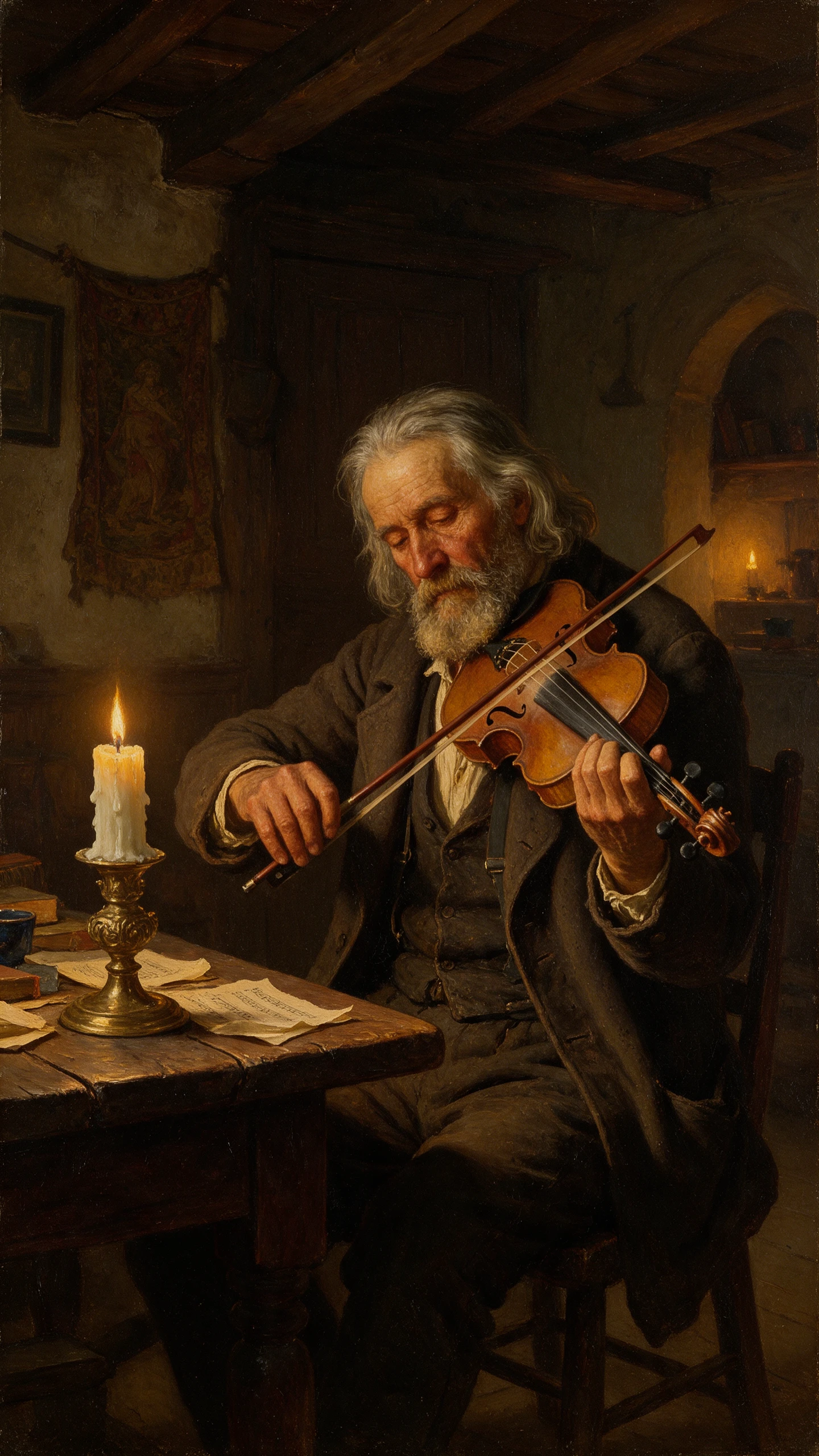
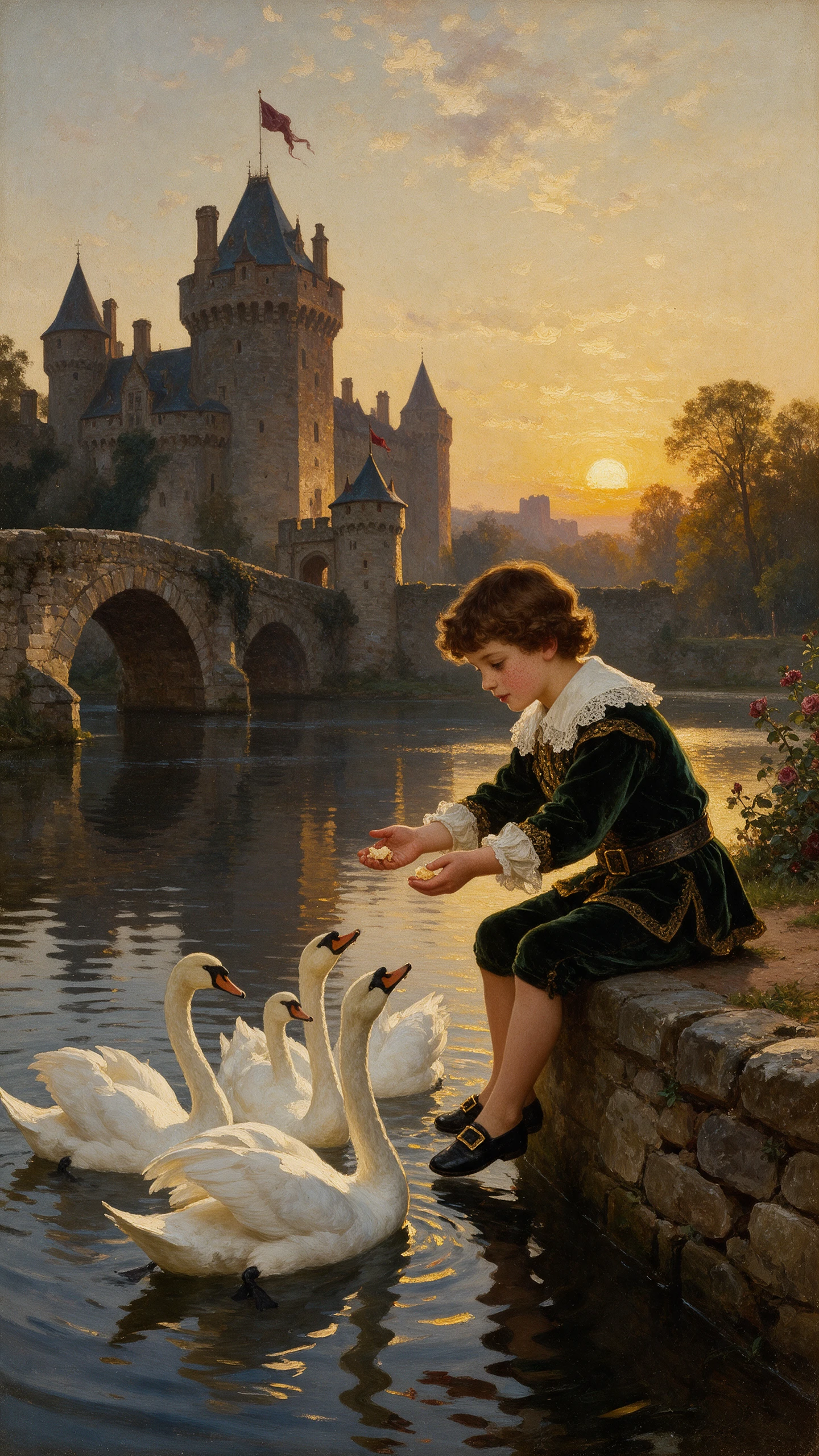
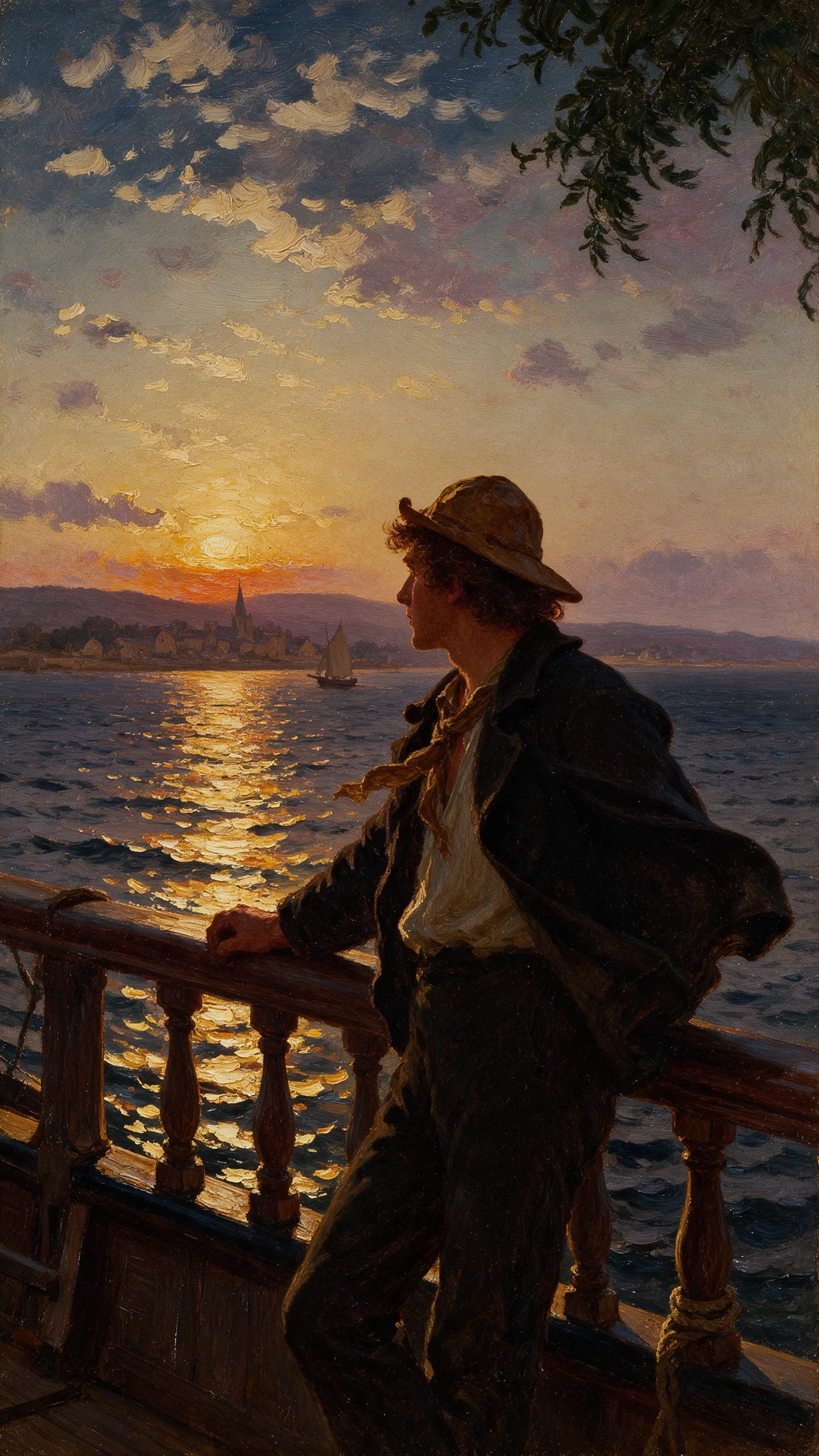
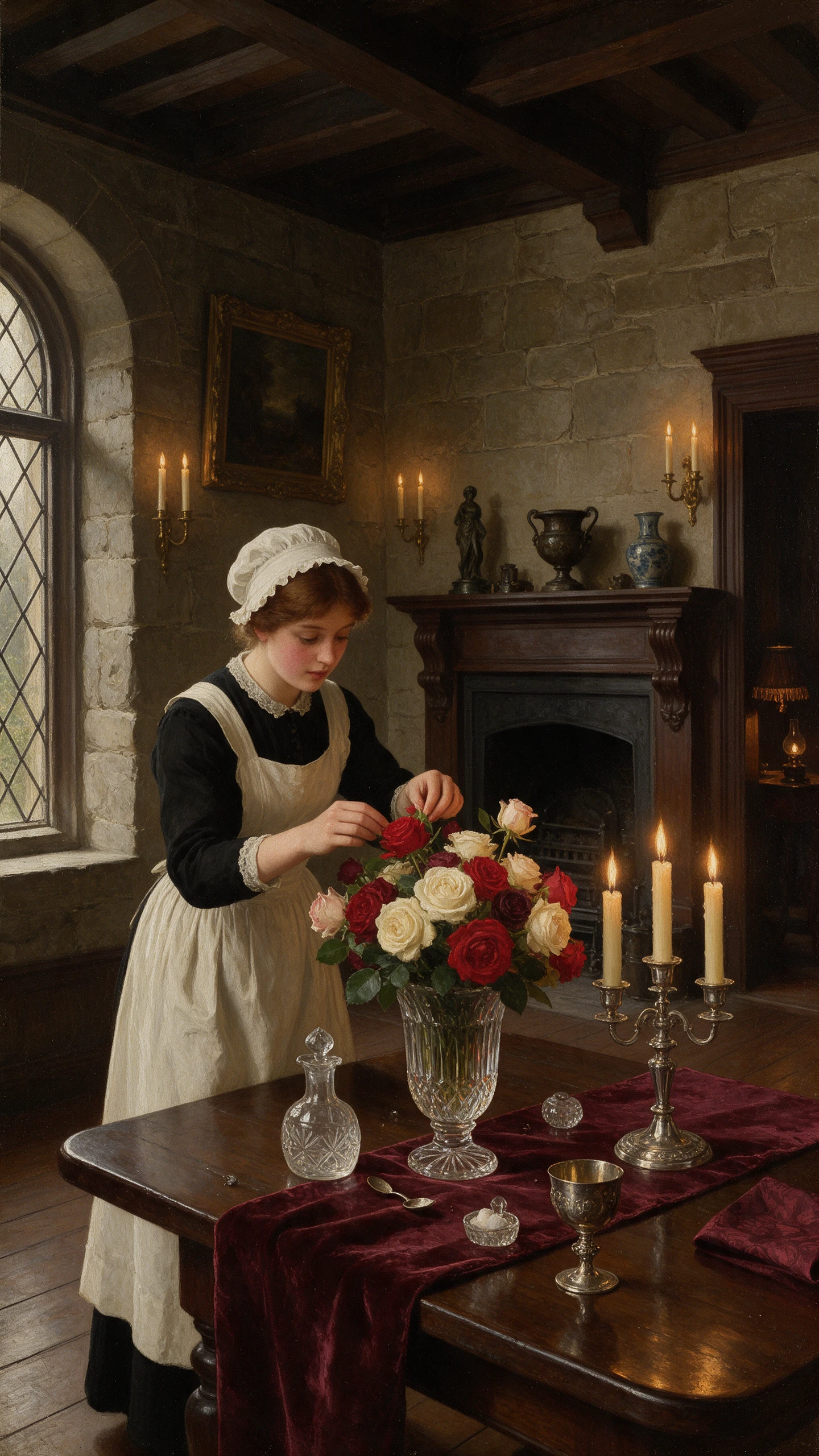
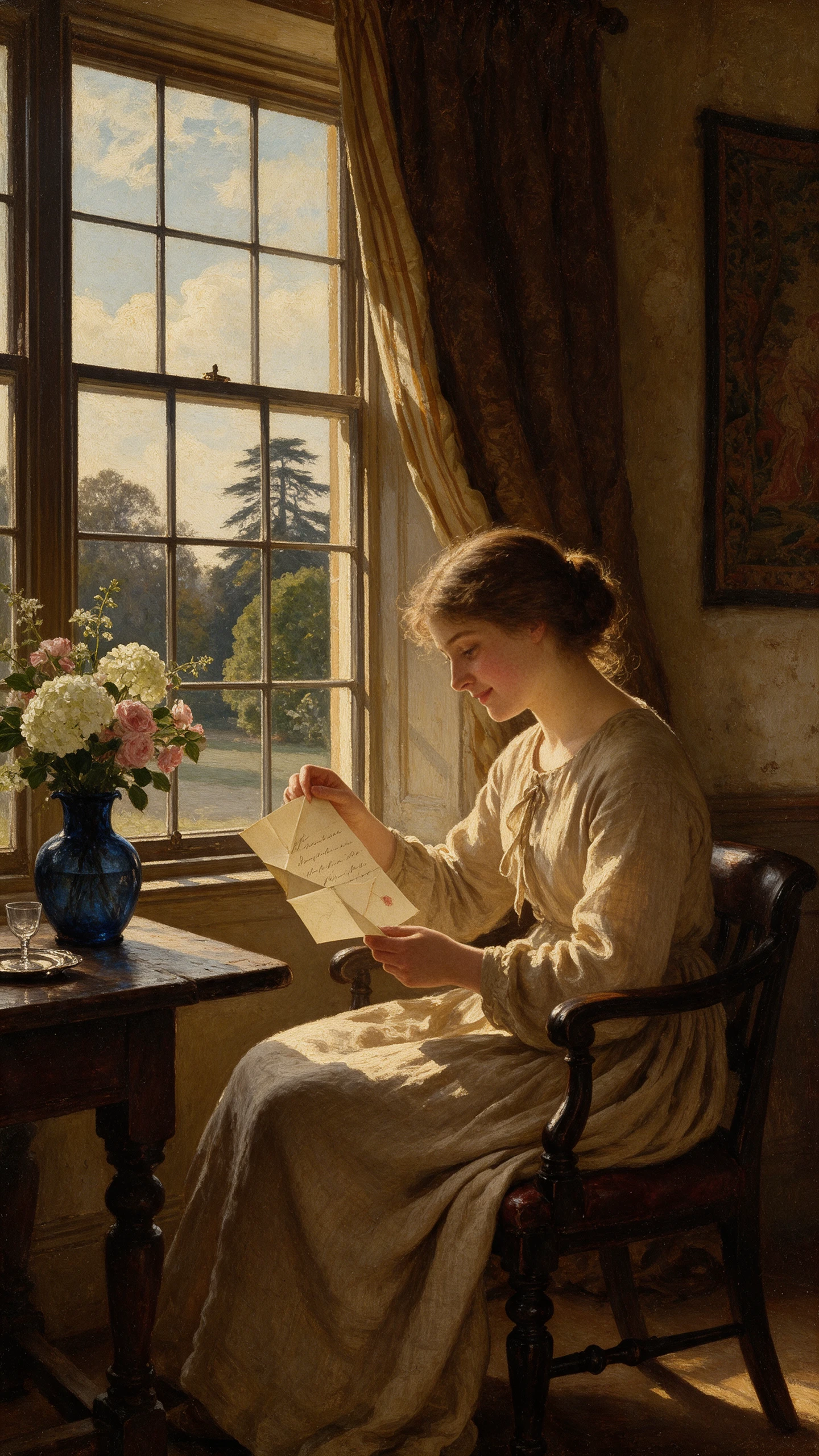
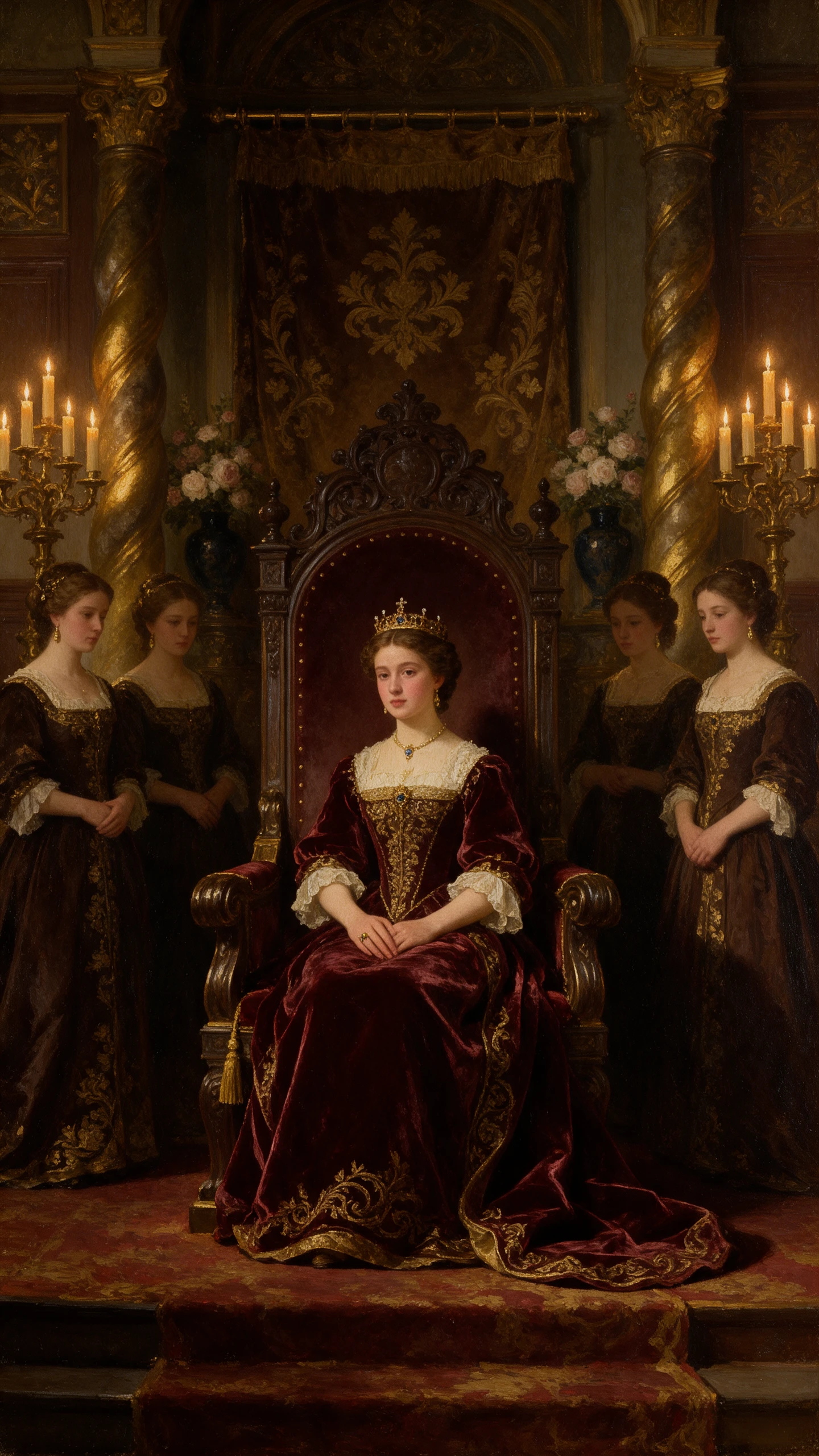
Turn your ideas or images into vintage oil painting videos with Magiclight AI. Create timeless scenes with rich brushstrokes and classic colors. No art skills needed.
Explore the Magiclight AI Vintage Oil Painting Video Generator Features
Picture a family portrait coming to life inside an old European mansion. The Magiclight AI vintage oil painting video generator lets you create that story with characters that look painted on canvas.
Magiclight AI gives you 12,000 characters to write your video script. Describe life in a 17th century village with enough space to include conversations and small details.
14 Story Models for Different Ideas
Choose from 14 story models in Magiclight AI to shape your video. Each model gives you a different way to develop the plot based on the kind of story you want to tell.
More Than 50 Visual Styles to Explore
Offers you over 52 visual styles to try with your oil painting video. Select a vintage oil painting look with soft candlelight and visible brushstrokes across each scene.
Create Characters With 1000 Characters
Describe your character in 1000 characters, including their appearance and clothing. You can also upload an oil painting portrait to help Magiclight AI create the character.
Who Can Use the Magiclight AI Vintage Oil Painting Video Generator?
From family heirlooms to vineyard histories, every story deserves a canvas. The Magiclight AI vintage oil painting video generator turns these moments into moving art.
For Vineyard Owners
Revisit your vineyard's first harvest through a scene set in the 1800s.
Let MagicLight Agent help tell how your family started making wine.
Match a cellar scene with music selected from 40 background tracks.
For History Researchers
Give an ancestor a face using a character description of 1000 characters.
Follow your family's journey across generations in a 50 minute video.
Include old family letters within a 12,000 character video script.
For Antique Shop Owners
Place an antique clock inside a Victorian home to show its original use.
Show buyers how an old dining table looked in its original setting.
Pick from over 52 visual styles to present your antique collections.
For Classical Performers
Set a violin performance inside a candlelit 18th century concert hall.
Choose from 14 story models to tell the life story of a famous composer.
Add your own concert details to a painted video announcing the next show.
Why Choose Magiclight AI
Vintage Oil Painting Video Generator
A good historical video needs the right voice and music. The Magiclight AI vintage oil painting video generator helps you set the mood before your painted story comes to life.
Find a Voice That Suits the Painting
Choose from 37 AI voices for your video narration. A gentle voice might suit a family portrait, while a deeper one could tell the story behind an old castle.
Make the Cover Look Like a Painting
Pick from 21 cover templates and add a title that suits your story. A portrait with the family name beneath it makes a fitting cover for a video about your ancestors.
Let MagicLight Agent Guide the Story
Give MagicLight Agent your idea for a historical scene and review the story it develops. You can check the plot before moving ahead with the painted scenes.
Give Longer Stories Their Own Time
Create videos lasting as long as 50 minutes with Magiclight AI. That leaves room to follow a character through different stages of life without squeezing everything into a short clip.
Music for a Different Century
Browse 40 background music tracks to find something that suits your painting. A quiet instrumental piece can sit behind a candlelit dinner without distracting from the story.
Keep Historical Details Easy to Read
Add names and dates to your scenes using one of 16 caption styles. For a story set in Paris in 1789, viewers can see the location and year while the painting moves.
How to Make a Vintage Oil Painting Video With Magiclight AI
Start with a story from another century. The Magiclight AI vintage oil painting video generator takes you from your first script to a finished video in 4 steps.
1.
Step 1. Start With Your Historical Story
Paste your script of 12,000 characters into Magiclight AI. MagicLight Agent identifies the video's niche and prepares a story for you to review before moving forward.
2.
Step 2. Give Your Story Its Painted Characters
Explore more than 50 visual styles and select the vintage oil painting look. Use a suggested character, then create your own with a 1000 character description if needed.
3.
Step 3. Make Changes Before the Scenes Move
Open Nano Storyboard to see how your story looks scene by scene. Fix any details that seem out of place, check the opening, and let MagicLight Agent animate the complete video.
4.
Step 4. Finish With Sound and Subtitles
Find a narration voice that suits the story and select background music. Adjust the subtitles using 16 available settings, then generate your video and export it.
The Magiclight AI vintage oil painting video generator creates scenes with warm light and visible brushstrokes. Characters move while keeping the look of a traditional canvas.
Can I use an old family photograph?
Upload a clear portrait to help create a character based on your ancestor. A faded photograph may work too, provided the person's face is still easy to recognize.
What about famous museum paintings?
You can describe the lighting and painting techniques of a historical art period. For a specific masterpiece, create your own scene rather than expecting an exact reproduction.
How is this different from the Realistic style?
Realistic videos resemble footage captured with a camera. Vintage oil painting scenes have the appearance of painted canvas, with visible brushwork and softer details.
Are these videos suitable for antique shops?
An antique dealer could show a grandfather clock inside a Victorian home to explain its history. The painted setting helps buyers imagine the piece in its original surroundings.
What if a painted scene looks wrong?
Open Nano Storyboard and find the scene that needs attention. Change the details before animation so the clothing, setting and characters match the story you want to tell.
Create Moving Oil Paintings With Magiclight AI
Turn a story from another century into a moving oil painting. Magiclight AI gives each scene the look of a classic canvas.