9 Story Models to Extend Prompts
Magiclight AI offers 9 different story models to improve the prompts for video generation. Use options like GPT-5.6 or Claude Opus 4.6 to get the right extension in the prompt.
Create Now

Review every scene before generation with the video prompt generator in Magiclight AI. Fix weak prompts early and make videos with no editing skills required.
Create Video With Prompts For Free










Learn how the Magiclight AI video prompt generator shows you the plan before it spends anything. Set the look, add a reference, then read the scenes.
Magiclight AI offers 9 different story models to improve the prompts for video generation. Use options like GPT-5.6 or Claude Opus 4.6 to get the right extension in the prompt.
Create NowWrite and generate video content across 11 supported languages, making it easier to adapt the same idea for different audiences.
Create Characters
Style is the thing people most often get wrong in words. Commit to a single look out of the 20+ visual styles before anything runs, so every scene inherits that choice instead of drifting away from it.
Generate a Video
How something moves is rarely in the prompt at all. Choose between 16 animation models when converting the storyboard, so the motion is a decision you make rather than one you inherit.
Start Creating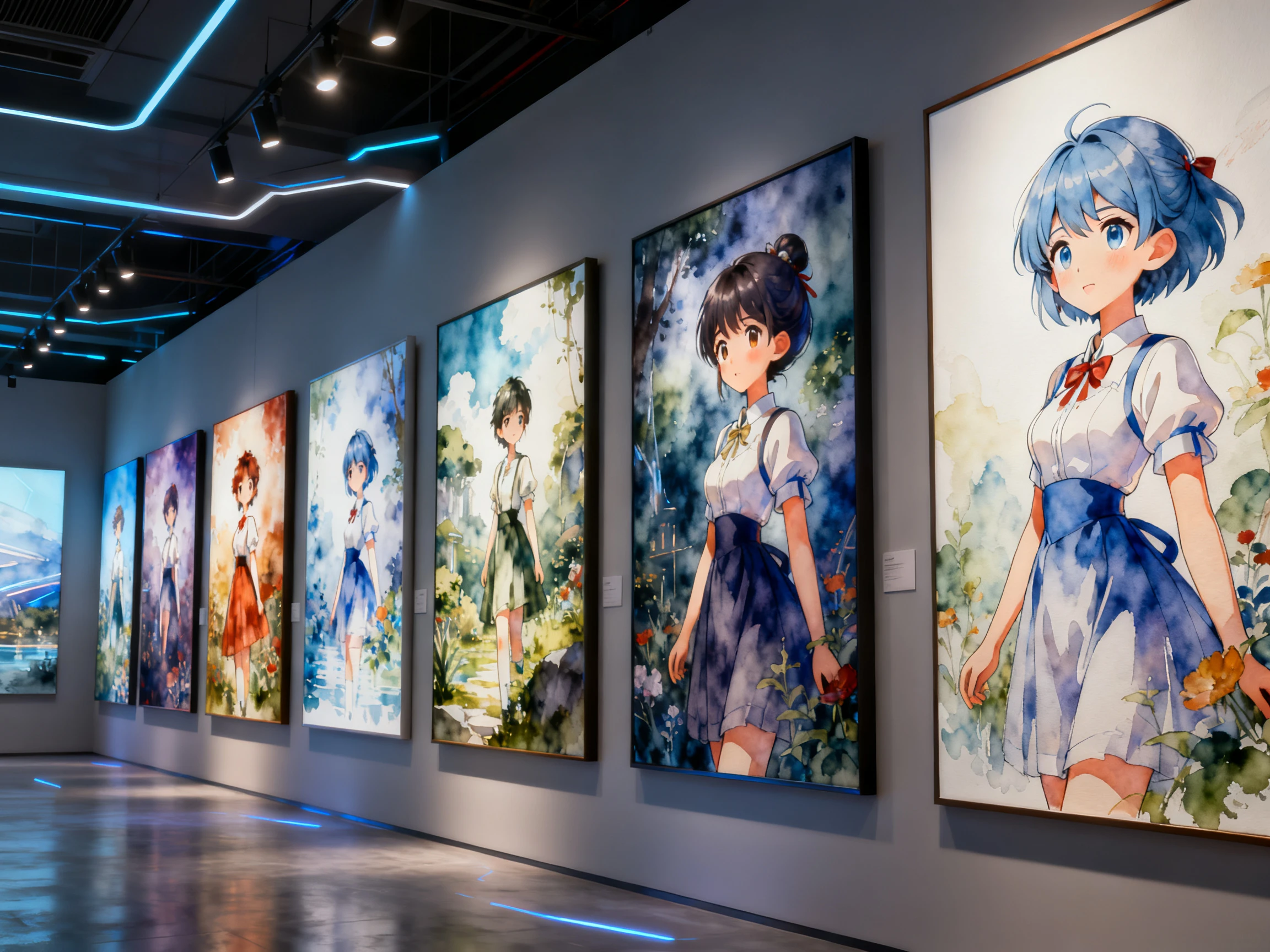


Make generation the last of 4 steps. Describe your idea, let the AI video prompts generator direct the scenes, review the plan, then generate the video.
Enter a simple idea, detailed prompt, or full script. Include the subject, setting, action, and mood you want the generated video to follow.
Check how Magiclight AI turns your input into storyboard scenes. Read through the actions, characters, and scene details before moving toward generation.
Rewrite lines, rearrange shots, or adjust individual scene details. Nano Storyboard also lets you refine poses, expressions, and camera angles before rendering.
Confirm your scene setup and generate the video with your selected settings. Review the result afterward and make further changes if anything needs adjustment.
Video Marketer
I used to find out a prompt was wrong only after the credits had gone. Magiclight AI shows me the scene list first, so the fixing costs nothing.
Agency Producer
Clients want to see something before we start burning budget on generations. The storyboard in Magiclight AI is what I put in front of them now.
Training Coordinator
Describing our equipment in words never got close to what it actually looks like. Uploading a photo into Magiclight AI worked better than three rewrites.
Freelance Editor
Rerunning a whole video because one scene missed was the expensive part. In Magiclight AI I regenerate that scene and leave everything else alone.
In most tools, a block of text you take elsewhere. Magiclight AI produces a scene breakdown and a storyboard instead, then generates from those, so there is no prompt to copy anywhere.
Both, which is rather the point. The prompt work and the generation sit in the same place in Magiclight AI, so nothing gets lost translating one into the other or rewritten twice.
Yes. Registering brings a batch of credits without a card, and reading the scene breakdown in Magiclight AI video prompt generator costs none of them. Generation is what draws them down.
You can paste your own text in, but nothing comes back out as a prompt string. Magiclight AI is designed to run what you write rather than to format it for a different tool.
Change the scene that missed the mark and regenerate it. The rest of your project stays in place while Magiclight AI updates the scene you revised.
No, and that is rather the point of the breakdown. You write in plain language, read what Magiclight AI understood, and correct it there instead of learning prompt syntax.



Guessing at wording is what makes prompting expensive. Magiclight AI shows you the scenes, takes your corrections, and only then spends anything.