Hero background

Prompt AI Video Generator Free

Magiclight AI prompt video generator turns typed description into a complete video with scenes, voice, and music. No experience required.

Create AI Prompt Video For Free
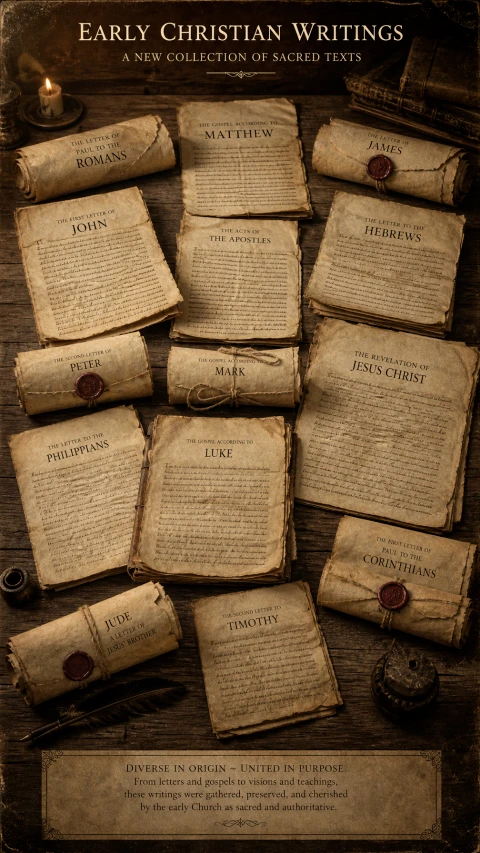
Early Christian ancient scrolls
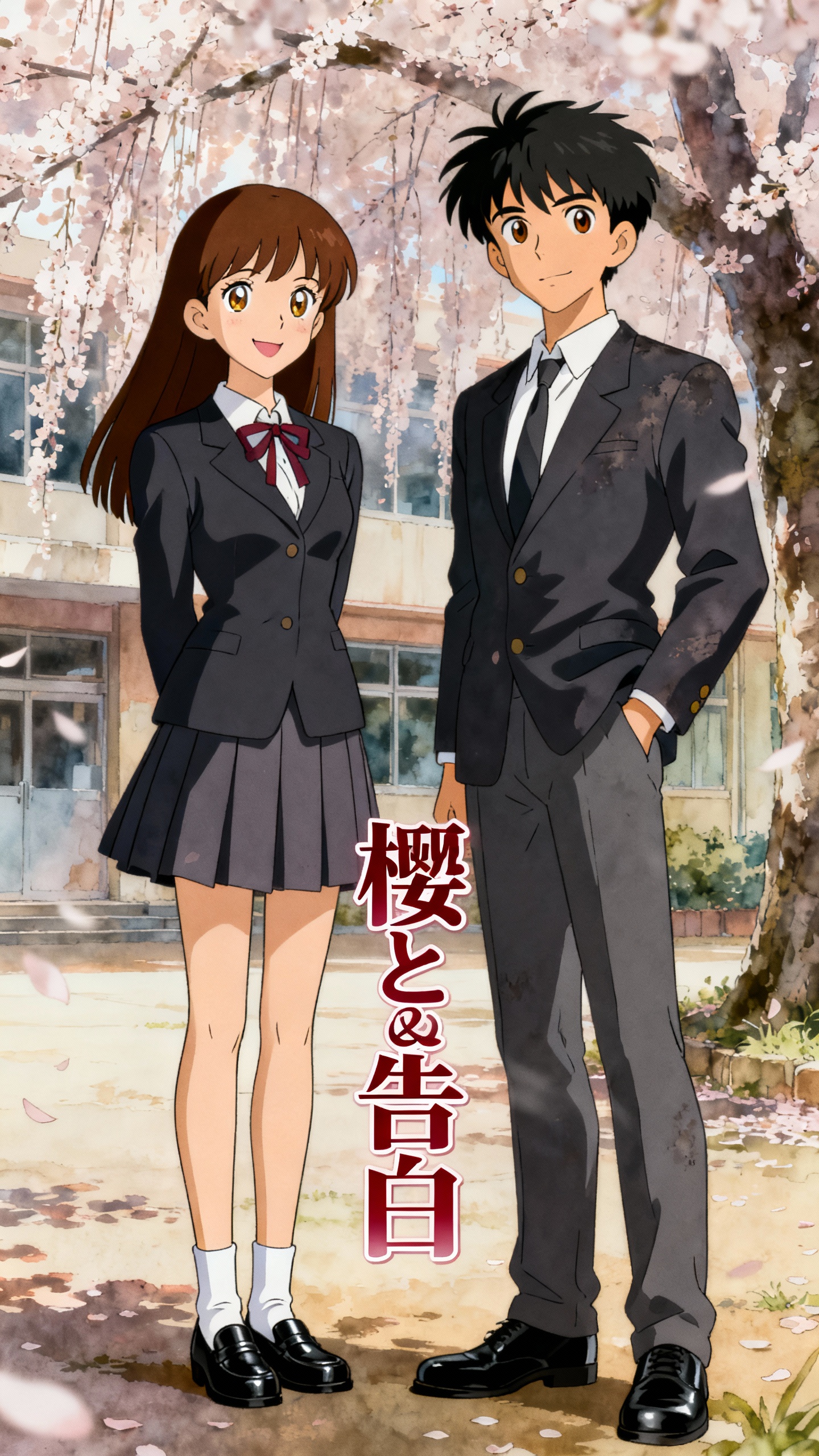
Sakura confession anime art
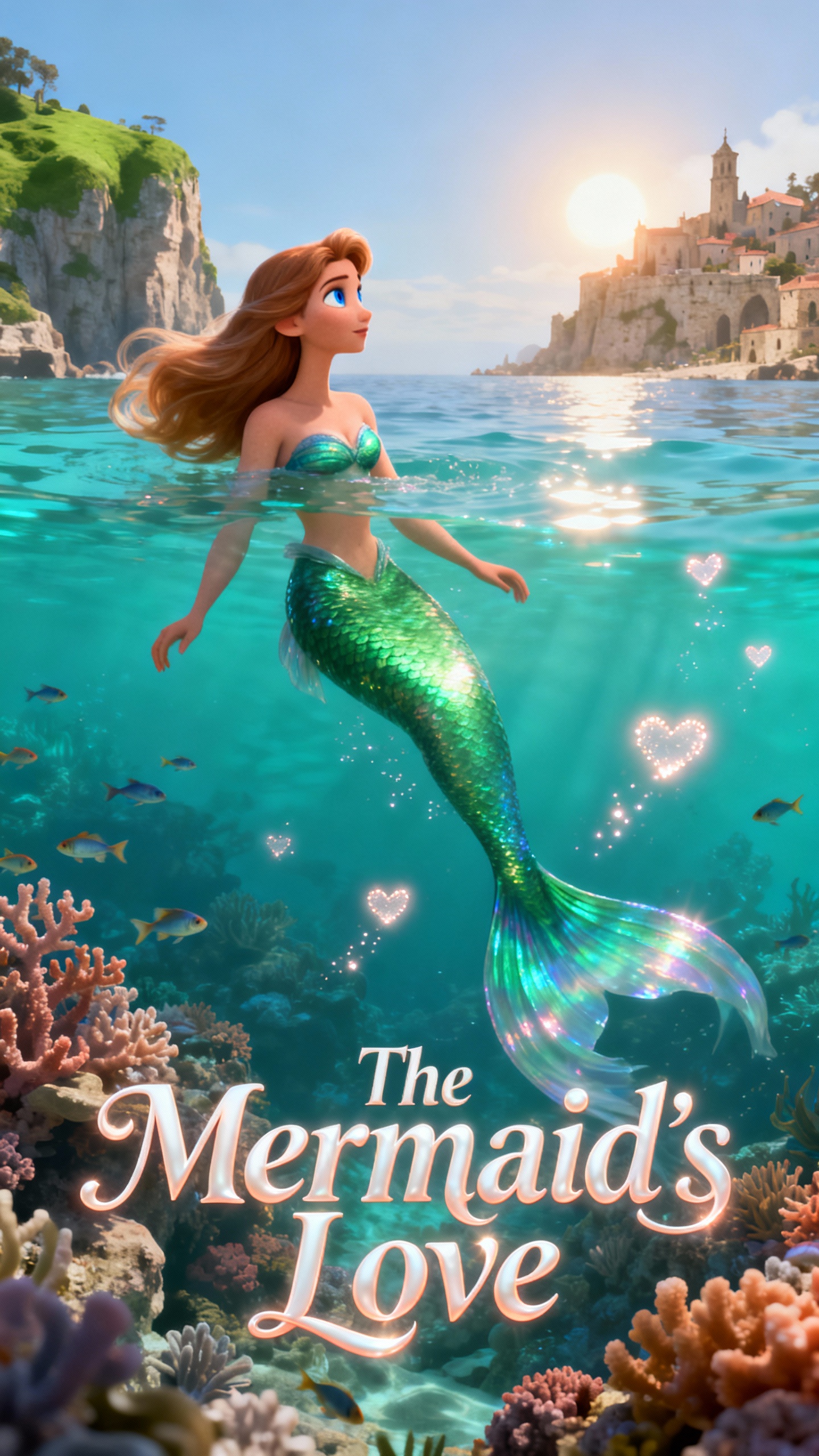
Mermaid movie poster
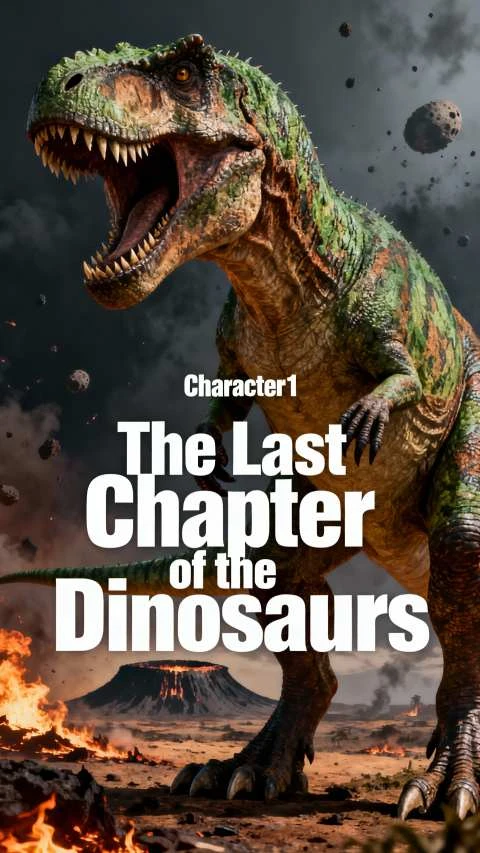
Tyrannosaurus extinction movie poster
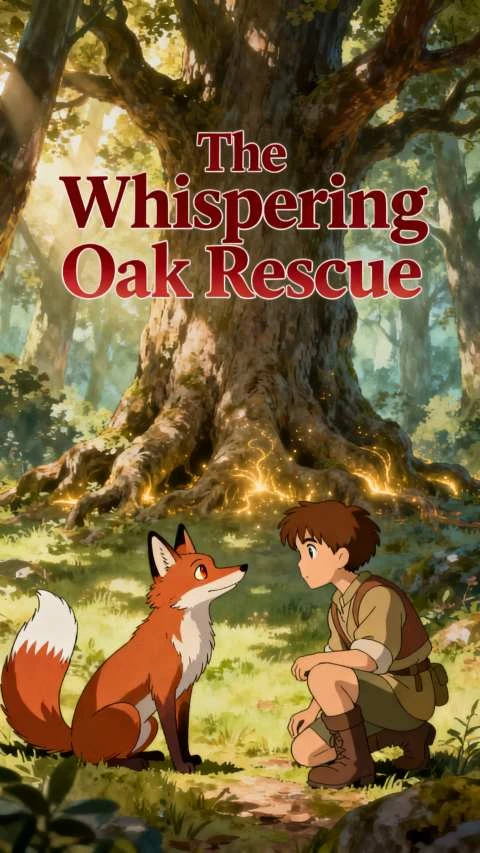
Ghibli fox boy forest illustration
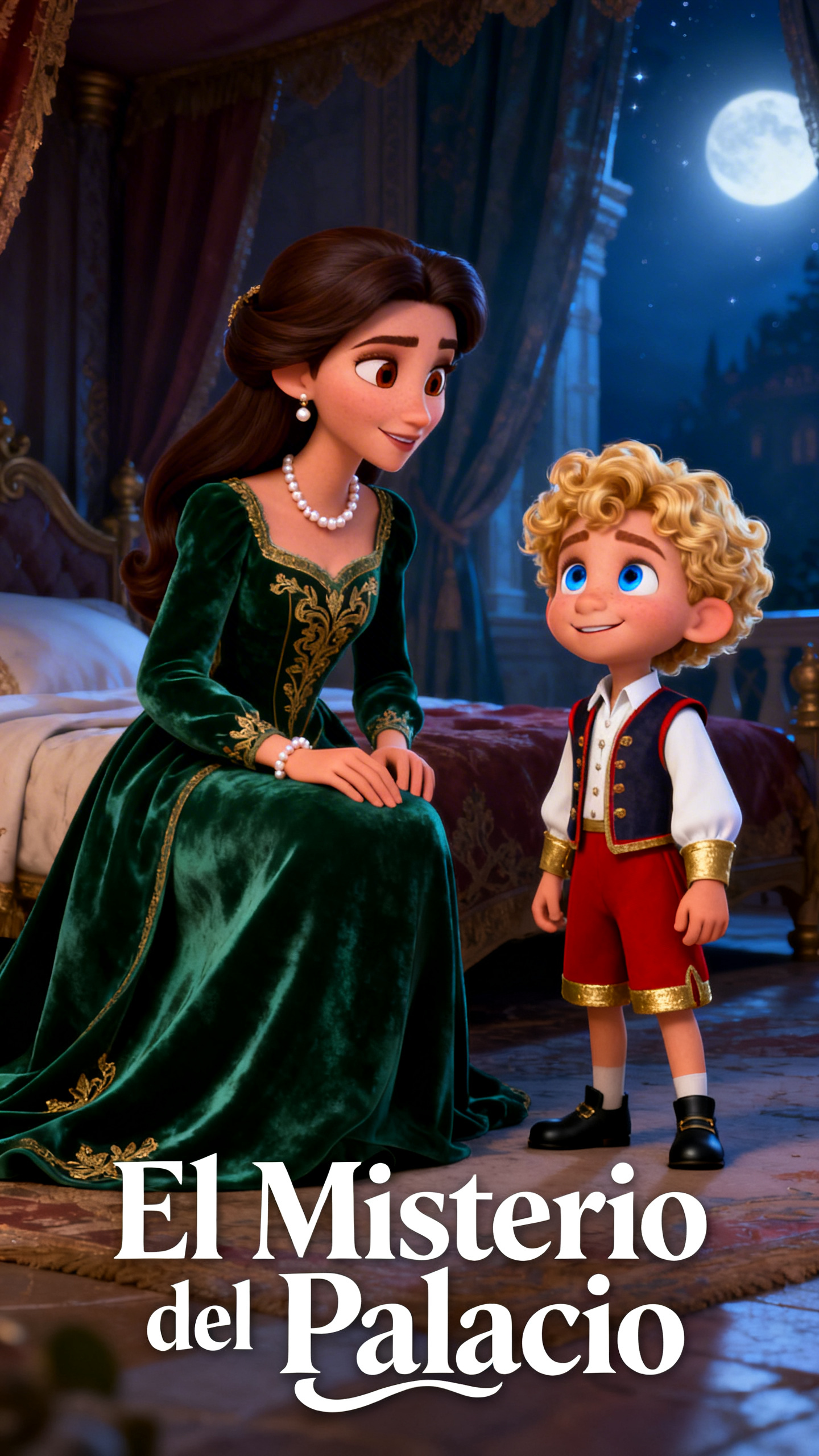
Palace Mystery cartoon poster
Early Christian ancient scrolls
Sakura confession anime art
Mermaid movie poster
Tyrannosaurus extinction movie poster
Ghibli fox boy forest illustration
Palace Mystery cartoon poster
Early Christian ancient scrolls
Sakura confession anime art
Mermaid movie poster
Tyrannosaurus extinction movie poster
Ghibli fox boy forest illustration
Palace Mystery cartoon poster

Explore Features of Magiclight Prompt AI Video Generator

Magiclight AI adapts clip generation based on prompt depth, offering flexible entry points for different levels of creative control.

Create AI Prompt Video For Free
3D decoration

Saved Prompt and Asset Library

Store your favorite characters, scene setups, and prompts for future projects, then reuse them to keep visual style locked in across new videos.

Image to Video

Upload a reference image with a prompt up to 1,500 characters in Magiclight AI. The prompt describes motion and mood while the image anchors the visual output.

Short Prompt With Director Mode

Enter up to 3,000 characters and pick a director mode. The mode controls pacing, tone, and scene rhythm for the final clip.

Character Consistency

Define a character in Magiclight AI with a prompt up to 1,000 characters. The character appears consistently across every generated scene.

Who Is Magiclight AI Prompt Video Generator Best For
A free prompt AI video generator meets different creator needs inside Magiclight AI. Each creator type writes its own prompt style and expects tailored video output.
For Beginners and First-Time AI Video Creators
Generate AI videos from prompts without setup or linking.
Describe scenes in plain language and receive finished clips.
Skip editing tools entirely while still getting polished output.
For Content Strategists and Marketers
Turn written campaign briefs into voiced video ads quickly.
Produce fresh product videos weekly from short descriptions.
Export in HD and publish the same day across channels.
For Screenwriters and Story Developers
Preview key scenes visually before full production begins.
Use long prompts to explore complete arcs and treatments.
Share draft scene videos to gather fast collaborator feedback.
For Prompt Engineers and AI Enthusiasts
Study how prompt depth affects motion and style across models.
Compare director-style settings using the exact same text.
Export HD samples to document and analyze model behavior.
Why Magiclight Prompt AI Video Generator
Stands Out
Magiclight AI goes far beyond a single short clip. This AI prompt video generator links your text to audio, long‑form runs, and multilingual output in one continuous workflow.
Prompt-Aware Scene Builder
Magiclight AI reads the whole prompt, from subjects to subtle moods, then builds scenes that stay close to the look and feeling you describe.
Long Videos From One Prompt Session
One prompt session in Magiclight AI generates videos up to 50 minutes. Long-form content never requires splitting a prompt across multiple sessions.
Multi-Scene Story Flow
The system chains prompts into a continuous arc, keeping characters, pacing, and transitions aligned so the video plays as one coherent story instead of random clips.
All-In-One Audio and Output
Voiceover, music selection, and HD rendering all sit in the same flow, so you shape sound and picture together without jumping between separate production tools.
Audio Layer Added to Every Prompted Video
Every prompted video in Magiclight AI gets a voice from 37 options and a background track from 40 music choices added in the same session.
Prompt-First Fine-Tuning
You tweak motion, framing, and scene details by rewriting lines of text, trading complex timeline edits for fast, prompt-based adjustments that keep iteration moving quickly.

How to Prompt AI Video in Magiclight AI in Simple Steps

Unlock storytelling freedom with a free AI prompt-to-video generator built for creators. See how Magiclight AI transforms bold ideas into cinematic stories.

1.

Shape Your Idea

Type a focused prompt that explains what happens, who is on screen, and how it should feel. Magiclight AI uses this as the blueprint for everything that follows.

2.

Lock In the Look

Choose styles, character roles, and overall mood to match your concept. Fine-tune visual details so each shot reflects the tone and world you have in mind.

3.

Tighten Every Scene

Review the generated scenes and watch how the story flows. Adjust motion, framing, and transitions with quick prompt edits until the sequence feels right.

4.

Finish and Share

Select your final resolution and confirm that voice and music support the story. Export an HD video ready to post on YouTube, TikTok, or any channel you use.

FAQs on Prompt AI Video Generator

What is an AI prompt video generator in Magiclight AI?

Magiclight AI is an AI prompt video generator that turns a typed description into a video with scenes, voice, and music without any editing experience.

How long can a prompt be in Magiclight AI?

Story to Video accepts 12,000 characters. Image to Video accepts 1,500 words. One-Click Video accepts 3,000 words. Each suits a different output type.

What video models are available for prompt generation?

Magiclight AI includes 19 models: Kling 3.0, Seedance 2.0, Veo 3.1, and Hailuo 2.3. Creators switch models to match the motion style the prompt needs.

Do I need editing experience to prompt a video?

No. Magiclight is built around prompt input with a no-code interface. Type a description, choose a model, and the video generates without any editing required.

Is Magiclight AI a free-to-try prompt AI video generator?

Yes. Magiclight AI lets new users generate an AI video with a prompt. Check the website for free tier details and export resolution options.

Can prompted videos be subtitled in other languages?

Yes. Magiclight AI adds subtitles in 11 languages to any prompted video. Creators publish regional captioned versions from one session without extra steps.


Create Videos from Prompts in Minutes With Magiclight AI

Launch every project from a single description with scenes, sound, and export-ready.