
Hero background

Wedding Monogram Maker

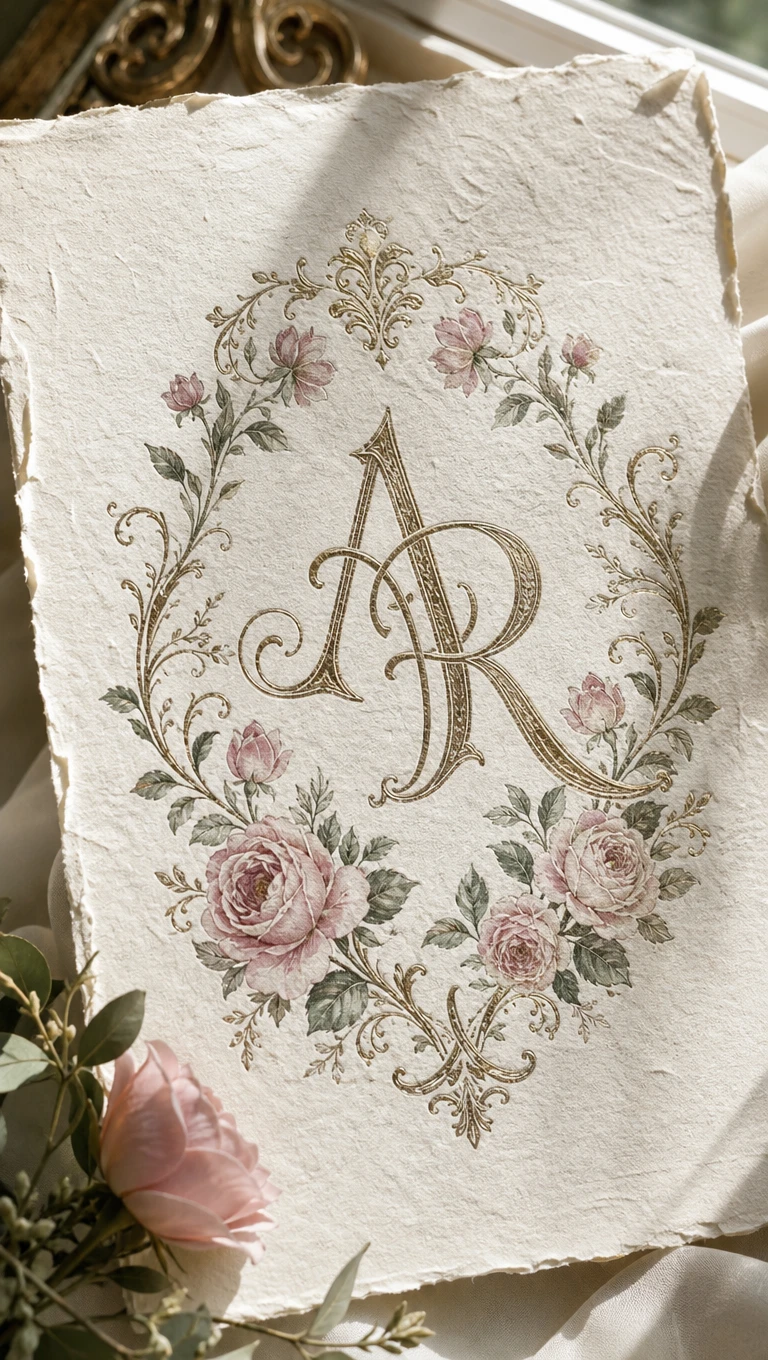
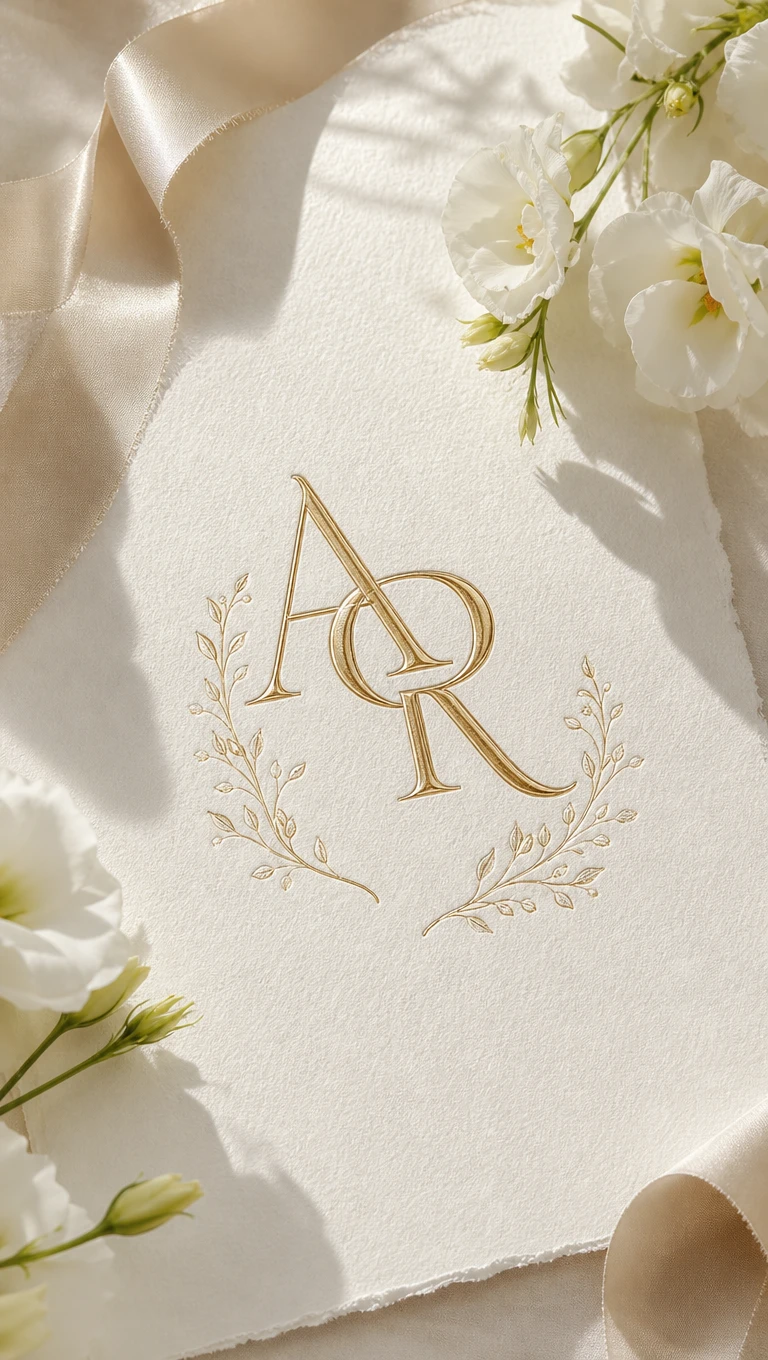
Create a personalized wedding monogram with Magiclight AI Wedding Monogram Maker. Enter your initials, choose your preferred style, and turn your ideas into an elegant design. No design skills needed.

Create a Wedding Monogram for Free
Wedding Monogram Design Grid 1
Wedding Monogram Design Grid 2
Custom Wedding Initial Design
Personalized Wedding Monogram Inspiration
Personalized Wedding Monogram Example 5
Personalized Wedding Monogram Example 6
Wedding Monogram Design Grid 1
Wedding Monogram Design Grid 2
Custom Wedding Initial Design
Personalized Wedding Monogram Inspiration
Personalized Wedding Monogram Example 5
Personalized Wedding Monogram Example 6

Explore the Magiclight AI Wedding Monogram Maker Features

A wedding monogram brings two initials together into one meaningful design. The Magiclight AI wedding monogram generator creates personalized lettering for invitations, signs, and wedding decorations.

Create Your Wedding Monogram
Wedding Monogram Decoration

4 Aspect Ratios for Different Wedding Materials

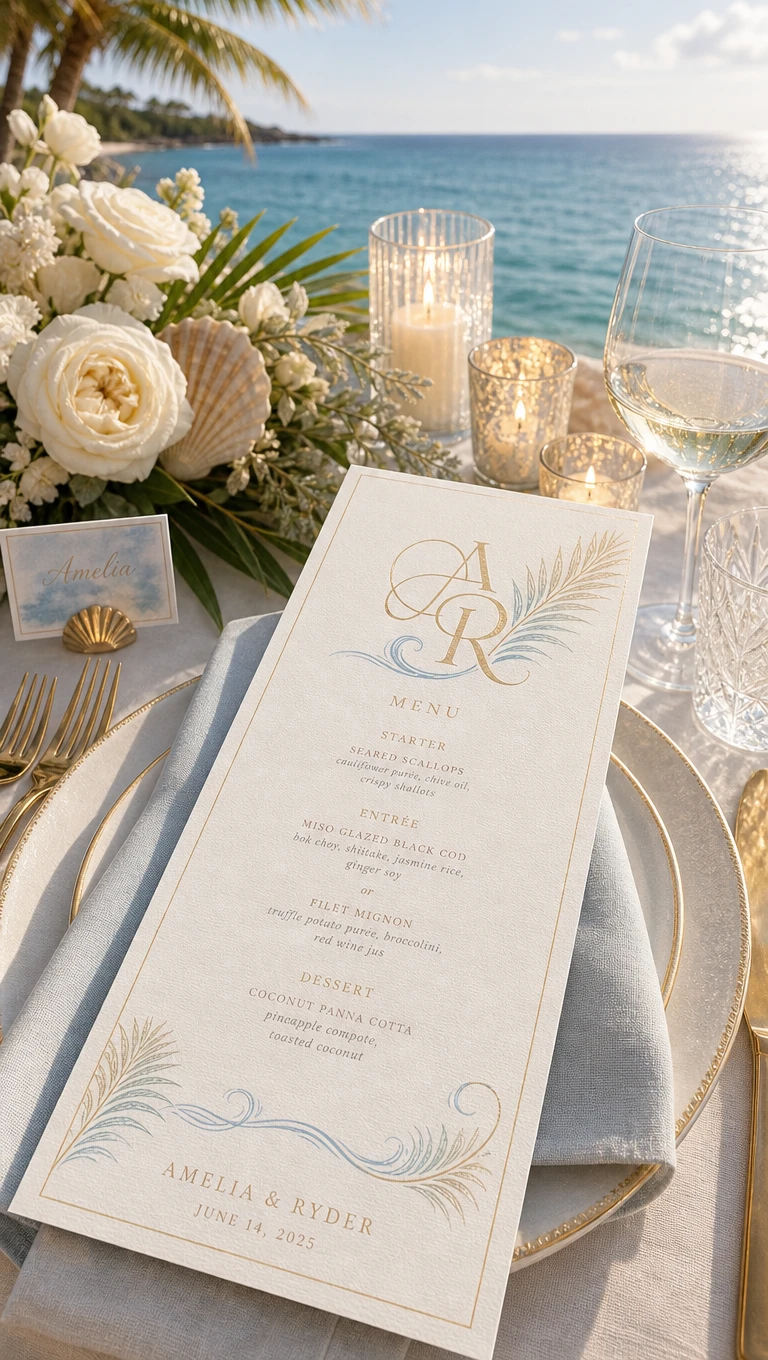
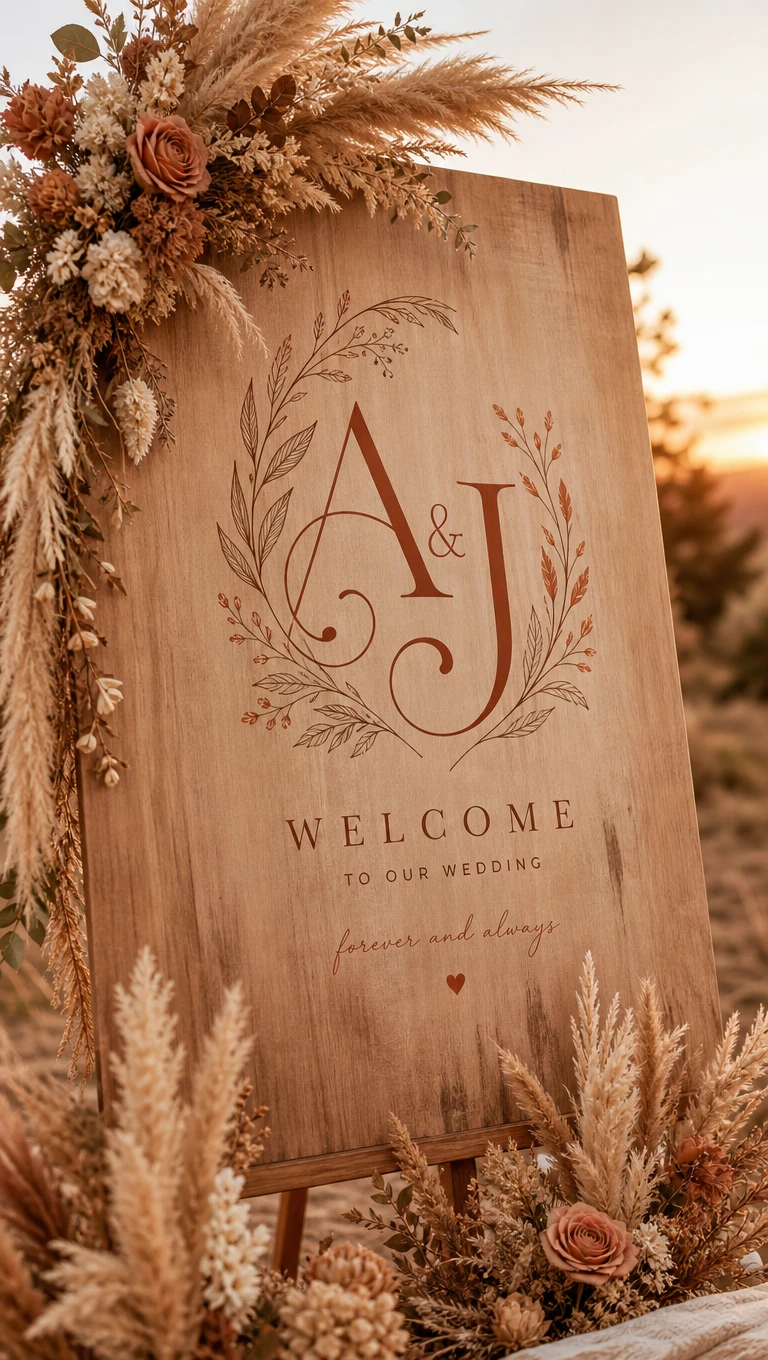
Choose from 4 image sizes to fit your wedding monogram into different designs. Pick 1:1 for cake toppers, 9:16 for welcome signs, 4:3 for menu cards, or 16:9 for wedding website banners. Select the ratio that best fits your intended use before generating.

Reference Images for Personalized Wedding Monograms

Upload a family heirloom photo or a lettering sample to guide your design. Use your preferred script, letter arrangement, or decorative details as visual references. Magiclight AI uses these images to create a fresh wedding monogram that reflects your chosen style.

500 Characters to Describe Your Wedding Monogram

Include your initials, preferred letter order, and lettering style in a prompt of up to 500 characters. Add details like intertwined initials, elegant calligraphy, floral borders, or vintage scripts to create a wedding monogram that reflects your celebration.

20MB Reference Images in 3 Formats

Upload JPG, PNG, or WEBP files up to 20MB to guide your wedding monogram design. Add a hand-drawn sketch of your initials, a calligraphy sample, or a favorite decorative pattern. These references help Magiclight AI follow your preferred lettering and visual style.

Who Can Use the Magiclight AI Wedding Monogram Maker
From wedding invitations to embroidered favors, one monogram can connect every wedding detail. The Magiclight AI free wedding monogram maker helps create personalized designs for different celebrations.
DIY Couples
For DIY Couples
Describe your wedding initials within 500 characters to get the right look.
Choose a 1:1 monogram that fits your wedding cake topper design.
Compare multiple outputs before picking initials for your invitations.
Wedding Cake Bakers
For Wedding Cake Bakers
Show clients different cake topper designs using 6 image models.
Try Reference Image to Image with a photo of an existing cake design.
Create several monogram versions to see which fits the cake best.
Embroidery Shops
For Embroidery Shops
Upload 10 reference images to show the lettering a customer prefers.
Try classic script initials using a handkerchief photo as a reference.
Save the chosen monogram image for later embroidery preparation.
Event Decor Teams
For Event Decor Teams
Select 9:16 for a tall wedding banner featuring the couple's initials.
Show clients how their monogram could look on a dance floor decal.
Create matching initials for wedding signs using reference images.
Why Choose the Magiclight AI Wedding Monogram Maker
Magiclight AI wedding monogram generator free gives you more ways to work with your initials. Compare designs, customize lettering, and prepare monograms for different wedding materials.
6 Image Models for Wedding Lettering
Try your wedding initials with Nano Banana 2 in Magiclight AI. Choose GPT Image 2 and Seedream 5.0 Pro from the 6 image models to see which gives your letters the look you prefer.
Create Music-Driven Wedding Monogram Videos
Upload your wedding monogram to MagicLight AI's Reference to Video feature and add a music track as a creative reference. Combine your visual identity with your chosen soundtrack to create a personalized video that matches the mood of your celebration.
Matching Monograms for Wedding Decor
Upload your favorite monogram again as a reference. Ask for a round version for your cake topper and a wider design for your welcome sign to keep the same lettering throughout.
Explore 20 AI Video Models for Monogram Animation
Choose from 20 AI video models to bring your wedding monogram to life in different ways. Experiment with motion styles, visual effects, and animation approaches to create a distinctive 30-second video featuring your initials.
Upload 10 Wedding Reference Images
Add 10 reference images showing the lettering you like. Magiclight AI follows the style of your invitations and family keepsakes when creating a new design with your initials.
Commercial Rights for Wedding Vendors
Wedding vendors can choose a suitable paid MagicLight AI plan with verified commercial usage rights for their designs. These rights have been reviewed to help you create, use, and sell wedding monogram designs with greater confidence.

How to Make a Wedding Monogram With Magiclight AI in Four Steps

A wedding monogram can start with your initials or old family designs. Magiclight AI wedding monogram maker gives you 4 steps to create one that feels right for your celebration.

1.

Enter Your Initials or Add a Photo

Go to the Image tab and choose Text to Image to start with your initials. You can also upload a reference image of an old family monogram through Reference Image to Image.

2.

Explain Your Wedding Lettering

Write the couple's initials in the 500-character prompt and mention which letter should appear larger. Tell Magiclight AI if you prefer classic script, a floral border, or a simple circle.

3.

Pick a Model and Image Size

Magiclight AI offers 6 image models for your wedding monogram. Select one and choose a suitable aspect ratio, such as 1:1 for a cake topper.

4.

Check Your Monogram and Save It

Choose Create Image to see your wedding monogram designs. Look at the initials to make sure every letter is correct. Choose the version you like best and download the image.

FAQ on Wedding Monogram Maker

How is this different from the Wedding Logo Generator?

A wedding logo may include names and dates. The Magiclight AI wedding monogram maker focuses on initials, giving couples a design they can use across their wedding decorations.

Can I use my wedding monogram for embroidery?

Yes. Magiclight AI can create a monogram image for your embroidery shop. The shop will need to convert it into a stitch file and check the lettering before sewing it onto fabric.

Can I animate my wedding monogram for the reception?

Yes, the Magiclight AI wedding monogram generator lets you create an image first. Then use Image to Video with 20 video models to animate your initials for a reception screen.

Will my initials appear correctly in every design?

Not always. AI images can sometimes show an incorrect letter. Check each initial before saving your monogram. You can change the prompt and generate another version if needed.

Is it possible to recreate an old family monogram?

Yes, upload a photo of your family's original monogram using Reference Image to Image. Magiclight AI can follow its lettering style and create a new version with your wedding initials.

What image size should I choose for wedding decorations?

Choose 1:1 for a square cake topper design and 9:16 for a tall ceremony sign. Magiclight AI also offers 4:3 and 16:9 formats for other wedding decorations.

Create Deserving Wedding Monograms With Magiclight AI

Start with your initials and add a style that matches your wedding theme. Magiclight AI helps you create something personal.


