Turn Lessons Into a Story
Start with the wizard, the apprentice, and the magic they need to learn. MagicLight Agent turns your idea into a script with 14 story models, which you can review before moving ahead.
Create a Wizard Story for Free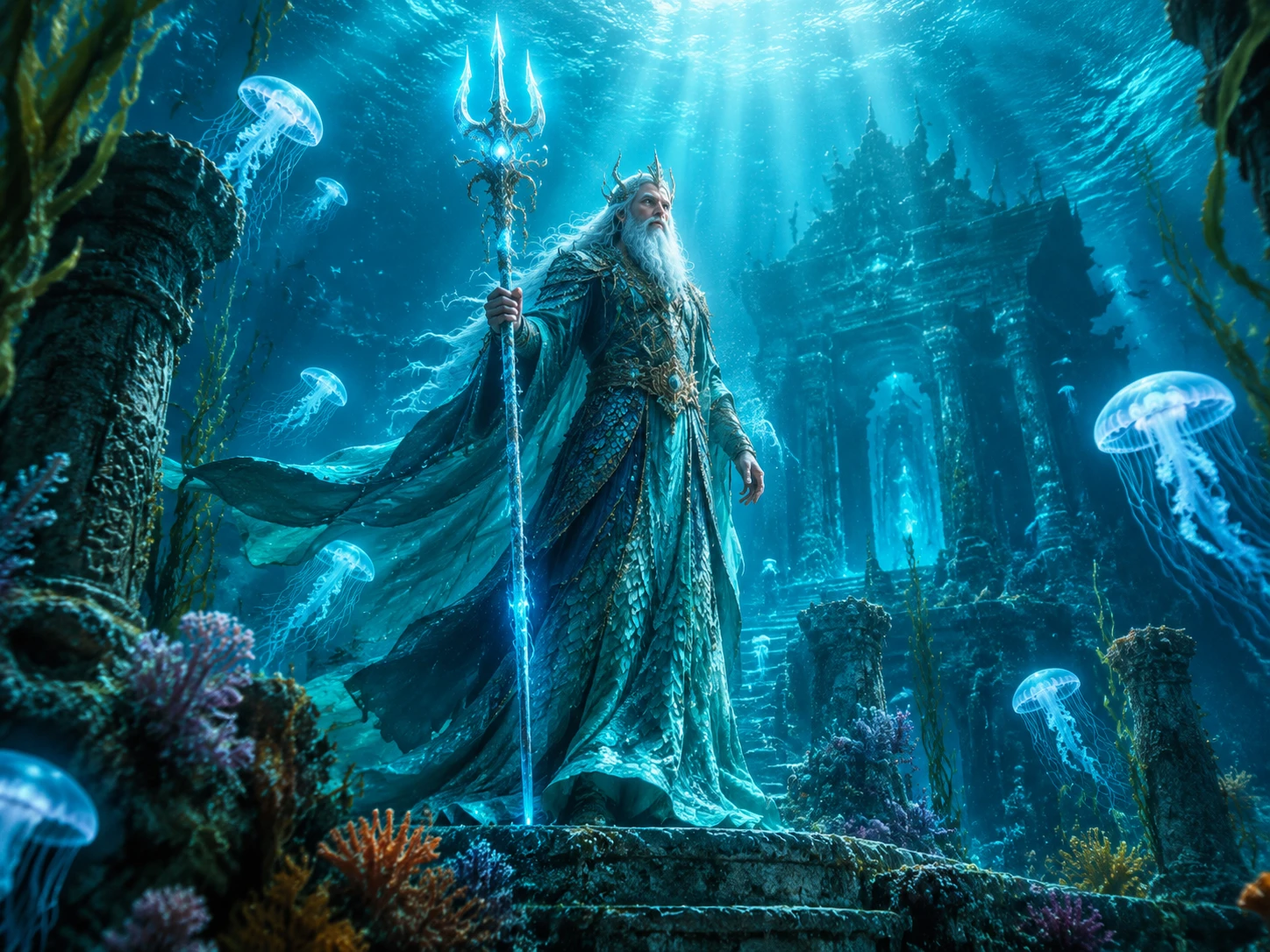

Turn your wizard ideas into videos filled with spells, magical creatures, and epic adventures. Magiclight AI makes it easy, with no editing skills required.
Create a Wizard Story for Free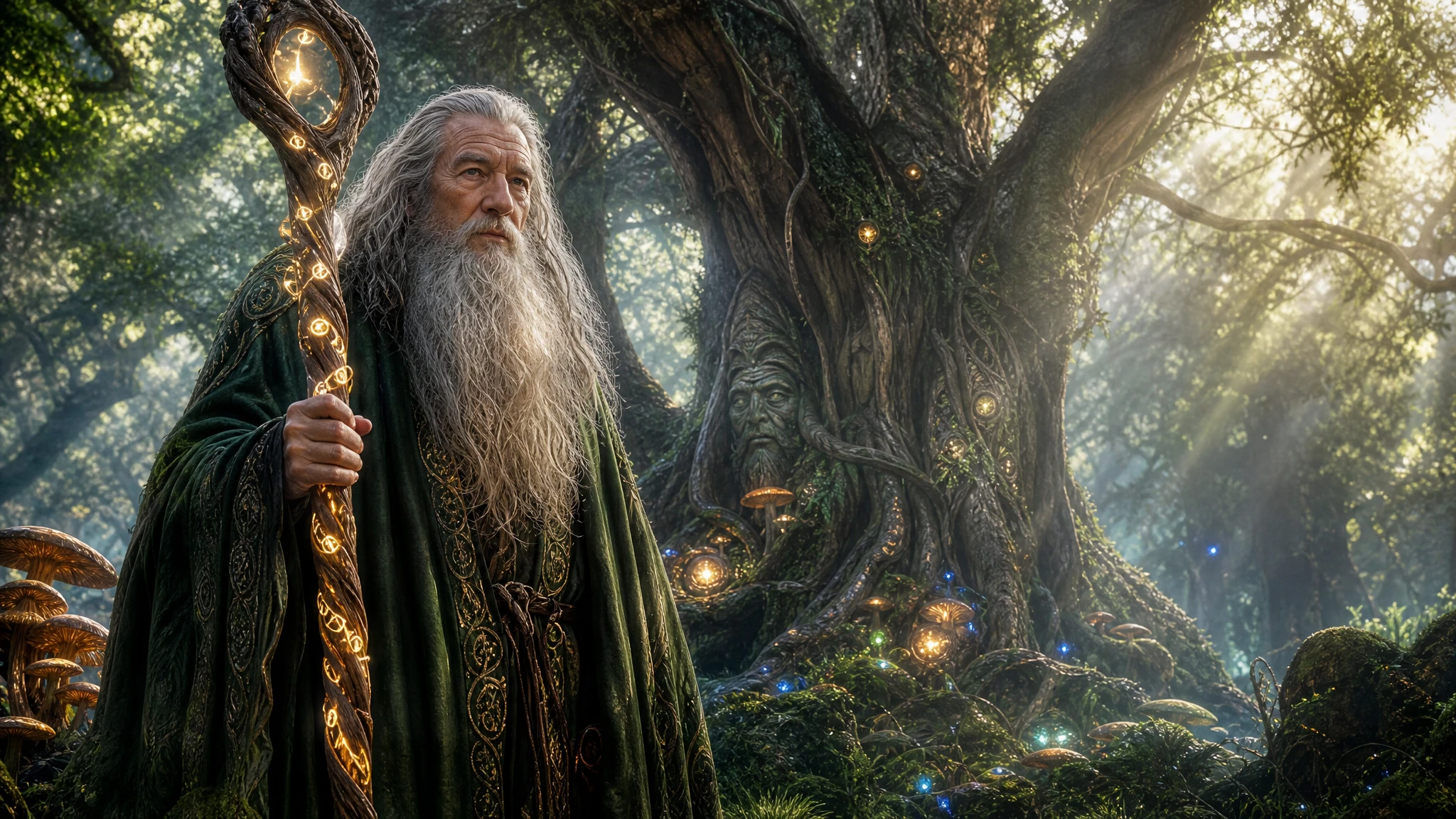










Every apprentice needs lessons, a few mistakes, and a final test. The wizard story generator gives you the tools to shape that journey from the first spell to the last challenge.
Start with the wizard, the apprentice, and the magic they need to learn. MagicLight Agent turns your idea into a script with 14 story models, which you can review before moving ahead.
Create a Wizard Story for FreeGive your wizard a worn robe, crooked staff, long beard, or unusual hat. You have up to 1,000 characters to describe the appearance and personality you have in mind, while saving the character for later use.
Create a Wizard Story for Free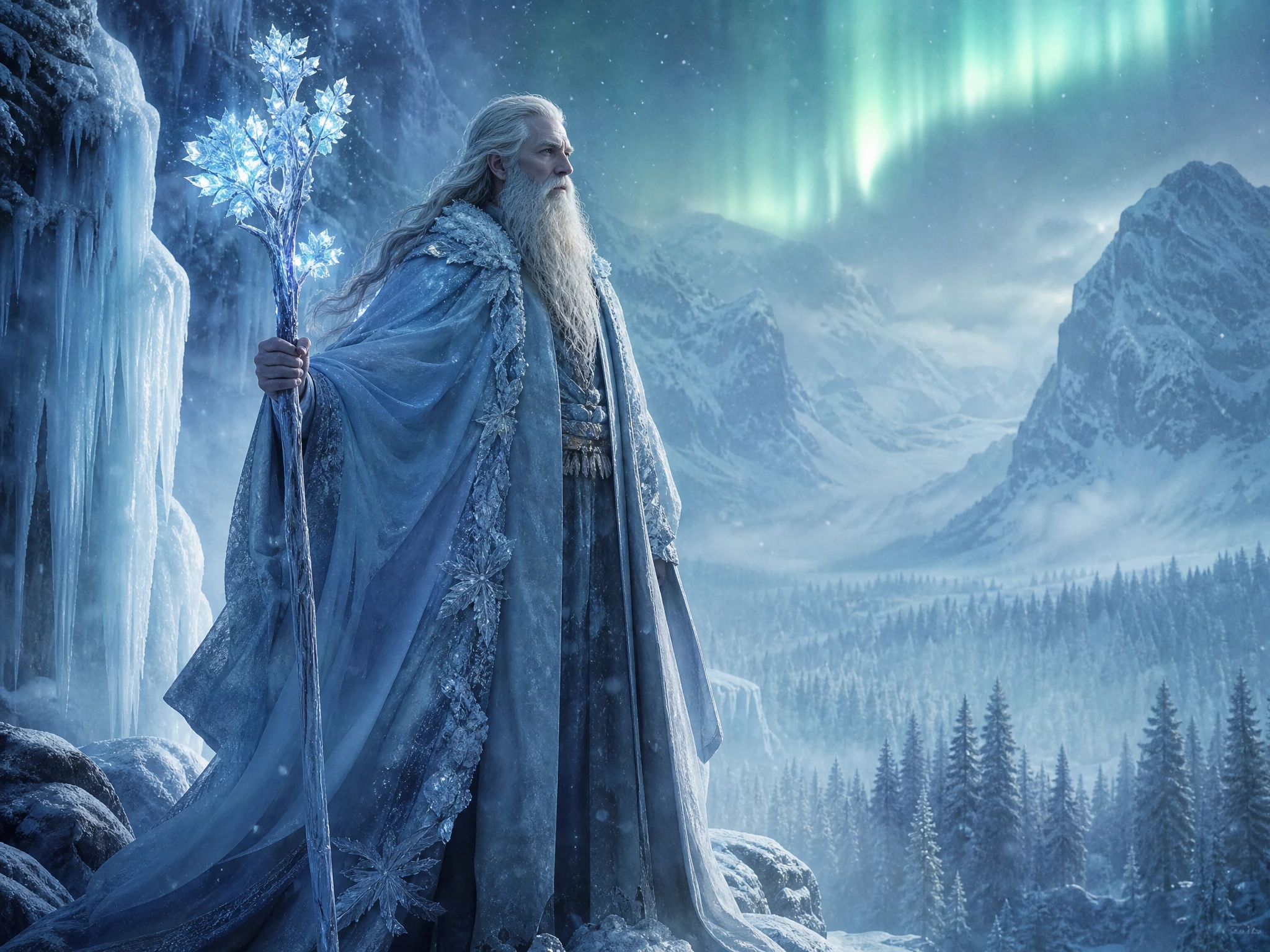
Strange spell names can be difficult to catch by ear. Choose from 16 subtitle settings to make magical words, warnings, and important dialogue easier to follow.
Create a Wizard Story for Free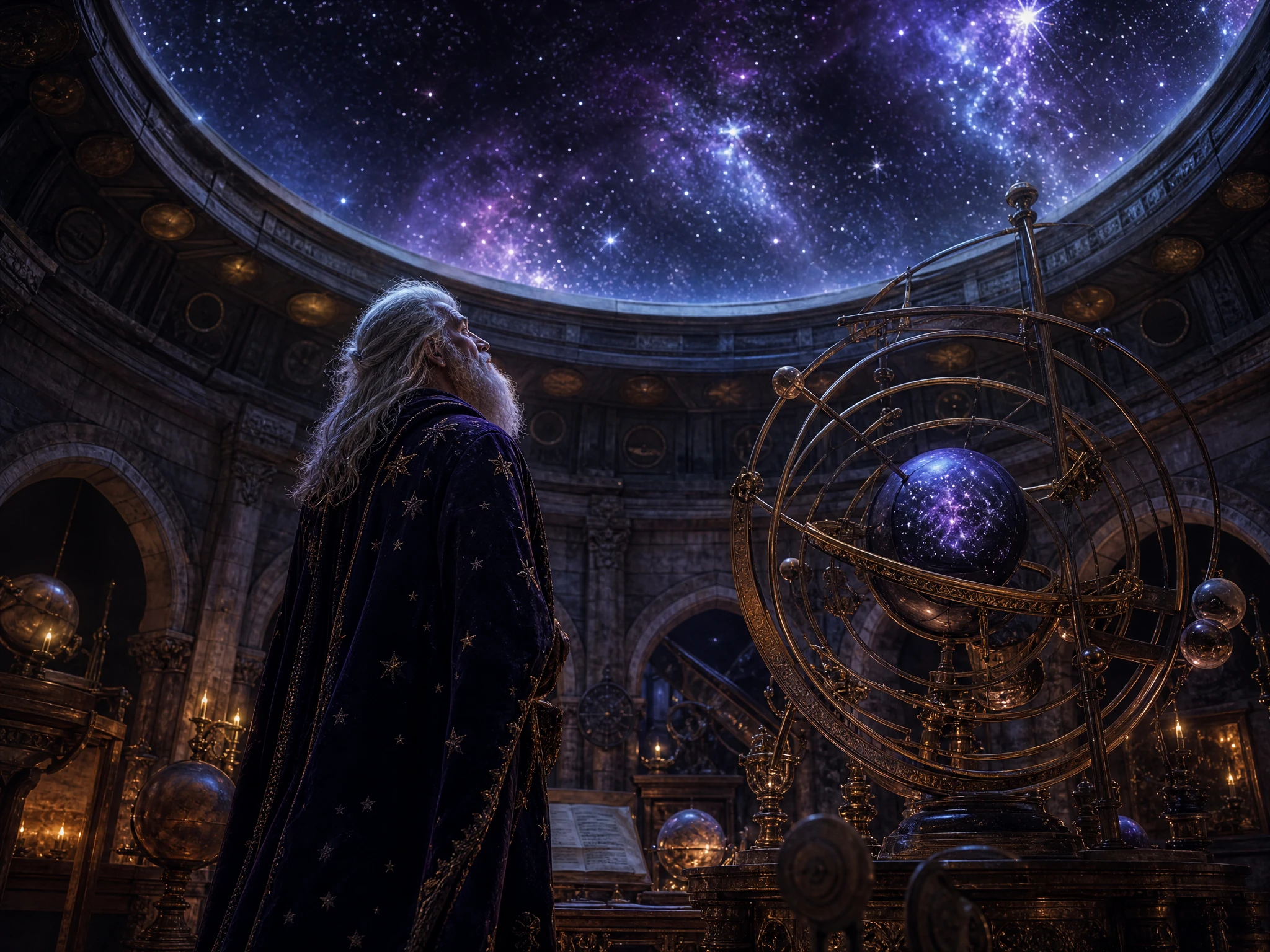
One lesson can become a much bigger journey. Story to Video supports stories up to 50 minutes, giving you room for training, failed spells, new challenges, and the apprentice's final test.
Create a Wizard Story for Free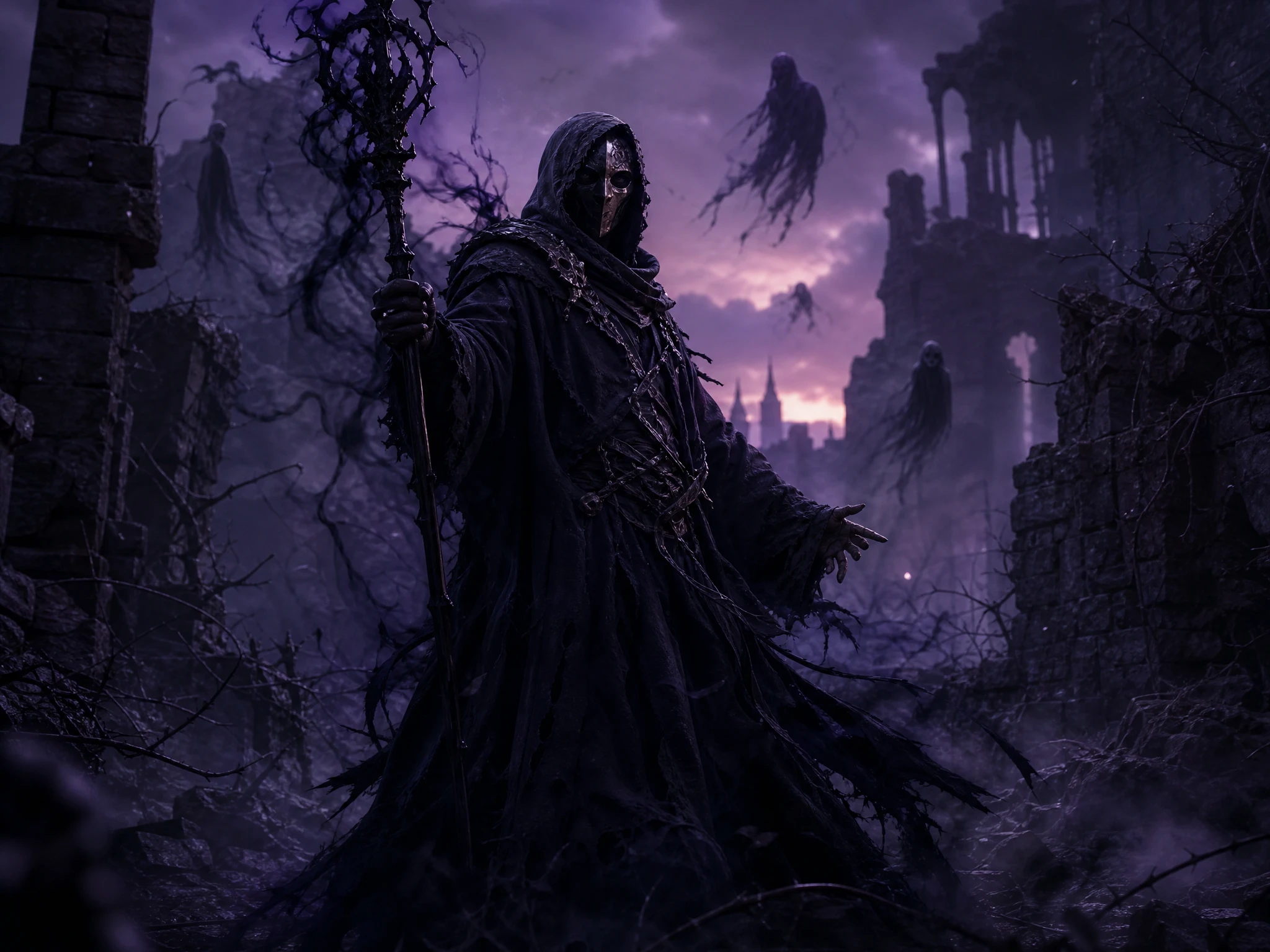


Create a master-and-apprentice tale in 4 easy steps. With the wizard story generator, you can create characters, key scenes, and the final story video in Magiclight AI.
Enter up to 12,000 characters to describe the wizard, apprentice, magic lessons, and final test. MagicLight Agent turns your idea into a script that you can review.
Continue with choosing any of the available 52 visual models according to the magical story. Select the characters from the automatic suggestions or describe your new character in up to 1000 characters.
Refine each scene in Nano Storyboard and choose from 50+ poses. Adjust how the wizard and apprentice act during spells, mistakes, lessons, and the final test.
Add voices, music, and subtitles, then generate your wizard story with Magiclight AI. Review the finished video and export it from 720p to 1080p.
Parent
My son wanted a story where he learned spells from an old wizard. Magiclight AI made it easy to turn his idea into a fun adventure we could watch together.
Music Teacher
I used Magiclight AI to create a short wizard tale for my class. The story gave students something visual to follow before we moved into the music lesson.
YouTube Creator
Wizard stories are a regular part of my channel, so having Magiclight AI turn a simple idea into scenes saves me a lot of work on each new episode.
Fantasy Writer
I had the wizard and apprentice in mind but wasn't sure how their lessons should unfold. Magiclight AI helped me turn that starting idea into a complete story.
Stories often split them by where the magic comes from: a wizard studies it in books, and a witch draws it from nature. Your Magiclight AI story can keep that split or skip it.
Give the wizard a first name plus a title, like Aldwin the Patient or Maren of the Salt Tower. The name field in Magiclight AI holds up to 50 characters, so the whole title fits.
No. A duel is a strong finish, but a riddle, a broken curse, or a clever trick works just as well. Tell Magiclight AI how you want the final test to go.
Yes. Magiclight AI offers 37 voices, so you can choose one that fits your wizard or narrator. The Wizard Story Generator can then use that voice in your story video.
One who teaches with patience but hides an old mistake. Add that secret to your idea in Magiclight AI, and the lessons slowly lead the apprentice to the truth.
Either works. A staff suits a wizard who travels, while a wand fits one who teaches at a school. Describe the tool in Magiclight AI, and it appears with the wizard in every scene.



Pass the old wizard's staff to a new apprentice and decide what comes next. From that choice, the wizard story generator writes the training in Magiclight AI.