Turn Images into Full Stories with Our AI Image-to-Story AI Generator
A strong image-to-story AI generator should domore than add motion to a frame. With Magiclight AI, you can create a full story people can actually follow.

The AI image-to-story generator in Magiclight AI converts a single image into a smooth video. It is perfect for daily social posts. Craft your own now.
Convert Image to Story Video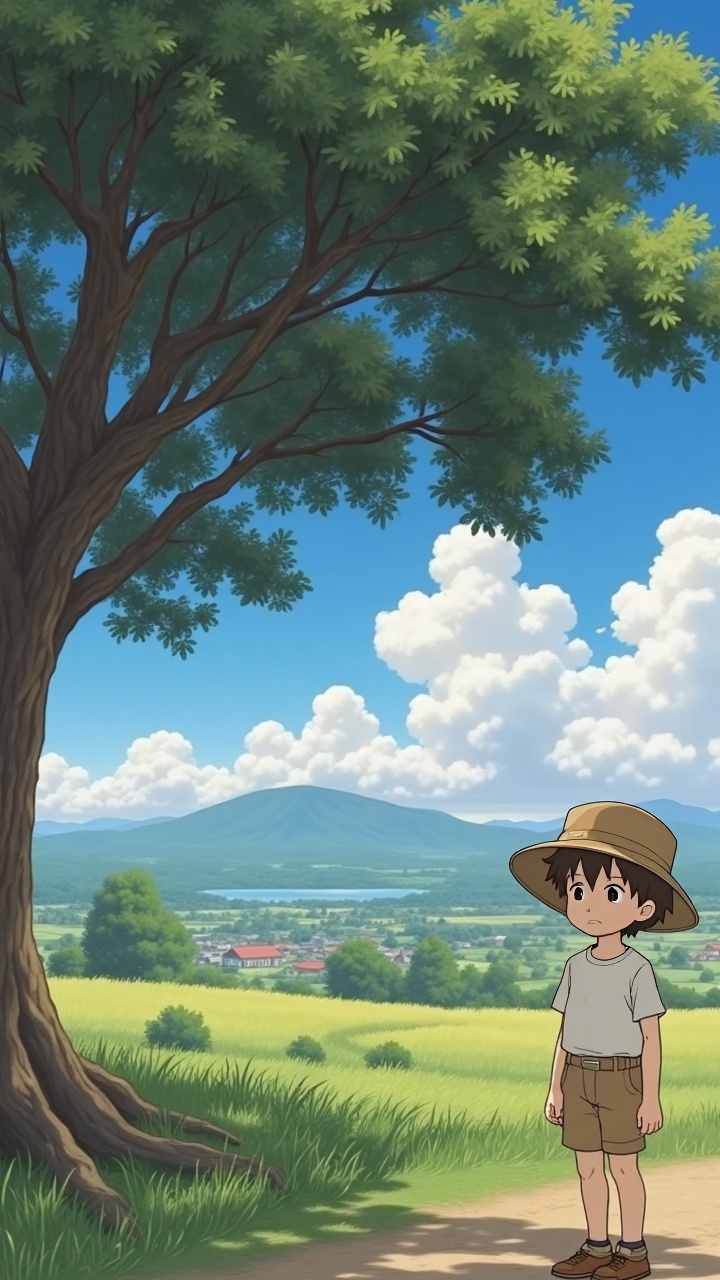
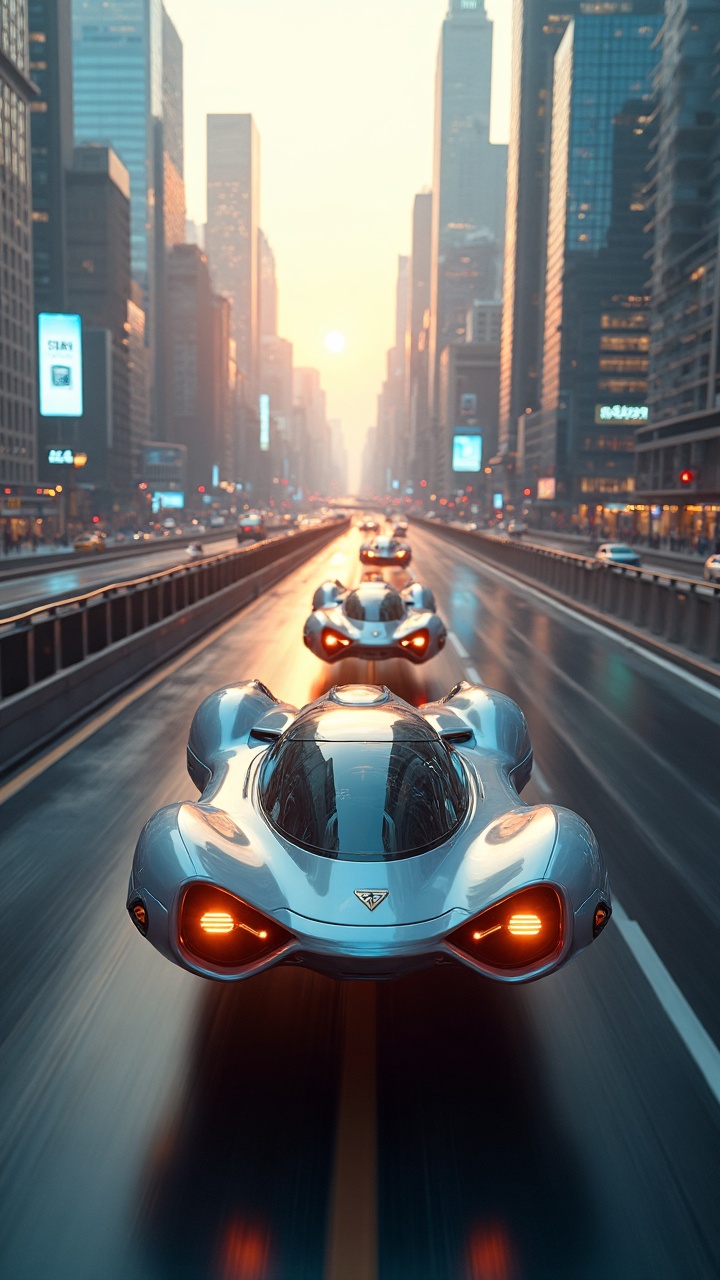

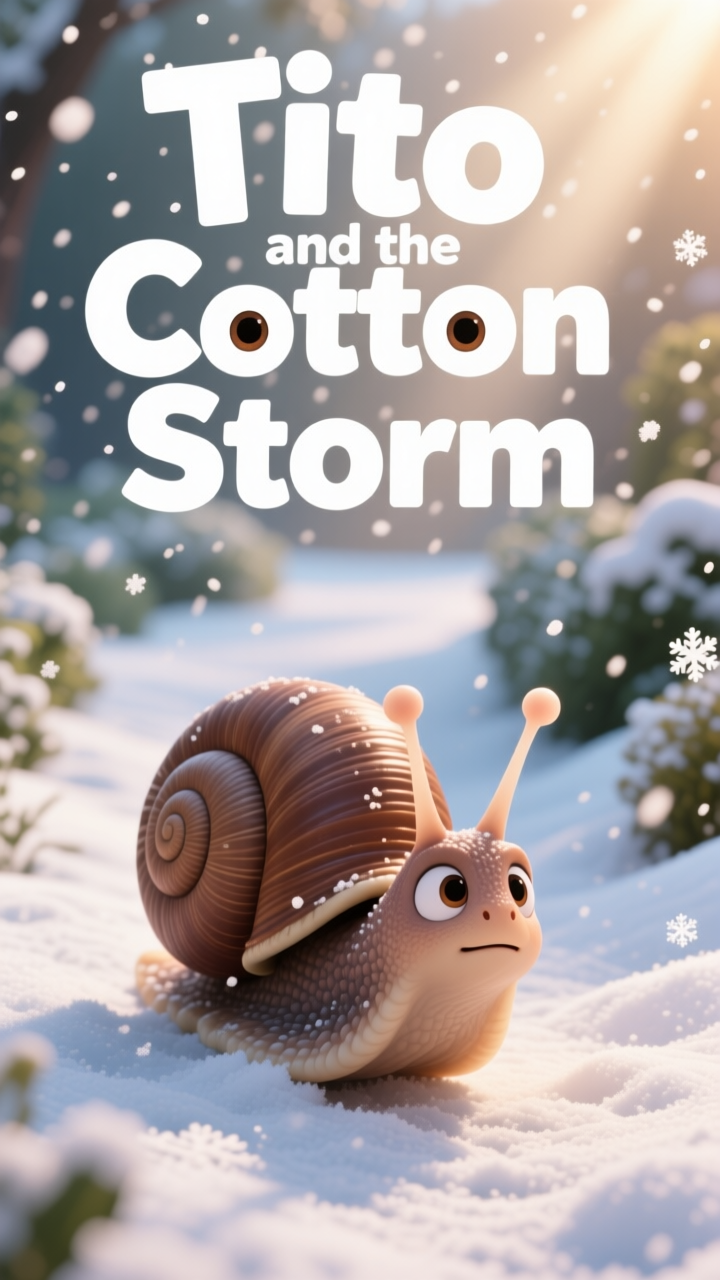

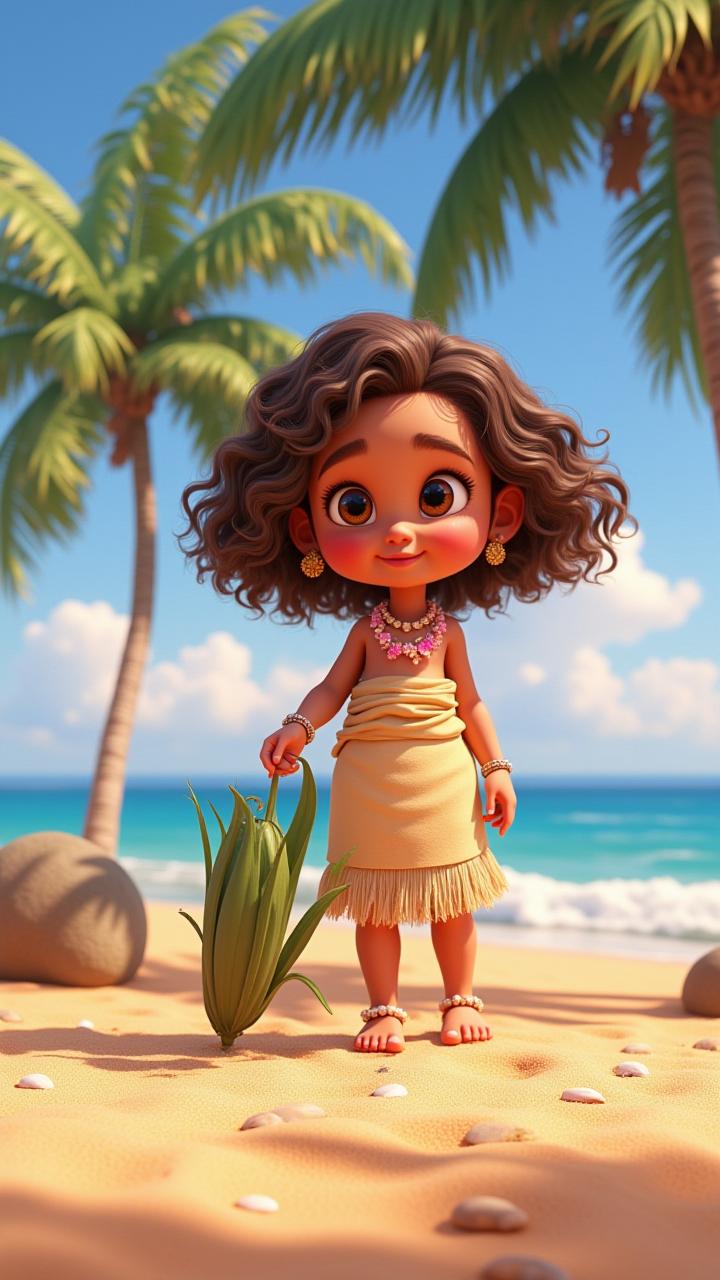
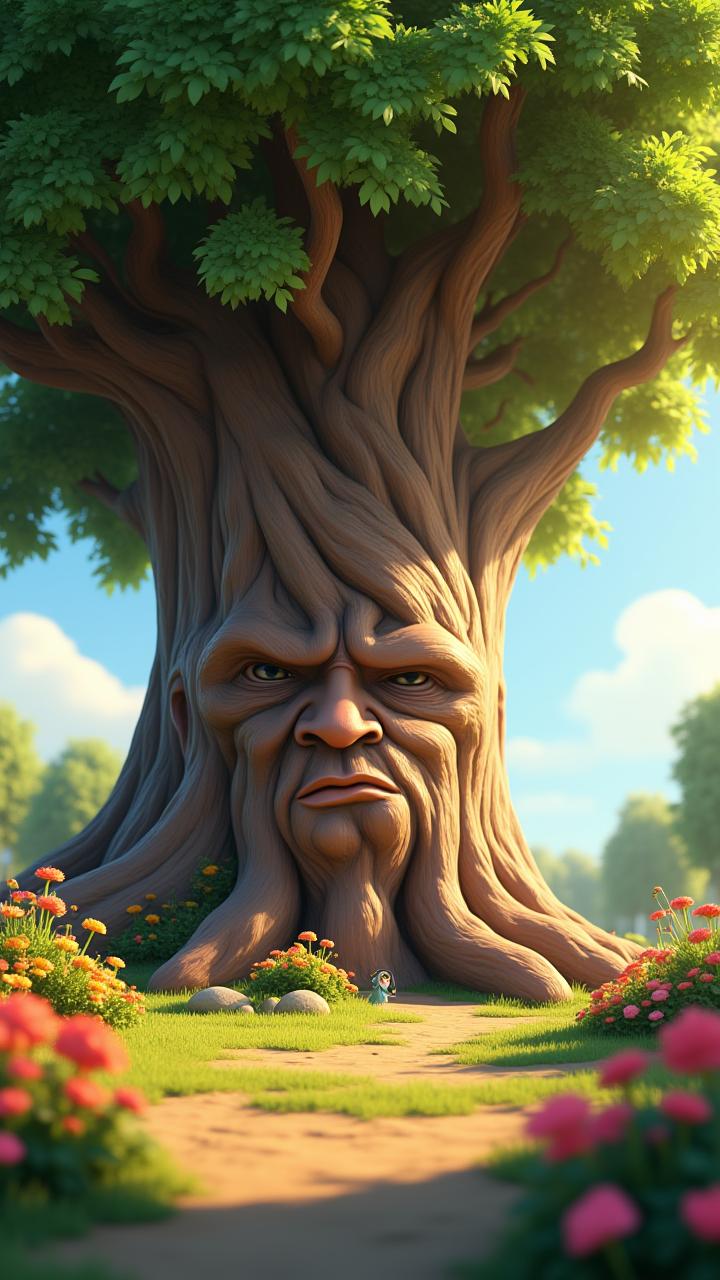
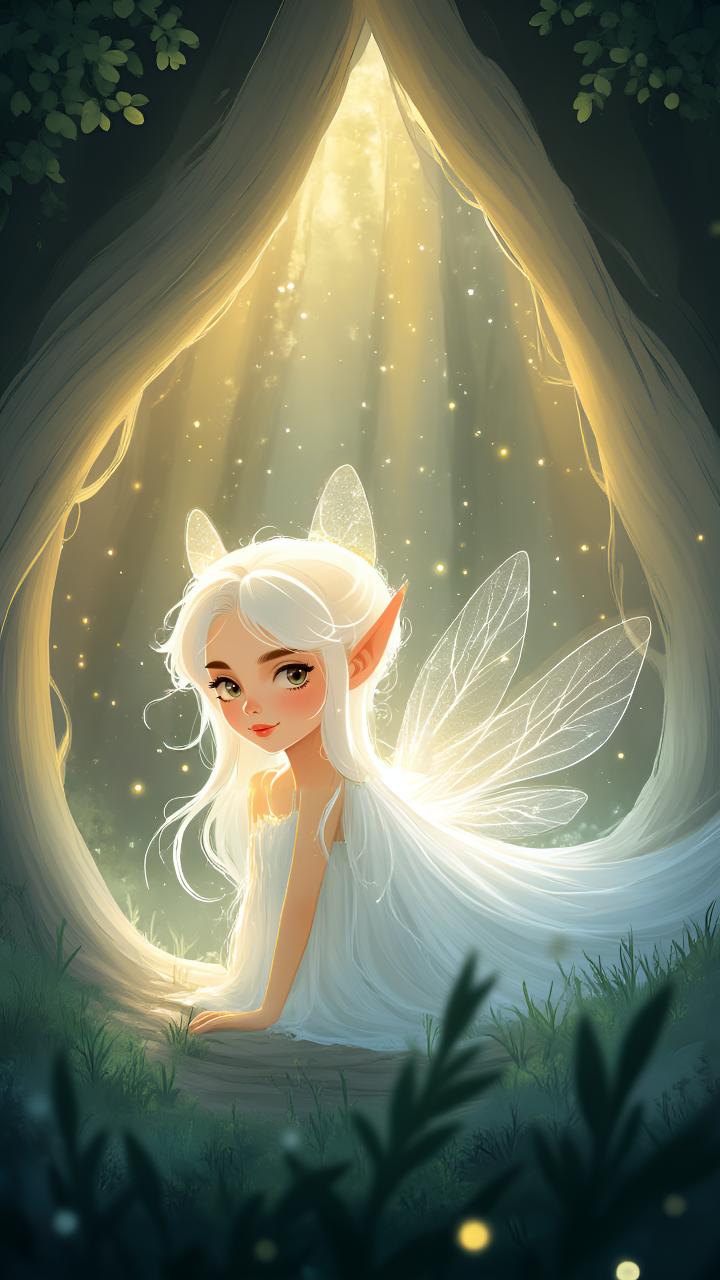
A strong image-to-story AI generator should domore than add motion to a frame. With Magiclight AI, you can create a full story people can actually follow.

Upload a photo, sketch, or artwork and expand it into scene-led drafts. Magiclight AI uses the prompts to shape the animation flow.
Use story models, languages, and custom characters to guide tone and pacing. The overall video feels more like a complete world.
Adjust prompts, poses, expressions, clothing, and timing with Nano controls. Get precise creative control before final output.
Add subtitles, covers, aspect ratios, and music in Magiclight AI. Create and publish without extra tools.


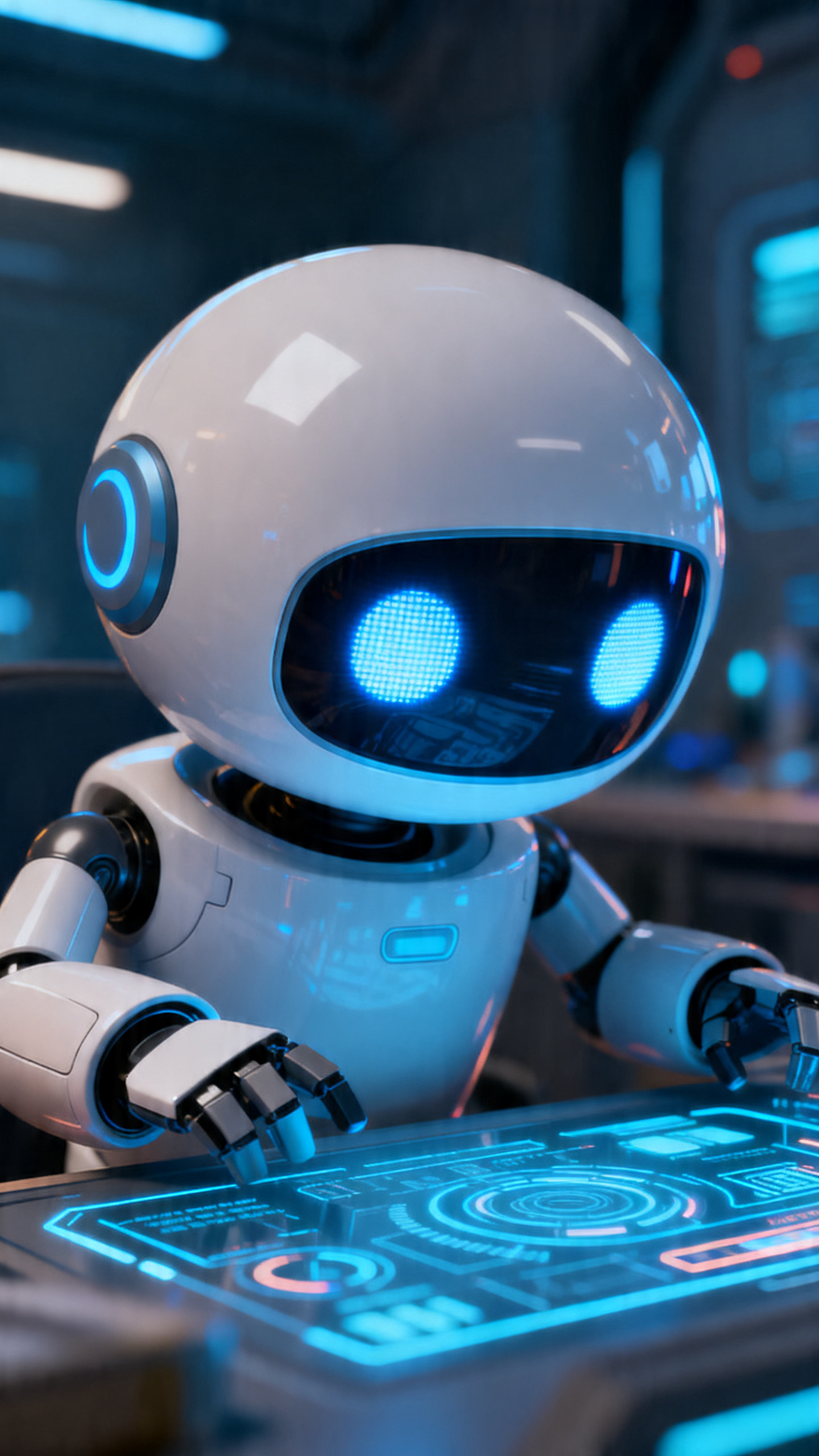
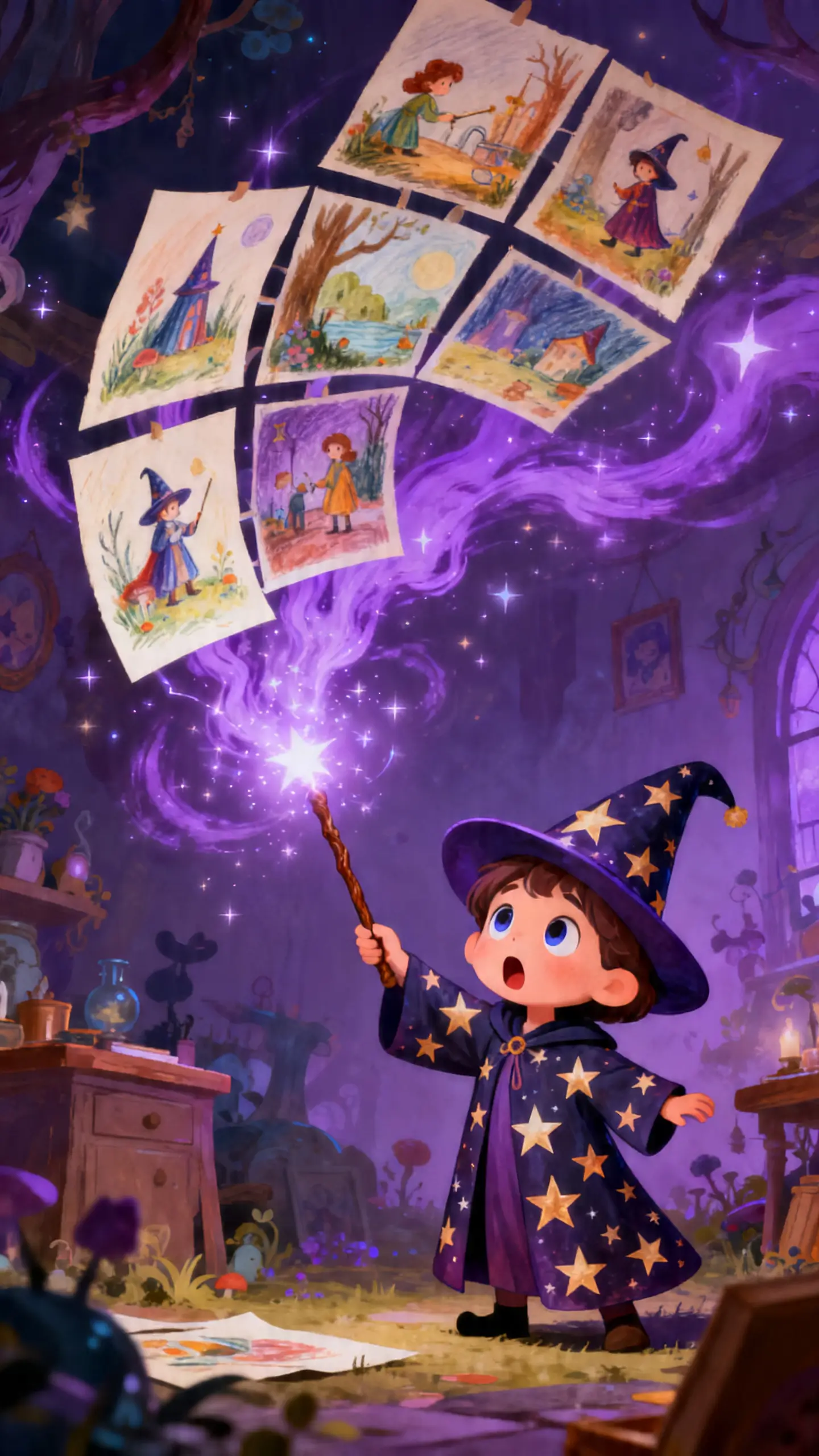
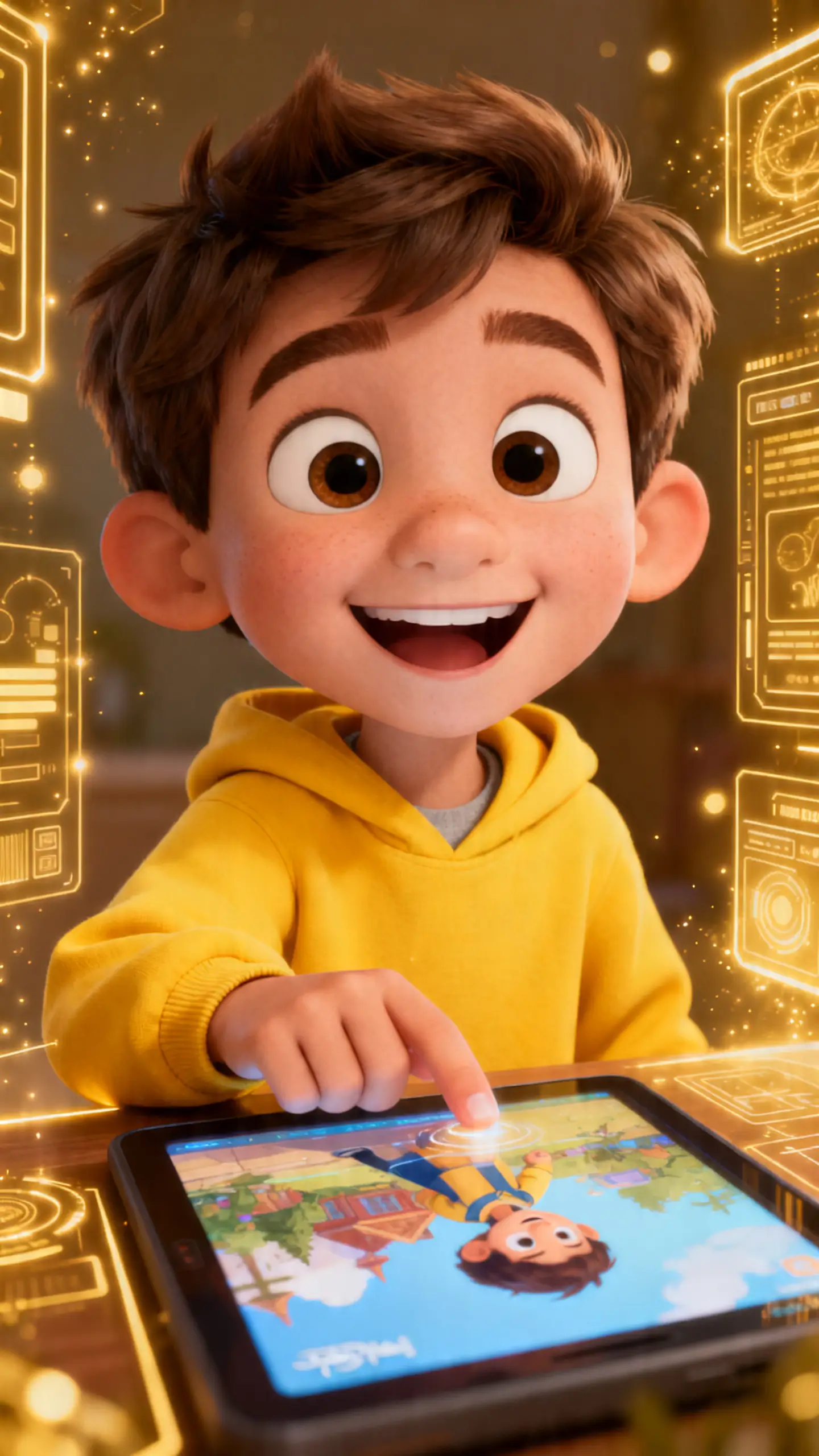
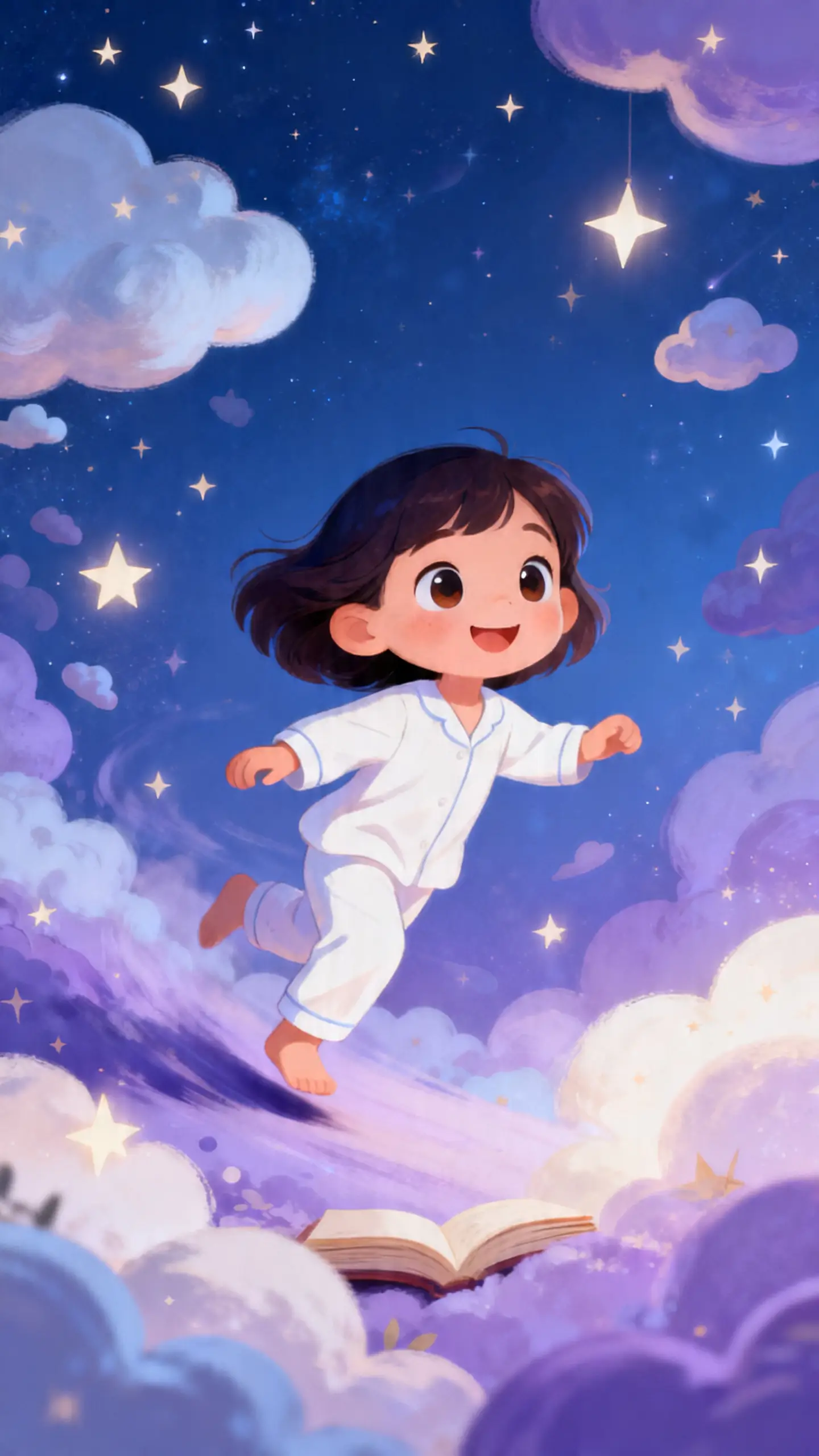
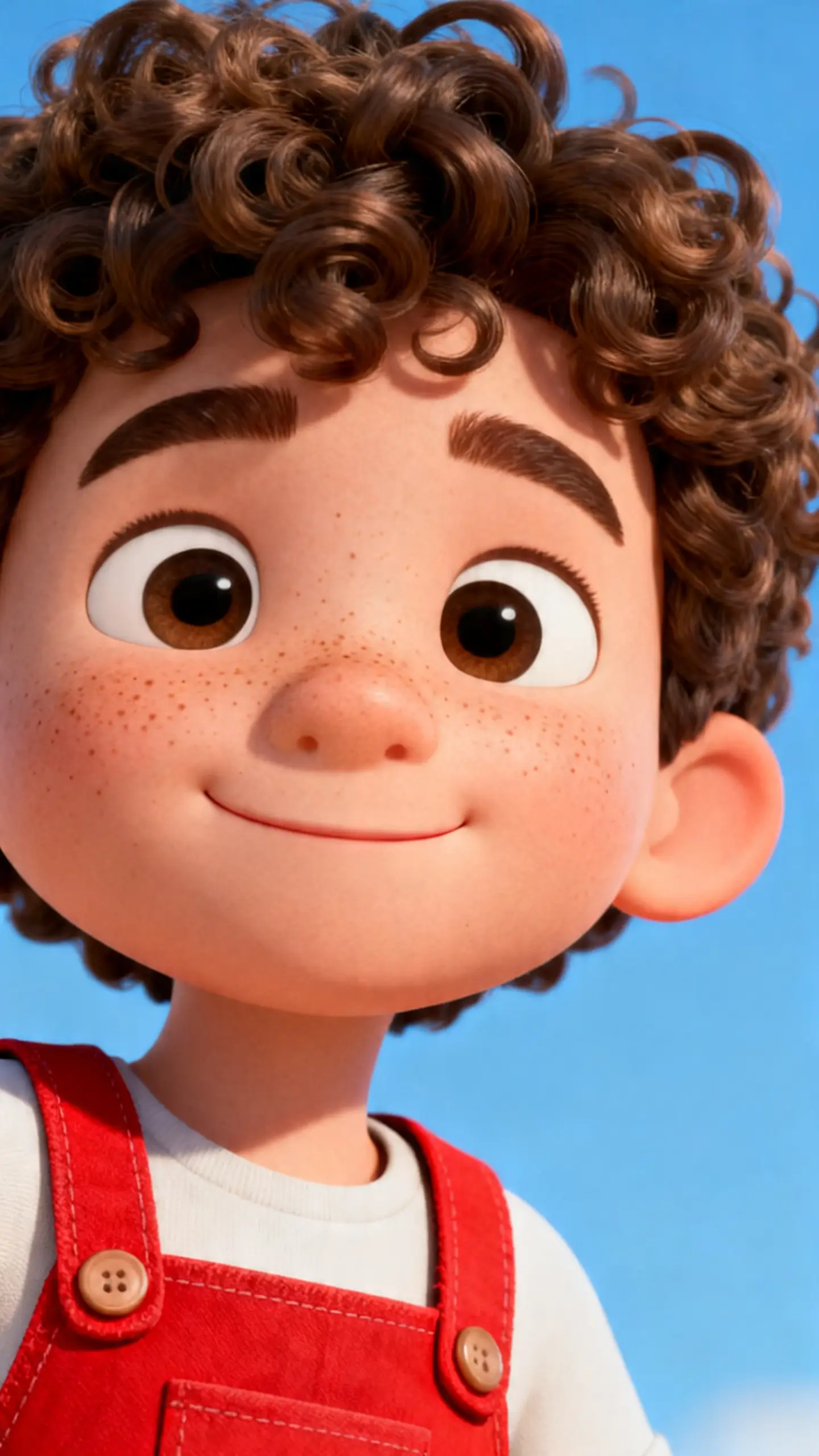
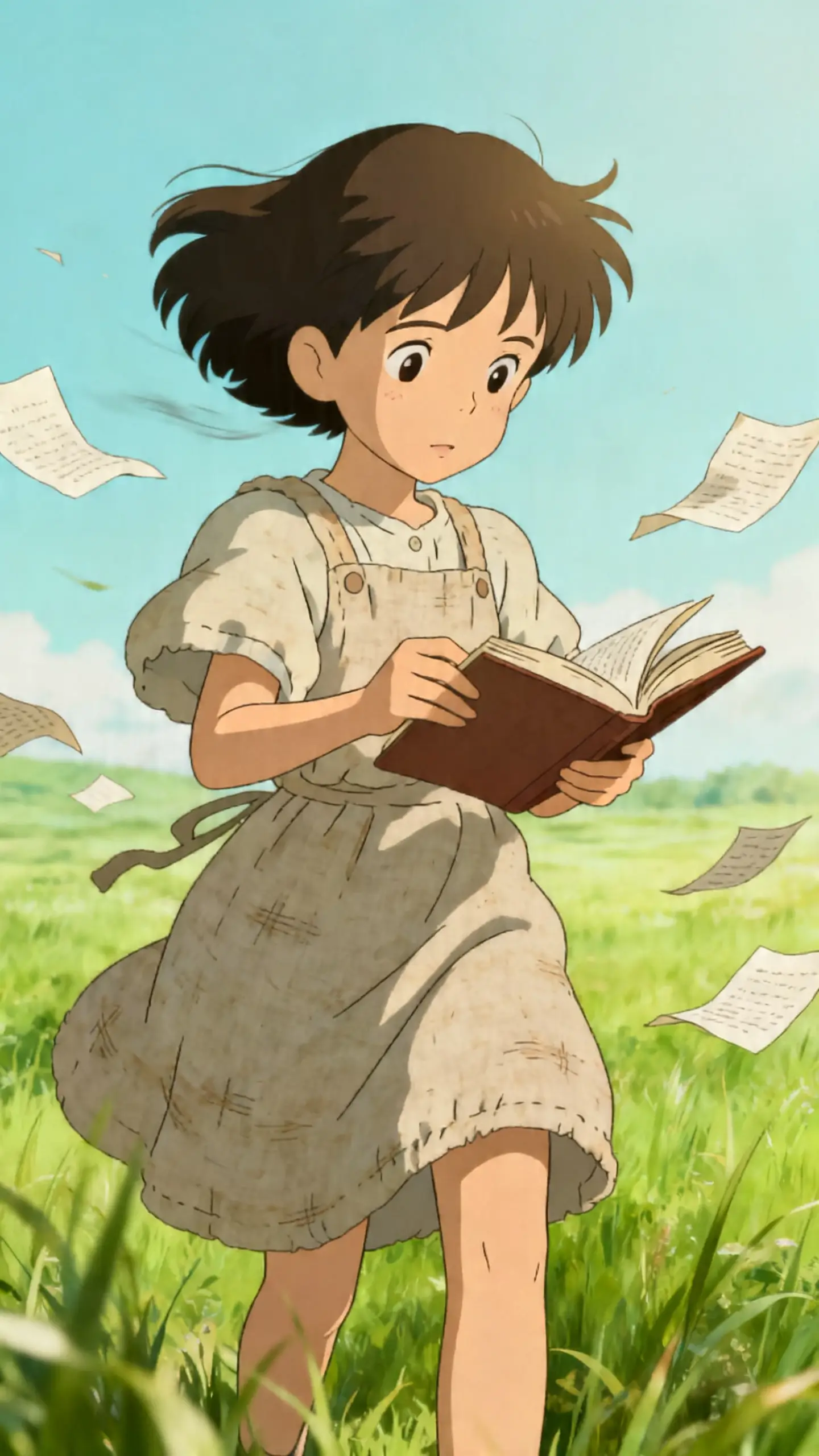
You input an image, and the tool handles scene planning, character choices, storyboard edits, and export. The free workflow is fast and easy.
Start with artwork, a photo, a sketch, or a concept frame. Give the story a clear visual seed from the beginning.
Add prompts, choose a style, and set the mood. Decide what should happen, not only how it should look.
Review the storyboard and sharpen weak moments early. Adjust motion, details, or text before the full render.
Choose subtitles, cover style, ratio, and resolution. Then export, download, or share when the piece feels ready.
An AI image-to-story generator turns one visual into a story-led video. Magiclight AI helps shape scenes, pacing, and output in one workflow.
Yes, Magiclight AI gives beginners a simpler way to test visual story ideas. That makes the first projects easier to start and refine.
Image-to-video focuses on motion from a still frame. Magiclight AI pushes further into sequence, structure, and narrative flow.
Magiclight AI supports character creation, style choices, and storyboard refinement. That helps one's vision grow into connected scenes.
Yes, Magiclight AI can expand one image into guided scenes for different uses. That fits lessons, children's stories, and visual marketing content.
No, Magiclight AI supports storyboard editing, subtitles, covers, export, publishing, and downloads. That keeps the process cleaner from draft to final output.



Create a clear, story-led video from one image with better flow and stronger creative direction.