Everything You Need to Create AI Videos
From simple prompts to complete visual stories, Happy Horse 1.1 makes AI video creation more accessible, helping creators quickly transform ideas into compelling video content.

Create AI videos from text or images with Happy Horse 1.1 on Magiclight AI. Turn ideas into high-quality videos in minutes.
Try Happy Horse 1.1 for Free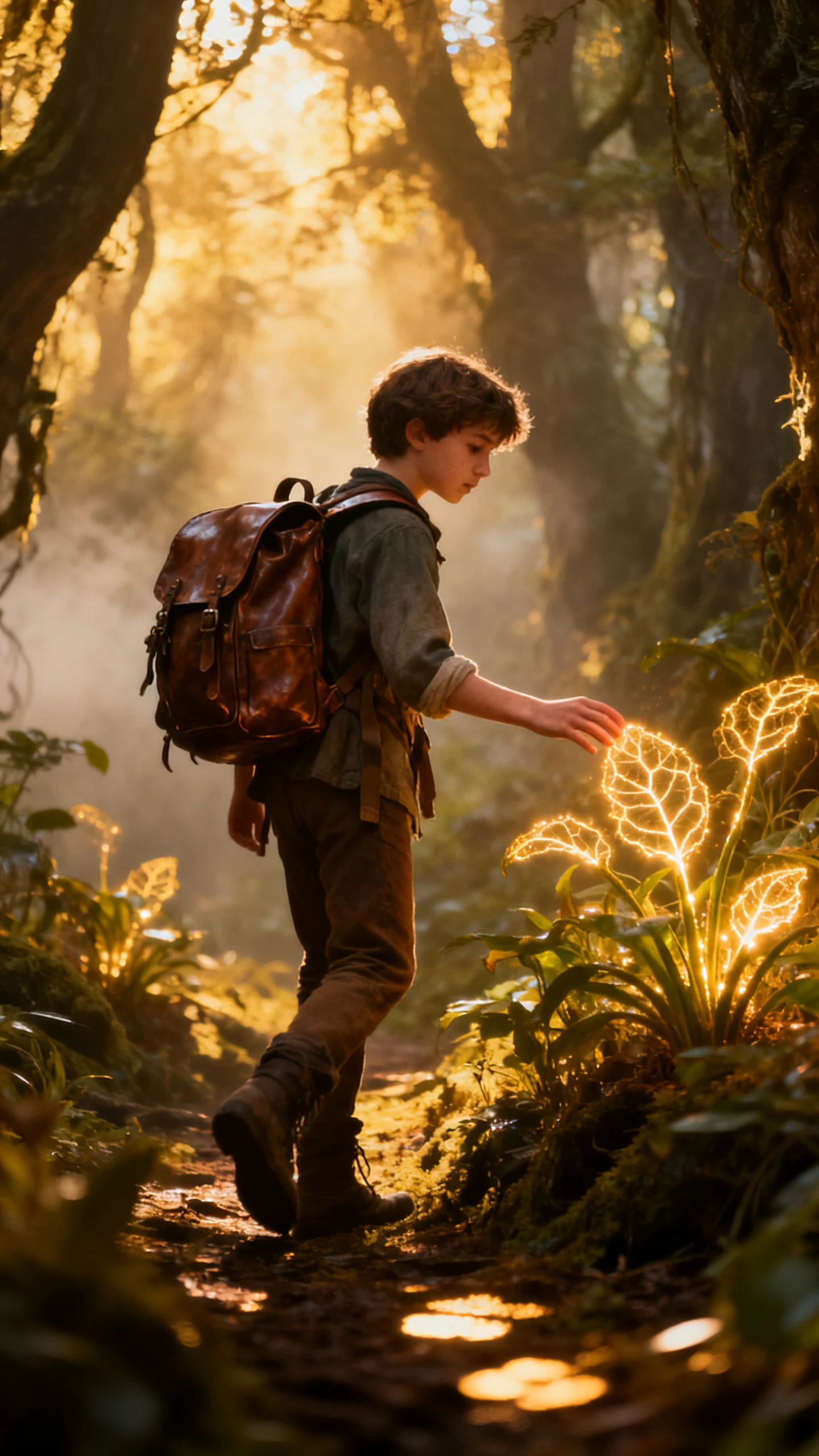
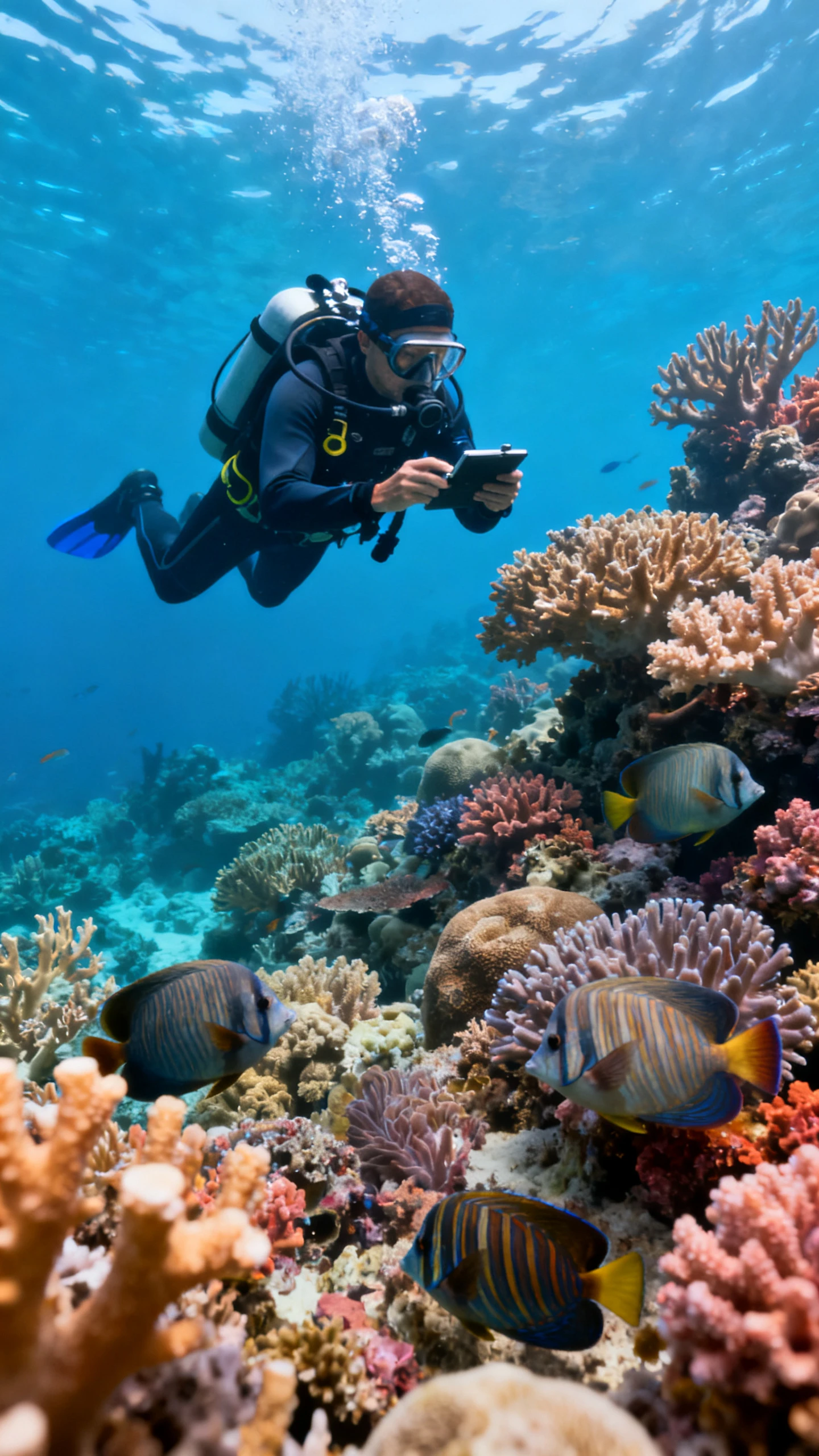
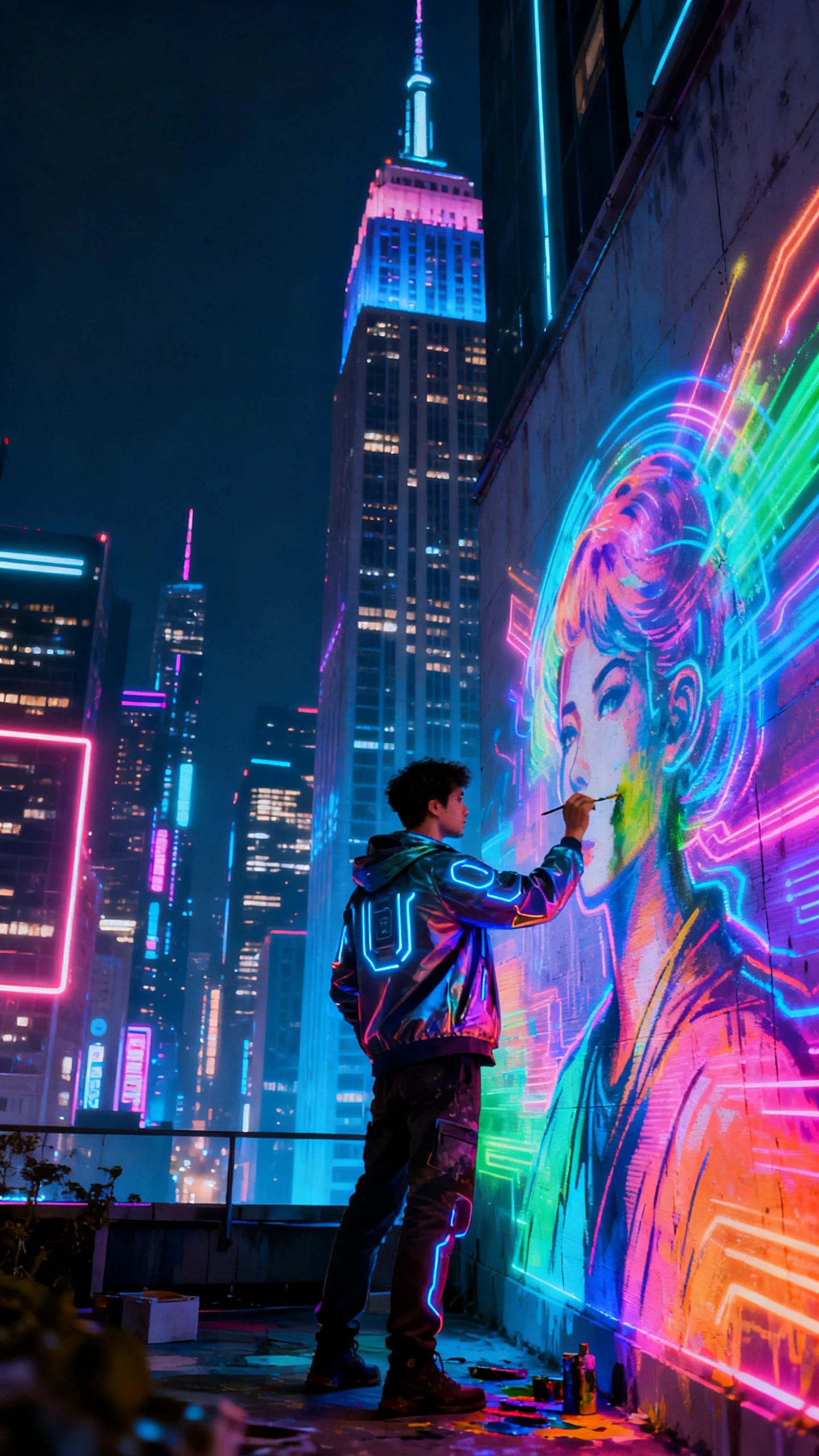
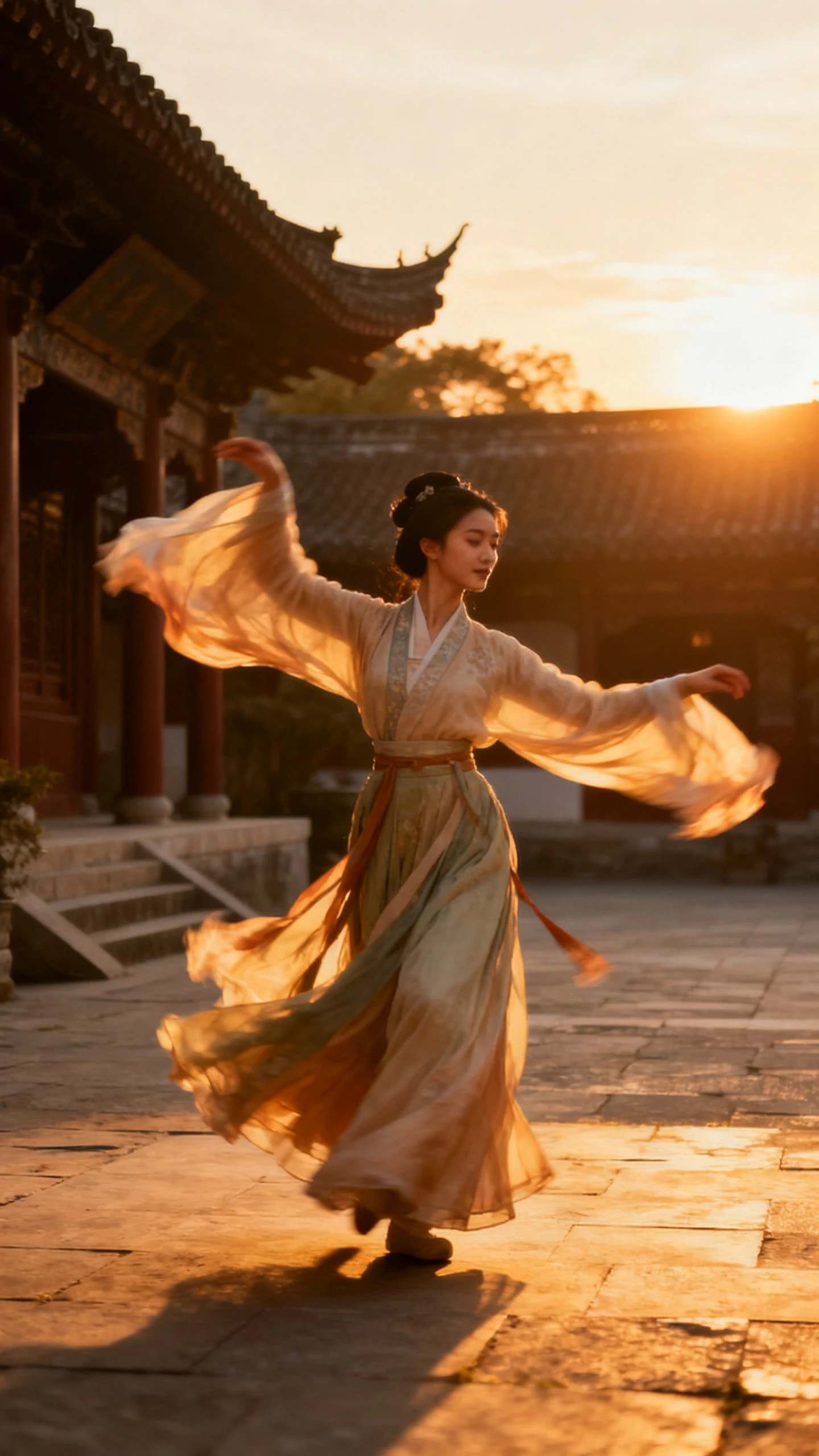
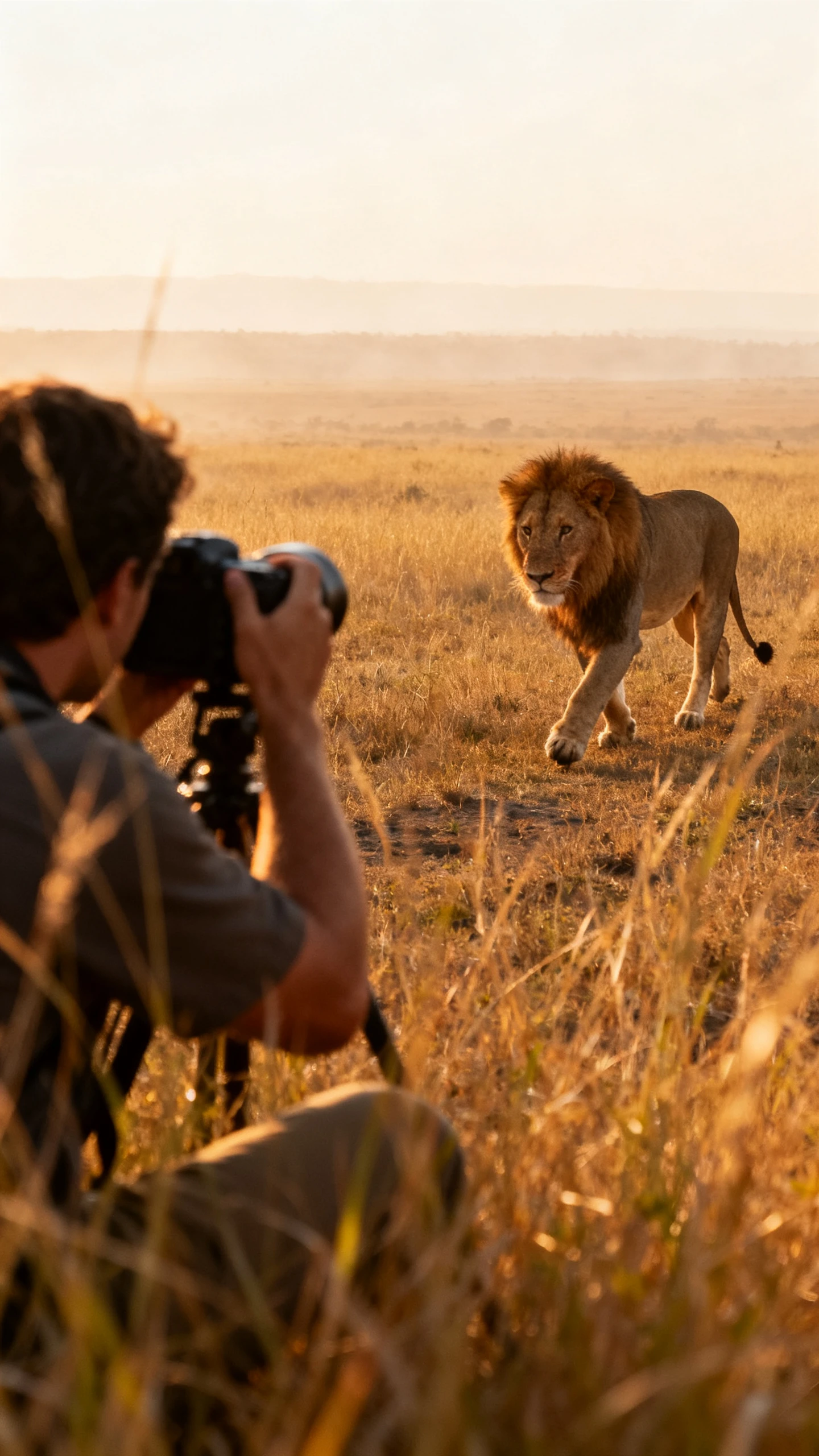
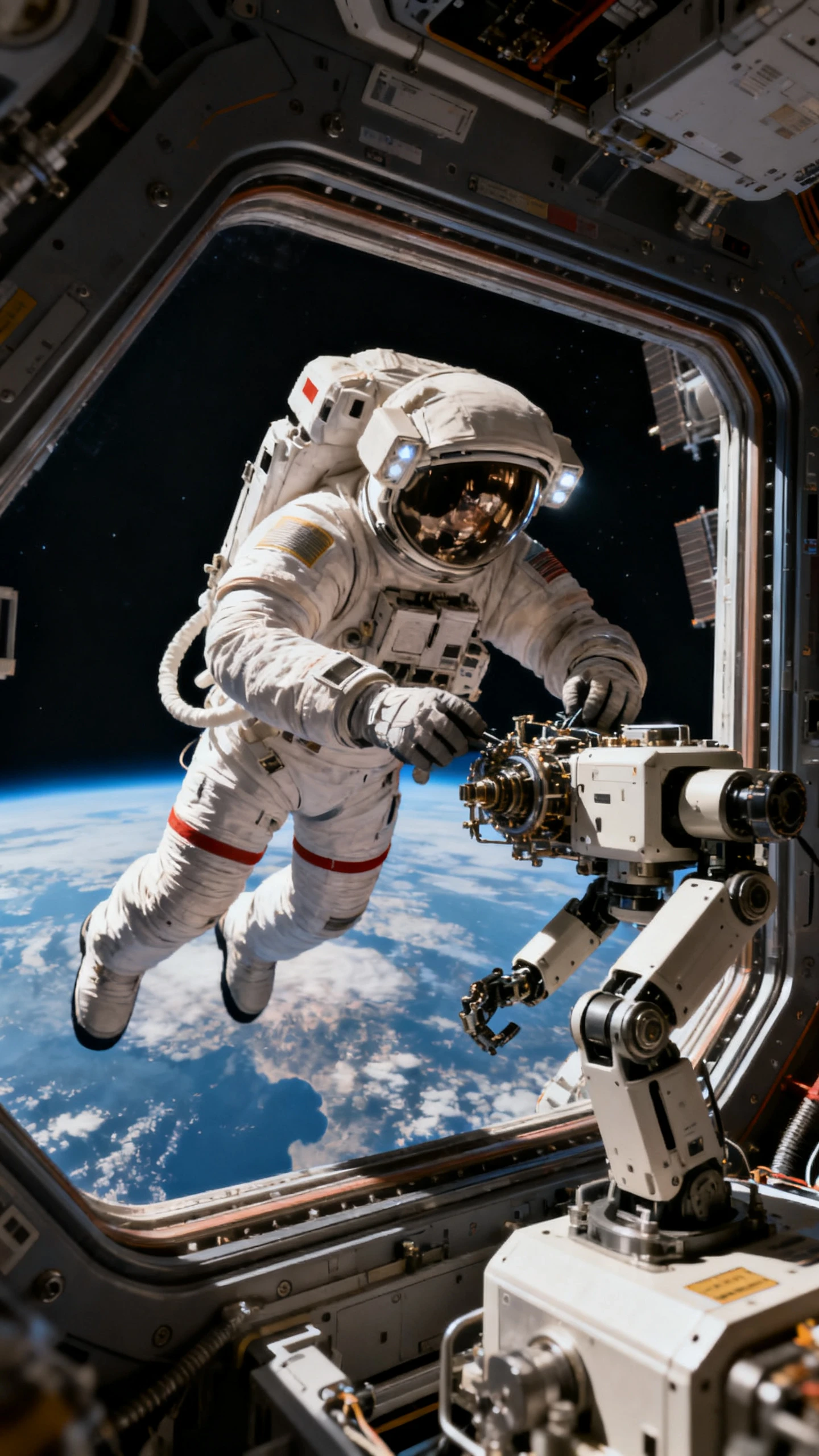
From simple prompts to complete visual stories, Happy Horse 1.1 makes AI video creation more accessible, helping creators quickly transform ideas into compelling video content.

Turn ideas into complete AI videos within minutes. Happy Horse 1.1 simplifies the creative process so you can spend less time editing and more time producing engaging content.
Generate videos with stable characters, coherent scenes, and balanced visual quality. The model helps maintain a consistent appearance across frames for a smoother viewing experience.
Experiment with cinematic scenes, anime-inspired visuals, realistic environments, illustrations, fantasy worlds, and more. Happy Horse 1.1 adapts to different creative directions with ease.
No professional editing skills or expensive production tools are required. Simply enter a prompt, upload an image if needed, and let AI handle the video generation.


Creating AI videos with Happy Horse 1.1 on Magiclight AI is simple and intuitive, allowing you to move from inspiration to creation through a smooth, guided experience.
Enter a detailed text prompt or upload a reference image to guide the AI in creating your desired video concept, visual style, and scene direction.
Adjust key settings such as aspect ratio, video style, duration, and other available options to match your creative vision.
Let the AI transform your ideas into a complete video. The system generates visuals based on your prompts and selected settings within minutes.
Review the generated video, make adjustments if needed, and export the final result for sharing, publishing, or further editing.
Happy Horse 1.1 AI Video Generator is an AI-powered video model available on Magiclight AI that converts text prompts and images into animated videos with smooth visuals and consistent scene generation.
Yes. Upload a reference image together with a prompt, and Happy Horse 1.1 can transform it into a dynamic AI-generated video while preserving the overall visual style.
Absolutely. The platform is designed for users of all experience levels, allowing anyone to create AI videos without professional editing knowledge.
You can create storytelling videos, social media clips, product showcases, educational content, promotional videos, concept visualizations, and many other creative projects.
The model improves motion modeling and temporal consistency to reduce sluggish movement and weak pacing. Characters and objects move more naturally in complex action scenes.



Magiclight AI’s Happy Horse 1.1 AI Video Generator turns text and images into realistic videos effortlessly.