
Discover Magiclight AI’s 1-Minute Video Generator Features
Users can turn ideas into engaging shorts for different platforms. With the 1-minute video generator in Magiclight AI, explore how the tool effortlessly creates every detail.

The Magiclight AI 1-minute AI video generator builds bite-sized social clips from a script. Get AI scene suggestions, auto‑subtitles, and music with this tool.
Create a 1‑minute Video Now.webp)
.webp)
.webp)
.webp)
.webp)
Users can turn ideas into engaging shorts for different platforms. With the 1-minute video generator in Magiclight AI, explore how the tool effortlessly creates every detail.

Users can create videos in Magiclight AI via chatting. Therefore, beginners are able to create professional videos within a few seconds.
With Magiclight AI, pick from 7 story templates that make video creation faster. The tool offers presets for kids' stories, vlogs, religious tales, etc.
Control each and every detail of your video with plain text prompts. Magiclight AI analyzes the prompt and follows your instructions precisely.
Magiclight AI offers 20+ artistic styles so every clip looks unique. You can make anime, Pixar, and Wuxia-style videos according to your topic.


Beginners and professionals can follow an easy workflow for creating short clips with the 1-minute AI video generator in Magiclight AI. You get ready-to-share clips in seconds.
Type your idea or concept. Be sure to mention the topic, tone, and audience, so Magiclight AI can generate a 1-minute clip accordingly.
Pick a visual style for your video and characters. It should match your brand or platform. Set up the tone, accent, and voiceovers for each character.
Go through the scenes and revise poses, outfits, and accessories. Users can also choose to add subtitles and background music to create tension in the clip.
Check the full video by replaying it once or twice. If every detail looks ready, download and post the clip.
With Magiclight AI, users can simply describe their idea and pick a style. Scenes, characters, and timing are handled by the tool. This gives you polished 1-minute videos quickly.
The Magiclight AI 1 minute video generator is suitable for short‑form clips. Therefore, these videos are perfect for social posts, teasers, story clips, and quick explainers.
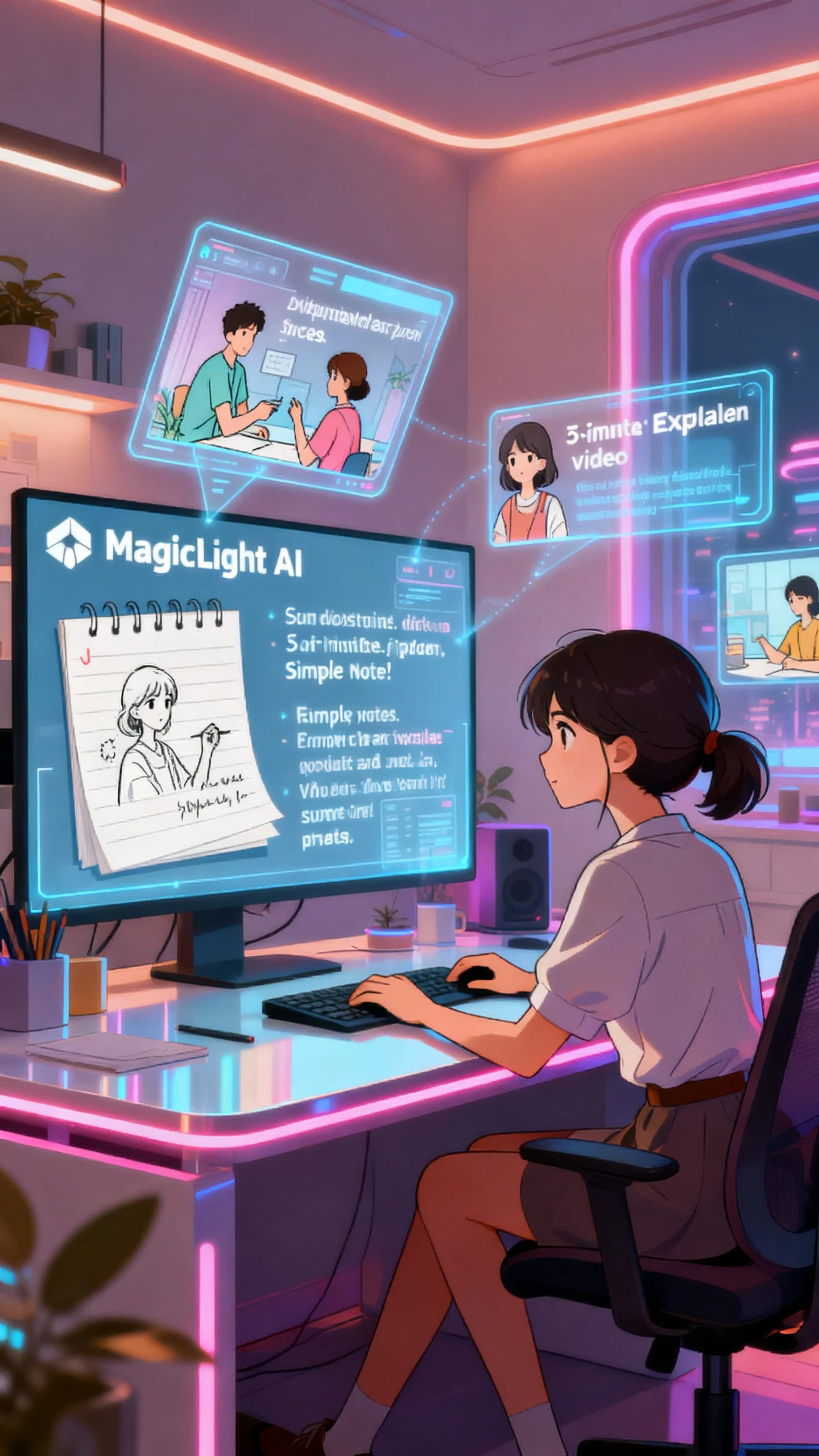
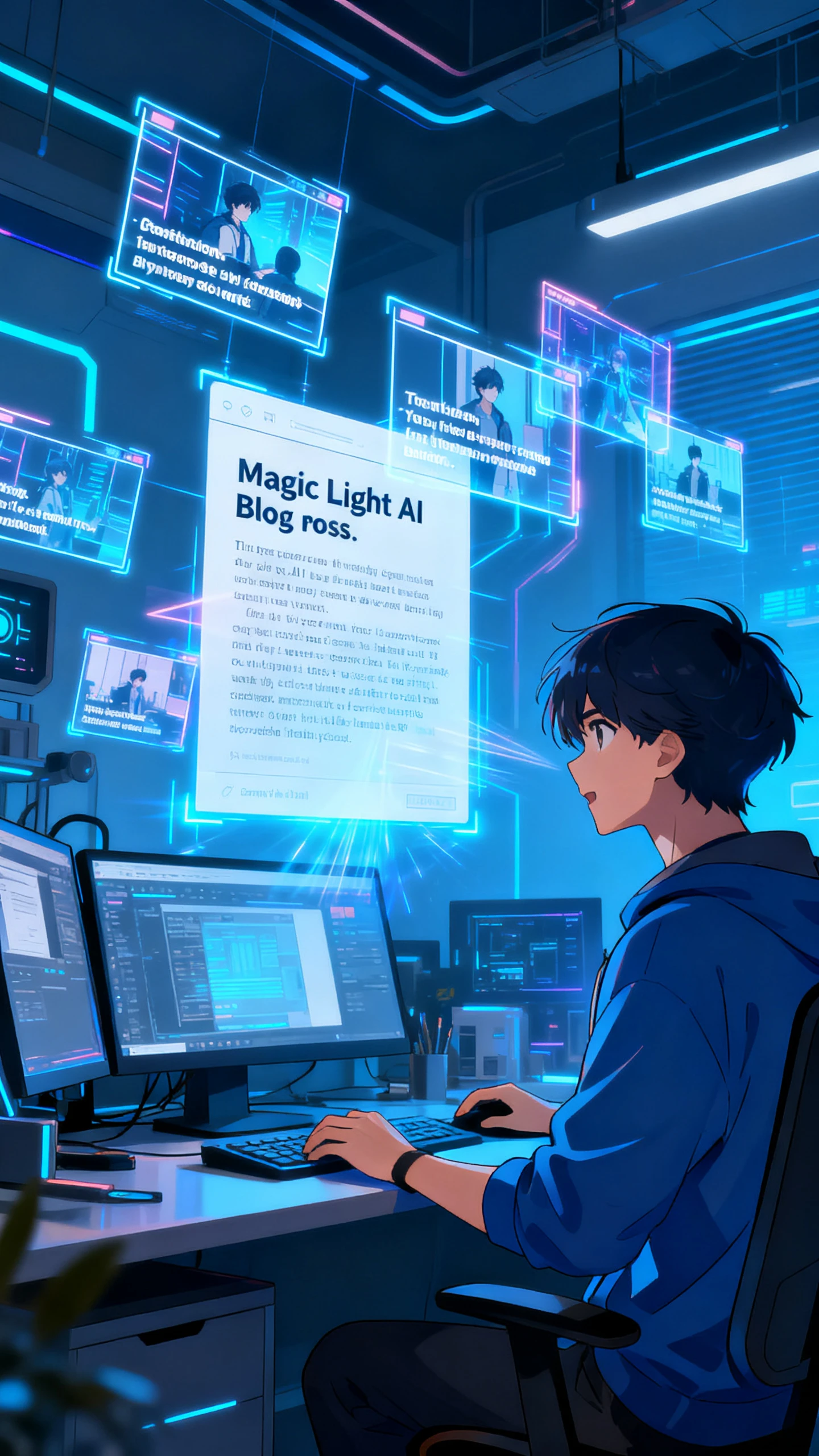
Yes, you can paste scripts, blog posts, or outlines into Magiclight AI. It then condenses your content into 1 minute AI videos that are easier to share across platforms.
Clips from Magiclight AI work great on TikTok, Reels, Shorts, and social feeds. You can export in different formats, aspect ratios, and HD quality, so each clip looks professional.
You can alter and adjust the captions and colors to match your brand. With Magiclight AI, it is possible to change the tone and visuals, so each generated video feels on‑brand.
Yes. The 1-minute AI video generator is free in Magiclight AI for new users and those with enough credits. This lets you explore and create short clips for various platforms.



Turn scripts, notes, or rough outlines into cinematic 1-minute clips with characters and voiceovers using Magiclight AI.