Everything InVideo AI Builds From One Prompt
From idea to finished video, InVideo AI brings the entire creation process into one workflow. Here are the features that make it happen.

InVideo AI turns a written idea into a complete video draft with script, footage, voiceover, and captions already in place. No editing experience is required.
Try InVideo AI For Free



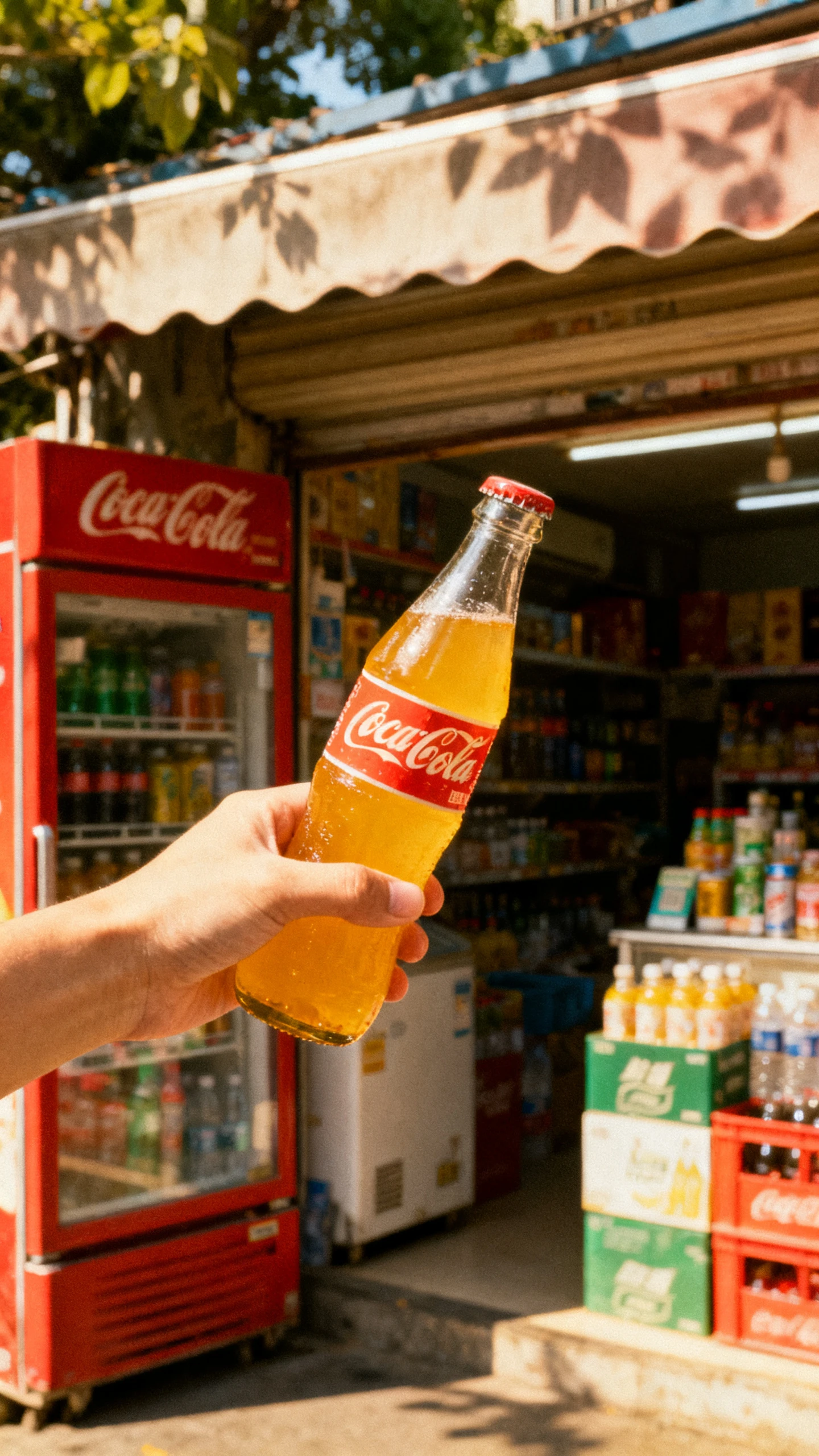

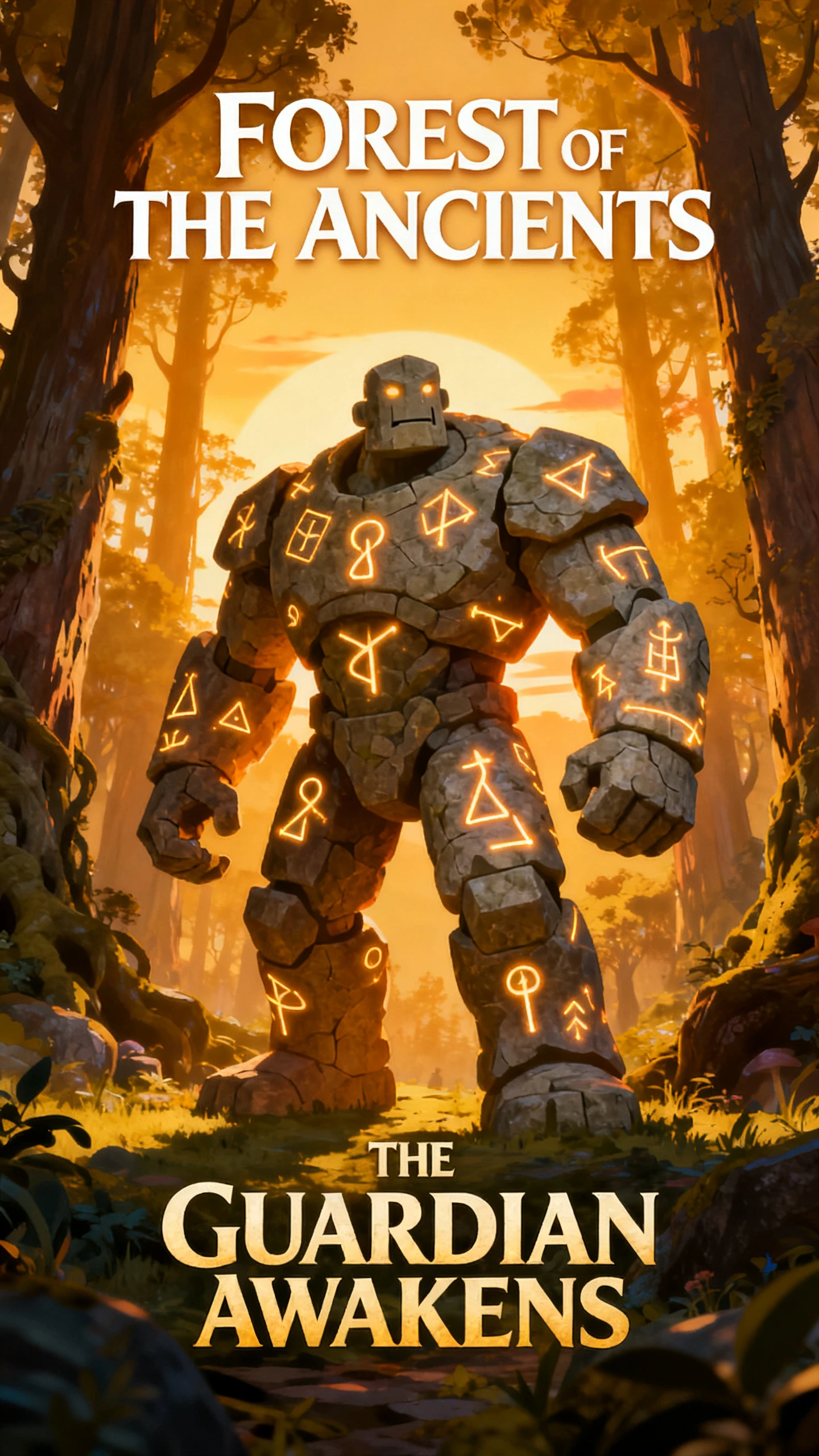
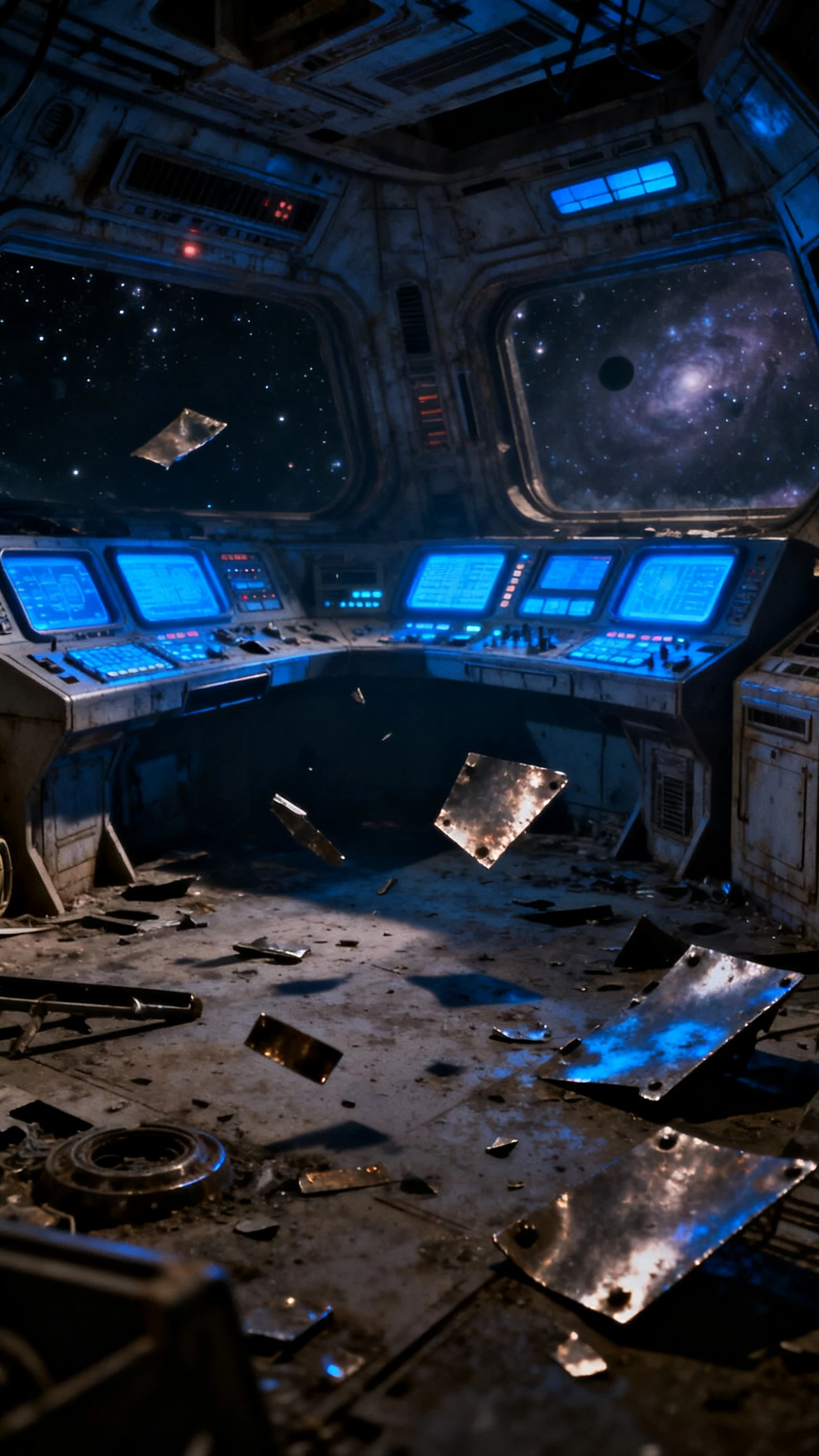
From idea to finished video, InVideo AI brings the entire creation process into one workflow. Here are the features that make it happen.

Describe the video you want, and the InVideo AI text‑to‑video generator turns it into a complete video with a script, visuals, voiceover, music, and subtitles. You will get a complete draft instead of assembling everything yourself.
Revisions are typed, not dragged. Tell the Magic Box to change the accent, cut a scene, or add a different intro, and InVideo rebuilds that part of the video. It removes the usual step of learning where every feature is present before you can fix anything.
InVideo takes assets from iStock, Shutterstock, and Storyblocks, offering over 16 million royalty‑free media assets. It has also built Sora 2, Google Veo, Pixverse, and Wan into the same pipeline, allowing generated shots to sit beside real footage.
While taking up a 30‑second sample to clone a voice, a single video can carry up to 6 different speakers. It offers over 30 AI voices and output in more than 50 languages, allowing one script to publish across several markets without recording twice.
InVideo has been building video tools and serves around 50 million users. Three things explains why creators choose free AI video generators like InVideo.
Turn one prompt into a complete first draft without building each part separately. InVideo AI can write the script, choose or generate visuals, add a voiceover, place subtitles, and include music and transitions. You still review the result, but most of the setup happens before you enter the editor.
Start Creating Free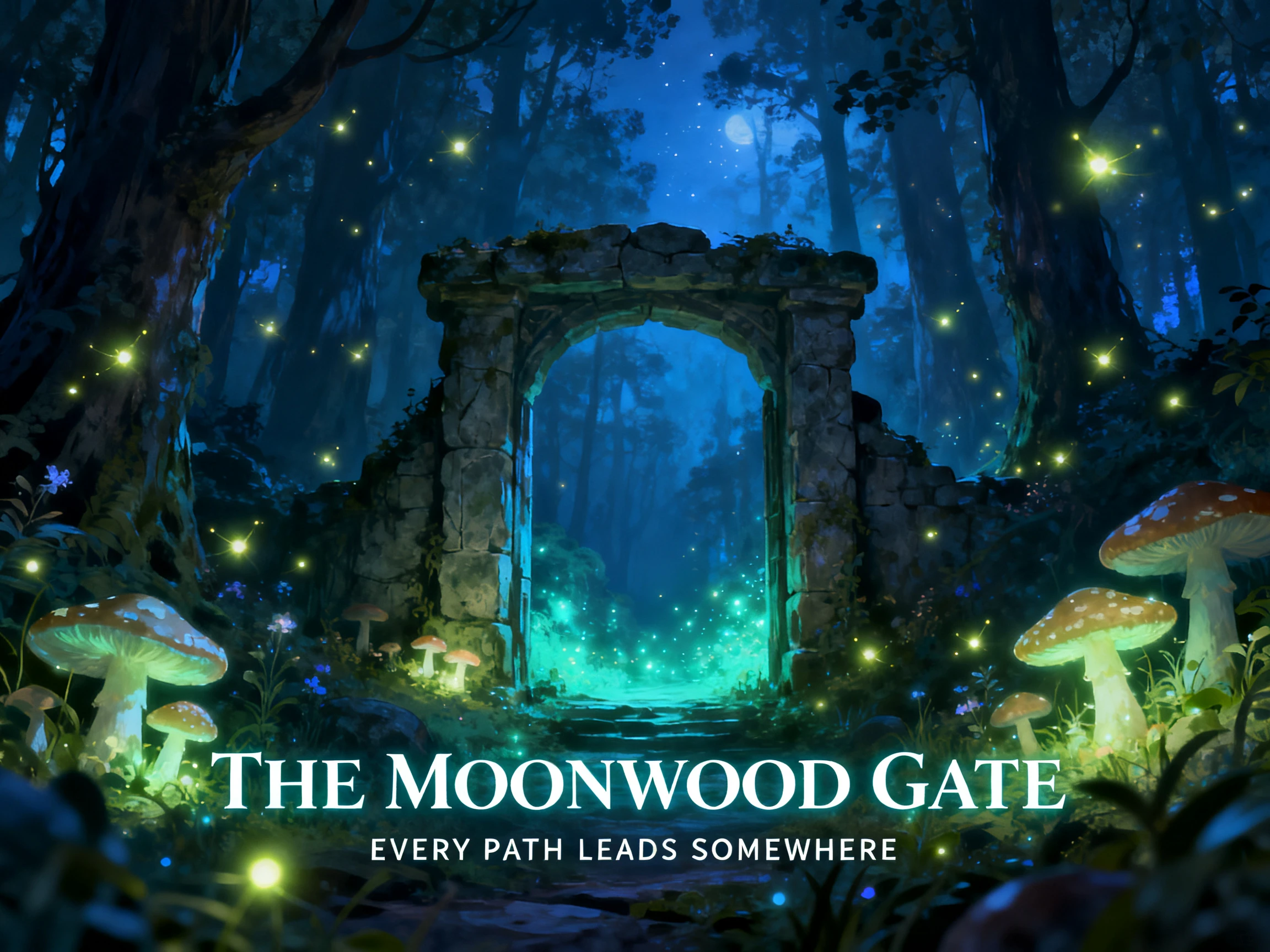
Make common changes by typing what you want instead of learning a traditional editing interface. Magic Box can delete scenes, replace media, mute audio, change the voiceover, or adjust the video format through text commands. This keeps simple revisions accessible even when you have little or no editing experience.
Start Creating Free
Offers vertical, square, and widescreen exports across the same project, allowing users to cover one idea across YouTube, Instagram, and TikTok. Adapt one project for different publishing channels without rebuilding the video from the beginning.
Start Creating Free
Compare AI video generators like InVideo to find out the best option for video generation. Here are some main options lined up:
| Platform | Strength | Editing Approach | Best For | Users |
|---|---|---|---|---|
| InVideo AI | Prompt to finished video | Text commands | Social and marketing video | Marketers and creators |
| Magiclight AI | Long‑form animated story | Storyboard editing | Story videos up to 50 minutes | Story creators |
| Pictory | Long content into clips | Timeline with AI help | Repurposing blogs and webinars | Content teams |
| Synthesia | Presenter‑led avatars | Template driven | Training and internal comms | Enterprise and L&D |
| Runway | Generative shot quality | Prompt + model tools | Cinematic and VFX work | Filmmakers |
See how you can use InVideo video generator when turning your simple idea into a product ad, or a complete video.
Type in an idea, set its length, and the voiceover style. The more specific it is, the closer the first draft will be to what you had in mind.
Pick a workflow, select your audience and platform, and choose a voice or your own clone. InVideo assembles the scenes around those settings before generating.
Watch the draft, then tell the Magic Box what to change. Cut a scene, swap the footage, adjust the pacing, or rewrite a line without touching a timeline.
Render the finished video in 16:9, 1:1, or 9:16. The same project covers a YouTube upload, a square feed post, and a vertical short without rebuilding it.

Social Media Manager
We were posting twice a week, and now we post daily using InVideo AI. The first draft is never perfect, but it is close enough that fixing it takes 20 minutes instead of a full afternoon in an editing suite.

Small Business Owner
I had never edited a video in my life. Mentioning what I want to change felt strange across InVideo AI, but now it is the only part of my marketing operations that I look forward to.

Podcast Producer
The voice clone in InVideo AI was an instant seller. After recording a 30‑second sample, our promo clips now sound like the same person without having him to sit down and record every week.

Freelance Marketer
I only work on my scripts now. Instead of finding six matching clips every morning, I now complete my work with more speed using InVideo AI
You get a complete first draft. It creates the script, selects stock clips, adds a voiceover, background music, and subtitles. You can then review and edit the video instead of building everything from scratch.
Sora 2 and Google Veo 3.1 are integrated directly into it, alongside Pixverse and Wan. Generated shots appear in the same video as stock footage, so you are not moving files between separate tools.
Yes. Upload your audio and describe the visuals, which is then created by InVideo. If you do not have your own audio, choose a soundtrack from its built‑in library.
Type instructions like change the accent, remove the third scene, or add a funny intro, and Magic Box makes the edits. Simple requests usually work directly, while complex ones may need clearer wording.
You can find a free tier for testing its workflow, with paid plans offering more AI minutes, exports, and voice cloning options. Minutes reset monthly but do not roll over, so select an appropriate plan.
Real footage works better when you need to show something specific. Product demos, screen recordings, and on‑camera content should be filmed because stock or generated clips cannot show your actual product.



Bring an idea, a length, and a platform. InVideo video generator handles the script, the footage, the voiceover, and the export.