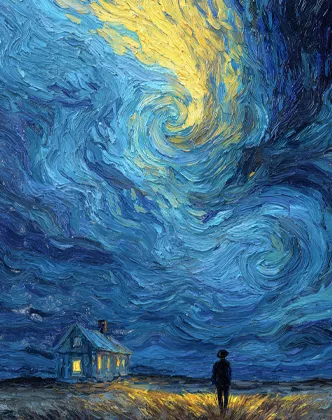
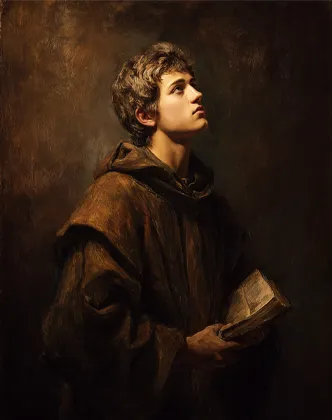
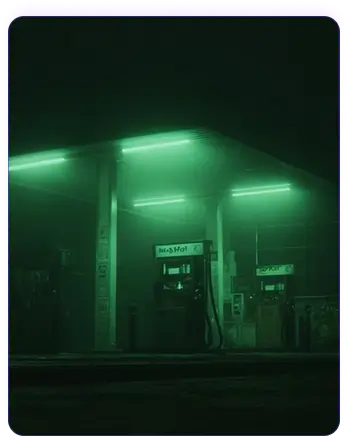
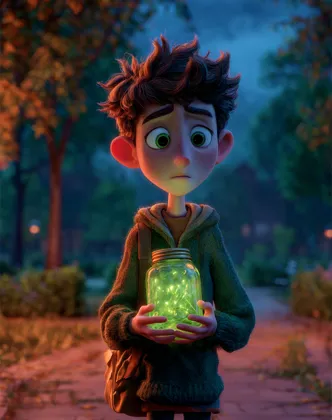
Hero background

Midjourney AI Video GeneratorCreate Movie Clips From Image

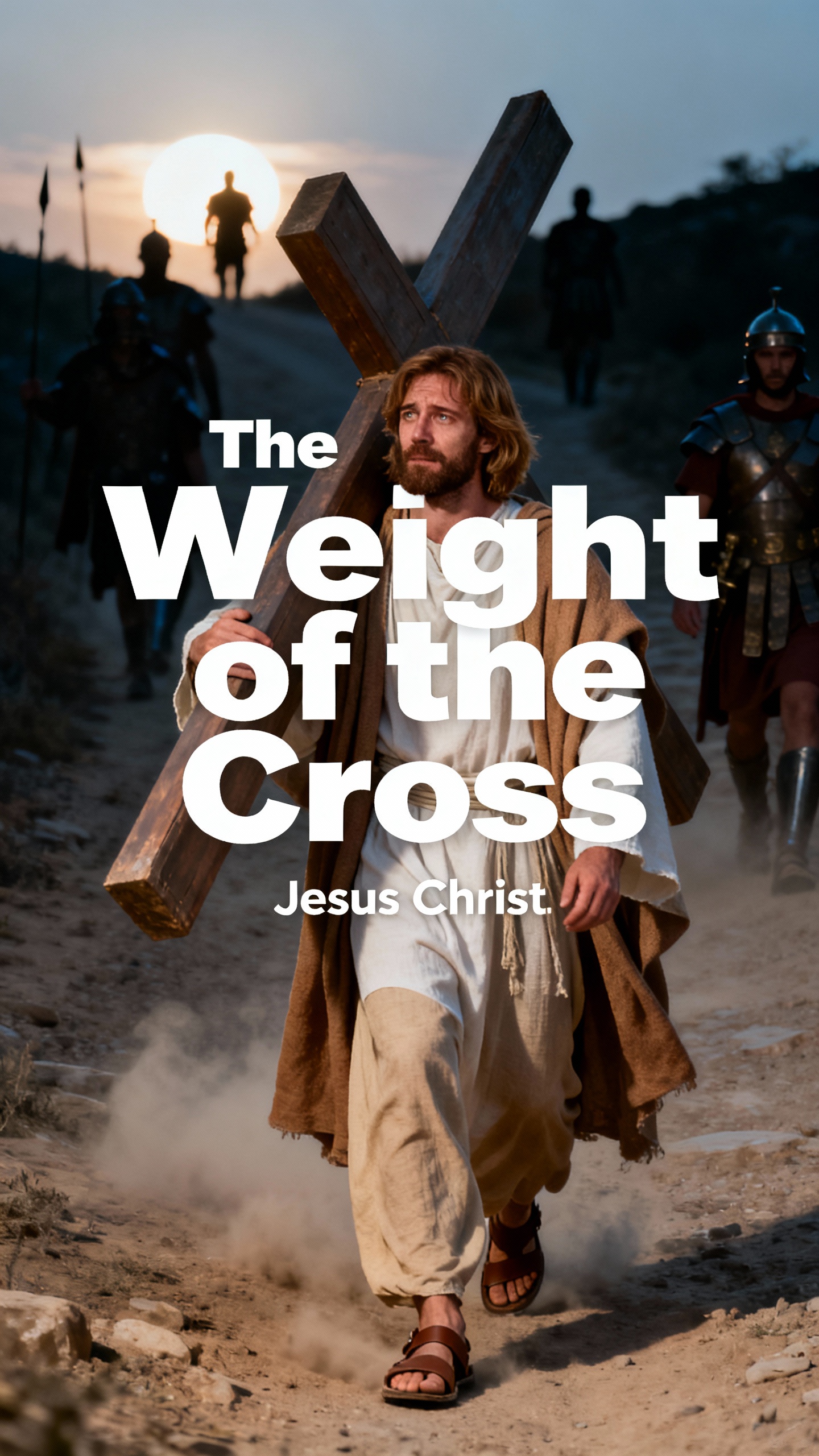
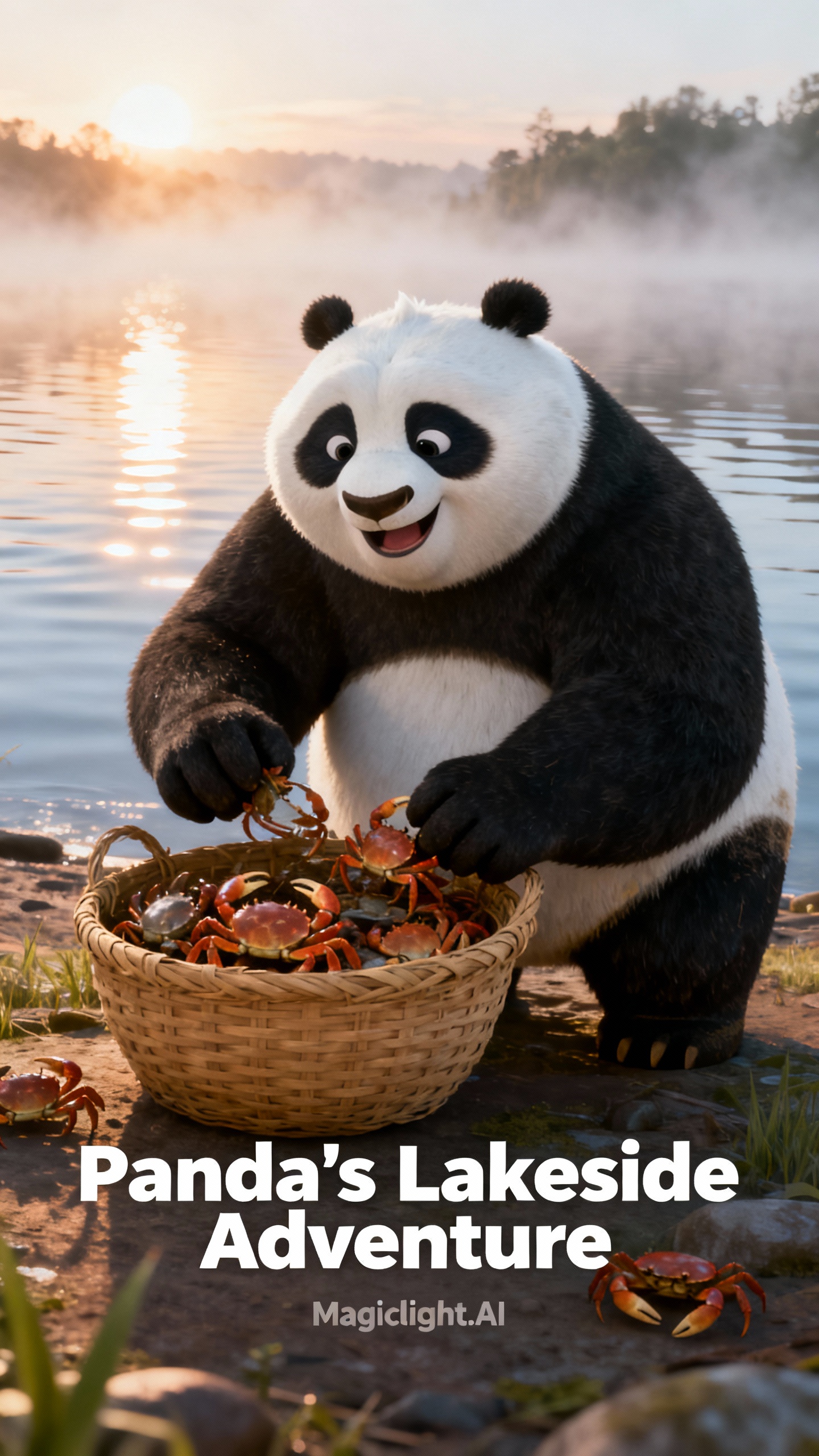
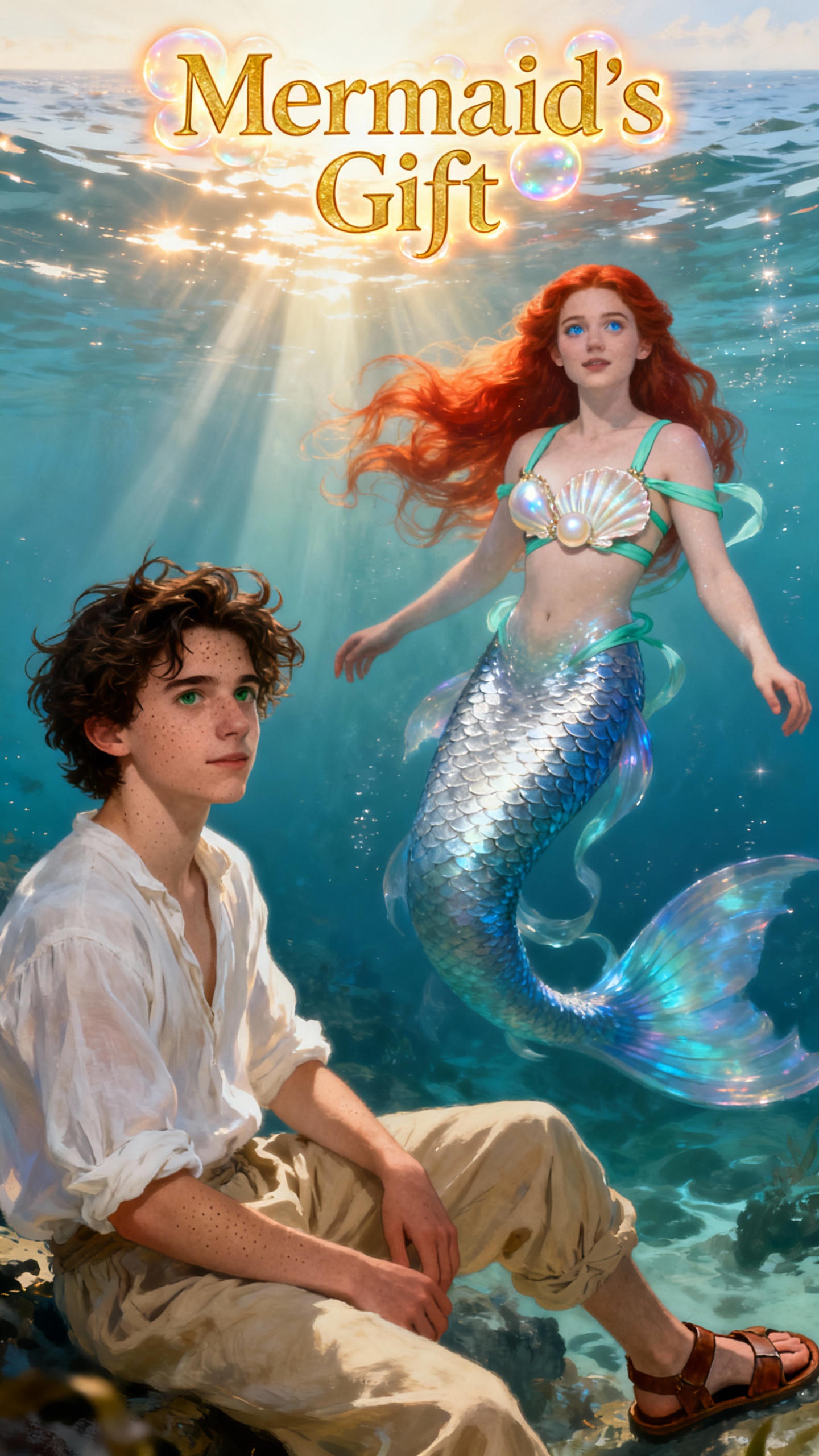
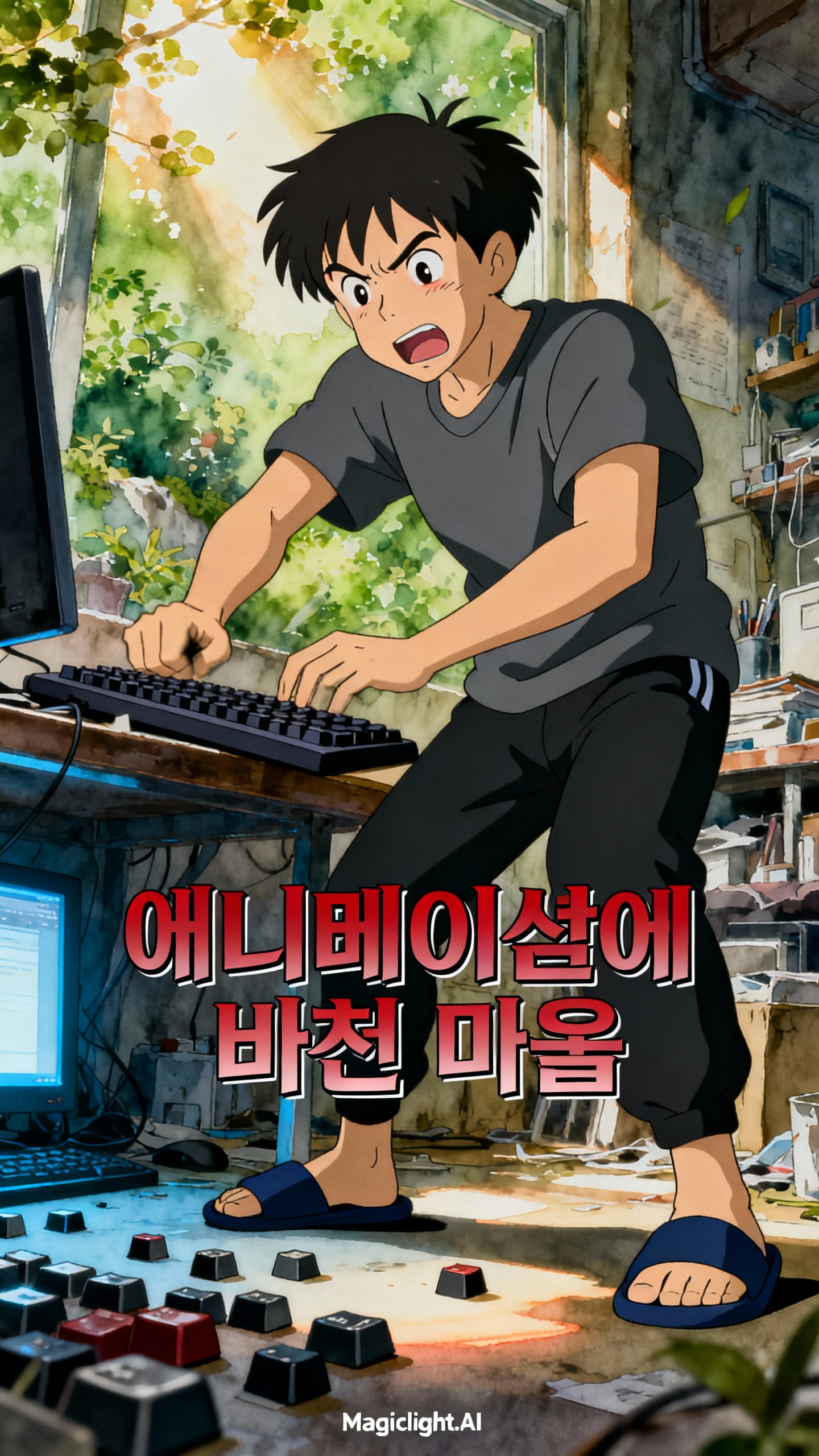
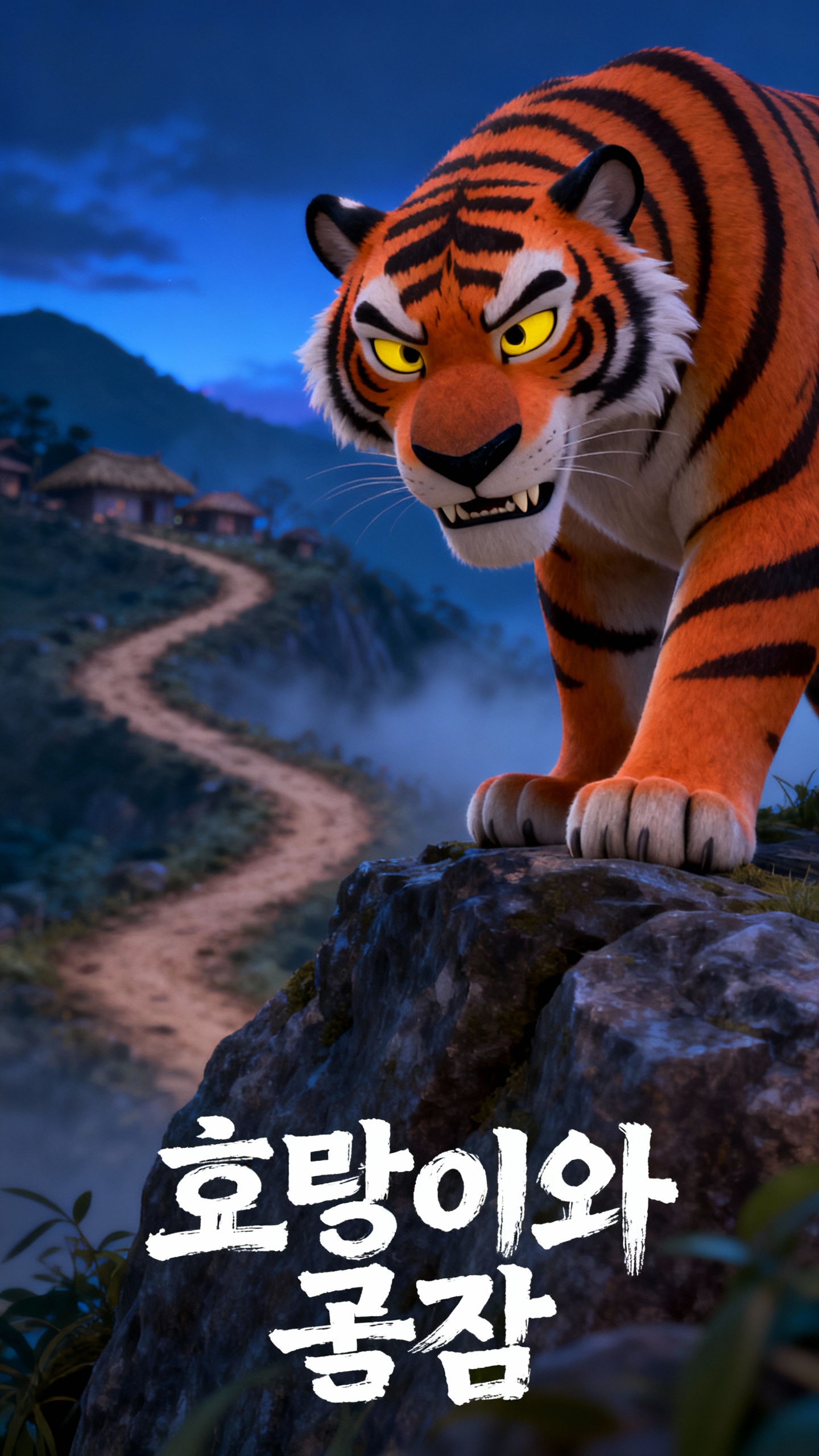
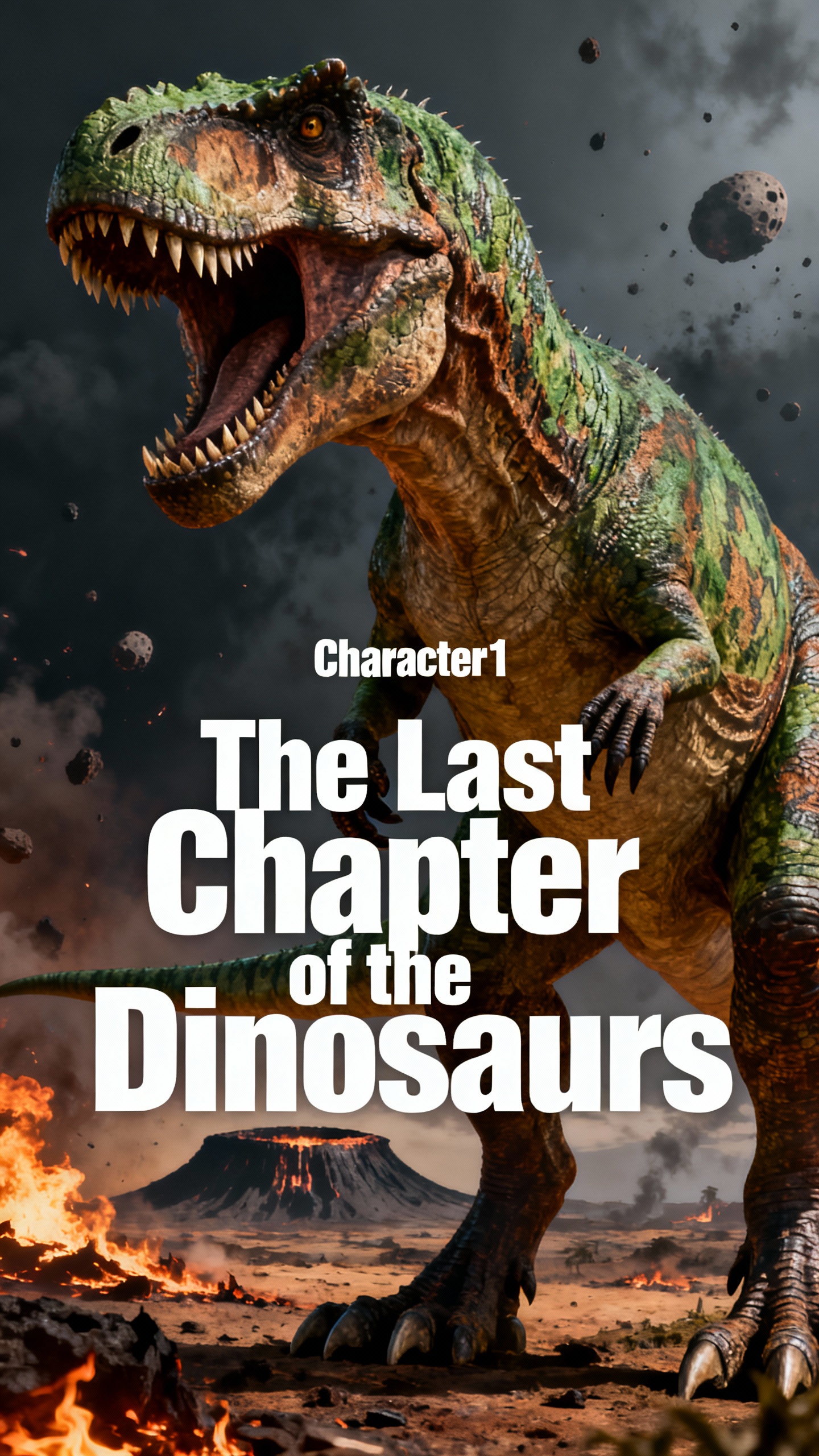
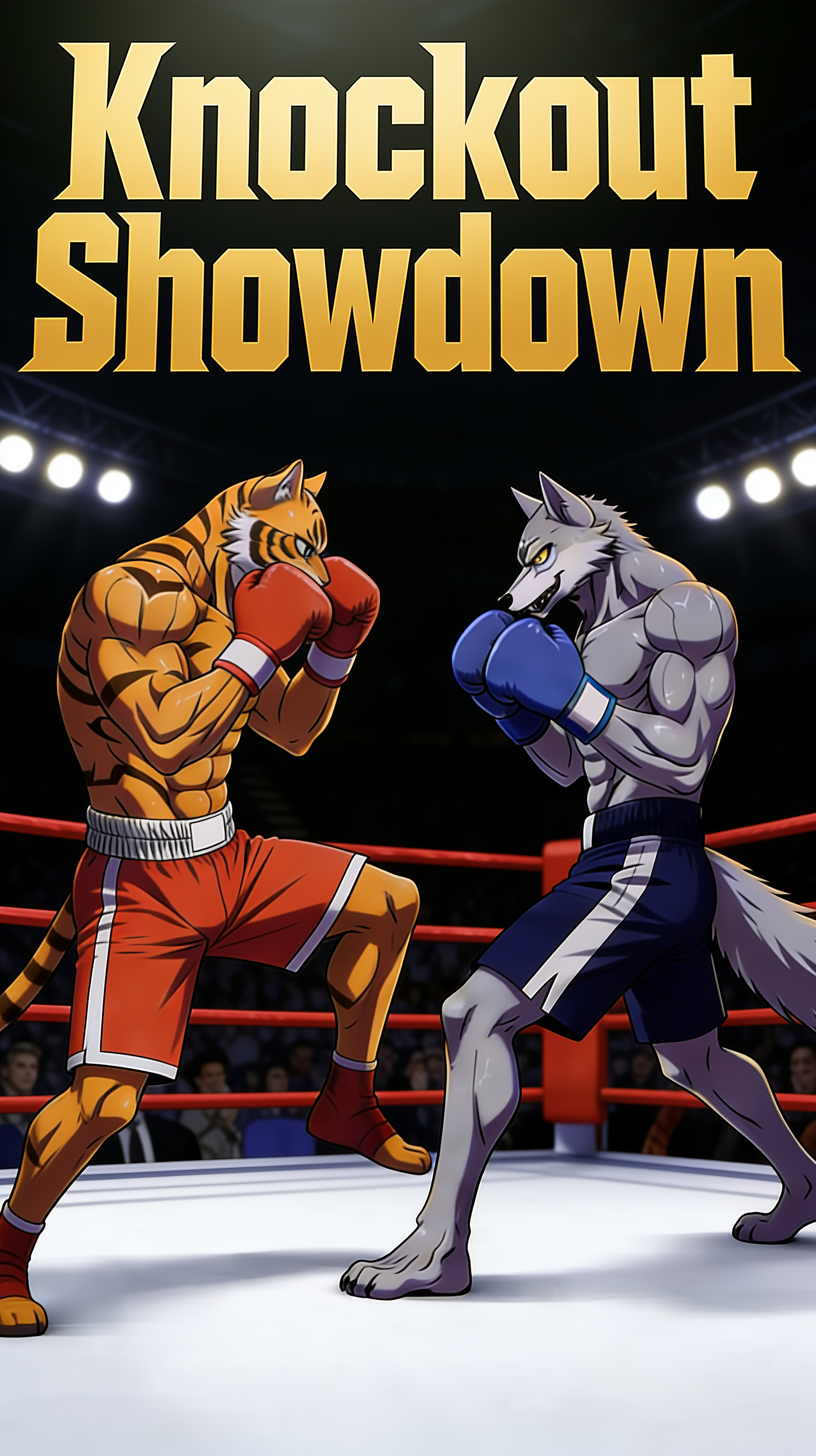
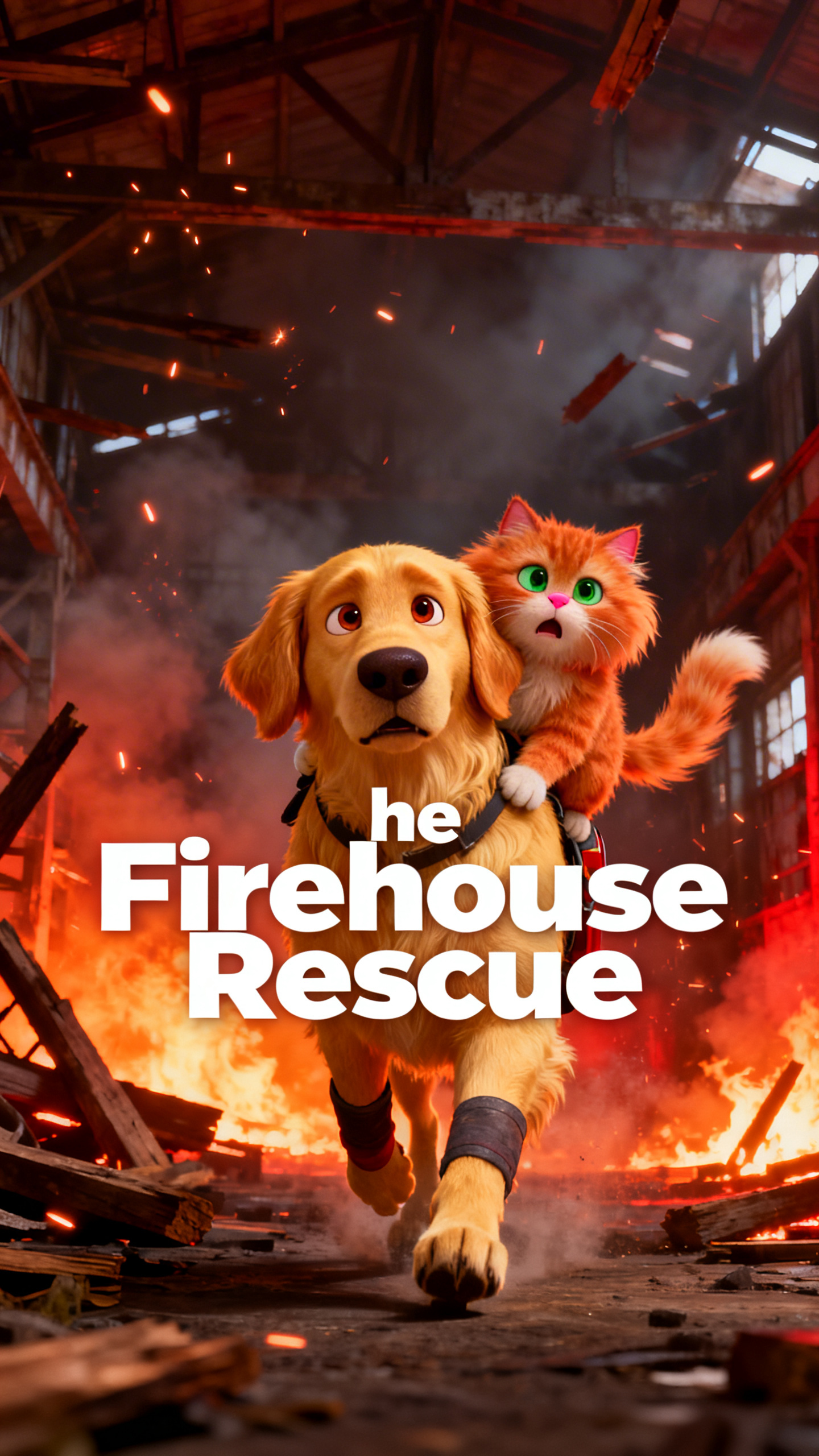
Use Midjourney AI Video Generator to convert images into stunning videos. This is perfect for daily content.

Launch your video today
Story Grid 1
Story Grid 2
Story Grid 3
Story Grid 4
Story Grid 5
Story Grid 6
Story Grid 7
Story Grid 8
Story Grid 1
Story Grid 2
Story Grid 3
Story Grid 4
Story Grid 5
Story Grid 6
Story Grid 7
Story Grid 8
Story Grid 1
Story Grid 2
Story Grid 3
Story Grid 4
Story Grid 5
Story Grid 6
Story Grid 7
Story Grid 8

Explore Features of Midjourney AI Video Generator

Magiclight AI’s Midjourney video AI generator lets you create full-length videos from plain text or images. You can refine every scene of your clip.

Explore the video generator
3D decoration

Script-to-Video in One Tool

Instead of switching tools for creating details, you can do everything in one. With Magiclight AI, scenes, animation, audio, and exports stay connected in one place.

Custom Characters You Can Reuse

Set a name and design characters with prompts and images. It saves them in a library so you can reuse the same cast in new videos.

Story Templates for Fast Ideas

Magiclight AI supports 7 themed story templates and 14 one-click video models. This allows you to edit and publish videos faster.

Voices that Match Every Frame

You can choose from 37 voiceovers or clone your own so characters feel real. Magiclight AI keeps speech, faces, and sound aligned for every scene.

Who Midjourney AI Video Generation Model is Best For
Some creators need to post daily, while others need to sell services.
The Midjourney AI video generation model does it all, creating polished videos.
Educators
For Social Marketers
Test multiple creative styles for your videos in minutes.
Turn product shots into engaging short story videos.
Build realistic AI-animated ads with less editing.
Parents
For YouTube Creators
Produce faceless story videos from text prompts daily.
Turn Midjourney-style art into full episodes in minutes.
Reuse scripts into bingeable anime series without a professional.
Game Studios
For Game Studios
Prototype different styles and ideas before full production.
Turn character sheets into quick teaser videos.
Pitch worlds with animated concept reels with no extra budget.
Training Teams
For Training Teams
Convert manuals into anime lessons in hours, not weeks.
Replace costly shoots with repeatable AI training videos.
Update old lessons fast without new filming days.
What Makes Magiclight AI’s
Midjourney Video AI Generator Different
With our tool, full-length story videos are possible from a simple idea. The Magiclight AI Midjourney video AI generator gives stable characters and easy editing in a single flow.
Turn One Picture into a Full Story
1. Turn One Picture into a Full Story
Start with a single image and a short prompt, then choose a video style you like. Magiclight AI quickly turns that picture into a fully animated video up to 50 minutes long.
Pick a Style
4. Pick a Style, Get Instant Vibes
You can choose styles like comic, suspense, or picture-book for your video. The style is later applied to all scenes and characters, so your videos feel rich and connected.
Chat with the AI Tool
2. Chat with the AI Tool, Get a Complete Video
You just type what you want instead of using a complex timeline. Magic Claw reads your chat, builds the video for you, and even shows you fan engagement in one place.
Clone Yourself
5. Clone Yourself into a Video Avatar
Upload a selfie to make a digital version of yourself. Magiclight AI keeps your cloned character’s face and clothes the same across many scenes and episodes.
One Look
3. One Look, All the Way Through
Your video keeps the same look, colors, and camera feel from start to finish. The prompts you give direct each scene in detail, so it feels like part of the same story.
Share Your Films
6. Share Your Films With People All Over the World
If you create your animated films in Magiclight AI, you can share them with people you have never met. The tool supports 11 languages, breaking cultural barriers for your video.

Create a Fast Animated Film With Midjourney AI Video Generator

Magiclight AI’s Midjourney AI video generation makes creating and sharing films fast and easy. Just input your idea, and the tool makes a complete video within minutes.

1.

Enter a Concept

Type a concept or upload an image into the prompt box. When writing the prompt, be as specific as possible to get accurate results.

2.

Style the Characters

Animate your characters by choosing a style model. Change their clothes, hairstyle, skin tone, and accessories however you like.

3.

Edit Storyboard Scenes

Adjust the poses, body shapes, and voiceover speed for the generated scenes. Make sure everything is to your liking before moving on to the next step.

4.

Download and Publish the Film

Export the final clip. You can also publish it on the official website to share your work with other creators.

FAQs on Midjourney AI Video Generator

What is a Midjourney AI video generator in MagicLight AI?

Magiclight AI’s free Midjourney AI video generator lets you turn text into moving scenes. The ideas you provide are converted into full videos with sound and timing.

Can beginners create long videos with MagicLight AI?

Yes. MagicLight AI is built so anyone can make multi-scene videos using chats, prompts, and templates. The tool guides you every step of the way, from idea to final export.

Does MagicLight AI support different animation styles?

You can pick from many styles, such as Pixar, Anime, and picture-book looks. MagicLight AI applies your chosen style across scenes so the whole video feels connected.

Can I clone real people as characters in MagicLight AI?

Yes. Just upload a photo, and Magiclight AI turns it into reusable avatars. Furthermore, the tool keeps the characters stable across scenes, which is great for brands or series.

How is the Midjourney video AI generator different from other tools?

Other video generator tools let you create short clips and static images using detailed prompts. In Magiclight AI, you get longer videos with voices, music, and templates.

Does the Midjourney video AI generator create social media posts?

Social media creators can use Magiclight AI Midjourney video AI generator to produce their content. You input your idea and the AI model handles character and scene refinement.


Create Your First Video with Midjourney AI Video Generator

Create full-length clips from images or text with Midjourney AI video generator.