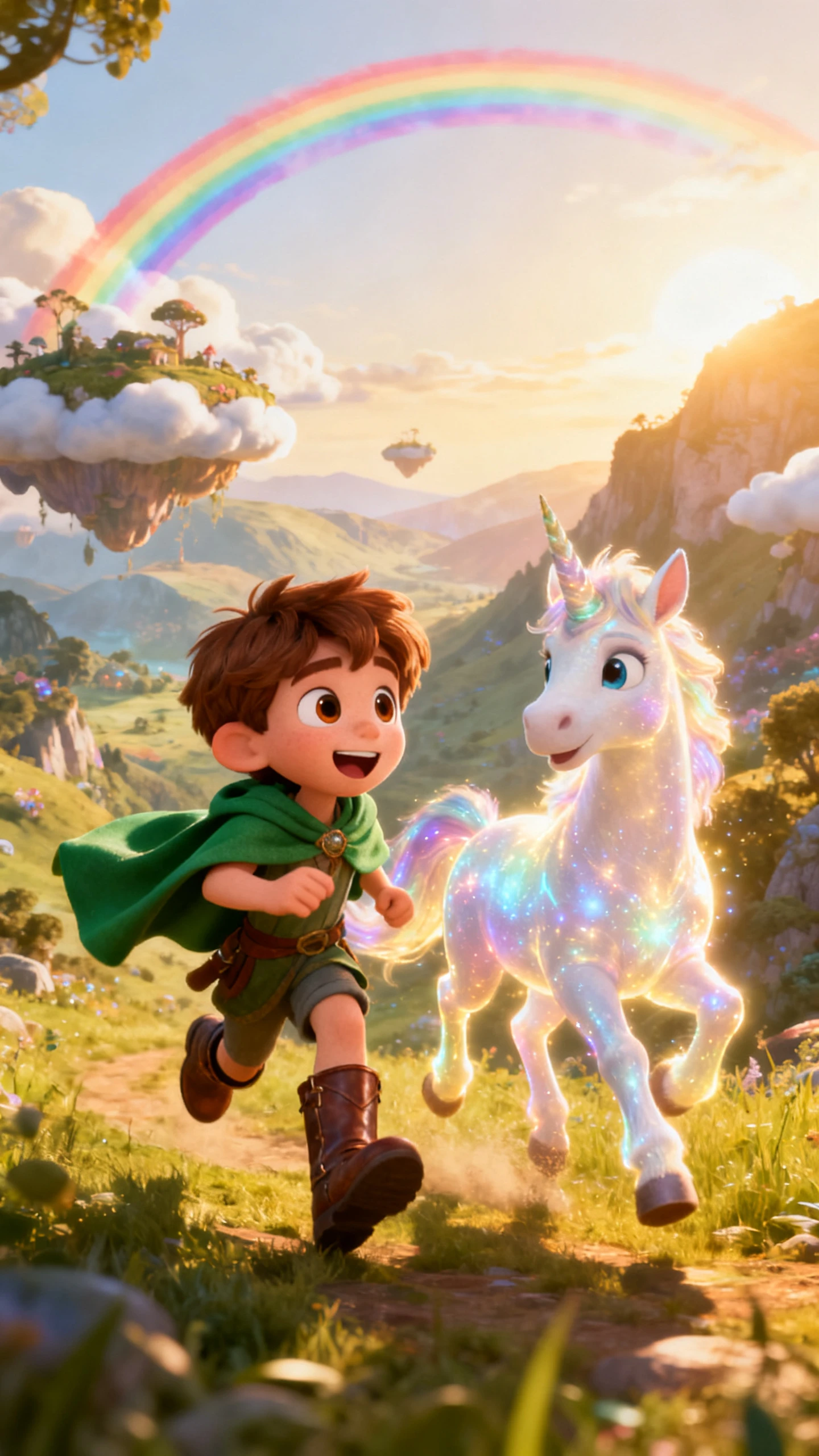
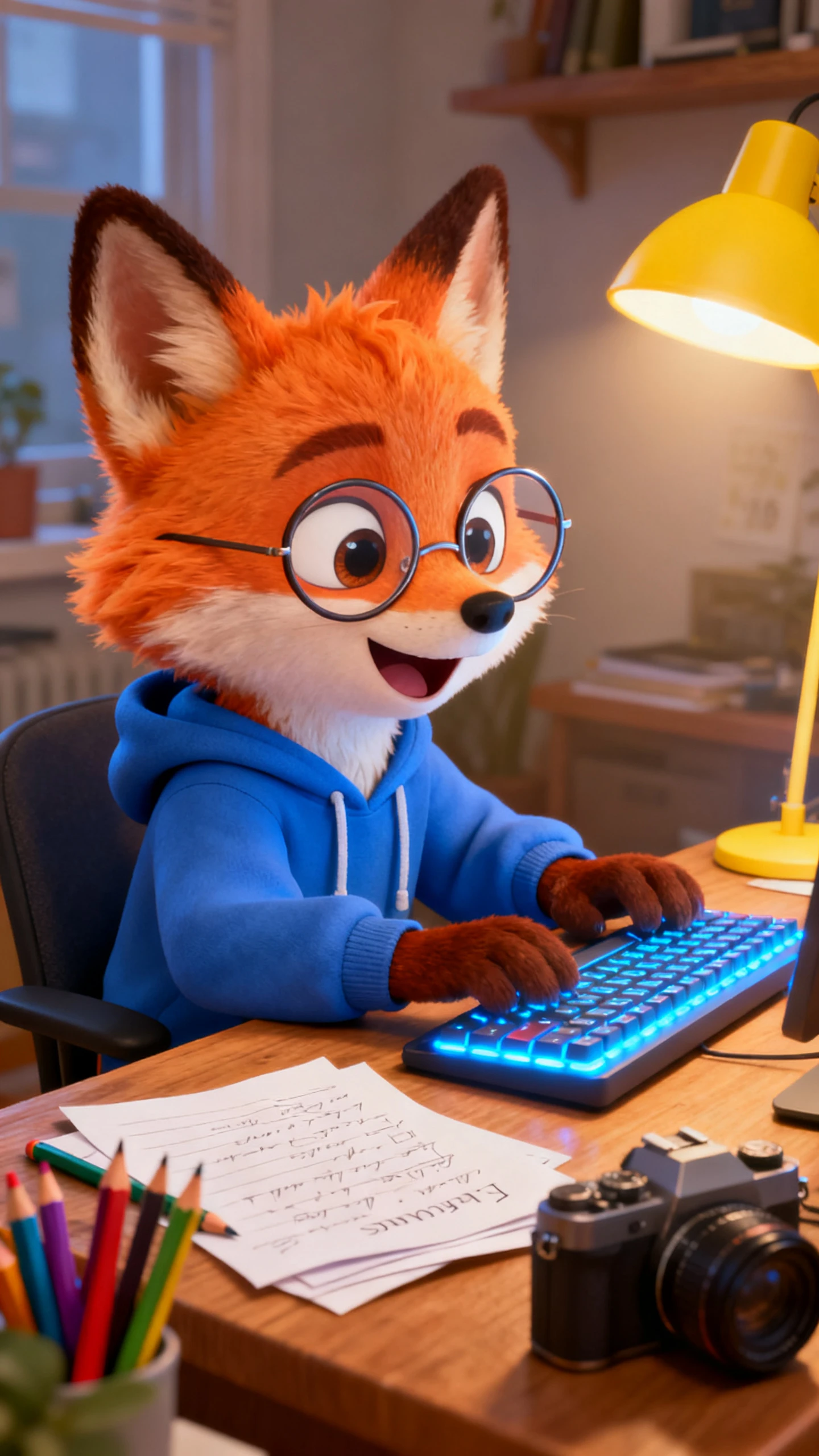
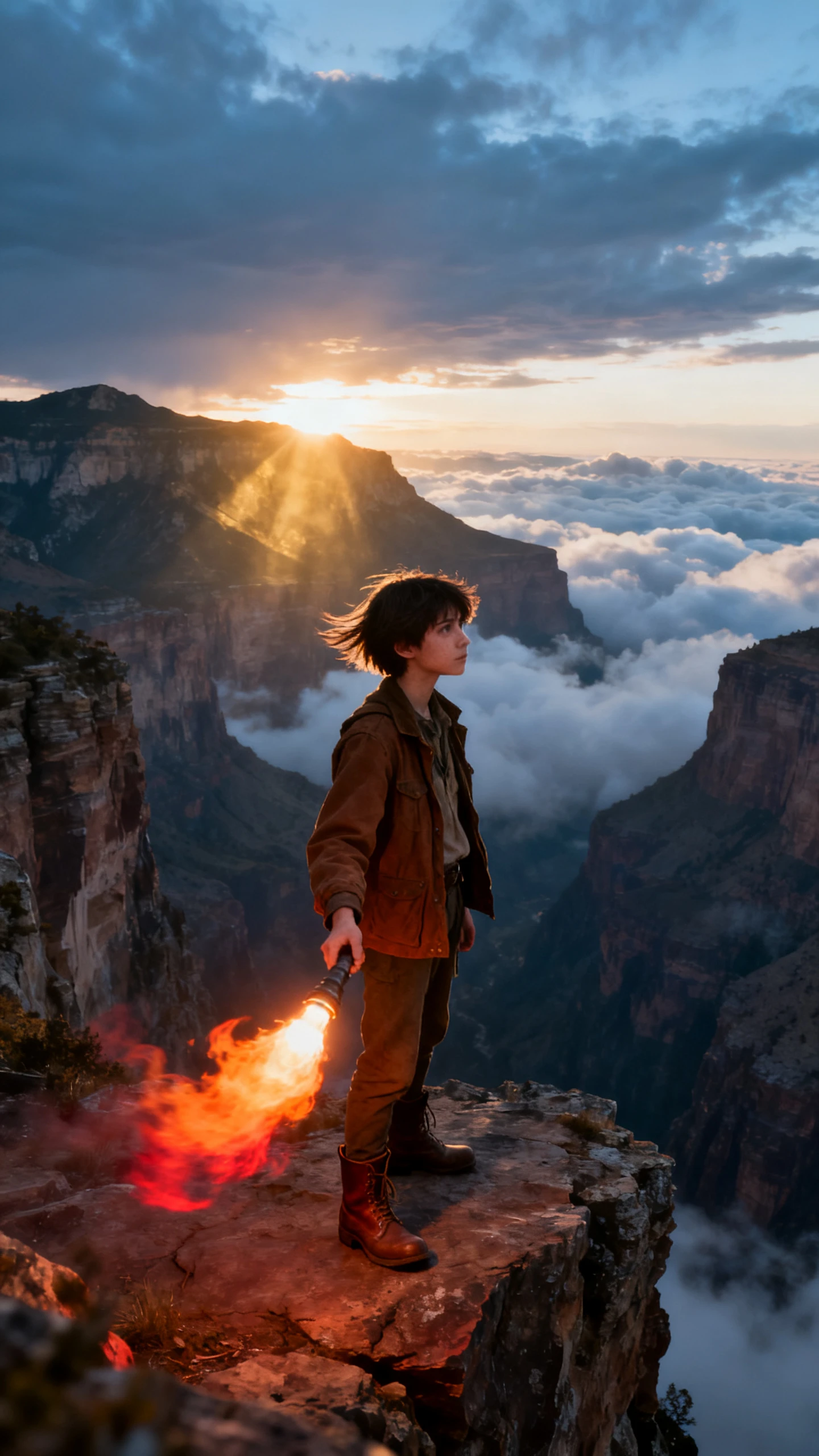
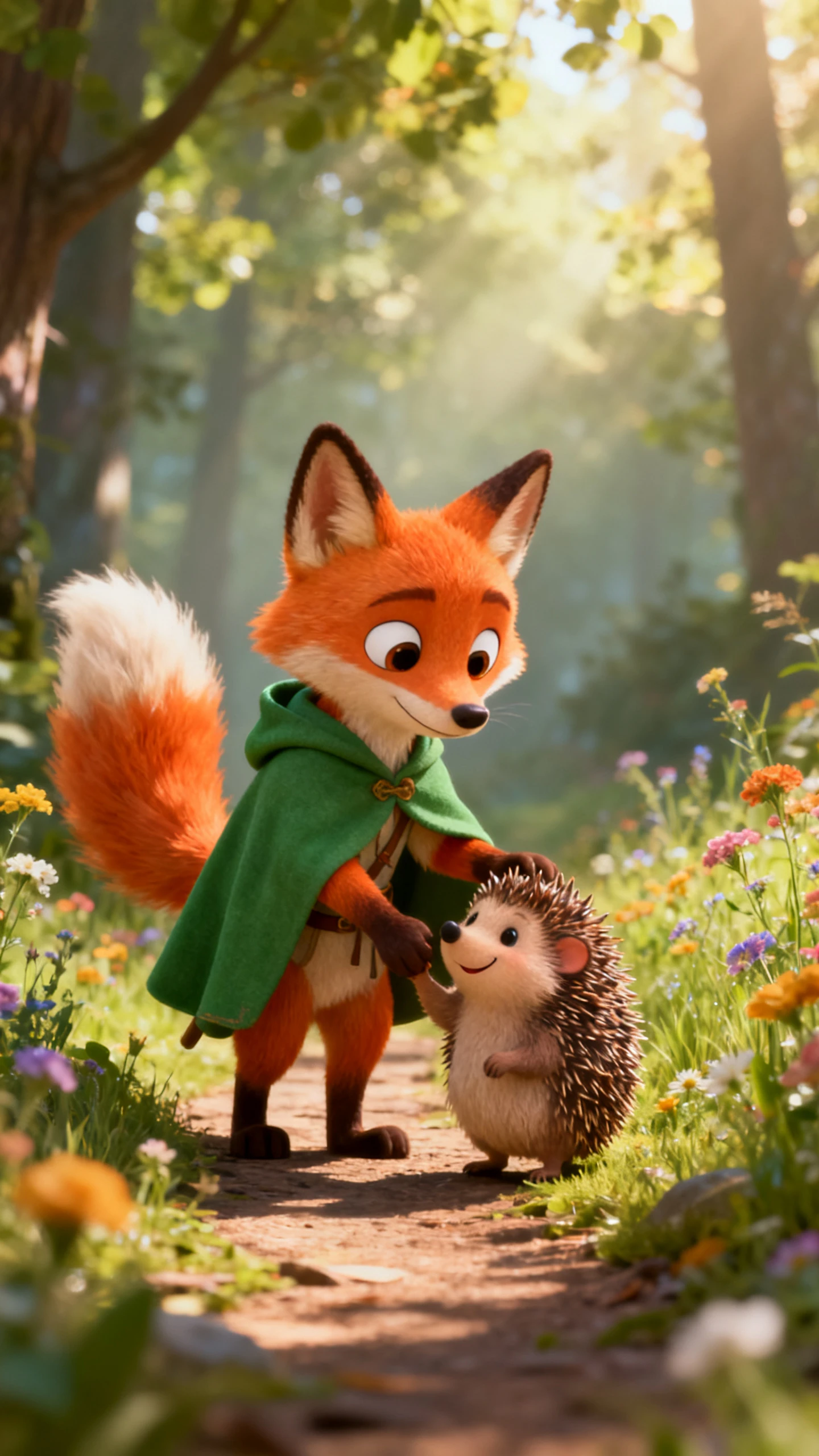
Hero background

15-Second AI Video Generator

Turn your ideas into ready-to-post 15-second videos with Magiclight AI using AI-powered scripting, visuals and editing in just a few clicks.

Create 15-Second Video For Free
15-second AI video generator
AI 15-second video generator
free AI video generator for 15-second
15-second AI video generator
AI 15-second video generator
free AI video generator for 15-second
15-second AI video generator
AI 15-second video generator
free AI video generator for 15-second
15-second AI video generator
AI 15-second video generator
free AI video generator for 15-second
15-second AI video generator
AI 15-second video generator
free AI video generator for 15-second
15-second AI video generator
AI 15-second video generator
free AI video generator for 15-second

Explore Features of Magiclight AI 15-Second Video Generator

Magiclight AI’s workflow takes your idea from a prompt to a complete clip. Scene pacing, style, and audio all lock into place before the clip exports.

Explore the video generator
3D decoration

Chat to Short Video

Describe your concept in plain language and Magiclight AI maps it into scenes. Rough thoughts become a structured clip with the help of 19 different AI models.

Create 15-Second Clips With Images

Easily create high-quality videos using a single image prompt and a 1500-character description. Use 19 different AI video models for unique clips.

Add Hooks to Video

Every clip opens with a strong hook placed front and center. Magiclight AI puts on the attention-grabbing frame so you can stay past the first second.

Aspect Ratio Built for Every Platform

Switch between 9:16 for Reels and TikTok and 16:9 for Shorts inside Magiclight AI. Every output fits its target feed without any cropping.

Who Is Magiclight AI 15-Second AI Video Generator Best For
Every short-form creator works toward a different output goal. Magiclight AI shapes the AI 15-second video generator around each workflow so every clip arrives platform-ready.
Instagram Reels Creators
For Instagram Reels Creators
Create hook‑first clips that grab attention in under a second.
Match visuals and music to any niche without leaving the tool.
Export 9:16 Reels that are ready to post straight away.
TikTok Creators and Trend Chasers
For TikTok Creators and Trend Chasers
Turn trending audio ideas into short clips in one simple flow.
Try different looks on the same idea before you publish.
Add native‑style captions synced to every beat.
YouTube Shorts Producers
For YouTube Shorts Producers
Build punchy Shorts that help channels land in discovery feeds
Reuse one idea across several Shorts without rewriting.
Export every file at 1080p so quality meets YouTube standards.
Brand and Product Marketers
For Brand and Product Marketers
Produce short product hooks and ads without shoots or studios.
Run several creative angles on one campaign idea quickly.
Keep brand colors, fonts, and style aligned across all clips.
Why Magiclight AI
Is the Best 15-Second Video Generator
Short clips live or die on the first second. Magiclight AI helps you shape each 15-second AI video generator script, which helps attract more viewers.
Strongest Frame
Every Clip Starts With the Strongest Frame
Most tools place scenes in random order. Magiclight AI structures every short around a front-loaded hook so the most compelling visual lands before a viewer can swipe away.
One Prompt
One Prompt Generates Multiple Clip Variations
A single idea inside Magiclight AI can produce several visuals at once. You can test which variation performs best without spending extra time or rebuilding the concept manually.
Switch Video Models
Switch Video Models Without Rebuilding the Clip
Different short-form niches need different motion styles. Magiclight AI lets you swap between 19 models per clip without starting the project over or losing your original prompt.
Characters
Characters Hold Their Look Across Every Short
Both faceless channels and branded series need visual consistency. Magiclight AI locks character appearance and expression across every short, so a series always looks intentional.
Captions
Captions That Match Platform Viewing Habits
Magiclight AI offers 16 subtitle styles and positions them the way popular short-form clips already look. Subtitles on Reels and TikTok need to feel native rather than pasted on.
Keeps Things Simple For Non‑Editors
You do not deal with timelines or complex panels. From prompt to style to final export, Magiclight AI walks you through every stage of the process.

How to Use the 15-Second AI Video Generator  in Magiclight AI

Magiclight AI moves your short-form idea through four steps with a 15-second AI video generator and delivers a platform-ready clip.

1.

Describe Your Clip and Pick a Hook Angle

Write what you want to show or say in a few clear lines. Mention the platform and goal so the Magiclight AI flow can frame it like a Reel, Short, or story.

2.

Choose Aspect Ratio And Visual Style

Pick a vertical or horizontal layout and a visual style that matches your brand. In Magiclight AI, those choices stay tuned for short‑form clips from start to finish

3.

Refine the Scene Before It Renders

Open Nano Storyboard to refine camera angle, pose, and expression. Every detail is set before rendering, so the final clip matches your planned shot inside Magiclight AI

4.

Preview and Export In HD

Watch the entire preview and make amendments where required. Export from Magiclight AI in 720p or 1080p and share it across your channels once it feels right.

FAQ on 15-Second AI Video Generator

What is the 15-second AI video generator inside Magiclight AI?

The 15-second AI video generator in Magiclight AI builds short-form clips from a single prompt. Every output includes visuals, captions, music, and aspect ratio in one session.

Can I try the AI video generator free 15 second option?

Yes. Selected clip styles and export options are open to explore inside Magiclight AI. Before investing in a full content series, test visual directions and model outputs.

Which video models does the 15-second AI video generator support?

Magiclight AI lets you switch between Seedance 2.0, Kling 3.0, Veo 3.1, and many more. Switch models per clip without losing the original prompt or style settings.

Can I keep the same character across multiple short clips?

Yes. In Magiclight AI, character appearance and expression remain consistent in all clips. Neither branded channels nor series creators constantly rebuild their visual identities.

Does Magiclight AI add captions and music automatically?

Yes. Choose from 16 subtitles and 40 music tracks in Magiclight AI. Every finished clip ships with audio and captions already applied, so no post-production work is needed.

Does the free AI video generator support vertical videos for 15 seconds?

You can choose vertical or horizontal layouts with ease. Magiclight AI keeps the free AI video generator for 15-second exports aligned with mobile-first platforms.


Create Viral 15-Second AI Clips With Magiclight AI

Let Magiclight AI handle the short video flow so you can stay focused on fresh ideas.